
Enables you to quickly delete the files that contain information about your internet activity and computer usage in order to protect your privacy.. #Clean web tracks #Cache cleaner #Delete browser cache #Clean #Cache #Shred
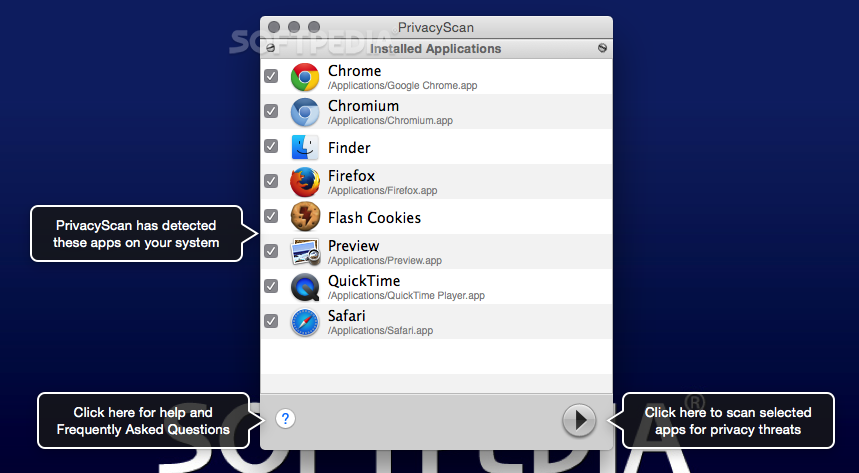
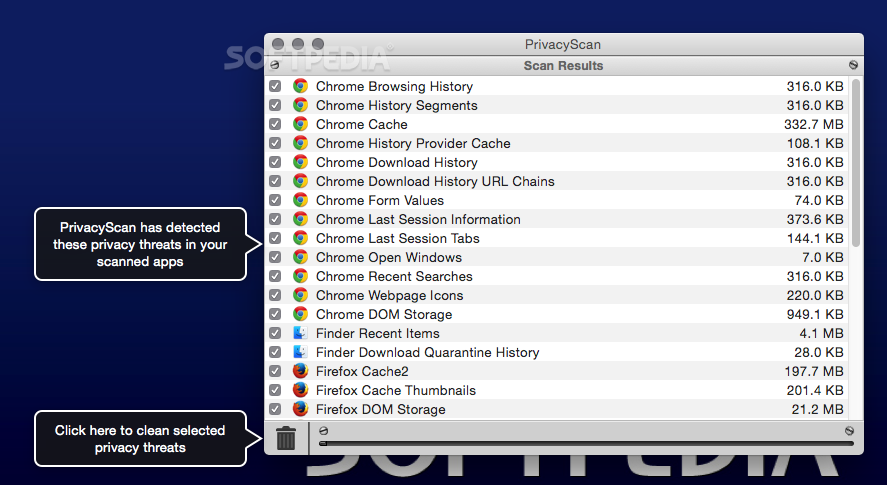
Both your online and offline activity is stored in cache files, cookies, flash cookies, browsing history files, temporary files and so on. PrivacyScan is a small macOS application that can track down the files that contain personal information and helps you delete them in a secure manner.
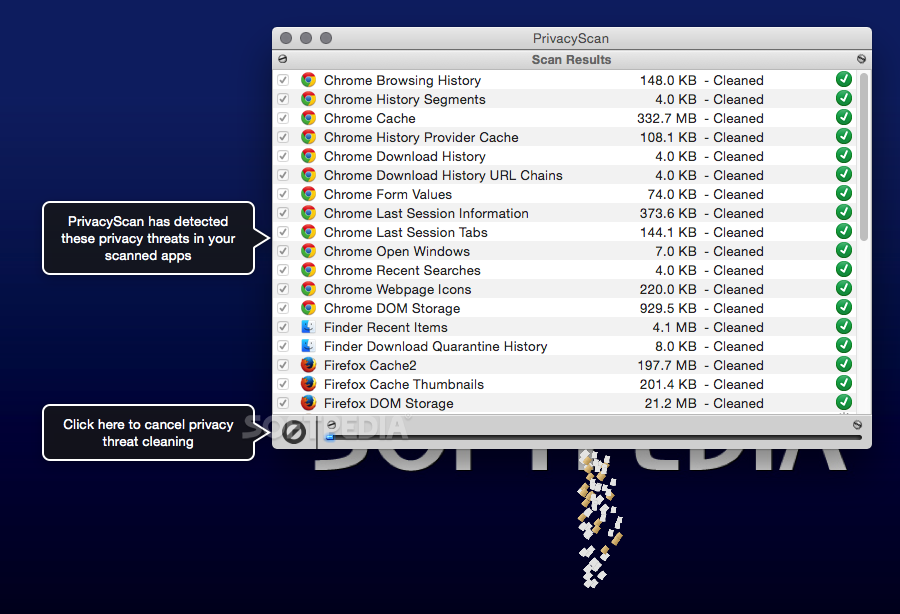
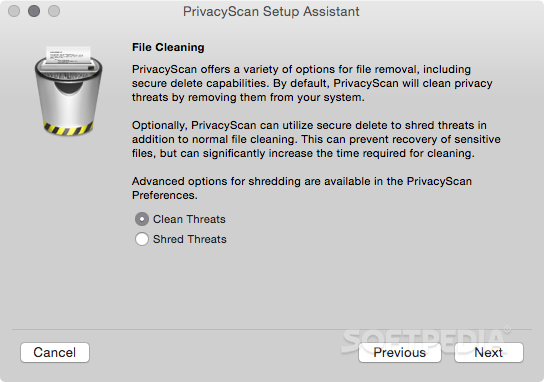
To make sure no one can recuperate the data, PrivacyScan will overwrite the files with up to 35 passes: as a result, your system will be kept clean and no one will be able to extract data once the process is over.
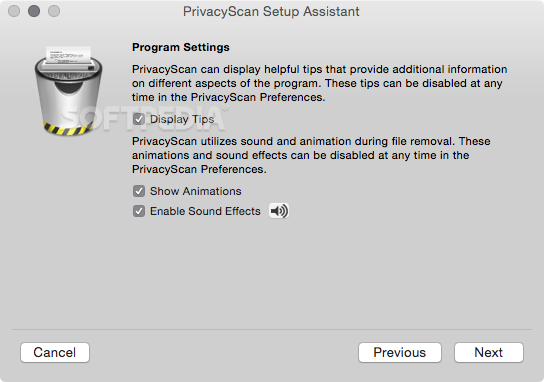
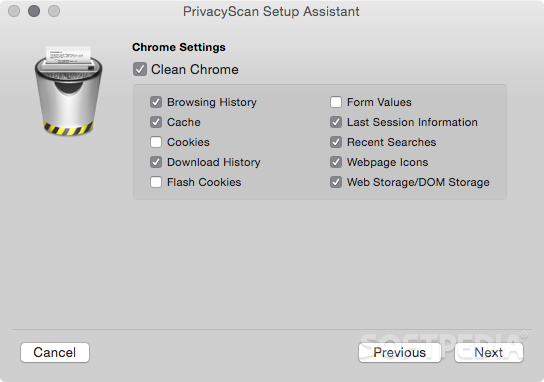
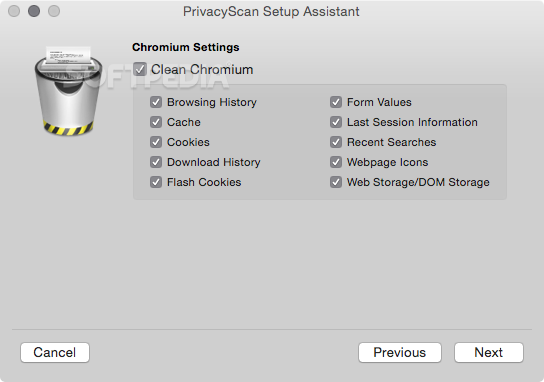
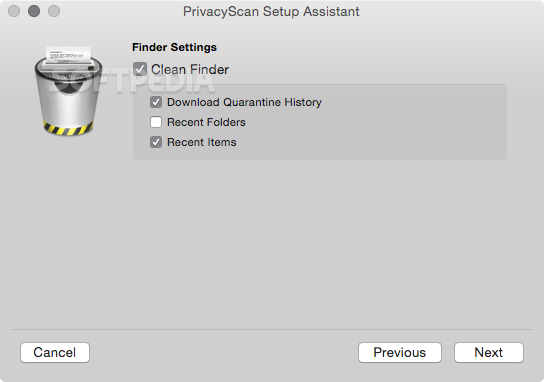
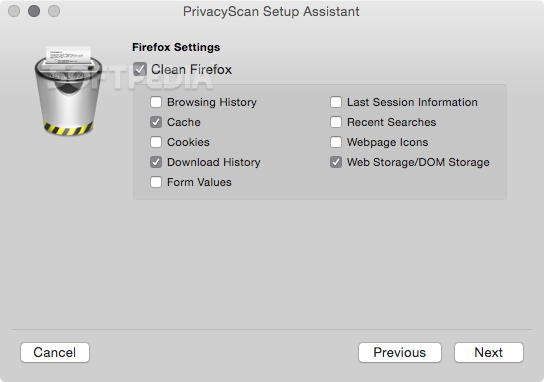
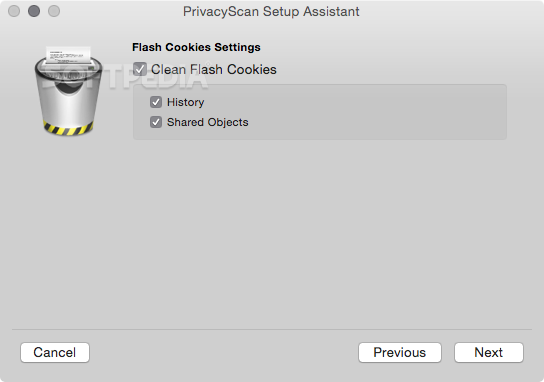
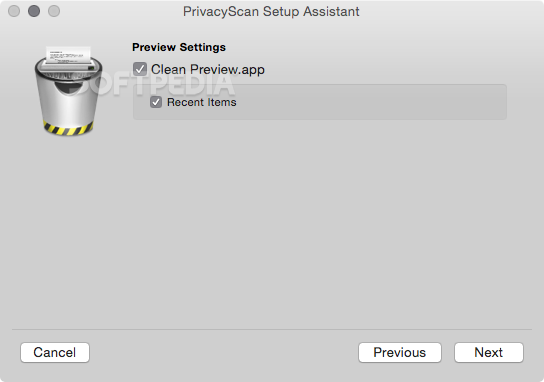
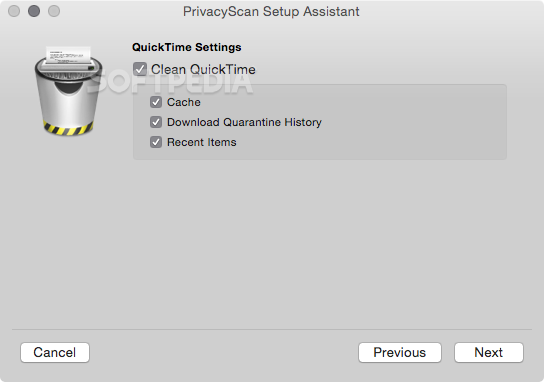
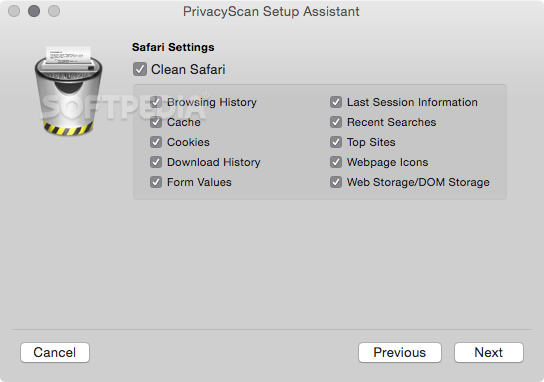
PrivacyScan comes with a Setup Assistant that will help you get started and configure the settings to match your own needs: the app detects the apps that might contain privacy threats and allows you to adjust the cleaning options.
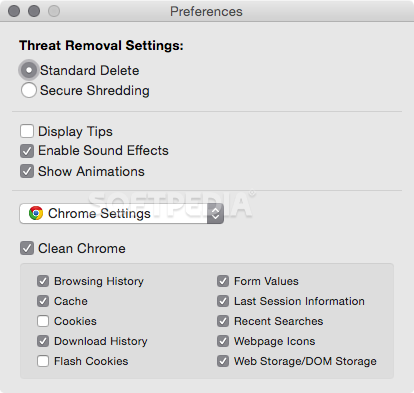
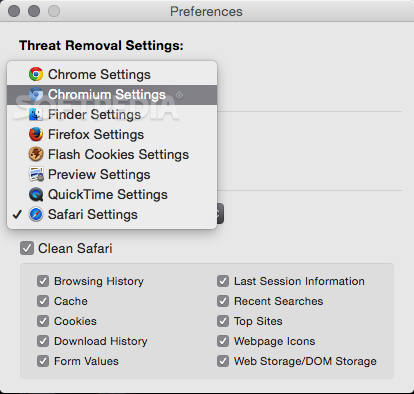
PrivacyScan offers support for a wide list of web browsers, such as Safari, Chrome, Firefox, Flock, Opera, Camino or Shiira, and, more importantly, you are able to customize the settings for each browser via its Preferences window.
The same area will also allow you to adjust the cleaning settings for the Finder, iCab, OmniWeb, Preview or QuickTime apps.
You can also choose to delete the files using the standard deletion method or you can opt for the secure shredding tool: includes multiple security levels, going from one to 35-pass threats overwriting.
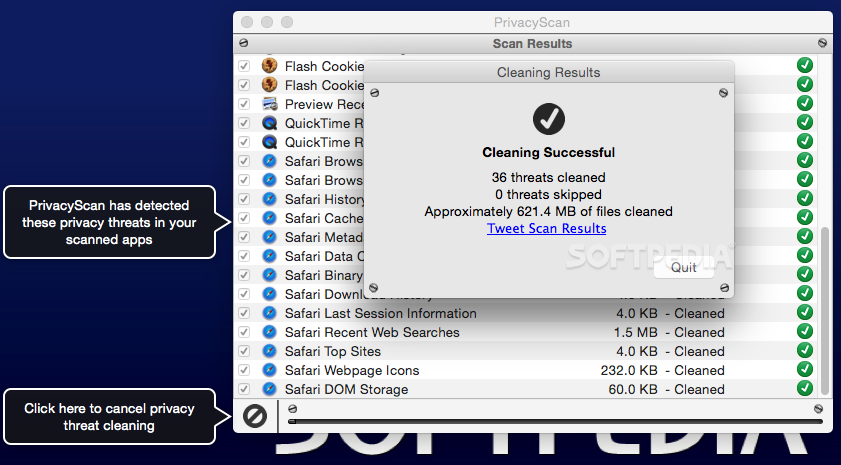
The app will notify you each time you install a new app that might lead to privacy issues but you must perform periodical scans to actually remove the data: in the main window you must select the apps you want to scan and then press the shredding button to delete the detected files.
To sum it all up, PrivacyScan is a powerful and useful tool to have on your Mac if you are looking for a simple way to delete cache files, cookies or other types of files that can be a threat to your privacy.
What's new in PrivacyScan 1.9.5:
- PrivacyScan is now compatible with macOS 10.14 (Mojave)
- Fixed a bug where Chrome Download Metadata wasn’t being identified for cleaning in some situations
- Fixed a bug where Firefox Browsing History wasn’t being identified for cleaning in some situations
- Fixed a bug where Firefox Download History wasn’t being identified for cleaning in some situations
PrivacyScan 1.9.5
add to watchlist add to download basket send us an update REPORT- runs on:
- Mac OS X 10.7 or later (Intel only)
- file size:
- 6.4 MB
- filename:
- PrivacyScan.dmg
- main category:
- Security
- developer:
- visit homepage
ShareX

Windows Sandbox Launcher

calibre

7-Zip

Microsoft Teams

IrfanView

Bitdefender Antivirus Free

4k Video Downloader

paint.net

Zoom Client

- 4k Video Downloader
- paint.net
- Zoom Client
- ShareX
- Windows Sandbox Launcher
- calibre
- 7-Zip
- Microsoft Teams
- IrfanView
- Bitdefender Antivirus Free