
Hide and secure your secret files and folders. #Hide file #Protect file #Secure file #Hider #Protection #Secure
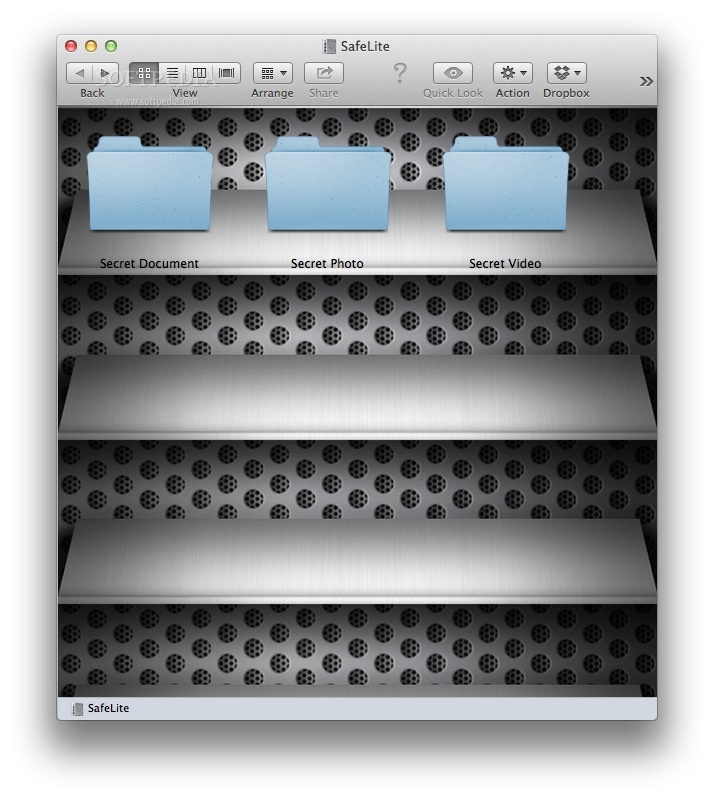
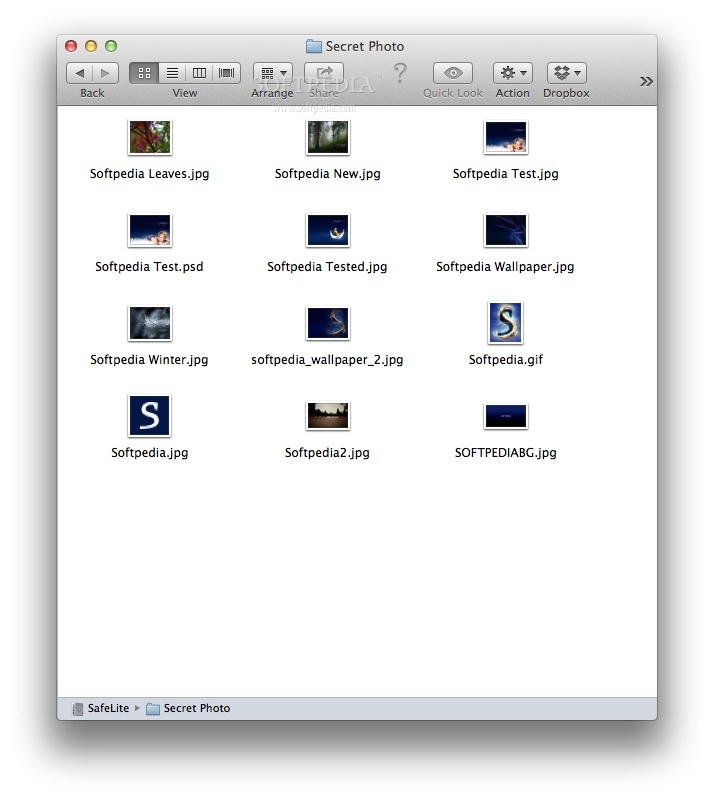
MySafe is a simple and free OS X application that will allow you to create a virtual USB which you can protect with a password. The files in the safe won't be found with spotlight or Finder.
MySafe was designed to provide a safe and secure place for the files you don't want others to access.
When somebody tries to access MySafe, the app will take a picture of that person with iSight and email it to your iPhone.
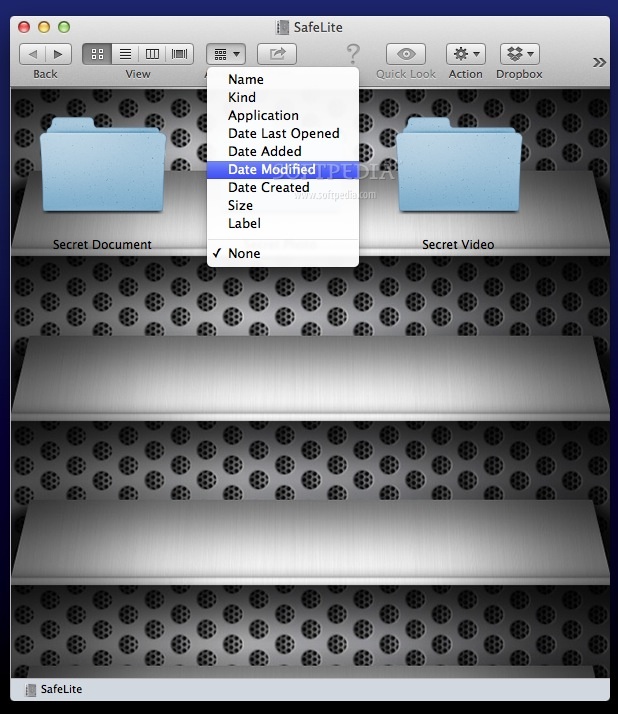
· Choose the size of your safe. · Choose a different name for your safe, if you have more than one MySafe on the same Mac. · Choose a standard folder skin for MySafe to hide that you hide. · Mute MySafe · Remove iSight snapshot to use it on MacMini · Chose to receive mail notification when somebody try to open the safe without success. · Chose to receive mail notification when every time the safe has been opened.
Note: in order to receive a free license, you either have to like MySafe's Facebook webpage, or post a comment on its YouTube page. After that, send an e-mail to the developer (with a copy of your comment), and you'll receive a license.
System requirements
- 64-bit processor
- Messages
Limitations in the unregistered version
- The safe is limited to 100 MB.
MySafe 10.11
add to watchlist add to download basket send us an update REPORT- runs on:
- Mac OS X 10.7 or later (Intel only)
- file size:
- 1.2 MB
- filename:
- MySafe52.zip
- main category:
- Security
- developer:
- visit homepage
4k Video Downloader

7-Zip

Microsoft Teams

Bitdefender Antivirus Free

Windows Sandbox Launcher

calibre

IrfanView

ShareX

Zoom Client

paint.net

- ShareX
- Zoom Client
- paint.net
- 4k Video Downloader
- 7-Zip
- Microsoft Teams
- Bitdefender Antivirus Free
- Windows Sandbox Launcher
- calibre
- IrfanView