
Enables system administrators and Mac users to protect the operating system on any workstation by completely restoring the Mac to its original configuration every time it restarts. #System freeze #Restore system #Restore automation #Automation #Restore #Freeze
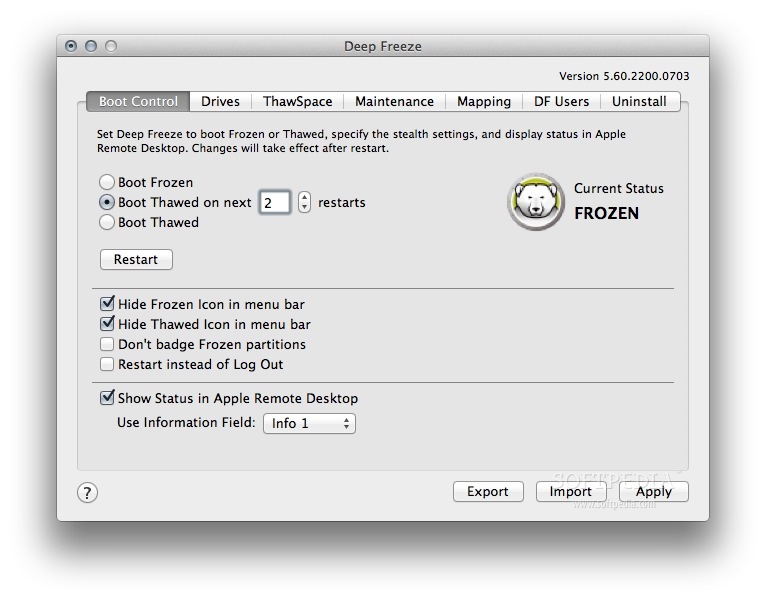
We've all encountered corrupted software, installed bad apps and changed things in the Terminal beyond repair and as a result had to reinstall the entire operating system. If only there was an app that could reset your Mac's operating system to its original state. Fortunately, Deep Freeze is the application that can do that for you.
Moreover, Deep Freeze is a straightforward macOS application that enables system administrators and Mac users to protect and preserve the core operating system and configuration files on a workstation by restoring the Mac to its original configuration every time it restarts.
In other words, you will be able to make virtually any change you want to your system, delete or modify core files and once you restart your Mac, the originally configured "frozen" state of the operating system will be restored.
Deep Freeze is easy to install, you just have to follow the instructions provided by the installer from the DMG image available on the official website. You will be able to use and test the app for 30 days after which you have to pay $66 in order to continue using it.
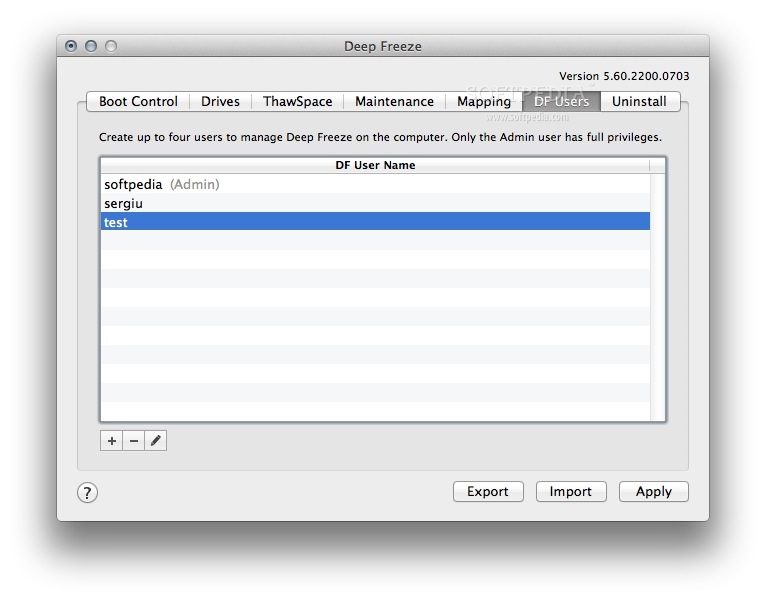
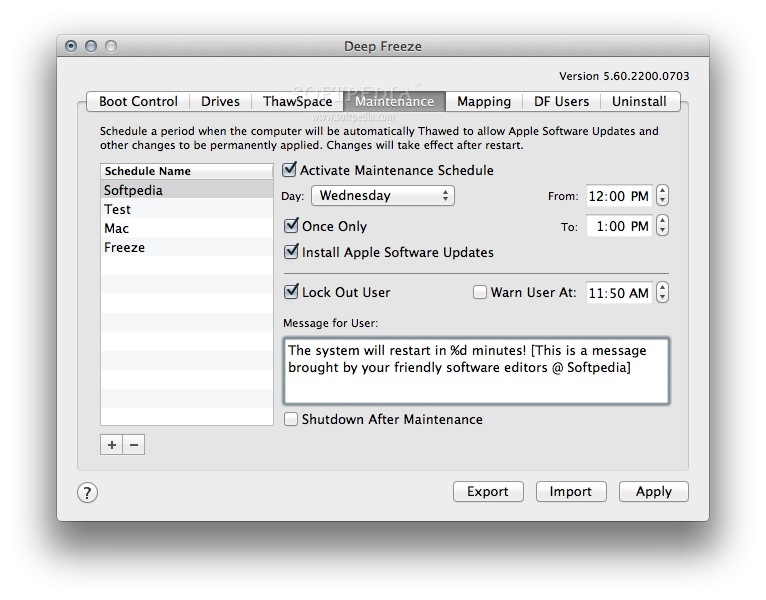
Deep Freeze features an intuitive interface from which you can choose to boot in Frozen or Thawed mode with just a few mouse clicks, and it makes it very simple to "freeze" data by mapping application data for all accounts or only a certain user to a unprotected partition called a ThawSpace.
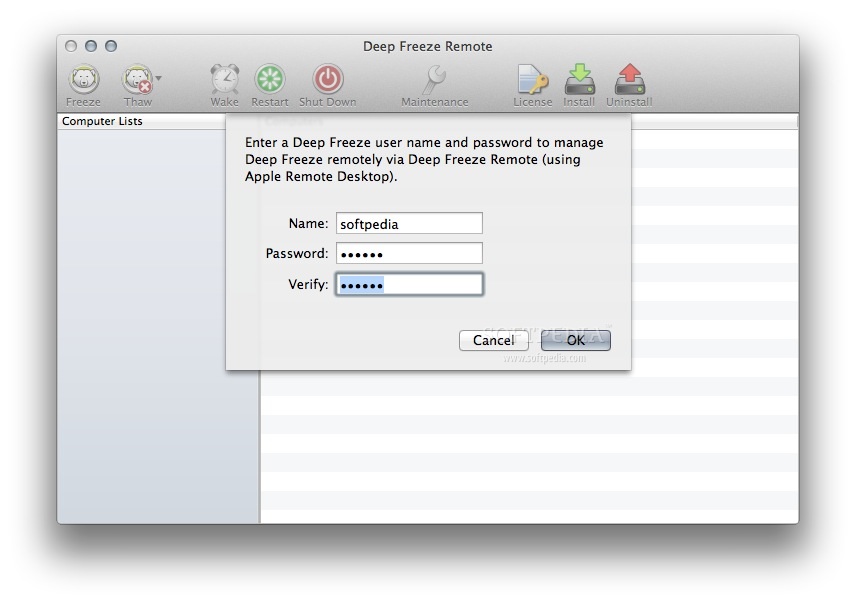
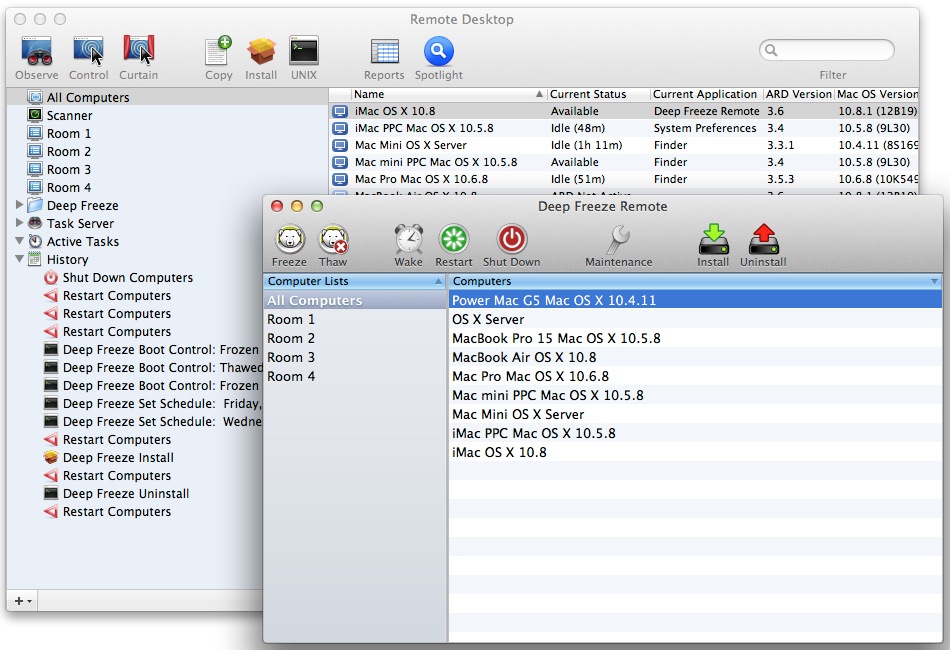
Thanks to the Apple Remote Desktop, you can also manage and configure Deep Freeze across a network. As a result, you will be able to remotely access the mapping features on multiple Mac's connected to the same network.
Another great feature about Deep Freeze is that you can protect your Mac without restricting the user's ability to access system files or resources.
Deep Freeze is trustworthy and easy-to-use utility that will automatically reset your Mac to the original configuration. System administrators can save hours of troubleshooting and cleaning while home users can test new apps without worrying about damaging their operating system.
What's new in Deep Freeze 7.60.220.0202:
- New Features:
- Support for macOS Sonoma 14.
- ARD tasks set to run as root by default.
Deep Freeze 7.60.220.0202
add to watchlist add to download basket send us an update REPORT- runs on:
- macOS 10.9 or later (Universal Binary)
- file size:
- 16.5 MB
- filename:
- Faronics_DFM.dmg
- main category:
- Security
- developer:
- visit homepage
Bitdefender Antivirus Free

4k Video Downloader

Context Menu Manager

Zoom Client

Windows Sandbox Launcher

ShareX

calibre

7-Zip

IrfanView

Microsoft Teams

- 7-Zip
- IrfanView
- Microsoft Teams
- Bitdefender Antivirus Free
- 4k Video Downloader
- Context Menu Manager
- Zoom Client
- Windows Sandbox Launcher
- ShareX
- calibre