
A powerful and cross-platform application that provides a great way to quickly create personal screensavers using personal media files. #Create screensaver #Screensaver builder #Design screen saver #Screensaver #Screen saver #Designer
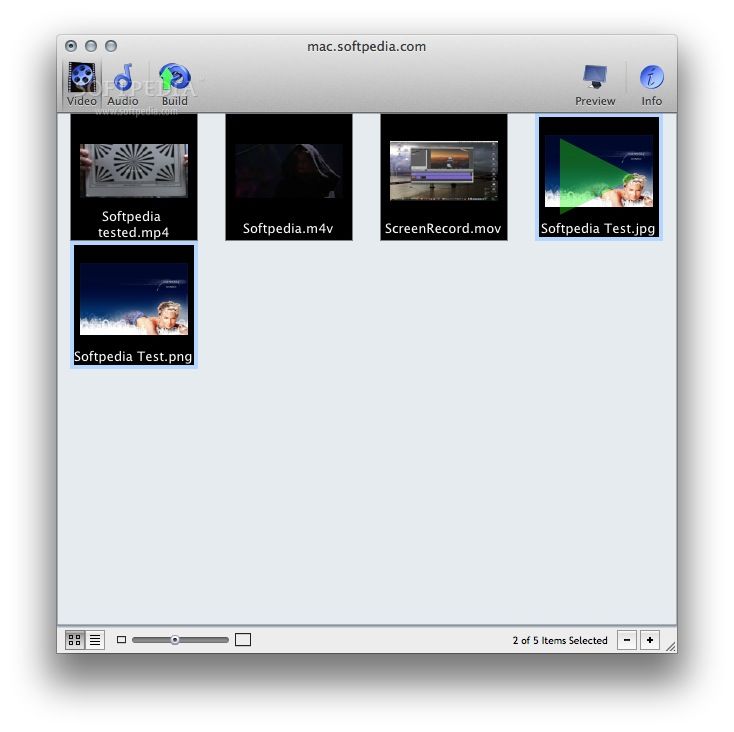
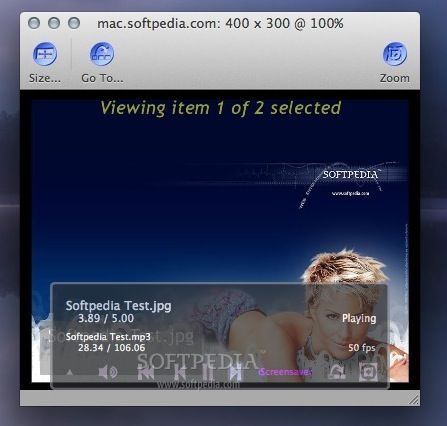
iScreensaver Personal is a complex Mac OS X application that enables you to create screensavers using your own media files, such as music, video and pictures. It allows you to edit and preview the screensaver and then to export it to any size for all screen types.
The application is designed for users who wish to create personal screensavers from family photos, video footage and what not. It provides a way to look at random clips that you never had the time or mood to watch on your computer’s screen as a screensaver.
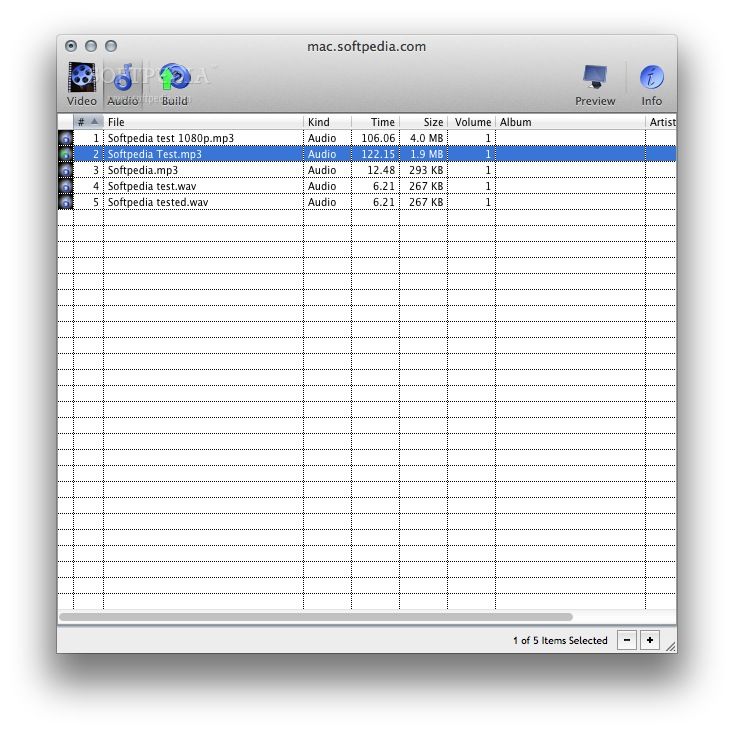
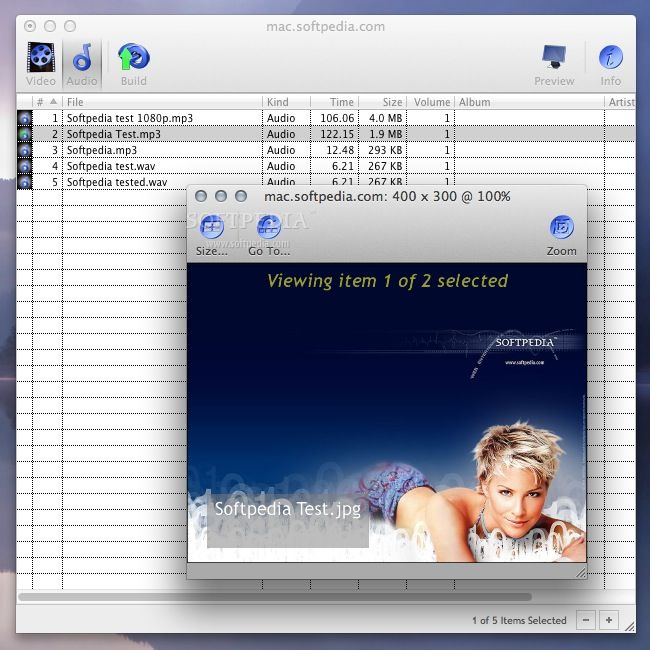
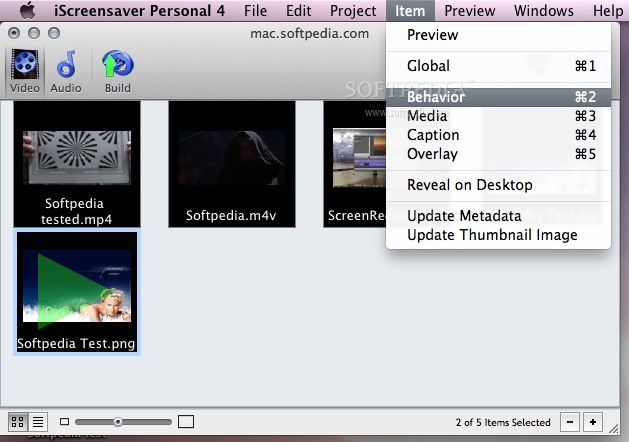
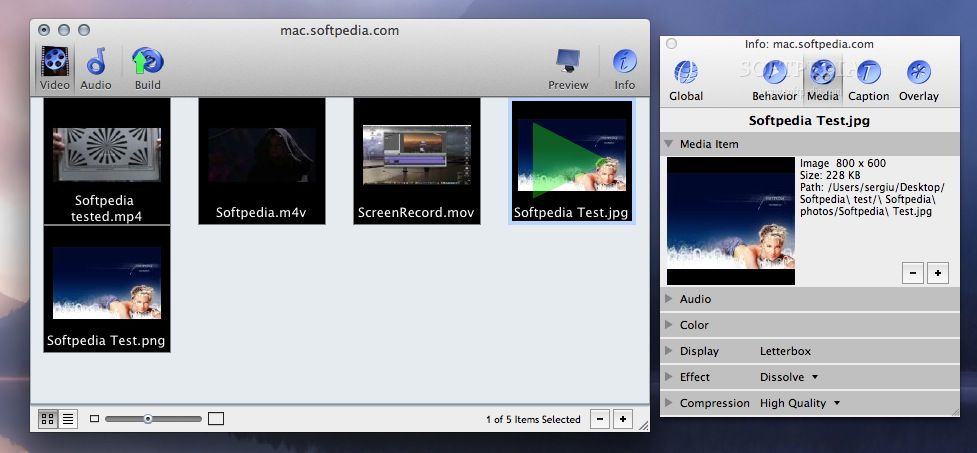
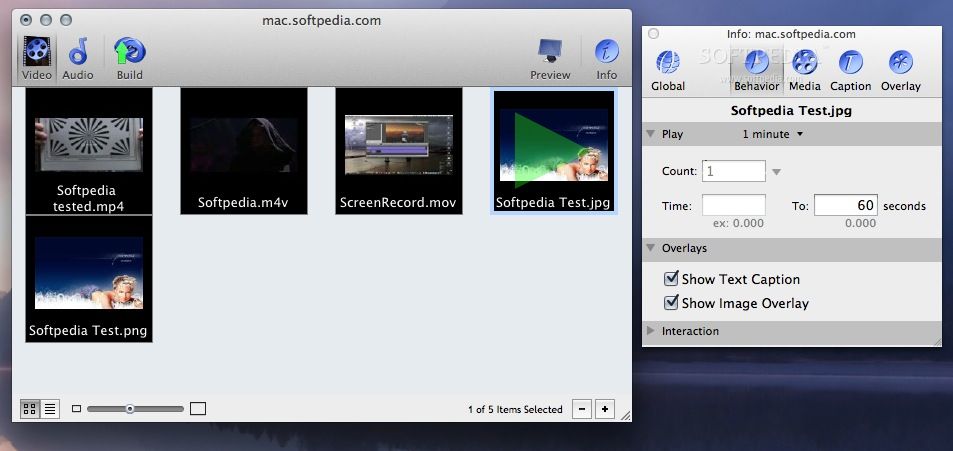
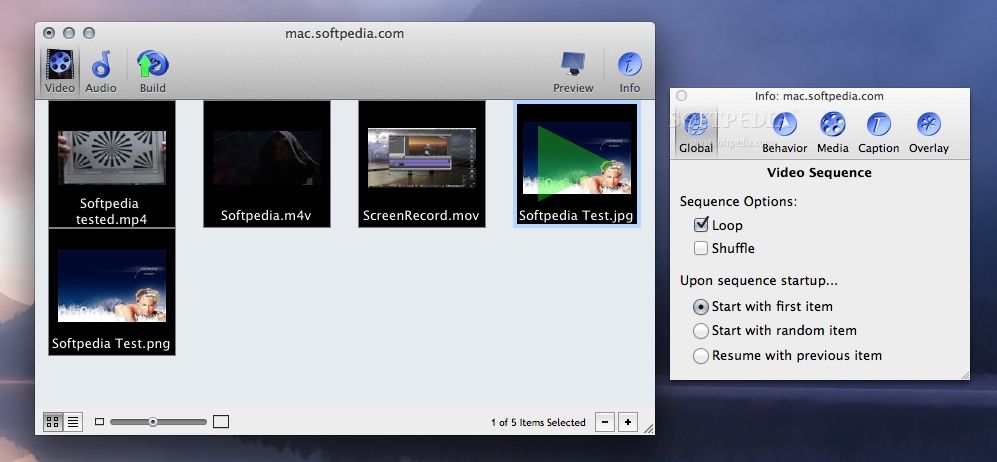
From the main window, you can access 2 tabs where you can add, organize and preview your photos, videos and audio files. Each file can be viewed in a detailed table that displays information such as kind, time, size, volume, album artist, width height, compression and more.
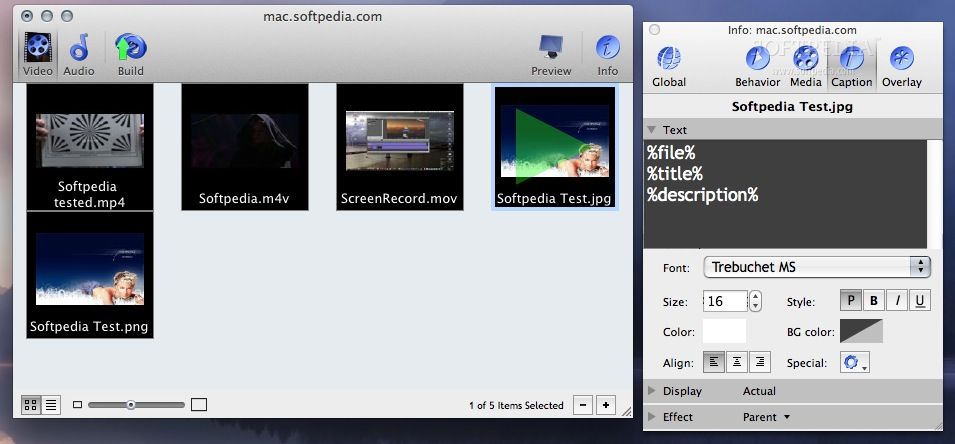
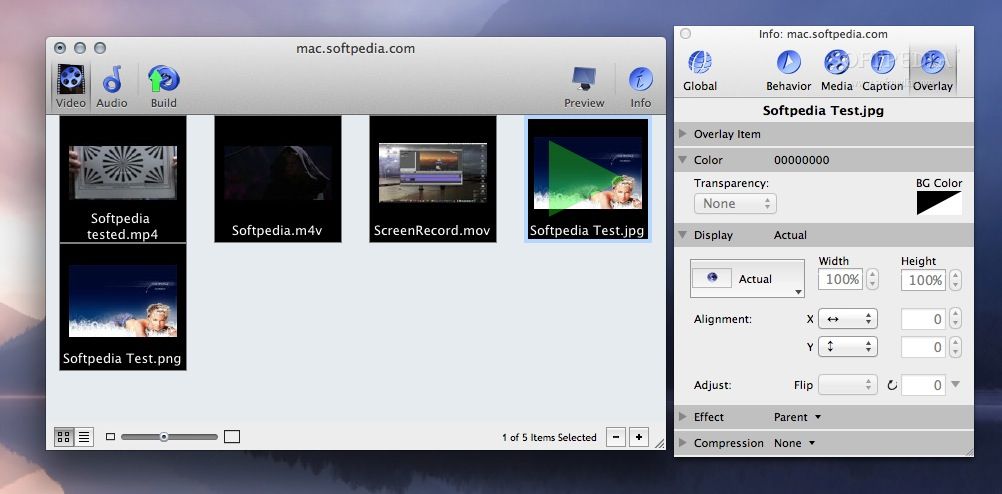
In the Info window you can adjust various effects to each media file in the screensaver. Settings pertain to the following criteria: behavior (play count, overlays, interaction), media (audio, color, display, effect and compression), caption (text, display and effect) and overlay (overlay item, color, display, effect and compression).
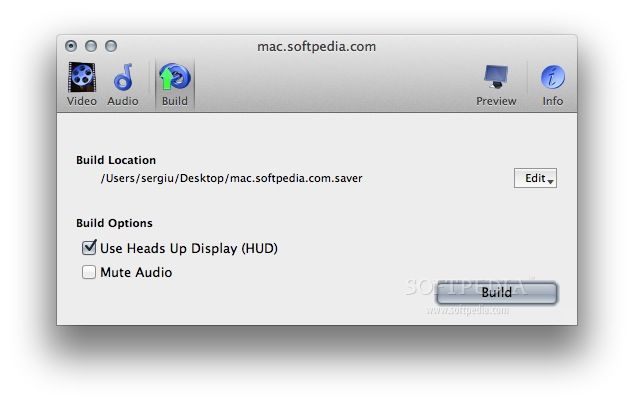
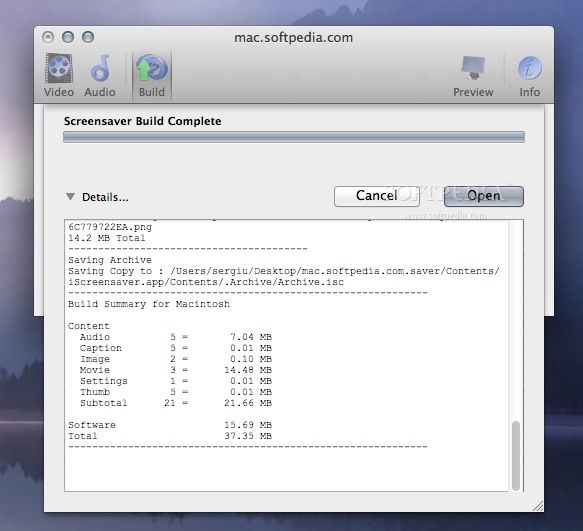
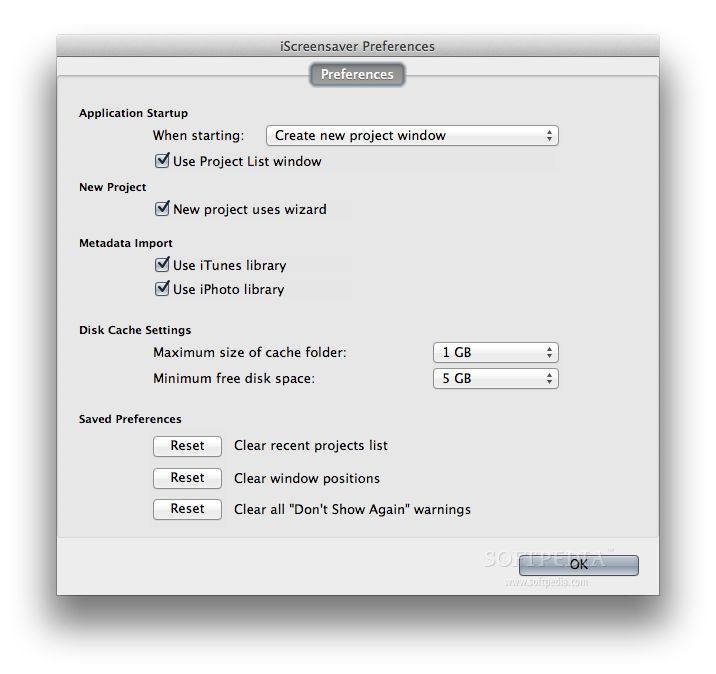
In addition to this, the “Build” tab allows you to set the output location and toggle the HUD and audio muting options. You will find extra application settings in the Preferences window. For instance, you can configure the disk cache settings or reset the saved preferences.
The iScreensaver Personal app is highly versatile and allows you to personalize and make screensavers in many ways. It supports numerous video, audio and graphic formats and puts a wide array of screensaver settings at your fingertips.
What's new in iScreensaver Personal 4.5.0:
- Bug Fixes.
iScreensaver Personal 4.5.0
add to watchlist add to download basket send us an update REPORT- runs on:
- Mac OS X 10.6.6 or later (Intel only)
- file size:
- 12.5 MB
- main category:
- Screensavers
- developer:
- visit homepage
IrfanView

Windows Sandbox Launcher

calibre

Zoom Client

ShareX

Microsoft Teams

Bitdefender Antivirus Free

7-Zip

4k Video Downloader

paint.net

- 7-Zip
- 4k Video Downloader
- paint.net
- IrfanView
- Windows Sandbox Launcher
- calibre
- Zoom Client
- ShareX
- Microsoft Teams
- Bitdefender Antivirus Free