Softpedia
 

MAC CATEGORIES:


GLOBAL PAGES >>
NEWS ARCHIVE >>
SOFTPEDIA REVIEWS >>
MEET THE EDITORS >>
WEEK'S BEST
  • EarthDesk 5.8.5
  • GraphicConverter 8...
  • MacPorts 2.1.1
  • CCleaner 1.03.131
  • Quicksilver ß68 Bu...
  • TextWrangler 4.0.1...
  • Google Chrome 21.0...
  • Winclone 3.3
  • ScreenFlow 3.0.6
  • Apple Security Upd...
  • Home > Mac > Network/Admin
     Report malware

    Web Help Desk 11.0

    Download button

    Downloads: 4,617  View global page NEW!  Tell us about an update
    User Rating:
    Rated by:
    Good (3.8/5)
    36 user(s)
    Developer:

    License / Price:

    Size / OS:

    Binary Format:

    Last Updated:

    Category:
    MacsDesign Studio | More programs
    Trial / USD 180.00 buy button
    165 MB / Mac OS X 10.4 or later
    Universal Binary Universal Binary
    May 25th, 2012, 12:18 UTC [view history]
    Home / Network/Admin

     Read user reviews (0)  Refer to a friend  Subscribe

    Web Help Desk description

    Web-based help desk application

    Web Help Desk is a web-based application designed to provide a technical support solution for users that are managing multiple sites and thousands of users.

    Web Help Desk comes with the following utilities: Start Web Help Desk, Stop Web Help Desk, FrontBase Manager, Portecle and Chainsaw.

    Start Web Help Desk will launch the Web Help Desk services and if the current user is not root, an administrative password will be required. The Web Help Desk can also be started from the command line using the command /Library/WebHelpDesk/whd start.

    Stop Web Help Desk will terminate the Web Help Desk services. If the current user is not root, an administrative password will be required. The Web Help Desk can also be started from the command line using the command /Library/WebHelpDesk/whd stop.

    FrontBase Manager  is the administration utility for the Web Help Desk embedded database.

    Portecle is the graphical user interface for interacting with Java keystore files, including generating keypairs, generating certification requests, and importing CA replies.

    Chainsaw provides a graphical user interface for viewing Log4J messages remotely.

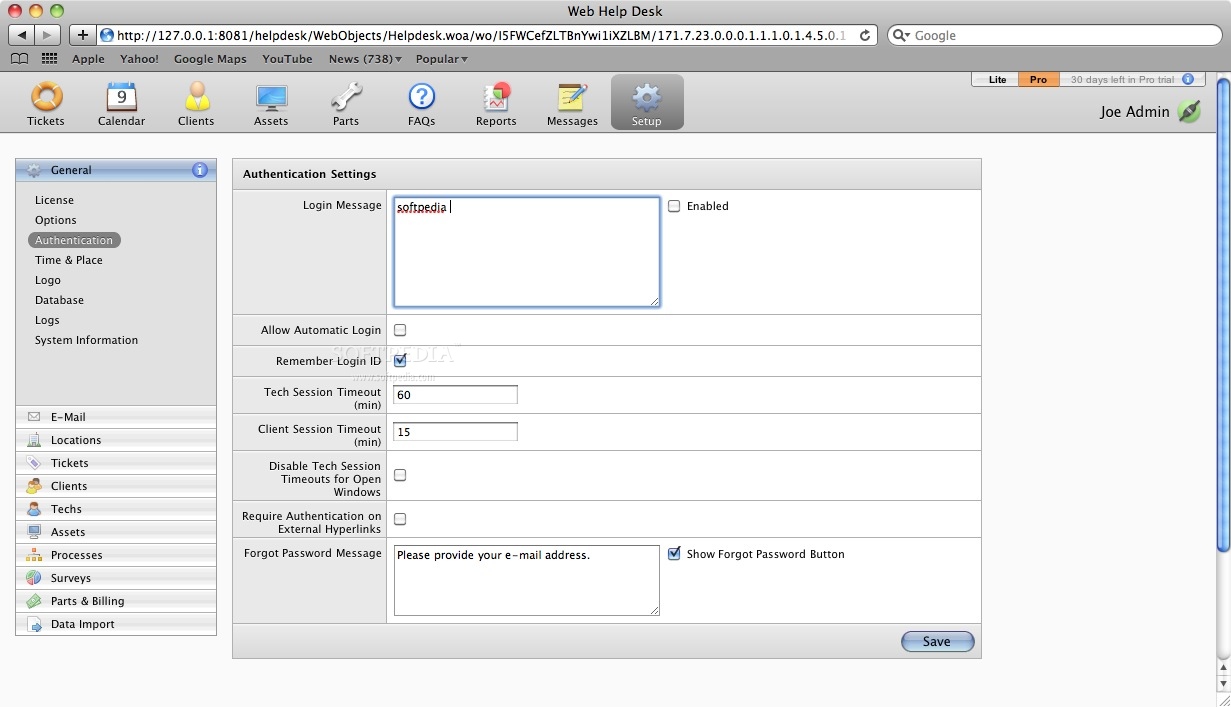
    To turn on remote logging, log in to the Web Help Desk as an administrator and set the remote logging host in Preferences > General > Logs to the host on which Chainsaw is running.

    By default, Chainsaw listens on port 4445. (Note that logging at a level of detail other than WARN or ERROR affects performance significantly.)

    Here are some key features of "Web Help Desk":

    · 100% Web-Based Interface - The Web Help Desk features an intuitive, easy to use, graphical tabbed interface. Administrators, Technicians, and Clients need only a web browser to utilize the application. Remote access from any location is possible by anyone with an internet connection and a web browser, regardless of platform.
    · Cross Platform Technology - The Web Help Desk offers installers for Mac OS X Server, Windows 2000/NT/XP/2003/2005 Server, Linux, and Solaris. Because its written in Java, the Web Help Desk runs on any server with Java 5 installed (included in Windows and Linux installers). From a client-side perspective, end-users need only a web browser to utilize the solution; no applets, Flash, or other plug-ins required.
    · Database Back-end - With its integrated FrontBase server on Mac OS X and Windows, the Web Help Desk ensures that all your information is safely stored in a relational database providing a robust back-end to handle your growing needs. We also offer support for Microsoft SQL Server 2000/2005, MySQL 5, PostrgreSQL, Oracle 8i/9i and OpenBase.
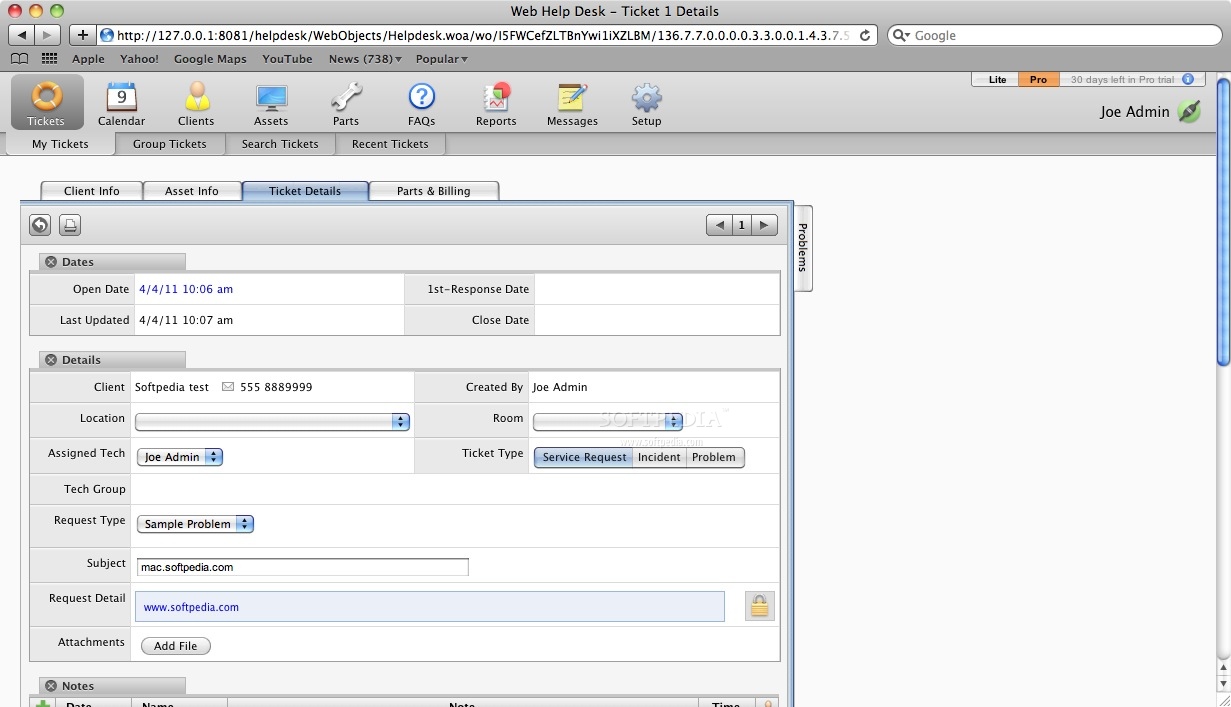
    · Help Request Prioritization - The Web Help Desk uses intelligent business logic to determine which technician is assigned to a new ticket. Using a combination of location, skill-set, work schedule and load balancing, you always get the right tech for the job. Group various locations and departments to allow the tracking of requests from separate entities within your organization to be centrally managed. Jobs can also be assigned to a Tech Group pool, so your technicians can select jobs as they become available.
    · Client Request and Self Help - Clients have a simple interface to submit requests, view updates on previous requests, and self-serve with our FAQ Knowledge Base. The Help Request form dynamically updates as the end user defines what type of help request they are submitting. Custom fields, in the form of text boxes, popup menus, radio buttons or check boxes, are displayed dynamically based on the Problem Type chosen by the client end-user.
    · E-Mail Based Submission and Updating - Help requests can be submitted via e-mail to one or more dedicated e-mail addresses. Help desk e-mail accounts are monitored by the application, with new messages used to automatically generate tickets (including attachments). Requests can be updated by e-mail to add notes, change status, attach files and reassign a Technician.
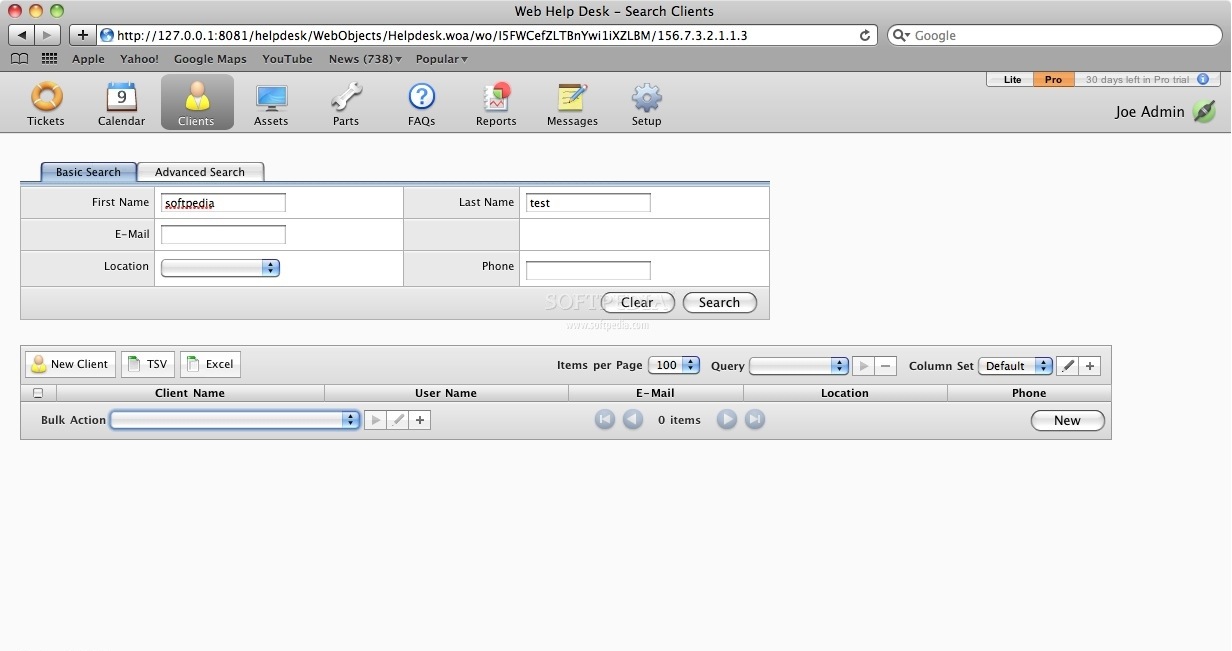
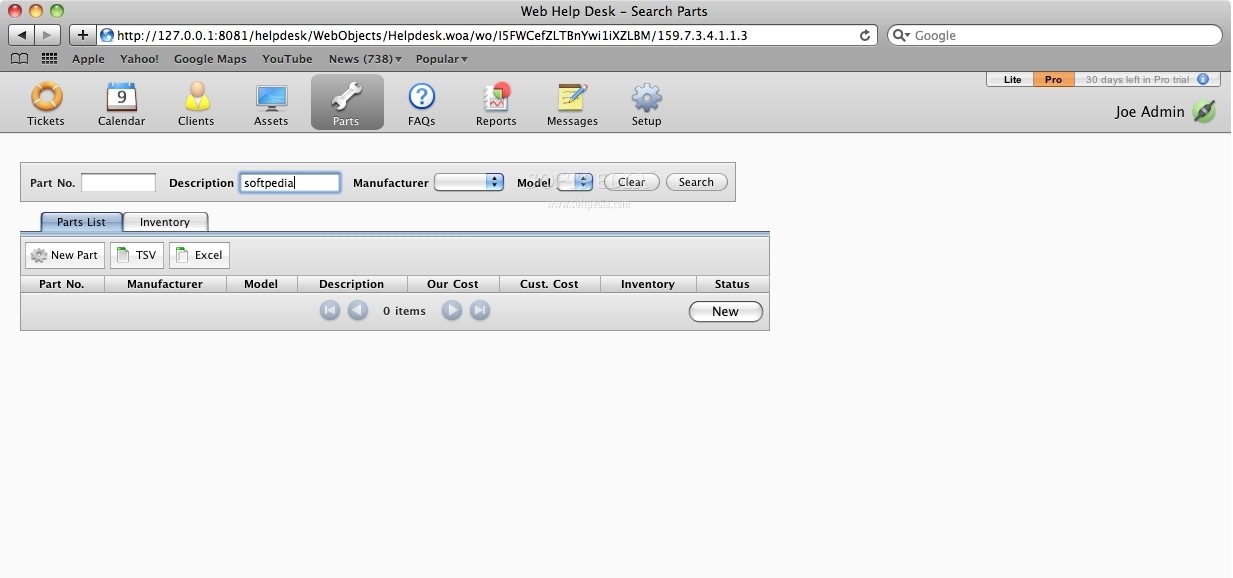
    · Search Capabilities - Efficiently track your Clients, Tickets, Assets, Purchase Orders, and FAQs with Web Help Desks built-in search functionality. Save complex search queries to make finding relevant information easier and faster than ever.
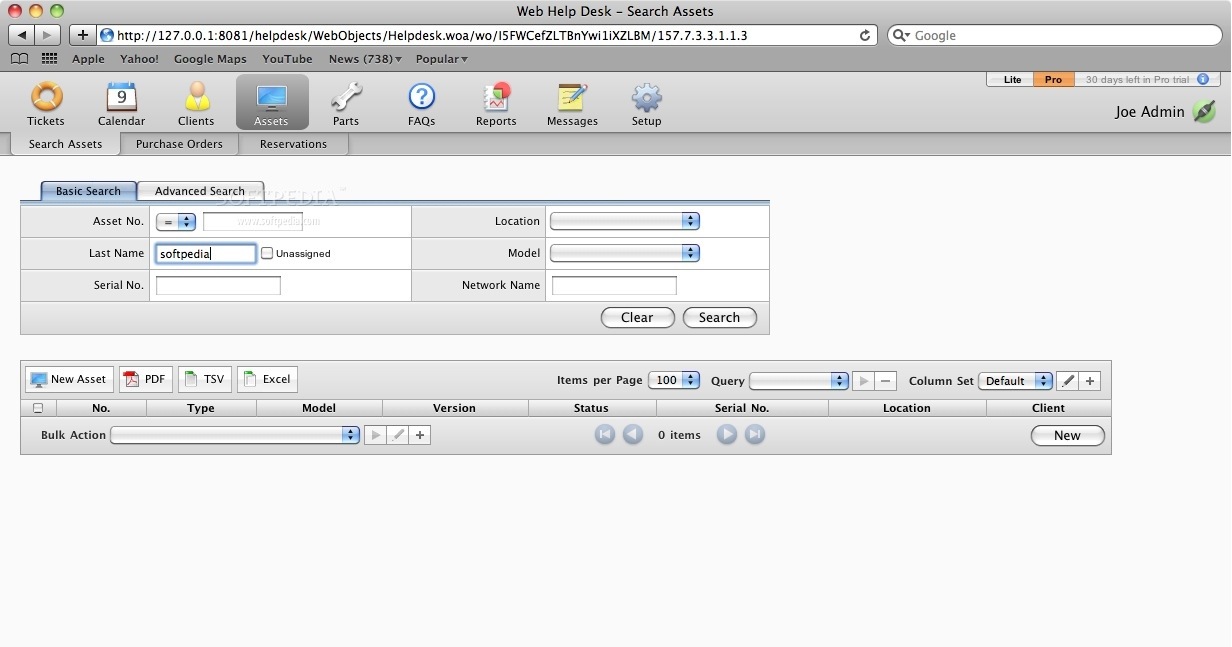
    · Asset Management - Manage both hardware and software and the clients they are assigned to; build parent/child relationships between assets to make tracking them a snap. Enter purchase order information for your assets and let Web Help Desk calculate warranty and lease end dates. Define asset types, status, locations, manufacturers and models for simple tracking.
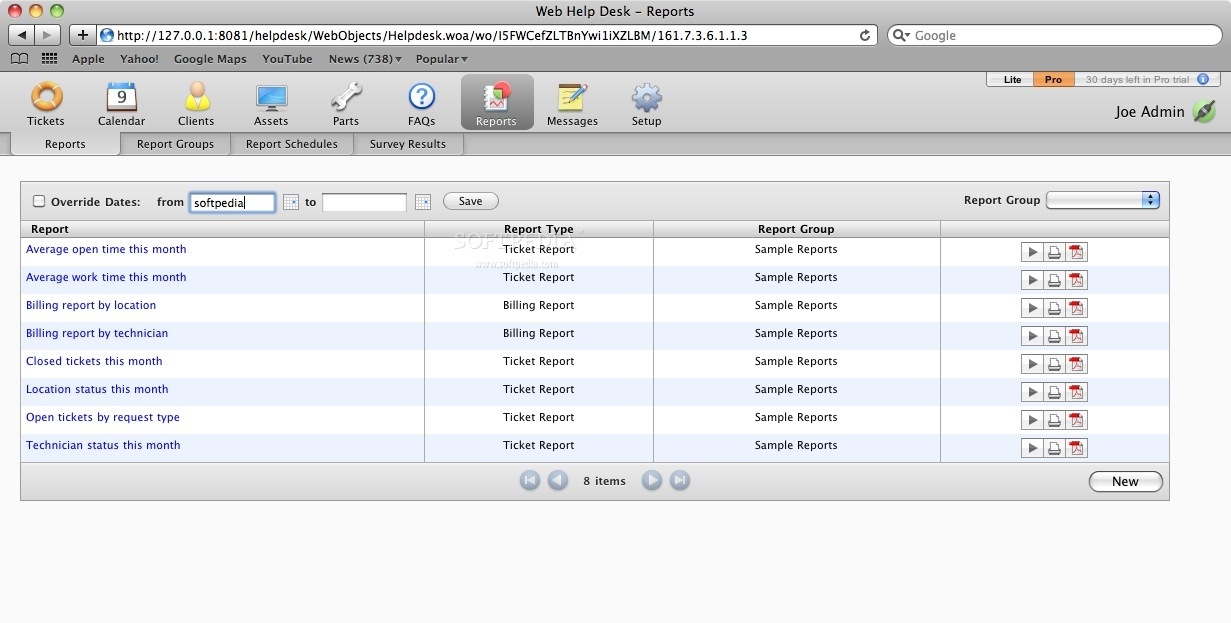
    · Performance Reports - As the help desk administrator, your job depends on getting end-user requests handled in a timely manner. With Web Help Desks robust graphic reporting tools, you will always know how your technicians are performing, which locations or customers are in need of extra assistance, real-time billing data, and what problem types are causing the most trouble.
    · LDAP and Active Directory Synchronization - Schedule automatic synchronizations to your Lightweight Directory or AD, then use the Web Help Desk to authenticate users and look up client contact info. With built-in connectivity for standard LDAP and Microsofts Active Directory, the Web Help Desk seamlessly integrates into your companys IT infrastructure.
    · FAQ Knowledge Base - Knowledge base functionality is built into Web Help Desk, facilitating the creation of an expansive, searchable database of common requests and their resolutions available for self-service by clients, technicians, and administrators. Attach one or more files to each FAQ to make knowledge sharing even more powerful.
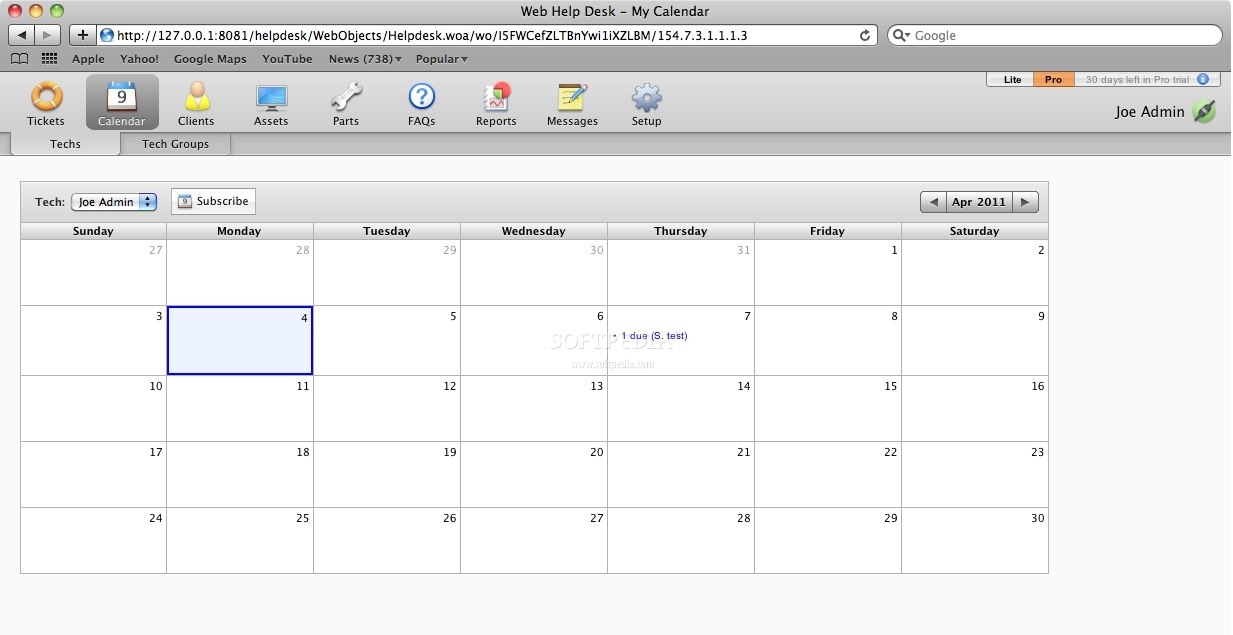
    · iCalendar Integration - Monitor your ticket due dates and scheduled work hours using Apples iCal on Mac OS X, Outlook 2007 or Mozilla.orgs Calendar application. Subscribe to calendars for a specific Technician, Tech Group, or a saved query for ultimate flexibility. Complete ticket information is available in each calendar entrys notes field.
    · E-Mail Alerts - Web Help Desk keeps all of your technicians and clients up to date with e-mail alerts. All new tickets and ticket updates can be e-mailed to the appropriate recipients. Technicians and management can be alerted when jobs have been left unchecked, unassigned or incomplete for a specified time period.
    · PDF Generation and Spreadsheet Exports - The web is an ideal cross platform method to deliver dynamic information, but for printing, it leaves much to be desired. Weve integrated real-time PDF generation into the Web Help Desk to make the printing and e-mailing of help request lists, performance reports and asset information a beautiful experience. All of these items may also be downloaded as tab delimited text files perfect for manipulating in your favorite spreadsheet application.
    · Billing and Invoicing - Track labor and travel time, then generate instant PDF quotes or invoices. Invoices can be downloaded by designated Clients right from the web! Know your billing status in real-time with powerful reporting options, or download report results as Excel files for further manipulation.

    Requirements:

    · WebObjects Deployment License
    · Server: Mac OS X Server, Win2000/2003, Linux, Solaris 8
    · One of the following RDBM Systems: FrontBase (included), OpenBase, MySQL, SQL Server 2000, Oracle 8/9i/10g
    · Client: Safari, I.E. 5 , Mozilla/Firebird/Camino/Netscape 6 or OmniWeb 5.

    Limitations:

    · 30 days trial period.

    What's New in This Release: [ read full changelog ]

    Major new features in this release:
    · Dasbhoard
    · Action Rules
    · SSO through SAML and CAS
    · Ad-hoc LDAP syncing
    · REST API
    · Custom CSS Templates for the login page and client user interface
    · Improved search performance
    · Detailed e-mail history tracking
    · Color-coded labels in the Tech user interface
    · Hundreds more features and improvements

     Softpedia guarantees that Web Help Desk 11.0 is 100% CLEAN, which means it does not contain any form of malware, including spyware, viruses, trojans and backdoors. [read more >]


    TAGS:

    helpdesk application | support group | manage assets | helpdesk | help desk | manager


    HTML code for linking to this page:


    Go to top

    WindowsGamesDriversMacLinuxScriptsMobileHandheldNews

    SUBMIT PROGRAM   |   ADVERTISE   |   GET HELP   |   SEND US FEEDBACK   |   RSS FEEDS   |   UPDATE YOUR SOFTWARE   |   ROMANIAN FORUM