
Helps you collect data, analyze Wi-Fi signal and visualize the signal strength and signal-to-noise ratio of your wireless network. #Wi-Fi network survey #Wireless network survey #Wi-Fi analysis #Survey #Wi-Fi #Wireless
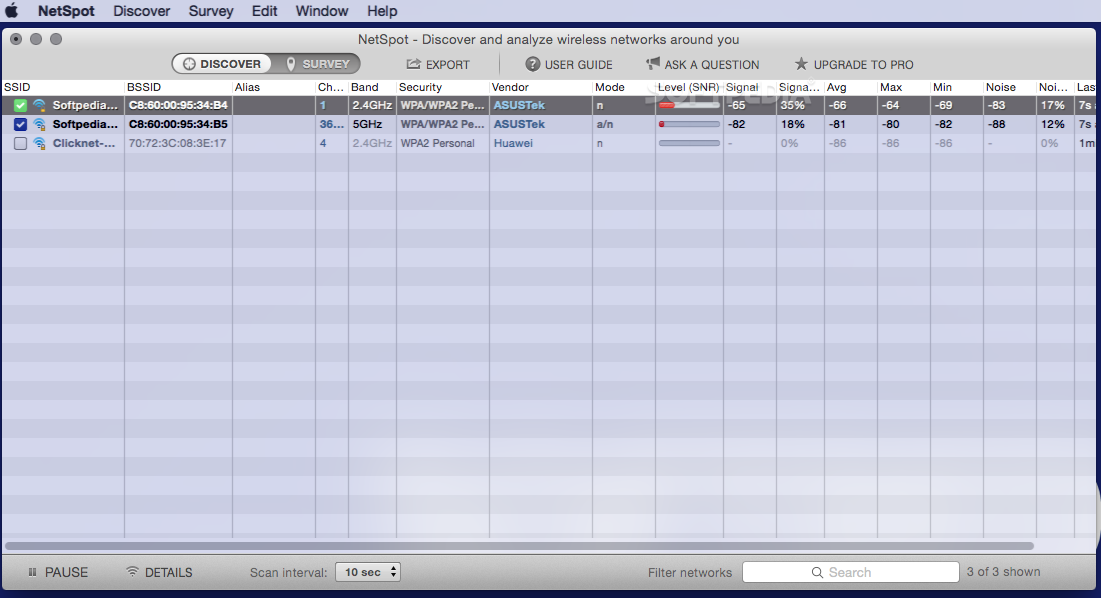
NetSpot is a powerful and intuitive Mac application that helps you use your MacBook as a wireless site survey device in order to analyze your Wi-Fi network and solve various problems regarding your network.
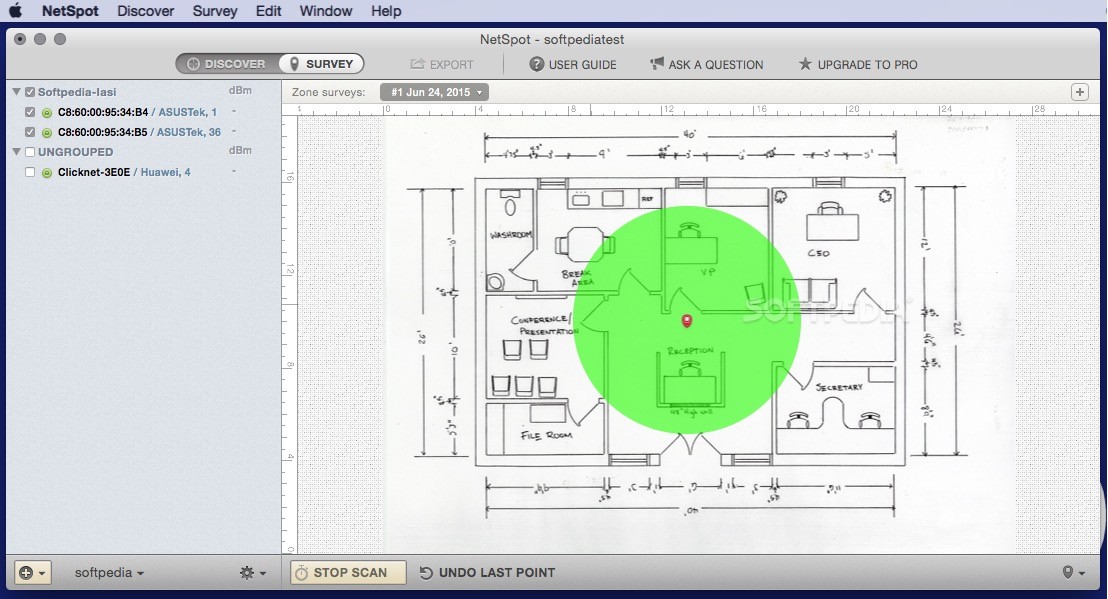
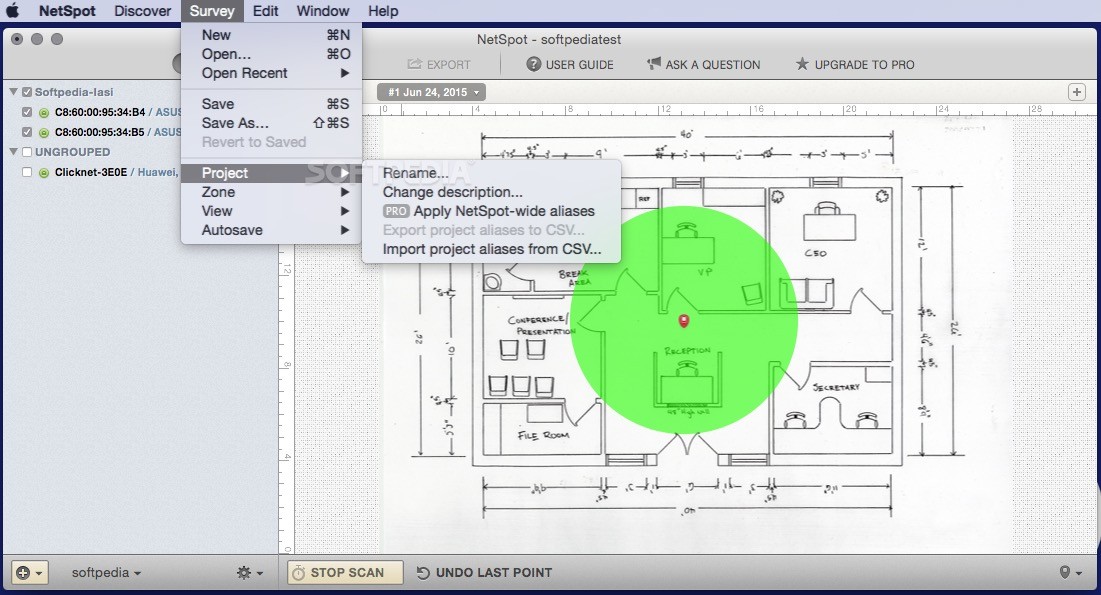
Thanks to NetSpot, you can detect and map the strength of your Wi-Fi network with just a couple of mouse clicks. You just have to load your house or office plan and initiate the network site survey by moving around inside the building.
Every time you reach a new location, you can point it on the map and NetSpot automatically starts to measure the wireless signal. Moving to multiple points can provide a more accurate map and could also help you detect radio signal leakages, view noise resources, discover effective access points and map channel usage with ease.
With NetSpot’s help, you can visualize your Wi-Fi map, reveal dead zones without coverage and place additional hotspots accordingly. On top of that, you can check the channels load and make the required adjustments with ease.
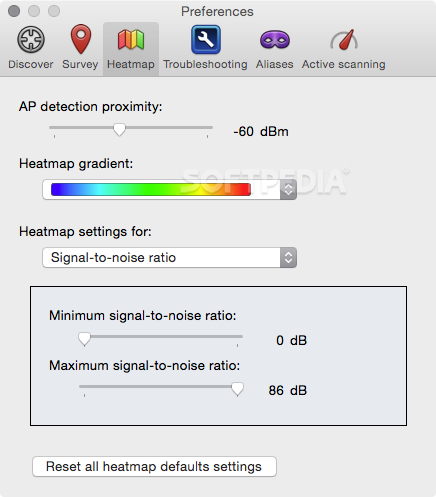
What is more, the NetSpot app can be used for Wi-Fi planning by loading a map, collecting wireless survey data and building an exhaustive heatmap of your network.
Consequently, you can view the channel availability, locate empty channels and, as a result, the perfect selection for a new Wi-Fi network. Moreover, you can find channels for your new Wi-Fi hotspots with the lowest signal to noise ratio.
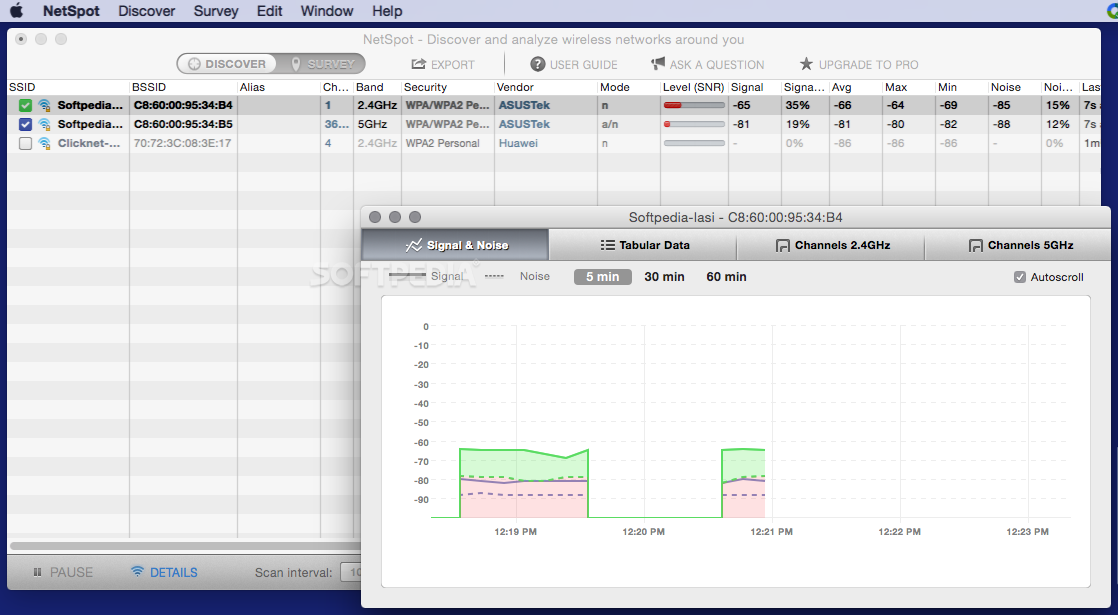
As an added bonus, from NetSpot’s main window, you can also easily view all nearby wireless networks along with their encryption type, vendor, signal strength and noise level. At the same time, the Signal & Noise chart will help you visualize the network's performance in real-time.
What's new in NetSpot 3.1.3520:
- Updates, enhancements and improvements:
- You can now add your own router with custom simulation parameters to a Predictive Survey project if a specific router brand and/or model is not yet available in NetSpot; also very useful when you need to see how custom settings may affect your future WiFi.
NetSpot 3.1.3520
add to watchlist add to download basket send us an update REPORT- runs on:
- macOS 10.12 or later (Universal Binary)
- file size:
- 27.3 MB
- filename:
- NetSpot.dmg
- main category:
- Network/Admin
- developer:
- visit homepage
Microsoft Teams

paint.net

4k Video Downloader

Bitdefender Antivirus Free

Zoom Client

Windows Sandbox Launcher

calibre

IrfanView

7-Zip

ShareX

- IrfanView
- 7-Zip
- ShareX
- Microsoft Teams
- paint.net
- 4k Video Downloader
- Bitdefender Antivirus Free
- Zoom Client
- Windows Sandbox Launcher
- calibre