
Easy to use ftp client that allows you to view, edit, upload, download and delete files from a remote server. #Ftp client #Remote server #File uploader #Ftp #Client #Remote
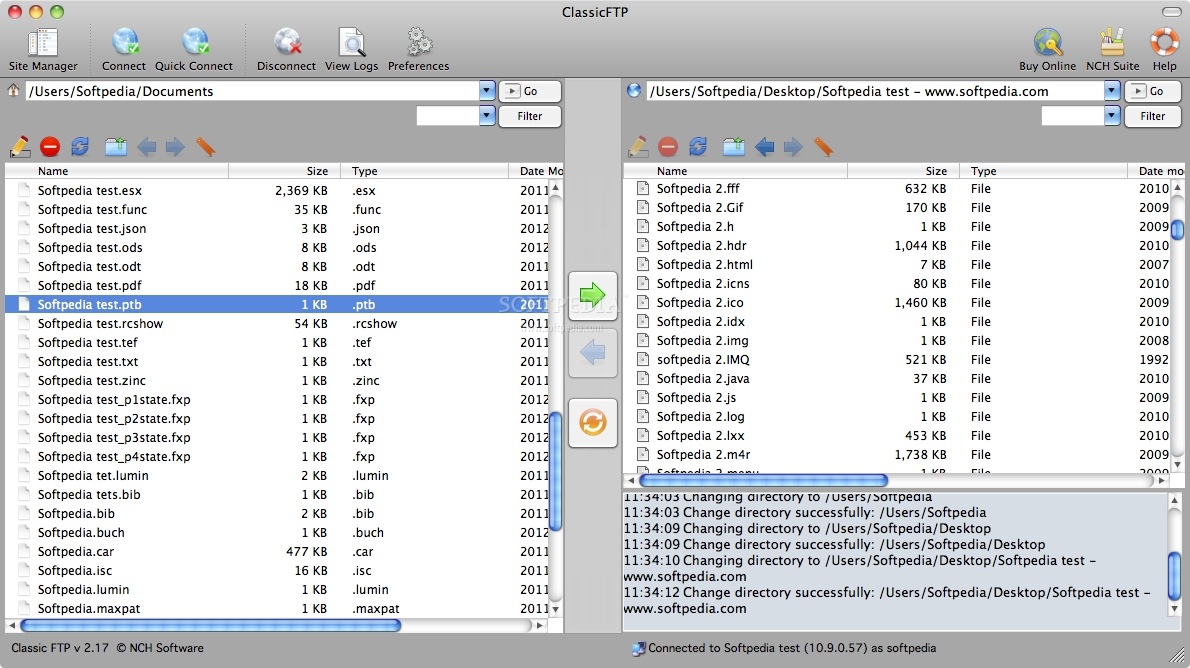
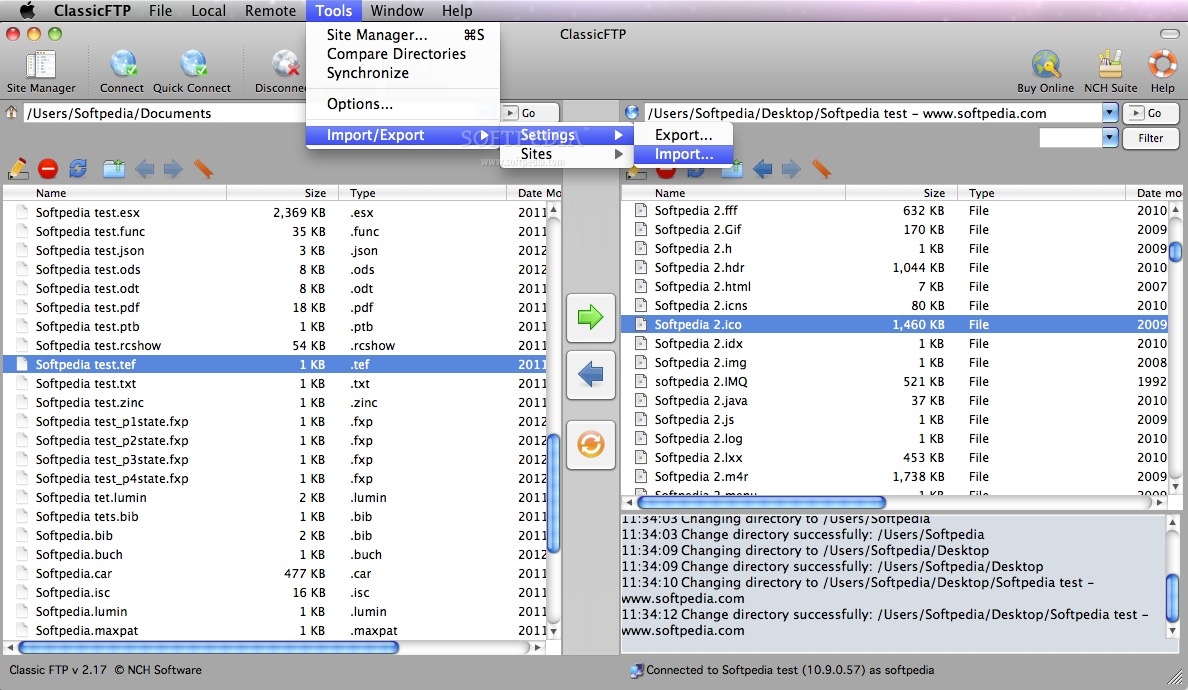
Classic FTP is an easy to use ftp client that allows you to view, edit, upload, download and delete files from a remote server (website) or network.
Classic FTP, as its name suggests, has been specifically designed to look and feel like a typical ftp client. Whilst offering all the same features as other ftp clients, Classic FTP is perfect for both advanced and novice website administrators.
Easy and Reliable FTP Site Maintenance Classic FTP's easy to use interface makes locating and editing files on your website easy. You can also upload or download files with a single click of a button.
Classic FTP also features a handy "Synchronize" tool, where by the click of a button it will scan the selected local folder and upload any files that do not exist in the selected remote folder or are more recent.
Fianly, the files on the remote side that aren't on the local side or are more recent will be downloaded.
Limitations in the unregistered version
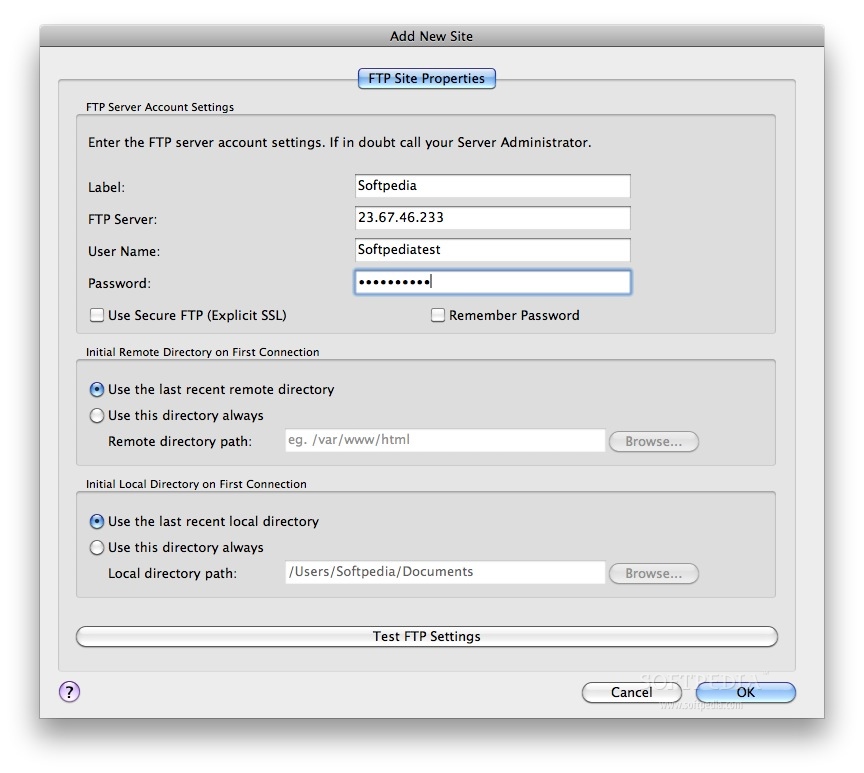
- The demo does not include SSL support and has a limited number of saved sites.
Download Hubs
Classic FTP File Transfer Software is part of these download collections: FTP Client
Classic FTP File Transfer Software 3.04
add to watchlist add to download basket send us an update REPORT- runs on:
- Mac OS X 10.5 or later (Intel only)
- file size:
- 1.7 MB
- filename:
- classicmaci.zip
- main category:
- Network/Admin
- developer:
- visit homepage
paint.net

Bitdefender Antivirus Free

Zoom Client

IrfanView

7-Zip

ShareX

Microsoft Teams

4k Video Downloader

calibre

Windows Sandbox Launcher

- 4k Video Downloader
- calibre
- Windows Sandbox Launcher
- paint.net
- Bitdefender Antivirus Free
- Zoom Client
- IrfanView
- 7-Zip
- ShareX
- Microsoft Teams