
Effortless to deploy software agent that offers you the possibility to connect to other Mac's that tun ChronoSync, or mobile devices that have InterConneX installed.. #Remote connection #Remote sync #Sync client #Connect #Sync #Remote
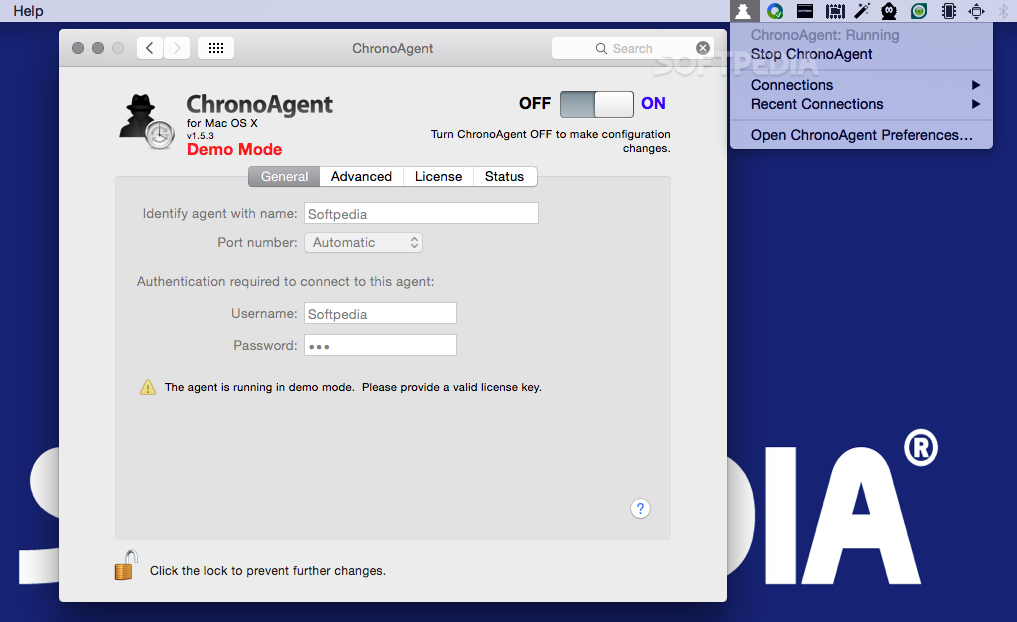
ChronoAgent is designed to run in the background in order to establish a connection between a remote computer and the ChronoSync or InterConneX utilities developed by Econ Technologies.
The utility has various components, among which there is a System Preferences pane that allows you to customize its behavior.
The ChronoAgent software package comes with both installation and removal utilities, so both processes will be fairly straightforward.
Note that using the Remove installer is imperative if you want to delete all the agent’s components.
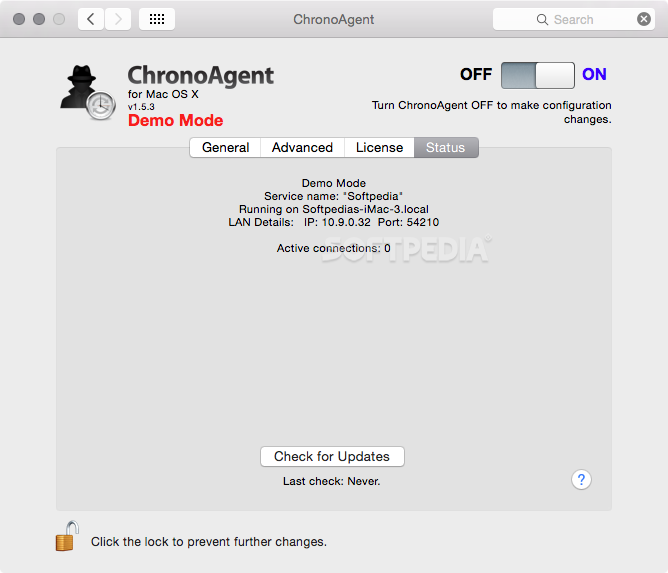
Upon installation, ChronoAgent adds a new pane to your System Preferences that allows you to activate the agent, to assign a name for the service, a port number, and even credentials for authorizing connections.
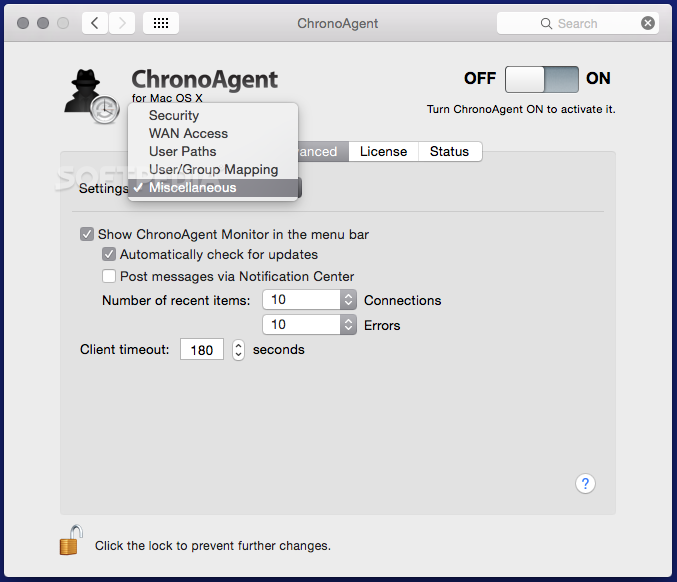
Other customization options include the possibility to adjust the encryption strength, to toggle the agent’s status bar menu, or to adjust the number of recent connections or errors that will be preserved.
Once the ChronoAgent app is running on your Mac, any other Apple device from your network (including iPhones, iPads, or iPods touch) that runs either the ChronoSync or the InterConneX app, has access to the Mac’s file system.
As a result, you will be able to backup certain files, to to access them from mobile devices without having to use third party servers.
The best part is that ChronoSync can remotely wake up a Mac computer from sleep and start performing the synchronization.
At the same time, your own ChronoAgent enabled Mac can trigger the process when it joins the network.
Noteworthy is that, to be able to create a connection between your Mac and other computers or mobile devices, having the ChonoSync or the InterConneX utilities installed on the latter is imperative.
After the system is setup correctly, you can establish connections and transfer files in no time.
What's new in ChronoAgent 11.0.0:
- ENHANCEMENTS AND CHANGES:
- Added report back to clients whether or not Full Disk Access has been granted.
- All secure network communication now uses the latest version of OpenSSL.
ChronoAgent 11.0.0
add to watchlist add to download basket send us an update REPORT- runs on:
- macOS 10.14 or later (Universal Binary)
- file size:
- 67.4 MB
- filename:
- CA_Mac_Download.dmg
- main category:
- Network/Admin
- developer:
- visit homepage
7-Zip

Zoom Client

Microsoft Teams

IrfanView

Bitdefender Antivirus Free

Context Menu Manager

4k Video Downloader

Windows Sandbox Launcher

ShareX

calibre

- Windows Sandbox Launcher
- ShareX
- calibre
- 7-Zip
- Zoom Client
- Microsoft Teams
- IrfanView
- Bitdefender Antivirus Free
- Context Menu Manager
- 4k Video Downloader