
A practical, smooth-running and intuitive multimedia player and entertainment hub that enables you to enjoy your digital media form within a well-designed interface. #Media center #XBMC center #Media player #Media center #Play #Multimedia
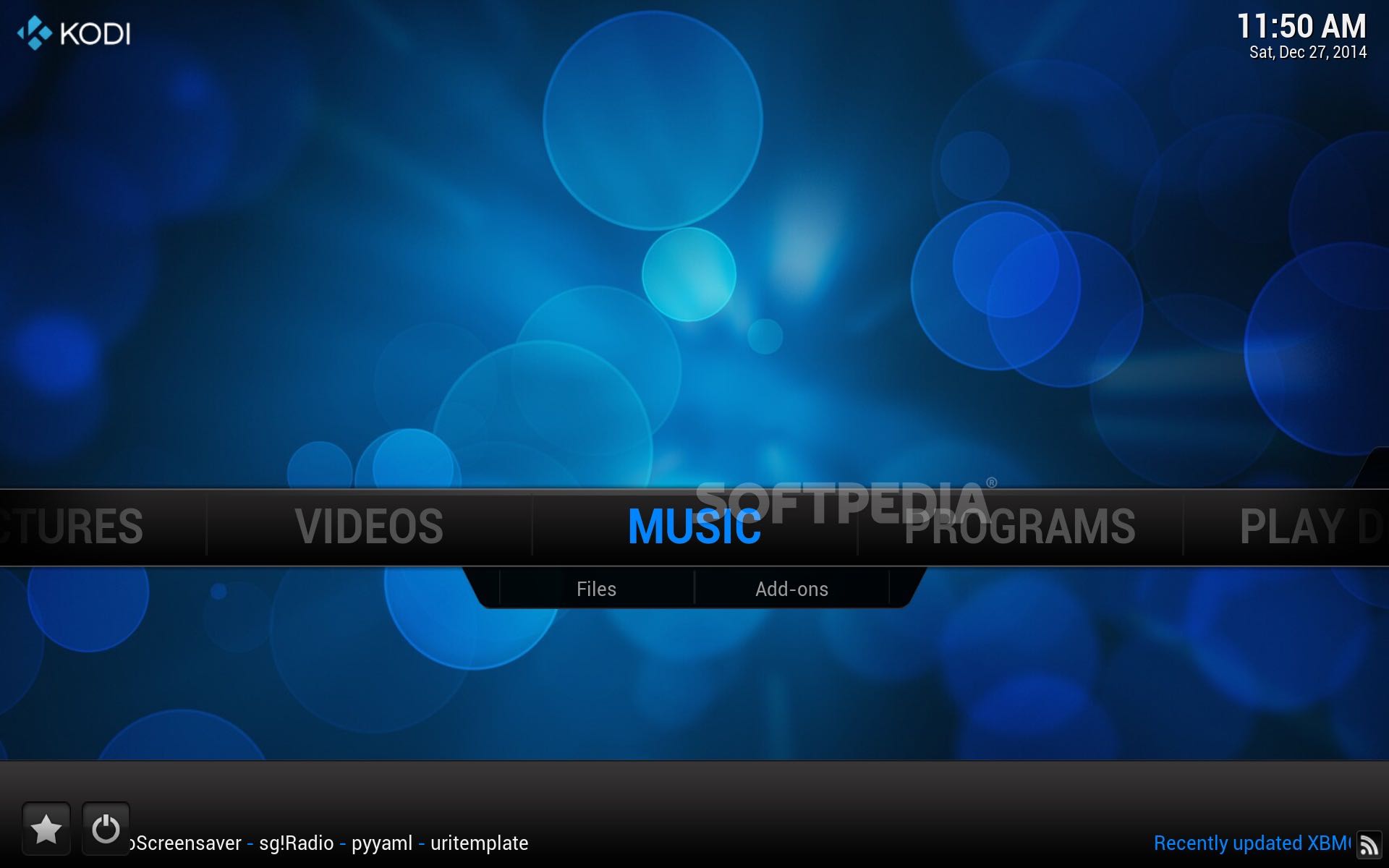
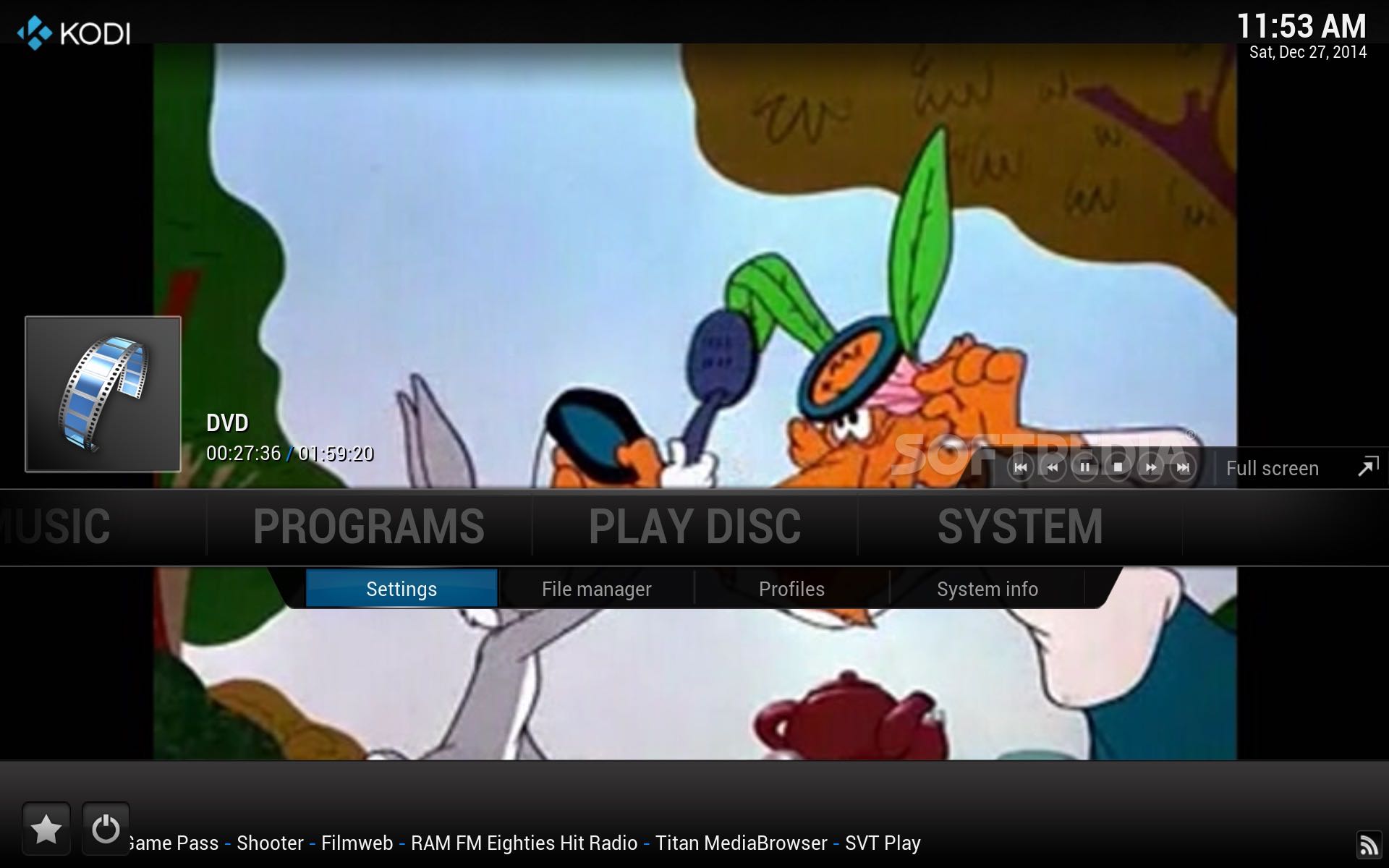
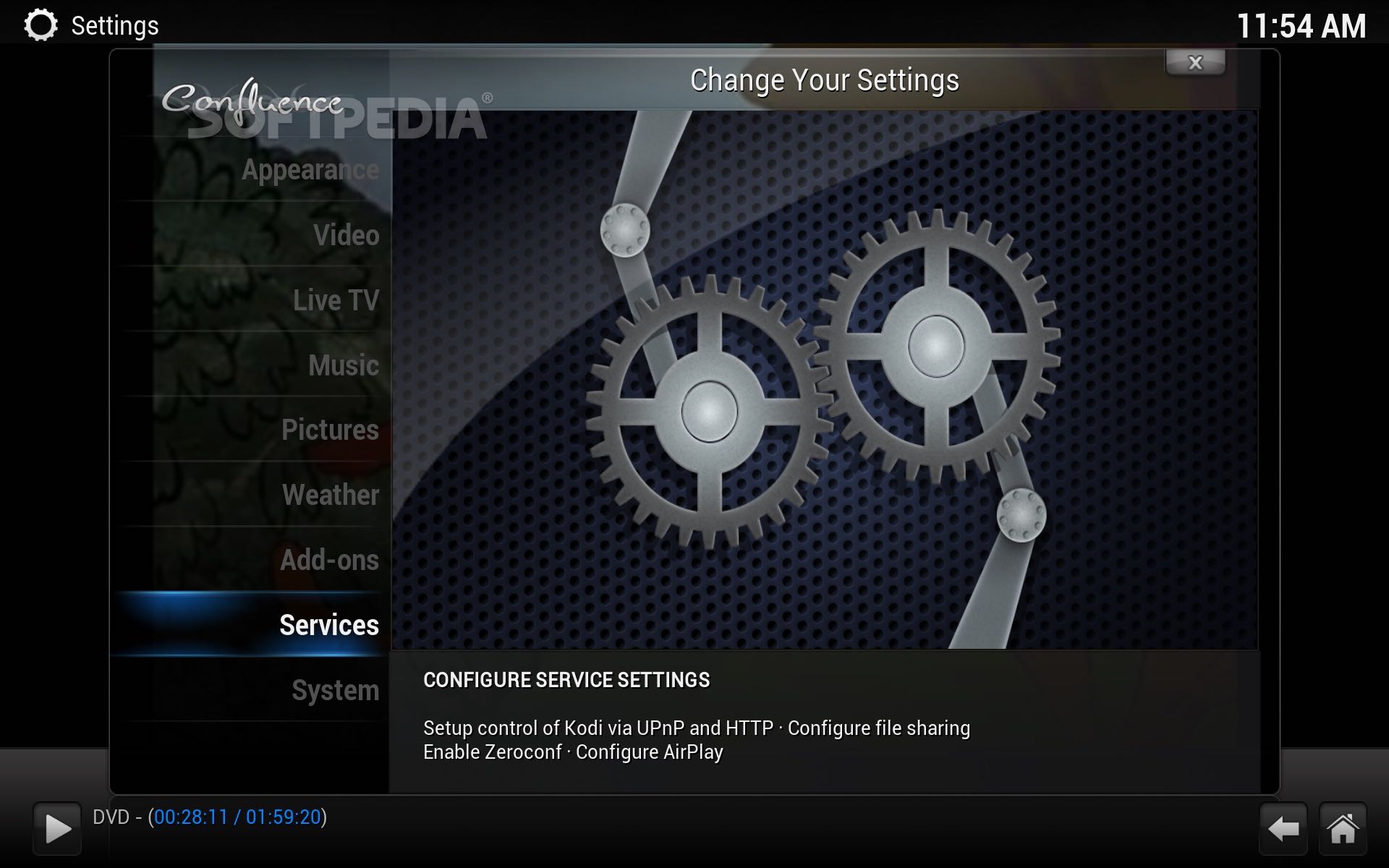
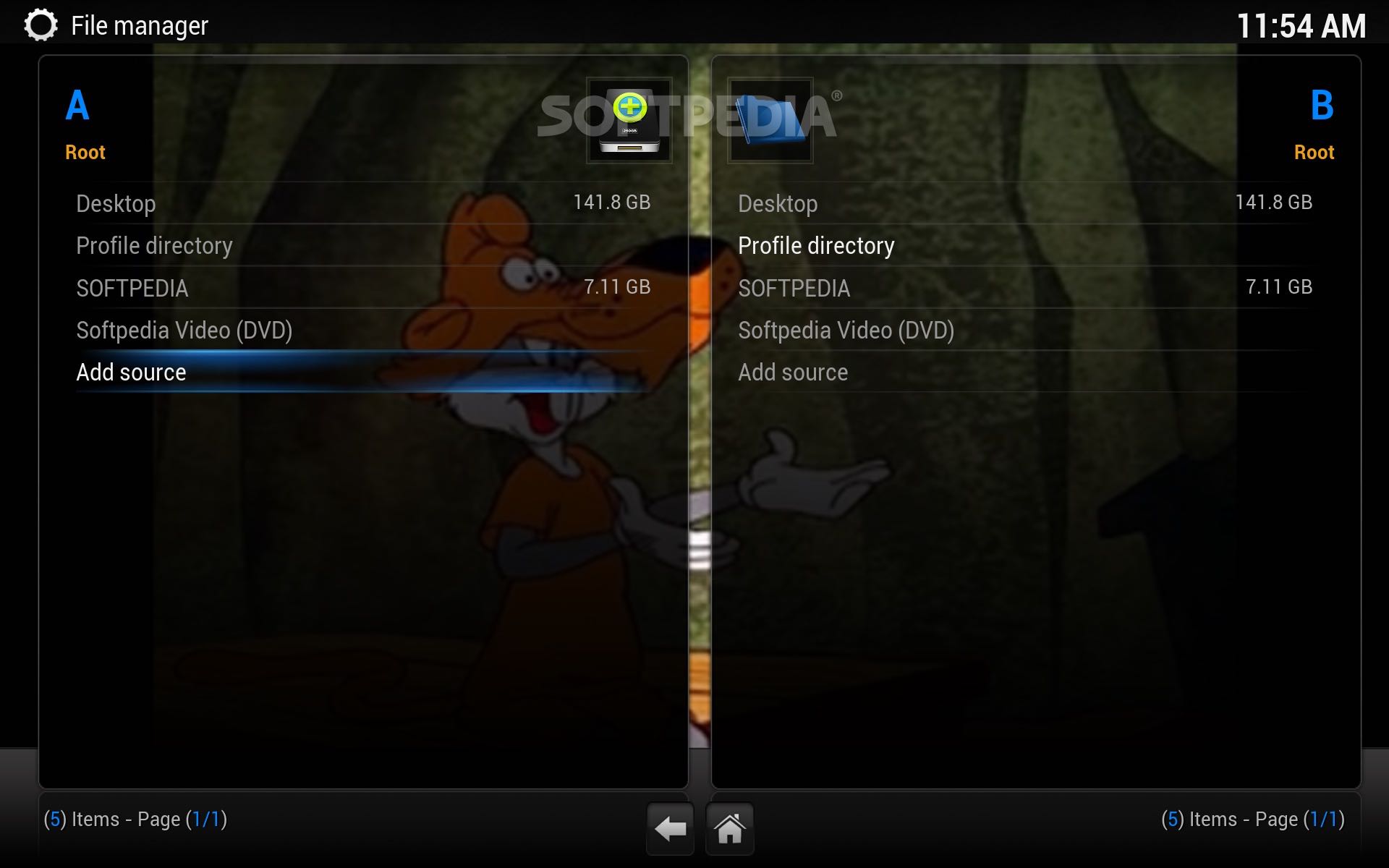
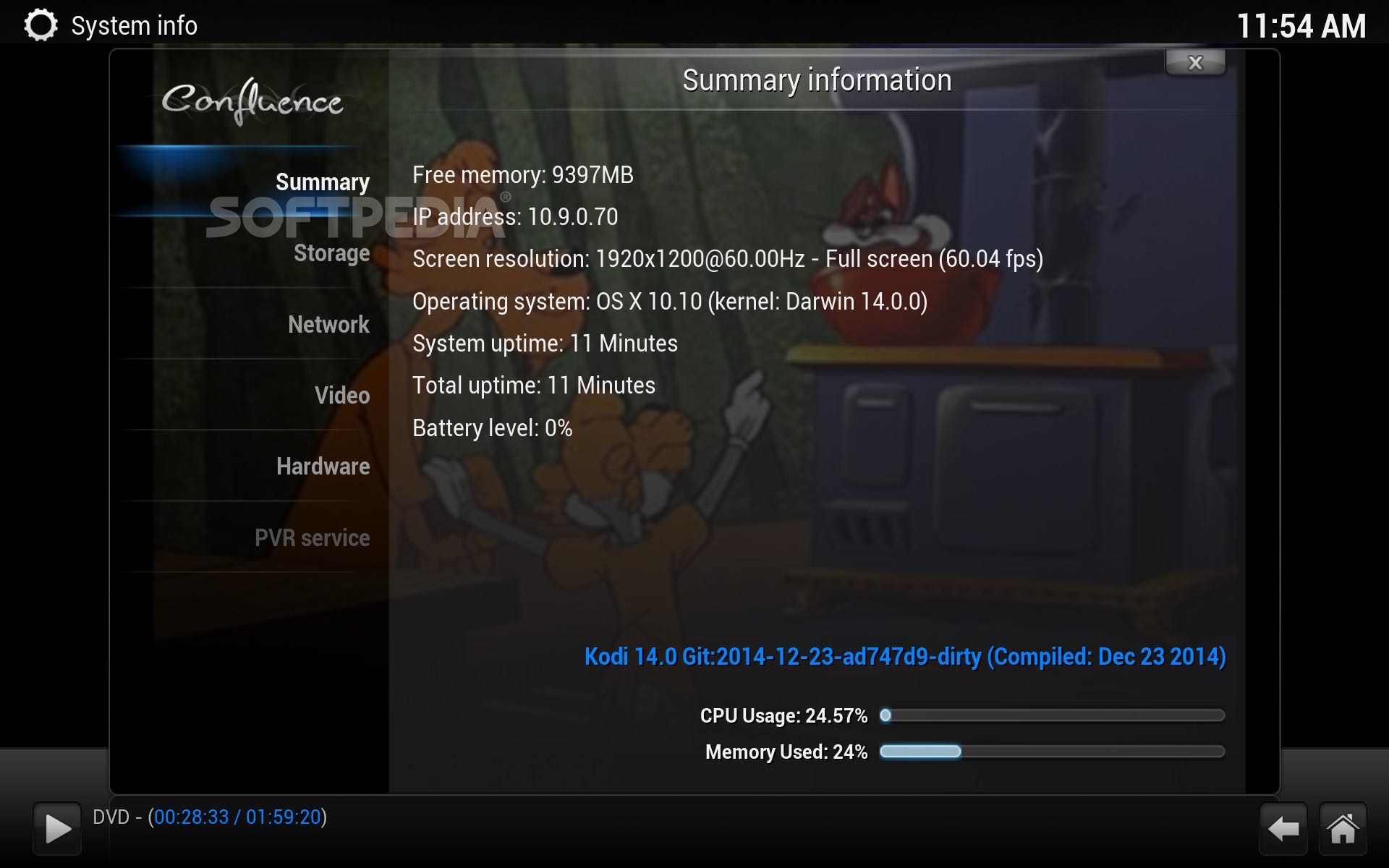
Kodi is a free and open source macOS application that comes with a user-friendly interface that can be controlled using various TVs and remote controls.
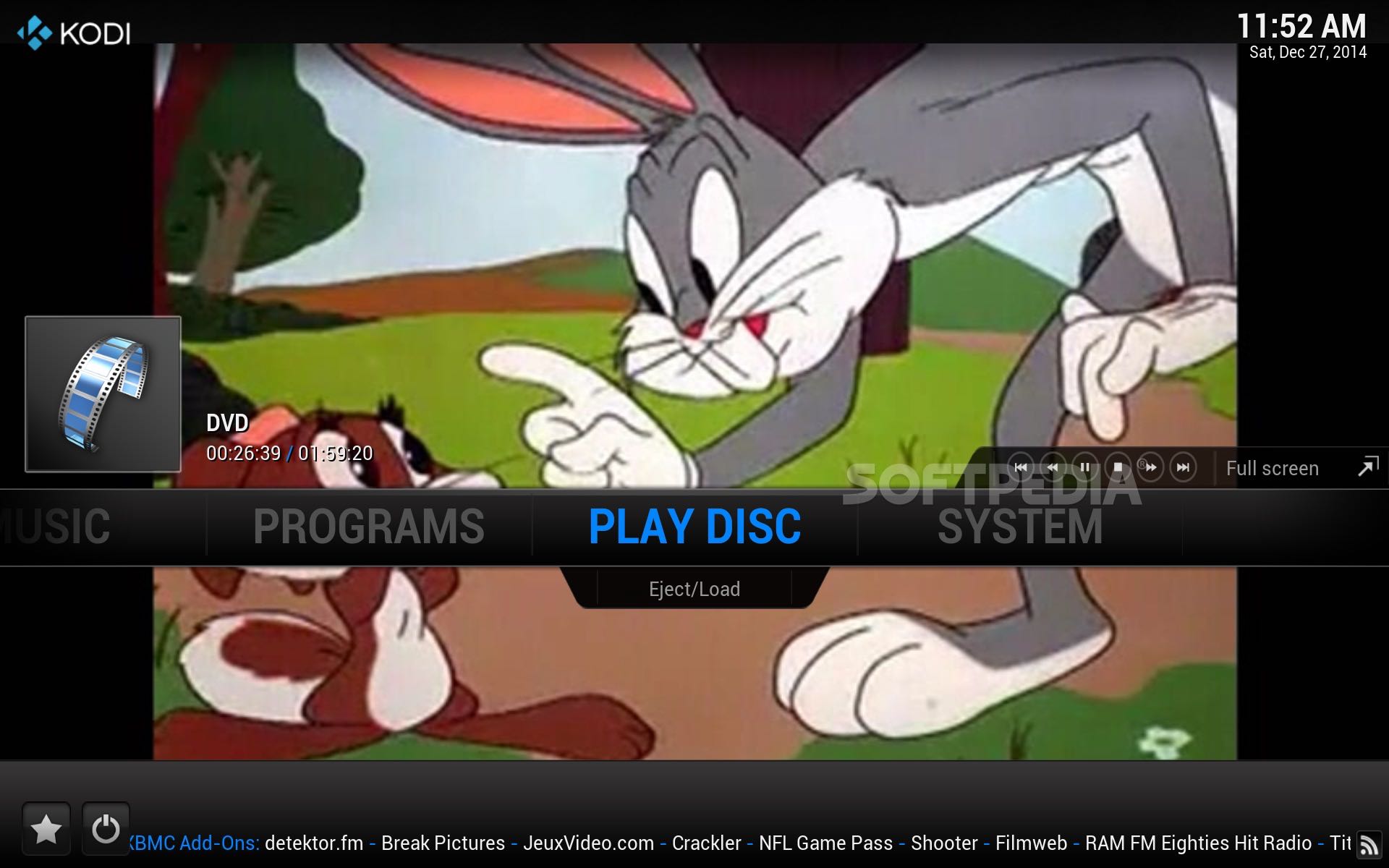
From Kodi’s main window you can quickly and effortlessly play films, home made videos, music, podcasts and all sorts of digital media files stored on your local or network drive and even from the Internet.
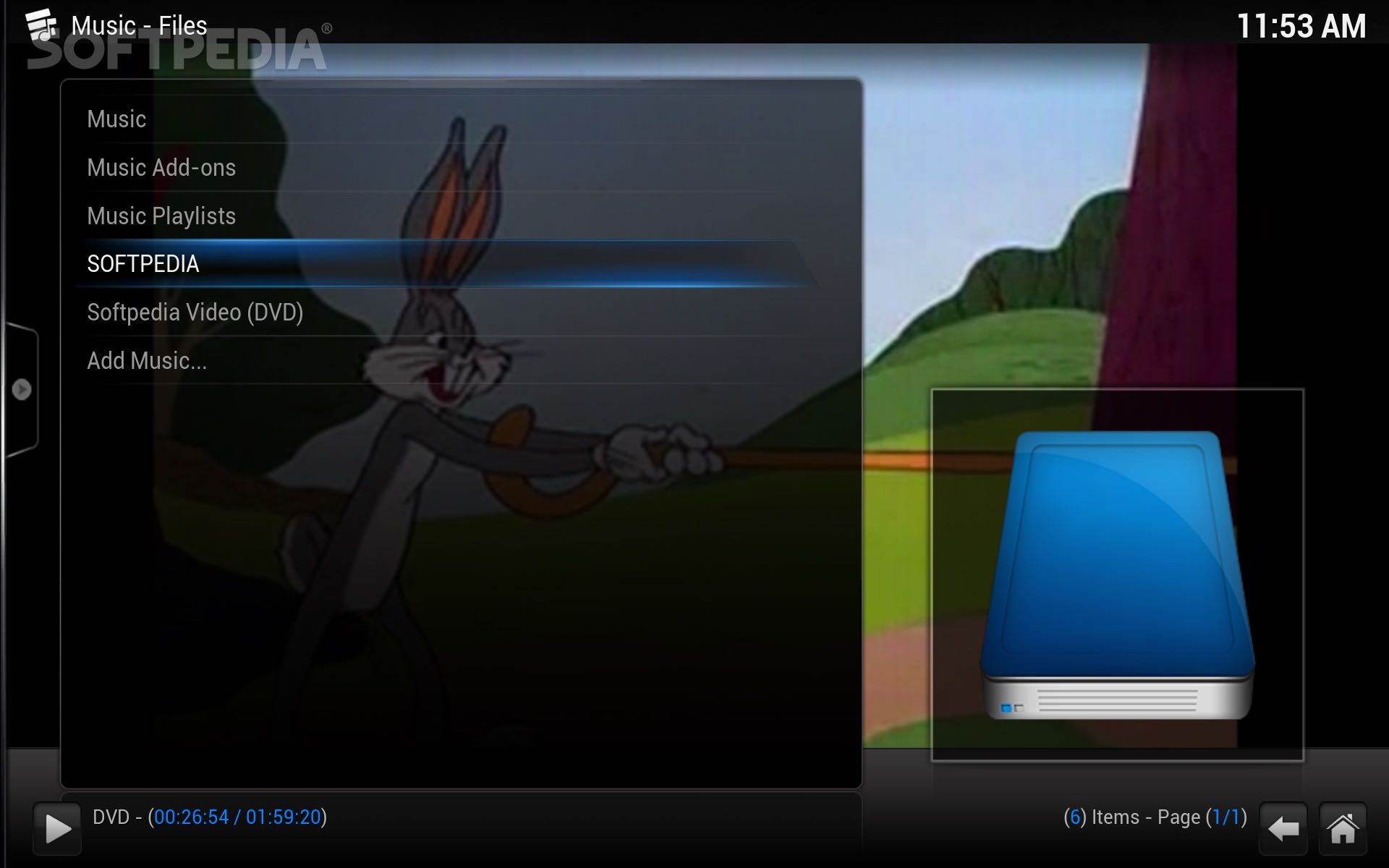
Kodi comes with support for MP3, FLAC, WMA and WAV file formats, offers a cue sheet, smart playlists, tagging support and cue sheet that offers you total control over your music library.
As expected from a media hub, Kodi provides support for almost all popular video formats, including streamable online media. You can easily import, browse and play various videos from your Movie collections.
What is more, you can import pictures into the library and navigate through your collection using different view modes, sort and filter the displayed images and start, pause and stop a slideshow using your remote control.
Thanks to the TVShows library you can view your episodes and seasons along with their posters and banners, descriptions and cast. The watched tags help you keep track of all viewed episodes and pick up from where you left off.
Another useful feature is Kodi’s ability to display and record live TV directly from within the app. You can enjoy this feature in the combination with various backends like MythTV, MediaPortal, Tvheadend, NextPVR and many others.
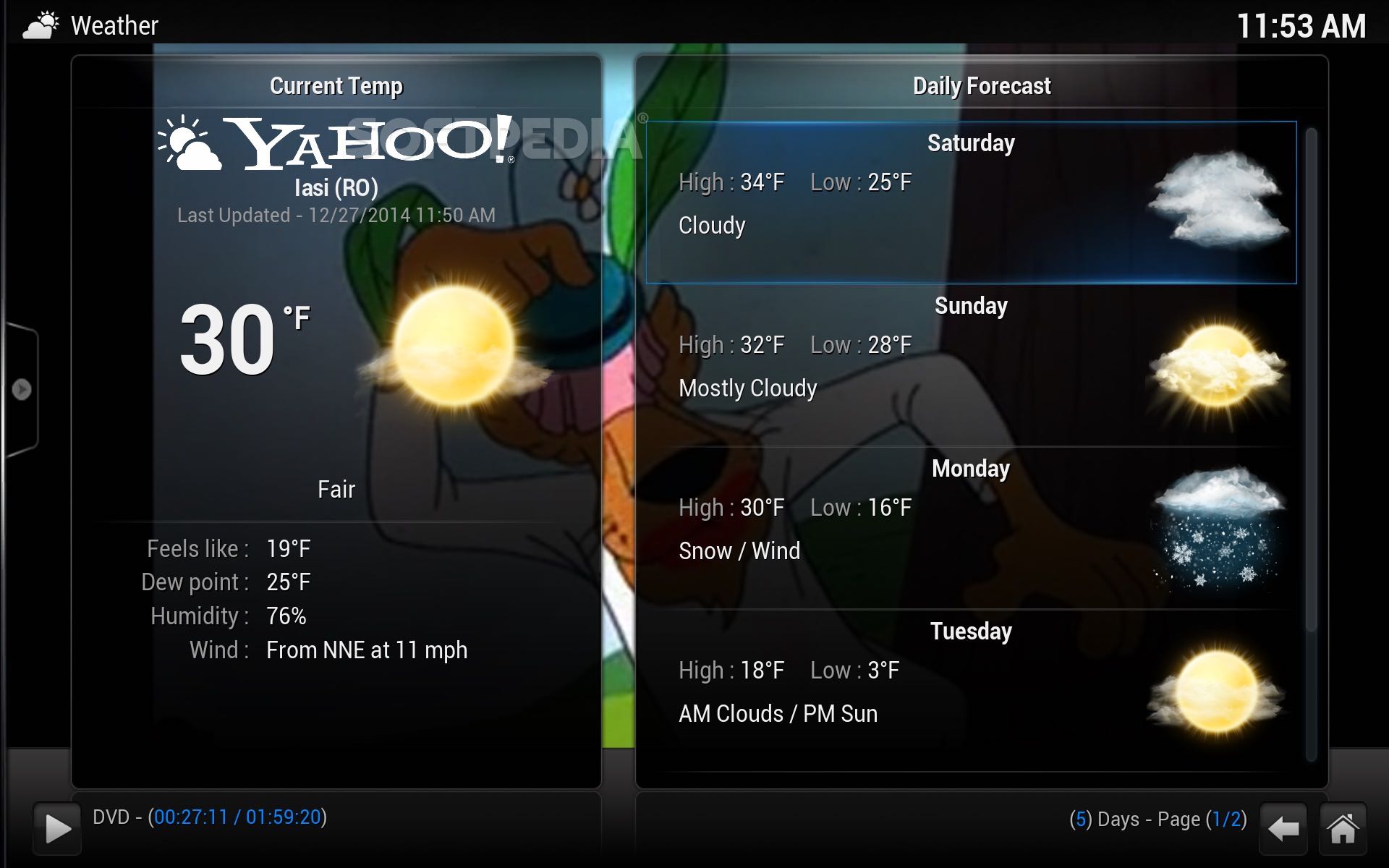
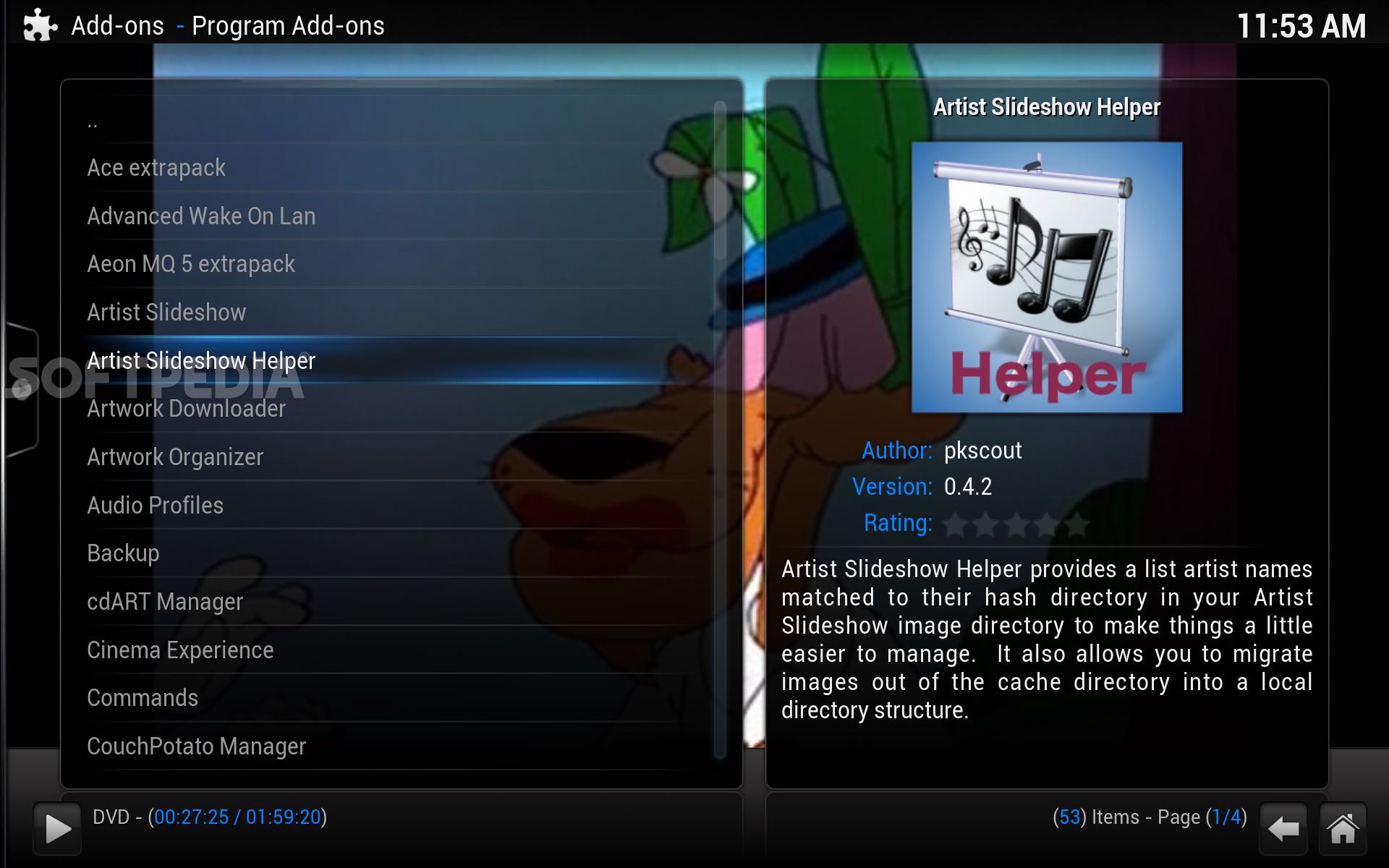
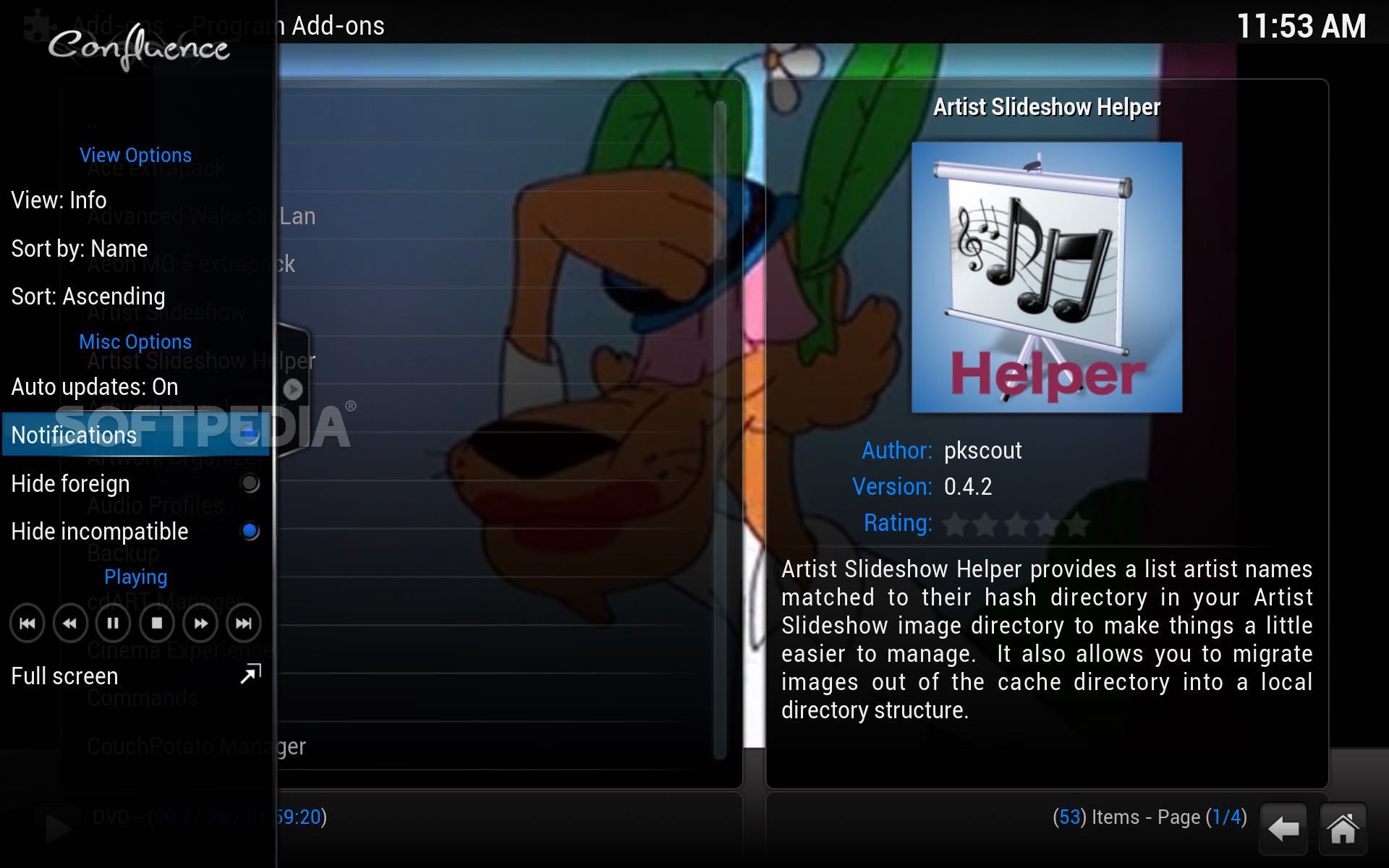
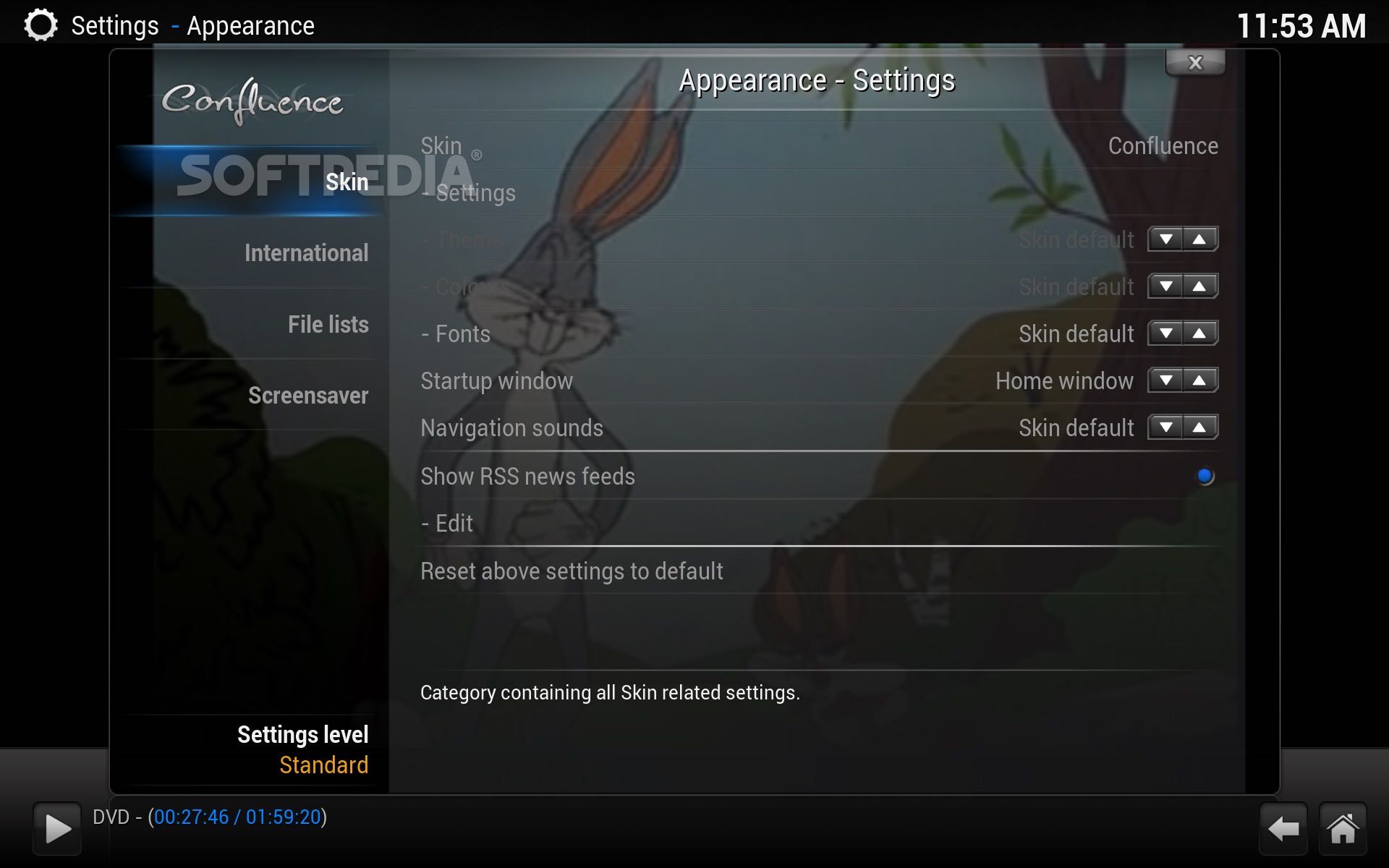
On top of that, you can explore the comprehensive and vast selection of user-created add-ons that can be used to access and use popular web services, applications or scripts. Moreover, you can completely change Kodi’s interface and use the desired colors, backgrounds and menu structures.
What's new in Kodi 21.0:
- Complete list of changes can be viewed at 20.0-Nexus...21.0-Omega
- [guilib][EditControl] Improved rendering of label texts by @CastagnaIT in #22691
- SavestateFlatBuffer: Remove forward declararion of FlatBufferBuilder by @neo1973 in #23332
- [macos][nativewindowing] Suport HiDPI (retina) displays by @enen92 in #23259
Kodi 21.0
add to watchlist add to download basket send us an update REPORT- runs on:
- macOS 10.14 or later (Universal Binary)
- file size:
- 75.7 MB
- filename:
- kodi-21.0-Omega-arm64.dmg

- main category:
- Multimedia
- developer:
- visit homepage
Context Menu Manager

ShareX

Bitdefender Antivirus Free

7-Zip

Zoom Client

calibre

Windows Sandbox Launcher

Microsoft Teams

4k Video Downloader

IrfanView

- Microsoft Teams
- 4k Video Downloader
- IrfanView
- Context Menu Manager
- ShareX
- Bitdefender Antivirus Free
- 7-Zip
- Zoom Client
- calibre
- Windows Sandbox Launcher