
A great note taking solution that enables you to include audio, video, and image content into your entries, besides the usual text data.. #Multimedia note #Audio recorder #Video recorder #Note #Recorder #Player
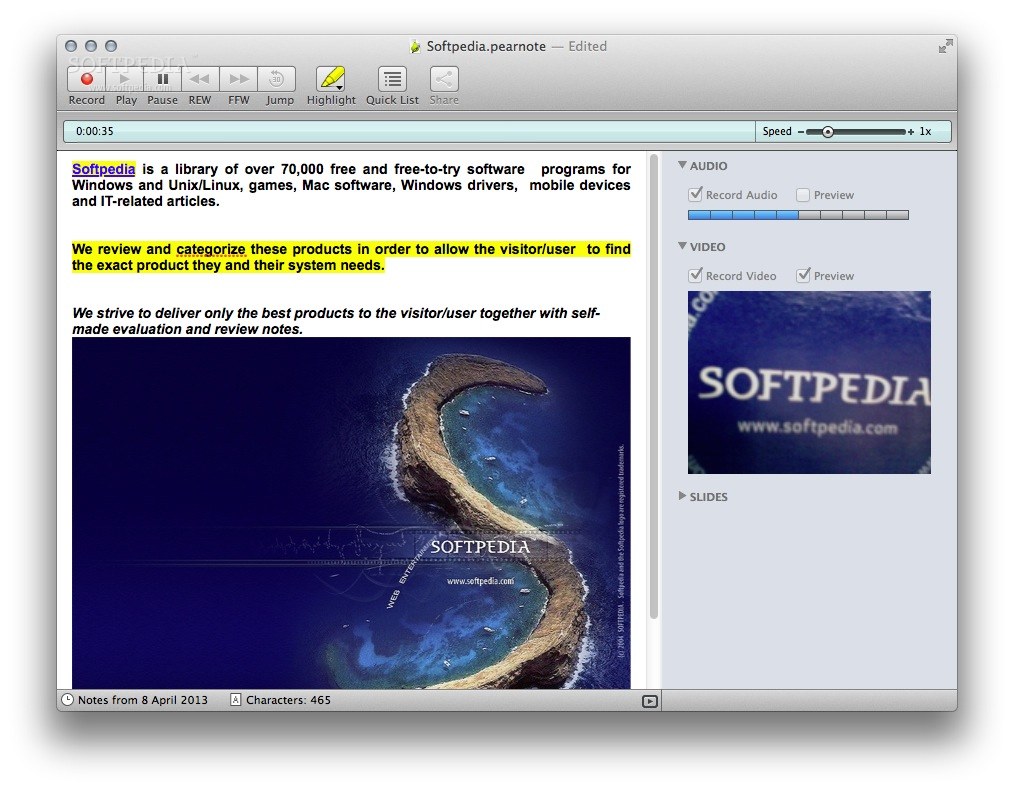
Text notes can end up being rather cryptic, even for their author: since the context is lost, things that made perfect sense suddenly become gibberish. Pear Note is a simple note taking application that is able to include images, but also audio and video content, in order to provide a complete view upon the meaning of your notes.
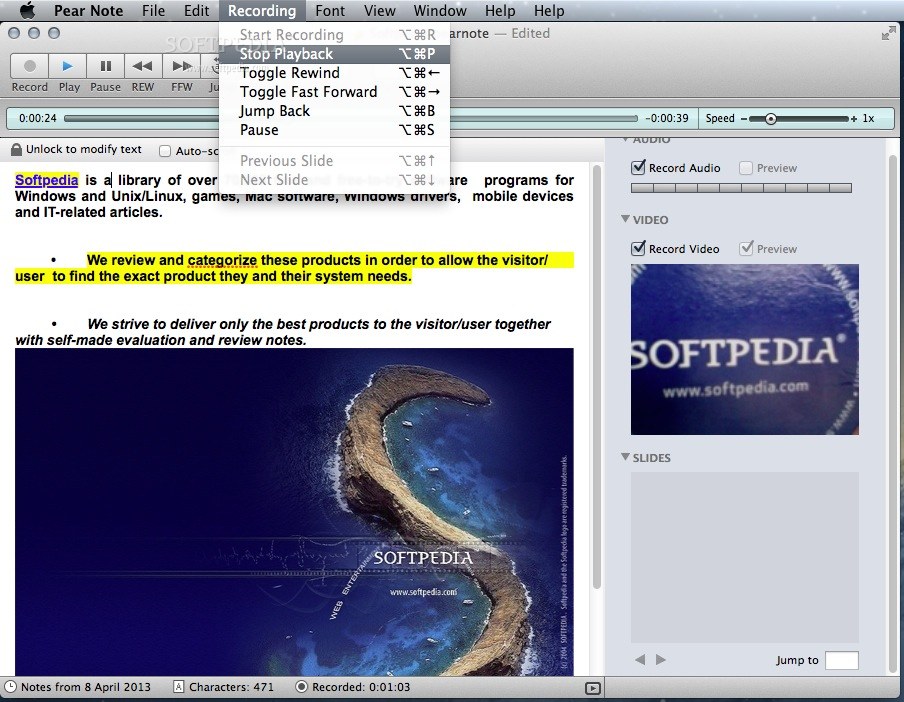
The Pear Note main window is separated in three main areas: the top toolbar where you can view the basic media recording and playback tools, the left side panel where you can input the text content, and the right size panel where you can view your video and audio recordings, but also the slides you have been viewing (offers support for PDF documents only).
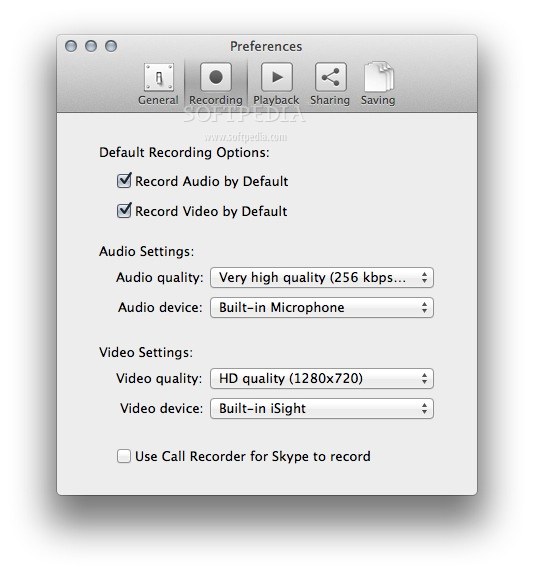
For your convenience, Pear Note allows you to record the audio and video content captured by your built-in microphone and camera, while in the Slide area you can import the PDF document you are analyzing. You can include image files by simply dragging and dropping them on top of the text area.
Pear Note allows you to highlight specific areas of your text content by using different colors, but also enables you to create lists in order to keep the data organized. To customize the font style and other details related to the text processing, simply navigate to the Font menu and view everything Pear Note has to offer.
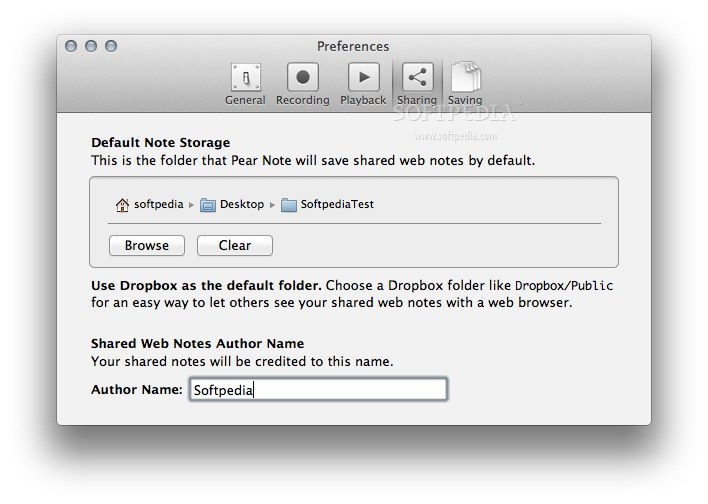
You can save your Pear Note documents locally as .pearnote project files, but you also have the possibility to generate Web Viewer files that can be opened by using any web browser. This type of files can be saved in the cloud (using your Dropbox account, for example) and shared with friends and coworkers almost instantly.
Pear Note is a great tool to have around if you need to take notes during meetings or presentations and you want to have a clear view upon everything that happened: besides the traditional text notes, you can make video or audio recordings, or include images or PDF documents.
What's new in Pear Note 3.2.1:
- Fixed issue that caused 3.2 to fail to update itself, requiring users to manually download updates to it
- Fixed compatibility issues with OS X 10.11 El Capitan
- Rework layout and animation to be smoother
- Other miscellaneous bug fixes
Pear Note 3.2.1
add to watchlist add to download basket send us an update REPORT- runs on:
- Mac OS X 10.8 or later (Intel only)
- file size:
- 5.2 MB
- filename:
- Pear_Note_3.2.1.zip
- main category:
- Multimedia
- developer:
- visit homepage
calibre

IrfanView

Context Menu Manager

Bitdefender Antivirus Free

Microsoft Teams

4k Video Downloader

7-Zip

Zoom Client

ShareX

Windows Sandbox Launcher

- Zoom Client
- ShareX
- Windows Sandbox Launcher
- calibre
- IrfanView
- Context Menu Manager
- Bitdefender Antivirus Free
- Microsoft Teams
- 4k Video Downloader
- 7-Zip