
Versatile multi-platform app designed to provide you with all the necessary tools and features to convert various video files to the MKV video format #Video converter #Video transcoder #Video to MKV #Converter #Encoder #Transcoder
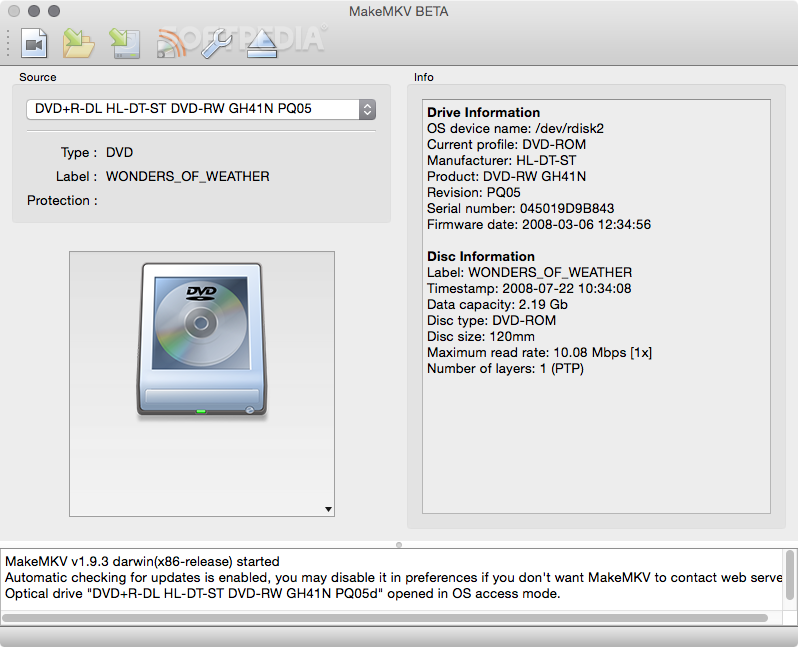
MakeMKV is a straightforward and easy to use cross-platform video converter designed to help you convert multimedia content stored on discs into MKV video files, with just a few mouse clicks.
With the help of MakeMKV, you can quickly and rapidly rip almost any DVD or Blu-ray disc to a set of MKV files and stream them over the local network.
Moreover, MakeMKV is capable to store your discs’ original metadata information without altering it during the conversion process.
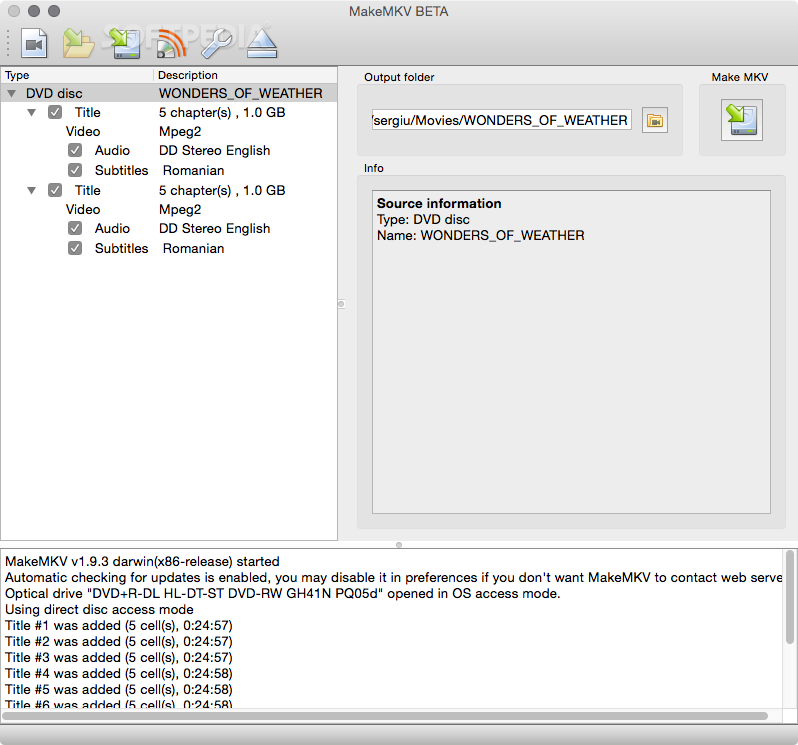
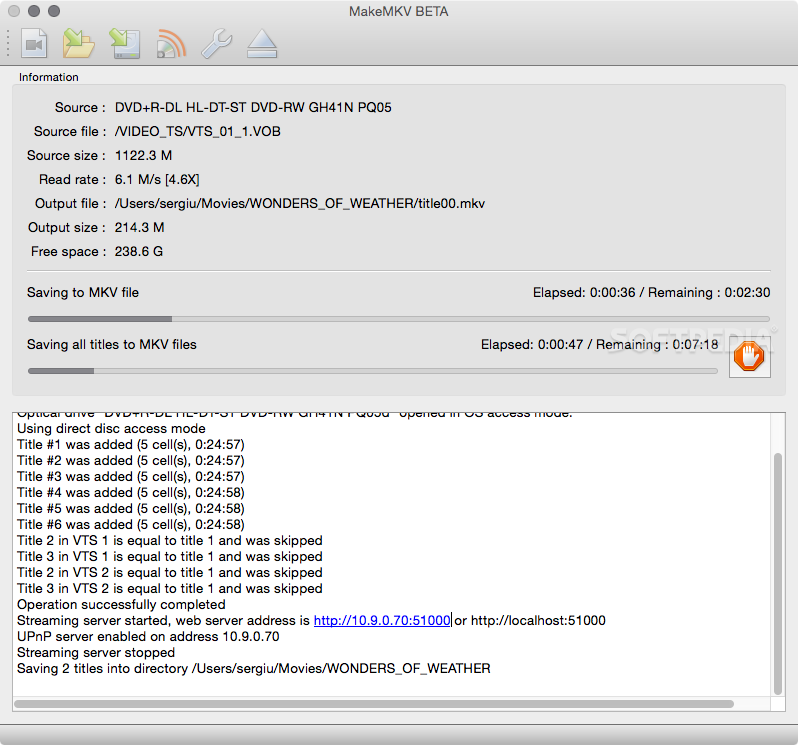
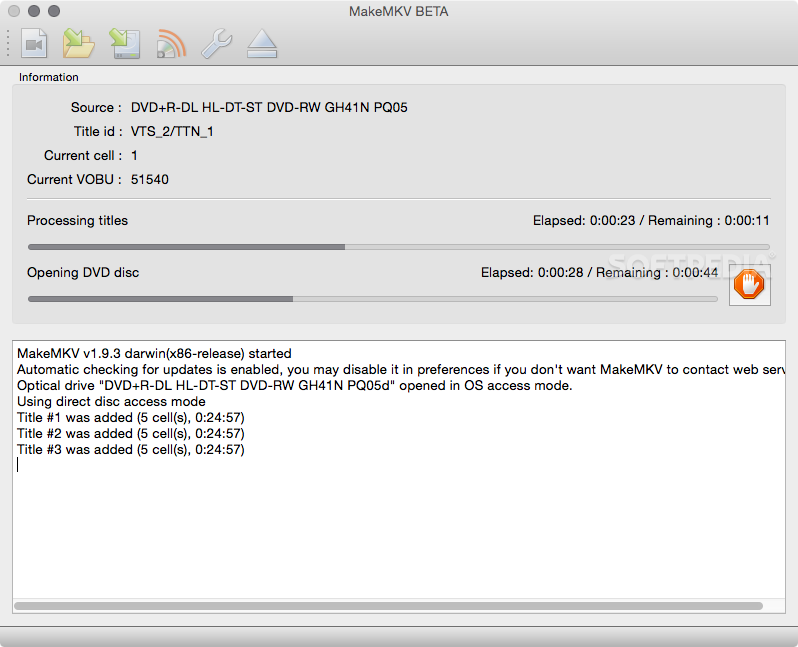
From MakeMKV's main window you can open the source disc, select the audio and video files you want to convert and initiate the conversion process. During the MKV encoding, you can monitor the process and view how much time is required to complete the task.
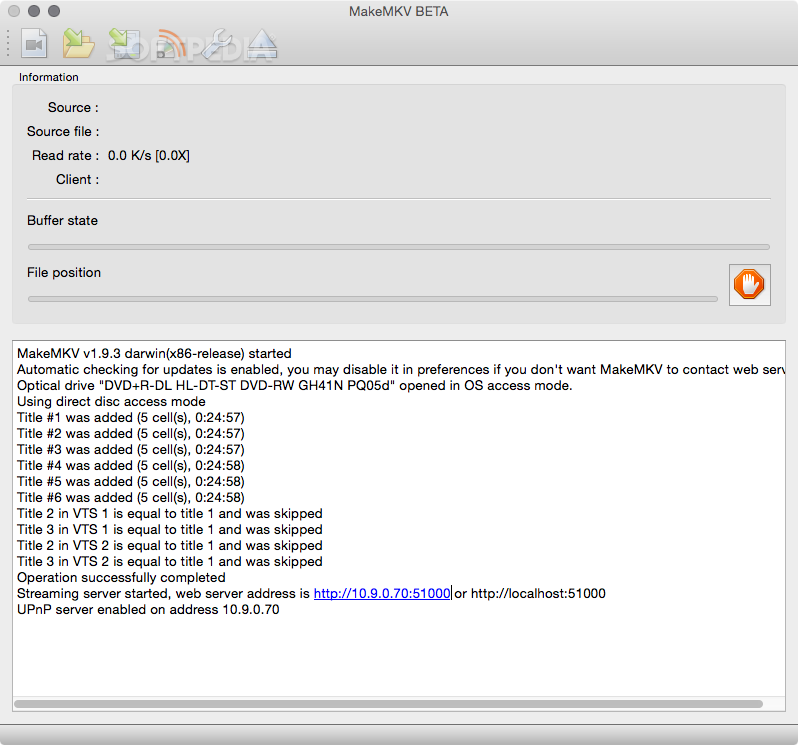
What is more, MakeMKV enables you to instantly stream your videos over the local network and view your multimedia content on a vast assortment of platforms and portable devices.
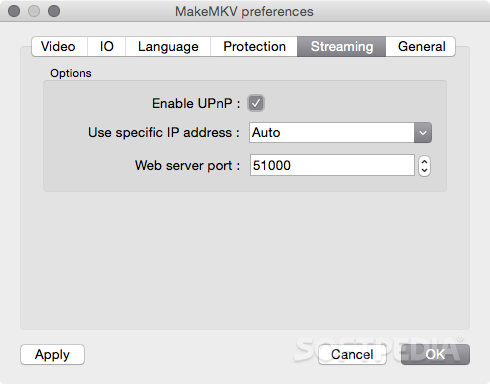
As an added advantage, via MakeMKV’s Preferences window, you can customize the streaming server’s options in order to use a custom IP address, a server port and to toggle its UPnP on and off.
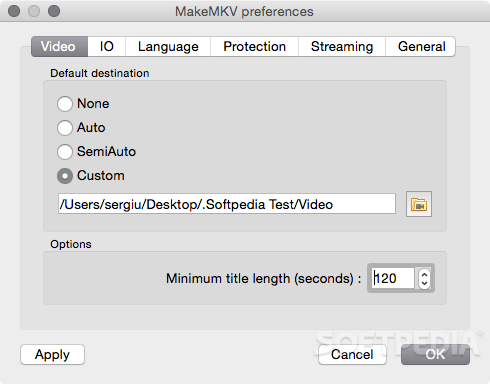
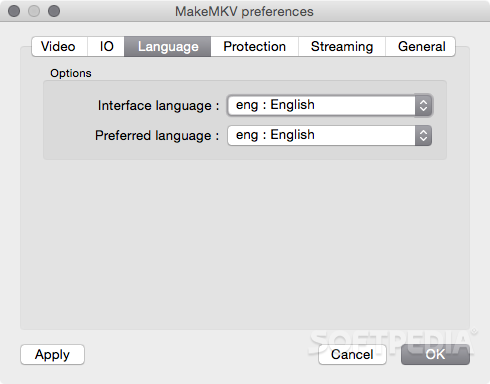
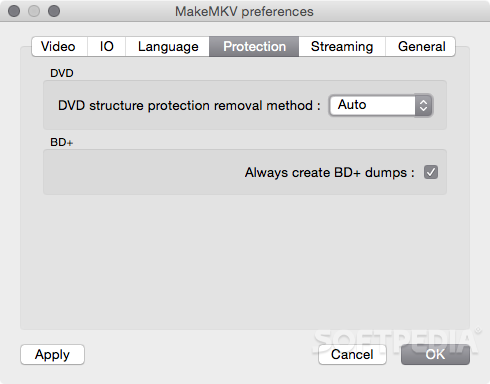
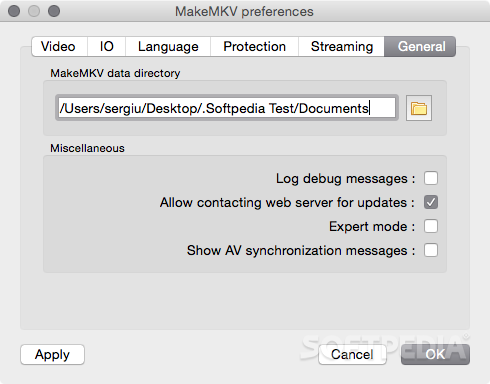
From the same window, you can set the default MakeMKV data directory, choose a DVD structure protection removal method and change the interface language.
MakeMKV is a simple to use and highly intuitive multi-platform utility that comes with support for numerous types of DVD and Blu-ray discs and promises to offer a fast and smooth disc to MKV conversion experience.
Download Hubs
MakeMKV is part of these download collections: MKV Creator, Make MKV
What's new in MakeMKV 1.17.6 Beta:
- Improved handling for discs with mastering errors
- Small improvements and bugfixes
MakeMKV 1.17.6 Beta
add to watchlist add to download basket send us an update REPORT- runs on:
- macOS 10.7 or later (Universal Binary)
- file size:
- 42.2 MB
- filename:
- makemkv_v1.17.6_osx.dmg
- main category:
- Video
- developer:
- visit homepage
ShareX

7-Zip

calibre

Microsoft Teams

IrfanView

Windows Sandbox Launcher

Context Menu Manager

Zoom Client

4k Video Downloader

Bitdefender Antivirus Free

- Zoom Client
- 4k Video Downloader
- Bitdefender Antivirus Free
- ShareX
- 7-Zip
- calibre
- Microsoft Teams
- IrfanView
- Windows Sandbox Launcher
- Context Menu Manager