MAC CATEGORIES:
NEWS ARCHIVE >>
SOFTPEDIA REVIEWS >>
|
|
|
7-DAY TOP DOWNLOAD
# |
Program |
 | RAR Expander 0.8.5b3 6,591 |  | aMule 2.2.2 5,906 |  | Microsoft Office 2008 12.1.2 4,445 |  | Internet Explorer 5.2.3 4,002 |  | Toast Titanium 9.0.2 3,275 |  | Adobe Photoshop CS3 10.0.1 3,250 |  | RAR for Mac OS X 3.80 2,853 |  | Matlab 7.7 2,843 |  | MacTheRipper 2.6.6 2,665 |  | Cydia 1.0.2575-35 2,557 |
|
WEEK'S BEST
OpenOffice.org 3.0.0Adium 1.3.2FileZilla 3.1.4 RC...Opera 9.60 Build 5...EyeTV 3.0.4Sears 0.81TouchCopy 7.05VLC Media Player 0...iPhoto Library Man...MediaEdit 3.1Senuti 0.50.2SeaMonkey 2.0 Alph...FlatOut 2 QuarkXPress 8.0.1UltraMixer 2.3.5.1GraphicConverter 6...Apple iTunes 8.0.1BodyPaint 3D 4.11....BootPicker 2.1.2Cha-Ching 2.0 Beta 6RAR for Mac OS X 3...4Media MP4 Convert...OsiriX 3.3 f2 / 3....Flock 2.0 Beta 3 /...Wimpy FLV Player 3.0AIM 1.0 Beta 1 Bui...Floola 3.7MacPilot 3.1.4phpMyAdmin 3.0.0Second Life 1.20.1... |
|
|
|
|
|
|
|
|
User Rating: Rated by: |
Fair (2.3/5) 28 user(s) |
|
|
|
CoverScout description |
|
|
iTunes album artwork finder.
CoverScout... picture up your music archive.
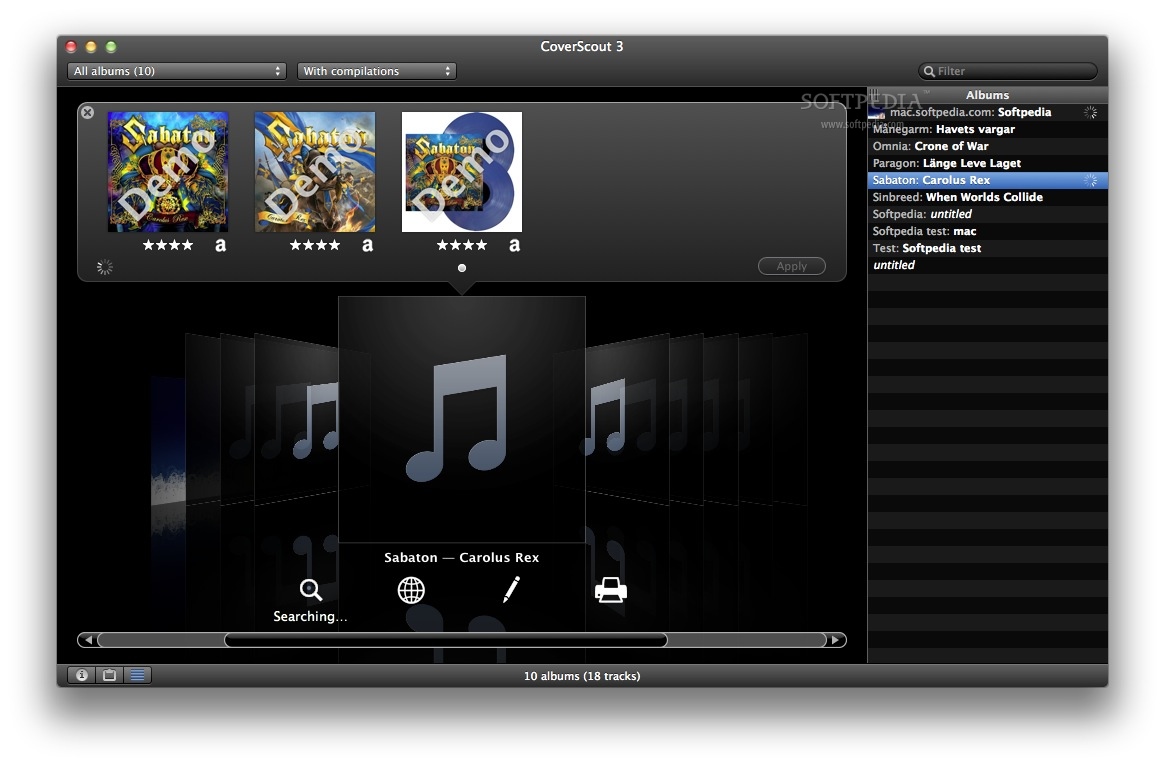
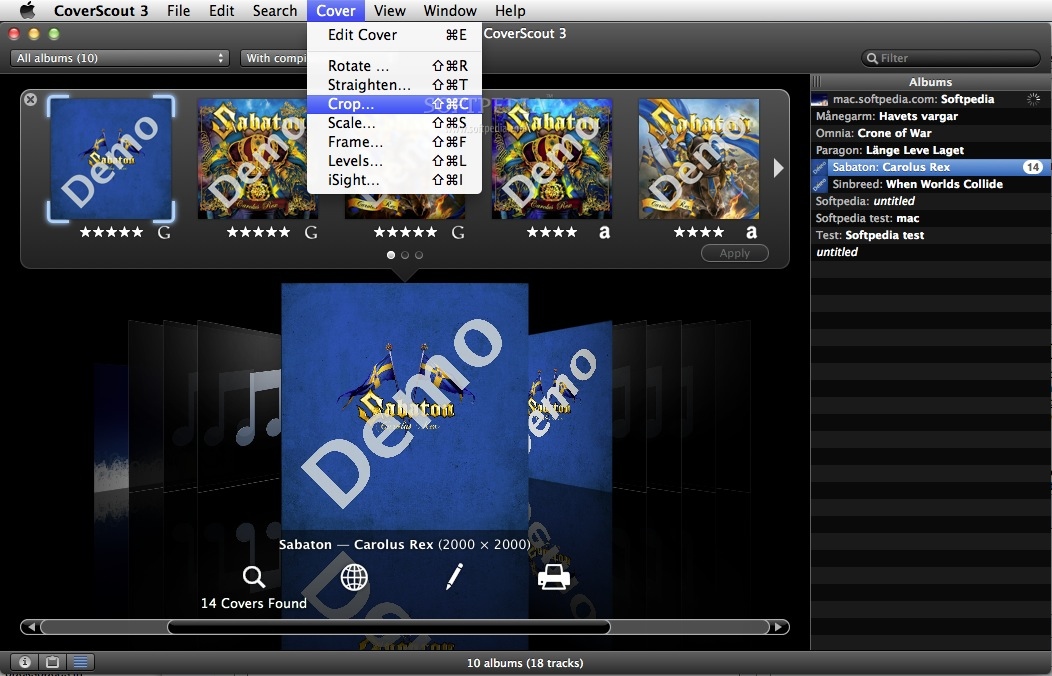
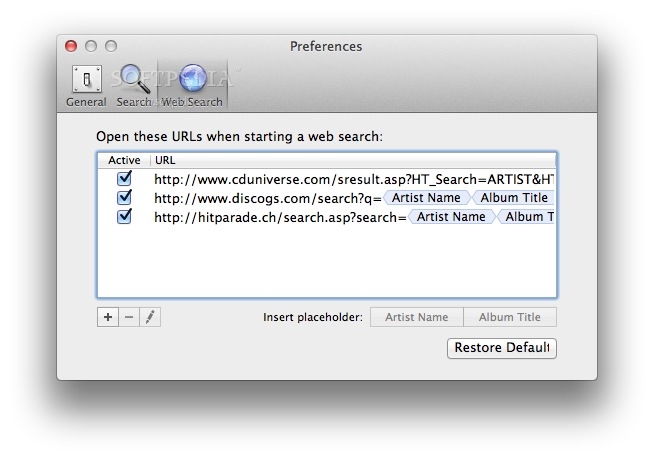
Complete your iTunes collection with authentic album artwork. Check status (complete, incomplete, none) of the artwork already imported in your iTunes collection. Look up various websites (e.g. Amazon, Google, etc.) with CoverScout to find missing artwork. Eventually choose between multiple images or resolutions.
Set cover with one click (right click) for complete albums in your iTunes.
Try the iTunes Artwork screensaver ! You'll love it.
Here are some key features of "CoverScout":
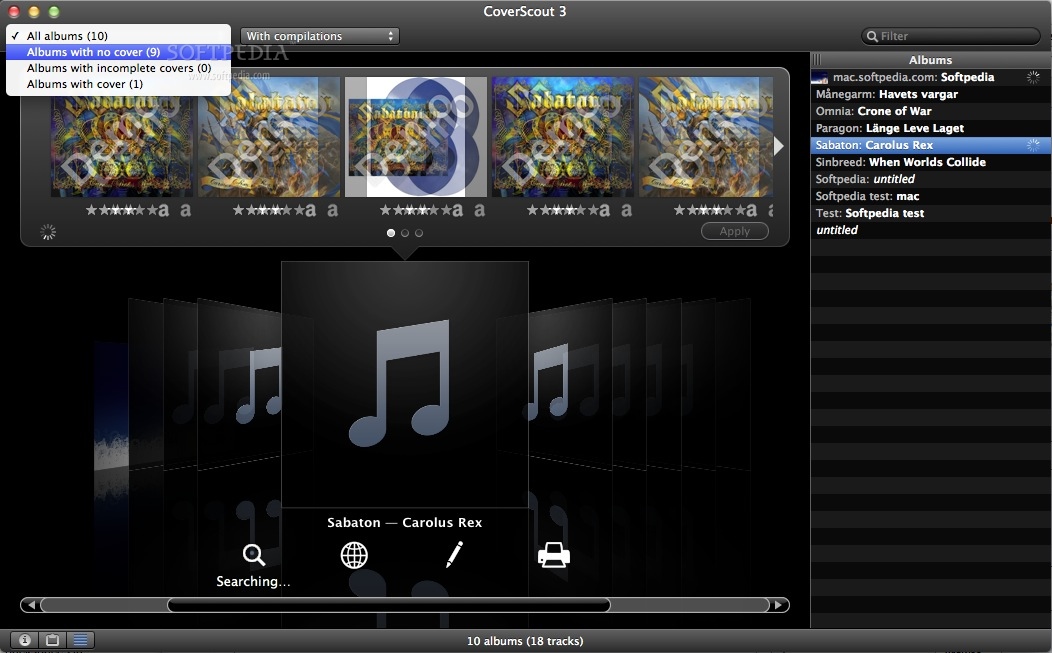
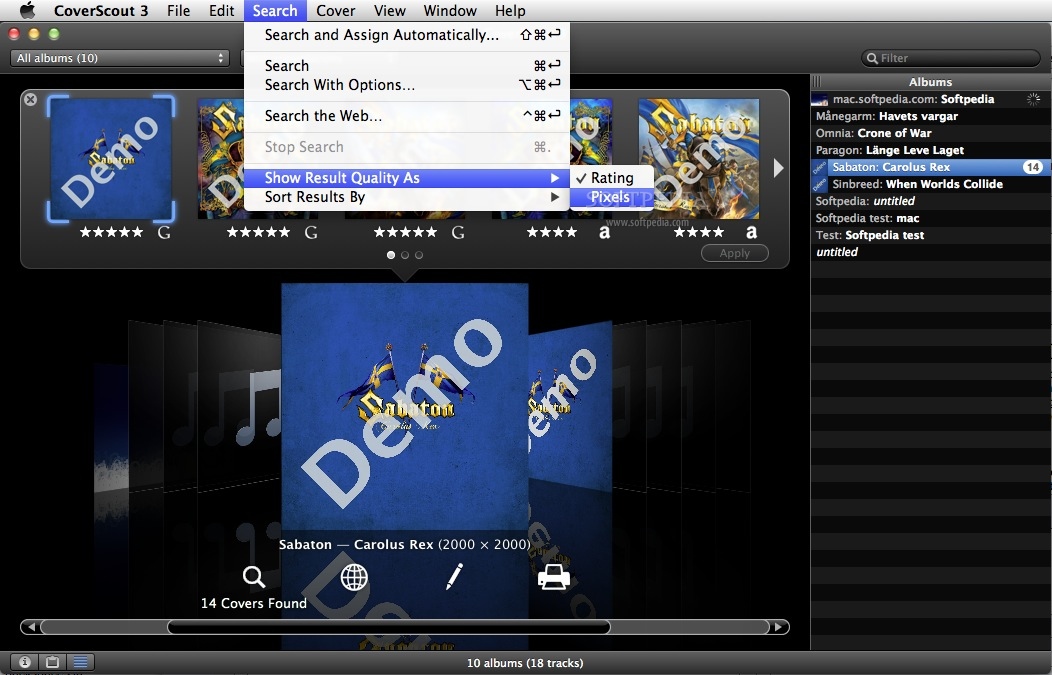
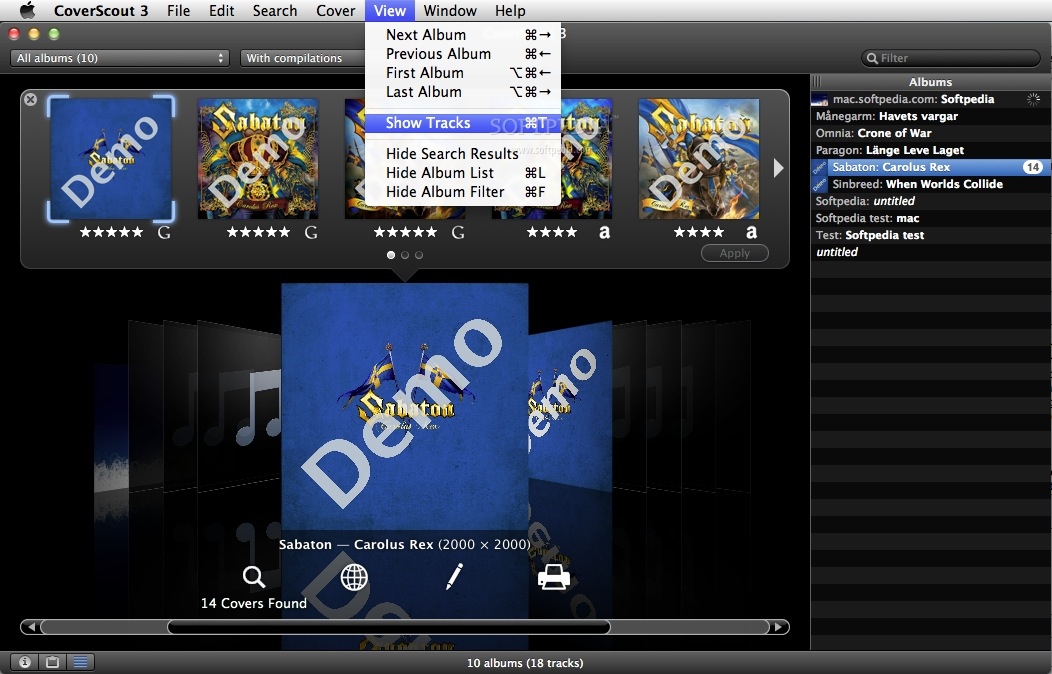
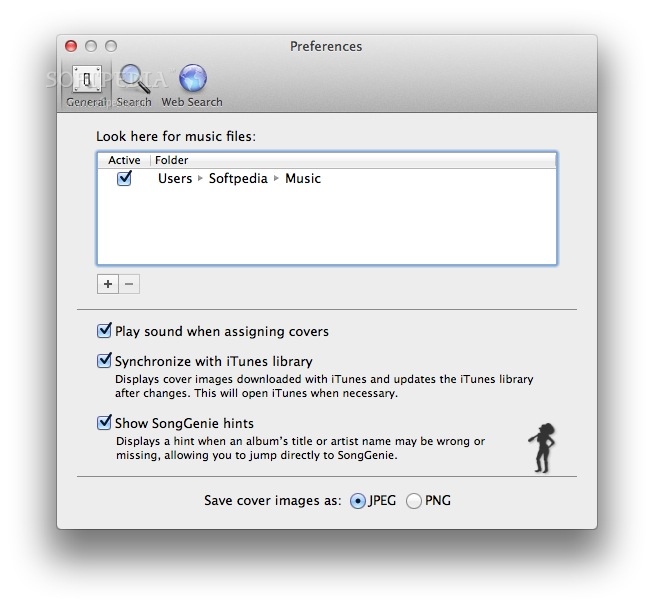
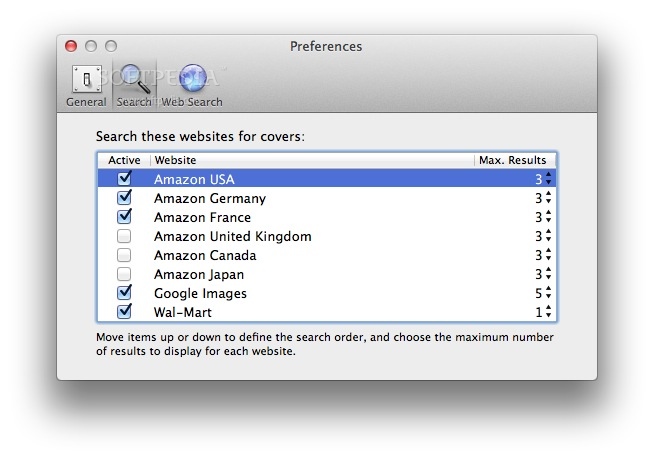
· iPhone Ready With the new iPhone, Apple is not just revolutionizing mobile Internet and mobile communication, but also the way you can browse through your music collection on your iPod. Using the wide display touch screen, you can search through your entire music collection with just one finger - just pick the album you want, flip the cover over and select the songs you want to hear. The current release of CoverScout is fully compatible with the iTunes library and therefore works with the iPhone. · AppleTV Ready Even with Apple's first footstep into the living room, missing artwork is a peeve. Apple TV shows the artwork of the current selected music title - but what when there's nothing to display? CoverScout fills in the gap. As Apple TV also gets its content out of the iTunes library, you can seamlessly use CoverScout to add missing cover art for use on your new your Apple TV. · iPod-o-rific The iPod was the first device to benefit from the ability to show cover art. When Apple integrated a search for cover art in iTunes 7, it was limited to the iTunes Store. CoverScout became the first choice for all music lovers that had the urge and desire to cover their entire music library beyond those covers stocked by the iTunes Music Store. · Intelligent Interface CoverScout's interface now includes a column (next to the cover status) that displays both, the current cover status and the cover type (Cover Flow vs. ID3) in the library browser. Green check mark = cover and title are stored in the music file (as ID3 tag). Grey triangle = cover is stored externally. In this case, let the matchmaker, do its work! Abundant Resources · Amazon - Amazon has a wide variety of music in-store. CoverScout retrieves album cover information and displays it for you. All you need to do is apply it to your iTunes library. · Google Images - CoverScout allows you to find album covers through Google Images. Just select your album, click the Google search button, then browse until you find a cover you like. Just Ctrl+click to apply the cover to your selected album. · Country selection - CoverScout allows you a country specific search within Amazon. So if you favorite artist is Japanese, search Amazon.co.jp. Simply be international in your searches! · Album Cover Quality - Having the choice between different search resources gives you the opportunity to find the best quality Album Cover for your all important iTunes music library. · Rare Albums If you are looking for a rare classic album or your favorite local band and you know the Internet address, then you can locate the cover with CoverScout. Just click the the Google search button and then enter the URL in the address bar. Once you have found the cover, Ctrl+click the image to apply the cover to your iTunes library. · Multiple Album CoverScout allows you to select many albums in your library and do a one-click album cover search on Amazon. Once you have clicked the search button, all the results will be displayed in the Progress drawer. Simply go through the list and highlight the album covers you want to apply to your iTunes music library. · Track or Album Some of your albums might be compilations of various artists, like The Best of the 80's, a film soundtrack or even the latest Club Party Mix. You can highlight these albums as "Part of a Compilation" in the Preferences of iTunes. CoverScout gives you the choice to either find the cover for the whole album or the cover for the individual tracks of that album. Filter your library · CoverScout allows you to see clearly in your iTunes library. The Cover Filtering tool displays exactly what you need to see. Either complete, incomplete, missing artwork or status unknown. Status unknown occurs if iTunes 7 is used to modify music files, because the new iTunes version does not include cover information in the library file anymore. When you have incomplete albums, you can always use the existing covers by dragging the cover onto the missing tracks. If your albums are complete, you can always do a search and replace all tracks with new covers. · Filter by compilation - CoverScout allows you to add an extra filter by Compilation. This means you can choose that either only your compilations are displayed or that none are shown at all. · Search Field - CoverScout allows you to filter your entire music library by entering a search term in the search field. Just see what you need! · Automatic Bulk Import You can set CoverScout to automatically apply Album Covers to your iTunes library. You have the choice to automate import if: only one cover is found, album name matches or if only one cover is found and album name matches. In these cases all Album Covers will be effortlessly applied to your library. However, if you decide that you want to hand pick specific covers, you can deactivate this function. · Preselect Album Covers After doing a Multiple Album search, you can individually hand pick a cover for each album result using the artwork inspector. Once you have preselected one album in each search you can APPLY them all instantly to your iTunes library. Clipboard · Store your favorite covers temporarily - When browsing through the different searches, you can place your favorite covers in the clipboard. This will give you a clear view and you'll be able to use them later. · Apply Clipboard Covers - You can use the covers in the clipboard to apply to your iTunes library. Just drag and drop the cover on your selected album in CoverScout.
Requirements:
· iTunes 6.0.2 or later.
· Active internet connection.
What's New in This Release: [ read full changelog ]
· Improved compatibility with iTunes 8 library.
· Better album cover display in the iTunes 8 GridView.
· Improved search on Amazon websites.
|
|
 | | |  | | Softpedia guarantees that CoverScout 2.3.9 is 100% CLEAN, which means it does not contain any form of malware, including spyware, viruses, trojans and backdoors. [read more >] |
|
|
|
|
| Curator 1.1.2 |
| Curator - The iTunes artwork manager that lets you download artwork for all of your music and copy it to iTunes |
|
| iChartwork 3.2 |
| iChartwork synchronizes your avatar on iChat/Adium and the iTunes artwork of current song |
|
|
|
|
|
|
|
|
|
|
|
|
|
| DGuitar 0.5.4 |
| DGuitar is a Guitar Pro (*.GP4, *.GP3, GTP) viewer, player that works under MacOS X |
|
|
|
|
|
| DNRD 2.20.3 |
| Free and open source domain name relay daemon |
|
| FSDB 0.5 |
| A file system data base that comes with a thread-safe, process-safe Database class |
|
| Xplorer 1.5 |
| A very amusing hidden object game where you have to navigate around the globe. |
|
|
|
|
|
|