
An application that provides you color measurement and analysis. #Translate RGB #Color translator #Color analyzer #Translator #Analyzer #Color
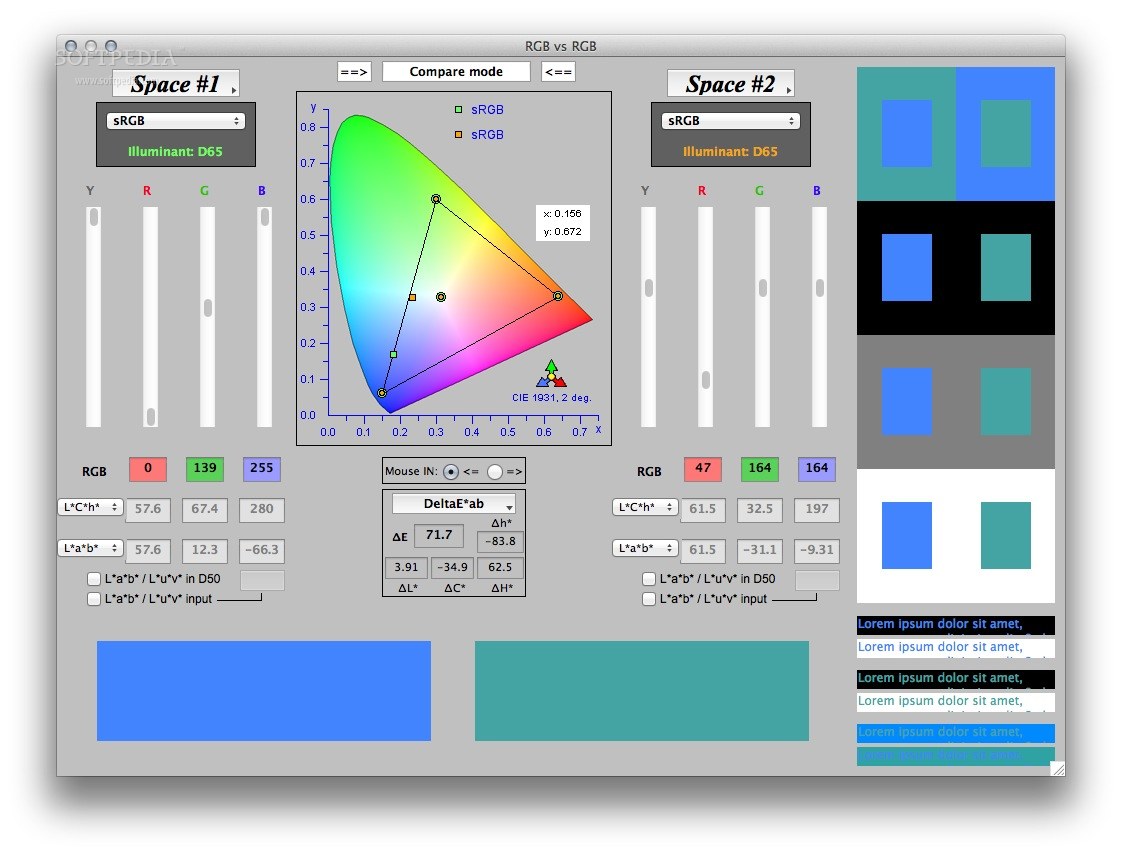
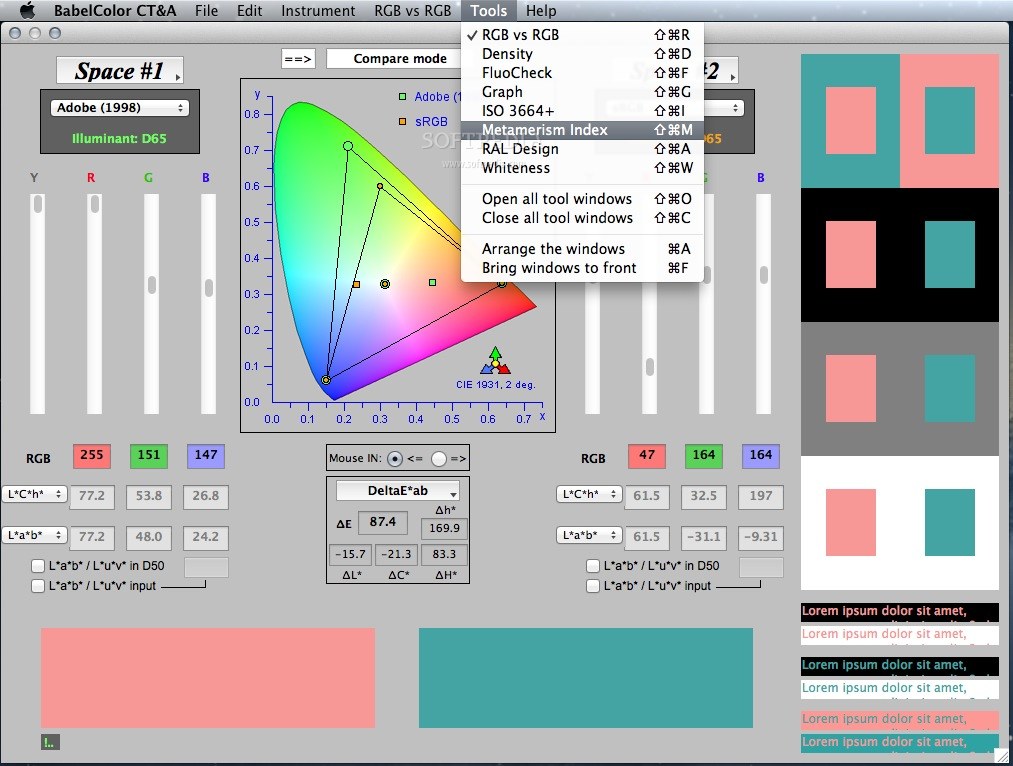
BabelColor CT&A is a collection of tools specifically designed for color translation, measurement and analysis.
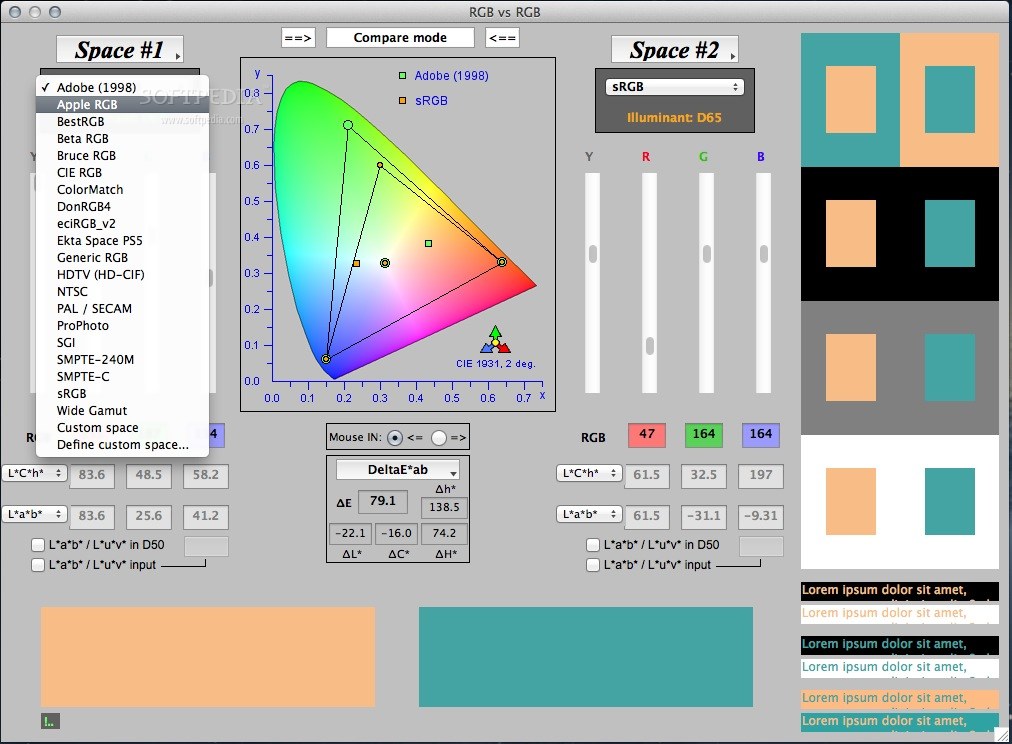
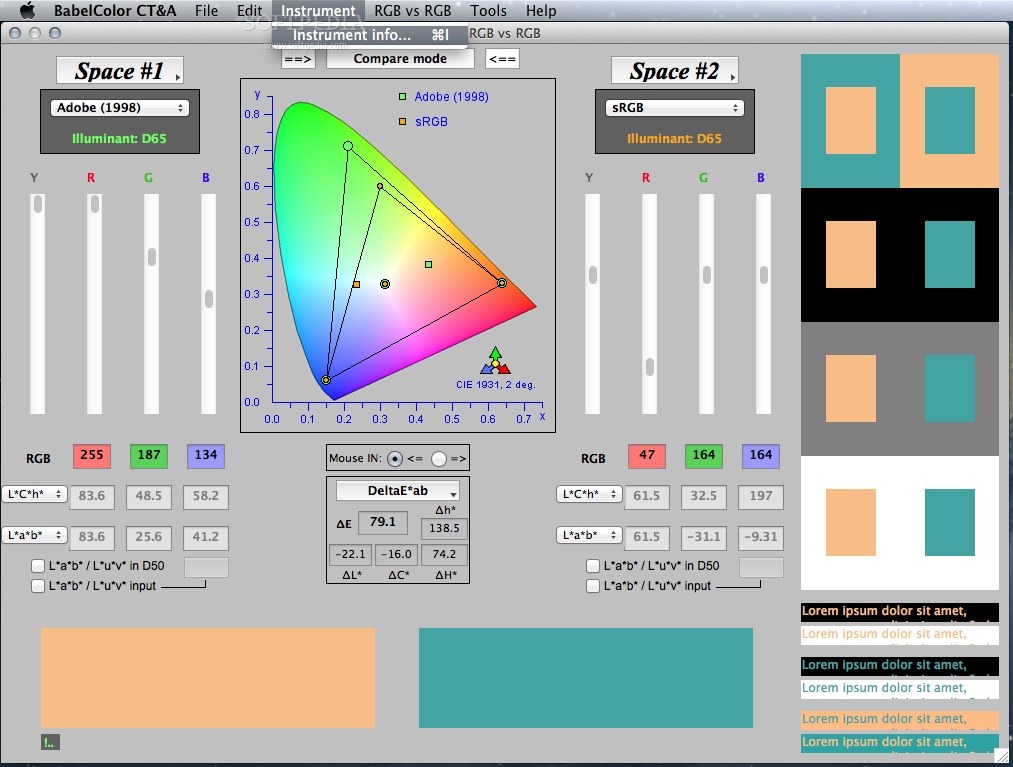
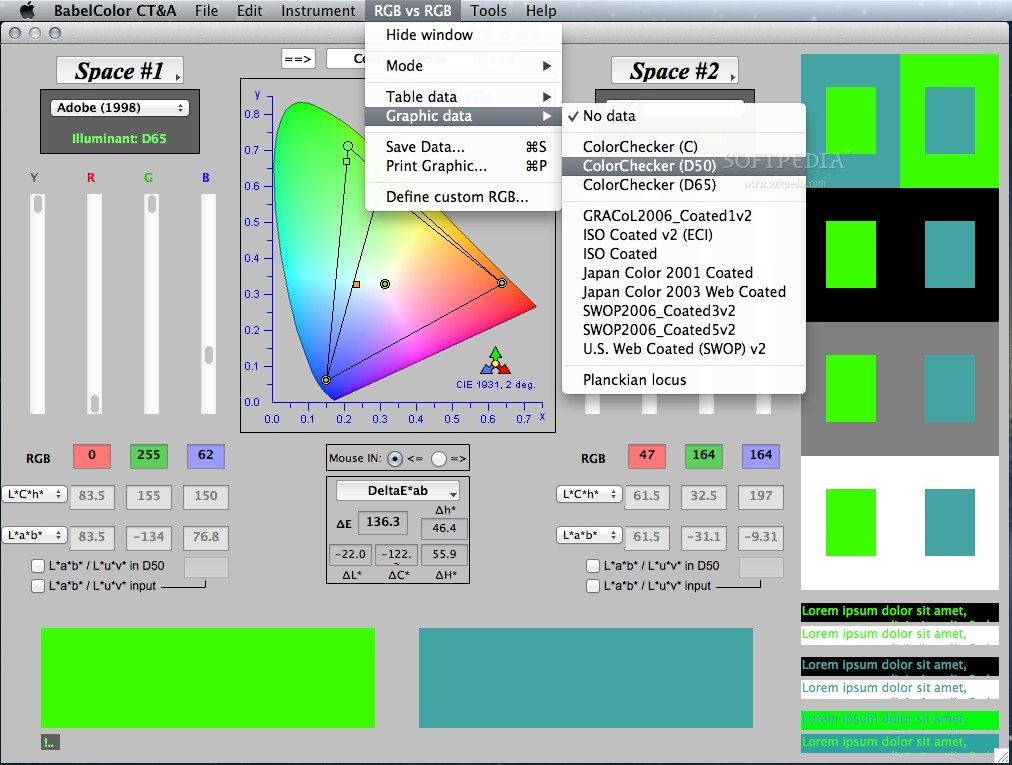
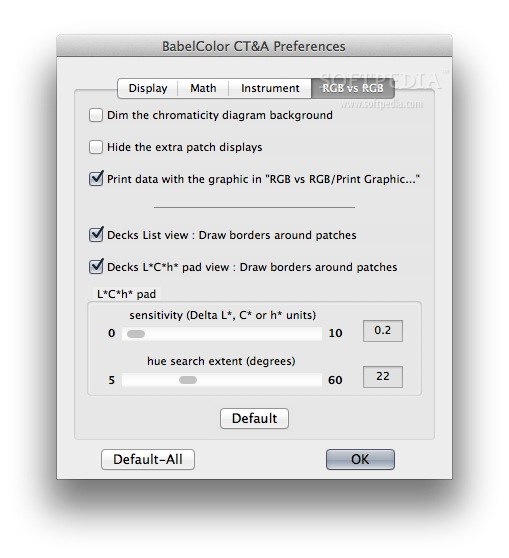
Tools are all grouped by theme in individually managed windows and here is a short description of each window: · RGB vs RGB: A bidirectional RGB color-space translator and comparator tool. This tool accepts manually entered L*a*b* and RGB inputs; it does not require a color measurement instrument although an instrument can be used to input data (instruments purchased separately). All other tools need spectral data in order to provide results; these tools are collectively called spectral tools. Except for the FluoCheck tools, all spectral tools accept inputs from an i1Pro or i1Pro 2 spectrophotometer, manufactured by X-Rite; the FluoCheck tools requires an i1Pro 2. · Density: A full featured densitometer which can measure Reflection Density, Dot Area, Apparent Trap, Print Contrast, Hue Error, Grayness, and Saturation. · FluoCheck: The FluoCheck tools provide numerical data on the color stability of one or two samples under the M0, M1, and M2 Measurement Conditions as defined in ISO 13655. · Graph: The Graph tools enable you to compare two spectrums and perform simple spectral math operations between them (add, subtract, average, multiply). Measurements can be taken in reflectance, emission, ambient and flash modes. · ISO 3664+: The ISO 3664+ tools can be used to evaluate the viewing conditions for Prints, Transparencies, and Color monitors, as per ISO 3664, with additional flexibility in setting the individual goals. · Metamerism Index (MI): The MI tools provide numerical data on the color stability of a single sample (color inconstancy) or of a pair of samples (metamerism) under various illuminants. · RAL Design: This tool is used to obtain the color of a measured sample in RAL DESIGN notation. · Whiteness: The Whiteness tools are designed to measure the whiteness, brightness, fluorescence, and opacity of printing papers.
For photographers, press operators, graphic and web designers, product and textile designers, scientists, hobbyists.
System requirements
- Minimum: Mac OS X 10.4+, 750 MHz, 1024x768 (the task bar should be hidden to maximize the display area), 32 bit color, 512 MB RAM
- Recommended: Mac OS X 10.6+, 1.0+ GHz, 1280x1024 display, 32 bit color, 1 GB+ RAM
Limitations in the unregistered version
- Limited features.
What's new in BabelColor CT&A 4.6.0 Build 345:
- NEW FEATURE:
- RGB vs RGB tool: Added computation and display of the Web Content Accessibility Guidelines (WCAG) Contrast Ratio for text content ( http://www.w3.org/TR/2008/REC-WCAG20-20081211/):
- Get the Contrast Ratio as well as Go/No-Go flags for the Minimal contrast requirements (Level AA) and for Enhanced contrast (Level AAA), for both Normal text and Large text.
- Get the Contrast Ratio and contrast acceptance data for either one of the selected colors against a white or black background, and for one color against the other.
BabelColor CT&A 4.6.0 Build 345
add to watchlist add to download basket send us an update REPORT- runs on:
- Mac OS X 10.4 or later (Intel only)
- file size:
- 24.3 MB
- filename:
- CTA_OS_X.zip
- main category:
- Multimedia
- developer:
- visit homepage
7-Zip

Bitdefender Antivirus Free

IrfanView

calibre

4k Video Downloader

Windows Sandbox Launcher

Context Menu Manager

Zoom Client

ShareX

Microsoft Teams

- Zoom Client
- ShareX
- Microsoft Teams
- 7-Zip
- Bitdefender Antivirus Free
- IrfanView
- calibre
- 4k Video Downloader
- Windows Sandbox Launcher
- Context Menu Manager