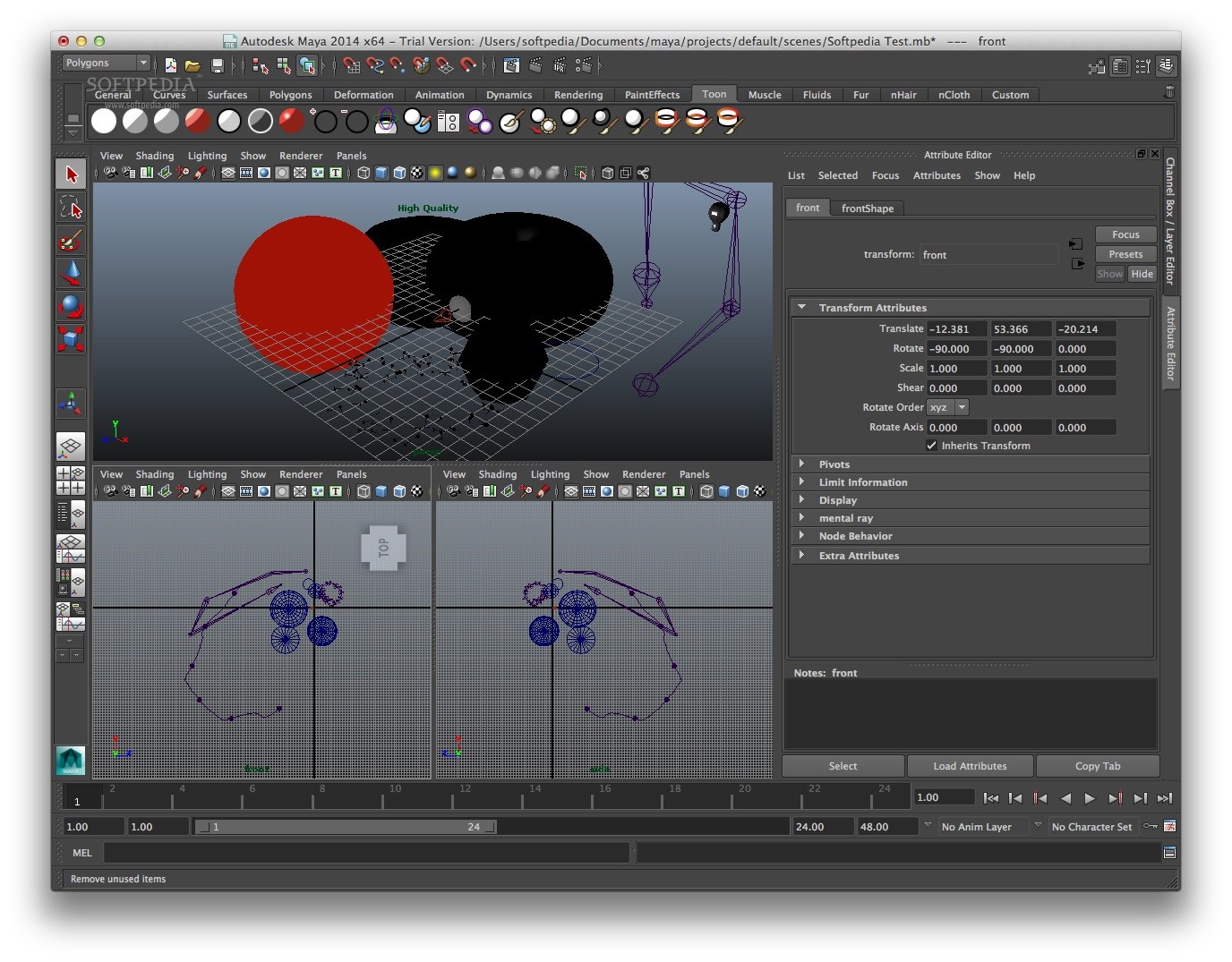
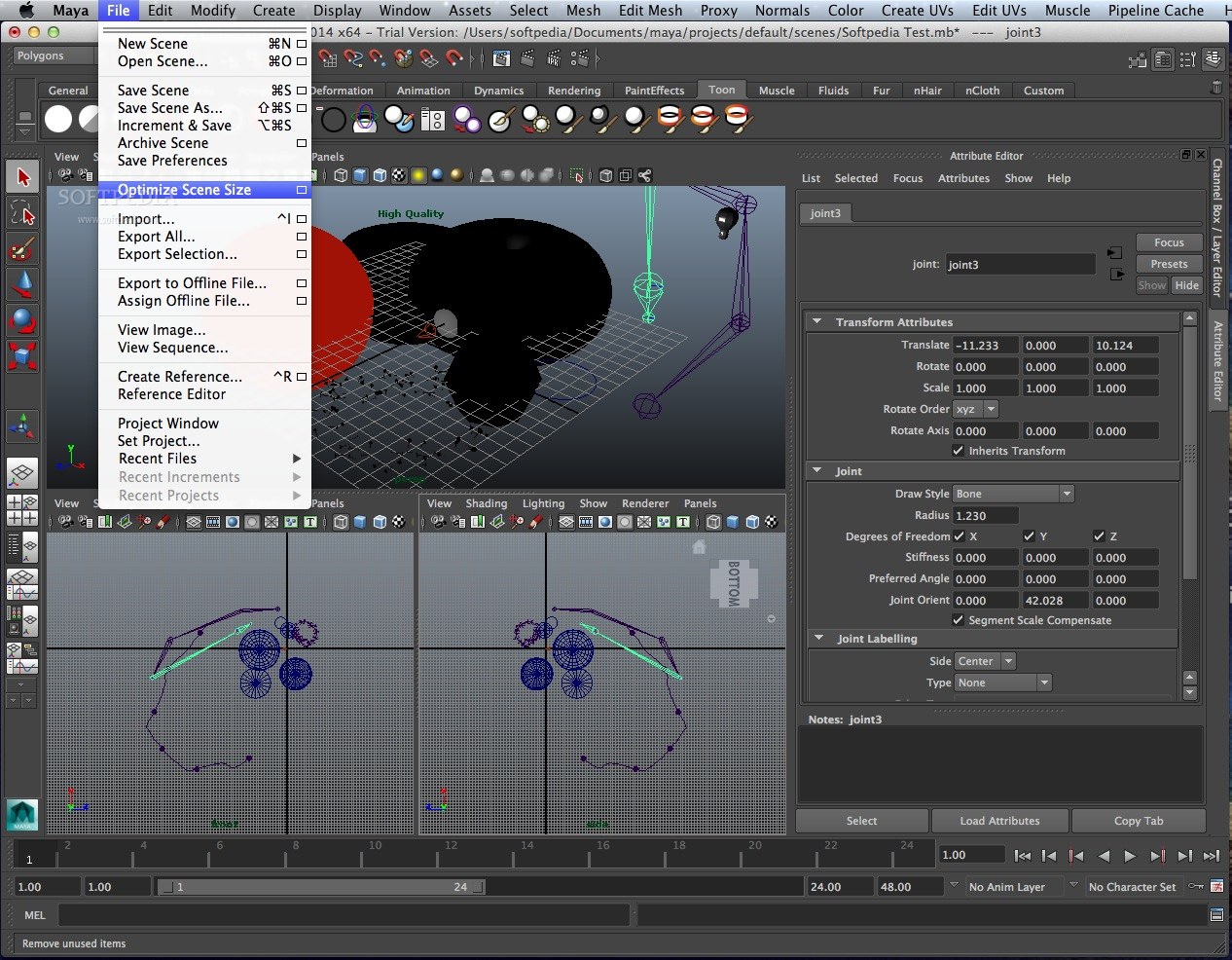
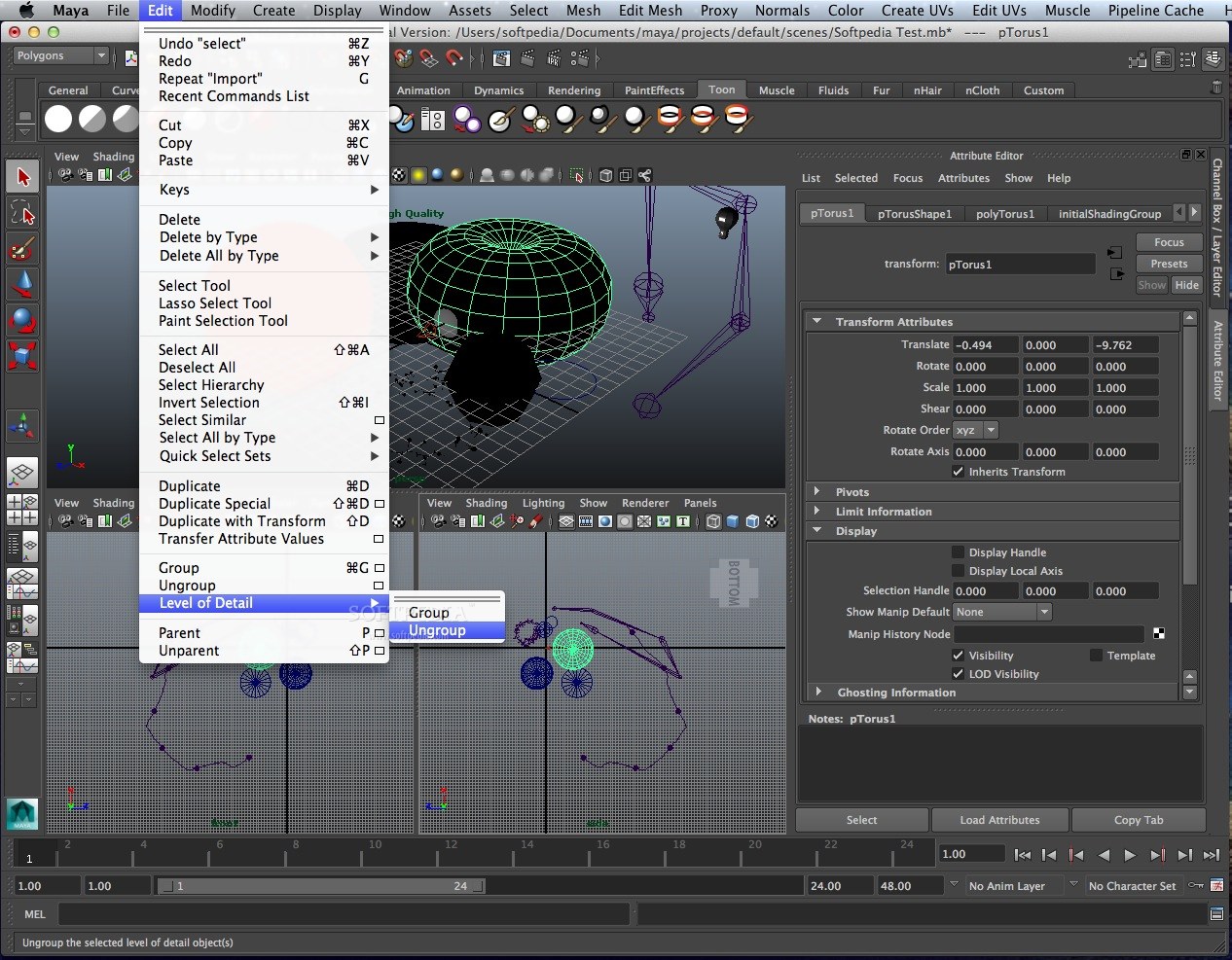
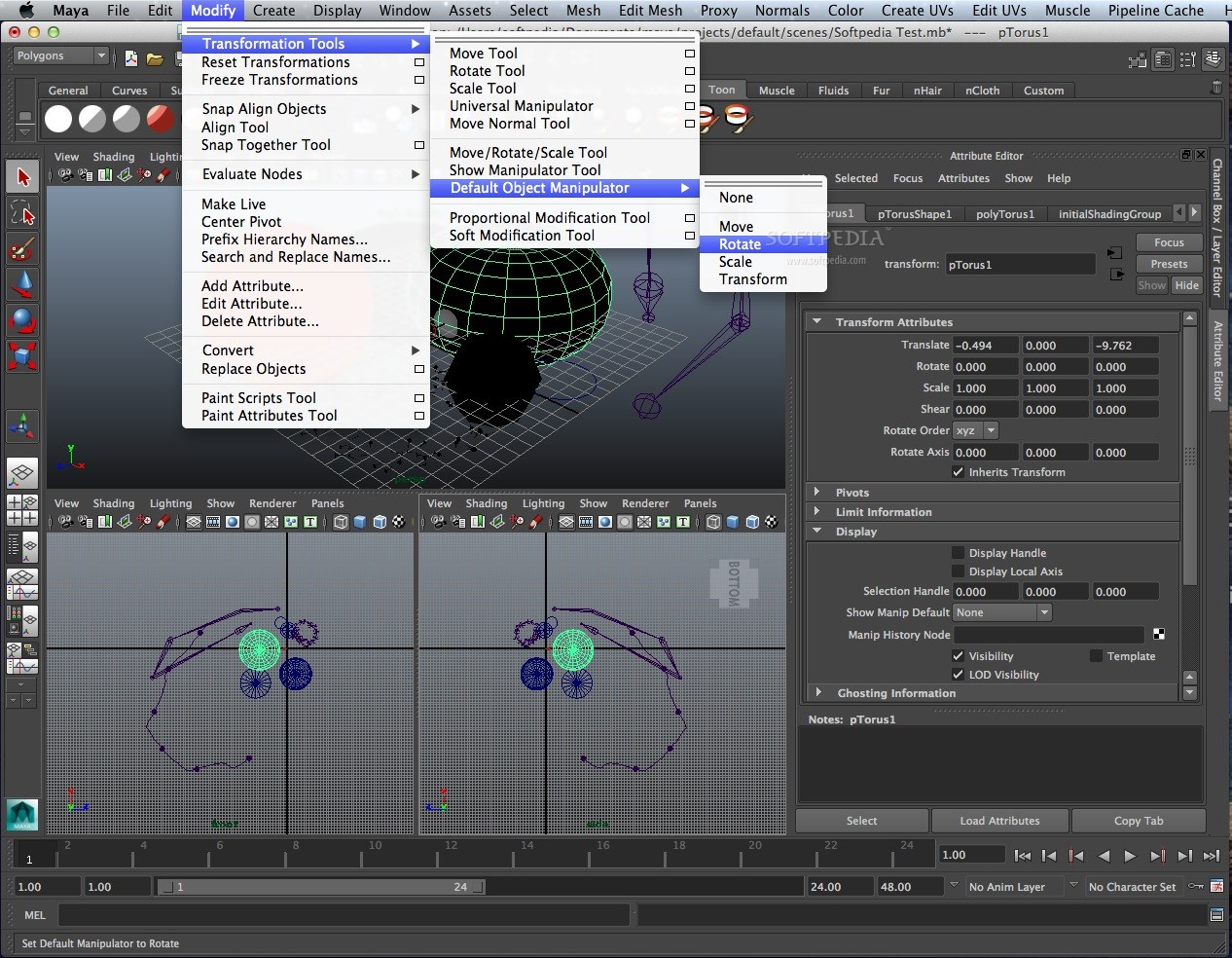
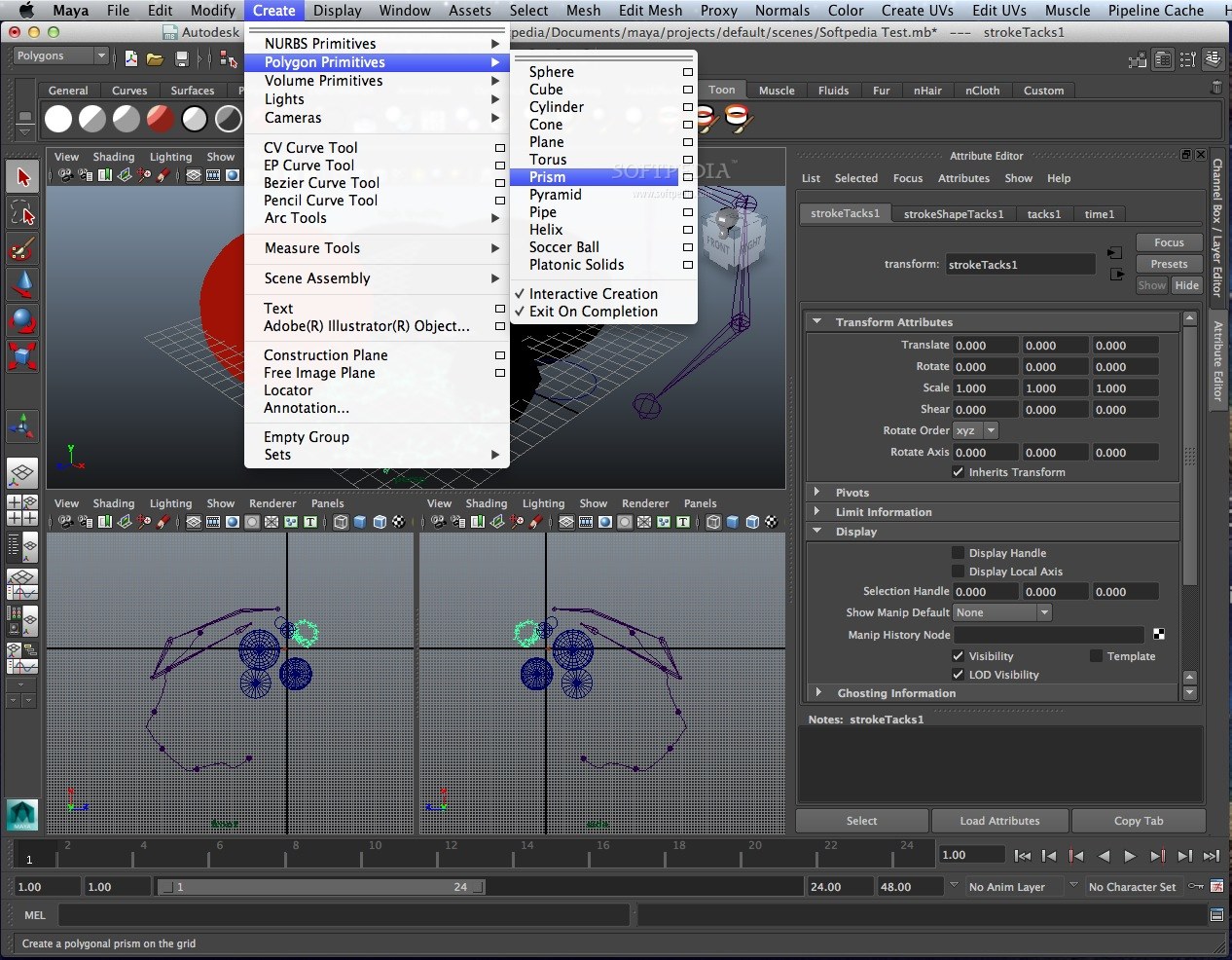
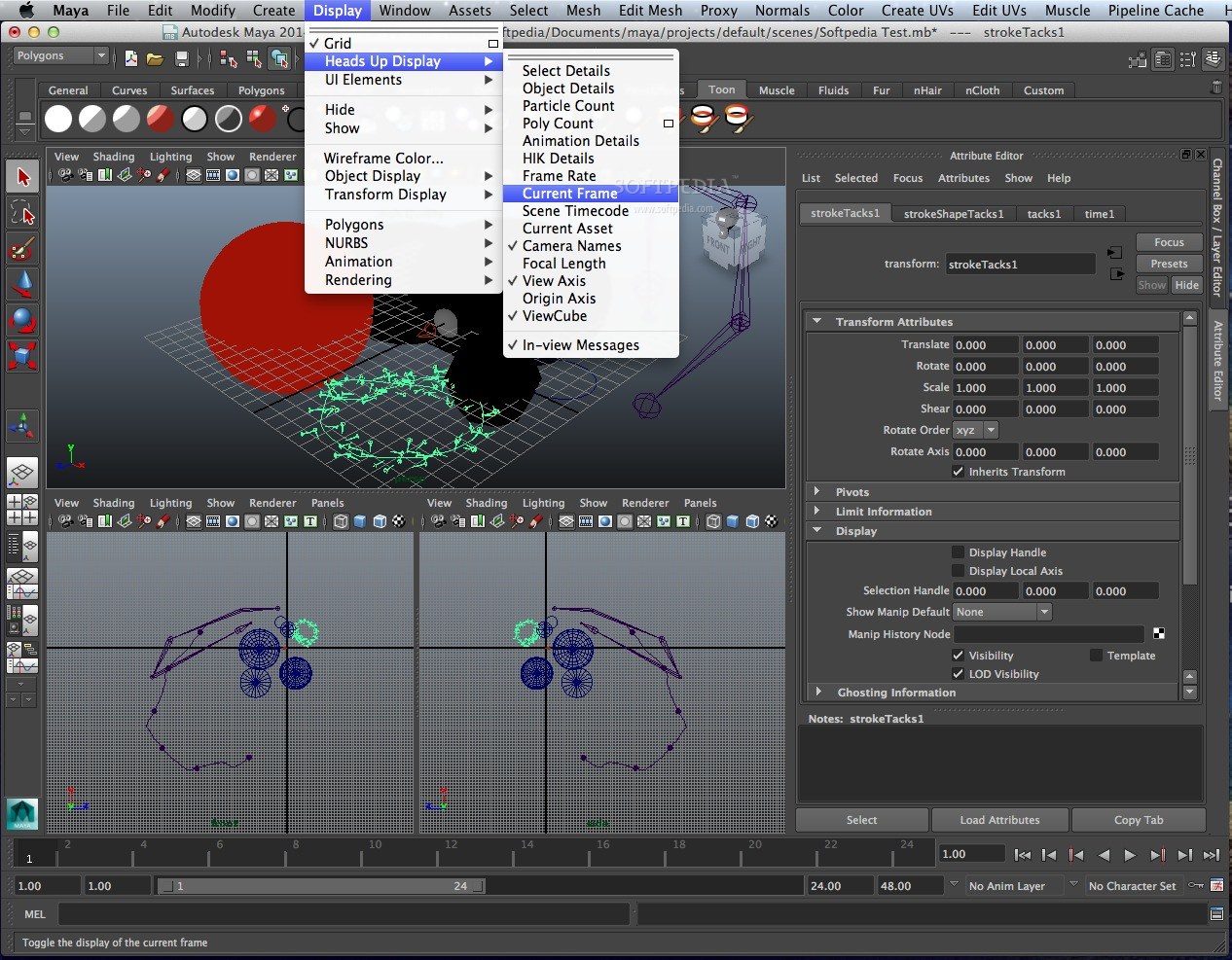
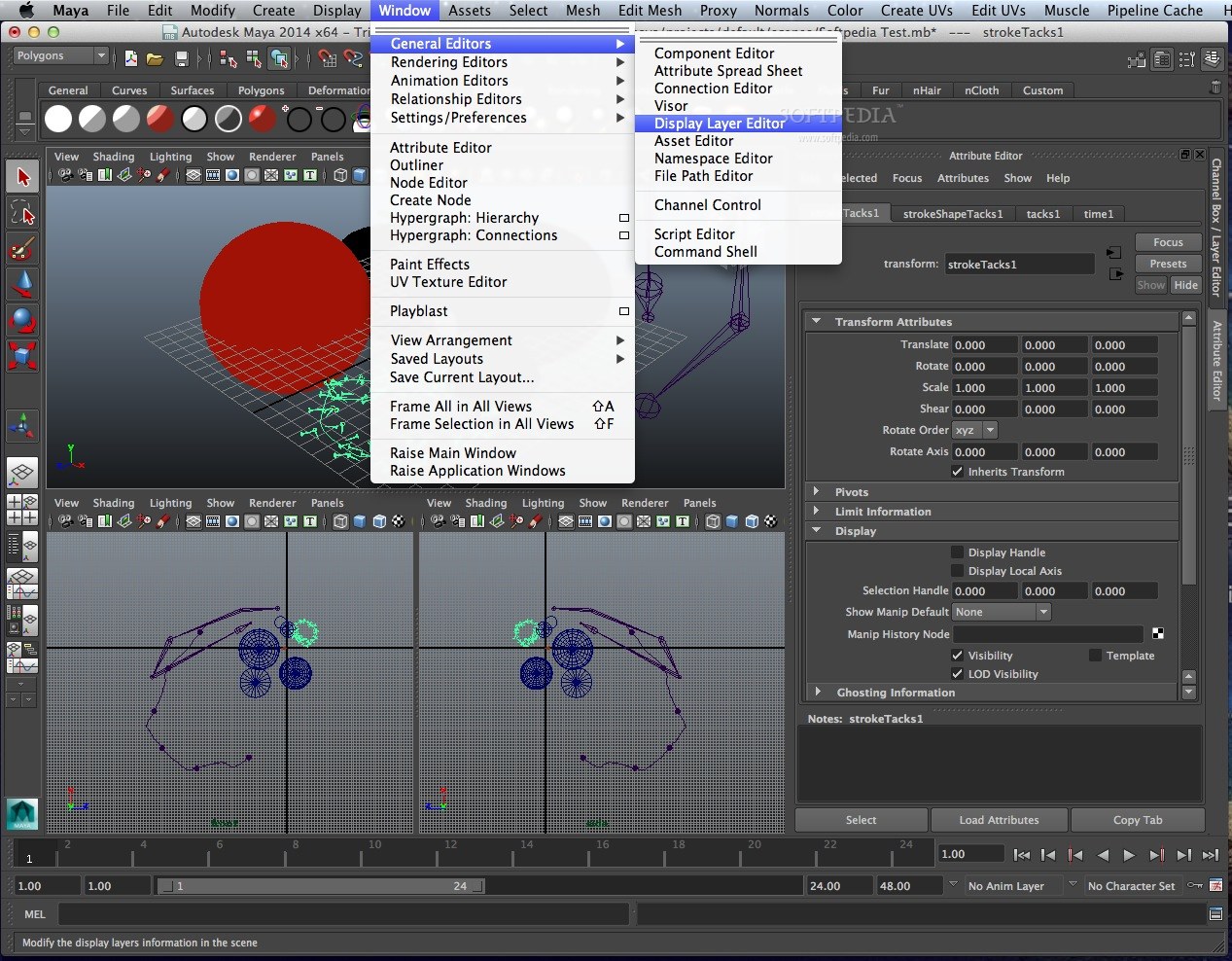
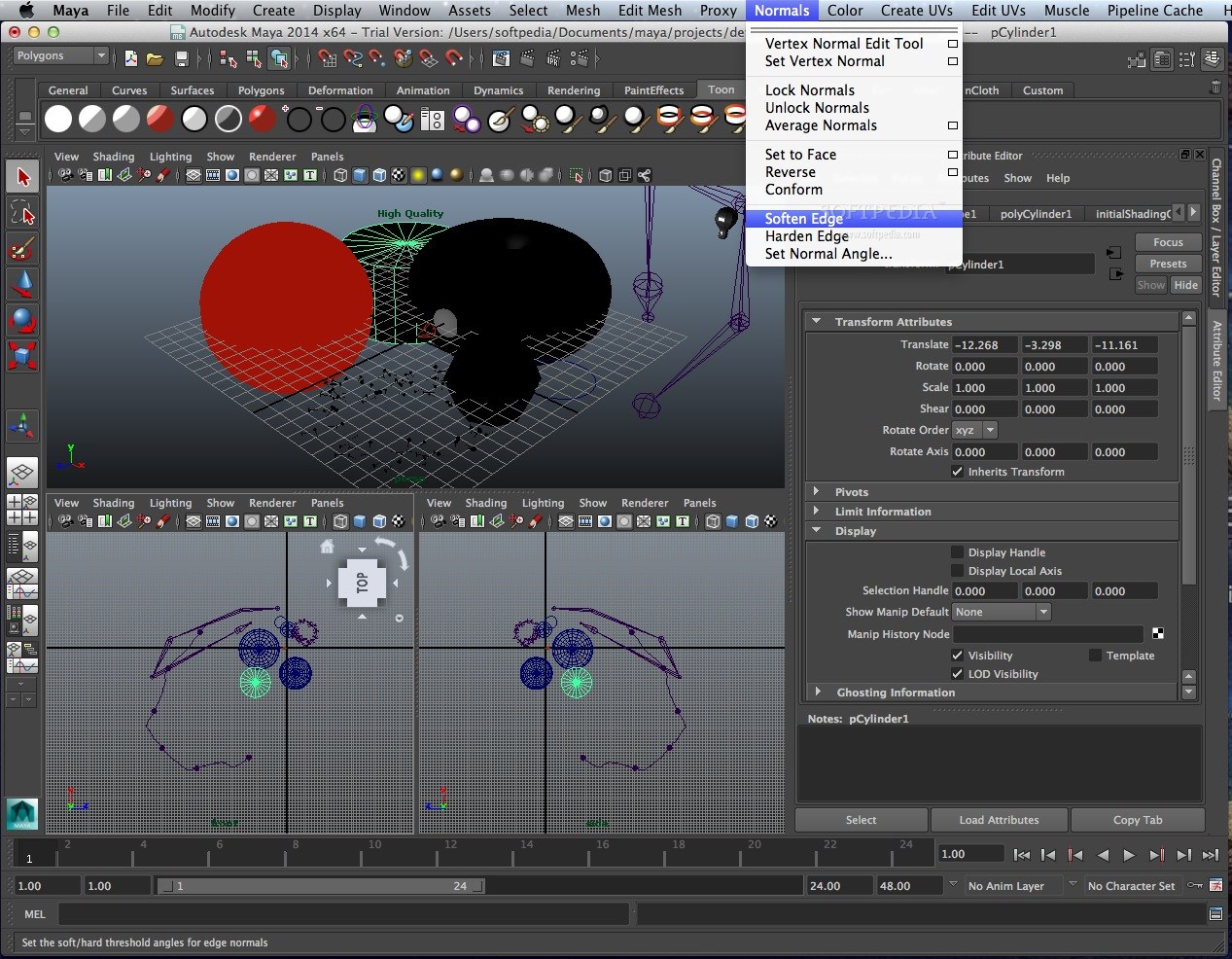
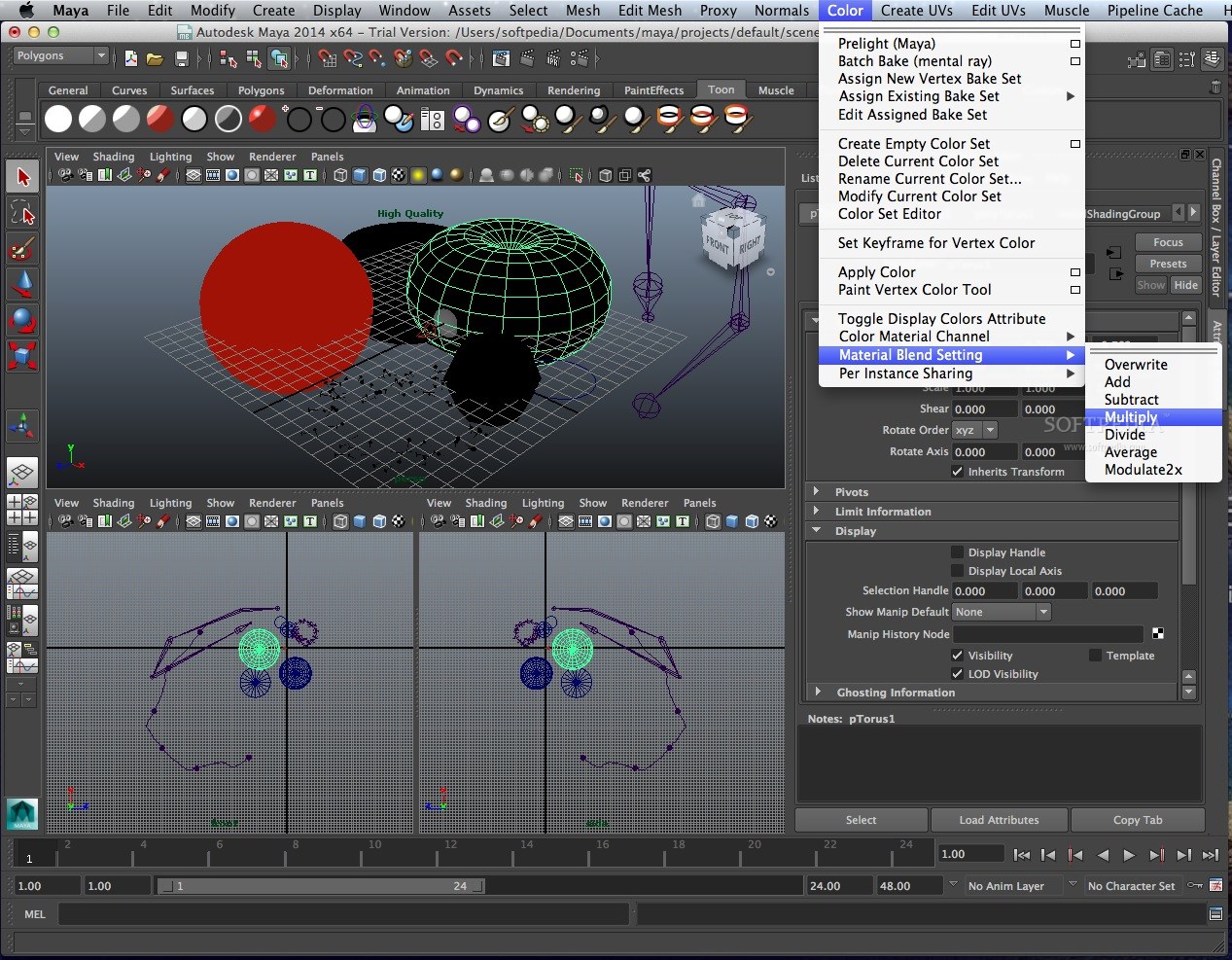
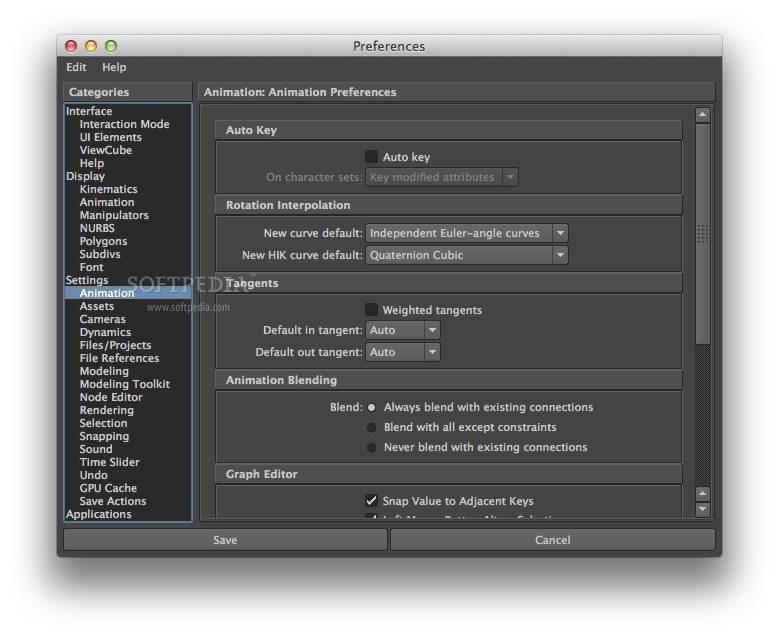
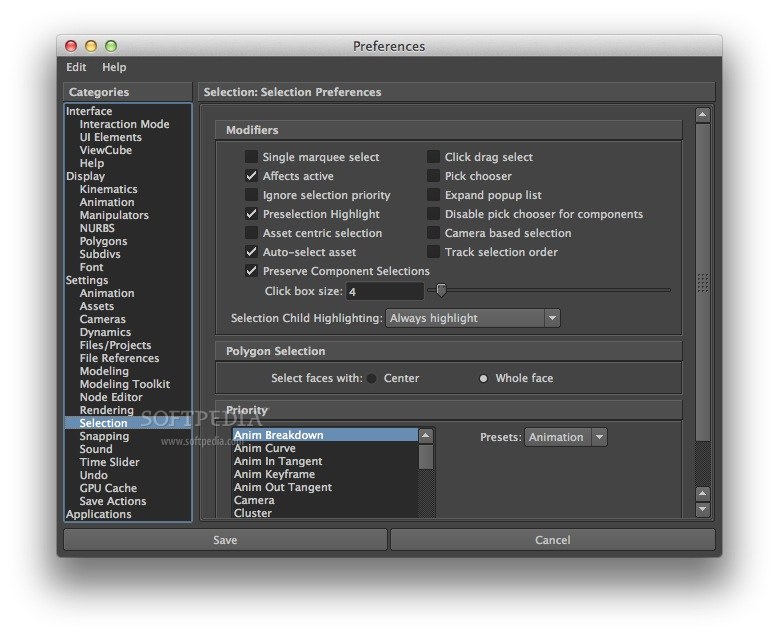
Turn your big ideas into reality. Academy Award winning Autodesk Maya software is the world's most powerfully integrated 3D modeling, animation, effects and rendering solution. Autodesk Maya will also add to the quality and realism of 2D graphics.
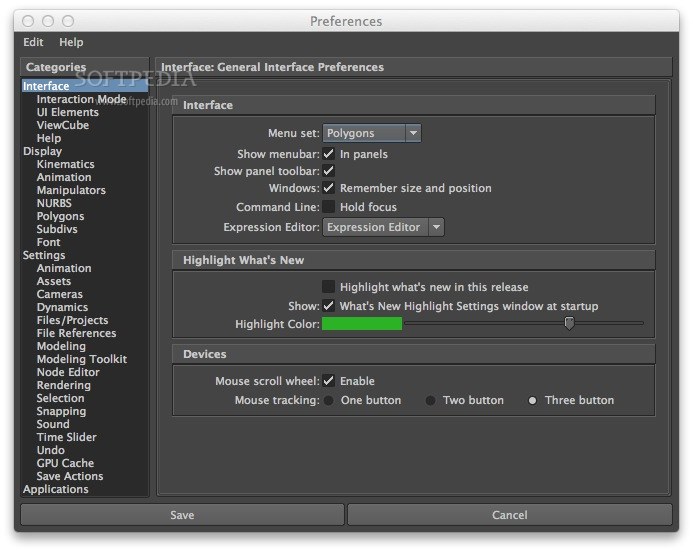
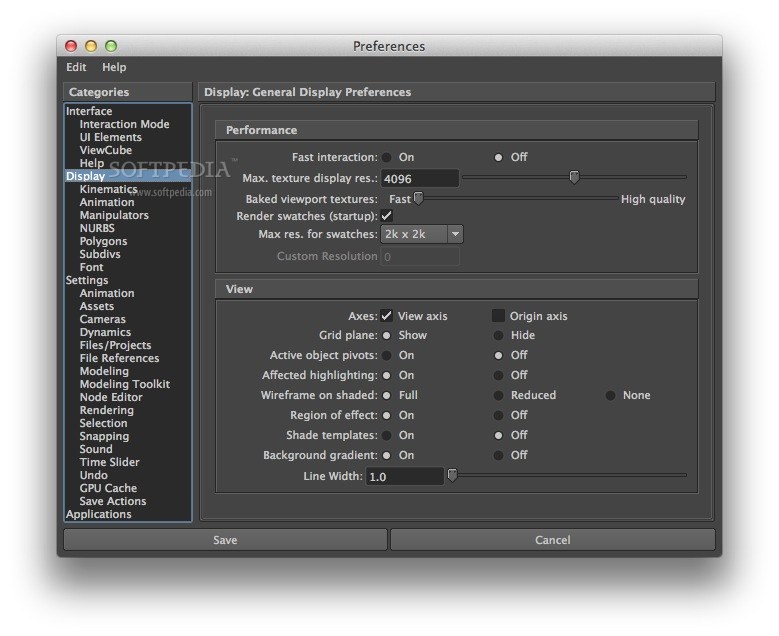
Artists and designers select Maya because of its intuitive user interface, which facilitates customization and fine-tuning of effective workflows, and technicians (technical directors and programmers) choose Maya for its reliability, open architecture, wide range of supported platforms, and the ease with which it can be incorporated into any existing or new production pipeline.
Productivity-Enhancing Workflows
Get unmatched productivity through a combination of performance and workflow features, including marking menus, 3D manipulators, selective display, brush-based tools, selection management tools, and unlimited levels of undo. Advanced data and scene management functionality give you the flexibility to work the way you want.
Comprehensive 3D Modeling and Texturing Toolsets
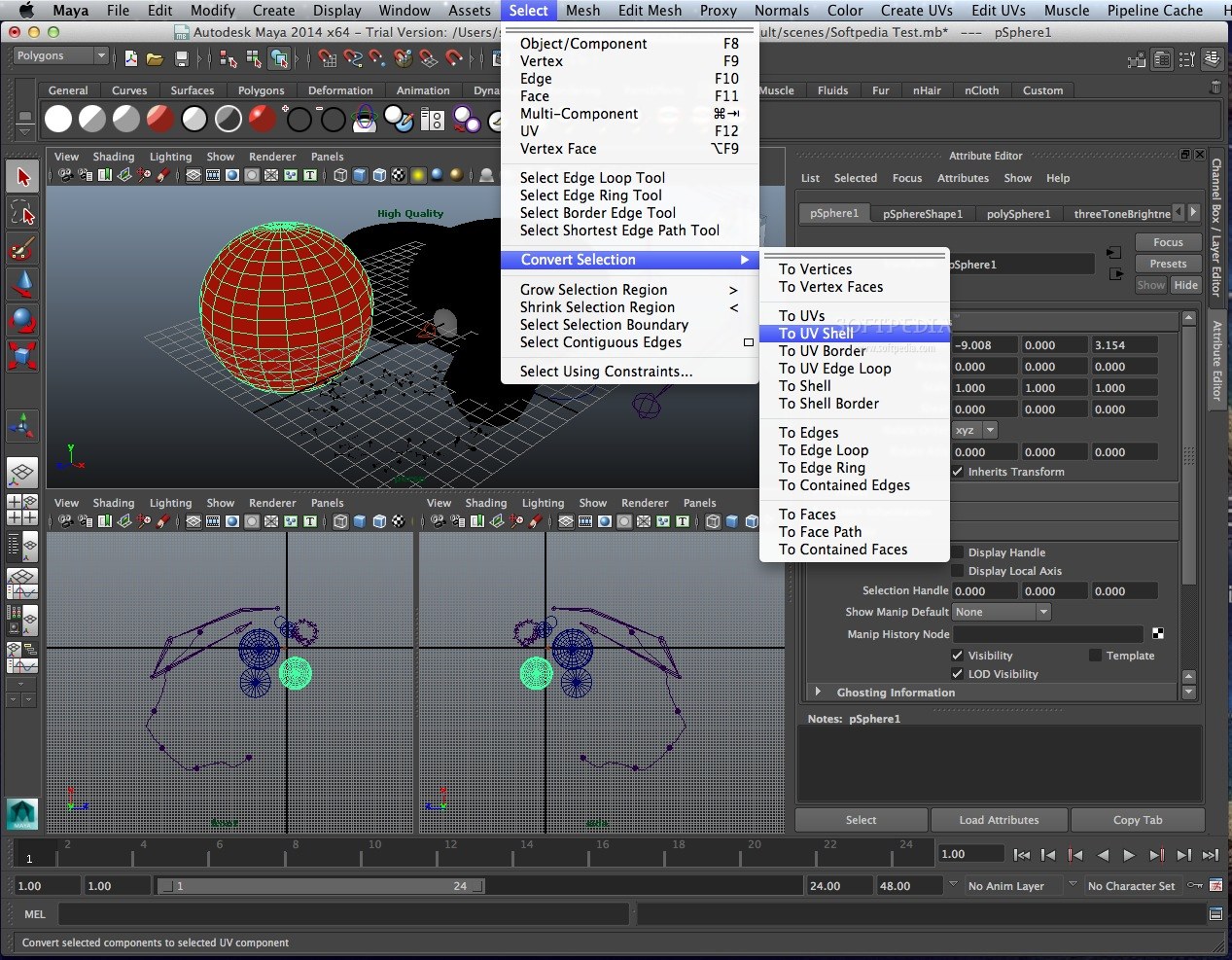
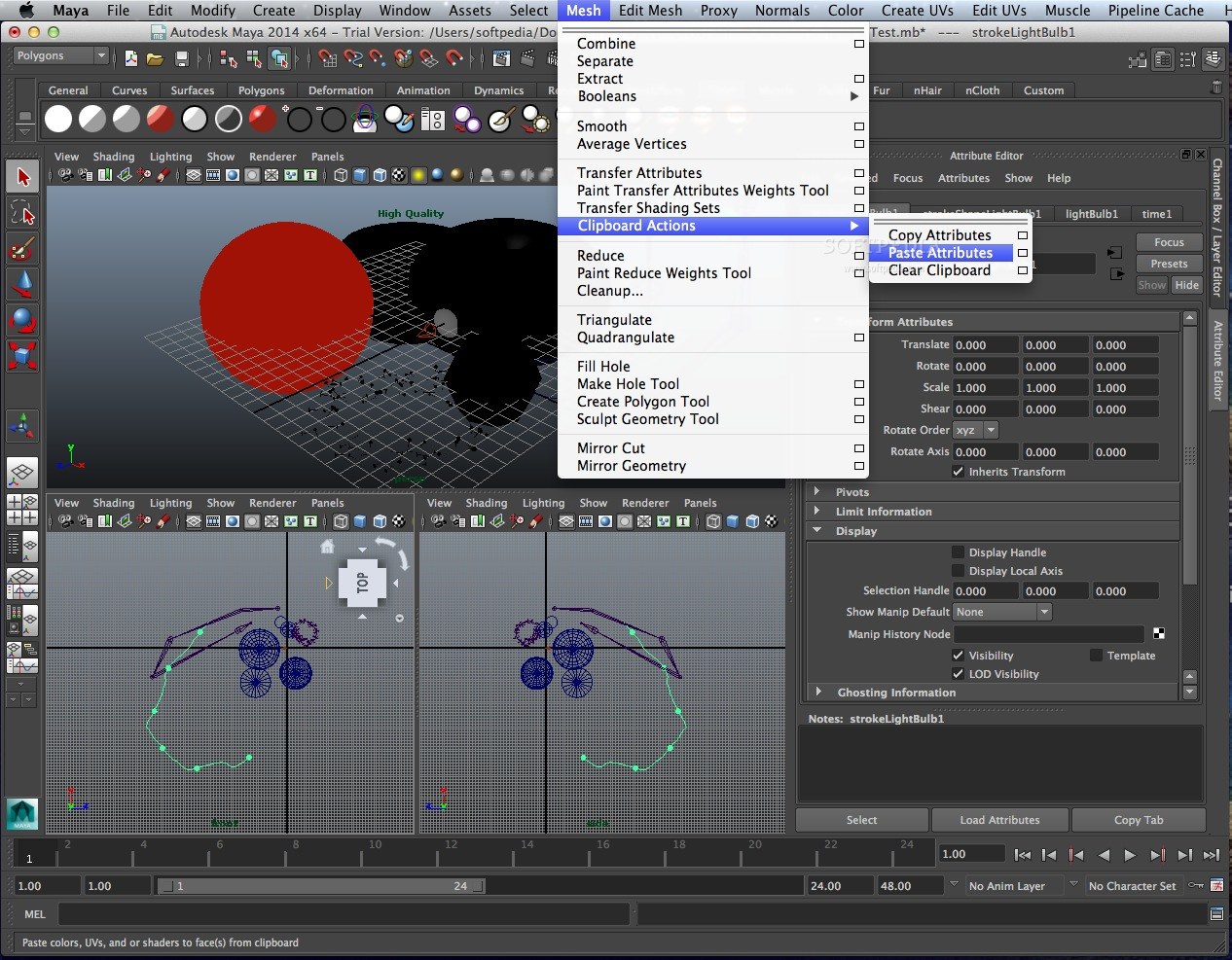
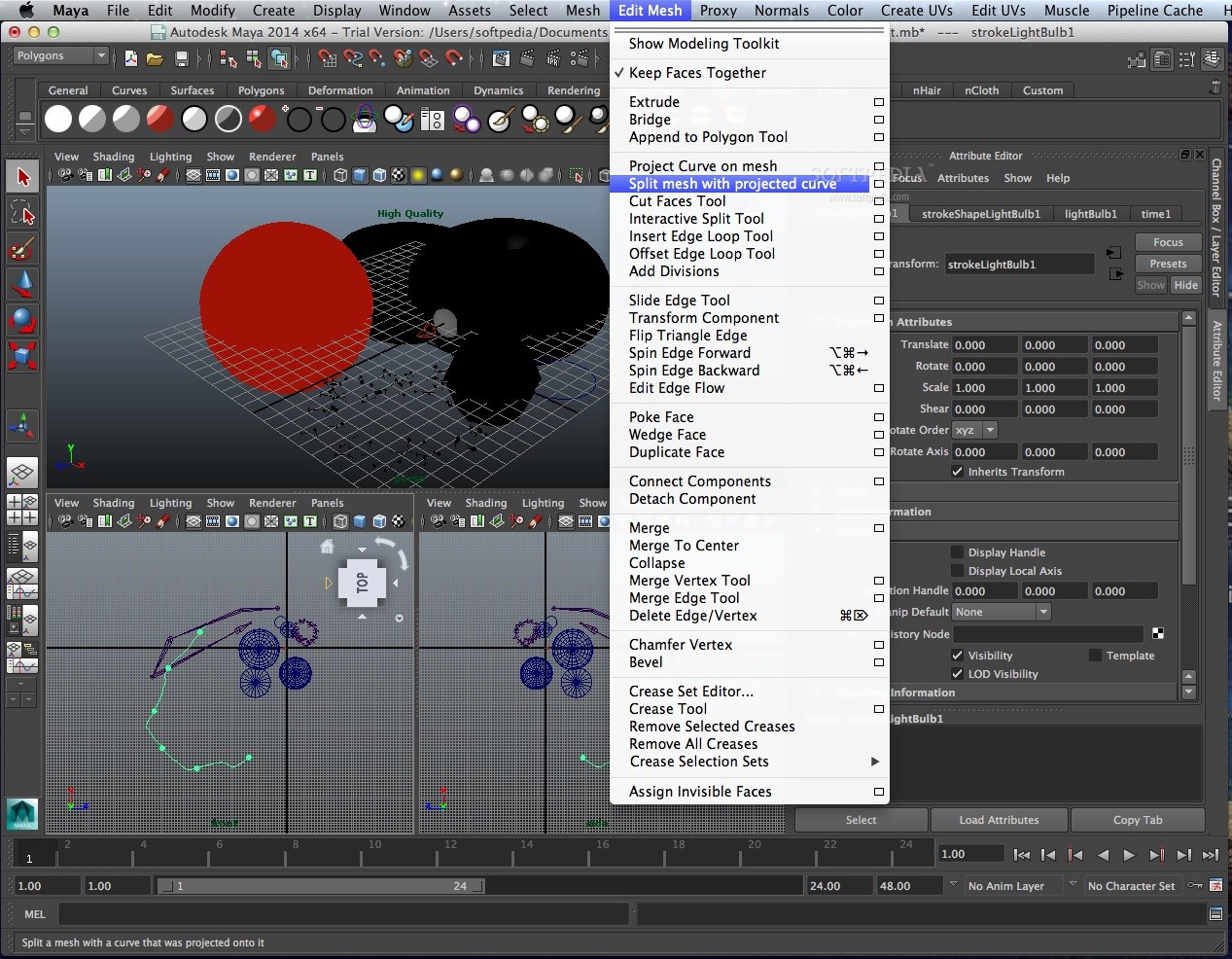
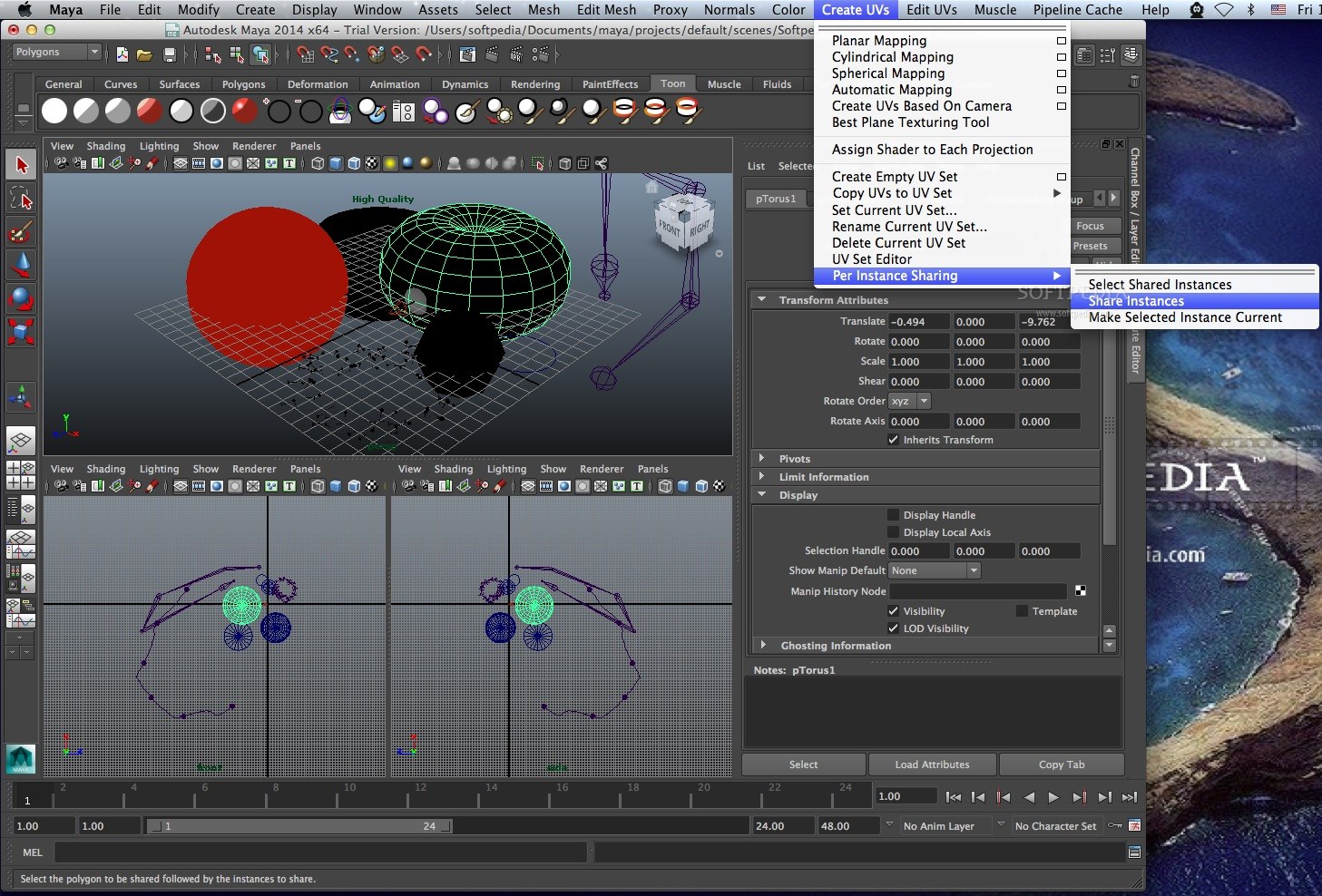
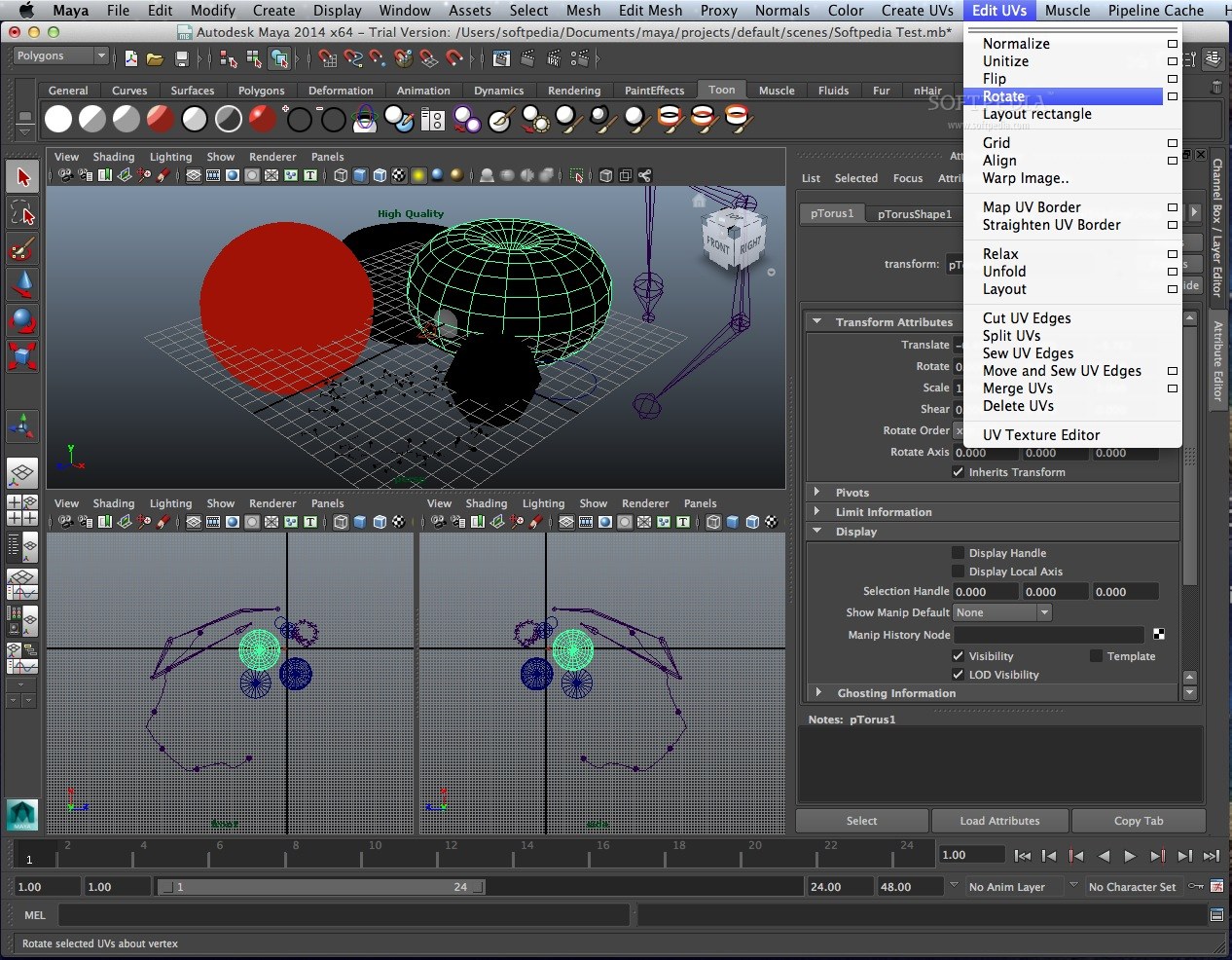
Access a full suite of production-proven polygon, NURBS, and subdivision surface modeling and texturing tools. The polygon workflow tools, including advanced selection functionality, attribute transfer tools, an interactive UV layout and unfolding mode, and optimization tools—have also been designed to promote efficiency.
Powerful Animation Functionality
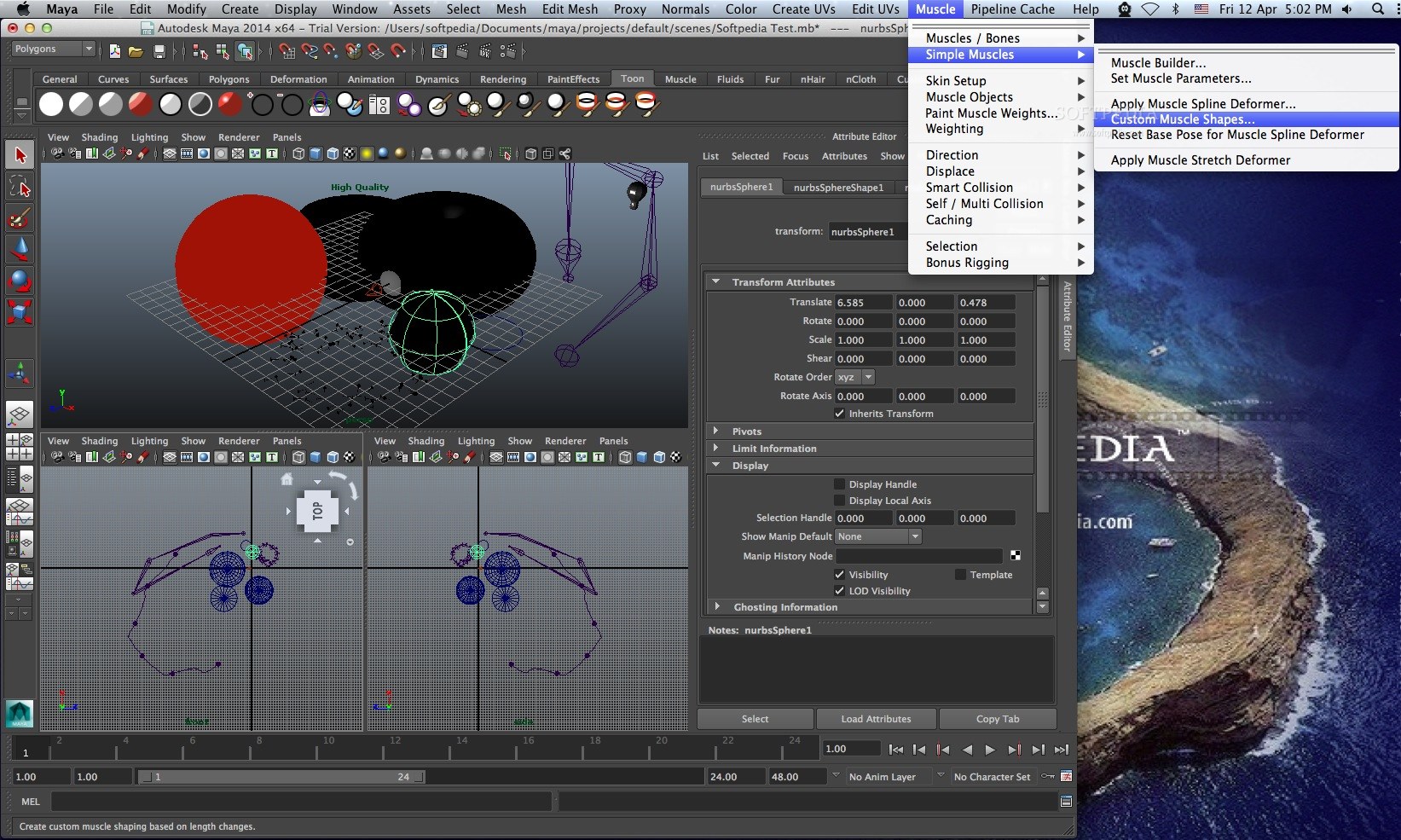
Animate characters and other scene elements with a comprehensive range of specialized keyframe, nonlinear, and advanced character animation editing toolsets, including animation layers, graph and dope sheet editors, constraints, expressions, a nonlinear animation data editor, full-body inverse kinematics (IK) system, skinning functionality, and Maya Muscle.
Advanced Visual Effects Tools
Produce any visual effect you can imagine, from highly realistic natural phenomena to stylized, 2D “painterly” effects. Maya software delivers dynamic interaction of hard and soft bodies determined by physical rules, along with the state-of-the-art visual-effects technology of Maya nCloth, Maya nParticles, Maya Fluid Effects, Maya Fur, Maya Hair, and more.
Flexible Rendering
With Maya, you get the freedom to choose the right renderer and rendering pipeline for your project. A unified user interface and workflow provide easy and consistent access to the Maya hardware and vector renderers as well as the powerful mental ray for Maya and mental ray for Maya network rendering (Satellite) options.
You can also use the Render Layers and the Render Pass tools to create an efficient workflow from Maya to Autodesk Toxik software and other compositing packages.
Tools for Extending and Customizing Maya
Customize, extend, and manipulate Maya. The fully integrated Maya Embedded Language (MEL) and Python scripting languages give you high-level access to every aspect of the software so you can create custom windows, reconfigure the user interface, and issue commands from an HTML page. Moreover, the OpenMaya API/SDK completely unlocks the power of Maya for C++ and Python developers, providing direct, low-level access to all scene data required to make effective plug-ins and new types of nodes, shaders, manipulators, file importers and exporters, and more.
Here are some key features of "Autodesk Maya":
· Intuitive User Interface
· Data and Scene Management Tools
· Polygon Modeling
· NURBS Modeling
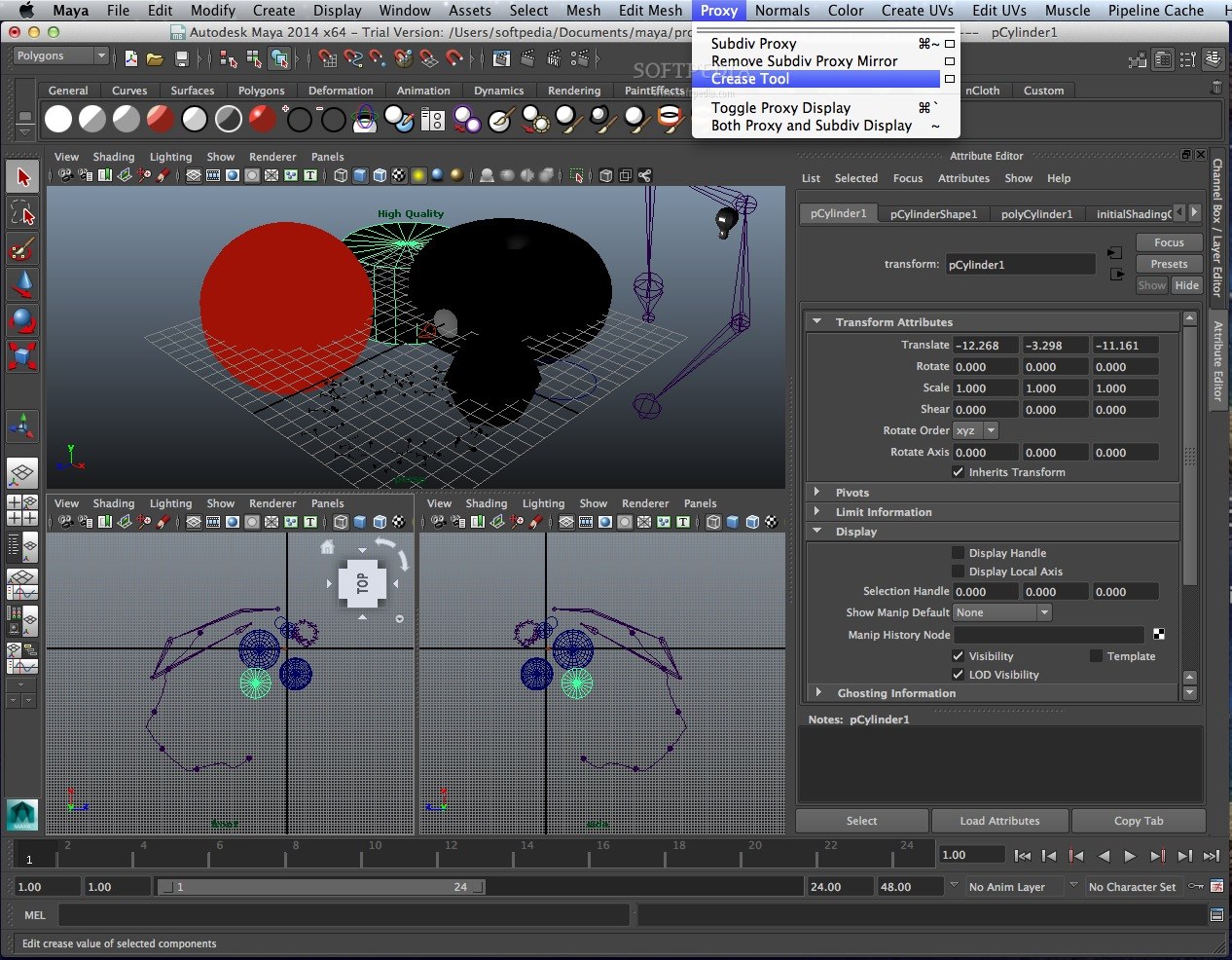
· Subdivision Surface Modeling and Polygon Proxy Modeling
· General Animation
· Character Animation
· Muscle and Skin System
· Deformers
· Rigid and Soft Body Dynamics
· Particles and Fields
· Maya Paint Effects
· Toon Shader
· Maya Artisan
· 3D Paint
· Multiple Rendering Options
· Rendering Controls and Effects
· Integrated Scripting
· OpenMaya API/SDK
· Japanese Localization
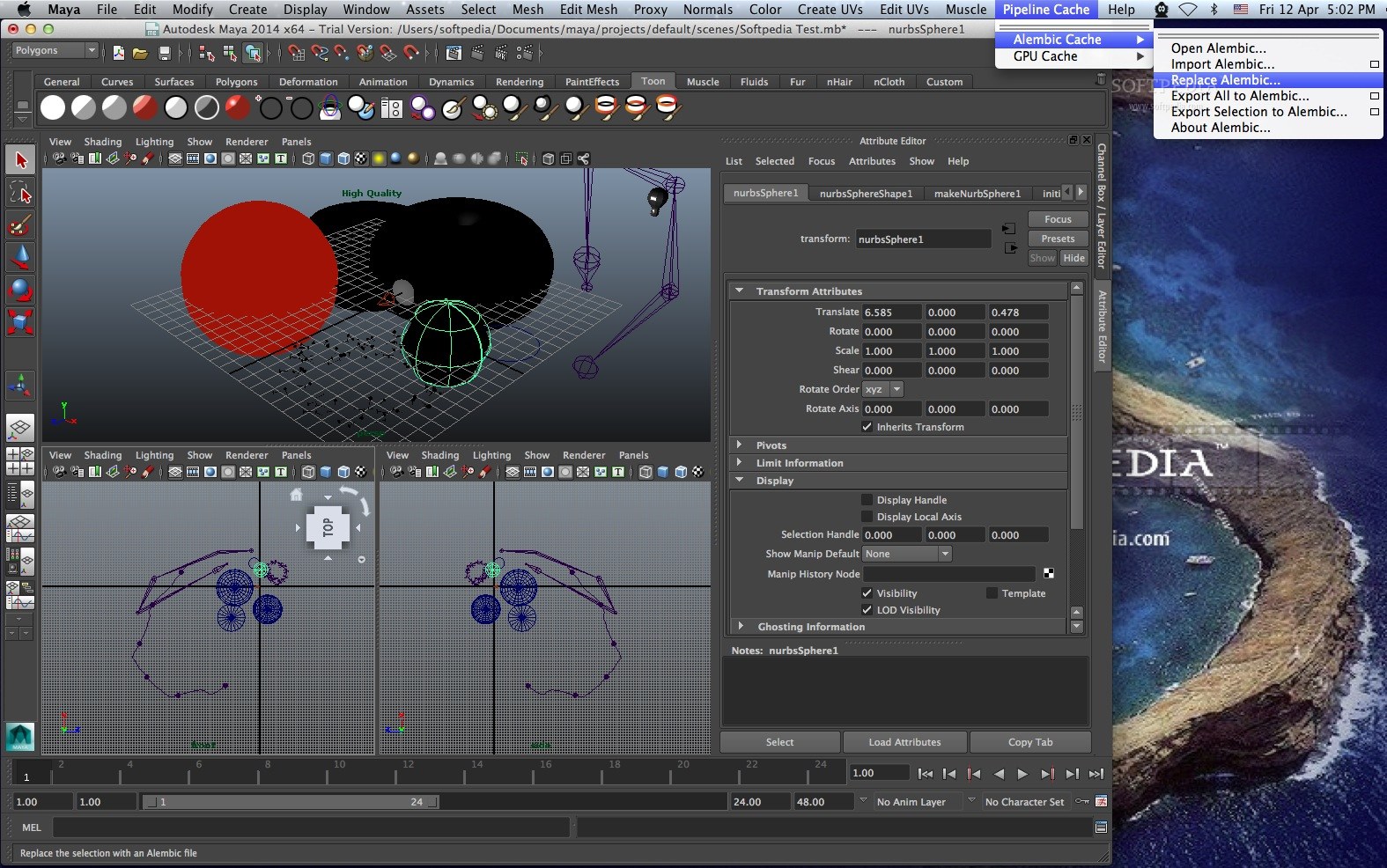
· Connectivity and Integration
· CAD Data Transfer
· Plug-ins
Requirements:
· 2 GB RAM
· 2 GB free hard drive space
· Qualified hardware-accelerated OpenGL graphics card
· Three-button mouse with mouse driver software
· DVD-ROM drive
Limitations:
· 30-day trial
· Vector Renderer available in preview mode only.
What's New in This Release: [ read full changelog ]
General and Performance:
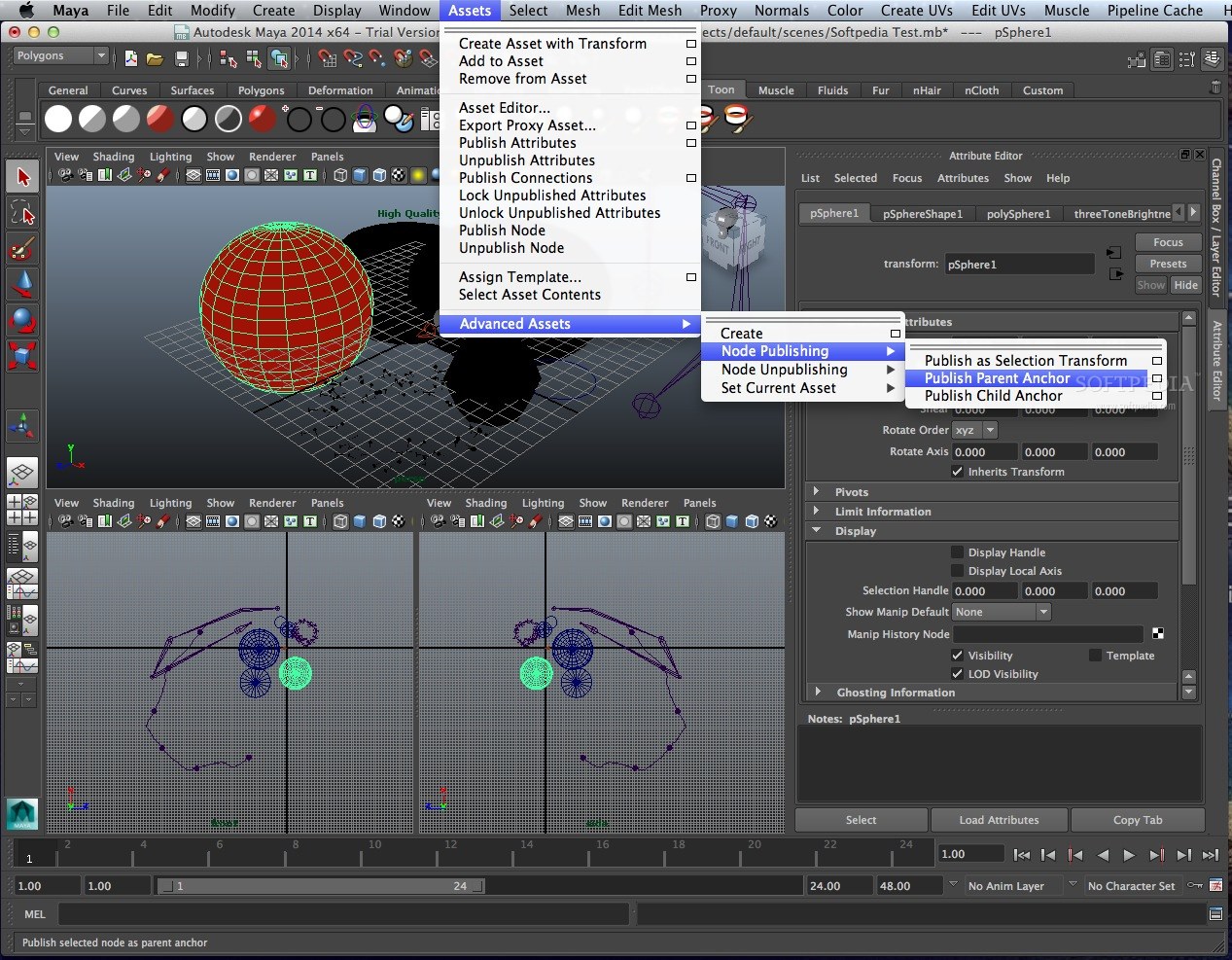
· There are many enhancements in this release that help make you more productive, including Maya Assets, Pre-Selection highlighting, Heat Map Display, Transfer Attribute Values and a host of enhancements to the Maya User Interface.
· In addition, you’ll find significant performance improvements in numerous areas including more multi-threading work and algorithmic speed-ups to boost interactive draw, simulation, and rendering performance for even the heaviest scenes.
Modeling:
· Polygon modelers and texture artists can be much more efficient, thanks to a wide range of new features and workflow enhancements in Maya 2009, including true soft selection, a tweak mode for rapid modifications, new UV layout and unfolding options, and Merge Vertex.
Animation:
· In Maya 2009, you’ll find a powerful new animation layering paradigm built on technology from Autodesk MotionBuilder software. This feature allows artists to create multiple layers of animation non-destructively. The flexible architecture works with any attribute; animation layers can be blended, merged, grouped, and re-ordered, and can override or add to preceding layers.
Rigging:
· A fully updated Maya Muscle toolset provides realistic skin and muscle behavior with secondary motion, collisions, wrinkles, sliding and stickiness all built-in in Maya 2009.
Dynamics and Effects:
· In Maya 2009, you’ll find new Dynamics features like Volume Axis Curve and Volume Trapping.
· In this release you can take advantage of nCaching with Fluid Effects, and enhanced smoothing for fluid to polygon mesh conversions.
nDynamics:
· The Maya Nucleus unified simulation framework gains an innovative new nParticles module, featuring particle to particle collisions, bi-directional interaction with Maya nCloth, and a special method for liquid simulation.
· Also, in Maya 2009, you’ll find new features for nCloth including Force Field Generation attributes and Stickiness. Find all Maya Nucleus help in the new nDynamics guide.
Rendering:
· In Maya 2009, we’ve added a completely updated Render Pass feature set that optimizes integration with compositing packages such as Autodesk Toxik software and supports production-level pipelines.And to help studios capitalize on the trend for stereo 3D films, there is a flexible new stereoscopic camera rig complete with in-viewport stereo viewing.
· In addition, you’ll find many enhancements to IPR, and new features for mental ray for Maya.
Documentation:
· The Maya Help is now faster and more easily searchable than ever before.
· Also, many new tutorials for beginners and advanced users have been added this release.
API:
· The Maya API now includes new classes for Render Passes and User Defined Manipulators, improved documentation and much more.