
Apple's image editor provides a great collection of photo processing tools that will help you refine your pictures, organize and publishing them. #Image processor #Publish image #Image retouch #Process #Retoucher #Publisher
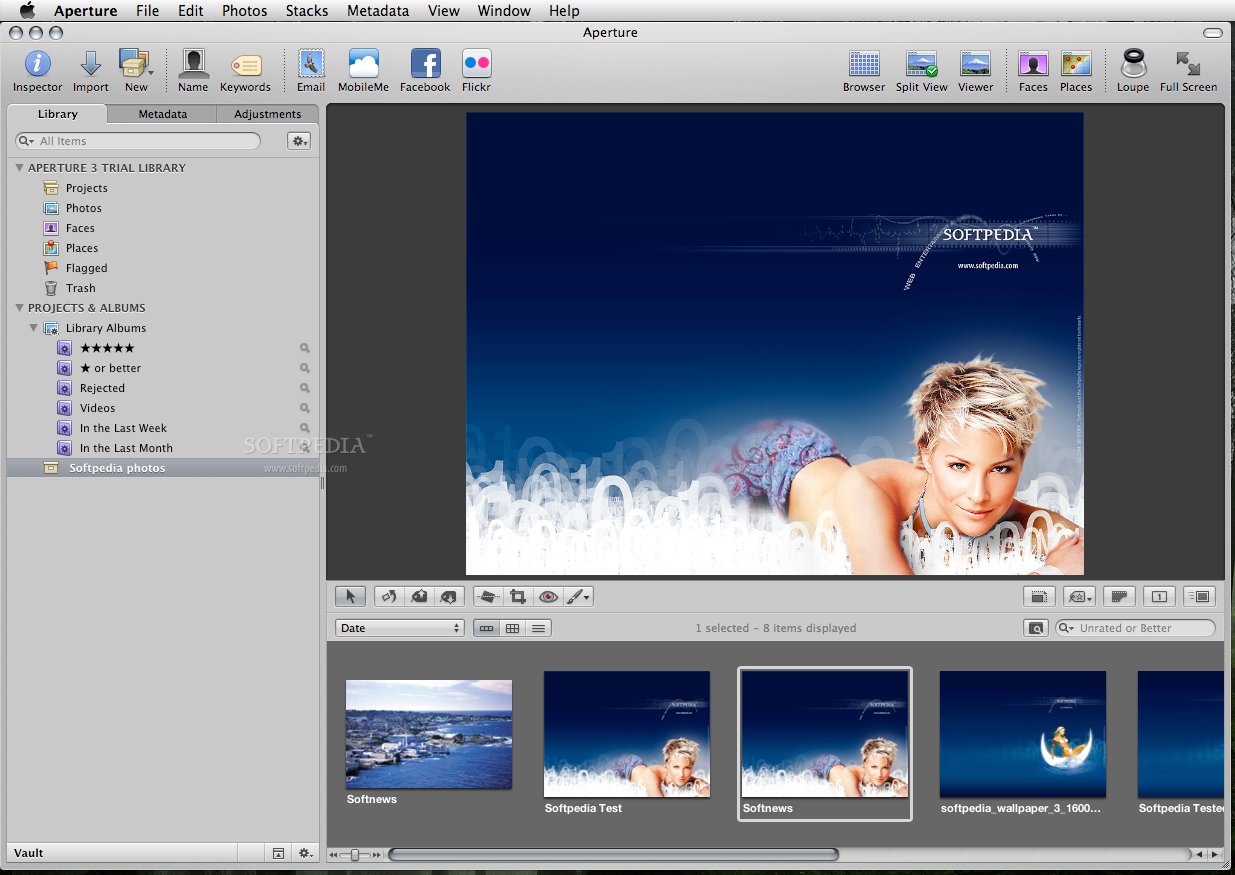
Aperture is an advanced photo editor and organizer that provides a log list of professional tools designed to help you enhance, fix or repair your images.
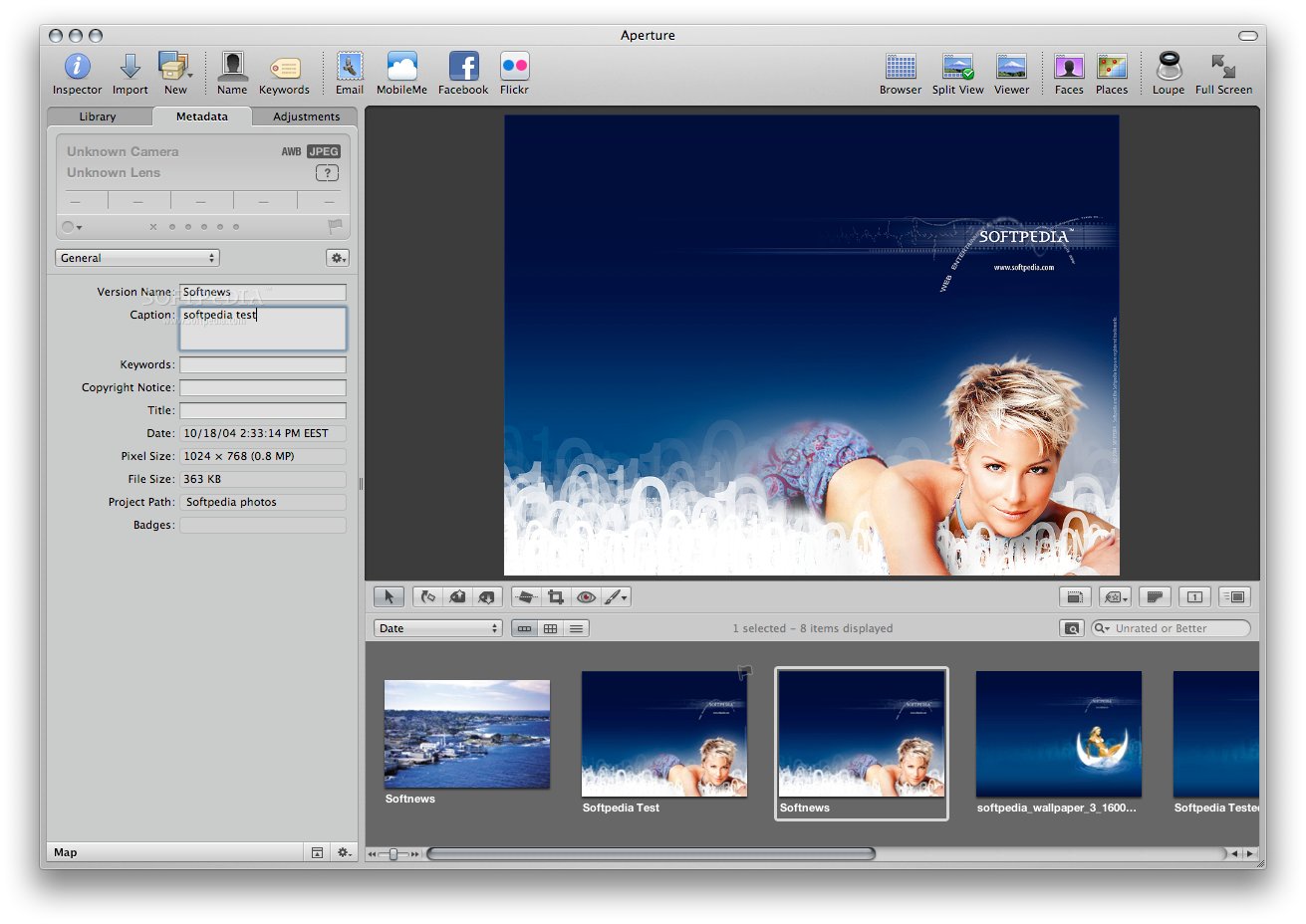
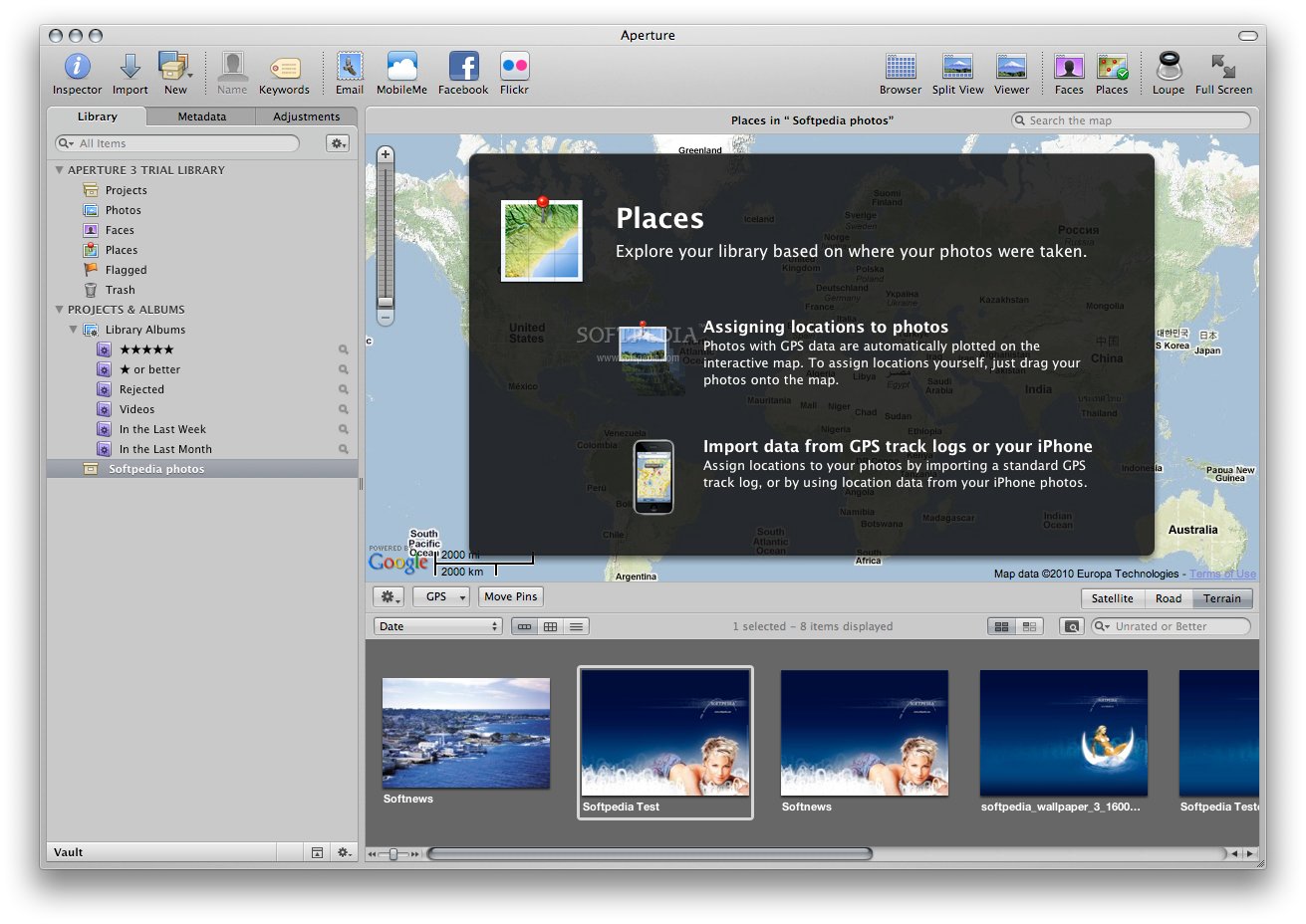
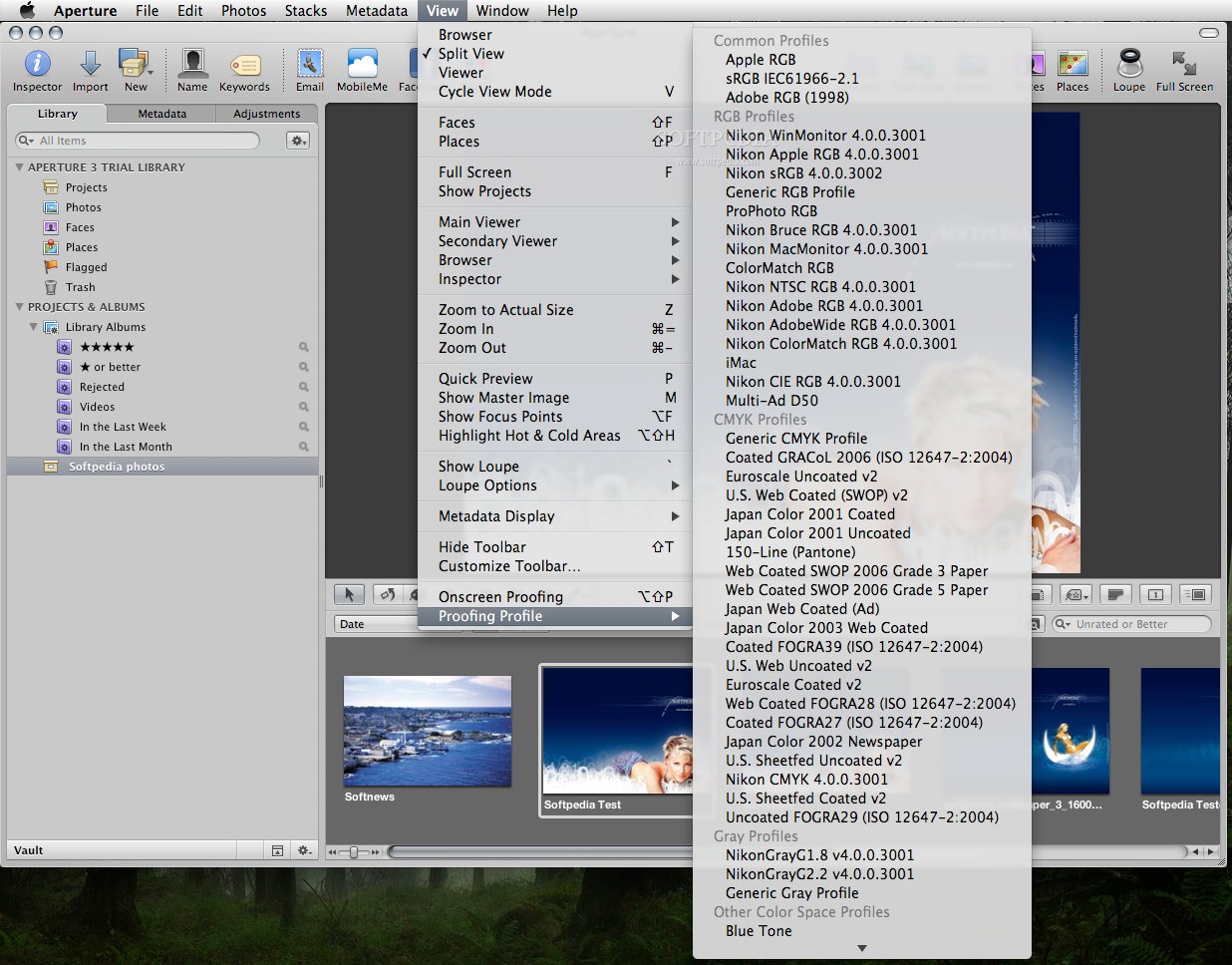
Aperture comes with a well-designed interface from which you can browse, view and organize your digital photo collection. You can buy, download and install Aperture for $79.99 from the Mac App Store with just a few mouse clicks.
Aperture is compatible with the new MacBook Pro Retina display and uses an unified photo library that enables you to effortlessly switch between iPhoto and Aperture. In other words, regardless of which application you open, you can view and edit all your photos. All the changes performed in Aperture are also visible in iPhoto and vice versa.
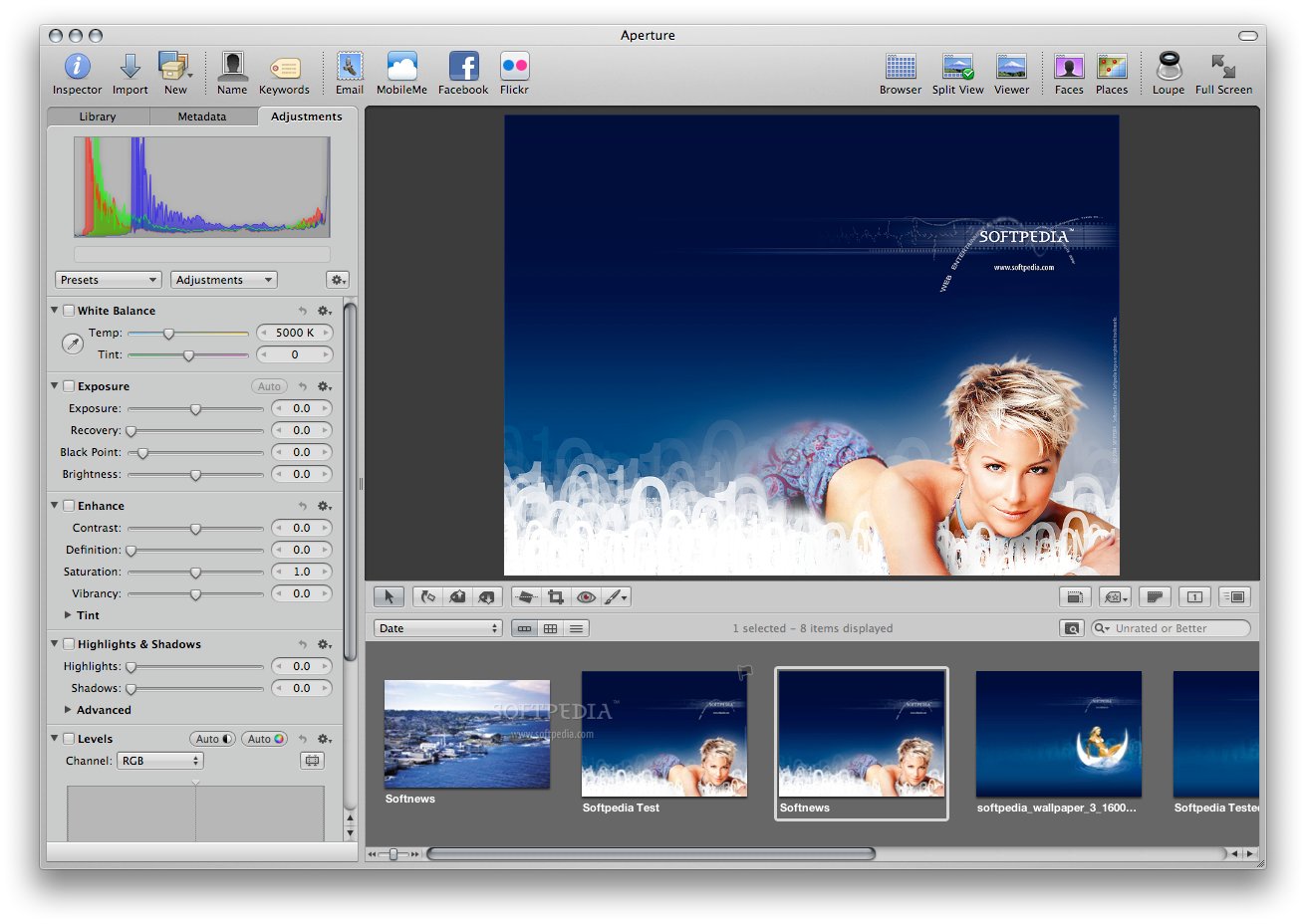
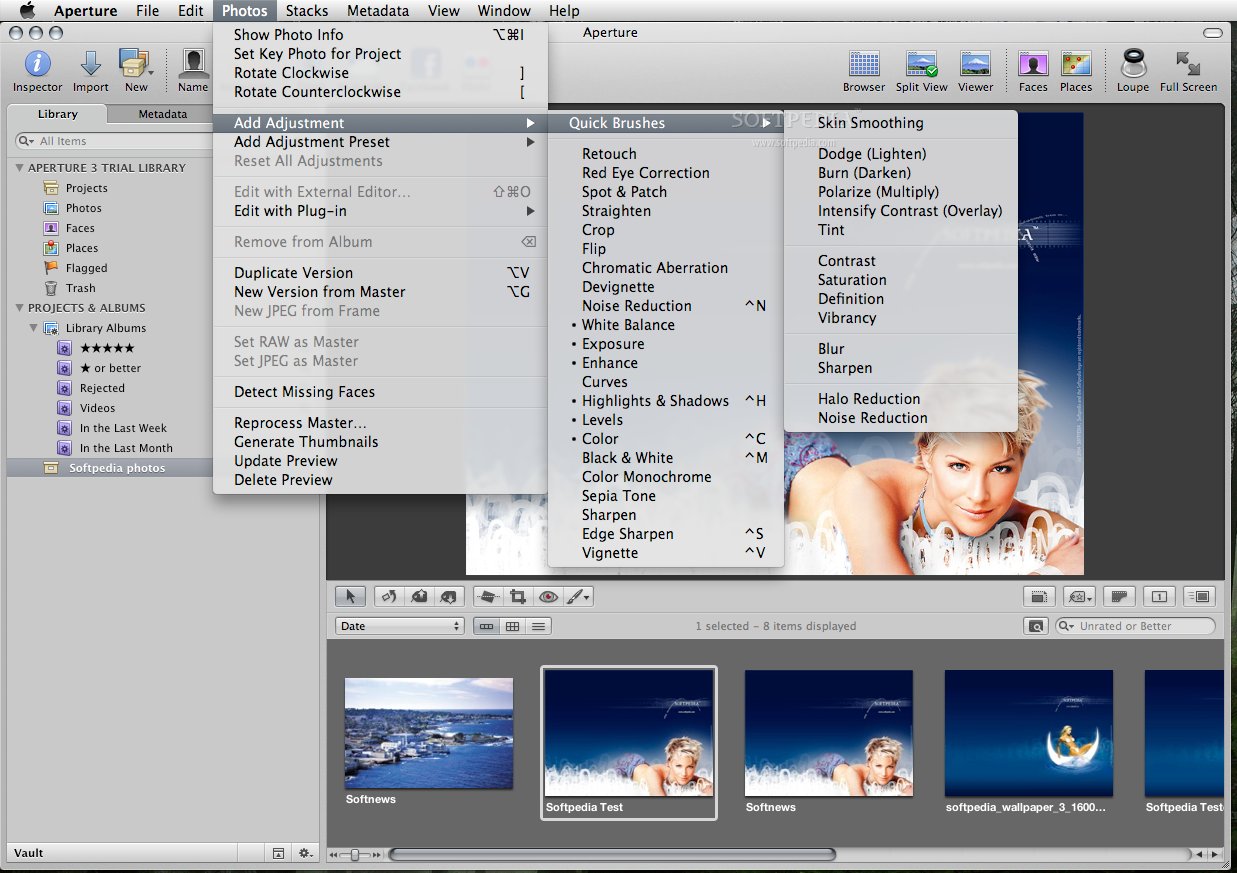
Thanks to the advanced adjustment tools you can clean and improve your photos in minutes. One of these tools is the Auto White Balance feature that corrects the colors of the picture based on the skin tones. You can also use the professional Auto Enhance tool to adjust the white balance, exposure, curves, vibrancy, shadows and highlights value.
The highlights and shadows tools provided by Aperture can help you recover blown highlights and brighten shadow areas. You can obtain high quality results by adjusting the three simple, yet powerful sliders.
On top of that, Aperture offers a wide variety of brushes that you can be used to paint different image adjustments onto various parts of your picture. You can also take advantage of the ready-to-use professional photo effects and apply them on your favorite pictures.
What is more, Aperture allows you to display your best photos in stunning photo books or beautiful slideshows that combine photos, text, HD videos and text.
After organizing and editing your photos you can post your pictures on your Facebook wall, share them via Flickr and SmugMug or add them to shared photo streams using iCloud.
Aperture's impressive list of professional editing tools and browsing features promises to fulfill the needs of demanding users and beginners alike.
Download Hubs
Aperture is part of these download collections: View ORF, View DNG, Open DNG, Edit ORF
What's new in Aperture 3.4.5:
- Addresses an issue that could cause Aperture to quit unexpectedly when deleting items from a camera or memory card after import
- Memory cards are now ejected correctly when using the Delete Items option after import
- Includes stability improvements
Aperture 3.4.5
 Softpedia Editor's Pick
add to watchlist
add to download basket
send us an update
REPORT
Softpedia Editor's Pick
add to watchlist
add to download basket
send us an update
REPORT
- runs on:
- Mac OS X 10.10 or later (Intel only)
- file size:
- 549.4 MB
- filename:
- Aperture3.4.5Update.dmg
- main category:
- Multimedia
- developer:
- visit homepage
Bitdefender Antivirus Free

4k Video Downloader

Windows Sandbox Launcher

calibre

Context Menu Manager

ShareX

IrfanView

7-Zip

Microsoft Teams

Zoom Client

- 7-Zip
- Microsoft Teams
- Zoom Client
- Bitdefender Antivirus Free
- 4k Video Downloader
- Windows Sandbox Launcher
- calibre
- Context Menu Manager
- ShareX
- IrfanView