
A sophisticated and timeline based video manipulation tool that comes with many different features for producing high-end videos #Video editor #Digital video #Create film #Editor #Adjustment #Production
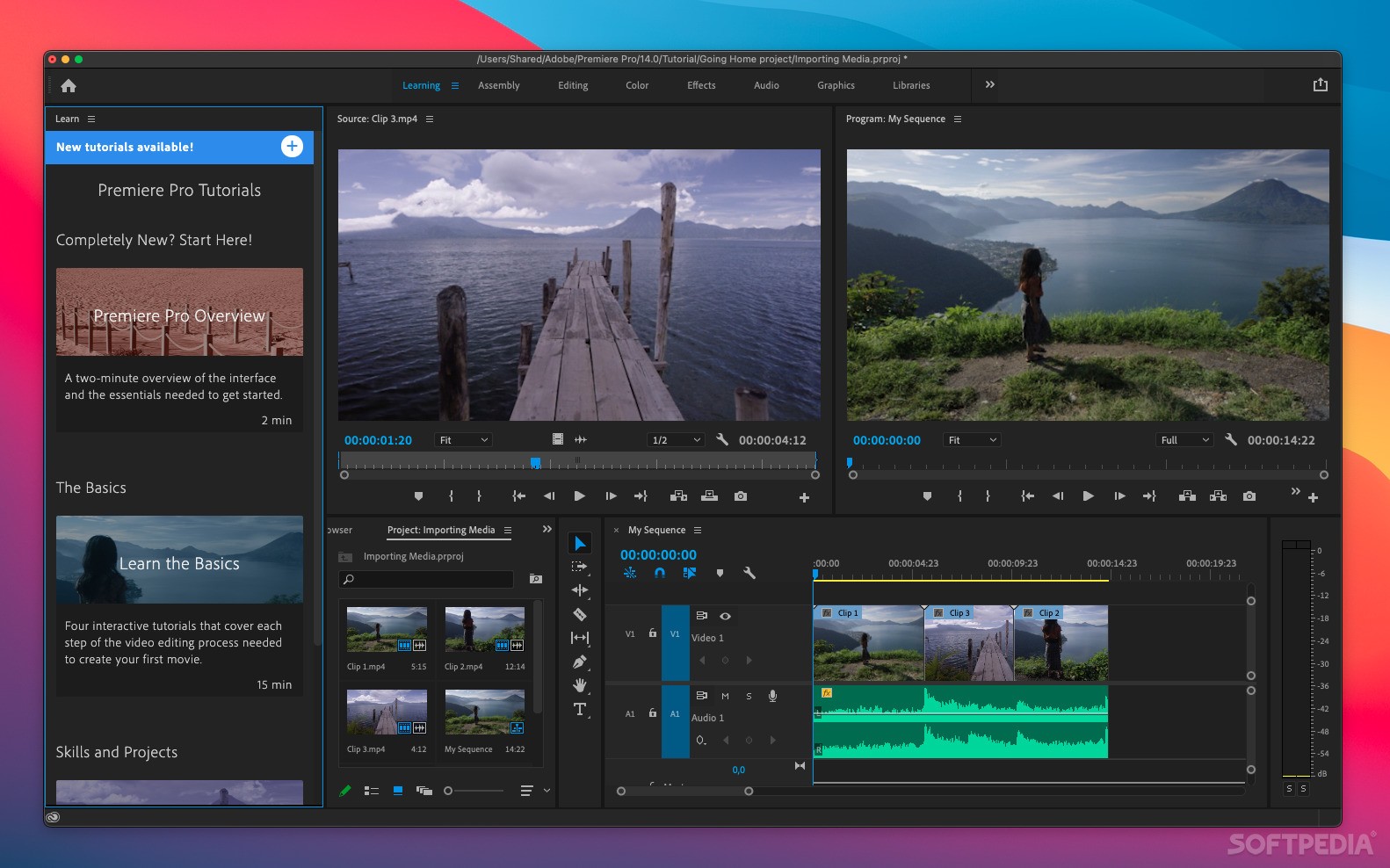
Being part of the Adobe Creative Suite, Premiere Pro is the Adobe's flagship product for video editing on a professional level. Adobe Premiere Pro is a sophisticated timeline based video manipulation tool that comes with many different features for producing high-end videos.
The application is intended to be used in the video post-production processes. Using your raw videos, you can create professionally looking clips through a myriad of filters and video editing tools.
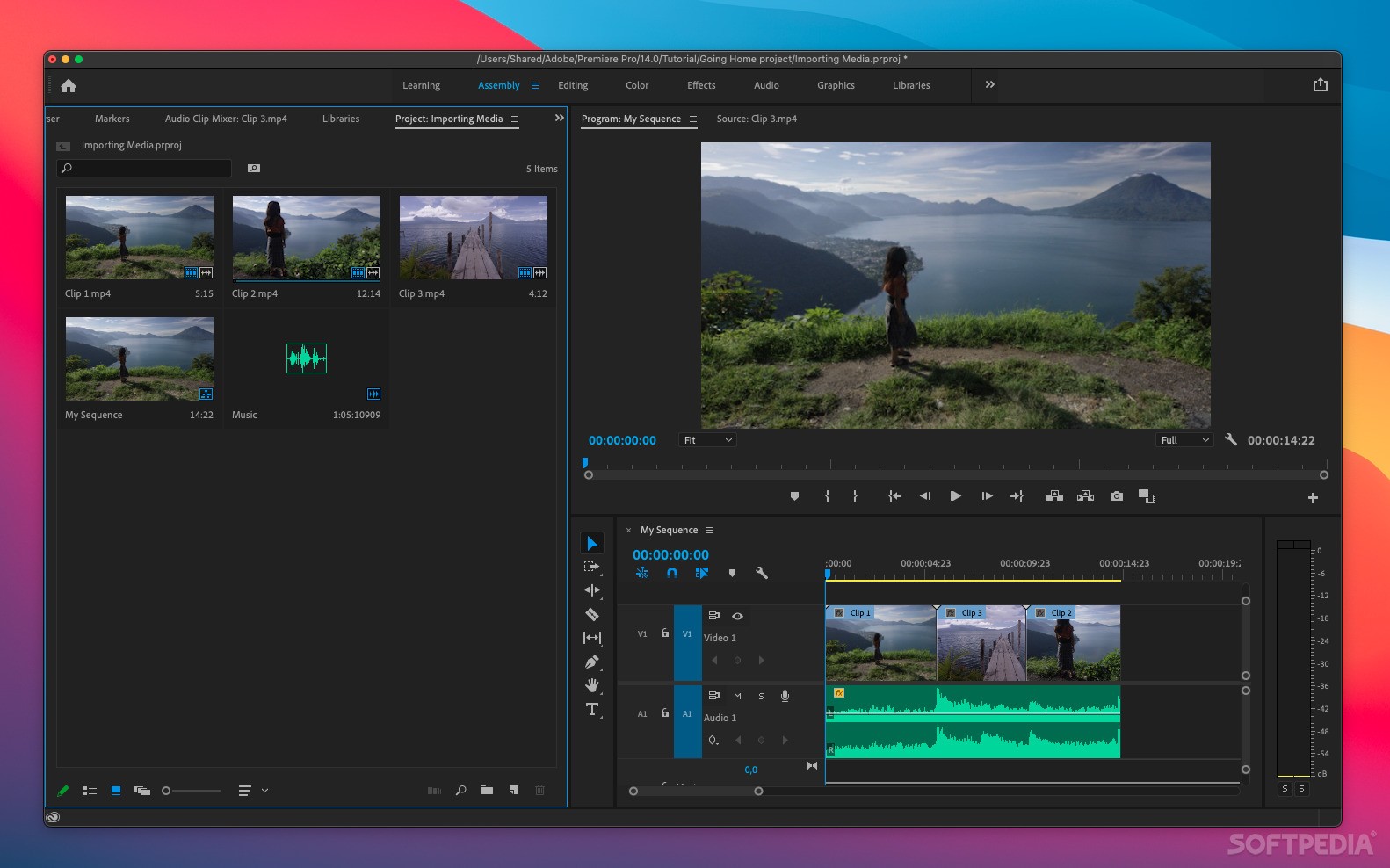
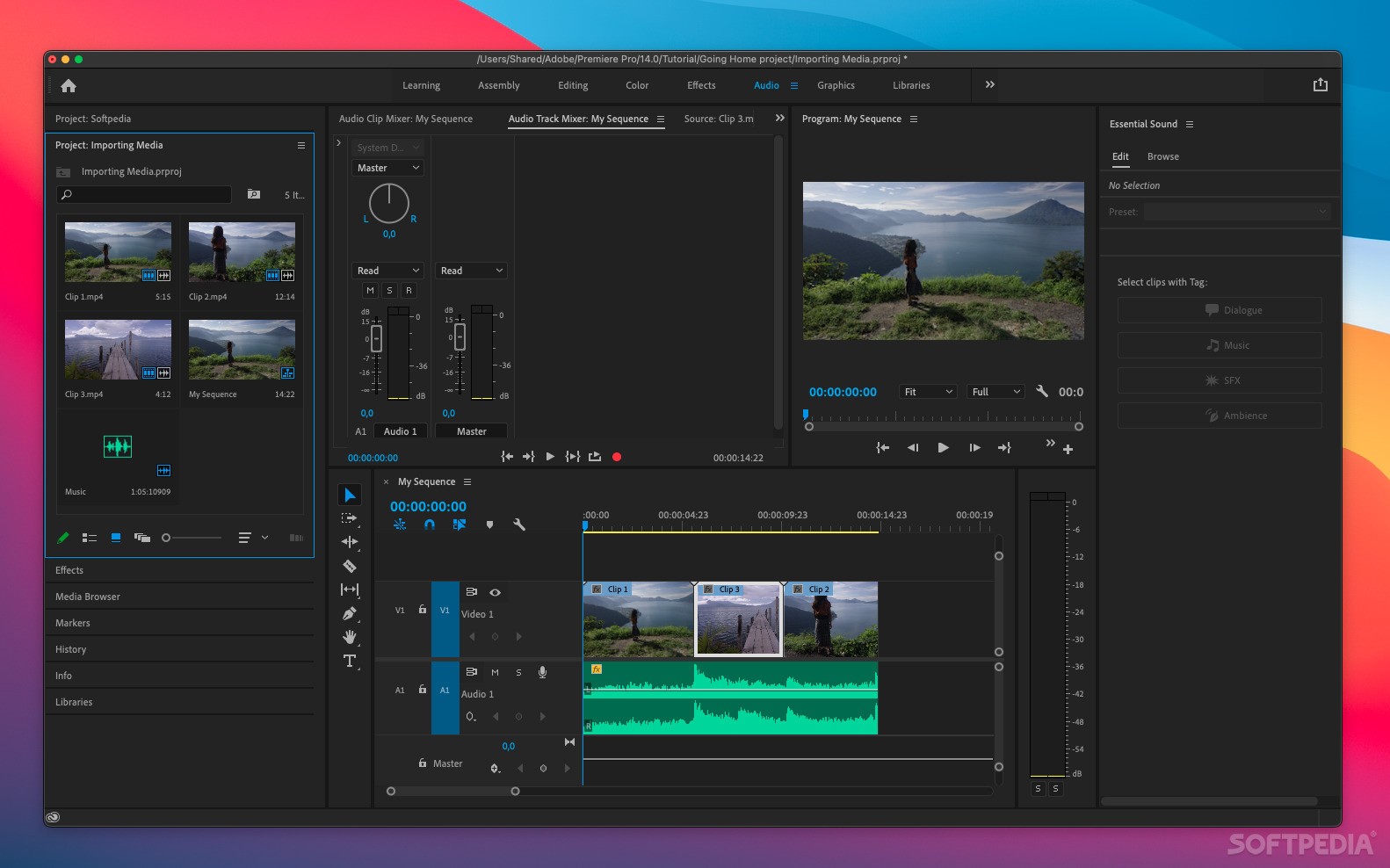
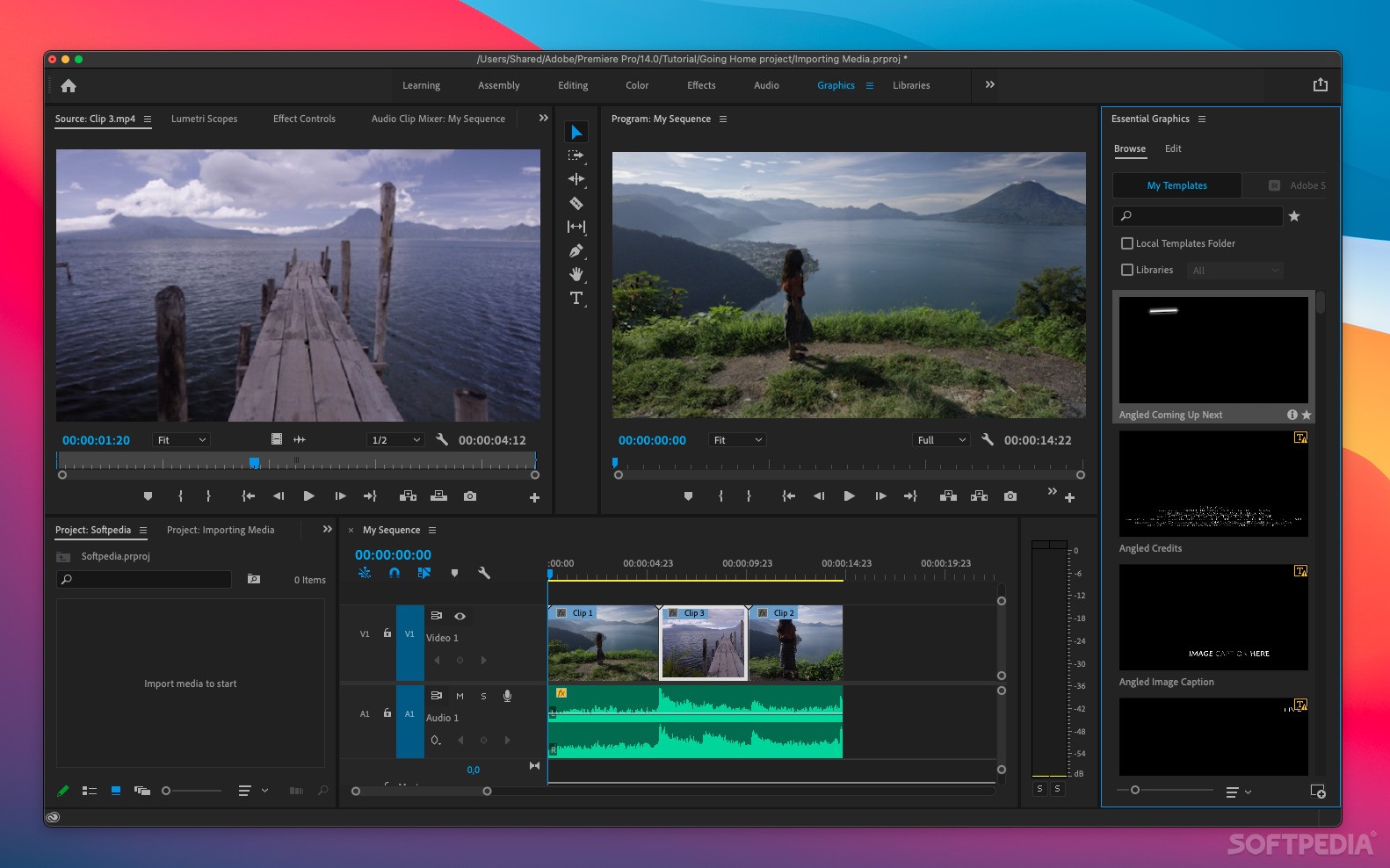
Some of the most important aspects of Adobe Premiere Pro are the streamlined editing features, the project and media management, world-class effects, broad format support, or metadata workflow.
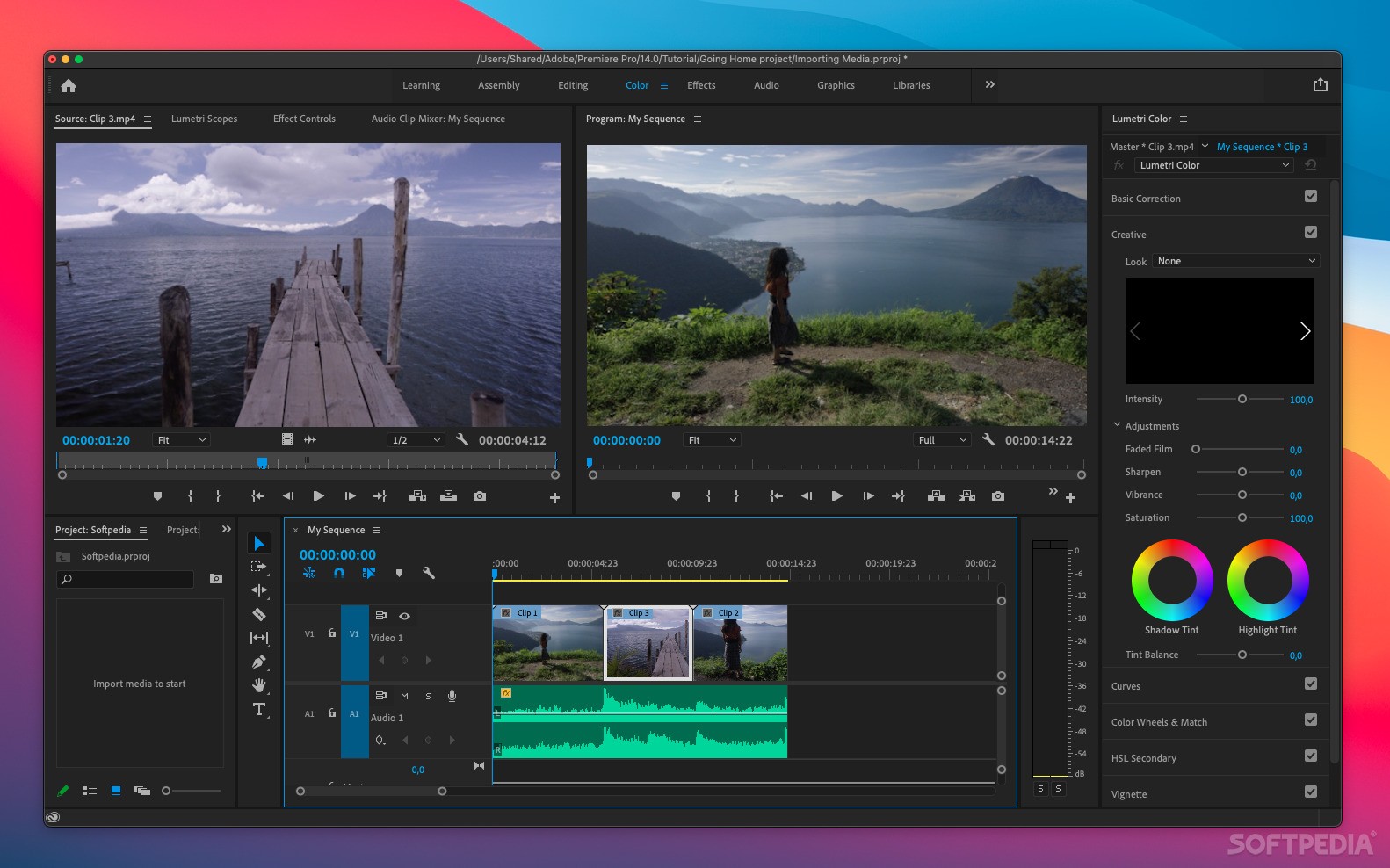
The later versions of Adobe Premiere Pro (CC) include the Lumetri deep color engine, more precise audio control, a better and redesigned timeline, and much more.
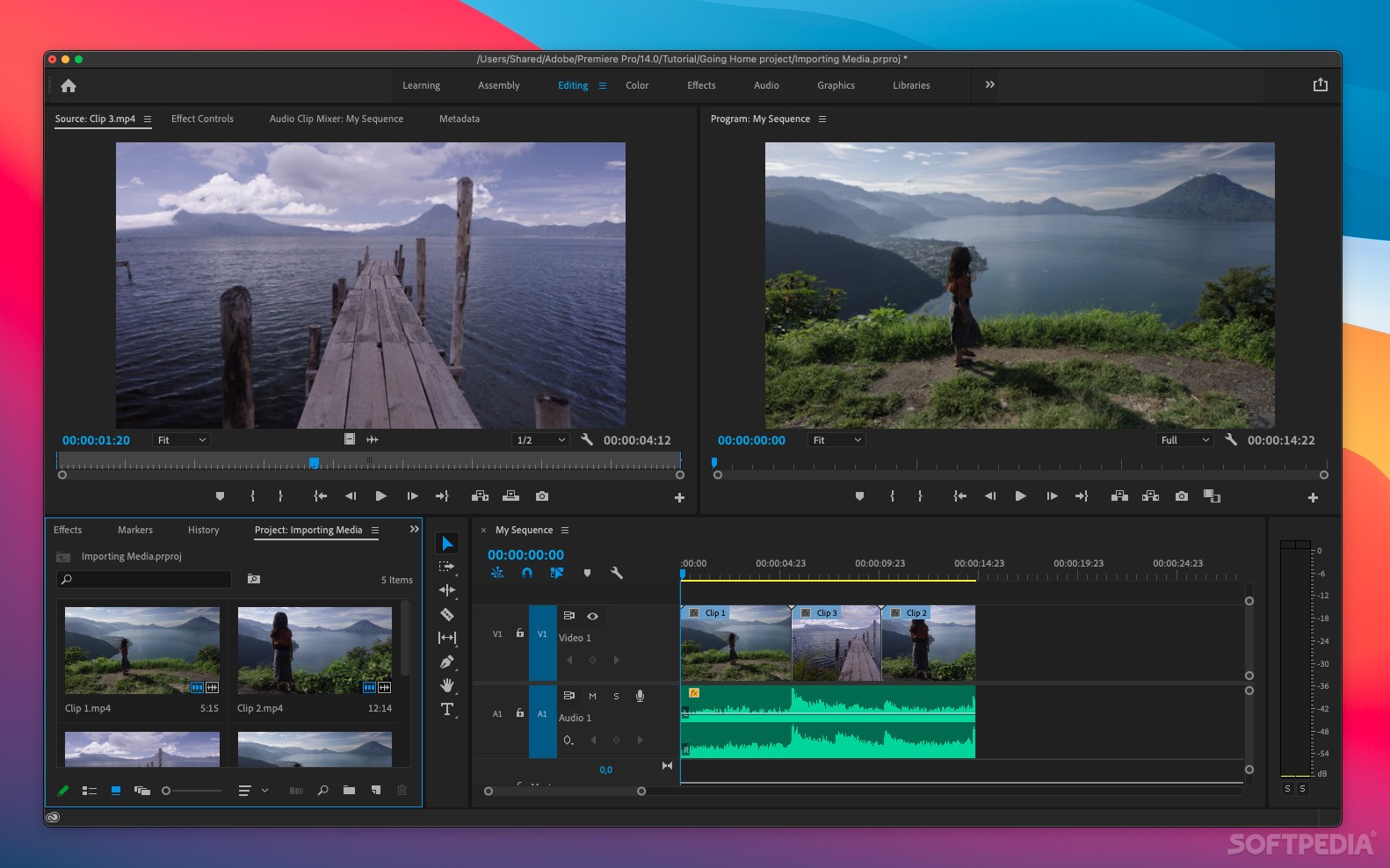
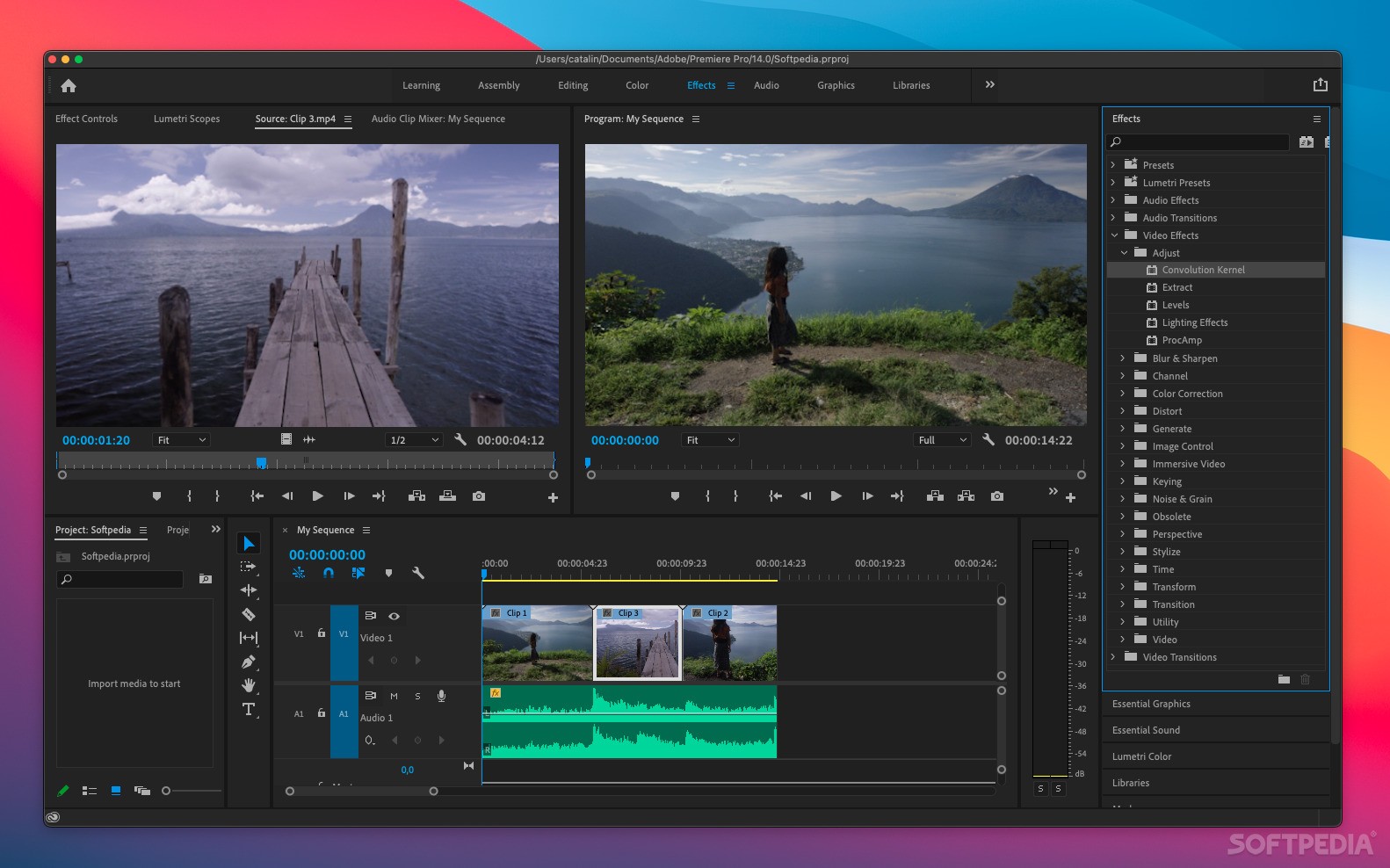
When working with Adobe Premiere Pro, the timeline is a key component in your workflow. Using the timeline, you can create a sequence of events and clips by dragging items from the project panel or the source monitor.
You can also use the timeline to produce multiple layers in your video or audio, make clips shorter or longer, adjust edit points, add special effects, transitions and other parameters. The application works hand in hand with other tools from the Adobe Creative Suite and adds support for playing files from Photoshop or After Effects.
Another great aspect of working with Premiere Pro is that you can adjust effects, edit and trim videos while they're playing (in real time). The utility is also part of the Creative Cloud, meaning that your work can be saved to the cloud and accessed seamlessly on other platforms you use.
In a nutshell, Adobe Premiere Pro is an industry-leading video editing solution that allows you to achieve your goals by using a streamlined video post-processing toolkit.
Download Hubs
Adobe Premiere Pro is part of these download collections: Edit MP4, Edit MPEG-4, Edit MPEG, Video Editors
What's new in Adobe Premiere Pro 2024 24.3:
- Fixed issues:
- Audio:
Adobe Premiere Pro 2024 24.3
add to watchlist add to download basket send us an update REPORT- runs on:
- macOS 12.0 or later (Universal Binary)
- file size:
- 5.9 MB
- main category:
- Multimedia
- developer:
- visit homepage
calibre

Windows Sandbox Launcher

4k Video Downloader

IrfanView

Context Menu Manager

Microsoft Teams

Zoom Client

ShareX

Bitdefender Antivirus Free

7-Zip

- ShareX
- Bitdefender Antivirus Free
- 7-Zip
- calibre
- Windows Sandbox Launcher
- 4k Video Downloader
- IrfanView
- Context Menu Manager
- Microsoft Teams
- Zoom Client