
A powerful and cross-platform desktop application that was specifically designed to play back streamed or downloaded FLV or MPEG-4.. #Video player #View podcast #Watch video #Play #View #Watch
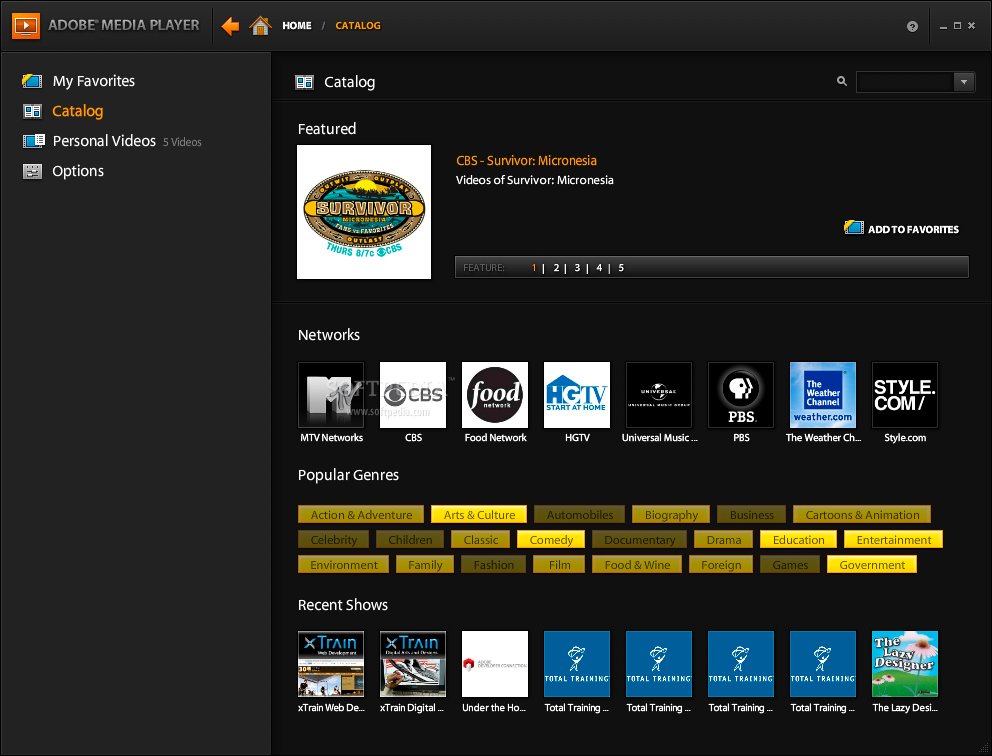
Adobe Media Player comes in handy for any user that needs to view downloaded videos on a Mac, at any given time.
The application provides its users with flexibility and fast controls. You can download and subscribe to your favorite TV content, while also managing your video library and keeping only the files you want.
Adobe Media Player make good use of the powerful Flash technology and allows you to play media even in HD resolution.
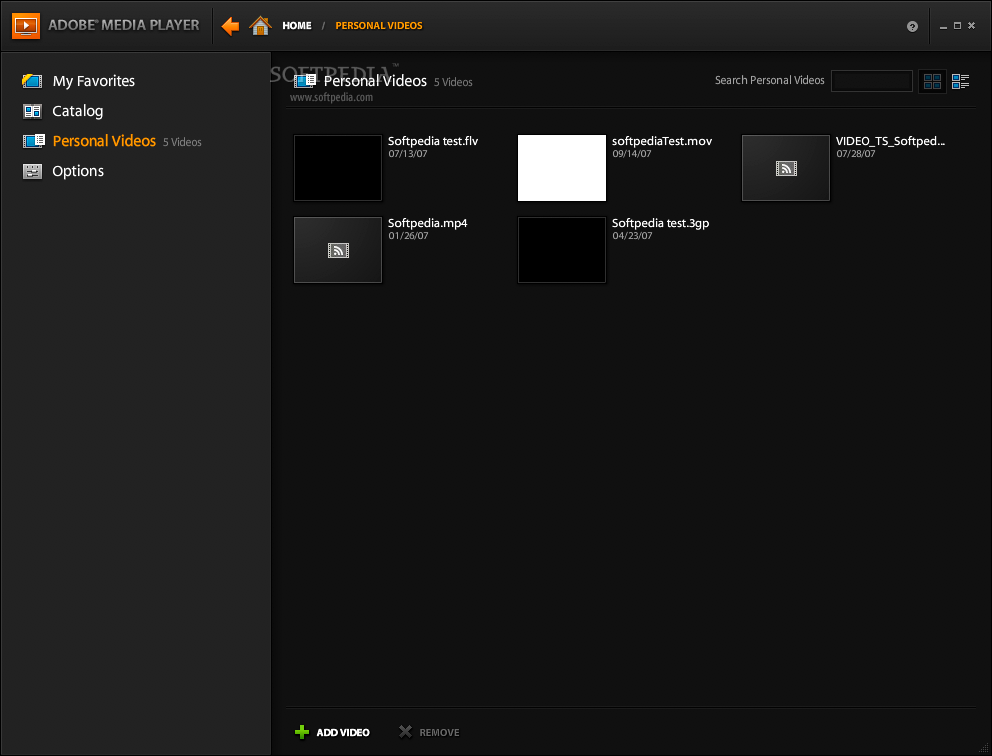
On top of that, it also you to organize and subscribe to video content from the comfort of your desktop. Adobe Media Player also allows you to add personal videos to the catalog, but they must be in the MPEG4 or FLV format in order to work.
The application allows you to easily manage your favorite videos and watch them at any time, if you want to.
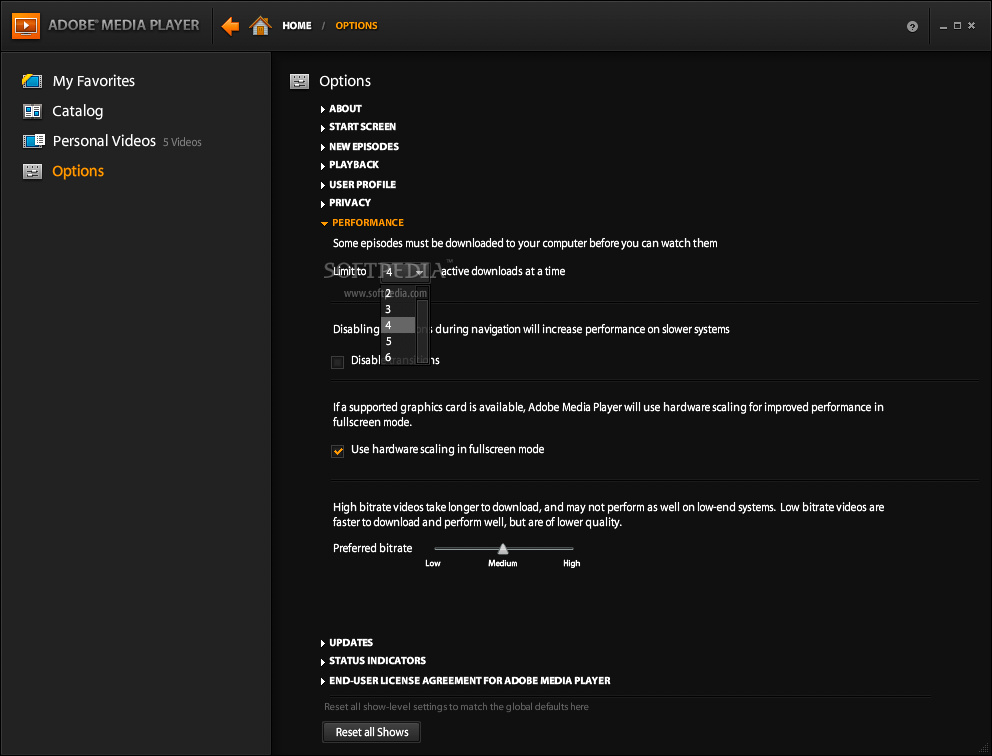
Adobe Media Player comes with multiple scaling options, a resume play option and keyboard controls that give you better control over the application.
On top of that, Adobe Media Player comes with content status indicators that allows you to see the status of each episode in a snap.
System requirements
- Adobe AIR Runtime.
- PowerPC G5 1.8GHz or faster processor / Intel Core Duo 1.33GHz or faster processor.
- 1GB of RAM and 64MB of VRAM.
- A minimum 1,024x768 screen resolution is recommended in all instances.
Download Hubs
Adobe Media Player is part of these download collections: Play F4V, Play MPEG-4, Open MPEG-4, Open F4V
Adobe Media Player 1.7 Build 503734
add to watchlist add to download basket send us an update REPORT- runs on:
- Mac OS X 10.4.9 or later (PPC & Intel)
- file size:
- 2.4 MB
- filename:
- adobe_media_player.air
- main category:
- Multimedia
- developer:
- visit homepage
paint.net

IrfanView

4k Video Downloader

Zoom Client

Bitdefender Antivirus Free

ShareX

Microsoft Teams

calibre

7-Zip

Windows Sandbox Launcher

- calibre
- 7-Zip
- Windows Sandbox Launcher
- paint.net
- IrfanView
- 4k Video Downloader
- Zoom Client
- Bitdefender Antivirus Free
- ShareX
- Microsoft Teams