Softpedia
 

MAC CATEGORIES:


GLOBAL PAGES >>
NEWS ARCHIVE >>
SOFTPEDIA REVIEWS >>
MEET THE EDITORS >>
WEEK'S BEST
  • EarthDesk 5.8.5
  • GraphicConverter 8...
  • MacPorts 2.1.1
  • CCleaner 1.03.131
  • Quicksilver ß68 Bu...
  • TextWrangler 4.0.1...
  • Google Chrome 21.0...
  • Winclone 3.3
  • ScreenFlow 3.0.6
  • Apple Security Upd...
  • Home > Mac > Math/Scientific
     Report malware

    ViaCAD Pro 5.0.0 Build 737

    Download button

    Downloads: 1,710  View global page NEW!  Tell us about an update
    User Rating:
    Rated by:
    Good (3.5/5)
    15 user(s)
    Developer:

    License / Price:

    Size / OS:

    Binary Format:

    Last Updated:

    Category:
    Punch! Software | More programs
    Trial / USD 499.99 buy button
    215 MB / Mac OS X 10.4 or later
    Universal Binary Universal Binary
    May 21st, 2008, 09:01 UTC
    Home / Math/Scientific

     Read user reviews (0)  Refer to a friend  Subscribe

    ViaCAD Pro description

    ViaCAD Pro gives you all the features of our revolutionary ViaCAD 2D/3D, plus increased high-end modeling power

    Punch! ViaCAD Pro - designed with the professional in mind. Gives you all the features of our revolutionary ViaCAD 2D/3D, plus increased high-end modeling power and a more robust collection of materials and textures for interactive visual realism!

    Here are some key features of "ViaCAD Pro":

    · Precision Digital Models
    Use ViaCAD Pro as your foundation to create precise 3D digital prototypes suitable for concept-to-manufacturing solutions. Explore and develop new product concepts using a variety of modeling methods including tools unique to ViaCAD Pro for complex shape design.

    · Usability
    Whether your designing jewelry, furniture, mechanical parts or consumer products, ViaCAD Pro offers an environment that lets you focus on the design and not the software. The innovative user interface allows you to work freely in 3D with the intuitive snaps and intelligent work planes. Combined with the innovative tool prompts, hints, and online help, even the novice designer can quickly get up to speed with ViaCAD Pro.

    · Versatile, Intelligent Modeling Method
    ViaCAD Pro supports an integrated collection of 2D, 3D, surface, and solid modeling tools. You choose the tools or combination of tools you need for the task at hand. The different construction methods work together with transparent associativity and a history tree to provide rapid design modifications. Or use our local face modeling tools to modify parts without history such as those imported from other CAD applications.

    · State of Art Modeling Tools
    ViaCAD Pro includes a strong foundation of NURB surface and solid modeling tools. For complex shape design, ViaCAD Pro provide tools for skinning, lofting, covering, capping, filling, and G1/G2 surface edge matching. Check out the ViaCAD Pro Advanced Features for more information about these unique tools.

    · Share Data with Other Solutions
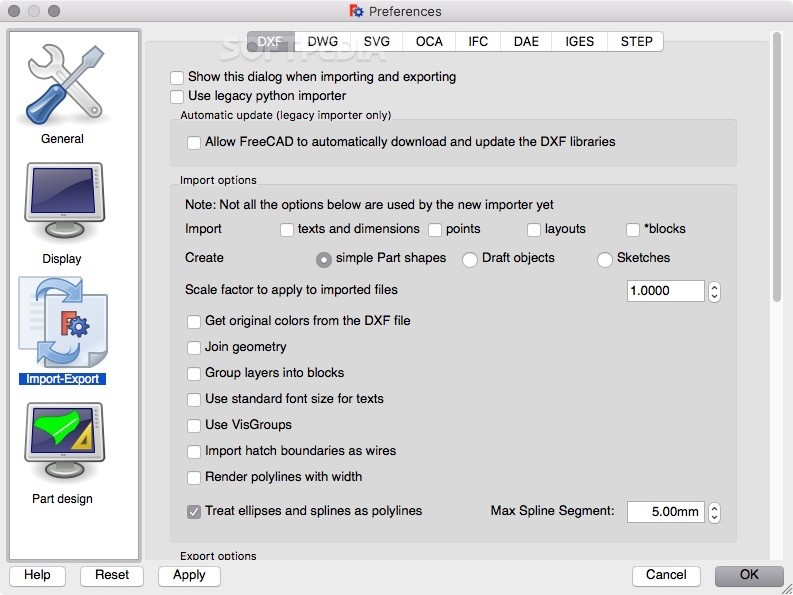
    ViaCAD Pro shares data with AutoCAD and Adobe Illustrator. ViaCAD Pro uses a precise kernel that shares data using SAT, IGES, STEP, and DXF/DWG. For facet based systems, ViaCAD Pro exports to OBJ, STL, and VRML formats.

    Advanced Features:

    · Surface Analysis
    Surface analysis tools in ViaCAD Pro provide feedback as to smoothness characteristics of the underlying NURB definitions. These tools include curvature and zebra plots. Curvature plot options include Gaussian, Mean, Minimum Radius, and Maximum Radius. Zebra plots are especially useful for examining surface continuity between adjacent surfaces.

    · Bending Along Curve
    This feature will bend a solid along an axis or along a curve. The along curve option will automatically stretch or compress the new shape to precisely flow along the curve. The resulting bend is a precision NURB body, not an approximated facetted body.

    · Trim Surfaces
    ViaCAD Pro supports high end surface trimming options. Trim to projected text or curves, imprint edges, or intersections. Keep, delete, or move trim portions based on design requirements.

    · Offset Surfaces
    Offset surfaces maintain a constant distance normal to a referenced surface. ViaCAD Pro includes offset complex trimmed NURB surfaces.

    · Deformations
    Modify a face using inflate or deflate terminology. Or move a portion of a face to a specific location using the face deformation tools of ViaCAD Pro.

    · Skin with Guide Curves
    Skin between multi curve profiles of any type or orientation. Control take off parameters including angle and magnitude. Add further control by defining guide curves to shape definition between profiles.

    · Surface Matching
    Perform "Class A" surface matching operations on neighboring surfaces with either G1 (tangent) or G2(curvature) continuity operations.

    · Tangent Covers
    The tangent cover tool creates an n-sided surface that is tangent continuous to its surrounding surfaces. The tool is useful for filling voids between surfaces and for capping objects.

    · Surface Booleans
    ViaCAD Pro supports Boolean operations on open surfaces or closed solids. Perform addition and subtraction operations to quickly merge or remove surface areas.


    Requirements:

    · OpenGL
    · G4 or greater Processor


    Limitations:

    · 14-day trial

     Softpedia guarantees that ViaCAD Pro 5.0.0 Build 737 is 100% CLEAN, which means it does not contain any form of malware, including spyware, viruses, trojans and backdoors. [read more >]


    TAGS:

    design utility | high-end modeling | 3d modeler | design | model | modeler


    HTML code for linking to this page:


    Go to top

    WindowsGamesDriversMacLinuxScriptsMobileHandheldNews

    SUBMIT PROGRAM   |   ADVERTISE   |   GET HELP   |   SEND US FEEDBACK   |   RSS FEEDS   |   UPDATE YOUR SOFTWARE   |   ROMANIAN FORUM