
Integrates mathematical computing, visualization and a language to provide a flexible environment for technical computing, visualization and programming #Mathematical analysis #Data visualization #Data analyzer #Mathematics #Analysis #Visualization
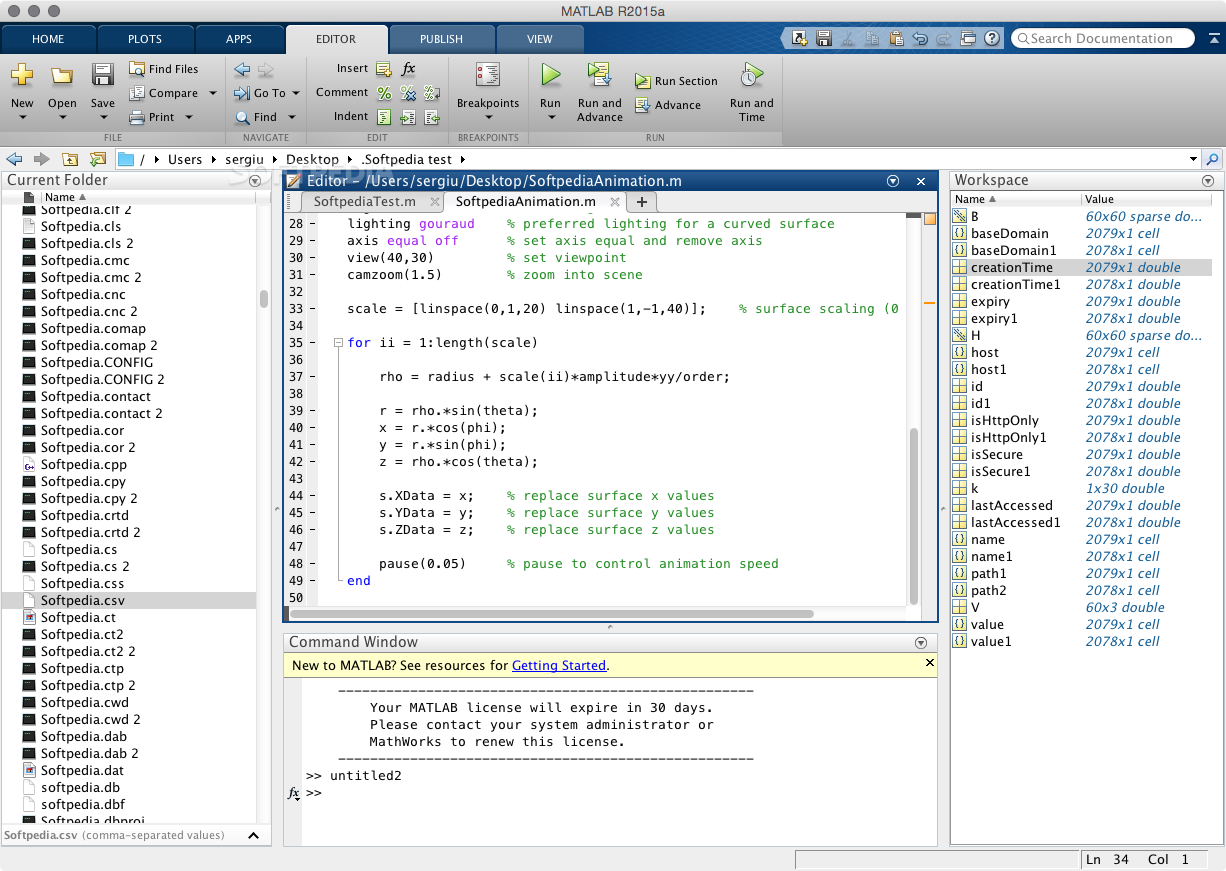
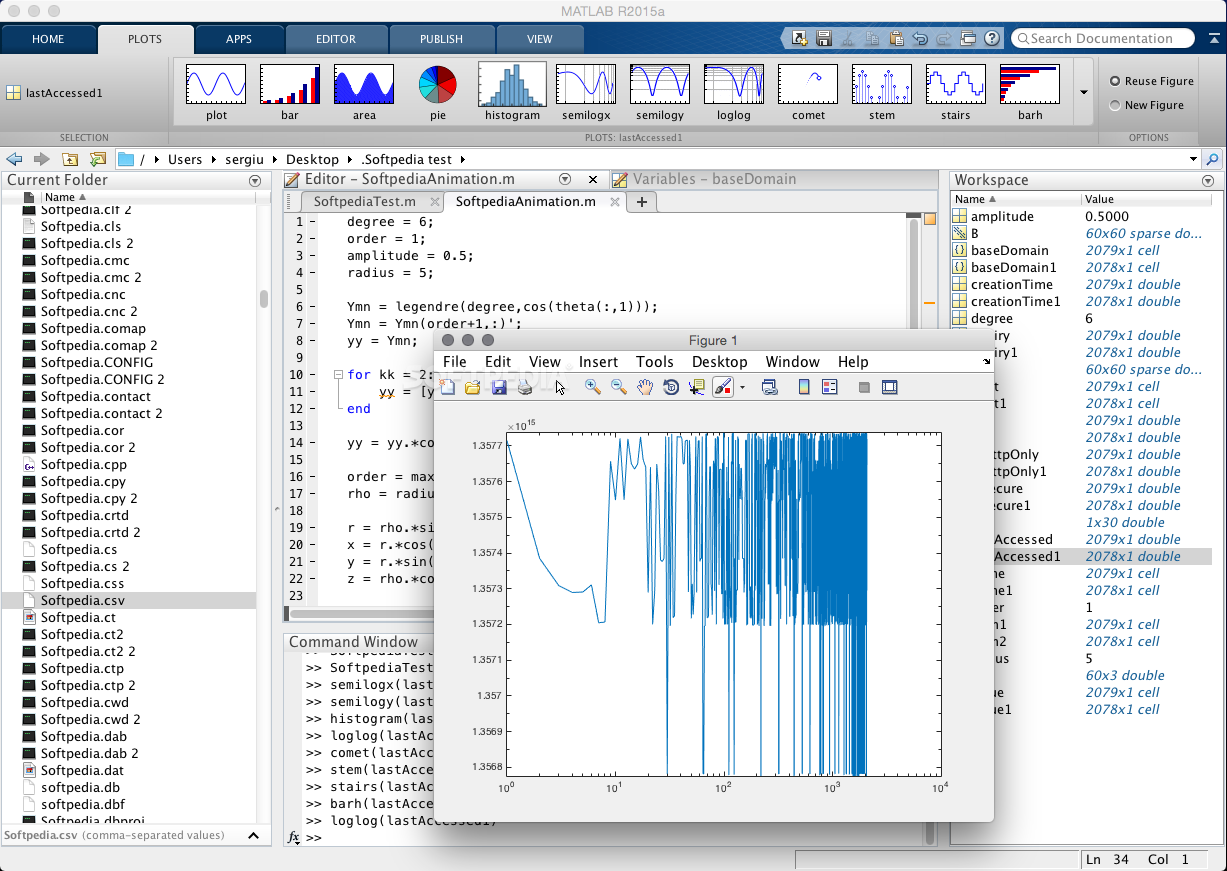
MATLAB is an advanced interactive environment specially designed to greatly boost your productivity while performing numerical computation, programming and visualization tasks on a Mac.
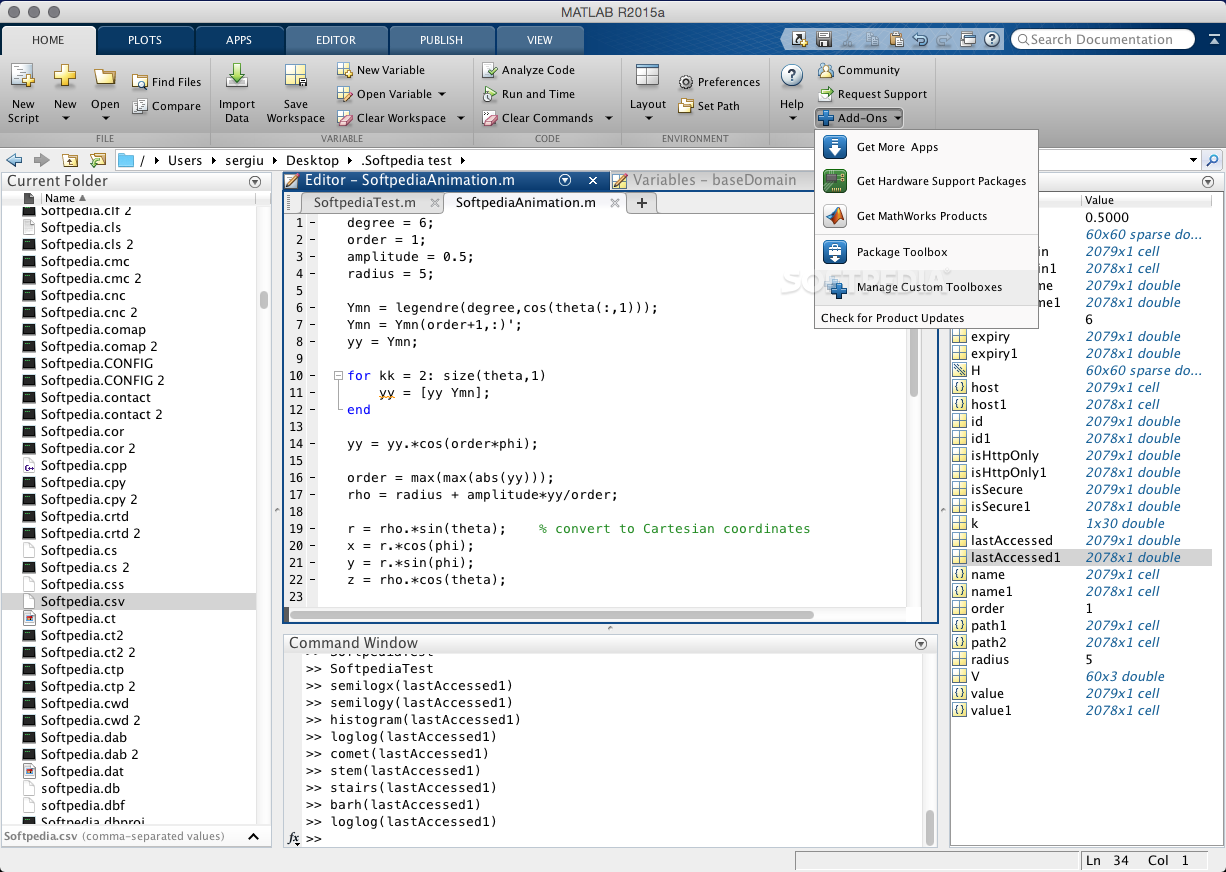
With the help of MATLAB, you can analyze data, create applications, models and develop algorithms and, furthermore, thanks to its large selection of inbuilt tools, as well as language and built-in mathematical algorithms you can scrutinize various approaches and find a solution much faster than with traditional programming languages and spreadsheets.
MATLAB can be used for a wide variety of applications that range from communications and signal processing to control systems, video processing, computational finance and biology, test and measurement.
You can use MATLAB’s built-in mathematical tools to solve all sorts of engineering and science problems. The provided numerical computation methods can help you develop algorithms, analyze data or create models.
The MATLAB language cover numerous mathematical functions with support for popular science and engineering operations. Vector and matrix calculations are smoothly executed thanks to the processor-optimized libraries used by the core math functions.
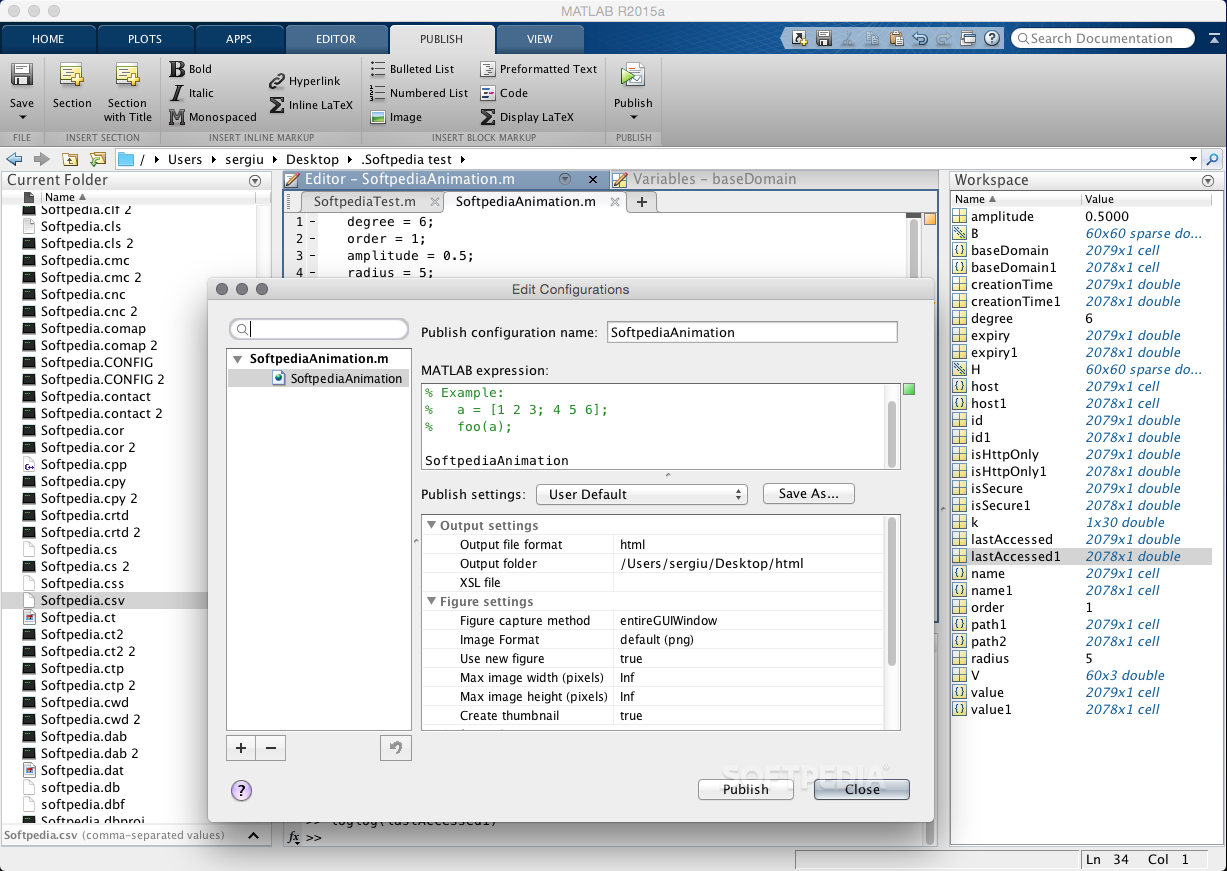
MATLAB comes with the necessary tools to collect, analyze and visualize data in order to gain a better understanding of your data. You can also document and share the obtained results using complex plots and reports.
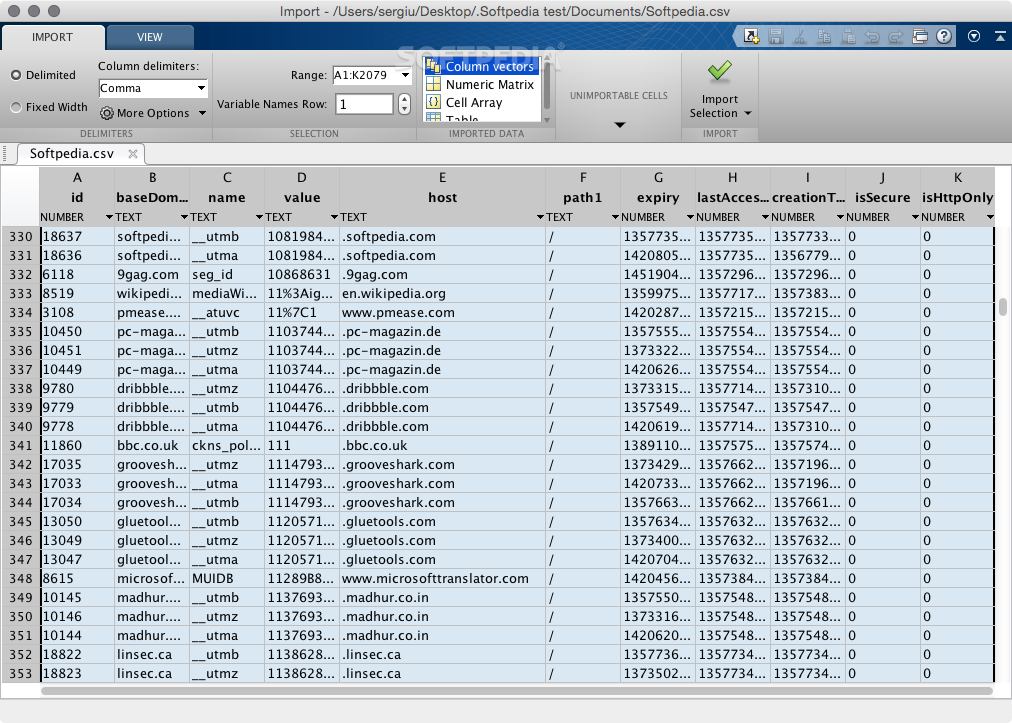
What is more, you can acquire data from files, databases, external devices or other applications. MATLAB features support for spreadsheet files, text and binary files, multimedia files, as well as netCDF and HDF files.
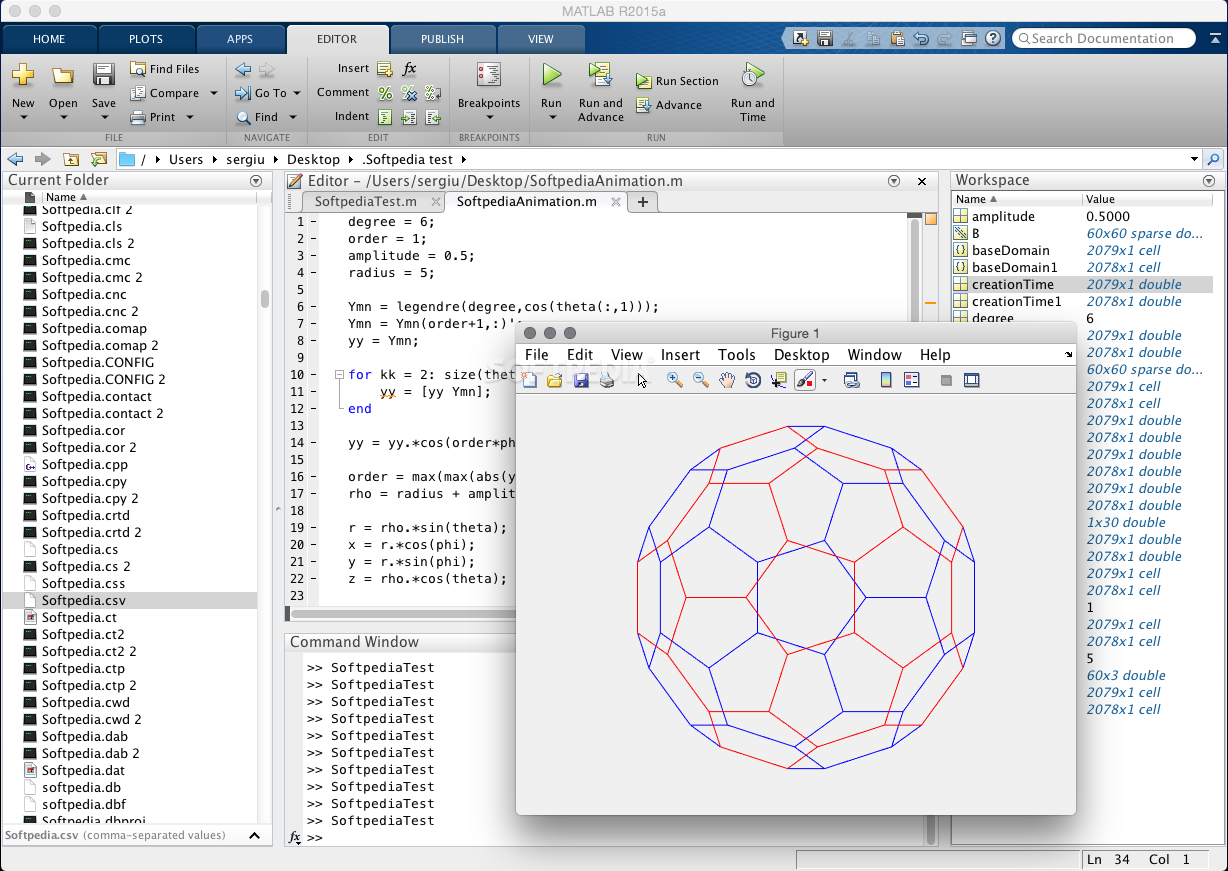
Once the data is collected, you can manage, filter and pre-process it, perform exploratory data analysis and reveal trends, test assumptions and construct descriptive models. On top of that, you can also use the built-in 2D and 3D plot functions along with the volume visualization functions to display your data.
The MATLAB language offers native support for matrix and vector operations that you can use to solve a plethora of problems from different fields.
Moreover, you can write programs and create algorithms without performing low-level administrative tasks. In your development process you can take advantage of numerous development tools, deploy applications and even generate standalone C code.
What's new in MATLAB R2023b:
- Environment:
- Live Editor Tasks: Create Live Editor task from selected code with interactive controls
- Live Editor Tables: Add tables containing text and images to live scripts and functions
- Live Editor Controls: Add color pickers and state buttons to live scripts
MATLAB R2023b
add to watchlist add to download basket send us an update REPORT- runs on:
- macOS 11.0 or later (Universal Binary)
- file size:
- 180.7 MB
- main category:
- Math/Scientific
- developer:
- visit homepage
calibre

Context Menu Manager

ShareX

7-Zip

IrfanView

Bitdefender Antivirus Free

Microsoft Teams

4k Video Downloader

Zoom Client

Windows Sandbox Launcher

- 4k Video Downloader
- Zoom Client
- Windows Sandbox Launcher
- calibre
- Context Menu Manager
- ShareX
- 7-Zip
- IrfanView
- Bitdefender Antivirus Free
- Microsoft Teams