MAC CATEGORIES:


NEWS ARCHIVE >>
SOFTPEDIA REVIEWS >>

7-DAY TOP DOWNLOAD

#
Program
iPhone and iPod
Firmware 3.1.2

17,548
Internet Explorer
5.2.3

7,948
RAR Expander 0.8.5
Beta 3 / 0.8.4

4,946
aMule 2.2.6
4,124
Flv Crunch 1.3
3,935
Toast Titanium
10.0.4

3,577
RAR for Mac OS X
3.90

3,532
Apple iLife '09
3,499
Matlab 7.9
3,431
aMSN 0.98.1
3,294

WEEK'S BEST

  • Quicksilver 1.0 Be...
  • Cocktail 4.6
  • Picasa 3.5.2.90
  • Adobe Shockwave Pl...
  • VLC Media Player 1...
  • LimeWire X 5.4.0 B...
  • Apple iTunes 9.0.2
  • VirtualBox 3.0.10 ...
  • FileZilla 3.3.0 RC...
  • Mozilla Firefox 3....
  • aMSN 0.98.1
  • NeoOffice 3.0.1
  • VMware Fusion 3.0....
  • Quinn 3.5.7
  • App Store Expense ...
  • Ableton Live 8.0.9
  • Parallels Desktop ...
  • Alarm Clock Pro 9.2
  • Dock Spaces 3.05
  • Dropbox 0.7.56 / 0...
  • OpenOffice.org 3.2...
  • Adium 1.4 Beta 15 ...
  • Second Life 1.23.5...
  • µTorrent 0.9.3 Bu...
  • Opera 10.10 Beta B...
  • Adobe Reader 9.2
  • VirtualBox 3.0.10 ...
  • RealPlayer 11.1.0 ...
  • Bean 2.4.1
  • Senuti 1.1.7
  • Home / Mac / Math/Scientific
     Report spyware

    Igor Pro 6.1.2

    Download button

    Downloads: 3,122  Add to download basket  Tell us about an update
    User Rating:
    Rated by:
    Good (3.5/5)
    34 user(s)
    Developer:

    License / Price:

    Size / OS:

    Binary Format:

    Last Updated:

    Category:
    Wavemetrics | More programs
    Trial / USD 550.00 | BUY the full version
    116.5 MB / Mac OS X 10.3.9 or later
    Universal Binary Universal Binary
    November 7th, 2009, 09:30 GMT [view history]
    C: \ Math/Scientific

     Read user reviews (0)  Add a review  Refer to a friend  Subscribe


    Igor Pro description


    Powerful and extensible graphing, data analysis, and programming tool for scientists.

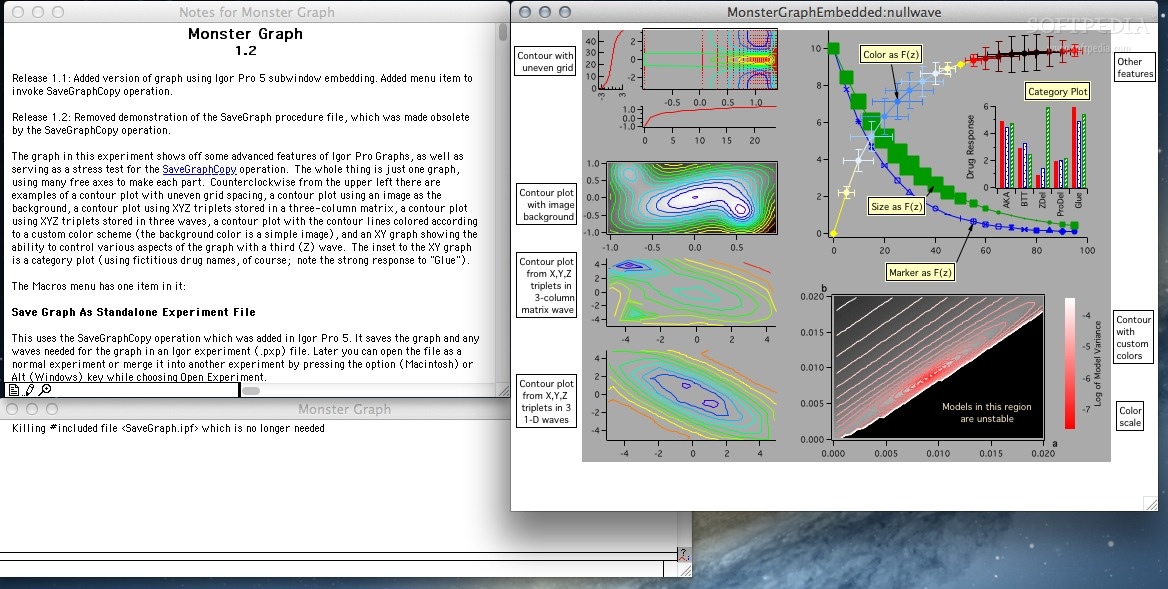
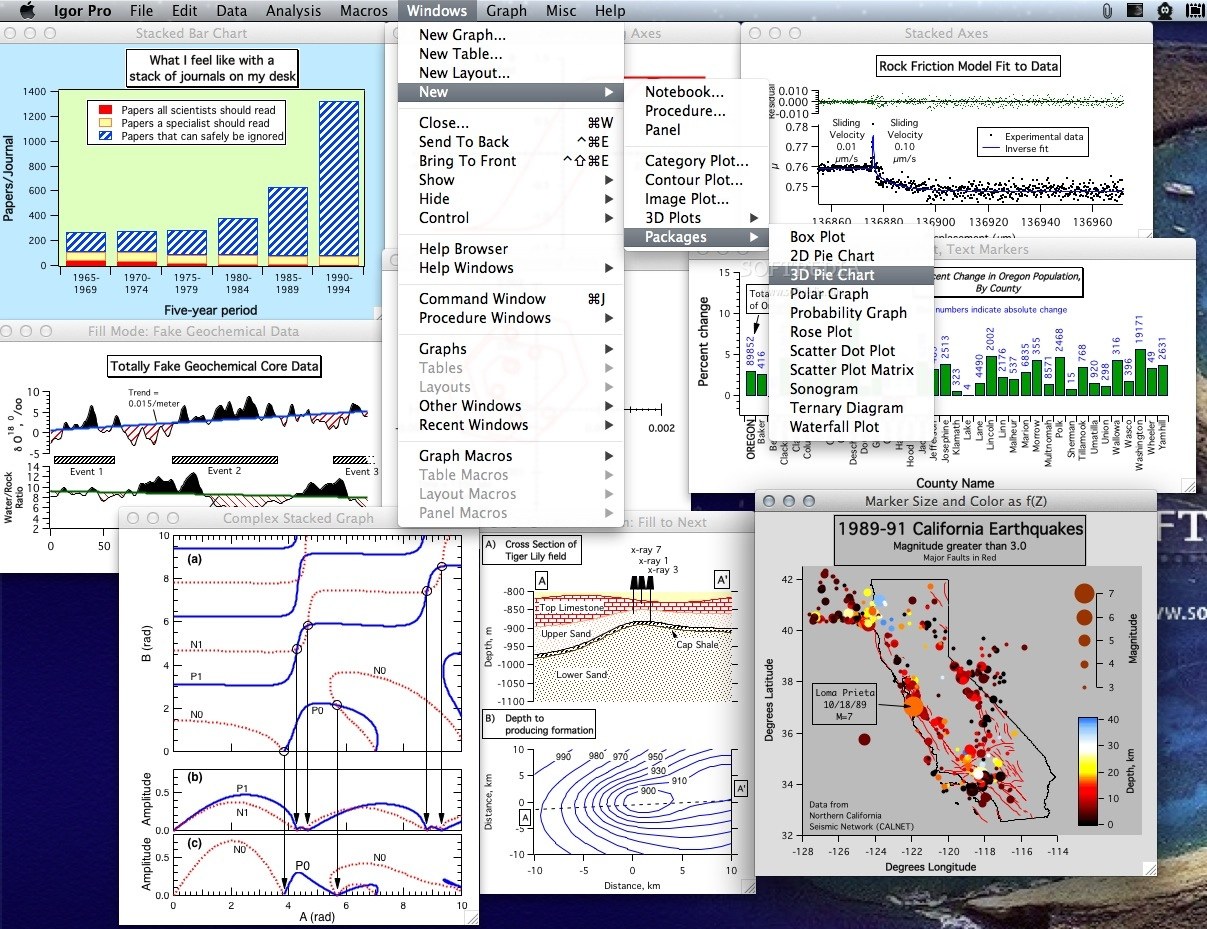
    IGOR Pro is an extraordinarily powerful and extensible graphing, programming for scientists and engineers, and data analysis tool.

    Here are some key features of "Igor Pro":

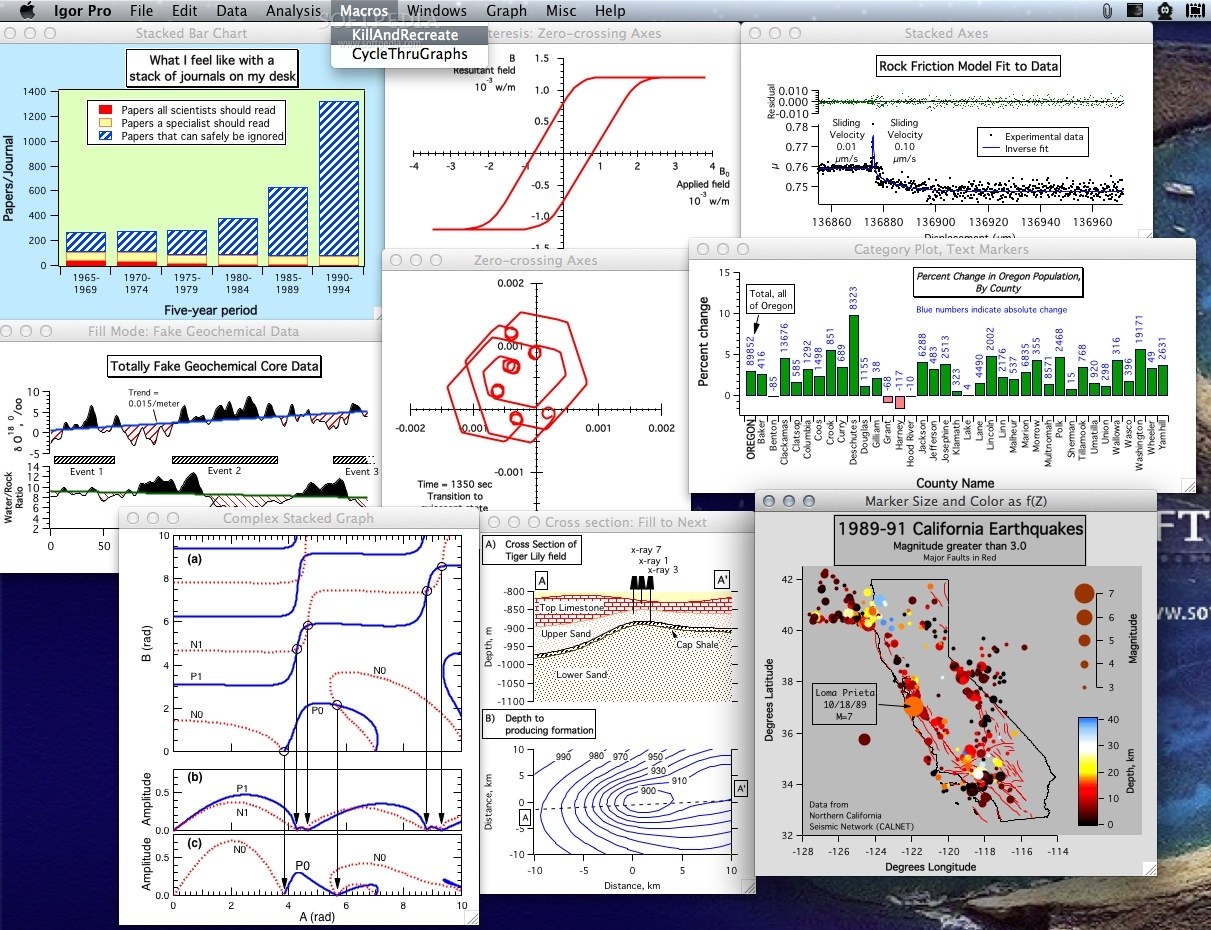
    · IGOR Pro produces journal-quality scientificgraphs and exports high-resolution graphics formats such as Encapsulated PostScript (EPS).
    · IGOR Pro handles large data sets very quickly.
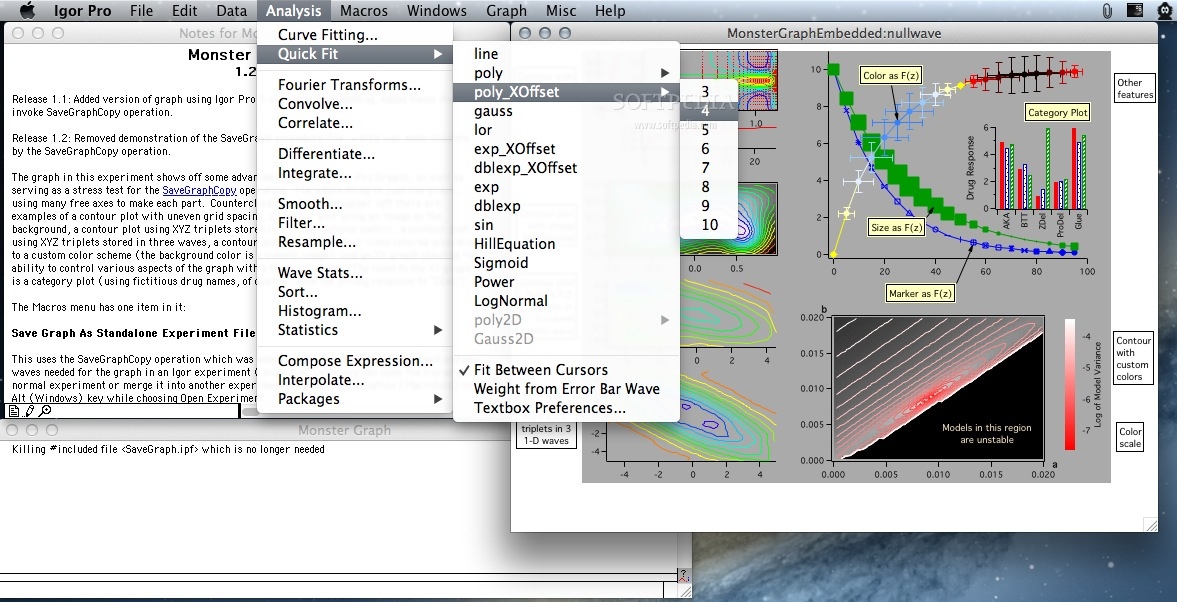
    · IGOR Pro includes a wide range of capabilities for scientific and engineering analysis and graphing.
    · IGOR Pro has special support for time-series or other evenly-spaced data.
    · IGOR Pro includes a powerful suite of image processing operations for image filtering, manipulation, and quantification.
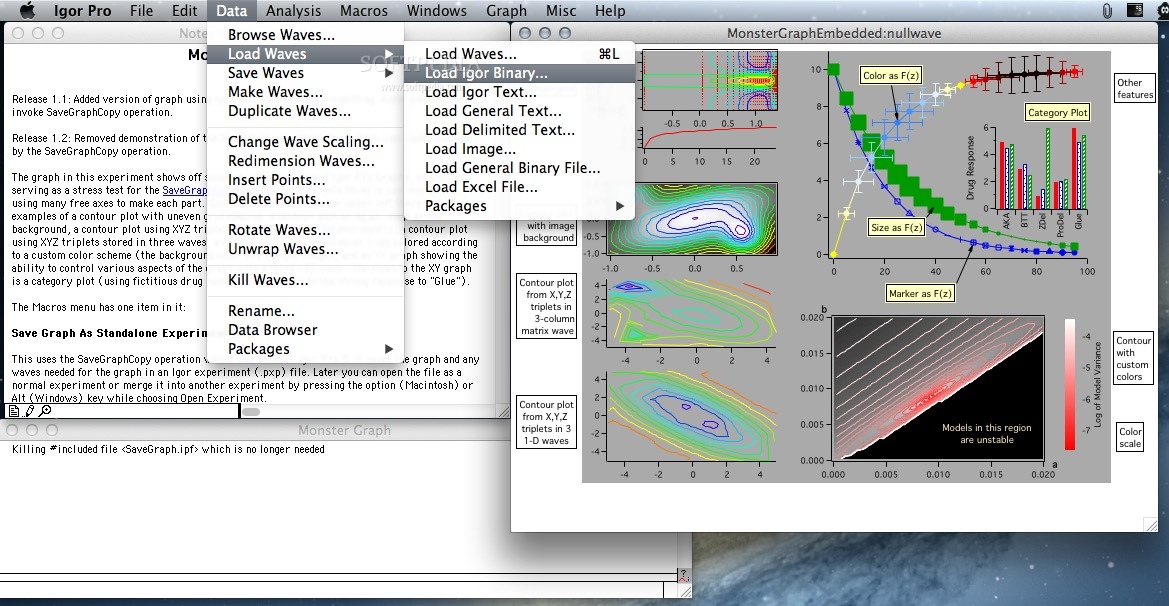
    · IGOR Pro imports data in many formats, and can acquire data from hardware devices.
    · IGOR Pro is completely programmable via a built-in programming environment, and can be extended by external code (XOPs) written in C.
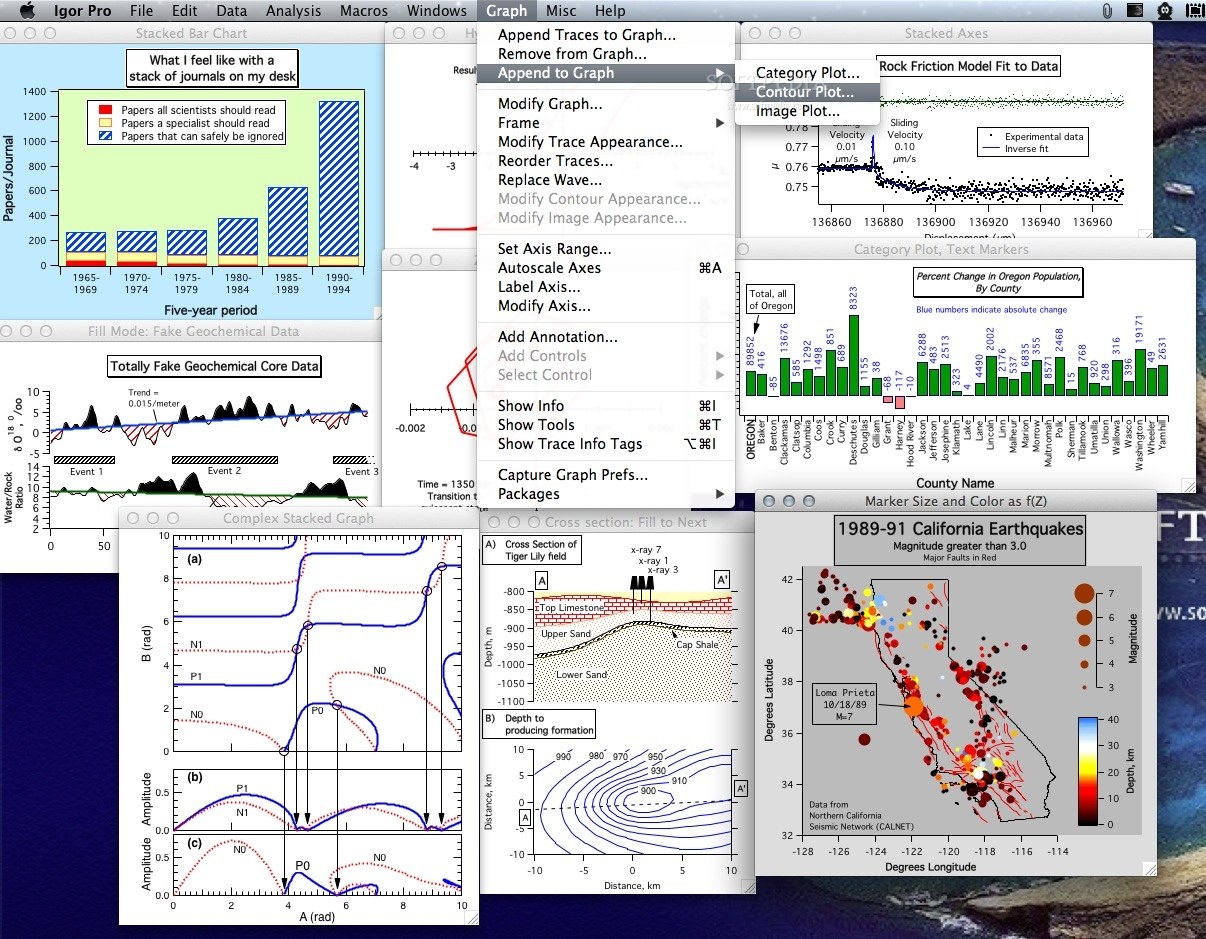
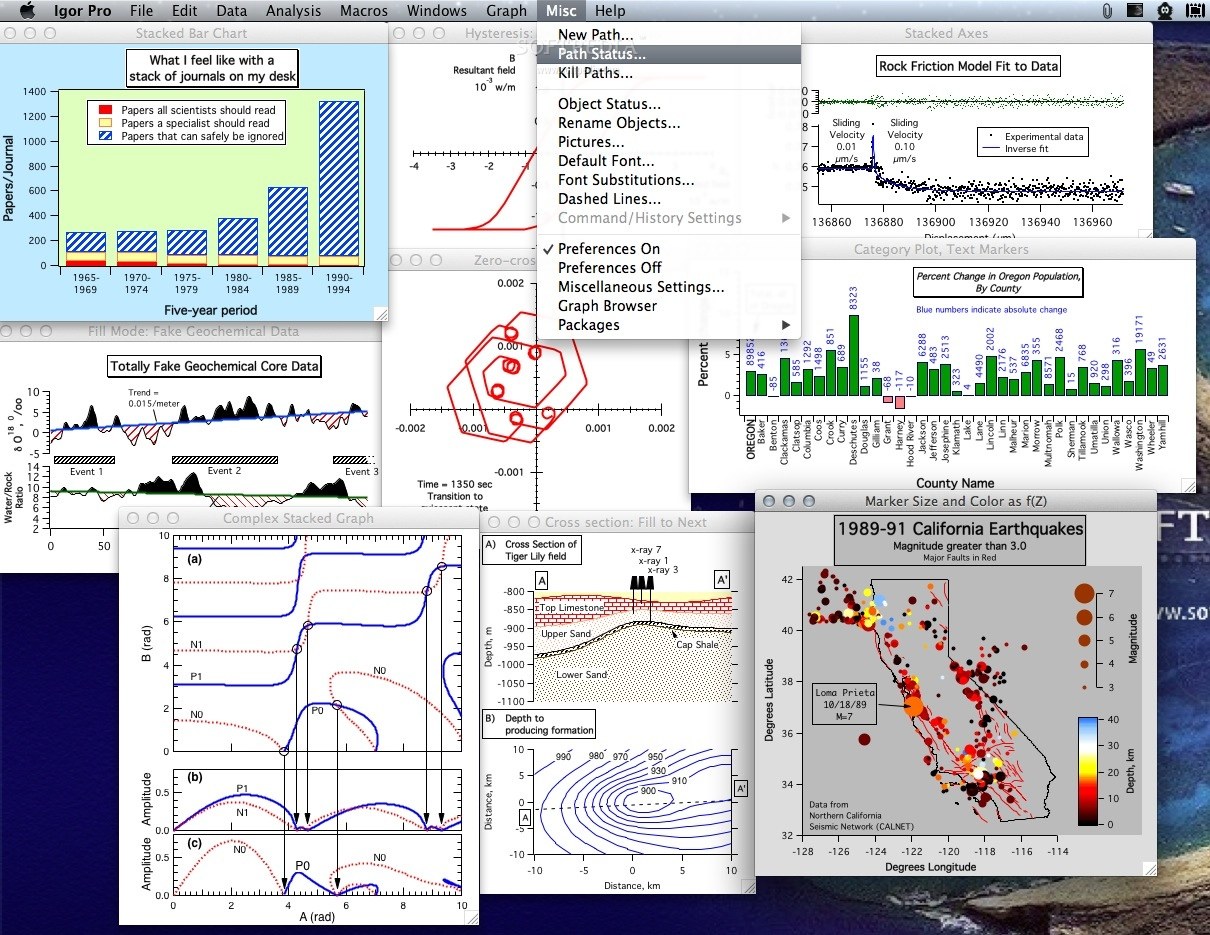
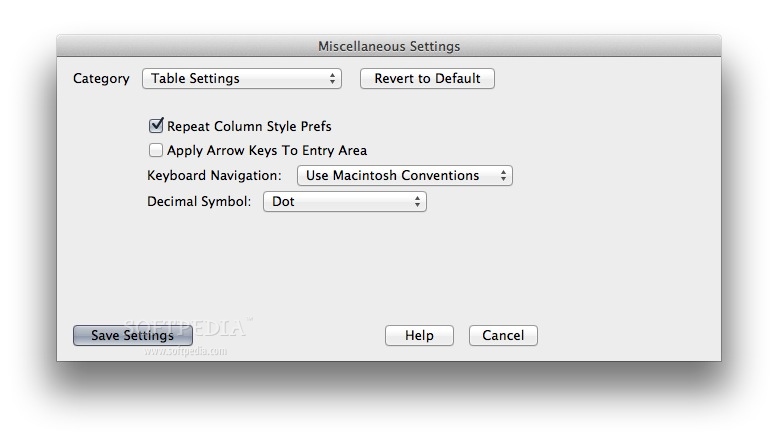
    · IGOR Pro doesn't require any programming; most functionality is available using standard menus, dialogs, and the mouse.
    · IGOR Pro runs on Macintosh and Windows computers, and IGOR's data files are cross-platform compatible.
    · IGOR Pro technical support is highly appreciated by users and comes with a no-questions-asked 90 day money-back guarantee.

    Limitations:

    · 30 days trial period.
    · Saving is disabled.
    · The clipboard contents cannot be transferred to other programs.
    · The printing output is lightly over-printed with Igor-related words.

    What's New in This Release: [ read full changelog ]

    NEW FEATURES:
    · Macintosh: Sound input and output now uses core audio and supports hardware with more than two channels, high sampling rates and 32 bit floating point data. See SoundInStatus, SoundInStartChart and PlaySound.
    · Now support WAVE w= ModuleName#waveRefFunc() syntax.
    · Now support external subwindows when the host is a panel window and the host is resized.
    · Added to ImageAnalyzeParticles a new flag (/CIRC) which allows you to control the range of circularity of the detected particles.
    · Added to ImageAnalyzeParticles a new flag (/EBPC) which allows you to exclude particles that have one or more pixels on any of the image boundaries.
    · Added a new function Variance(inWave) that returns the variance of real input waves.
    · The DrawText dialog has 1-degree text rotation combo box.
    · Added /FREE flag to the Extract operation.

    CHANGED BEHAVIOR:
    · Clicking Stop in the Debugger stops at currently executing macro line instead of the first line of the macro.
    · Limited length of automatically-generated table titles to 40 characters as it was prior to Igor Pro 6.1. Otherwise long table titles mess up the Windows->Table submenu on Windows. Explicitly set titles can still be up to 255 characters.

    BUGS FIXED:
    · Macintosh: Put in a workaround for a bug in a pre-release version of Mac OS X 10.6 which caused the Igor custom controls in the Print Graph dialog to fail to work.
    · Macintosh: Fixed a problem that caused file reads and writes to fail for files greater than 2 GB.
    · Windows: fixed ValDisplay appearance with frame=5 missing right side of the frame.
    · Prevented crash when KillWaves is used on a free wave.
    · Fixed bug in color as f(z) when the wave has NaN at point 197 and when it has very long stretches of the same color.
    · Fixed doubling up on last point of wave[0,inf] += xx when executed from the command line.
    · sscanf now returns 0 rather than -1 if passed an empty string.
    · Added better error messages for attempts to use function-only flow control statements in macros.
    · FunctionPath now works correctly from an independent module even if SetIgorOption IndependentModuleDev=0 (the default setting).
    · Fixed a crash in ImageRegistration and MatrixSVD/B.
    · Fixed a problem in DSPPeriodogram that returned an error in default mode (no intervals).
    · SetVariable valueBackColor now works on Windows. Now valueBackColor is used even if frame is off, but only if valueBackColor isn't =0. On native Macintosh removed white border and color splash outside the frame.
    · Fixed independent module bug that resulted in changing SetWindow hook=$"" to be imName# when executed in an independent module #pragma independentModule=imName.
    · Macintosh: the appearance of a control placed inside a filled drawing rectangle is no longer marred by little white lines.
    · Fixed SetVariable dialog not accepting row dimension label change for a wave value.
    · Fixed a bug that caused various file-related errors if the name of the boot volume contained accented characters. One manifestation of this is that it prevented Igor from recognizing that it was correctly licensed.
    · Fixed a bug introduced in Igor Pro 6.10B01 that caused errors when loading Igor text files.
    · Fixed a crash if you tried to search help files while in the debugger.
    · Fixed crash in Save operation if a non-existent wave was specified. This crash was introduced in 6.10B05.
    · Fixed error when the Save Waves dialog generated a command that was exactly 400 characters before counting the CR at the end of the command.

    XOPs:
    · Updated the MLLoadWave XOP so that it will work with Matlab 2009a.
    · Updated Macintosh Data Browser to support horizontal scrolling with two finger trackpad gesture.

    Procedures:
    · Corrected WMMenus.ipf so that the Window Browser displays its window when you select either Misc->Packages->Window Browser or Windows->Control->Packages->Window Browser.
    · The Split Axis package now does the right thing with axes that participate in Swap XY (either through traces with the /VERT flag or via ModifyGraph swapXY). It also now restores the reversed-ness of reversed axes when un-splitting.
    · Updated Image Particle Panel.ipf.
    · Added optional reporting of background level and ratio of peak height to background in Multipeak Fit 2.
    · Fixed AppendContourToGizmo.ipf so that the contour and surface popup menus work.
    · KBColorizeTraces.ipf revised to improve panel's appearance on Windows (control placements).

    Examples:
    · Most of the sound input examples were modernized to support the new core audio support on Mac.
    · Added a Visual Studio 2008 version of the IgorClient example Windows Automation client program. This is in "Igor Pro FolderMiscellaneousWindows AutomationAutomation Server Examples.zip".
    · Windows: updated demo experiment for Direct Show XOP (DSXOP).

      Softpedia guarantees that Igor Pro 6.1.2 is 100% CLEAN, which means it does not contain any form of malware, including spyware, viruses, trojans and backdoors. [read more >]


    TAGS:

    graphing tool | data analysis | data plotter | graph | analyze | analysis


    HTML code for linking to this page:


    Go to top

    Windows tabGames tabDrivers tabMac tabLinux tabScripts tabMobile tabHandheld tabGadgets tabNews tab

    SUBMIT PROGRAM   |   ADVERTISE   |   GET HELP   |   SEND US FEEDBACK   |   RSS FEEDS   |   ENTER NEWS SITE   |   ENGLISH BOARD   |   ROMANIAN FORUM