
Geo-Calc - A geometry calculator that will rock your world.. #Geometry calculator #2d figure #Figure parameter #Geometry #Calculator #2d
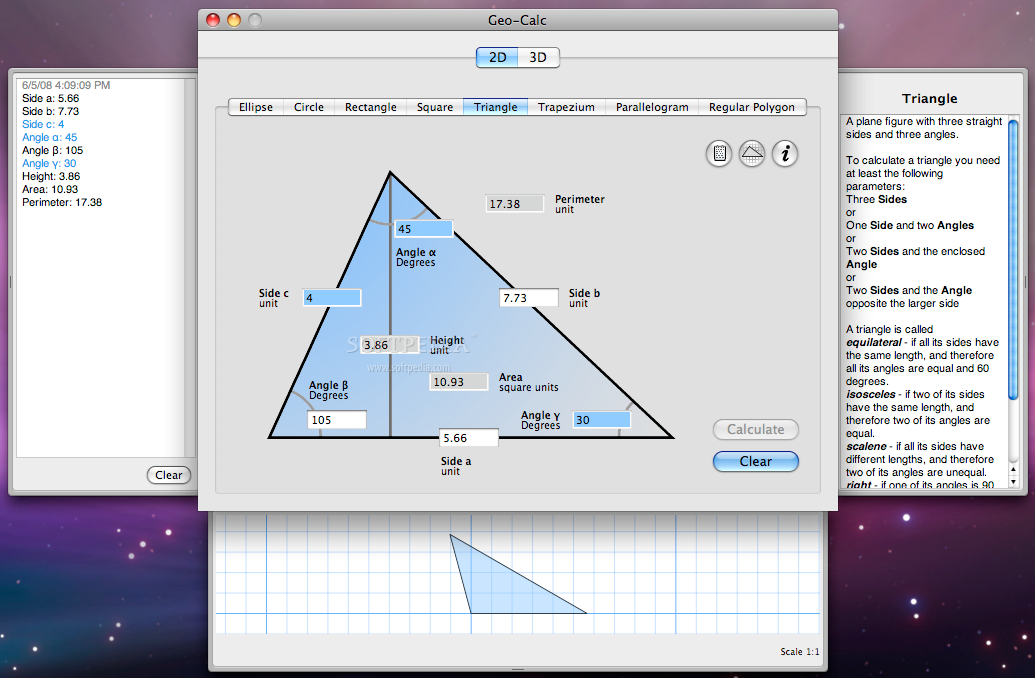
Geo-Calc works out all the measurements (area, perimeter, sides, angles, etc.) of common geometric shapes. A scaled drawing of each calculated shape is shown with a graph paper background in one drawer, while another shows a history of your previous calculations. A definition of each shape and the different ways to perform the calculations is also provided.
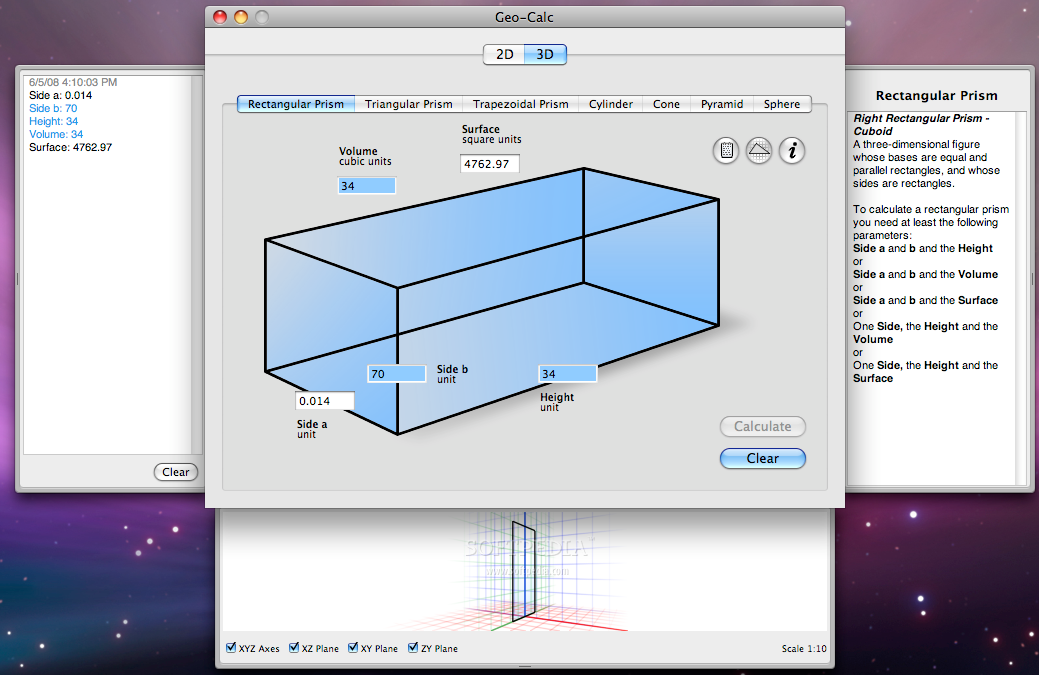
Geo-Calc's shapes include an ellipse, rectangle, triangle, trapezium, parallelogram, polygon, prism, cylinder, cone, pyramid and sphere. With Geo-Calc you can execute the calculations with every possible combination of entered parameters.
Here are some key features of "GeoCalc":
Tape drawer ■ The tape drawer lets you review a paper tape of previous calculations for each shape. A Clear button at the bottom of the drawer clears the paper tape for the current shape. ■ Previous calculations are only displayed and saved if the drawer is open when performing the calculations.
Graphics drawer ■ The graphics drawer shows a rendering of the calculated shape drawn to scale. For 3D shapes, additional controls enable the grid planes and axes to be toggled on/off. ■ The shape can be rotated by dragging with the mouse. To auto-rotate do a 'click-drag-release'.
What's new in Geo-Calc 2.0:
- Universal Binary.
- Tape drawer listing previous calculations.
- Graphics drawer containing a scaled rendering.
Geo-Calc 2.0
add to watchlist add to download basket send us an update REPORT- runs on:
- Mac OS X 10.3.9 or later (PPC & Intel)
- file size:
- 1.3 MB
- filename:
- Geo-Calc.dmg.zip
- main category:
- Math/Scientific
- developer:
- visit homepage
7-Zip

ShareX

Bitdefender Antivirus Free

Microsoft Teams

Windows Sandbox Launcher

IrfanView

Zoom Client

calibre

paint.net

4k Video Downloader

- calibre
- paint.net
- 4k Video Downloader
- 7-Zip
- ShareX
- Bitdefender Antivirus Free
- Microsoft Teams
- Windows Sandbox Launcher
- IrfanView
- Zoom Client