
Powerful and feature packed macOS application designed to make it very easy for you to effortlessly create and edit circuit board layouts via a highly intuitive interface. #Circuit board #CAD tool #Schematic editor #PCB #CAD #Circuit
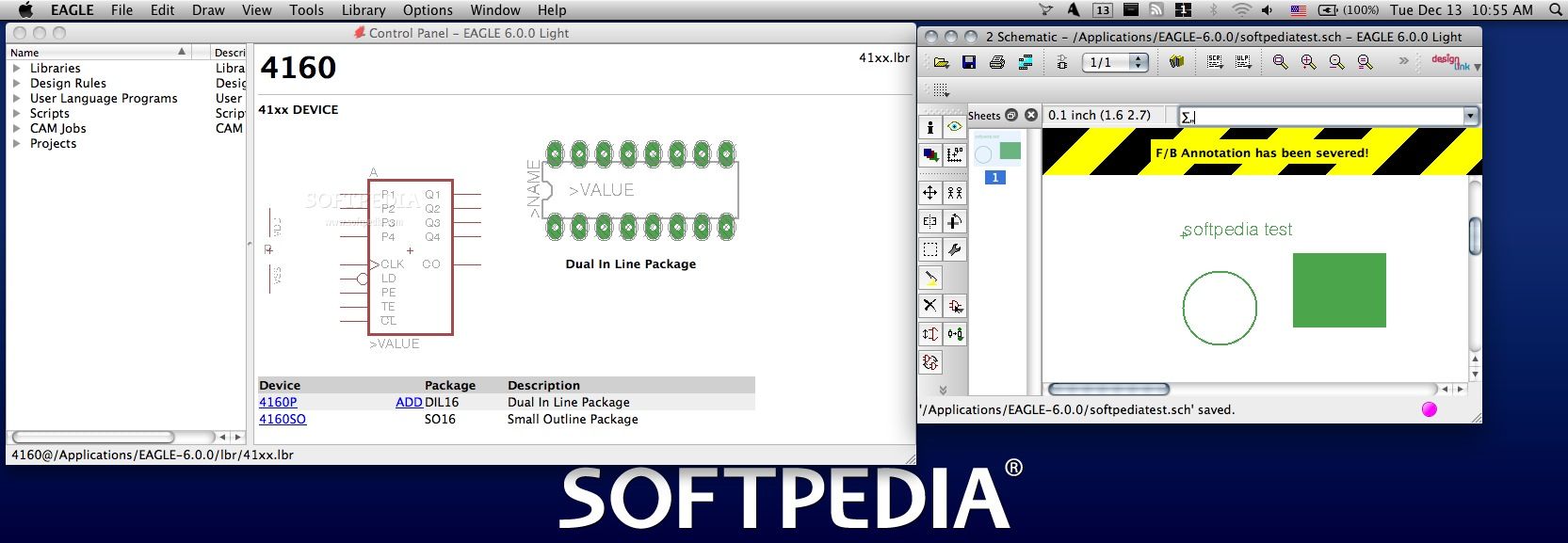
Designing, creating and even editing Printed Circuit Boards are never easy tasks, so having the appropriate tools is essential. Eagle (Easily Applicable Graphical Layout Editor) offers efficient solutions when it comes to PCB design, such as Schematic Capture, Board Layout and Autorouter.
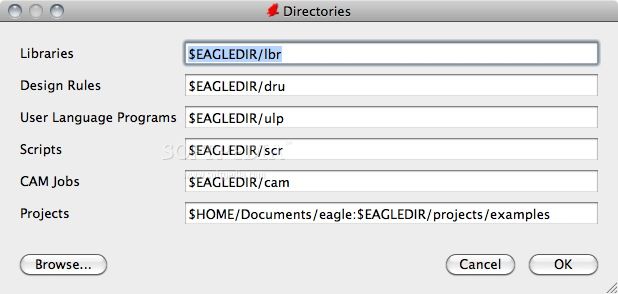
Eagle comes with an installer package which places a folder in your Applications directory: here are stored the used libraries, the CAM jobs, the example projects that come with the application and much more.
Moreover, the Eagle app is using a Control Panel window to provides access to schematic, board or library editor windows. The Control Panel window must stay open at all time: if you try to close it, the application will automatically quit.
Eagle enables you to draw a circuit schematic by using different libraries, placing symbols, drawing bus and net connections and more. You can check if the schematic has open pins or other types of errors and then you can generate a circuit board, based on the loaded scheme.
The next step is to check the circuit board integrity and convert the airwires into tracks. This can be performed using the ROUTE command or by enabling the Autorouter function (effectuates the process automatically).
Eagle is available in 4 editions: Professional, Standard, Light and Hobbyist. Each edition allows a different number of maximum sheets or signal layers to be used per schematic and the routing area size is variable.
Eagle is using a Forward & Back Annotation function to maintain the accuracy between the circuit schematic and the generated board. The Electrical Rule Check will also prove useful when checking for errors and consistency between the source schematic and the layout.
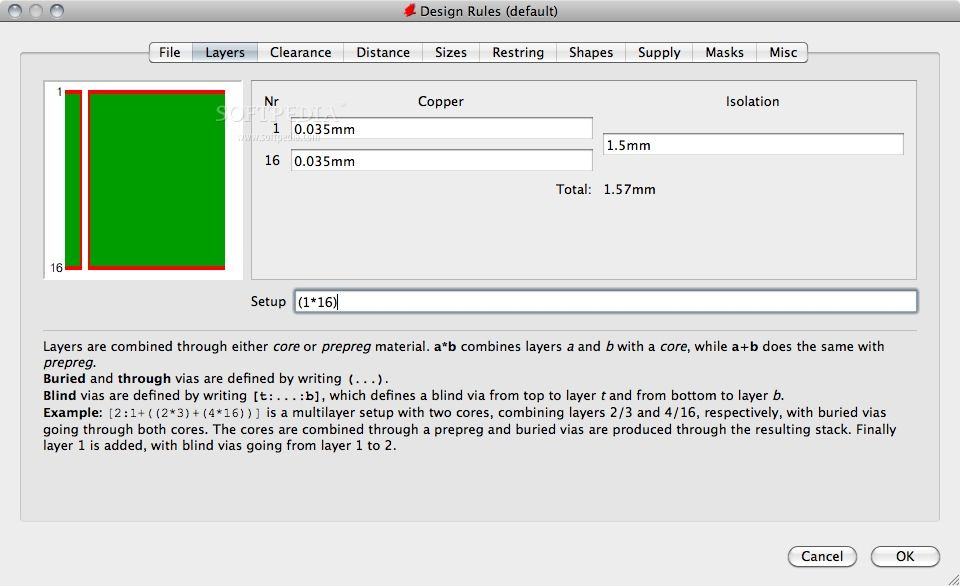
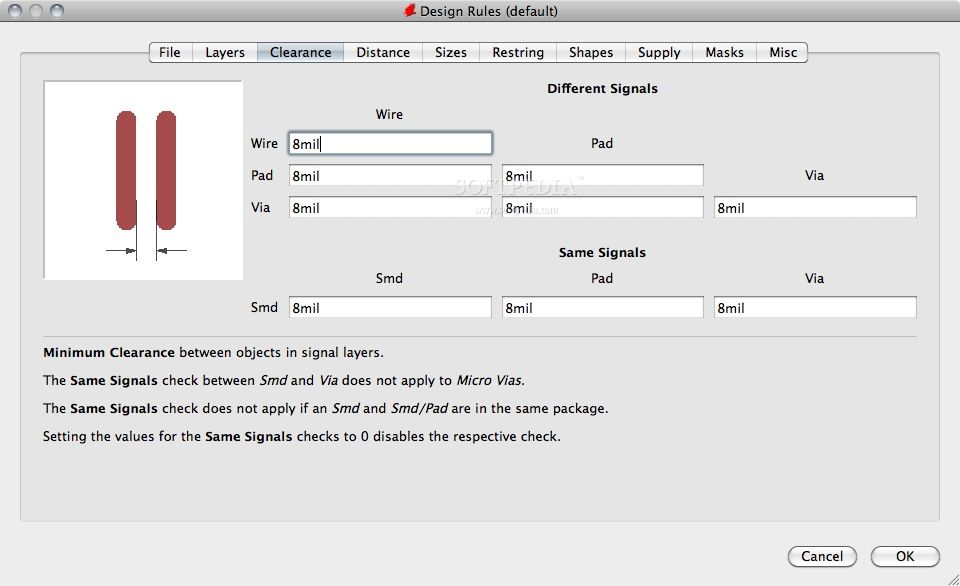
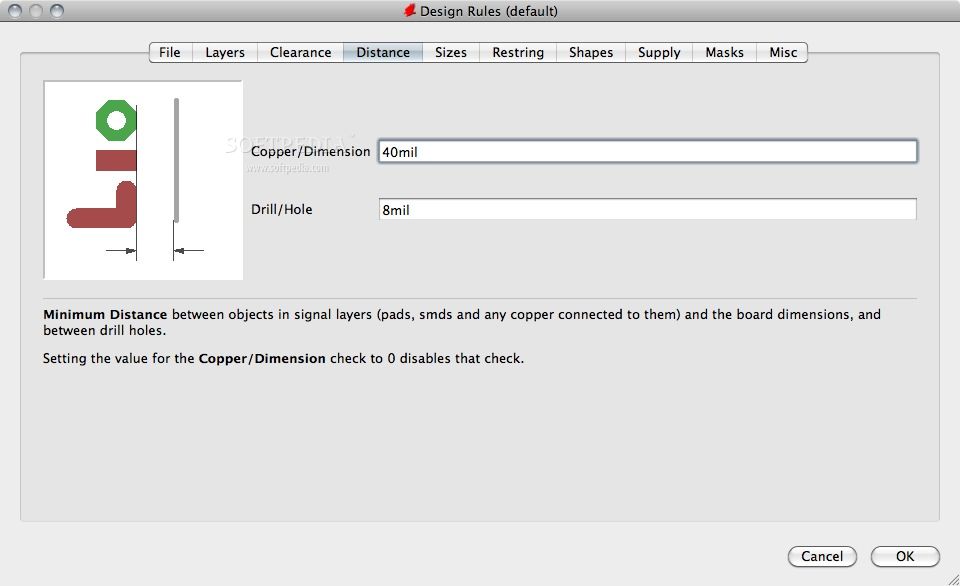
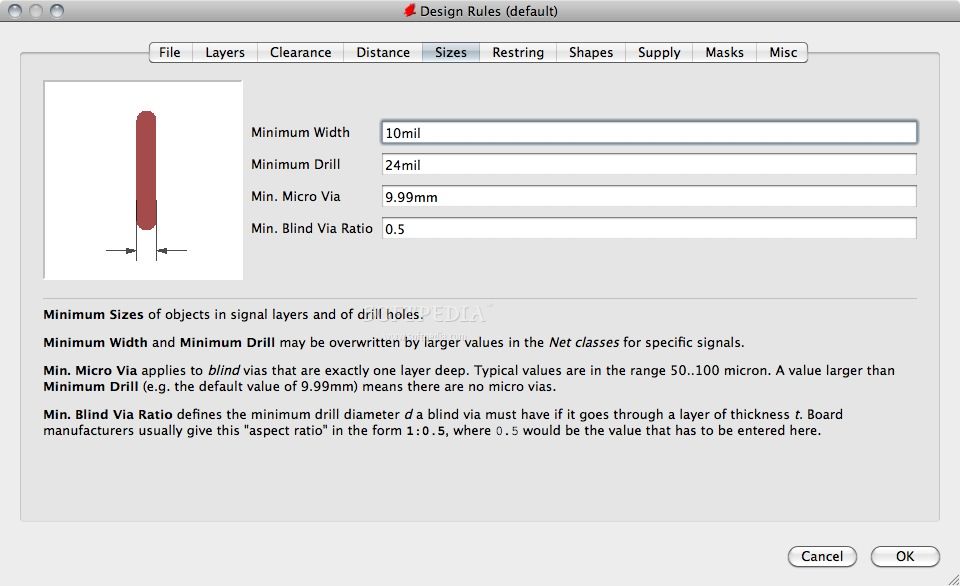
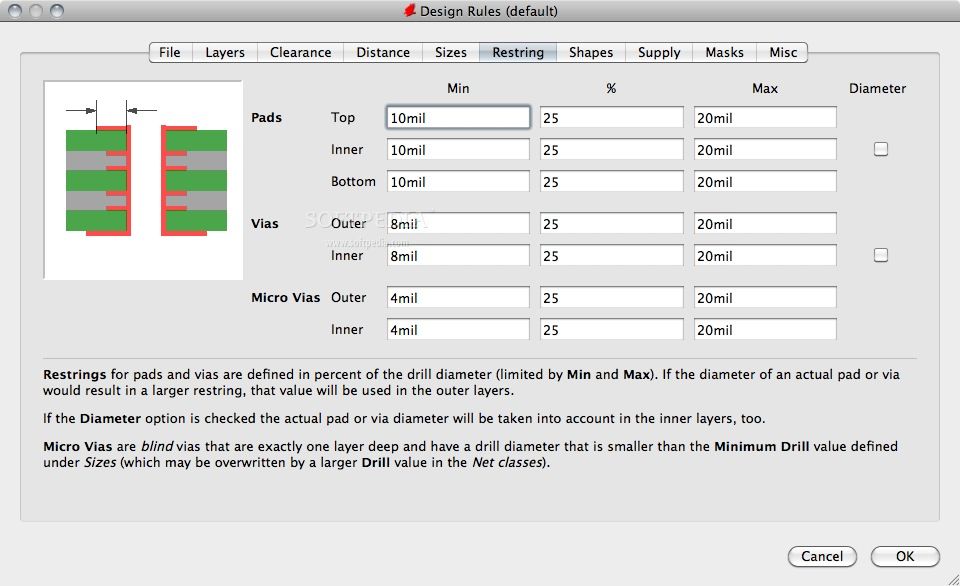
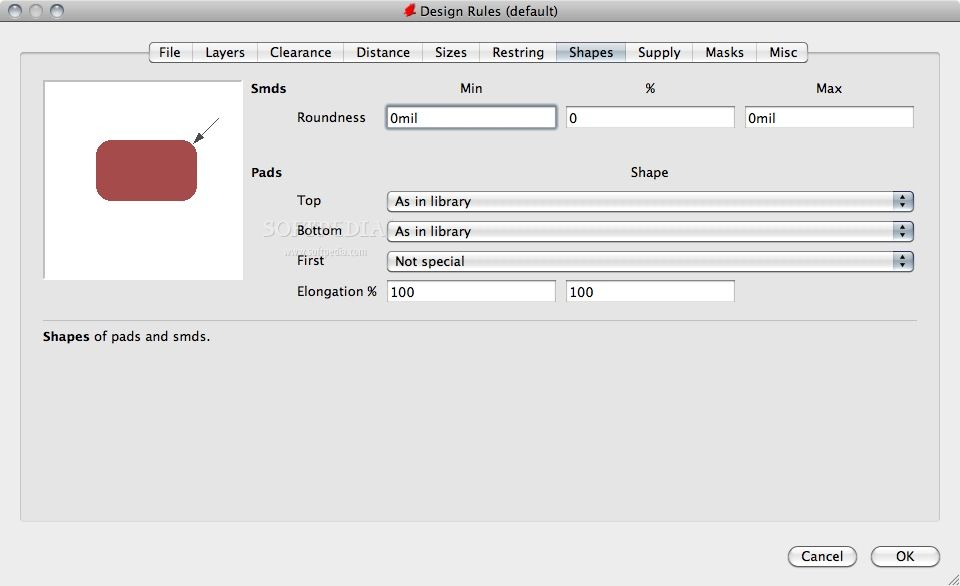
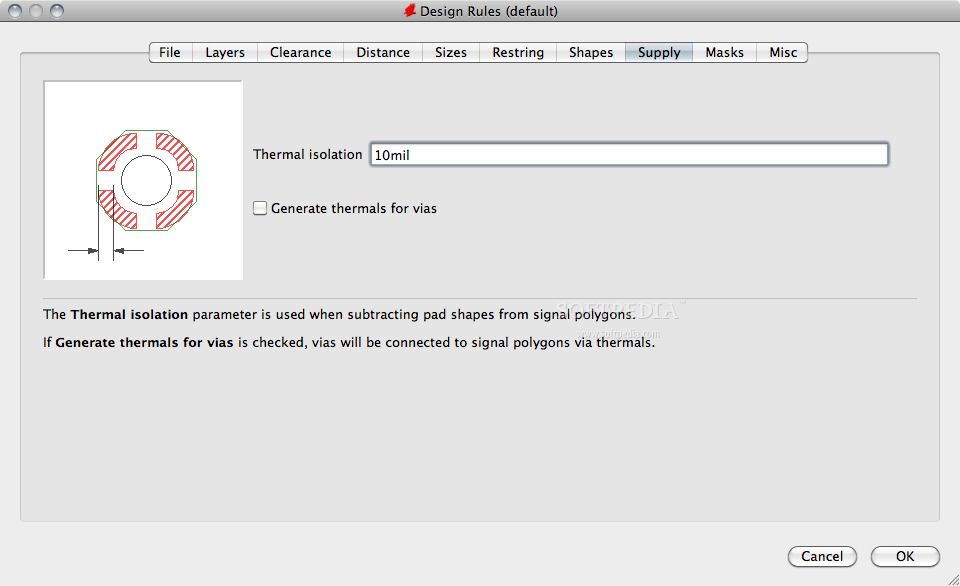
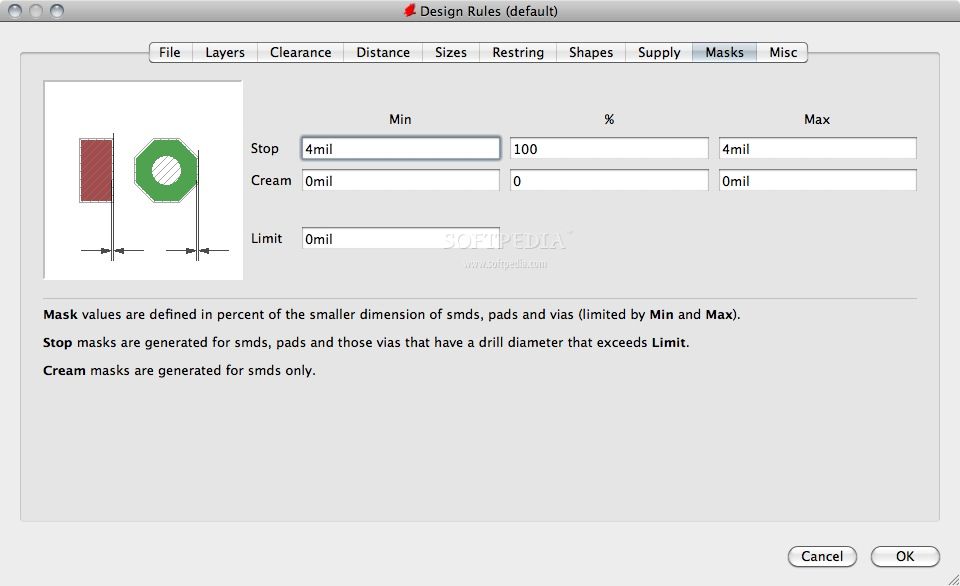
Eagle enables the user to create its own net classes, parameters, library devices and more. Eagle can be used to generate data for different equipments and machines.
On the whole, given its intuitive interface that does not raise any issues at all, Eagle is the right OS X app to choose if you need to design, test or edit custom circuit designs as easy as possible.
Eagle 9.6.2
add to watchlist add to download basket send us an update REPORT- runs on:
- OS X 10.10 or later (Intel only)
- file size:
- 152.8 MB
- filename:
- Autodesk_EAGLE_9.6.2_English_Mac_64bit.pkg
- main category:
- Math/Scientific
- developer:
- visit homepage
Zoom Client

IrfanView

Windows Sandbox Launcher

ShareX

Context Menu Manager

Microsoft Teams

7-Zip

calibre

4k Video Downloader

Bitdefender Antivirus Free

- calibre
- 4k Video Downloader
- Bitdefender Antivirus Free
- Zoom Client
- IrfanView
- Windows Sandbox Launcher
- ShareX
- Context Menu Manager
- Microsoft Teams
- 7-Zip