Softpedia
 

MAC CATEGORIES:


GLOBAL PAGES >>
NEWS ARCHIVE >>
SOFTPEDIA REVIEWS >>
MEET THE EDITORS >>
WEEK'S BEST
  • Adobe InDesign CC 9.0
  • Adobe Illustrator CC 17.0
  • Adobe Photoshop CC 14.0
  • Dropbox 2.2.6 / 2.3.14 ...
  • Parallels Desktop 8.0.1...
  • TweetDeck 3.0.2
  • Apple Xcode 4.6.3
  • Butler 4.1.15
  • Winclone 4.0.1
  • VLC Media Player 2.0.7
  • Home > Mac > Math/Scientific
     Report malware

    CurveExpert Professional 2.0.0

    Download button buy button

    Downloads: 697  Tell us about an update
    User Rating:
    Rated by:
    Fair (2.0/5)
    1 user(s)
    Developer:

    License / Price:

    Size / OS:

    Binary Format:

    Last Updated:

    Category:
    Daniel G. Hyams | More programs
    Trial / USD 79.00 buy button
    45.3 MB / Mac OS X 10.5.8 or later
    Intel only Intel only
    June 18th, 2013, 10:43 UTC [view history]
    Home / Math/Scientific

     Read user reviews (0)  Refer to a friend  Subscribe

    CurveExpert Professional description

    A cross-platform solution for curve fitting and data analysis.

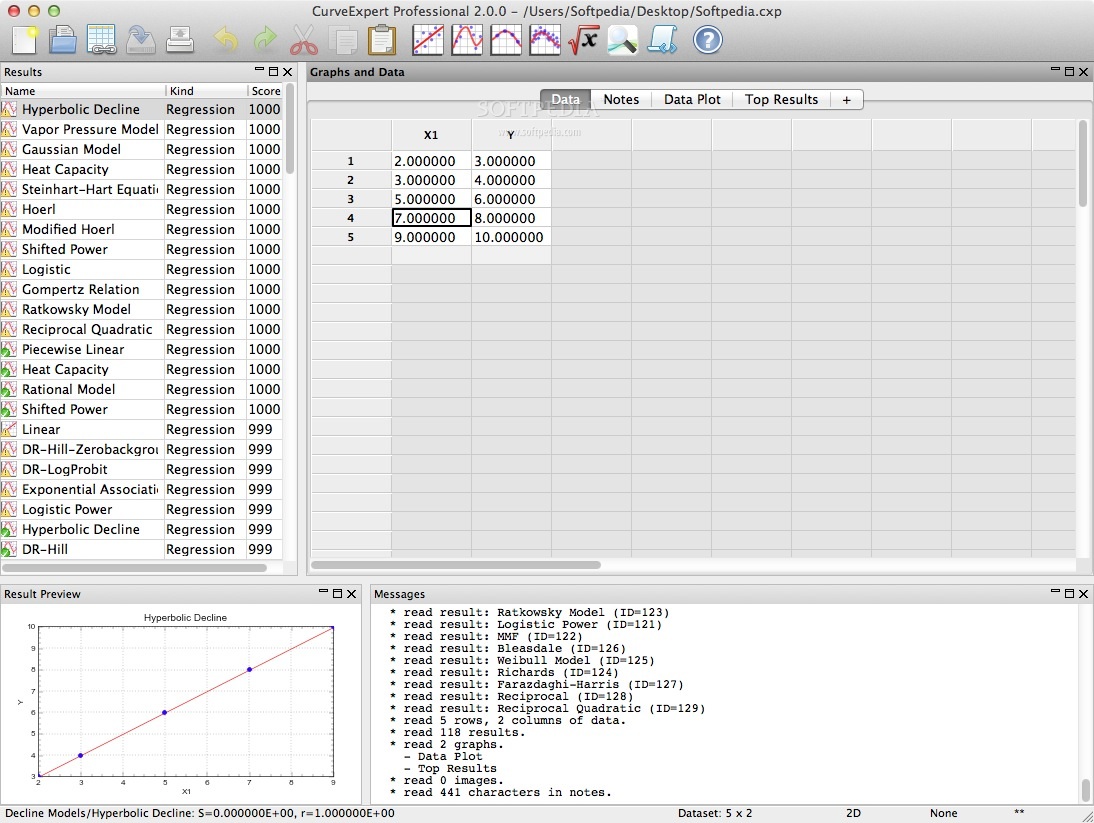
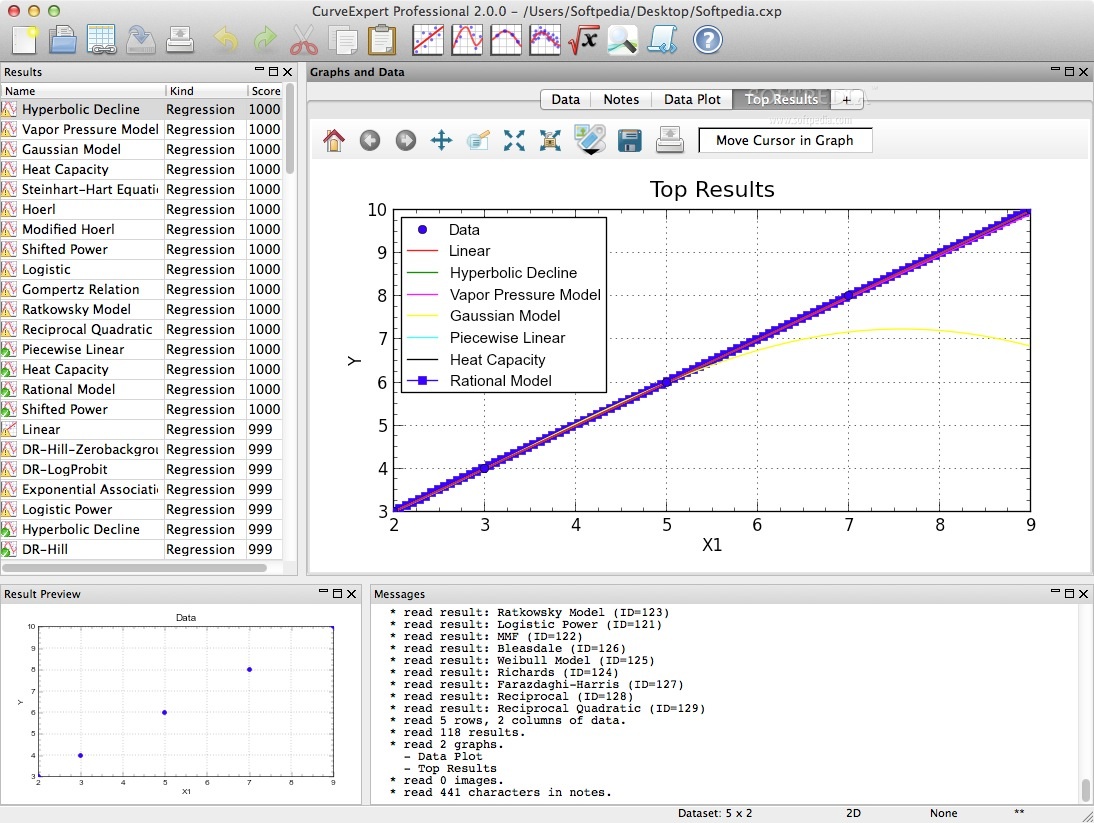
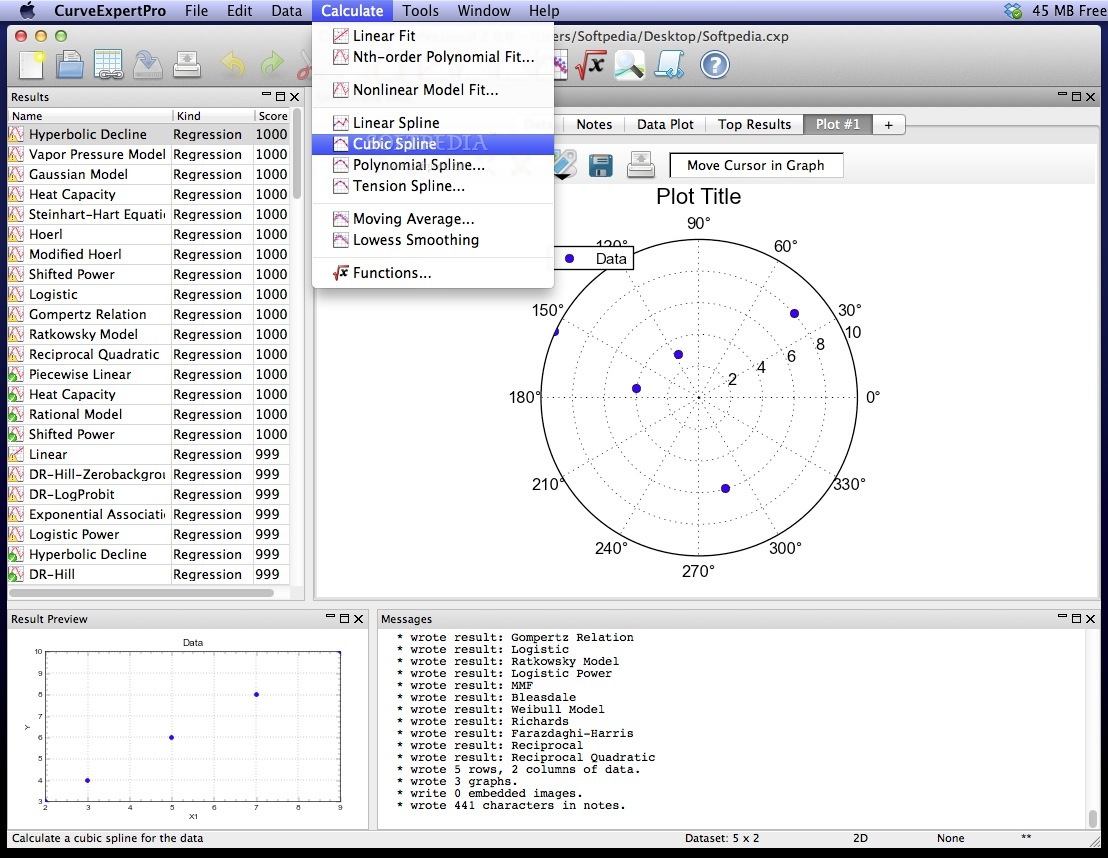
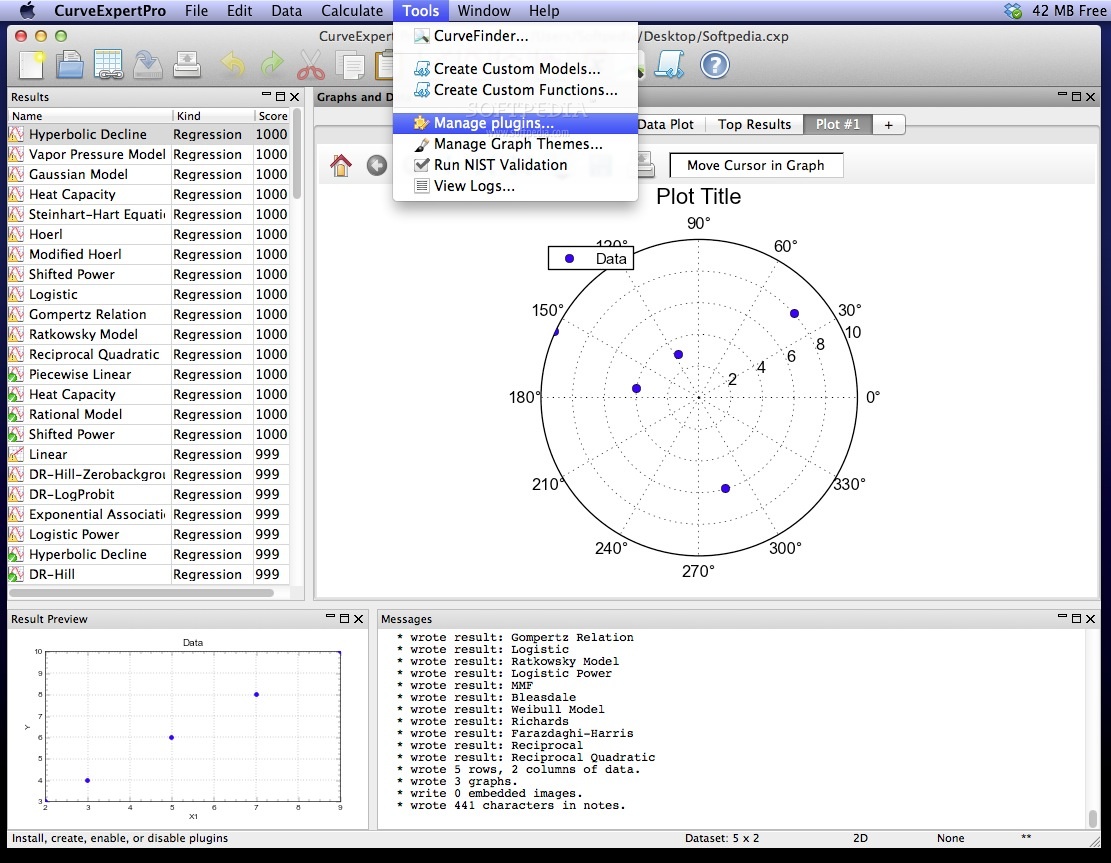
    With the CurveExpert Professional program the data can be modeled using a toolbox of linear regression models, nonlinear regression models as well as a bunch of user-defined smoothing methods, or various kinds of splines.

    Over 60 models are built-in, but custom regression models may also be defined by the user. Full-featured publication-quality graphing capability allows thorough examination of the curve fit.

    The process of finding the best fit can be automated by letting CurveExpert compare your data to each model to choose the best curve.

    The CurveExpert Professional software is designed with the purpose of generating high quality results and output while saving your time in the process.

    CurveExpert Professional is cross-platform and it works on Mac OS X, Windows and Linux. Binaries for the Windows and Linux platforms are available on the project's homepage.

    Here are some key features of "CurveExpert Professional":

    · Easy-to-use user interface: most mathematically-intensive applications are very difficult to use. CurveExpert Professional has a very intuitive interface, which allows you to import your data, generate results, and create publication-quality plots with very minimal effort. In fact, to import a file takes only four clicks, and generating a battery of results with associated graphs takes two more.

    · Robust file import: data files come in many shapes and sizes, and CurveExpert Professional makes importing your data files very easy. The smart file reader avoids non-data areas of your file dynamically, and attempts to find labels for each column of data in your file.

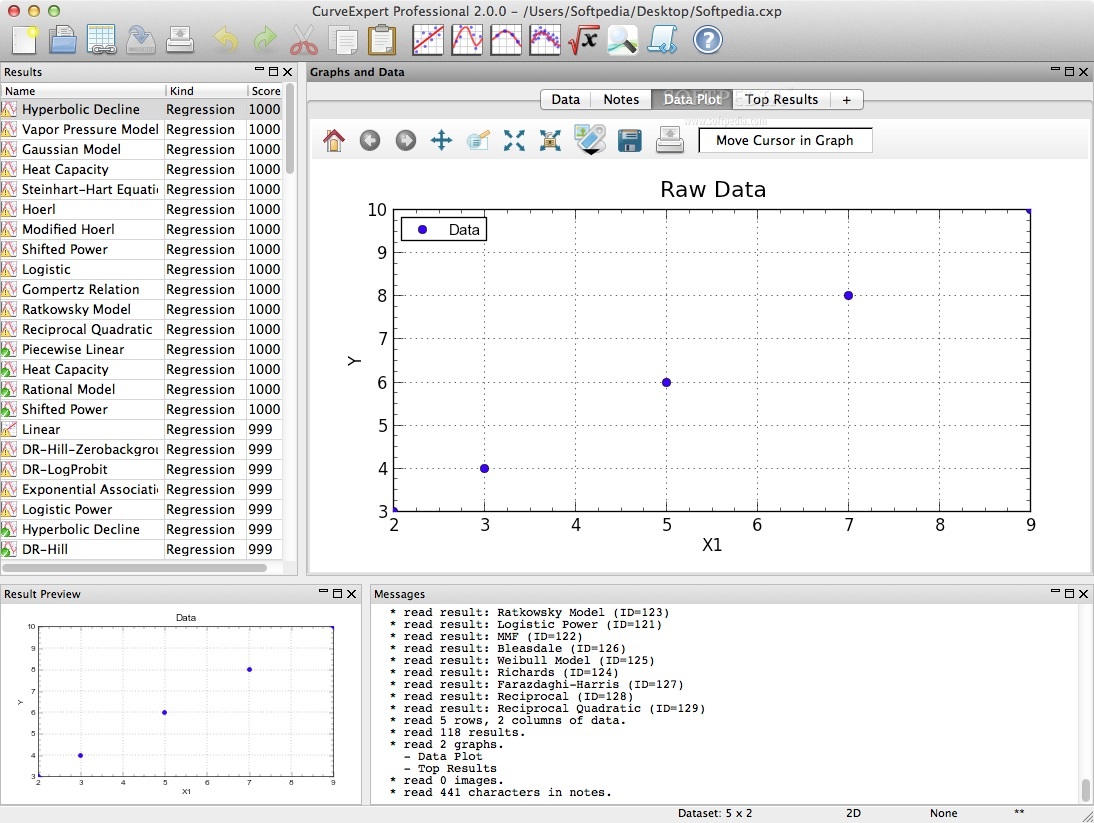
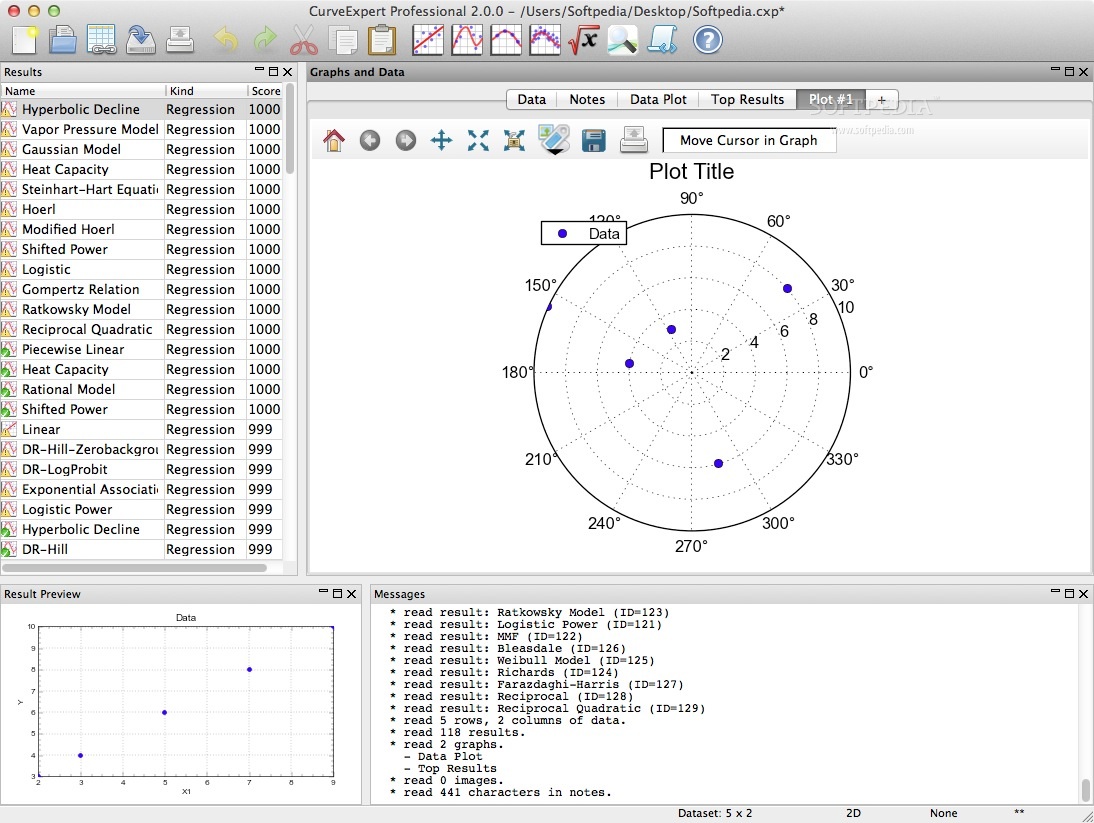
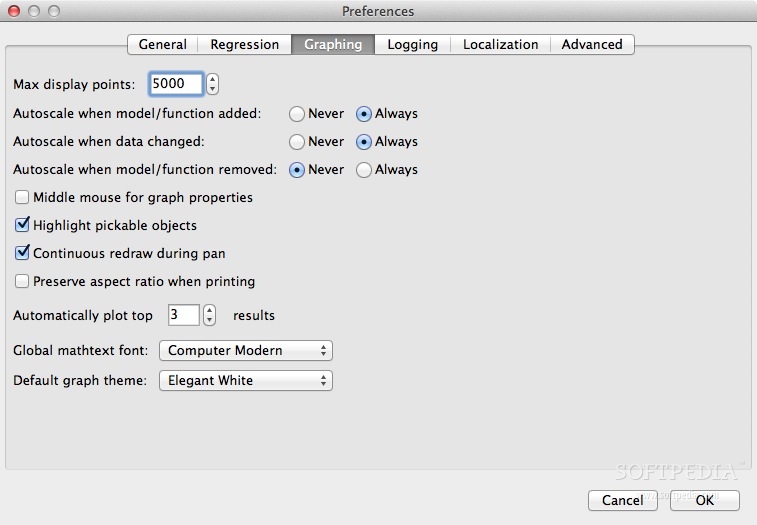
    · Publication quality graphs: an arbitrary number of graphs can be created and saved. The rendering of the plots is of publication quality, with full antialiasing support and the ability to extensively customize each graph. Graphs can be saved to a variety of graphics file formats, and they may be directly copied and pasted into another application.

    · For the purposes of 3D plotting, scatterplots, surfaces, and contour plots are supported. Graph themes allow you to customize a look that you prefer, and reuse it. Graphs are interactive, with zooming, panning, autoscaling, and view stack capability.

    · Multivariate: linear and nonlinear regressions can be computed for datasets with multiple independent variables, without any limits.

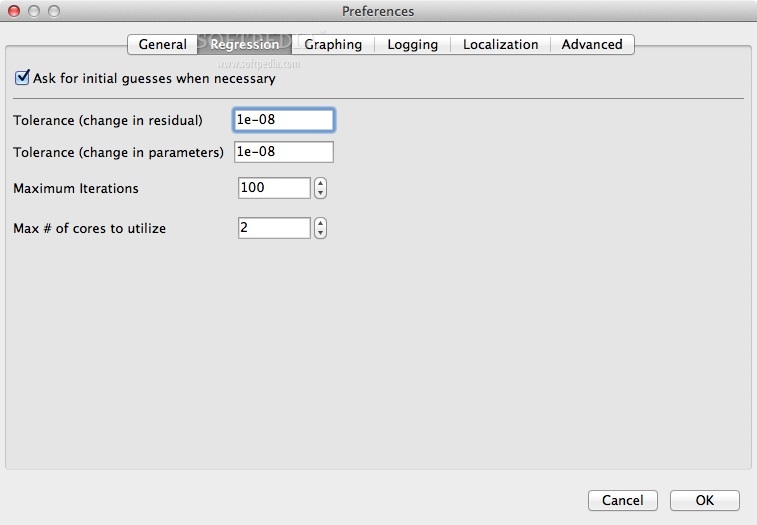
    · Multicore: put your extra CPU cores to work and compute results more quickly. A typical speedup is 3.5X on a 4 core system.
    · Built-in models: over 60 built-in nonlinear models, with high-quality automatic initial guesses, are available for use. The provided models cover all of the major families.
    · Detailed Result Query: parameter values and uncertainties, covariance matrix, parameter histories, residual plots. Forward and backward evaluation of the model’s value, differentiation, integration, and table generation.

    · Custom models: you can also define models yourself, using a very large library of built-in mathematical functions, and parameters in your models can take any name that you like. For more advanced users, a model can be as complex as necessary, as long as it can be expressed as a Python function. This allows the creation of extremely complicated models, instead of the normal one-line-equation models limitation in other software. Further, the number of parameters is unlimited.

    · Functions: much like models, a suite of built-in functions (over 40) can be evaluated, and you can define your own custom functions as well.

    · Ranking of results: results are automatically ranked by your choice of score, correlation coefficient, standard error, or coefficient of determination.
    · Validated: validated against the Statistical Reference Datasets Project of the National Institute of Standards and Technology.

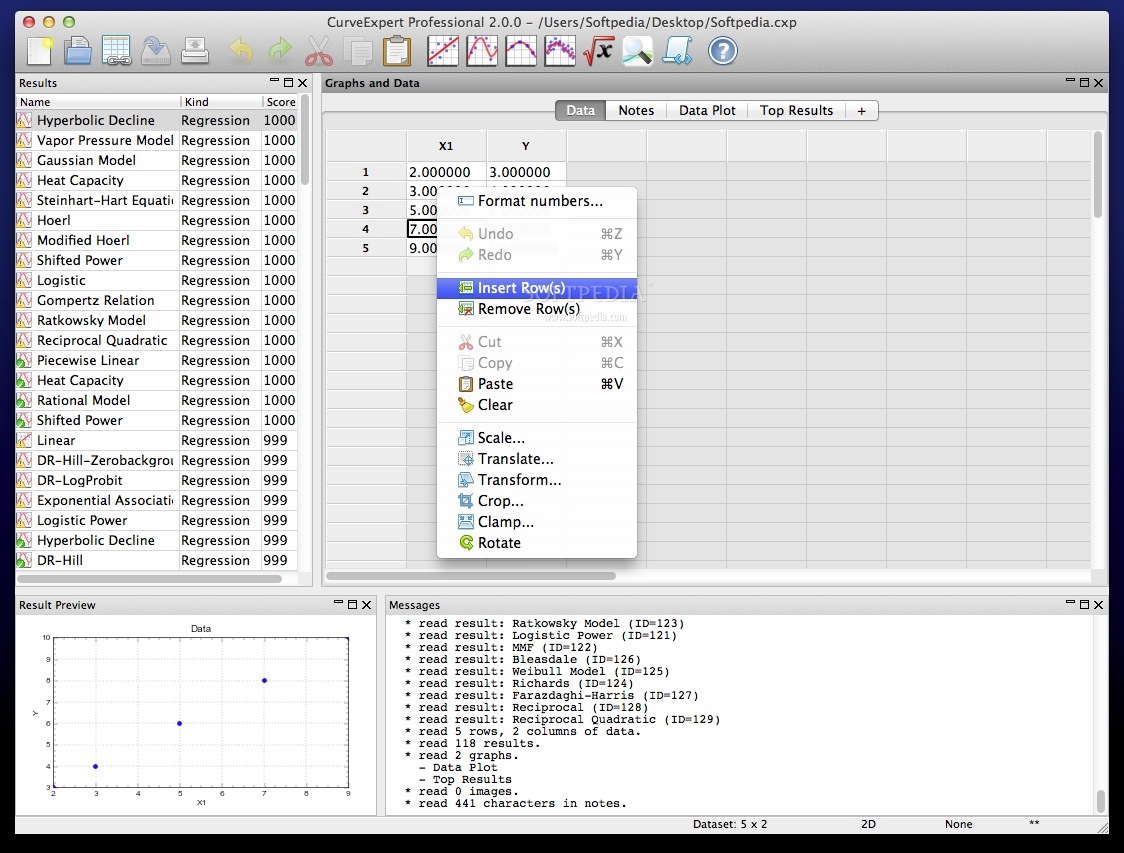
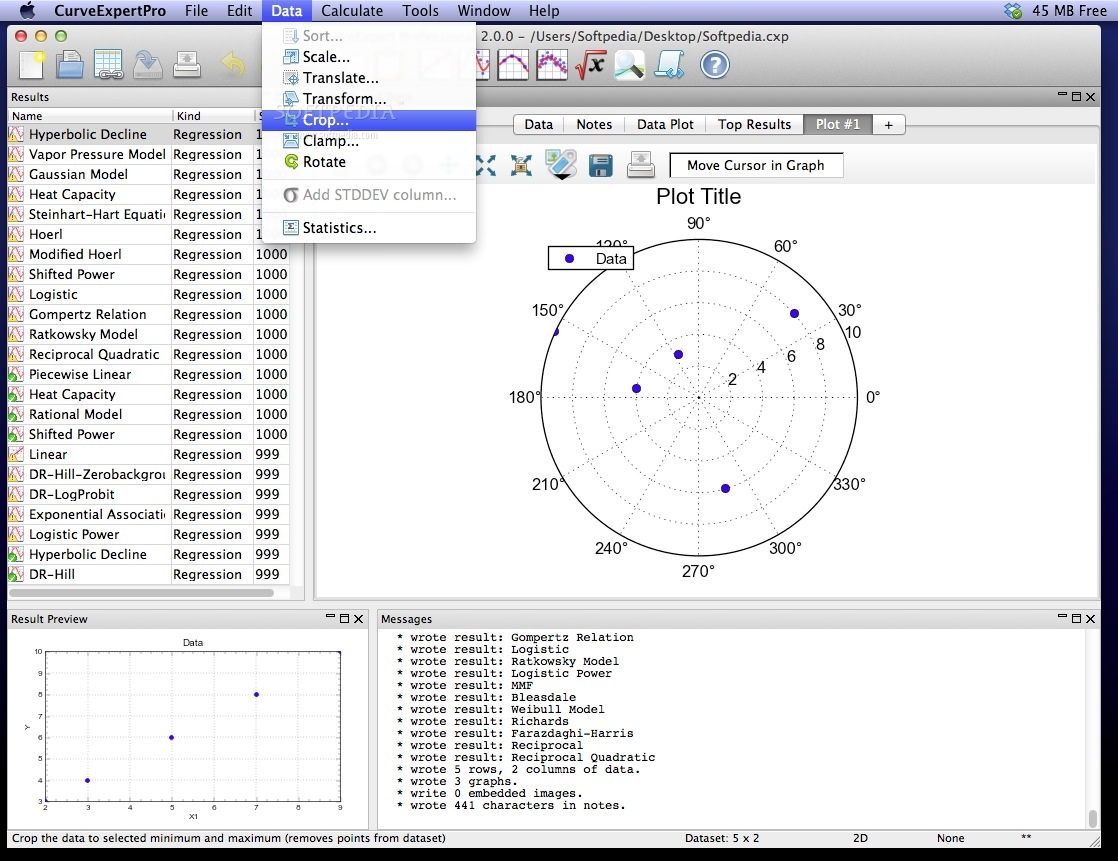
    · Quality spreadsheet: the built-in spreadsheet allows you to manually enter data and/or modify it with a suite of data transformation tools. Data entry and cutting and pasting capabilities are as easy as Excel.

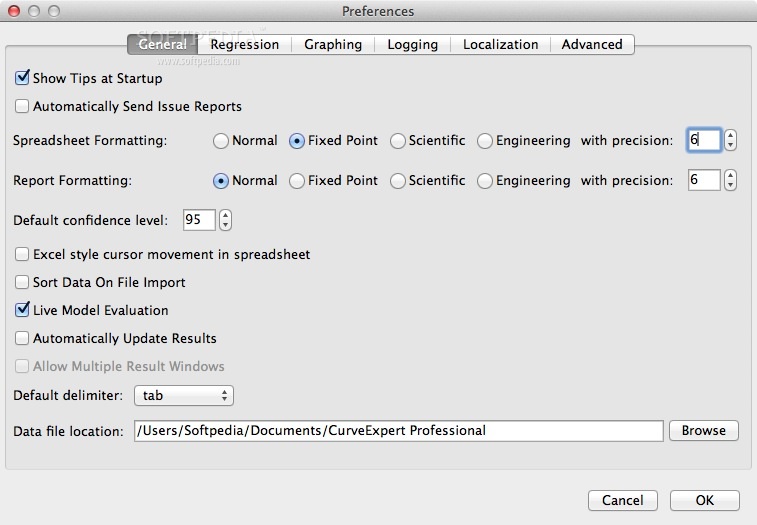
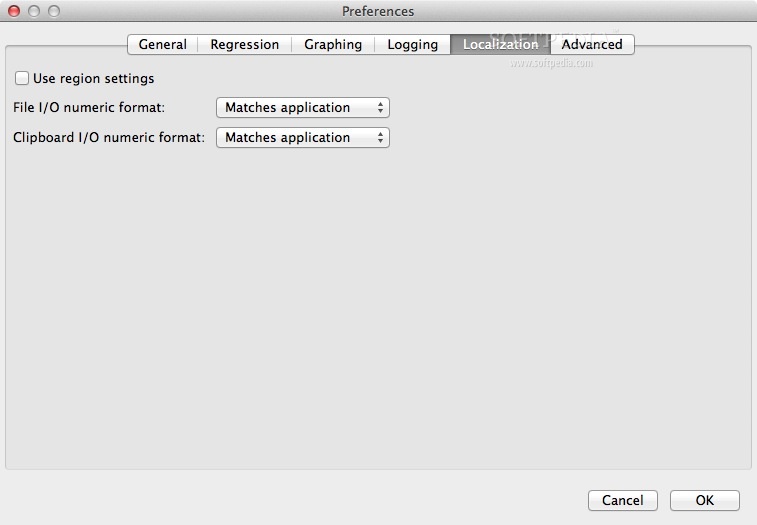
    · Localization: Importing data or interoperating in European-style environments (which use a comma as a decimal) is extremely easy; regional settings are automatically obeyed, or can be selectively enabled in order to match your particular workflow.

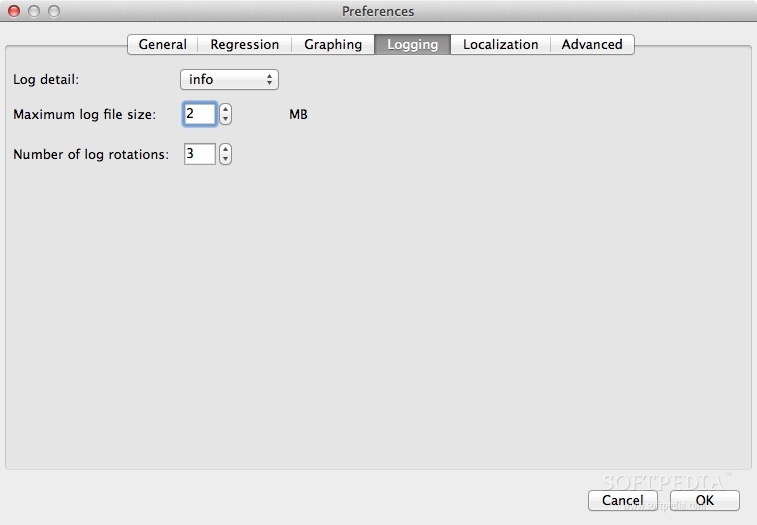
    · Logging: a log of actions is kept across sessions of the software, in case you need to recreate a particular result. A messages pane keeps you informed of the status of every computed result.

    · Documentation: Extensive documentation in HTML, PDF, and EPUB format, available both directly from the software and online

    Limitations:

    · 30 days trial.

    What's New in This Release: [ read full changelog ]

    Plugins:
    · An exciting new feature has been added to CurveExpert 2.0, called plugins. Plugins allow you to automate repetitive tasks as well as integrate CurveExpert 2.0 into your own workflows. Several examples of plugins are included with the software, and the API's are described in the documentation that ships with CurveExpert Pro. And we don't try to invent our own scripting language; plugins are written in standard Python. Built-in modules include numpy (numerical arrays), scipy (scientific computing), and wxPython (GUI toolkit). These built-ins give you flexibility and power to compute and automate practically anything. Plugins are really only limited by your imagination; any Python module can be imported into a plugin, even those that you have installed externally to CurveExpert Pro. As an example of using a plugin is to automate the reading of several different datasets, perform analysis on each one in turn (say, compute a few nonlinear regressions), and write the results out t...

     Softpedia guarantees that CurveExpert Professional 2.0.0 is 100% CLEAN, which means it does not contain any form of malware, including spyware, viruses, trojans and backdoors. [read more >]


    TAGS:

    generate graphic | calculate function | math diagram | graphic | computation | function

    Go to top

    WindowsGamesDriversMacLinuxScriptsMobileHandheldNews

    SUBMIT PROGRAM   |   ADVERTISE   |   GET HELP   |   SEND US FEEDBACK   |   RSS FEEDS   |   UPDATE YOUR SOFTWARE   |   ROMANIAN FORUM