
Full-screen web browser designed for web apps. #Internet browser #Web browser #Fullscreen browser #Browser #Fullscreen #Website
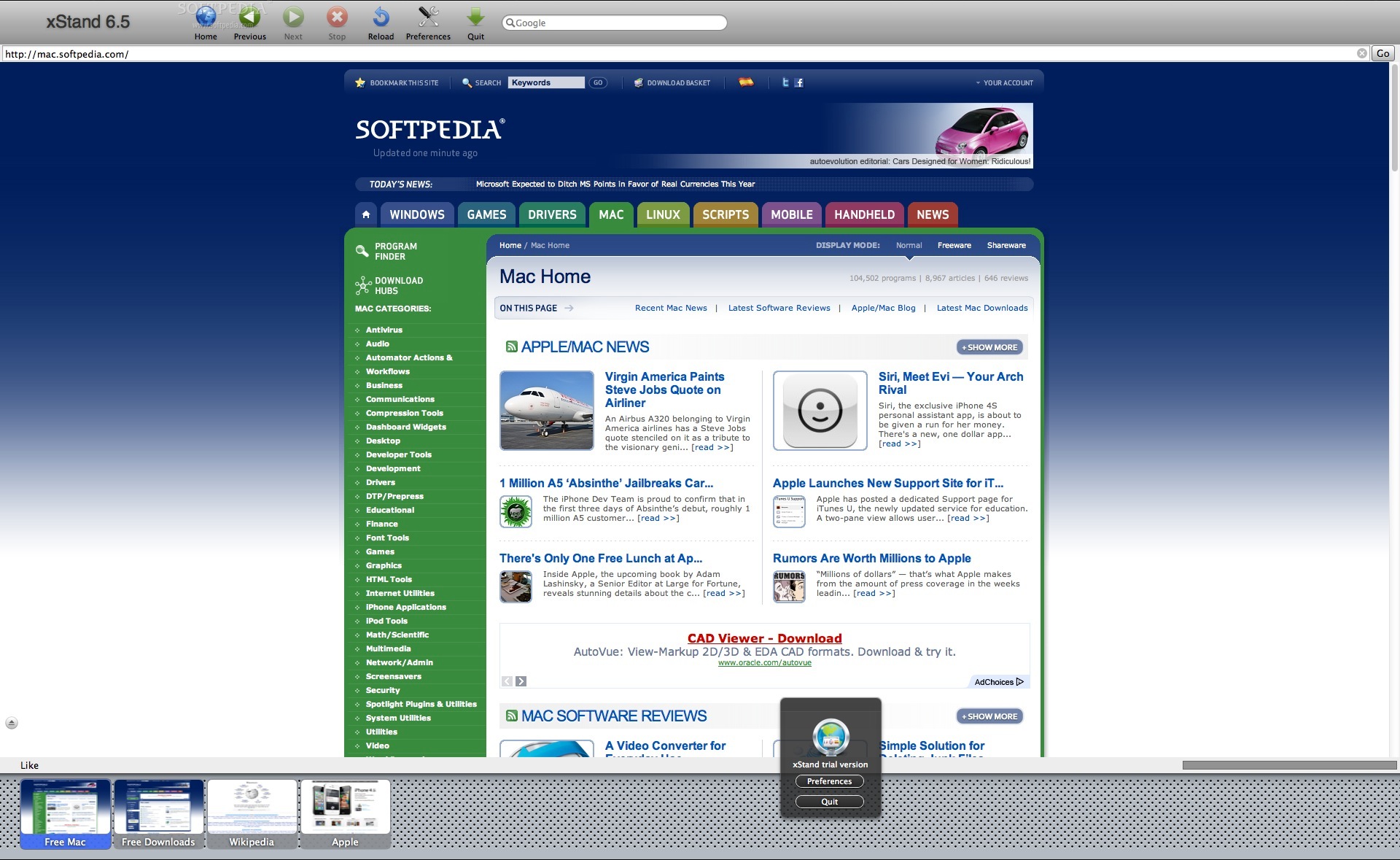
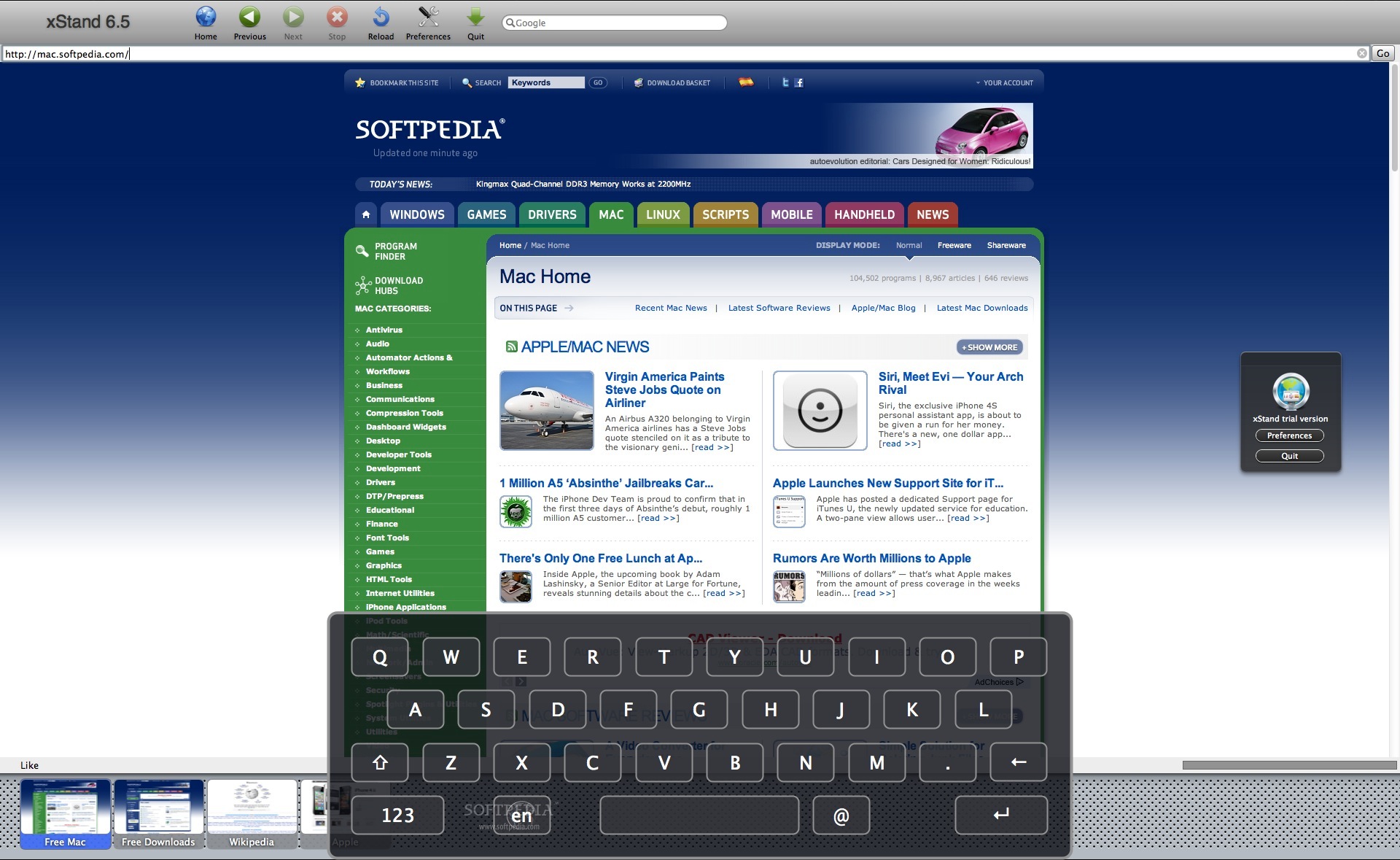
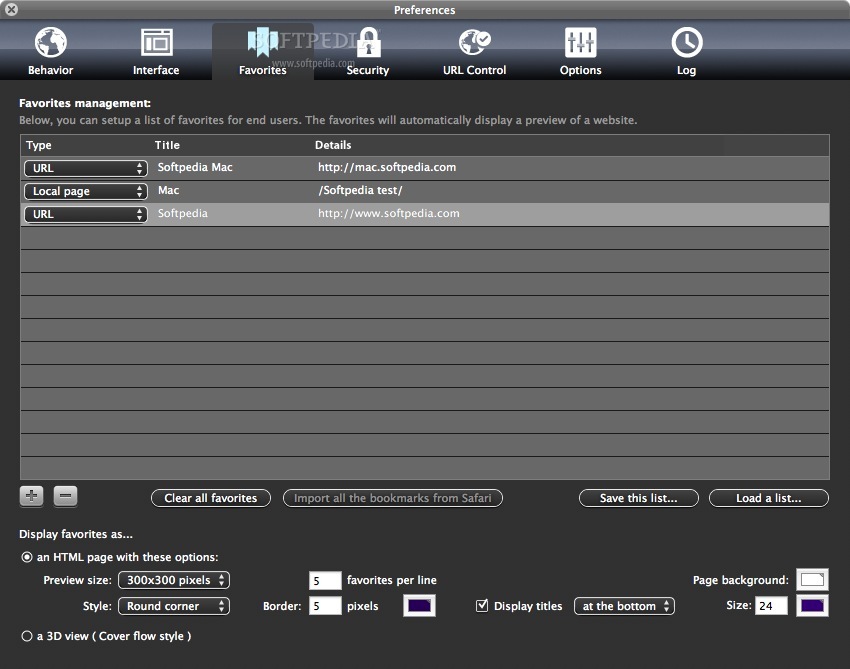
xStand (formerly known as wKiosk) is a Mac OS X web browser built from the ground up to present web-based content or run web apps in a stable and safe way.
Being usually used in public access terminals in museums or libraries, the xStand app may also be set as the default web browser for all members of an organization or company.
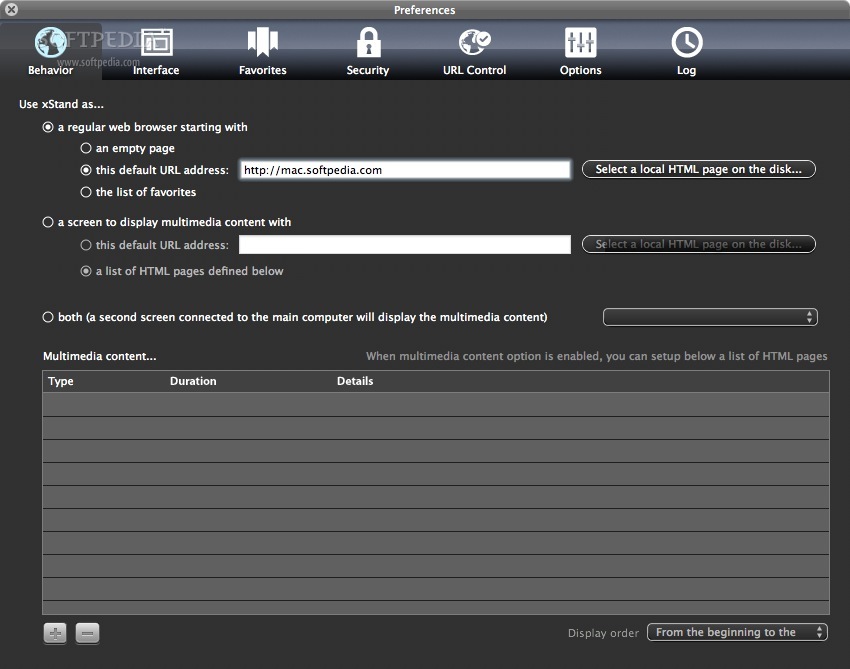
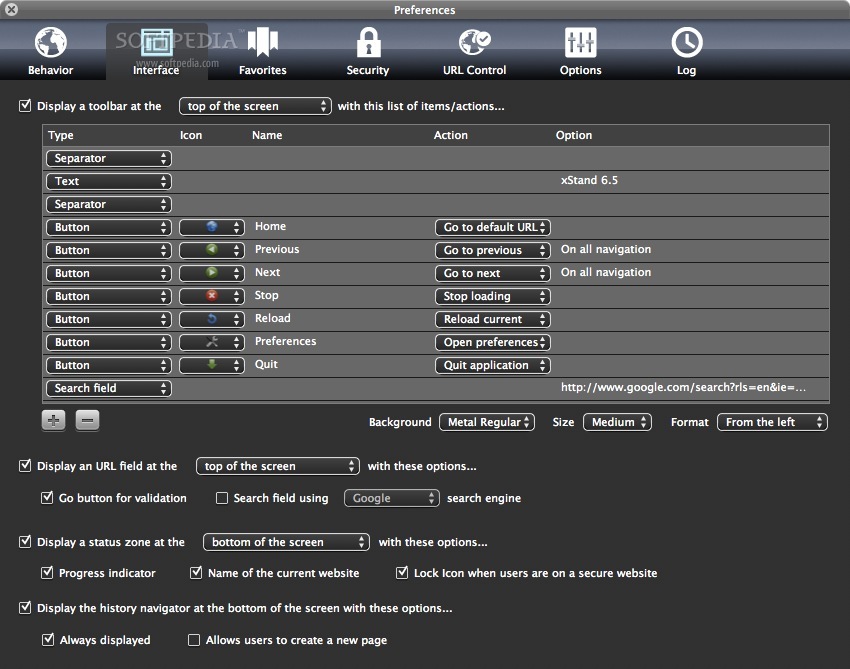
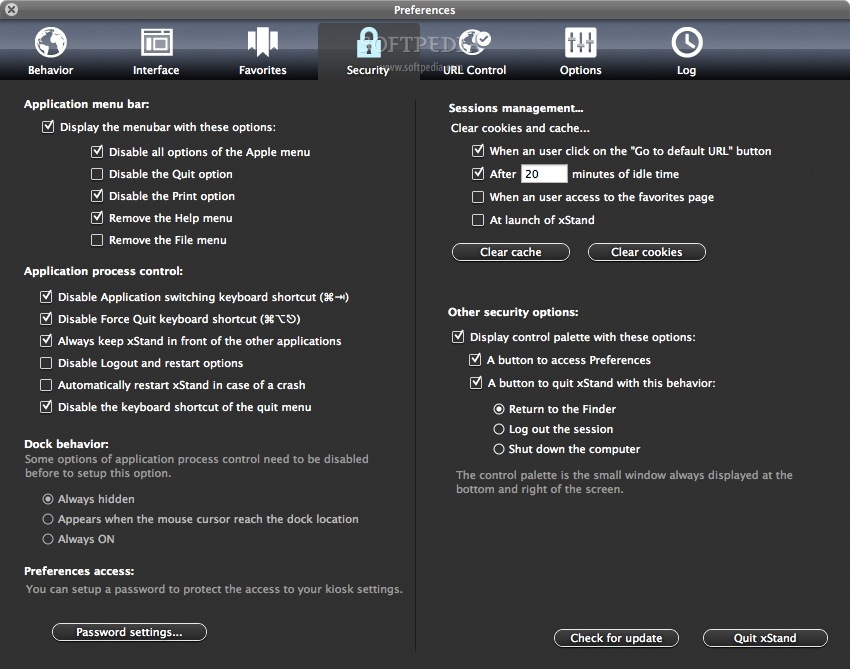
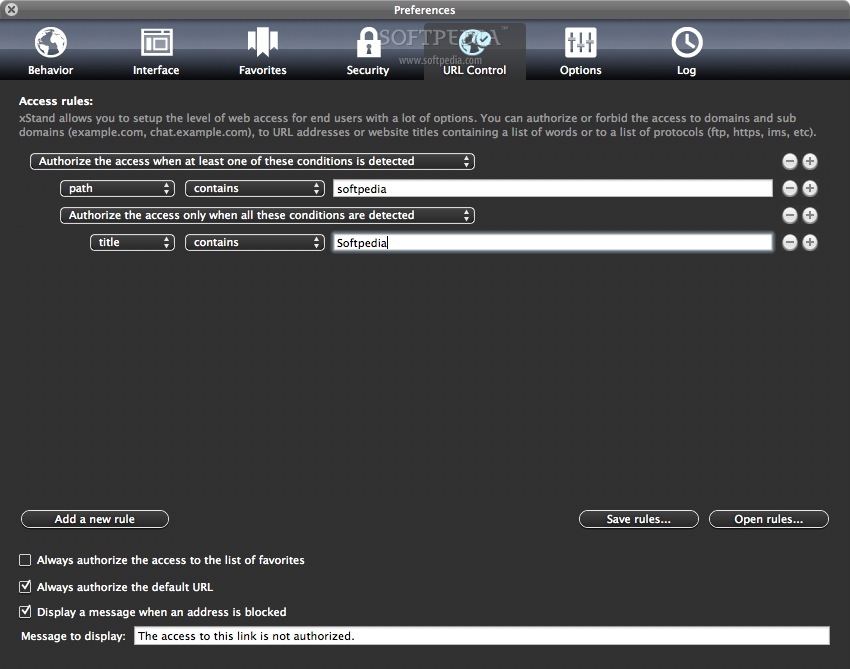
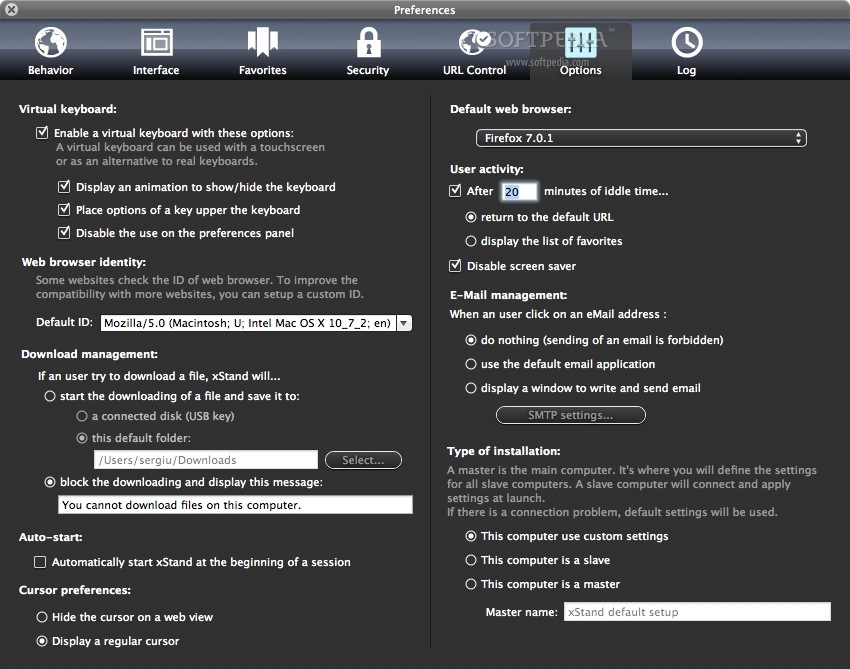
Moreover, xStand will help administrators to allow access to only a limited number of web sites, restrict direct access to the operating system and its settings, or to block downloading files and applications from the Internet if needed.
Because xStand is developed using WebKit (Apple's Safari Engine), users will also benefit from all the features this modern technology has to offer.
xStand was created with the goal provide a browser that would provide the same ease of use as any other browser, while also adding maximum protection and security from user interference.
System requirements
- 64-bit processor
Limitations in the unregistered version
- 7 days trial
- An overlay window with "TRIAL VERSION" is displayed on your screen.
xStand 6.7.5
add to watchlist add to download basket send us an update REPORT- runs on:
- Mac OS X 10.8 or later (Intel only)
- file size:
- 8 MB
- filename:
- xStand.dmg

- main category:
- Internet Utilities
- developer:
- visit homepage
ShareX

paint.net

IrfanView

Zoom Client

7-Zip

4k Video Downloader

Microsoft Teams

Windows Sandbox Launcher

Bitdefender Antivirus Free

calibre

- Windows Sandbox Launcher
- Bitdefender Antivirus Free
- calibre
- ShareX
- paint.net
- IrfanView
- Zoom Client
- 7-Zip
- 4k Video Downloader
- Microsoft Teams