
A light, yet powerful download manager that provides the required tools and features to simultaneously download all sorts of files. #Download manager #Download accelerator #Download assistant #Downloader #Manager #Download
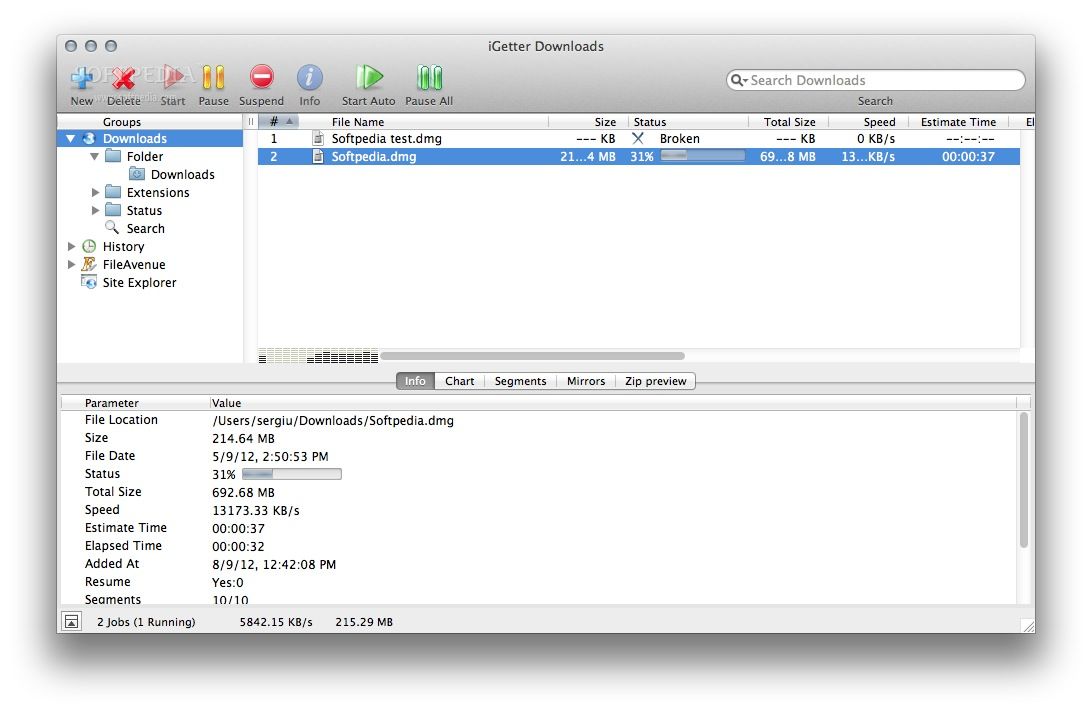
iGetter is a fully-featured and user-friendly download manager and accelerator for Mac built from the ground up to help you download multiple files and organize them as you grab them from the web.
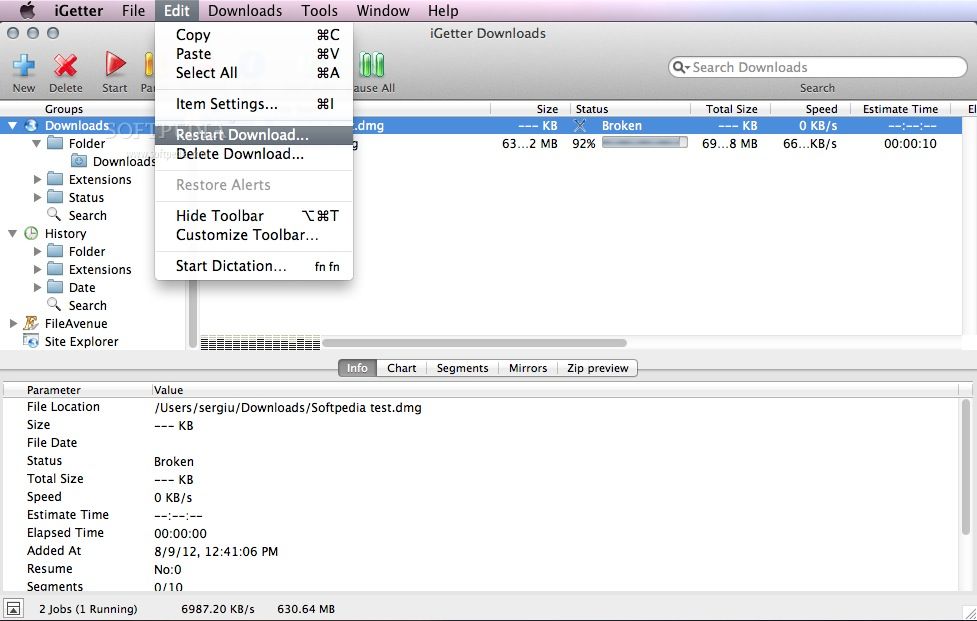
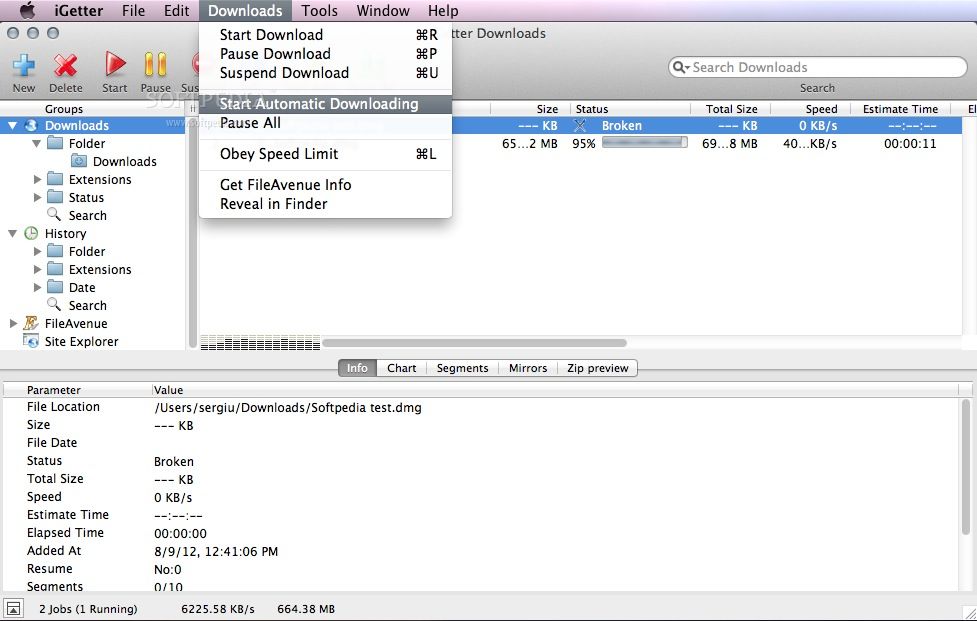
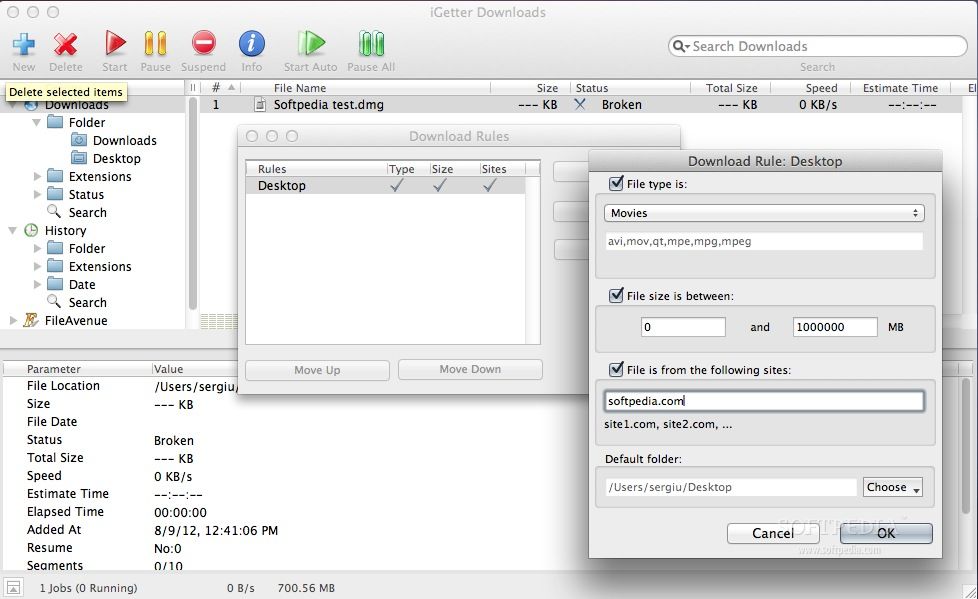
The iGetter app features a simple and clean interface that helps you add, remove, pause and suspend downloads with ease. With the help of the top toolbar, you can manually add download links, initiate or pause the download process and filter the displayed items by using the built-in search form.
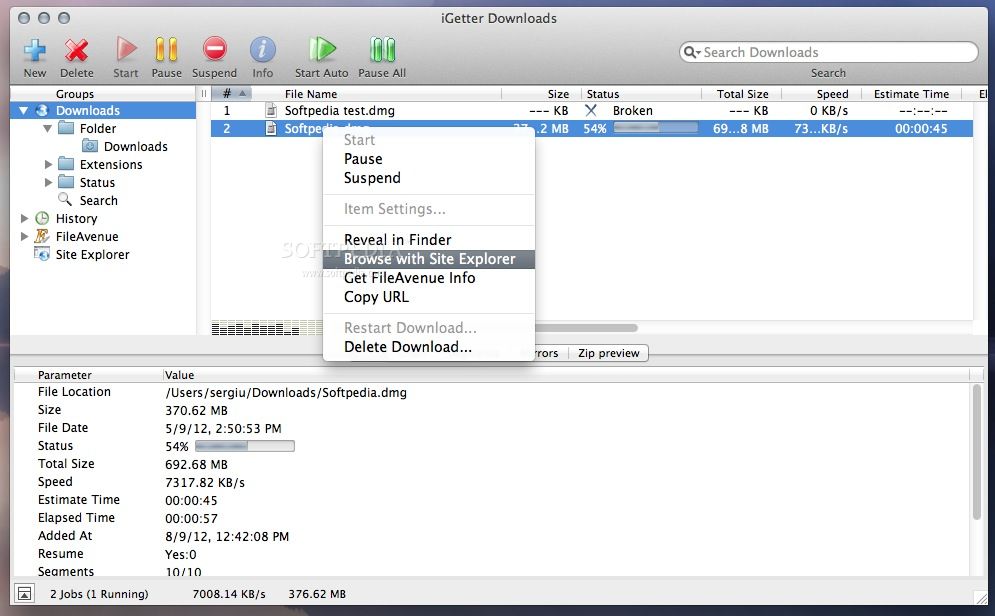
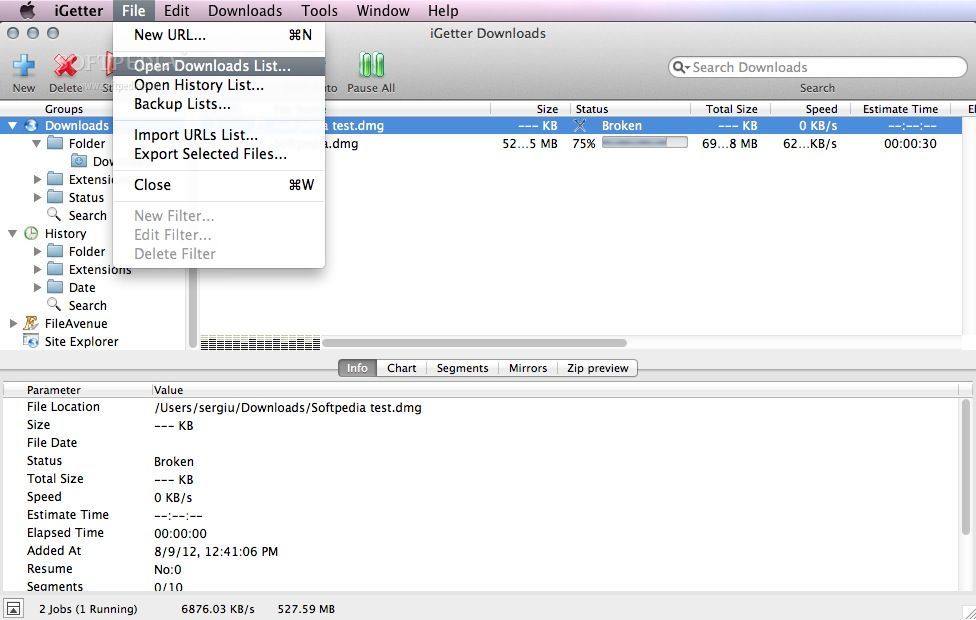
Moreover, iGetter's side panel allows you to view view the download items in different groups based on the file type and the status of the download. You can view the download history and use the Site Explorer to browse the source page.
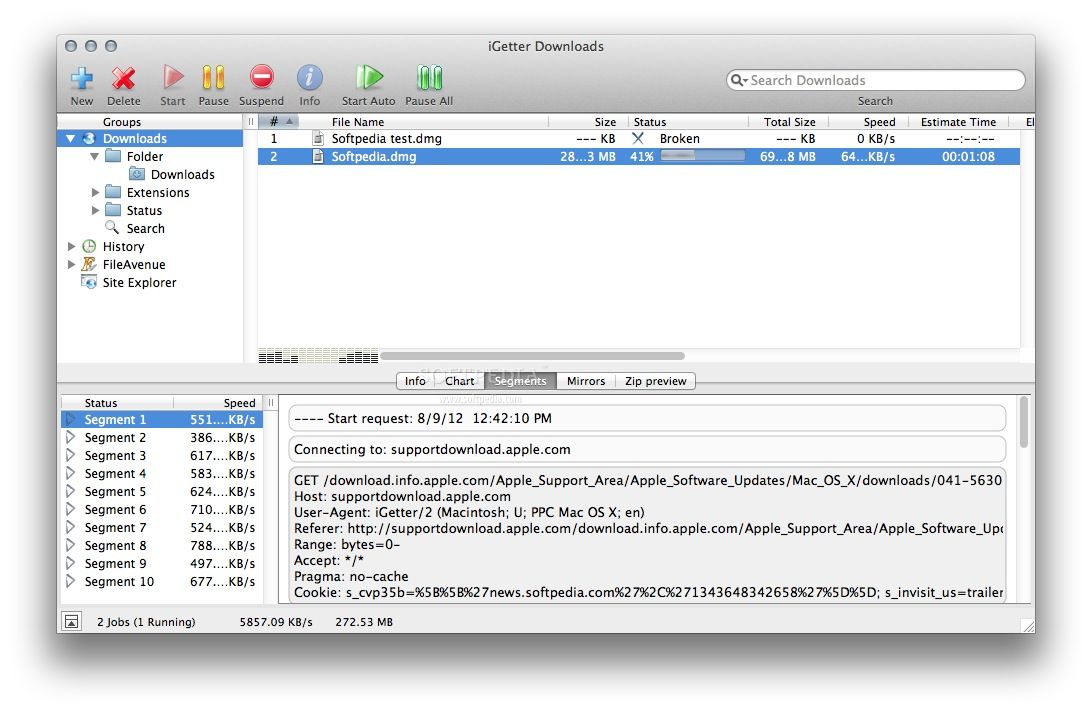
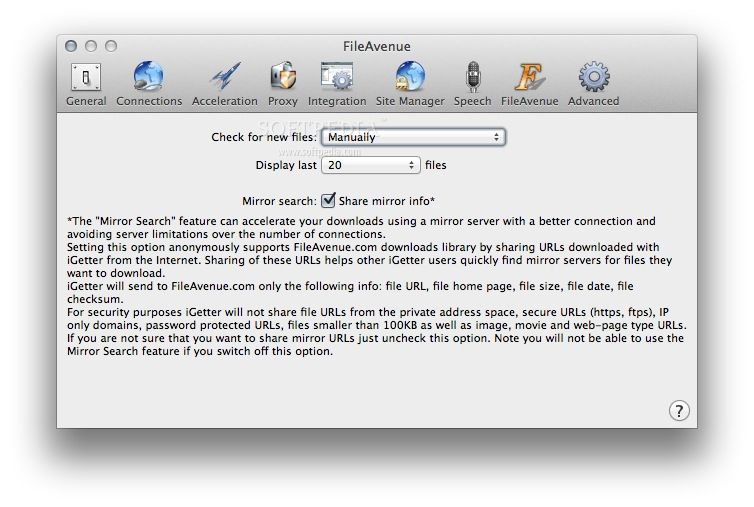
You can view detailed information about the selected item in the Info tab, analyze the download chart, and view how the segment downloading system improves the download speed for you. You can further improve the download speed by searching for download mirrors via the Mirrors tab.
iGetter also features a built-in ZIP previewer that helps you view and preview the contents of an archive without extracting it. Moreover, iGetter is capable to automatically resume download of broken downloads and allows you to schedule downloads for low traffic periods.
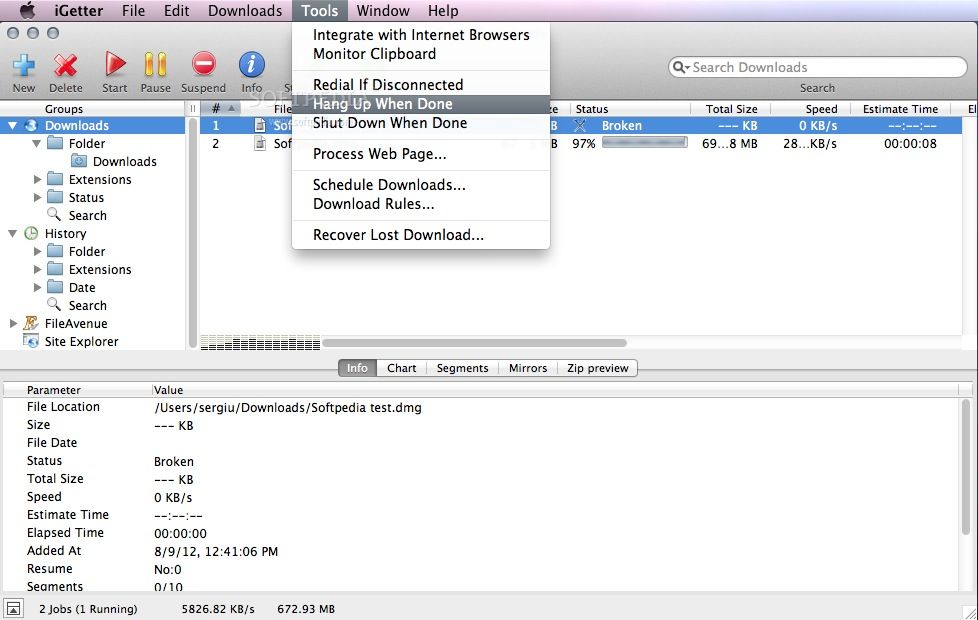
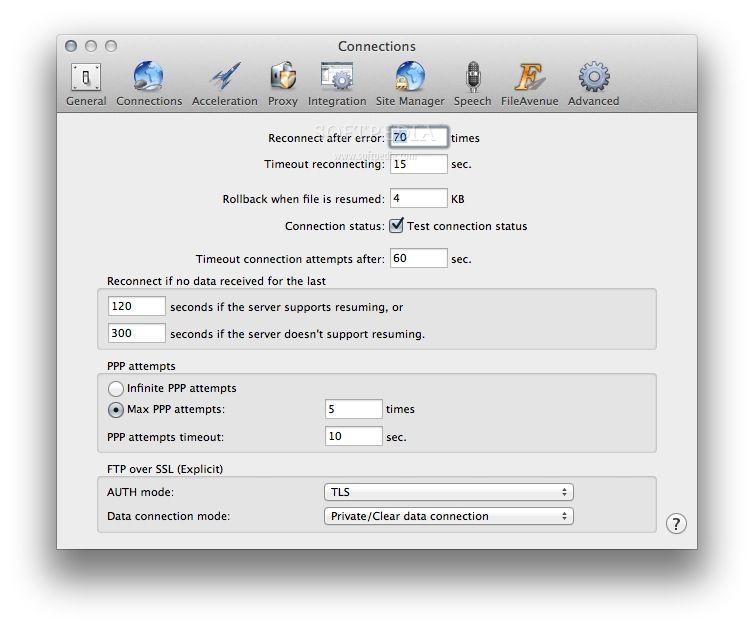
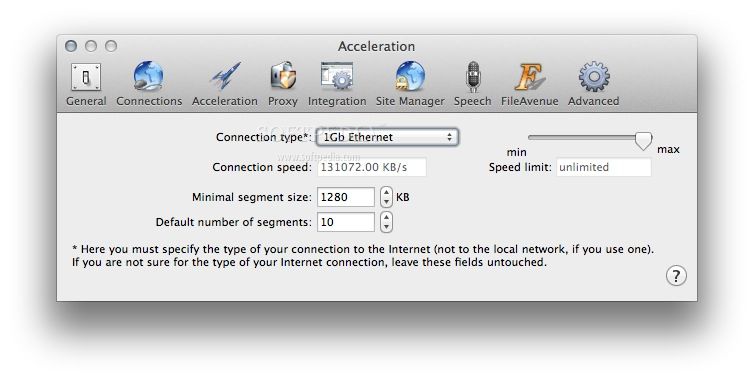
At the same time, iGetter is capable to auto redial on broken connections, hang-up and shut down when downloads are completed and more. The above mentioned segmented downloading feature can prove to be very useful when downloading from servers that limit the download speed.
However, the speed of the downloads you make using iGetter can be limited by the actual speed of your Internet connection.
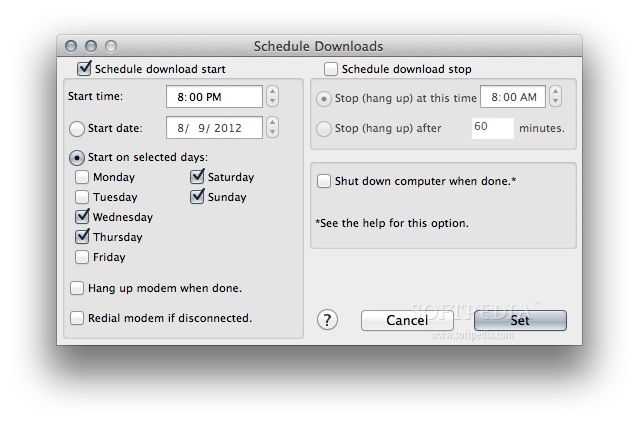
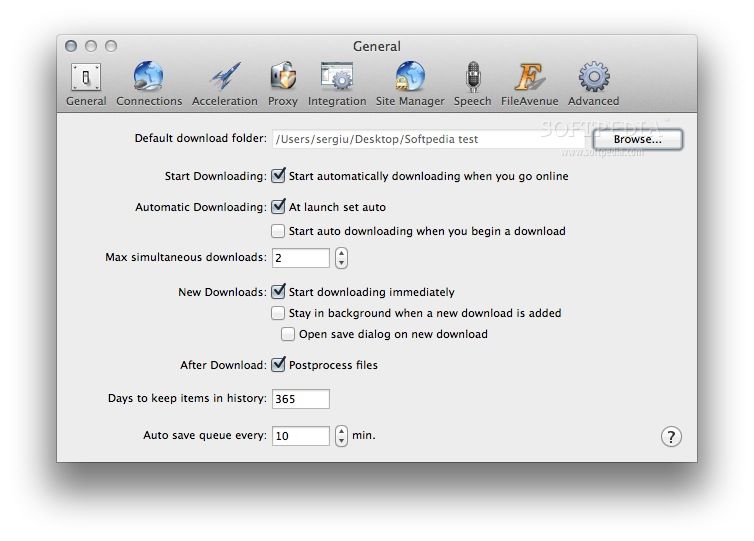
Thanks to the Schedule function, you can configure iGetter to automatically start a download at any given time and date, and stop it at any time or after a certain period of time. You can also setup the iGetter app to shut down your Mac after all downloads have been completed.
Taking all said in consideration, iGetter is an easy to use download manager for the Mac designed to give you your downloads an extra boost in speed, as well as to help you schedule and manage them easier than ever before.
Download Hubs
iGetter is part of these download collections: Download Accelerator
What's new in iGetter 2.9.7:
- Optimized for Safari 12 and Safari 13+.
- Implemented new Safari App Extension, using the new API introduced in Safari 12. The app extension replaces the previous .safariextz extension for the recent Safari versions. The functionality with the "Download with iGetter...", etc., contextual menus is the same in the new extension.
- Since Safari 12+ removed support for NPAPI plugins, and didn't introduce new extension API for download observing (i.e. when a download link is clicked and the download is started in the browser), currently no such functionality is present in the new extension.
- - Moved to Digital River GmbH as our e-commerce partner, since their subsidiary eSellerate (our previous partner) is being closed down.
iGetter 2.9.7
 Softpedia Editor's Pick
add to watchlist
add to download basket
send us an update
REPORT
Softpedia Editor's Pick
add to watchlist
add to download basket
send us an update
REPORT
- runs on:
- Mac OS X 10.2 or later (PPC & Intel)
- file size:
- 5.9 MB
- filename:
- iGetter2.9.7.dmg
- main category:
- Internet Utilities
- developer:
- visit homepage
4k Video Downloader

IrfanView

paint.net

Zoom Client

calibre

Bitdefender Antivirus Free

Microsoft Teams

Windows Sandbox Launcher

ShareX

7-Zip

- Windows Sandbox Launcher
- ShareX
- 7-Zip
- 4k Video Downloader
- IrfanView
- paint.net
- Zoom Client
- calibre
- Bitdefender Antivirus Free
- Microsoft Teams