
Open source and user-friendly FTP, FTPS, SFTP client designed to make it easy to download / upload files from and to a server of your choice. #FTP client #SFTP client #FTP transfer #FTP #SFTP #Upload
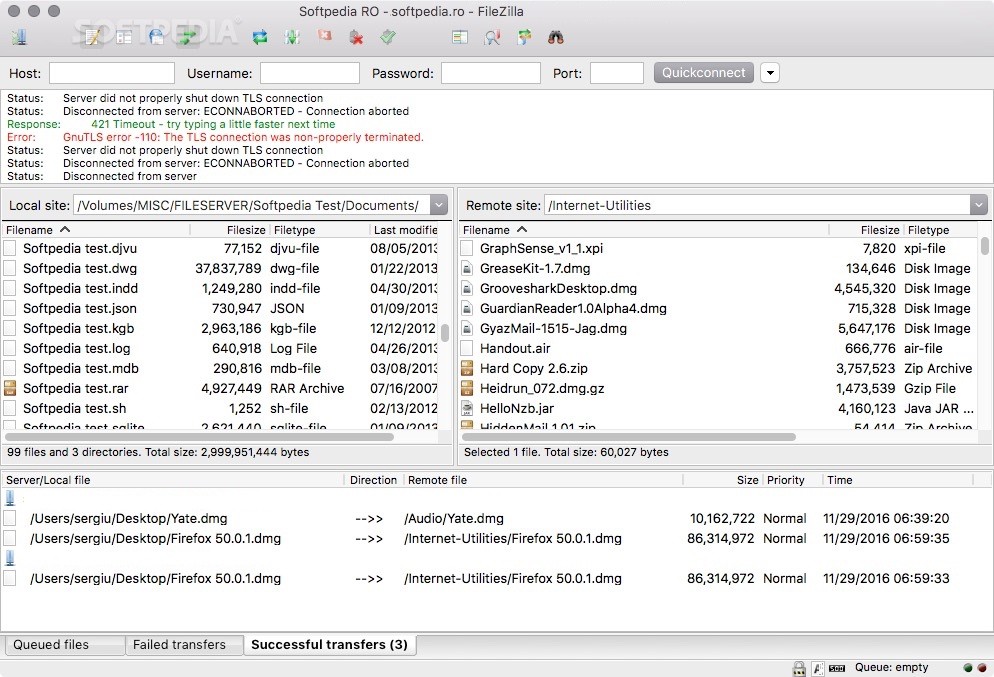
FileZilla is a straightforward macOS application that enables you to quickly and effortlessly transfer files between your Mac and multiple FTP servers.
FileZilla comes with a user-friendly and intuitive interface from which you can quickly and effortlessly connect to multiple servers and instantly transfer files and folders. What is more, FileZilla features support for FTP, FTP over SSL/TLS (FTPS) and SSH File Transfer Protocol (SFTP).
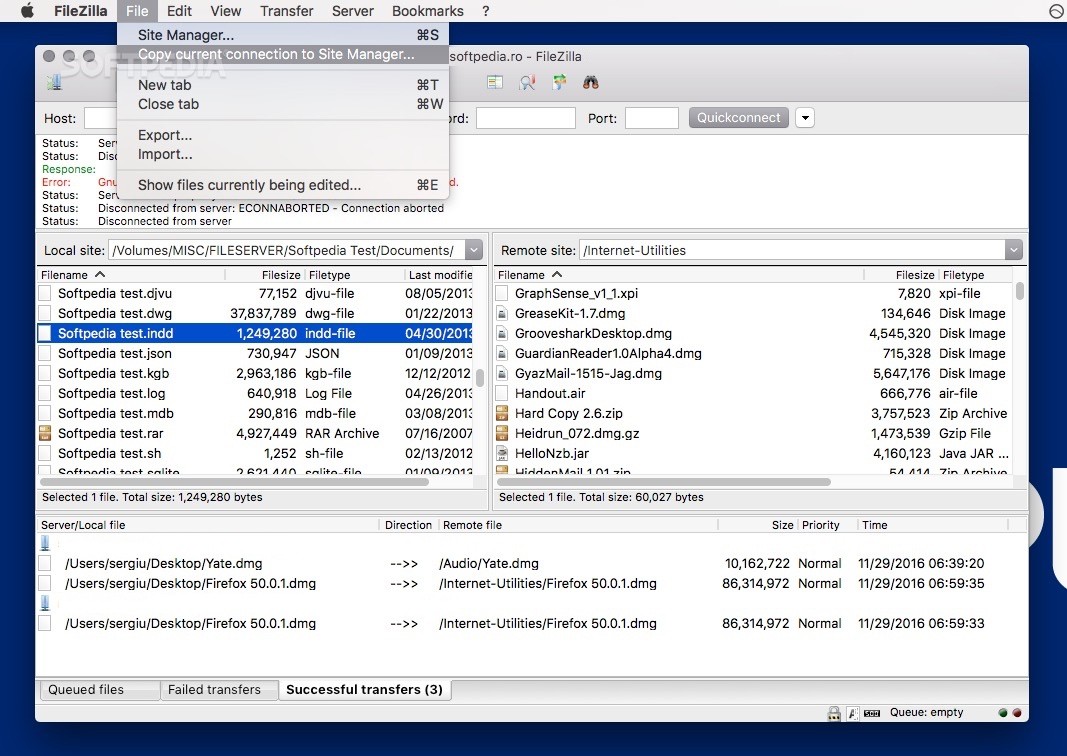
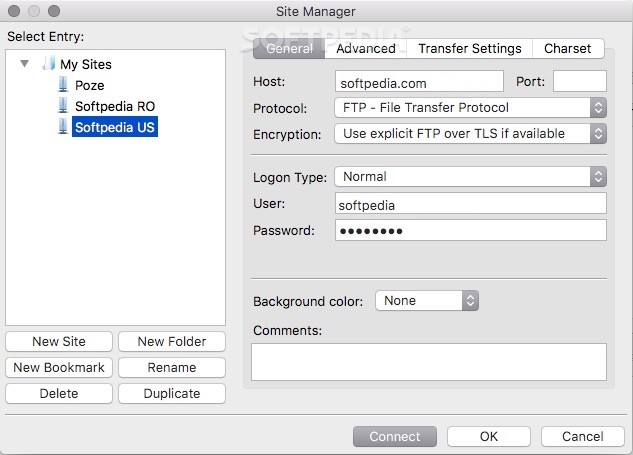
What is more, FileZilla offers IPv6 support and is available in numerous languages. Thanks to the built-in Site Manager, you can add, rename, delete or copy websites and bookmarks. The General tab helps you provide the host name, port, protocol and encryption method in addition to the login type, user, password and account info.
By accessing the Advanced tab, you can choose the server type and use a bypass proxy. You can choose between different transfer modes and charset encodings. When you are happy with your settings you can connect to multiple sites and start transferring files.
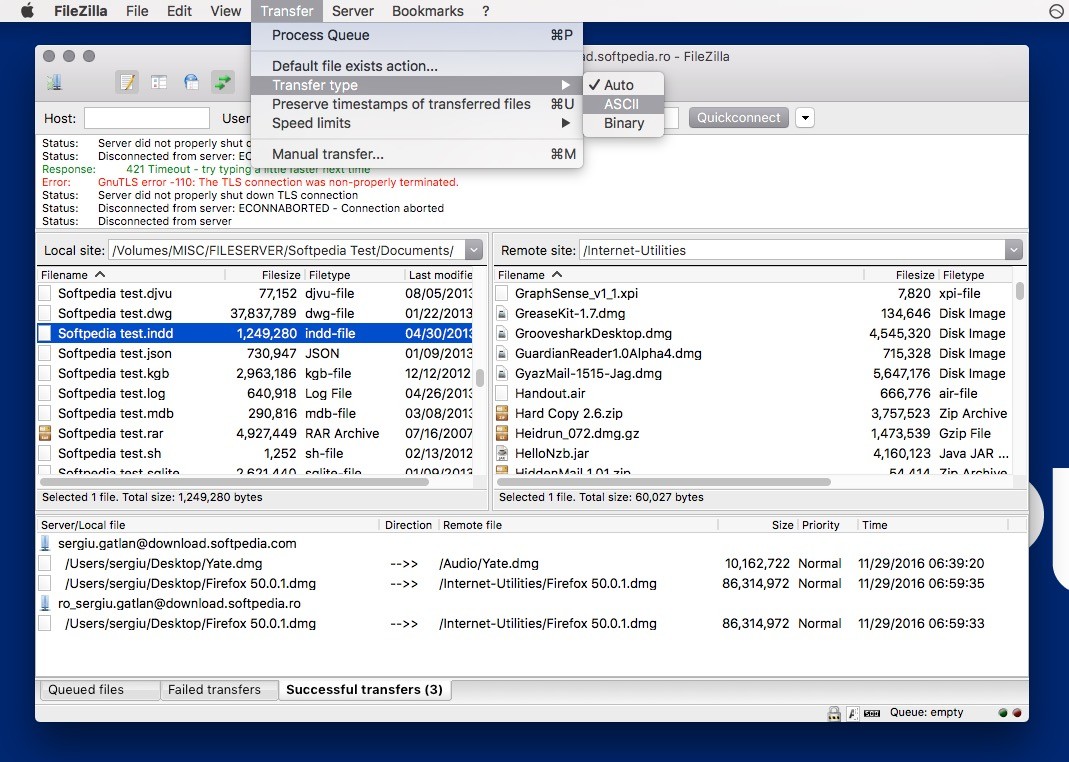
From FileZilla’s main window you can view the content of the local and remote site, and initiate transfers with just a couple of mouse clicks.
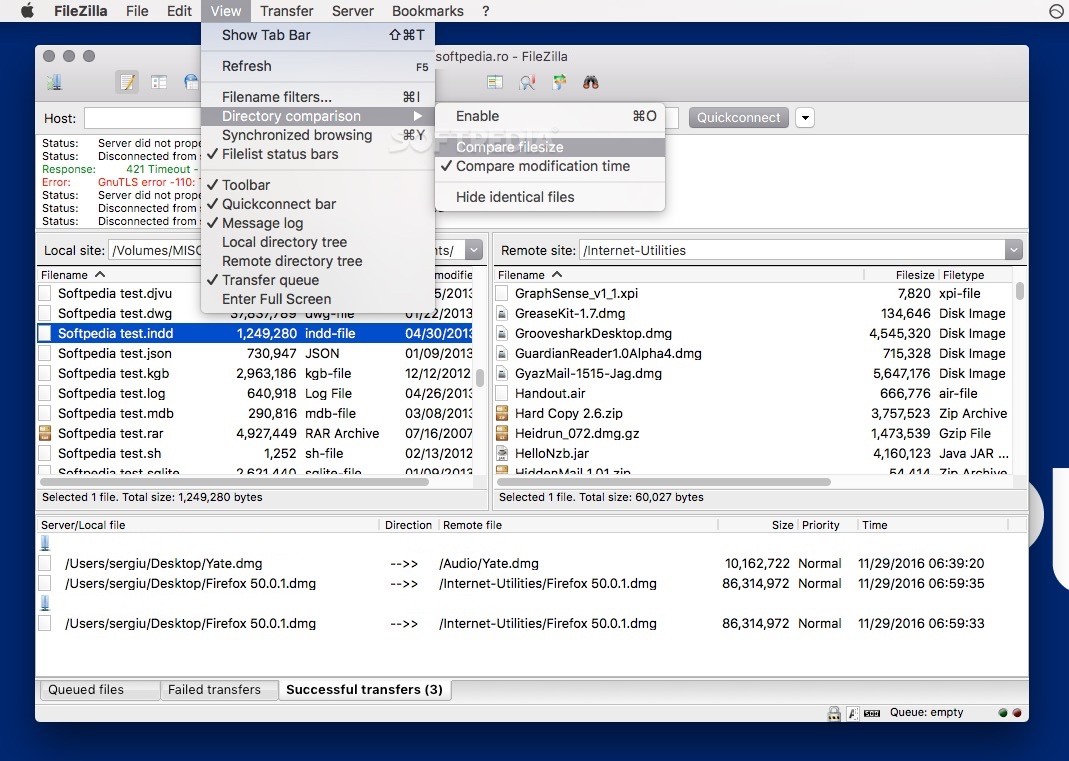
The top toolbar helps you hide or show the message log, as well as the local or remote directory tree, the transfer queue, refresh the files and folder list, cancel the current operation and disconnect from the currently visible server.
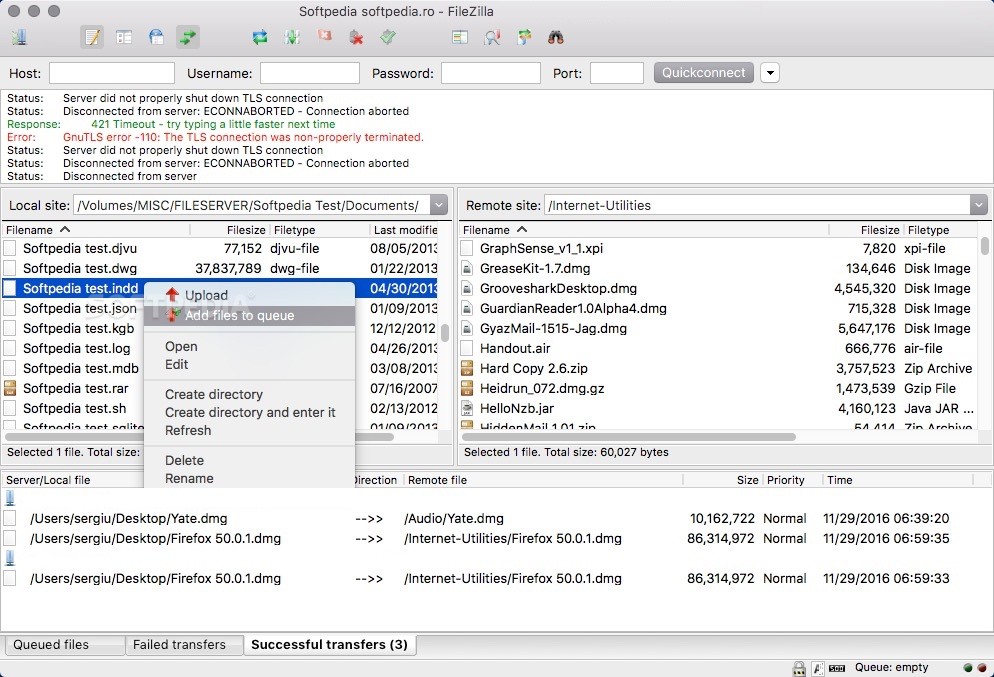
You can quickly connect to a host and analyze the list of files and folders on both the local and remote site. You can use the contextual menu to upload or download files and folders, create new directories, edit the existing ones and refresh the list.
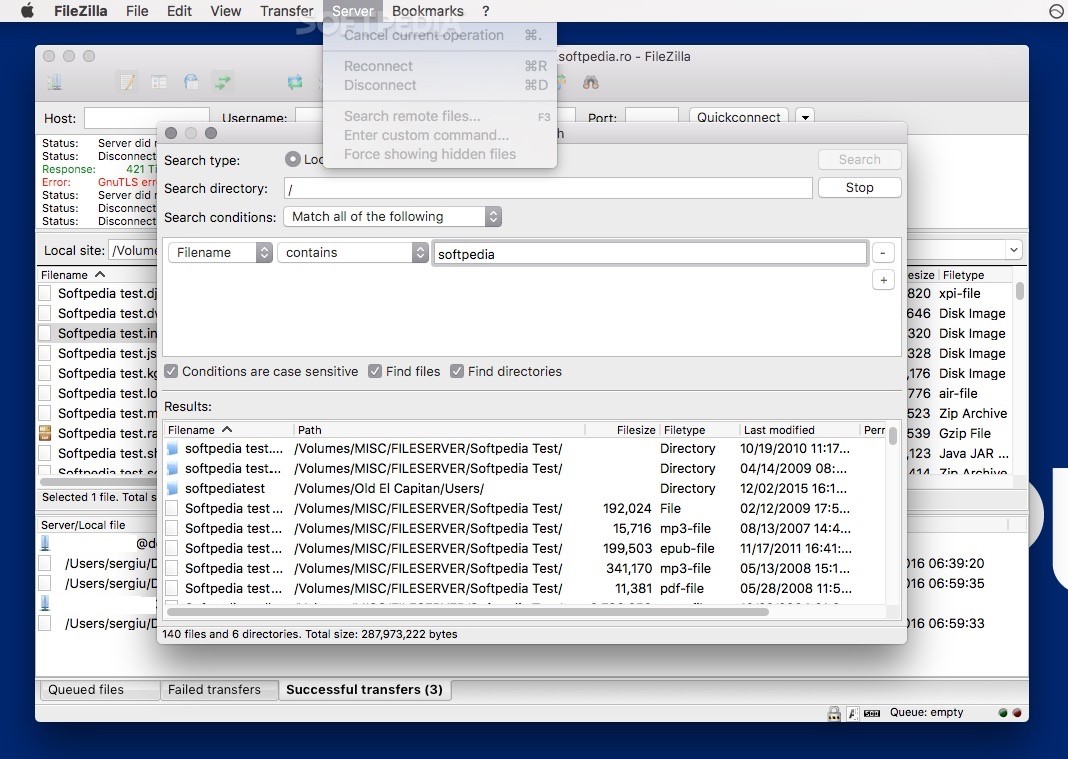
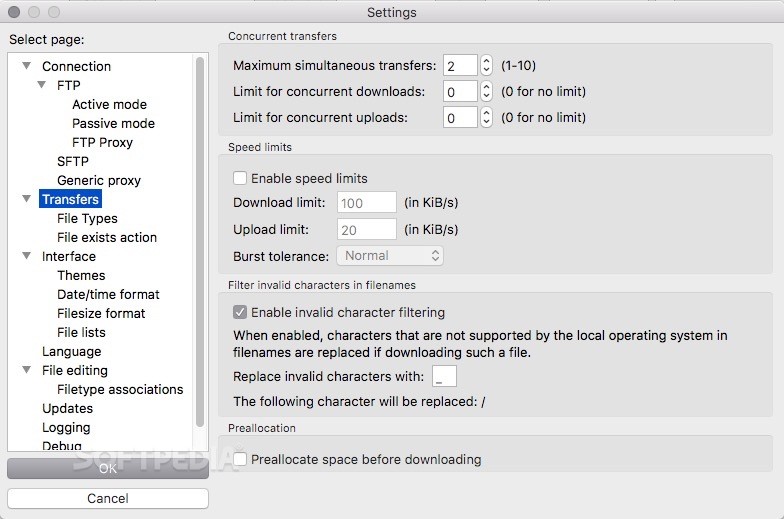
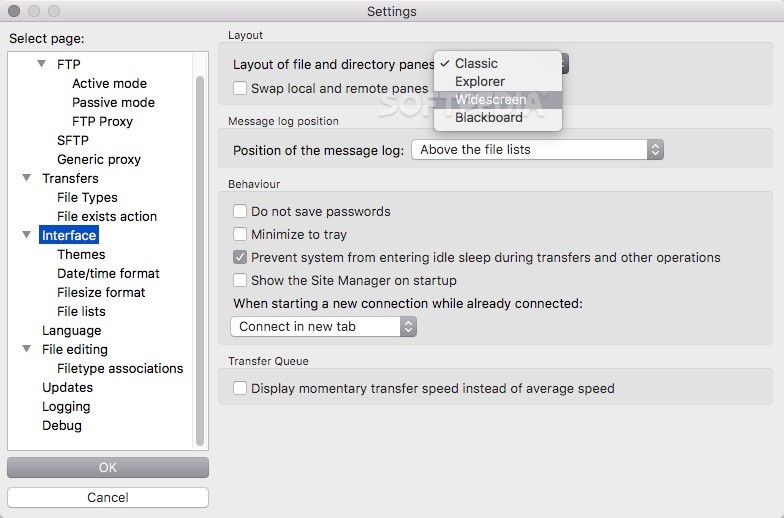
All new connections can be opened in a new tab and you can apply various transfer speed limits and remotely find the desired file. Moreover, you can pause and resume transfers of all files including those that are larger than 4GB.
Download Hubs
FileZilla is part of these download collections: FTP Client
What's new in FileZilla 3.67.0:
- Fixed vulnerabilities:
- SFTP: Fixed PuTTY ECDSA NIST P-521 private key recovery vulnerability (CVE-2024-31497). If you use NIST P-521 keys to connect to SSH/SFTP servers, you should regenerate them and revoke the previous ones.
- Official binaries are now built against GnuTLS 3.8.4
FileZilla 3.67.0
 Softpedia Editor's Pick
add to watchlist
add to download basket
send us an update
REPORT
Softpedia Editor's Pick
add to watchlist
add to download basket
send us an update
REPORT
- runs on:
- macOS 10.13.2 or later (Universal Binary)
- file size:
- 14 MB
- main category:
- Internet Utilities
- developer:
- visit homepage
4k Video Downloader

Microsoft Teams

IrfanView

7-Zip

Context Menu Manager

calibre

Bitdefender Antivirus Free

Windows Sandbox Launcher

ShareX

Zoom Client

- Windows Sandbox Launcher
- ShareX
- Zoom Client
- 4k Video Downloader
- Microsoft Teams
- IrfanView
- 7-Zip
- Context Menu Manager
- calibre
- Bitdefender Antivirus Free