
Brand new Twitter app, built using the Catalyst framework for macOS Catalina, intended to make tweeting, browsing and chatting easier from your desktop #Twitter App #Desktop Twitter #Twitter Client #Twitter #Tweet #News


No, this isn't the first Mac app Twitter has ever launched, but it deserves special consideration for a couple of reasons. First, it employs Twitter's redesigned UI, and second, it was created using the Catalyst framework, which allows developers to port iPad apps to macOS much more easily.
You shouldn't expect anything groundbreaking from this app, as it essentially just brings the Twitter iPad experience to your Mac, with a few tweaks, but it's worth checking out just how well it is integrated with the OS.
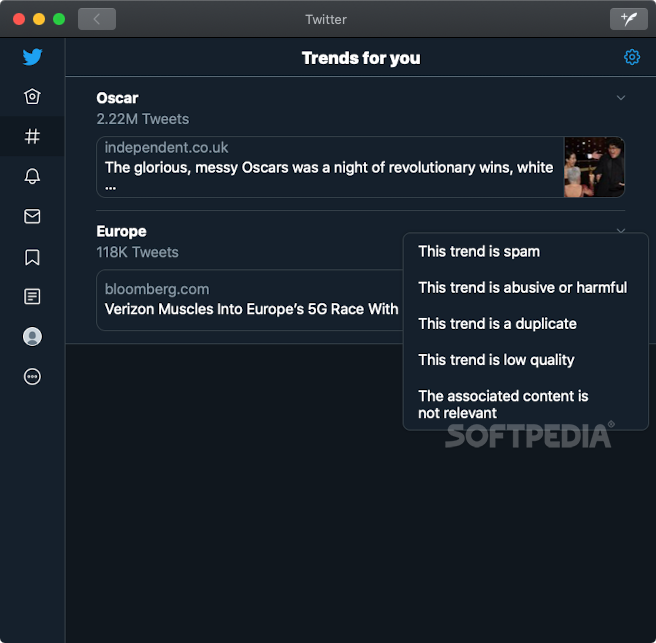
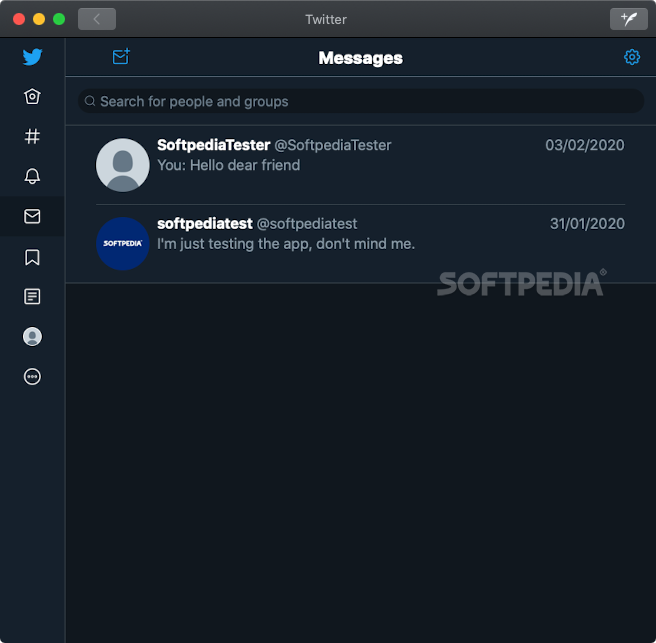
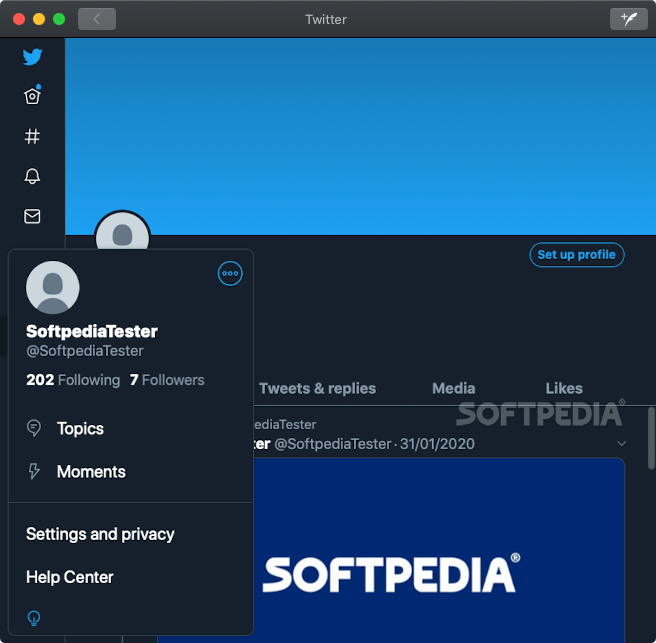
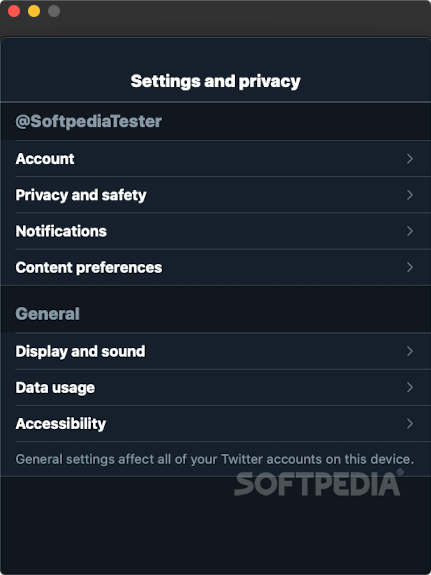
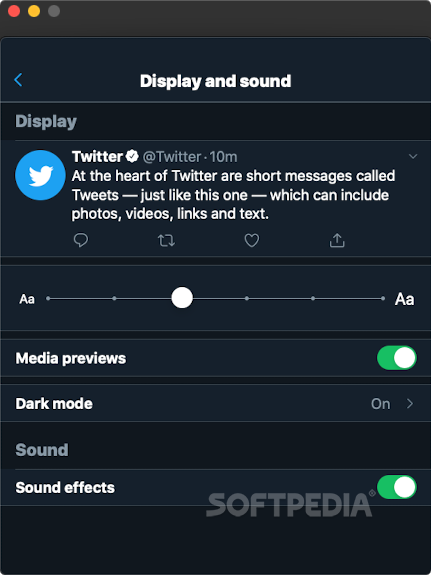
If you're a prolific tweeter, you've probably visited the website or accessed the mobile app countless times since they were redesigned. Assuming you've gotten used to the new interface, this desktop app will take virtually no getting used to, as the UI is pretty much identical.
Twitter for Mac is great for users who want a native app as an alternative to accessing the service from their browsers or grabbing an iPad. However, it comes with little else.
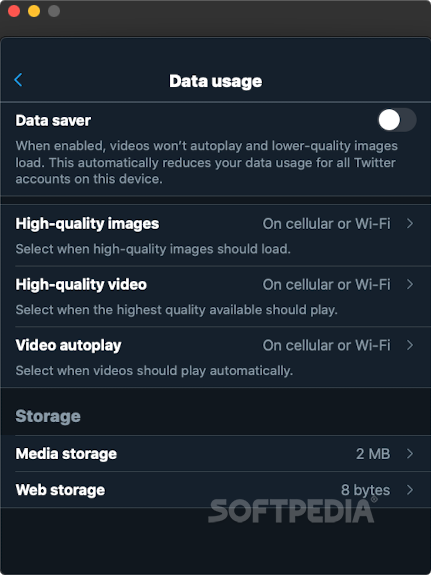
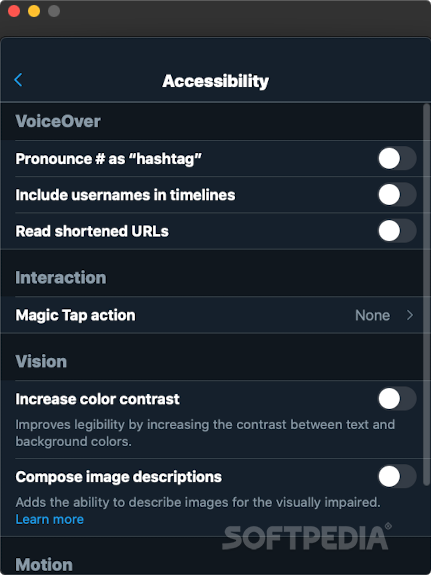
There is little point in talking about the app's features, as you're getting the same ones you're already familiar with, in a slightly different package. I didn't encounter any issues, as everything was easy to find and the UI feels smooth.
Unfortunately, there are no Mac-specific features that could come in useful. For instance, I would like to be able to compose and post a tweet directly from the menu bar, a feature that some third-party apps are now offering.
The new Mac Twitter app isn't disappointing by any means, but neither does it impress. It works well and it's instantly familiar to any Twitter user, but additional features like menu bar integration would make it easier to recommend instead of various third-party alternatives.
Twitter 9.30
add to watchlist add to download basket send us an update REPORT- runs on:
- macOS 11.0 or later (Universal Binary)
- file size:
- 146.8 MB








- main category:
- Internet Utilities
- developer:
- visit homepage
4k Video Downloader

Windows Sandbox Launcher

Context Menu Manager

Microsoft Teams

Bitdefender Antivirus Free

calibre

ShareX

Zoom Client

IrfanView

7-Zip

- Zoom Client
- IrfanView
- 7-Zip
- 4k Video Downloader
- Windows Sandbox Launcher
- Context Menu Manager
- Microsoft Teams
- Bitdefender Antivirus Free
- calibre
- ShareX