
Simple browser extension that dims everything in the background to enable you to comfortably watch videos without getting distracted. #Darken screen #Shade screen #Customize browser #Darken #Shade #Screen
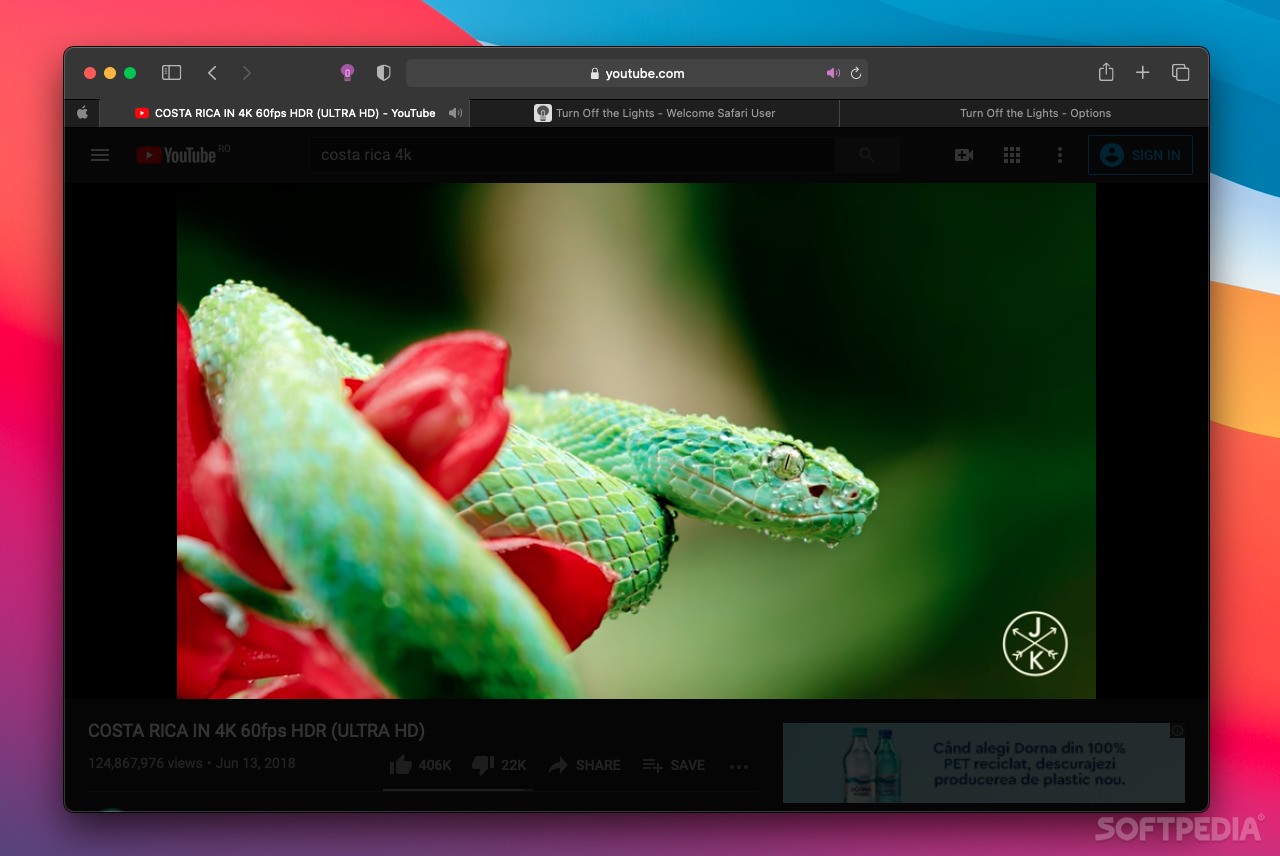
Turn Off the Lights is a streamlined browser extension that enables you to fade out everything from within your browser’s window with the exception of the flash or HTML5 video you are watching.
Thanks to Turn Off the Lights you can dim out distractions and enjoy a more pleasant viewing experience as you watch your favorite music videos, TV shows and various web videos.
A small lamp shaped icon is displayed in your browser’s menu bar after the extension is installed on web browser of your choice and, once you click on it, all the screen surrounding the video is faded out. To restore the screen to its original state you just have to click outside the video area.
What is more, Turn Off the Lights can be set to automatically dim the screen and, you also have the option to assign a keyboard shortcut that offers instant access to Turn Off the Lights’ services.
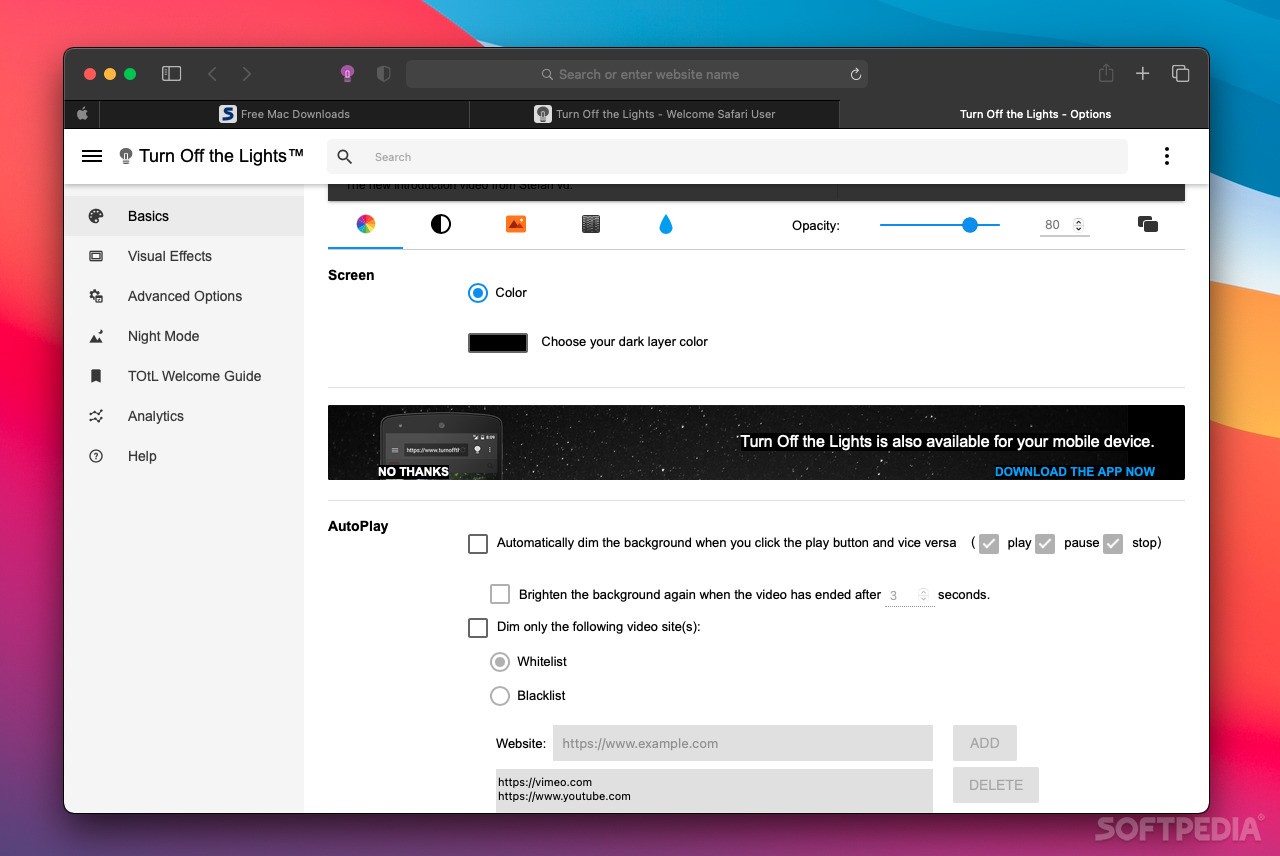
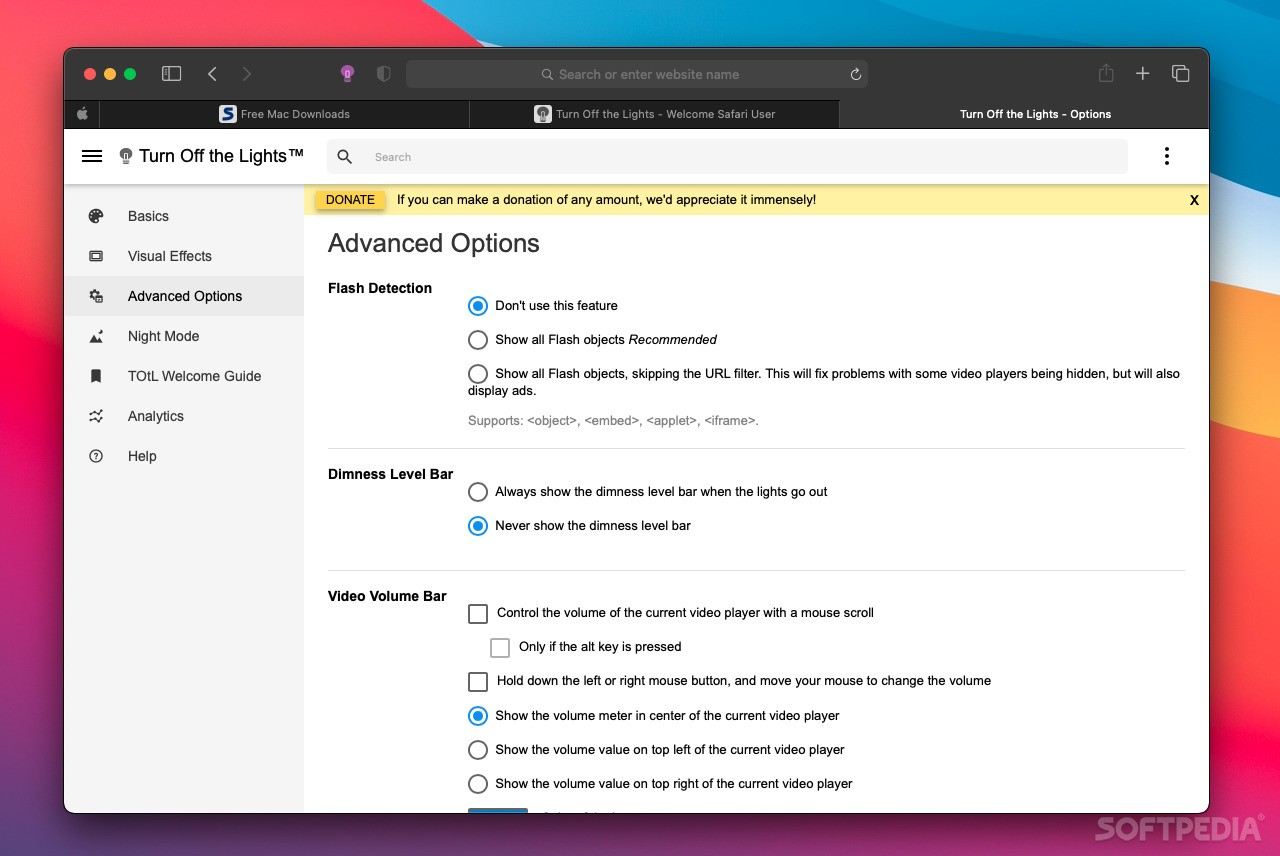
Turn Off the Lights is highly customizable and offers you the option to tweak and adjust almost every aspect of the extension. As follows, you can change the color of the dimmed area and blur the hidden items.
Turn Off the Lights allows you to adjust the opacity and change background image with a still or dynamic background. Turn Off the Lights is capable to automatically dim and brighten the screen on all or only certain websites and it can also set the video resolution to any given quality level.
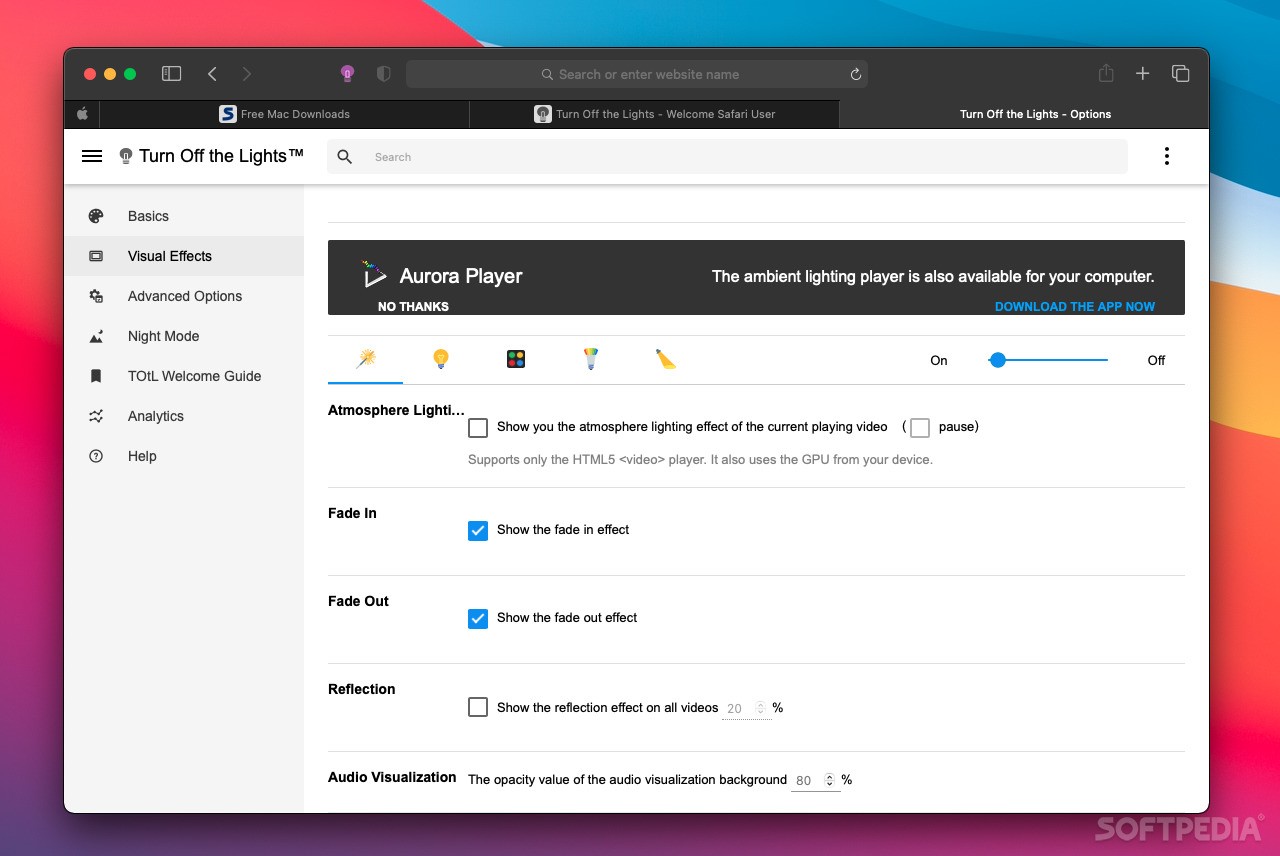
On top of that, you can enable the Atmosphere Lightning feature that picks up colors from the video and changes lightning of the surrounding area. You can choose up to four different colors or let Turn Off the Lights extract them from the video.
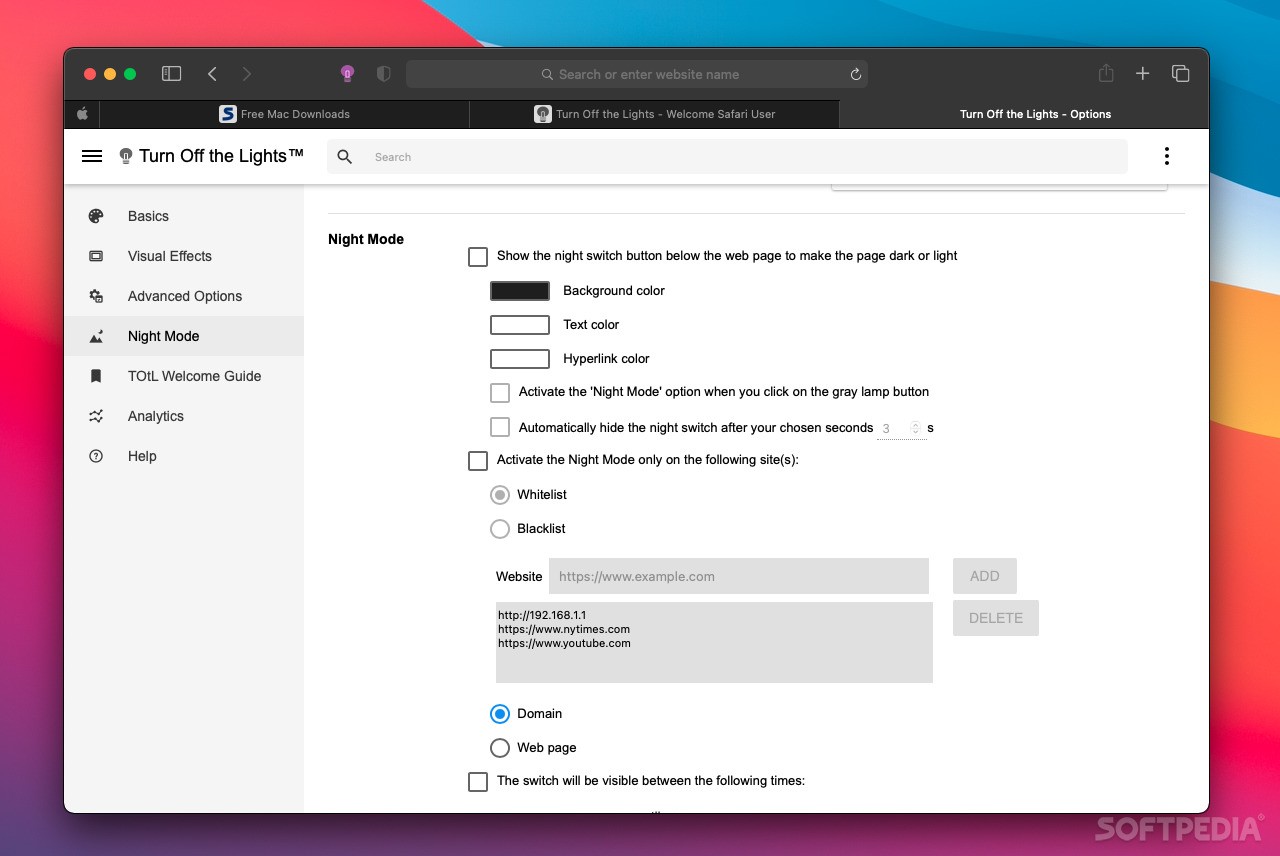
The Night Mode turns pages dark or light while the Camera Motion function enables you to darken or brighten a page using hand gestures in front of your Mac’s web camera. Turn Off the Lights also comes with Speech Recognition that helps you use voice commands to turn on or off the light and play or pause the video.
What's new in Turn Off the Lights 4.4:
- Manifest Version 3 technology for better privacy, performance, and security for the users
- Syncing Safari web extension across devices and platforms
Turn Off the Lights 4.4
add to watchlist add to download basket send us an update REPORT- runs on:
- Safari / Chrome / Firefox / Opera (-)
- file size:
- 16.4 MB
- main category:
- Internet Utilities
- developer:
- visit homepage
Context Menu Manager

IrfanView

ShareX

7-Zip

Microsoft Teams

Bitdefender Antivirus Free

Zoom Client

4k Video Downloader

calibre

Windows Sandbox Launcher

- 4k Video Downloader
- calibre
- Windows Sandbox Launcher
- Context Menu Manager
- IrfanView
- ShareX
- 7-Zip
- Microsoft Teams
- Bitdefender Antivirus Free
- Zoom Client