
A powerful and very fast minimalistically styled web browser designed with one thing in mind: to allows its users to browse the web faster than ever before. #Web browser #Internet browser #Browse web #Browser #Web #Browse
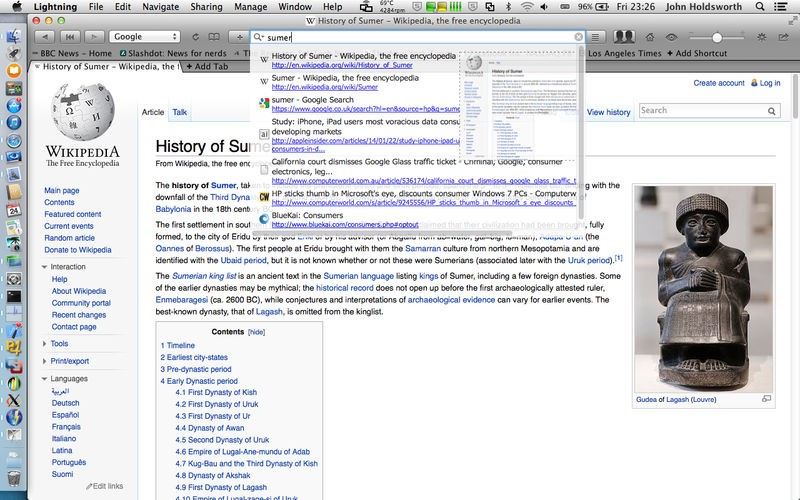
When talking about web browsers, the most important feature is surely their speed and, with so many browsers out there in the market, one of the most important criteria used to differentiate between them is how fast they load web pages.
Lightning is a lightweight web browser that was specifically designed with speed in mind. While most of its competitors are free of charge, Lightning can only be bought and installed via Apple's Mac App Store.
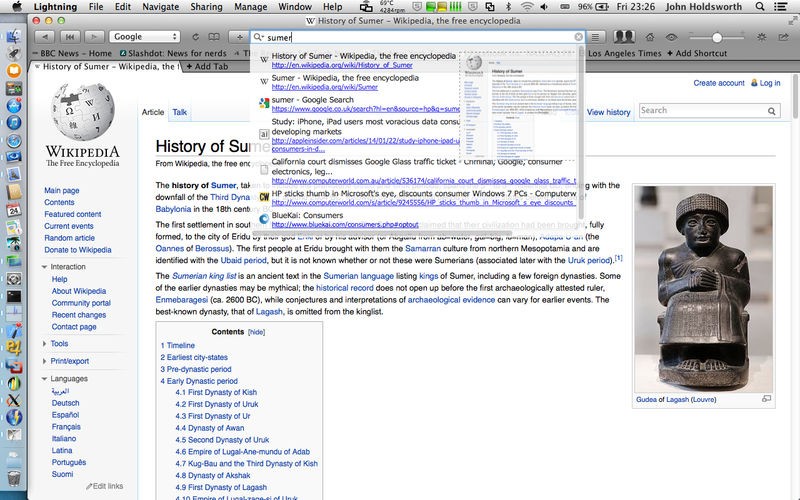
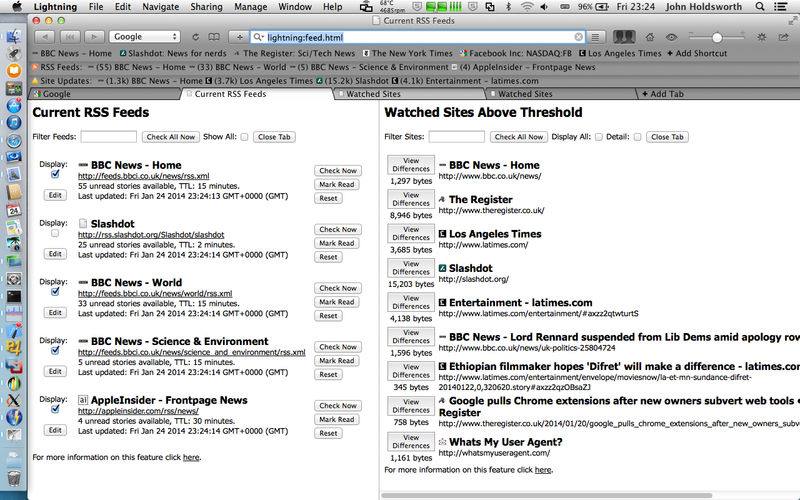
The Lightning browser is based on the WebKit engine and keeps a buffer of multiple web browser objects in the memory. This makes it easier for you to get back to a page you previously visited without waiting for it to load. What's more, the bookmarks and history are kept as HTML pages that include a snapshot of the page you last viewed.
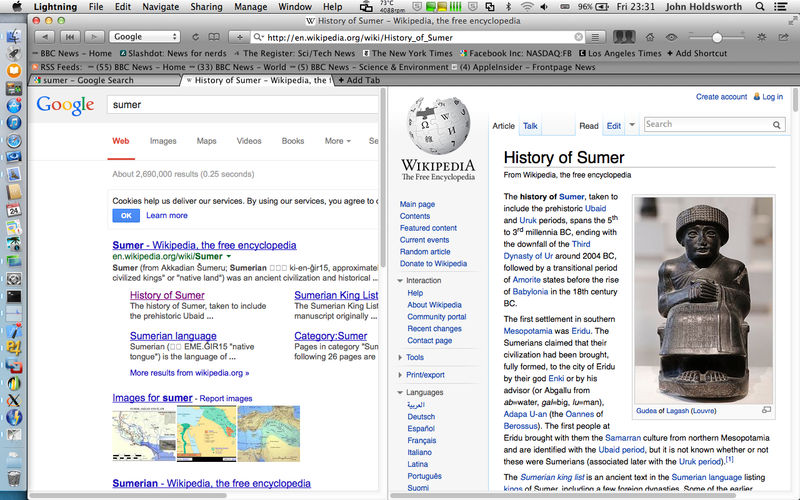
Lightning includes comprehensive support for trackpad gestures and it will even enable you to remove bookmarks or close tabs just by tapping an icon.
What is more, the Lightning app comes with built-in tab support, it allows you to zoom the currently select webpage and it also includes the ability to prefetch link destination.
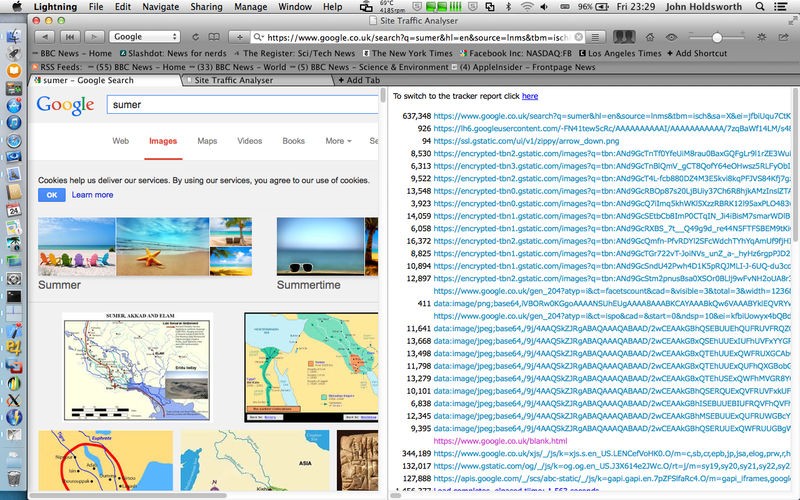
In Lightning's Preferences window, users can choose to save images in history, block Flash or HTTP cookies, pretend to be like Chrome, disable window pop-up and it even allows you to max search history.
Lightning enables you to customize multiple advanced settings, like how many pages you would like the application to retain, for how many minutes and even select to submit forms in place.
In the long run, Lightning can be considered to be a reliable browser that can be used to save up serious amounts of time while web browsing, but, at the same time, there are other similar solutions that are available free of charge. On the other hand, if you are a user that needs a fast web browser right now, you can give Lightning a try; it might be just what you were looking for.
What's new in Lightning 4.2:
- Minor adjustment of background colour for Mojave, Improved interface to blocking functionality, Same Lightning Speed.
Lightning 4.2
add to watchlist add to download basket send us an update REPORT- runs on:
- Mac OS X 10.6 or later (Intel only)
- file size:
- 2.1 MB
- main category:
- Internet Utilities
- developer:
- visit homepage
Microsoft Teams

IrfanView

ShareX

calibre

paint.net

Windows Sandbox Launcher

Zoom Client

7-Zip

4k Video Downloader

Bitdefender Antivirus Free

- 7-Zip
- 4k Video Downloader
- Bitdefender Antivirus Free
- Microsoft Teams
- IrfanView
- ShareX
- calibre
- paint.net
- Windows Sandbox Launcher
- Zoom Client