
Allows you to easily share and backup your files. #Share file #Backup document #Synchronize folder #Share #Backup #Sync
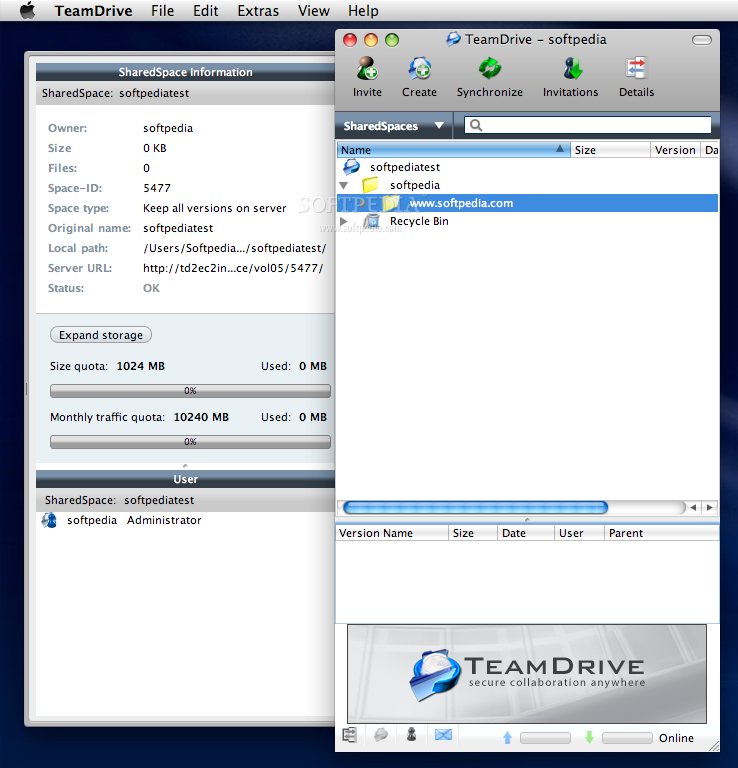
TeamDrive is your personal command center for collaboration, file sharing and backup.
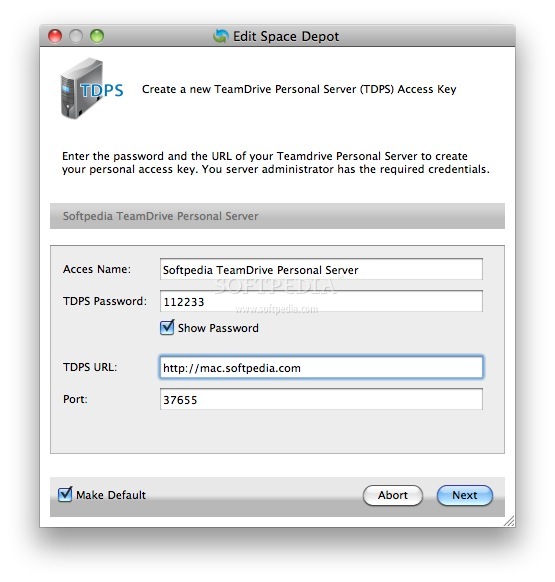
TeamDrive can be used with your own WebDAV server (unlimited use)
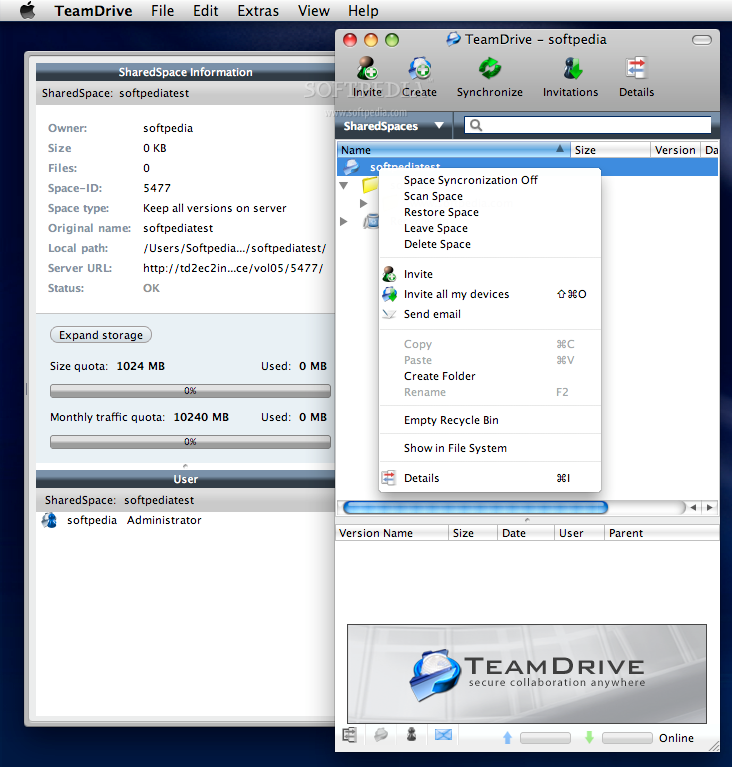
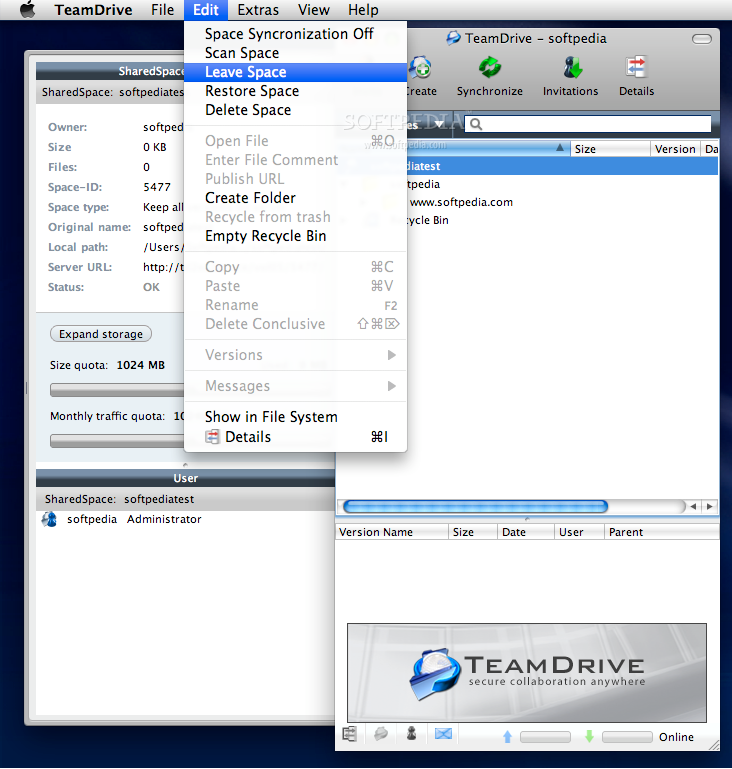
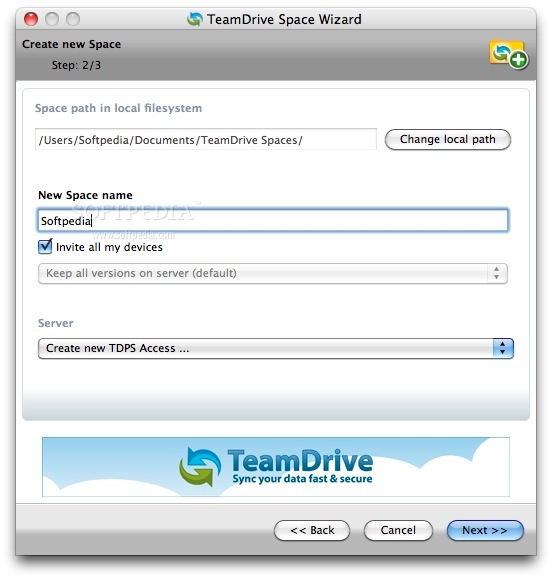
TeamDrive helps you share your files and folders with just three mouse clicks - Access the latest versions at any time. All documents are available offline in your file system.
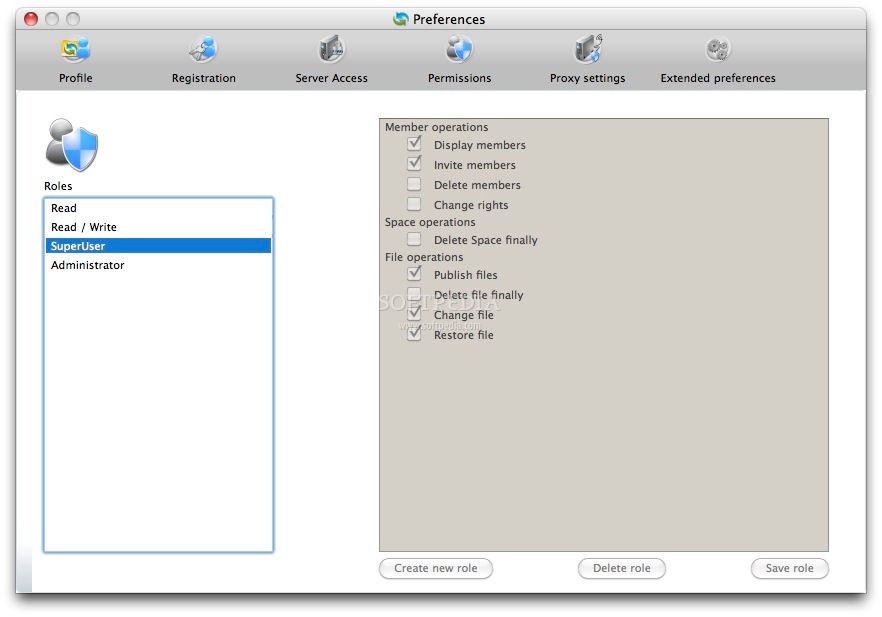
Your team is under your control and you decide who can access files and collaborate. Automatic meta data and notifications inform you about the progress of your project.
It comes with built-in privacy and highest security by superior technology design - TeamDrive guarantees you the highest data security without complicated administration.
Its technology provides an unparalleled 256 bit end to end encryption. The built-in privacy secures your work and the version control system provides a space where documents cannot get lost.
In a nutshell, TeamDrive lets you sync your data fast and secure.
Moreover, TeamDrive is cross-platform and it works on macOS, Windows and Linux.
System requirements
- 1 GB RAM
- 250 MB free HDD space
- Internet connection
What's new in TeamDrive 4.5.5 Build 1833:
- Improved PiTR (Point in Time Recovery) process
- Minor bugs
TeamDrive 4.5.5 Build 1833
add to watchlist add to download basket send us an update REPORT- runs on:
- OS X 10.10.5 or later (Intel only)
- file size:
- 68.2 MB
- filename:
- Install-TeamDrive-4.5.5.1833_TMDR.dmg
- main category:
- Internet Utilities
- developer:
- visit homepage
calibre

Bitdefender Antivirus Free

7-Zip

Microsoft Teams

4k Video Downloader

Context Menu Manager

Windows Sandbox Launcher

Zoom Client

IrfanView

ShareX

- Zoom Client
- IrfanView
- ShareX
- calibre
- Bitdefender Antivirus Free
- 7-Zip
- Microsoft Teams
- 4k Video Downloader
- Context Menu Manager
- Windows Sandbox Launcher