
A lightweight and user-friendly application that provides the tools one needs to easily download entire websites from the Internet. #Download site #Download website #Mirror website #Download #Web site #Mirror
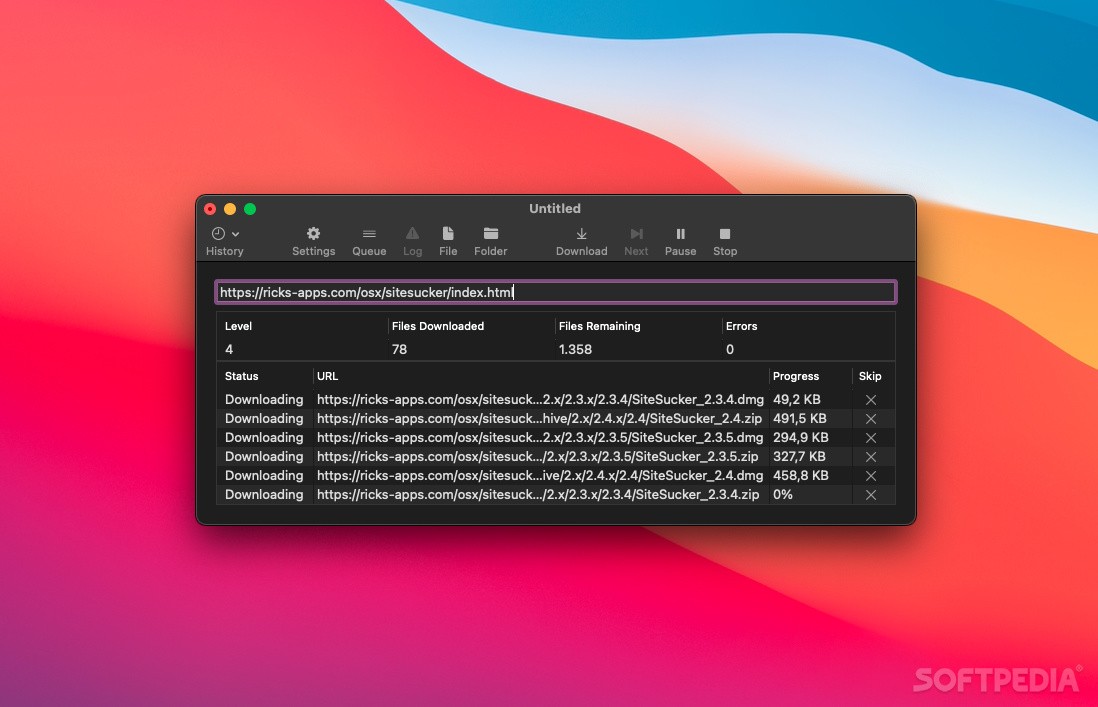
SiteSucker is a straightforward macOS application designed to help you download websites and asynchronously copy the sites; web page, backgrounds, photos, videos and other files to your Mac’s hard disk.
In other words, you can use SiteSucker to effortlessly duplicate a site’s directory structure and store all the required data with just a few mouse clicks. You only have to type in or paste the URL, hit return and let SiteSucker do the hard work for you.
SiteSucker features an intuitive interface that enables you to start, pause or stop the download process, check the logs, open files and folders and monitor the queue list.
What is more, the History drop down menu helps you view the recently downloaded websites while the Queue button helps you hide or show the Queue slide sheet.
During the downloading process you can view the number of downloaded files and compare it with the remaining files, check the number of encountered errors and even skip unwanted files.
By default, SiteSucker “localizes” the downloaded files and, as a result, allows you to browse the website offline. However, you can configure SiteSucker to download sites without making modifications.
Moreover, SiteSucker comes with support for multiple user settings that you can handle, edit and access from the Settings Manager window.
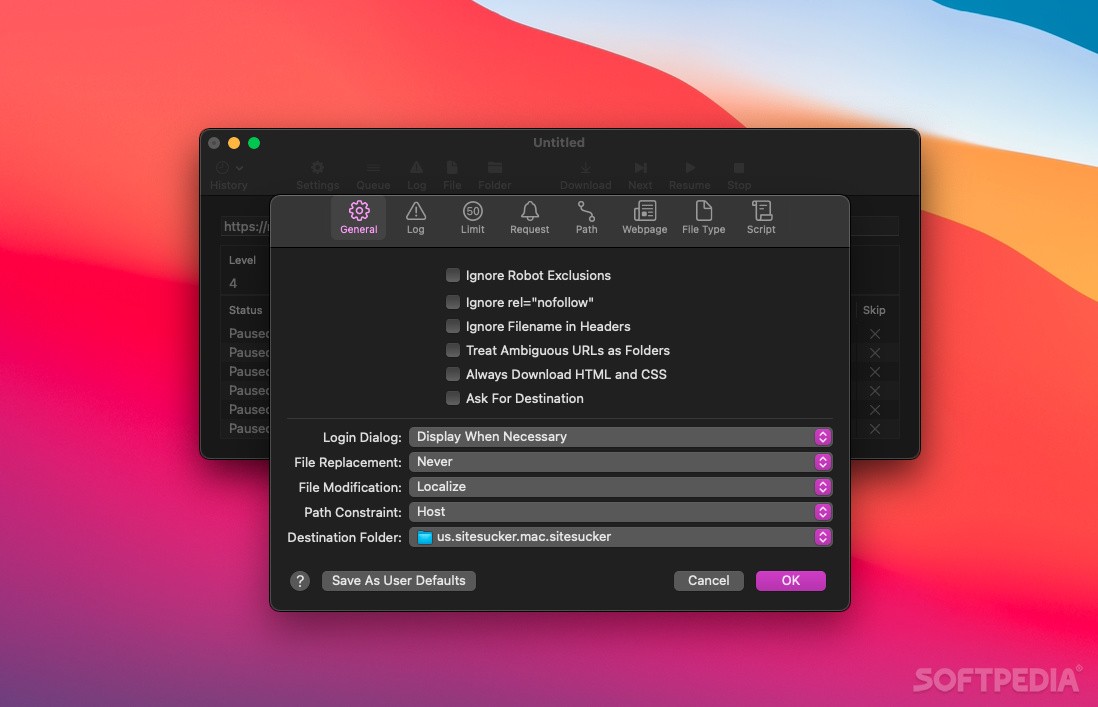
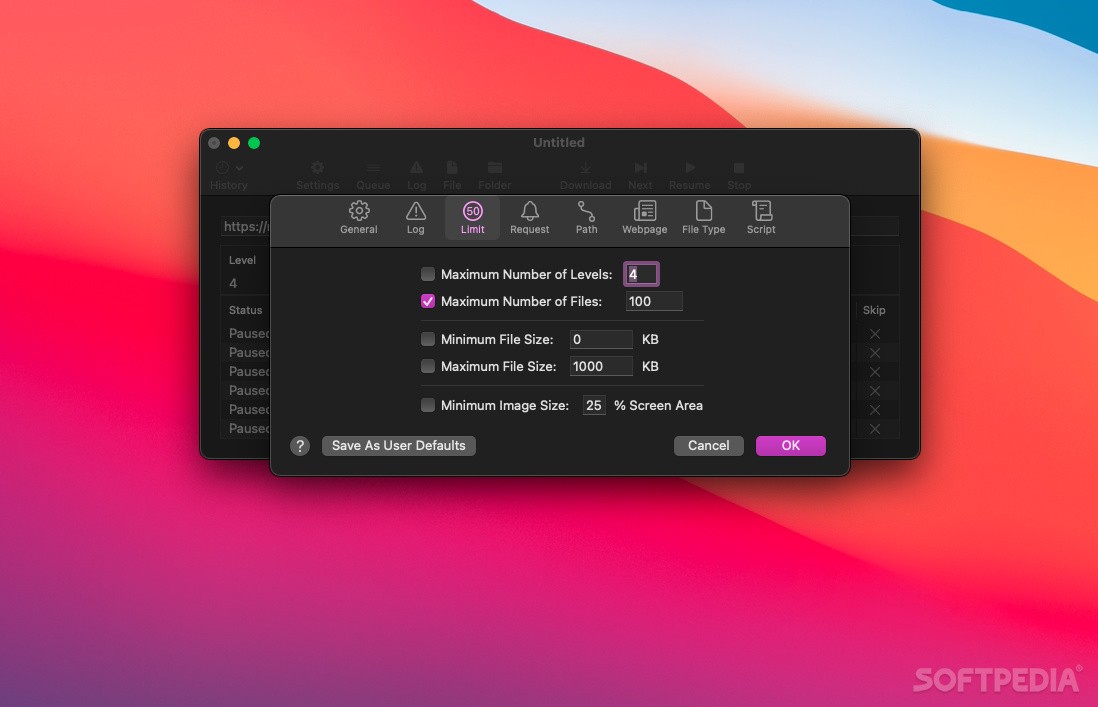
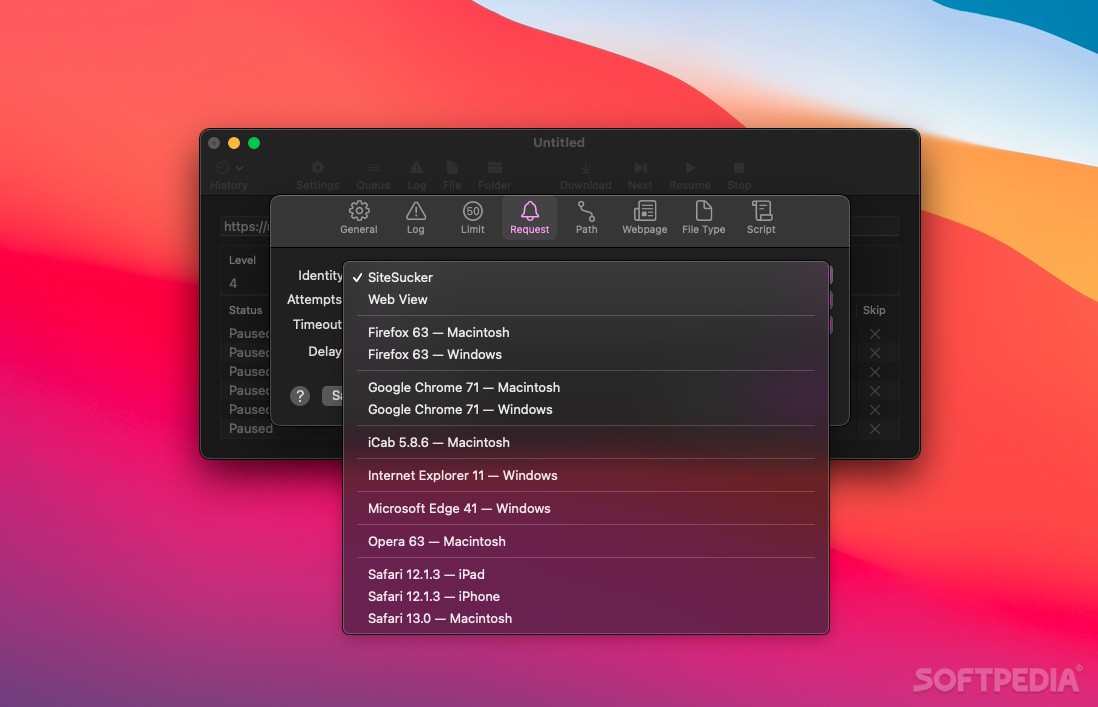
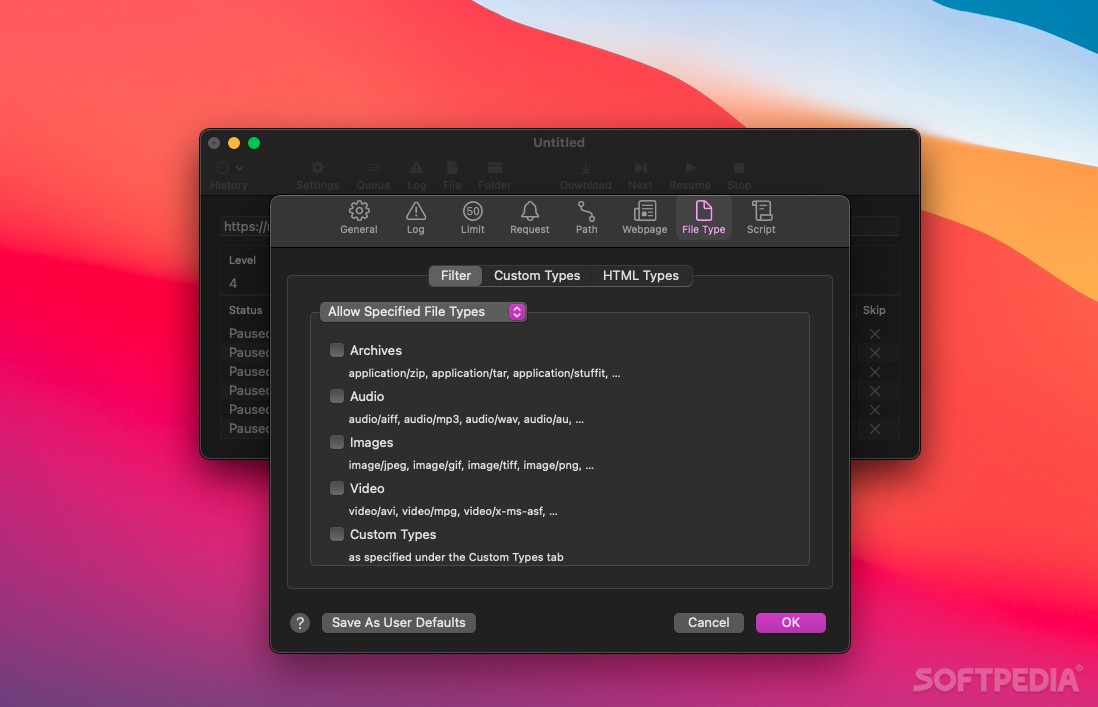
The Settings slide sheet helps you set the default download folder, suppress login dialog, ignore robot exclusions, enable the desired logs, limit the download speed and file size, filter the downloaded files and exclude paths.
By accessing the Preferences window, you can specify the source of bookmarks, set the number of connection for new documents and configure SiteSucker to notify you once or multiple times when all downloads are complete.
Download Hubs
SiteSucker is part of these download collections: Offline Browsers
What's new in SiteSucker 5.3.2:
- Fixed a bug that could cause SiteSucker to crash or freeze when the download is started.
- Deleted CORS attributes (crossorigin and integrity) from tags in downloaded HTML files so that webpages display and behave correctly.
SiteSucker 5.3.2
add to watchlist add to download basket send us an update REPORT- runs on:
- macOS 12.0 or later (Universal Binary)
- file size:
- 4.2 MB
- filename:
- SiteSucker_Pro.dmg
- main category:
- Internet Utilities
- developer:
- visit homepage
Bitdefender Antivirus Free

calibre

Microsoft Teams

Windows Sandbox Launcher

7-Zip

Zoom Client

ShareX

IrfanView

paint.net

4k Video Downloader

- IrfanView
- paint.net
- 4k Video Downloader
- Bitdefender Antivirus Free
- calibre
- Microsoft Teams
- Windows Sandbox Launcher
- 7-Zip
- Zoom Client
- ShareX