
Stylish web browser that comes with multiple integrated tools, including sidebar apps, a VPN, AI assistant, ad-blocker, and much more. #Web browser #Website browser #Browse website #Browser #Web #Internet

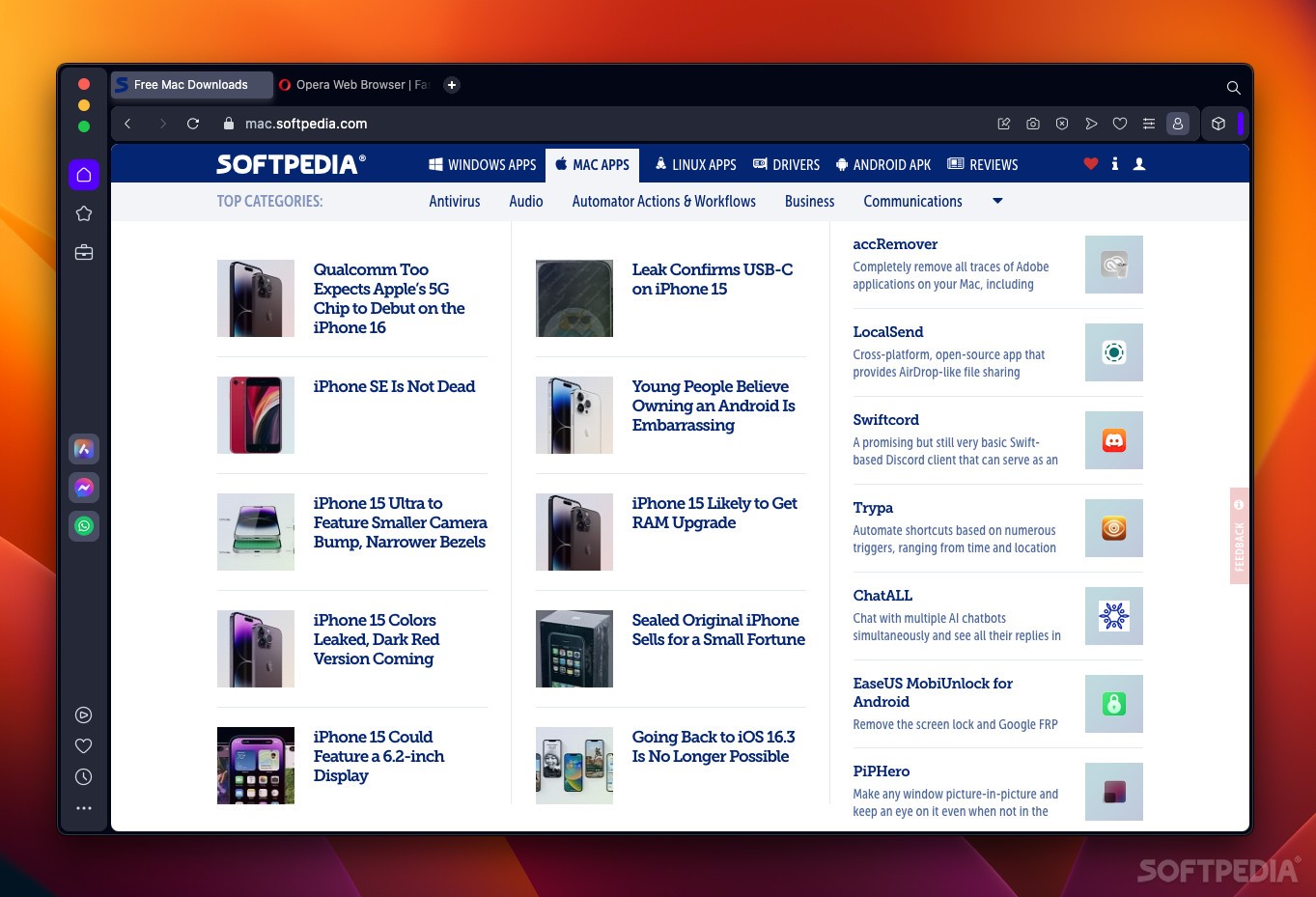
Opera has been around since 1996, and it has always maintained a small but relatively consistent user base throughout the years.
Now, starting with version 100, the browser becomes Opera One, heralding a major visual redesign and a ton of new features, such as an integrated AI chatbot, tab islands, a modular design, and more.
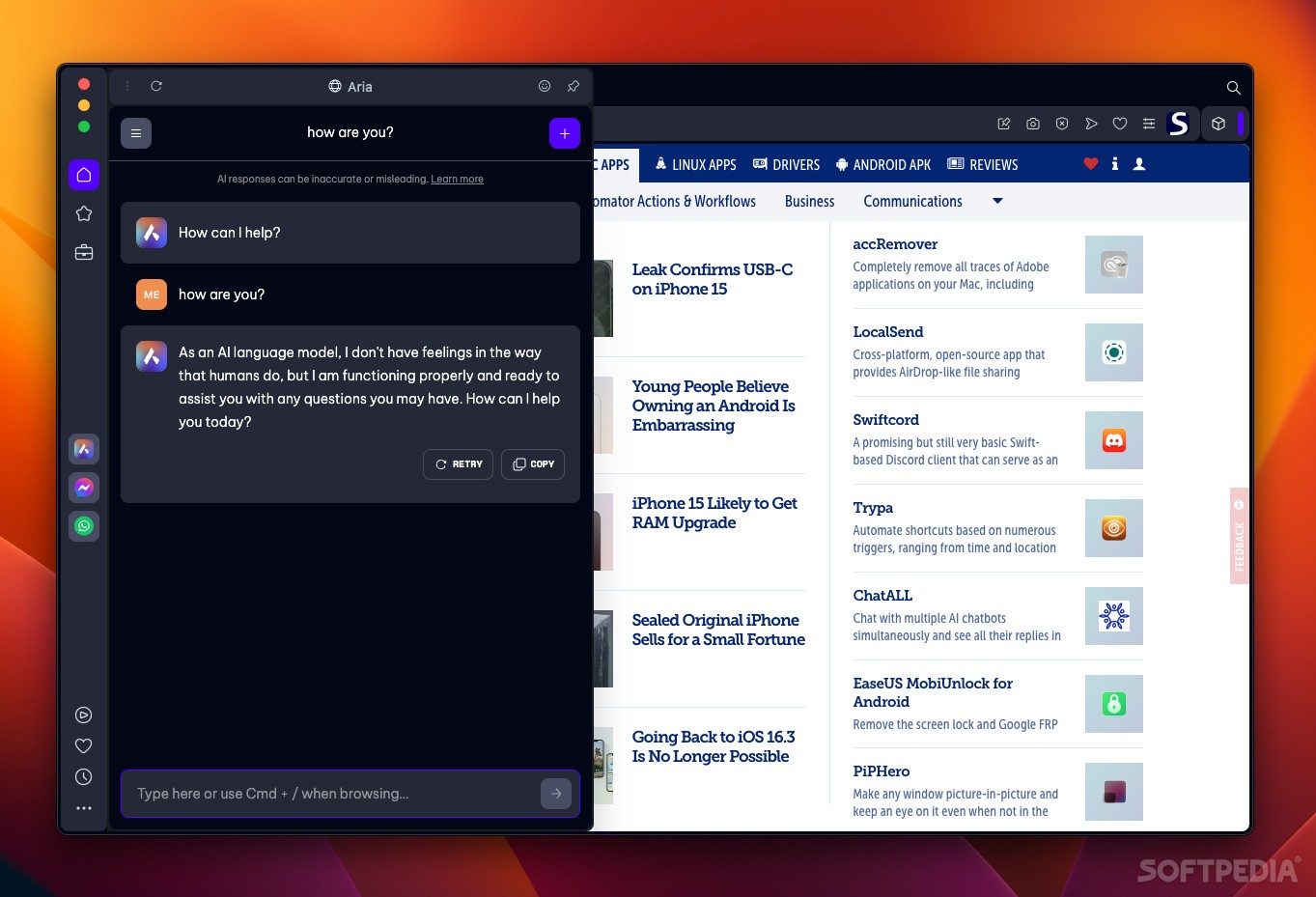
With all the excitement around ChatGPT, it’s no surprise to see similar solutions being embedded into browsers as well. Opera’s offering is also based on ChatGPT, and it lets you do all kinds of things directly from the browser, for free.
It uses Opera’s Composer AI engine, connecting to OpenAI’s service to provide answers. You can ask all kinds of questions and have it generate content, and it’s also capable of providing customer support. A command-line is available for quick questions.
Different browsers have come up with many different solutions for organizing tabs, which becomes more important with each tab you open. Opera One’s solution relies on context, grouping similar tabs automatically as soon as they are activated.
These islands are color-coded, and they can be moved around and minimized at will. It gets much easier to tell them apart, and it reduces the amount of space they take up without requiring any additional user input.
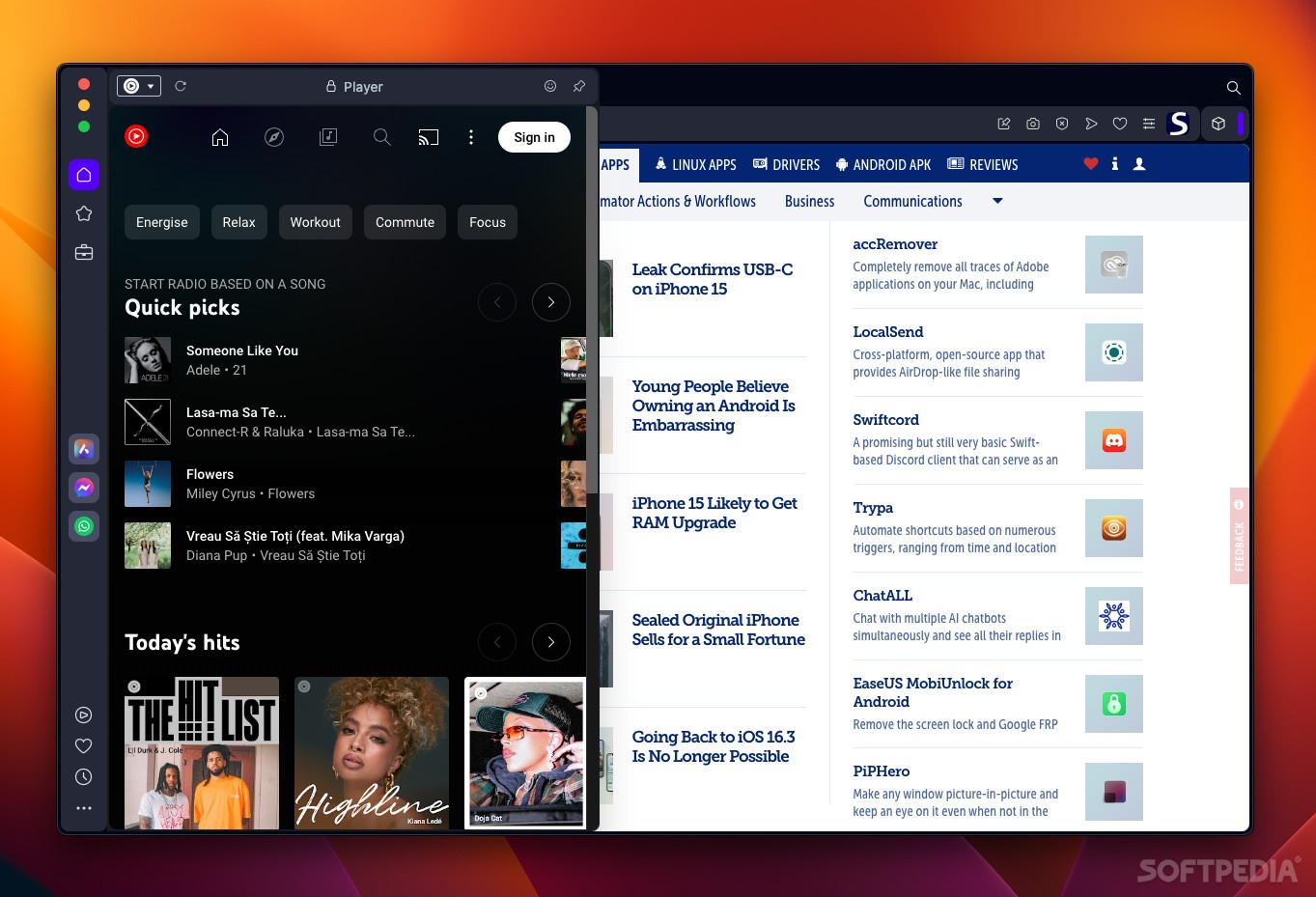
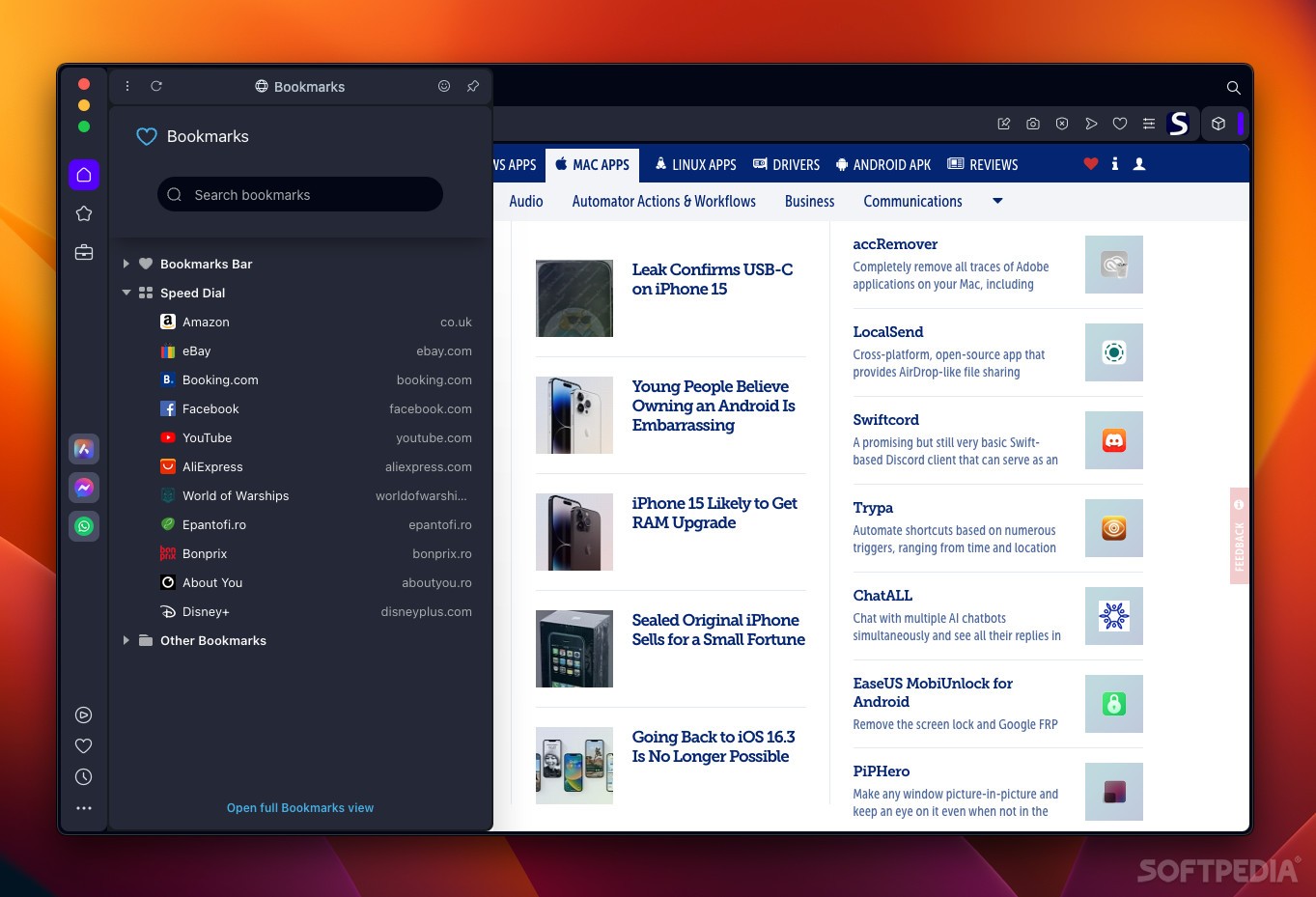
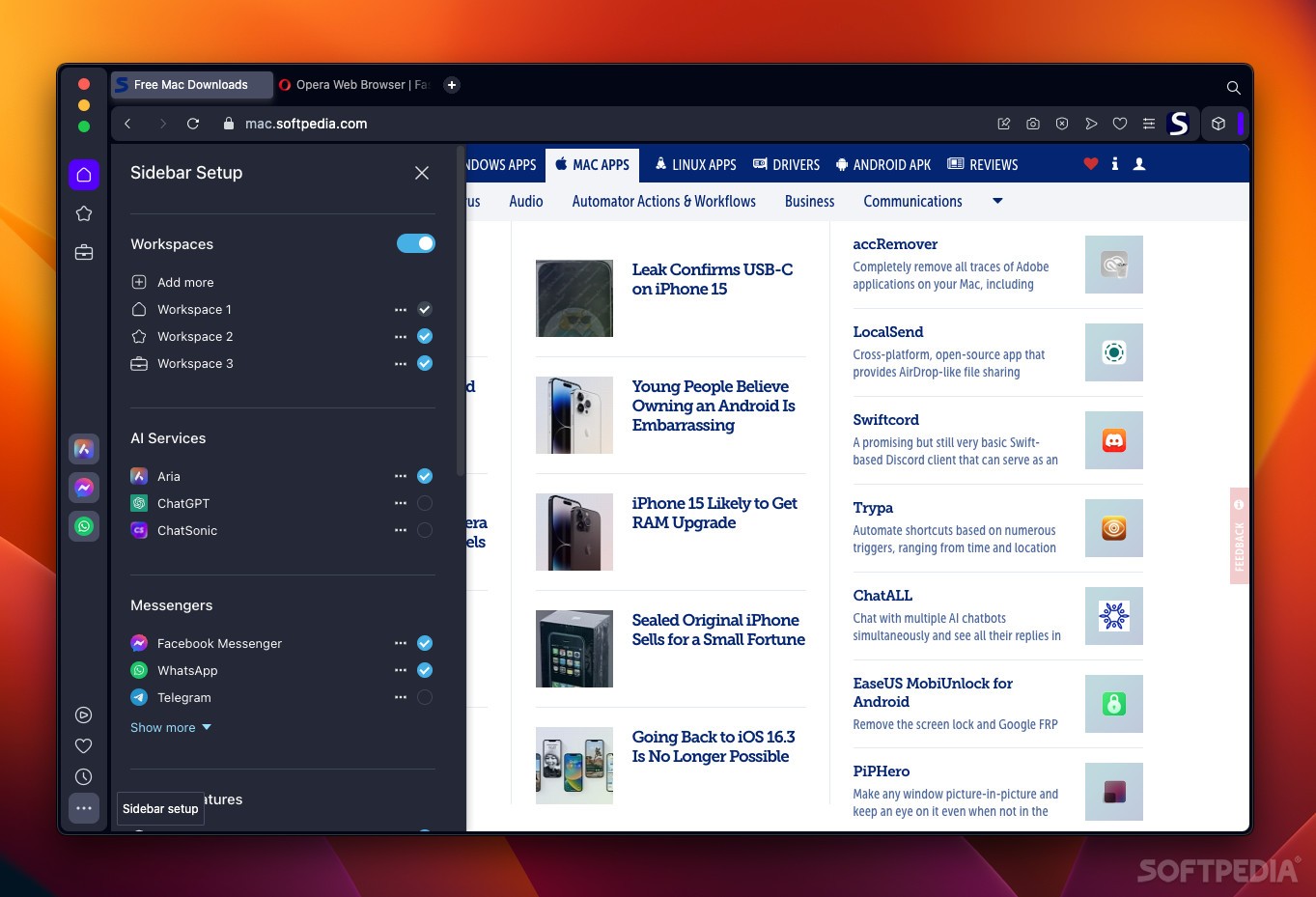
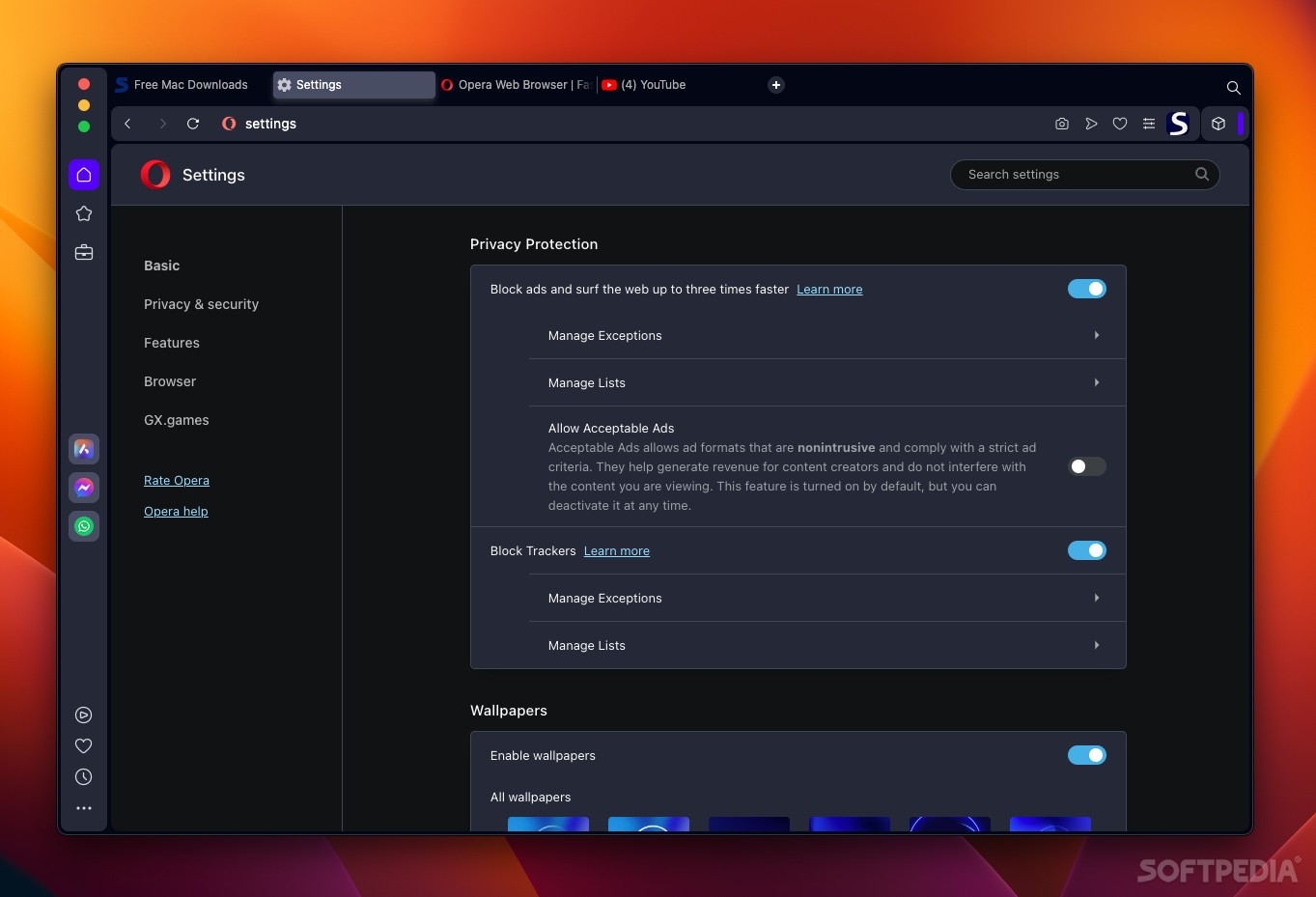
As expected, Opera One still has its sidebar, which houses workspaces, the Aria AI, Messenger, WhatsApp, and Telegram apps, the integrated music player, and whatever else you wish to add to it.
We can’t forget the included VPN either, which you have to activate from the browser’s settings. It’s very basic, offering limited location customization and no privacy guarantees, but it’s nice to have regardless.
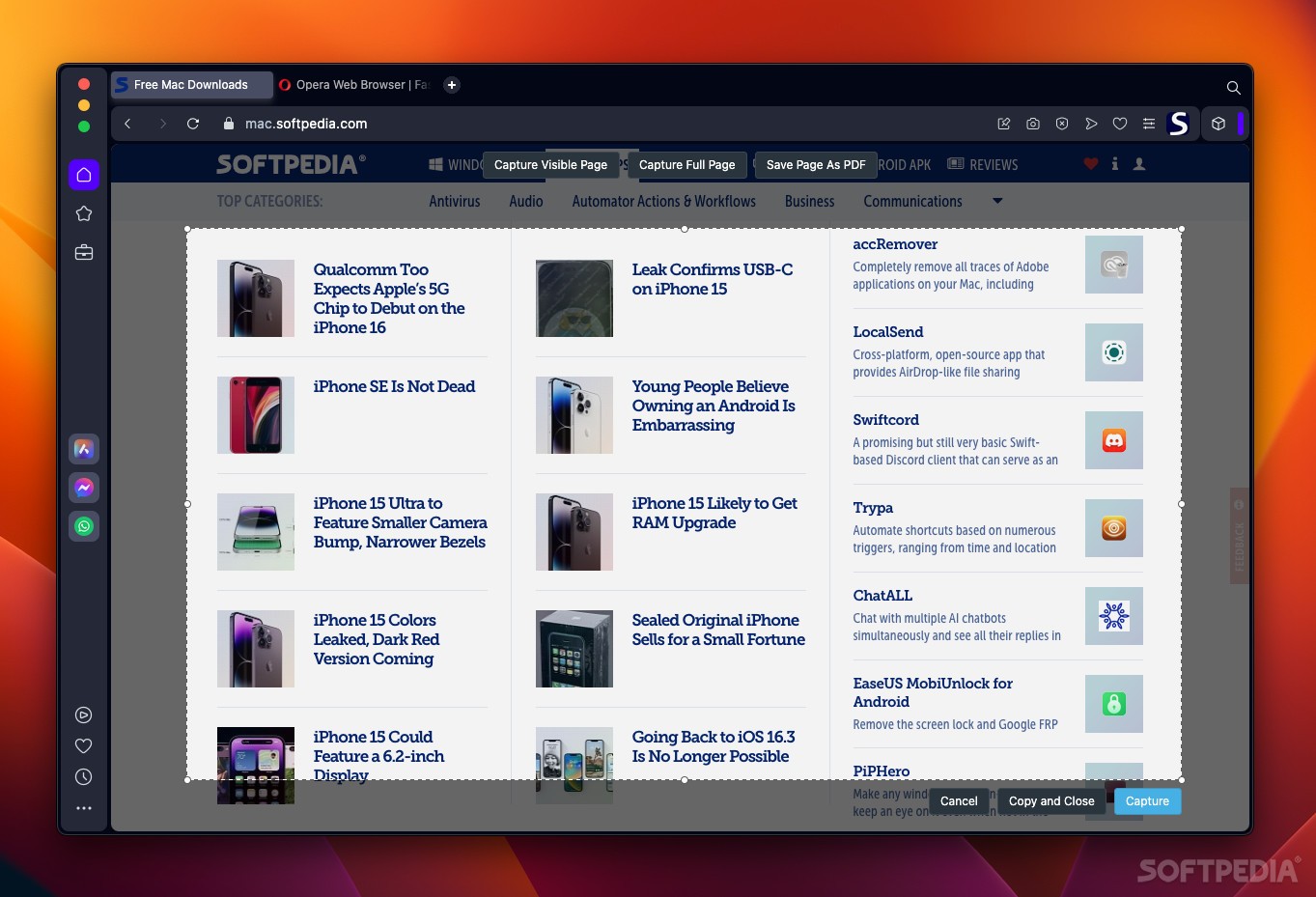
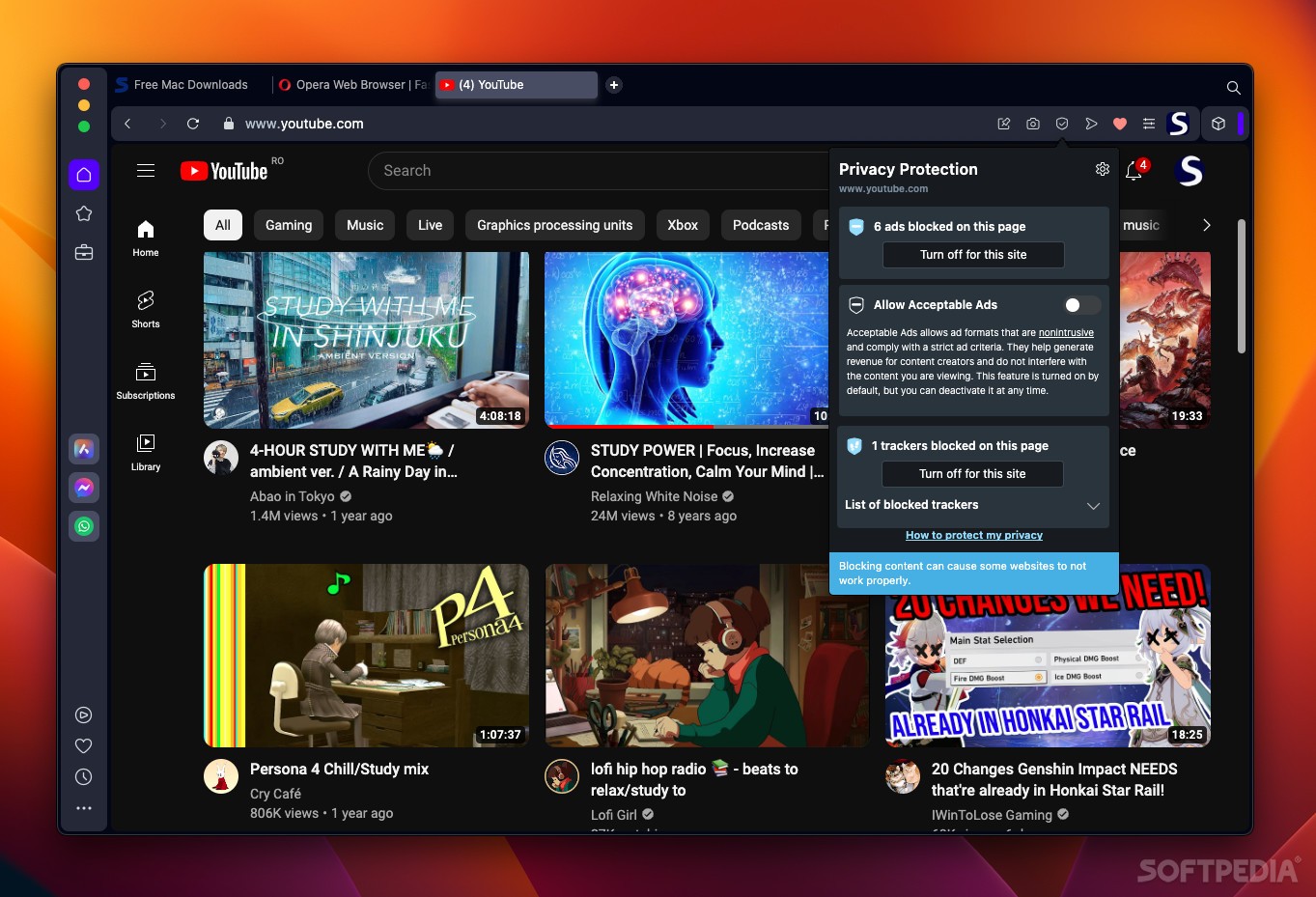
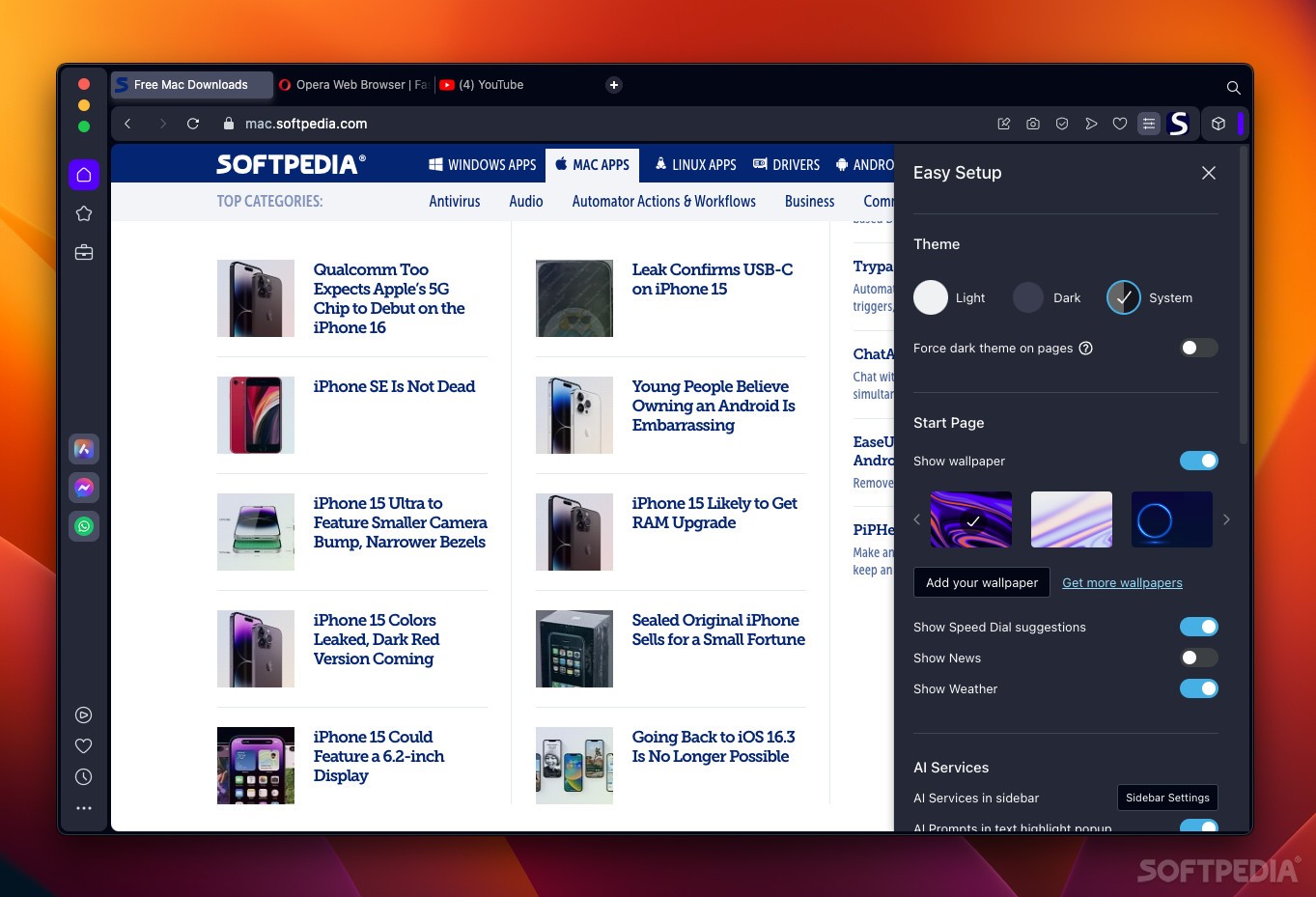
Finally, you have an integrated ad-blocker, screenshot tool, and support for Chrome extensions right out of the box. The browser is also highly customizable, both visually and functionality-wise.
If you’re an old Opera user, the One update is definitely good news. It keeps all the things that made the old browser good, while adding new tools that make it an even more enticing offering over something like Safari or Chrome. And if you’re never tried it, now might be the best time to give it a go.
Download Hubs
Opera One is part of these download collections: Web Browser
What's new in Opera One 110.0.5130.13 Beta:
- [Easy files] Thumbnails are too small
- Translations for O110
Opera One 109.0.5097.59 / 110.0.5130.13 Beta / 111.0.5145.0 Dev
add to watchlist add to download basket send us an update REPORT- runs on:
- macOS 10.11 or later (Universal Binary)
- file size:
- 219 MB
- filename:
- Opera_beta_110.0.5130.13_Setup.dmg

- main category:
- Internet Utilities
- developer:
- visit homepage
7-Zip

Bitdefender Antivirus Free

Windows Sandbox Launcher

IrfanView

Microsoft Teams

4k Video Downloader

calibre

Zoom Client

ShareX

Context Menu Manager

- Zoom Client
- ShareX
- Context Menu Manager
- 7-Zip
- Bitdefender Antivirus Free
- Windows Sandbox Launcher
- IrfanView
- Microsoft Teams
- 4k Video Downloader
- calibre