
Clear cache and erase history with this easy-to-use Internet track eraser for macOS that gets rid of the data left behind by your browser and e-mail client #Clear cache #Cache cleaner #Delete history #Cookie #Cache #History
Privacy is becoming harder and harder to attain, and browsers are usually some of the worst offenders when it comes to tracking users. Not only that, but the information they collect and store can also take up valuable disk space, which many users aren’t aware of.
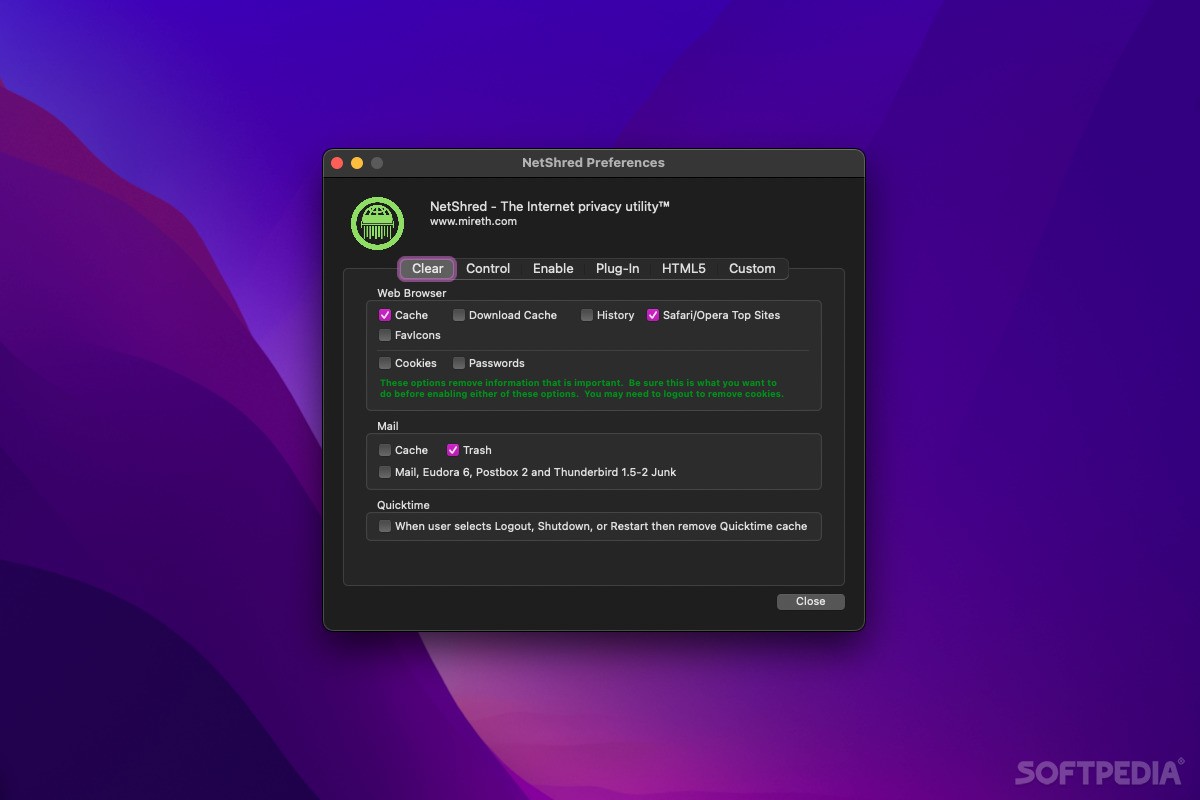
NetShred X is a fairly simple application that helps you keeps your browsers and mail apps clean, while also increasing your online privacy. It clears cache, browsing history, cookies, passwords, junk, and spam, and if you have an HDD, it also securely deletes them. With an SSD, these items are only cleared.
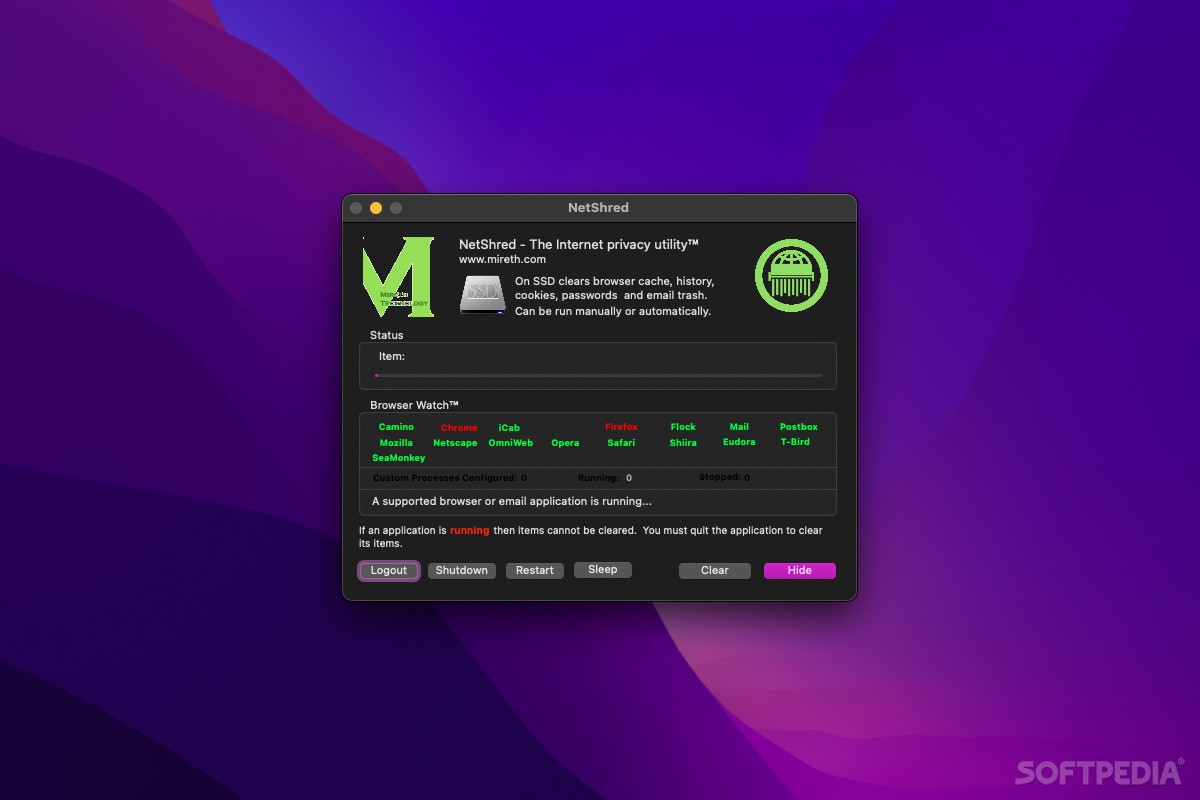
As far as using the app is concerned, things are kept very straightforward. Just launch it, and it will list all the apps that are supported and can be cleared. If some of them are open, they will be highlighted in red, indicating that they should be shut down first.
Items can be cleared manually, but you also have the option of enabling Browser Watch, a function that monitors supported applications and removes everything as soon as they are closed. When you run the browser or mail client again, they will be cleaned without you having to do anything yourself.
Limitations in the unregistered version
- Registration screen at startup.
- The demo will only delete the Internet tracks, not shred them.
NetShred X 6.0.2
add to watchlist add to download basket send us an update REPORT- runs on:
- macOS 10.13 or later (Universal Binary)
- file size:
- 14.6 MB
- filename:
- netshredx.dmg.zip
- main category:
- Internet Utilities
- developer:
- visit homepage
Zoom Client

ShareX

Windows Sandbox Launcher

Microsoft Teams

4k Video Downloader

7-Zip

Context Menu Manager

Bitdefender Antivirus Free

calibre

IrfanView

- Bitdefender Antivirus Free
- calibre
- IrfanView
- Zoom Client
- ShareX
- Windows Sandbox Launcher
- Microsoft Teams
- 4k Video Downloader
- 7-Zip
- Context Menu Manager