
Unsophisticated Gmail desktop client that enables you to manage multiple email accounts and the calendars associated to them via the familiar web user interface. #Gmail client #Mail client #Read mail #Gmail #Email #Client
Note: Mailplane has been discontinued. It will continue to receive support, but it can no longer be purchased by new customers. More details here.
There are various desktop clients out there designed to help you manage different email accounts, regardless of the service provider: even macOS comes with the default Mail app. However, most of these apps do not preserve the design and organization of the original service.
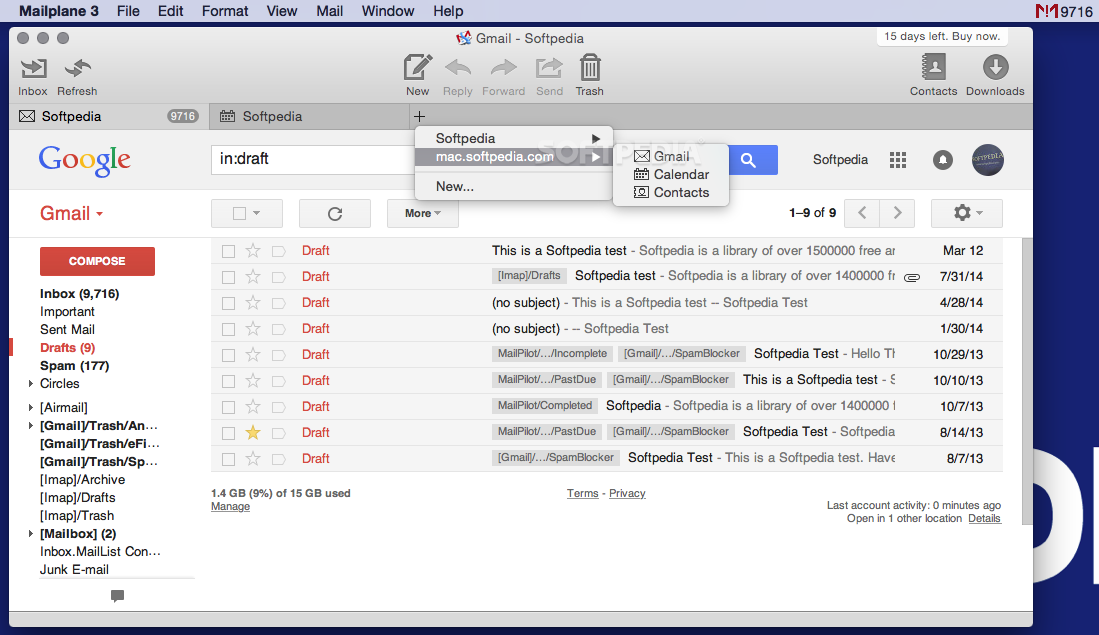
Mailplane is a simple Mac app that will work with your Gmail accounts, and provides the same browser experience, without making you use different apps or instances.
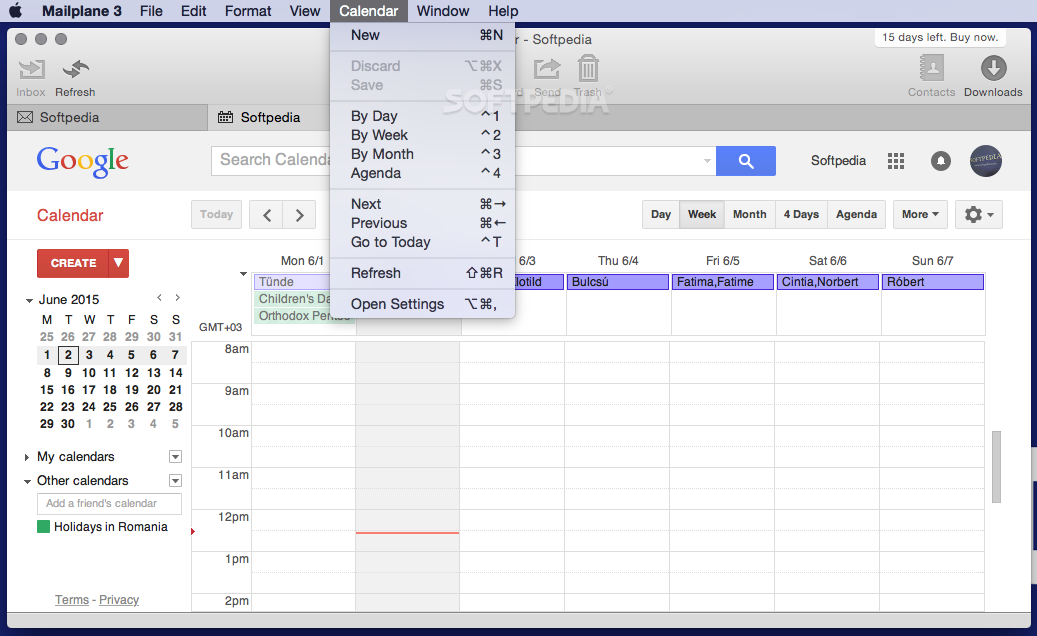
Moreover, the Mailplane app can connect to as many Gmail accounts as you like, and also provides access to the Google Calendars associated with the accounts.
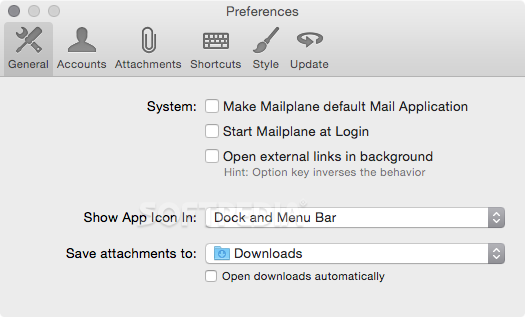
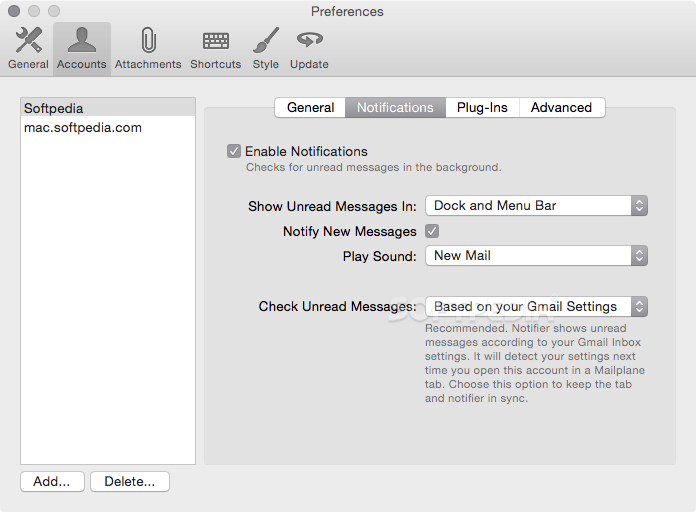
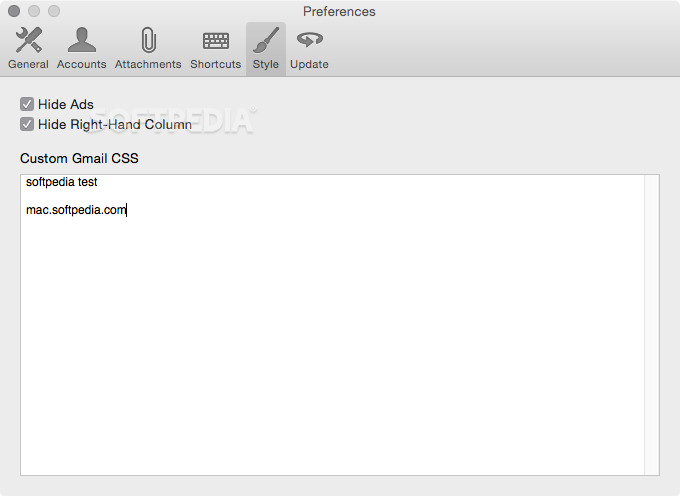
Right off the bat, within the Mailplane Preferences window, you must provide the credentials for the Gmail accounts that you want to monitor and manage. Once the setup is complete, Mailplane can open different Mail and Calendar tabs for each of your accounts.
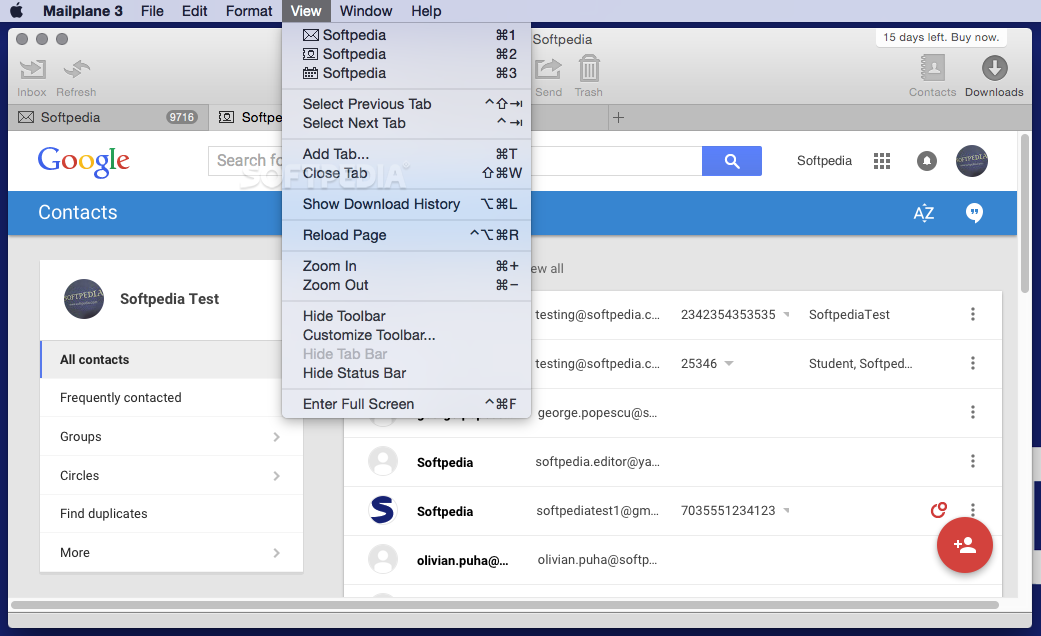
Of course, you can rearrange them anyway you like, and you can easily keep track of each account by reading the top tab label. For your convenience, Mailplane can integrate with the Contacts application and import your address book in no time.
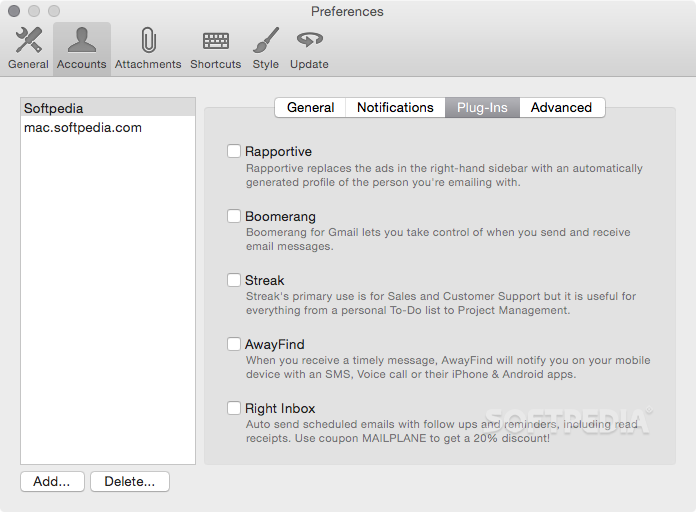
Since the Mailplane tabs retain the design of the Gmail web portal, finding your way around is extremely intuitive. However, Mailplane also comes with a collection of plug-ins that enable you to receive notifications, to send scheduled emails, to control when you send and receive messages, and so on.
The app displays the unread count for all accounts in the status bar icon, while the associated menu provides a list with the most recent emails, organized by accounts.
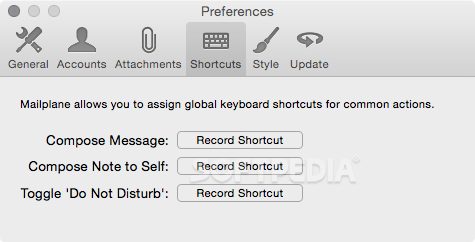
Last but not least, Mailplane provides support for the Gmail keyboard shortcuts, and you are advised to activate them to make sure everything works properly.
Mailplane proposes a simple solution for managing all your Gmail accounts in a centralized manner, without having to renounce the familiar web service design.
As a result, Mailplane comes with a tabbed user interface that enables you to view the Mail and Calendar categories for multiple Gmail accounts, and even provides additional functionalities via built-in plug-ins.
What's new in Mailplane 4.3.6:
- Calendar: Fixed scrolling in the 'Find a Time' and 'Guests' sections of event details.
- Compose from an external application no longer opens two windows.
- Fixed 'Expand in new window' button.
- Stopped to support the Zoom extension.
Mailplane 4.3.6
add to watchlist add to download basket send us an update REPORT- runs on:
- macOS 10.12 or later (Intel only)
- file size:
- 82.2 MB
- filename:
- Mailplane_4_4932.zip
- main category:
- Internet Utilities
- developer:
- visit homepage
ShareX

Context Menu Manager

7-Zip

calibre

Zoom Client

Windows Sandbox Launcher

Bitdefender Antivirus Free

IrfanView

Microsoft Teams

4k Video Downloader

- IrfanView
- Microsoft Teams
- 4k Video Downloader
- ShareX
- Context Menu Manager
- 7-Zip
- calibre
- Zoom Client
- Windows Sandbox Launcher
- Bitdefender Antivirus Free