
Offers you the possibility to quickly check for new messages received on any POP3 email account without actually downloading the content.. #Check mail #Retrieve email #Email checker #Checker #POP3 #Viewer
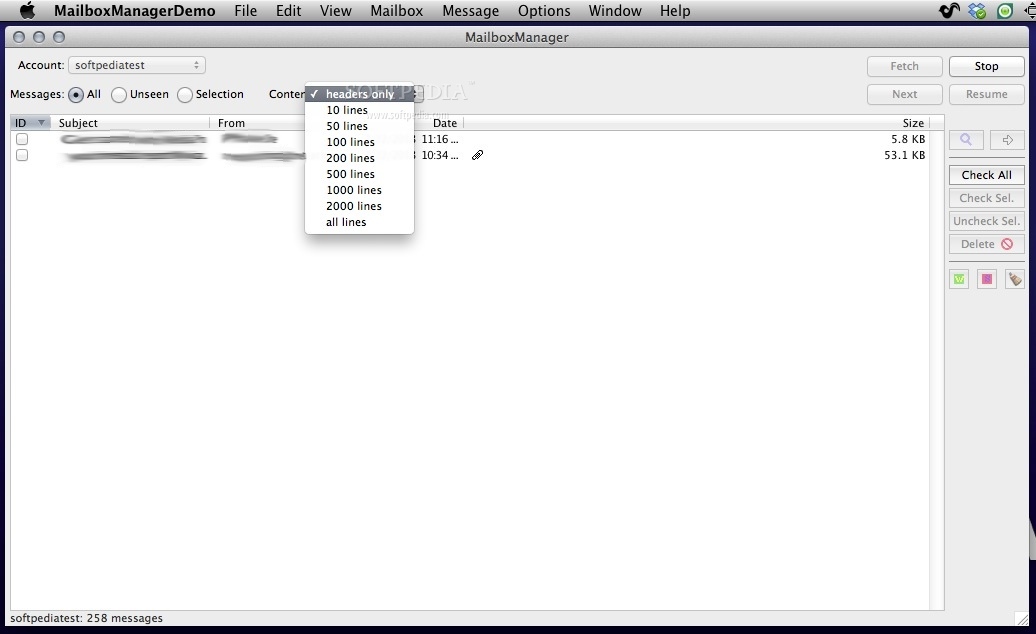
MailboxManager allows you to check POP3 Mailboxes (i.e. Mailboxes you access through such Emailer applications such Eudora, Outlook Express and the like) before downloading any message.
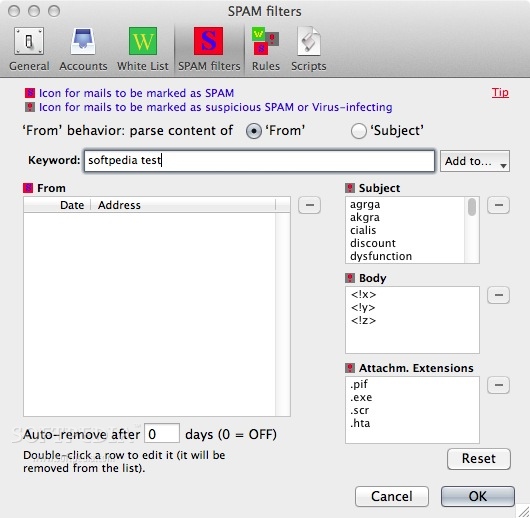
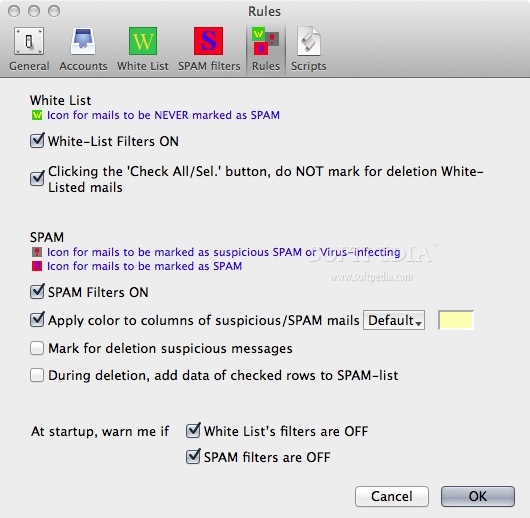
Should you find any undesired message (as SPAM messages or possible virus-attachments), MailboxManager gives the option to delete them at once.
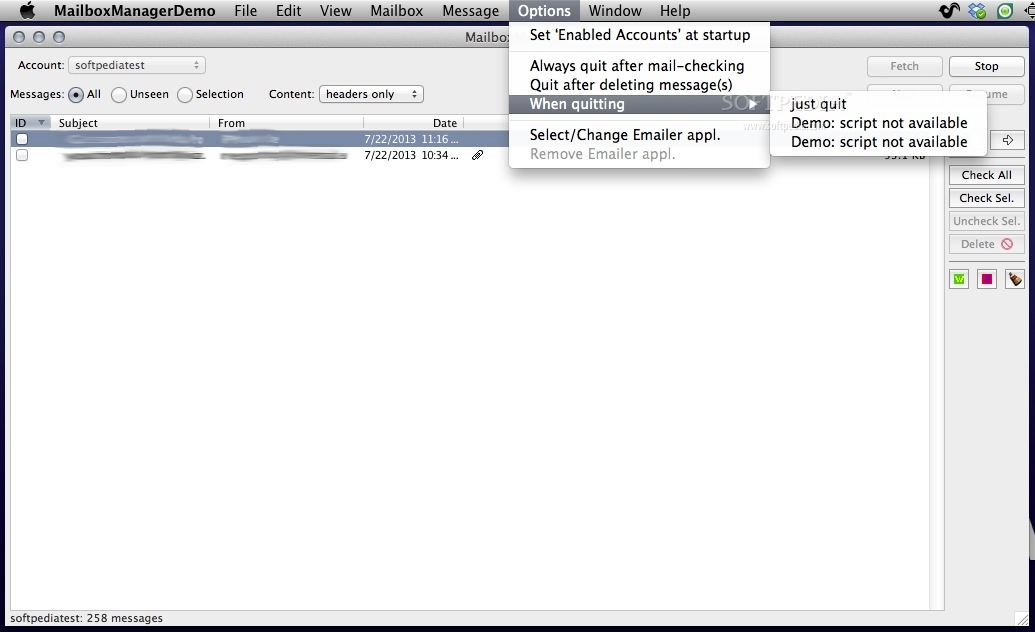
Quitting/exiting MailboxManager, your Emailer application will be launched to retrieve the remaining messages. In this way, no virus will ever reach and threaten your PC any more.
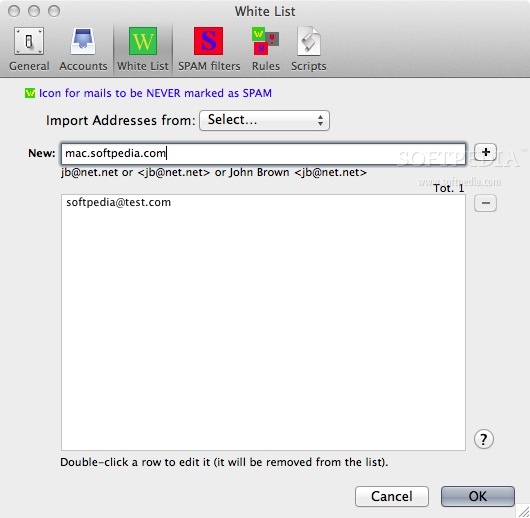
On the other end, if you do have addresses that you NEVER want to be marked as SPAM/Virus, you may enter them into the White List database, and MailboxManager, when looking for SPAMs, will skip them.
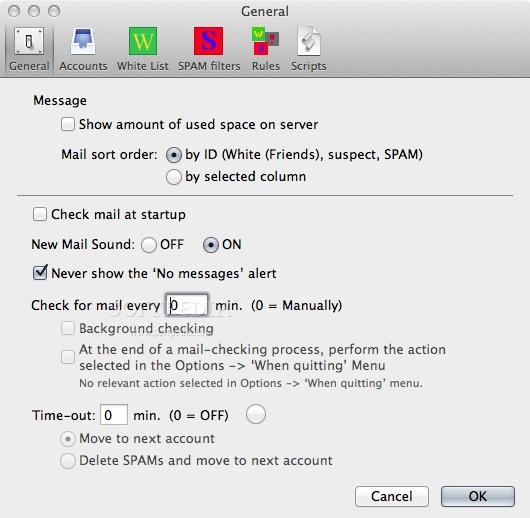
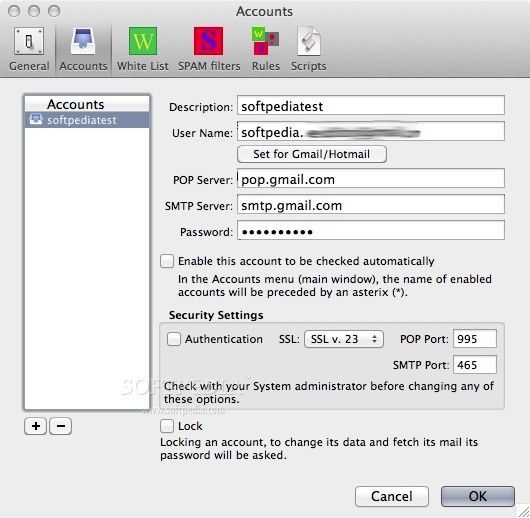
Each account may be set to 'private' through an additional password, so that even if several users share the application on the same machine, private accounts will be operational and their data will be modifiable only by supplying the right password.
Limitations in the unregistered version
- No data will be saved.
- You can use only 2 accounts.
- Only 2 messages will be fetched for each account.
- Fetch-mail available only once.
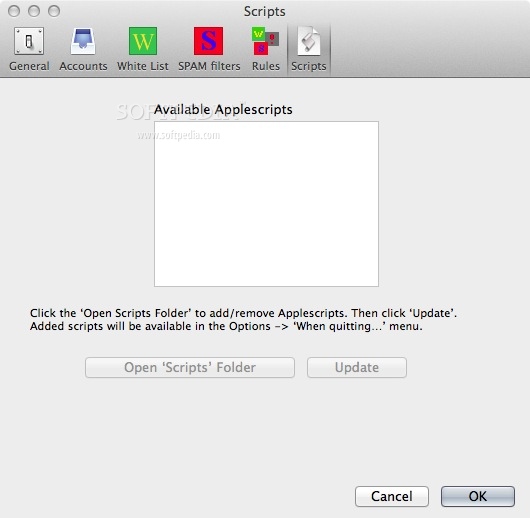
- No scripts.
What's new in MailboxManager 2.3.9:
- Updated Window Menu to more recent API.
MailboxManager 2.3.9
add to watchlist add to download basket send us an update REPORT- runs on:
- macOS 11.1.1 or later (Intel only)
- file size:
- 9.8 MB
- filename:
- MailboxManagerDemo.zip
- main category:
- Internet Utilities
- developer:
- visit homepage
calibre

7-Zip

ShareX

IrfanView

Zoom Client

Microsoft Teams

paint.net

Bitdefender Antivirus Free

4k Video Downloader

Windows Sandbox Launcher

- Bitdefender Antivirus Free
- 4k Video Downloader
- Windows Sandbox Launcher
- calibre
- 7-Zip
- ShareX
- IrfanView
- Zoom Client
- Microsoft Teams
- paint.net