
Archive all of your e-mails in a local database for easy retrieval and find important data using a powerful search function, with this handy application. #Archive email #Store email #Email database #Archive #Email #Store
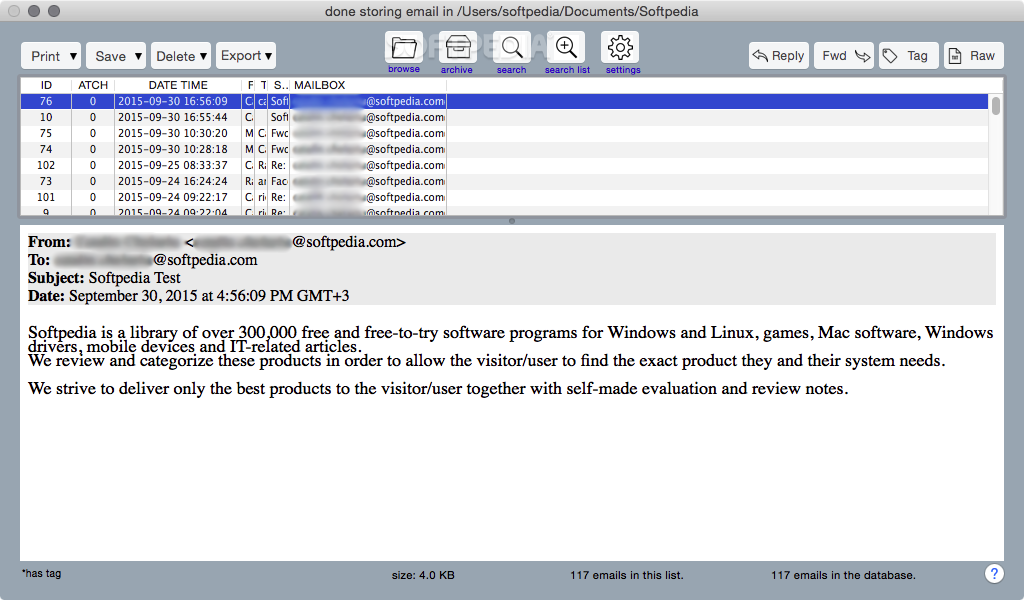
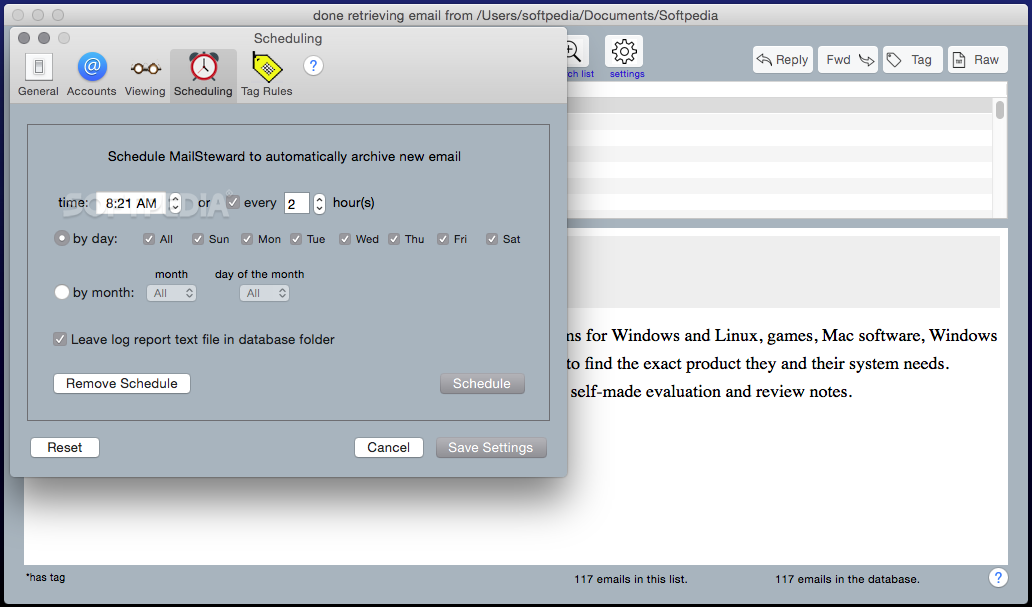
MailSteward is a useful macOS app that can provide you with a safety net in the event your e-mail account is compromised, as well as make it easier to sort through your messages and access important information regardless of the availability of an Internet connection.
Moreover, MailSteward allows you to archive all of your Apple Mail or Postbox messages, as well as mailbox files created with other clients. At the same time, MailSteward is also easy-to-use and features a minimalistic, if slightly outdated interface.
Even when using well-known mail services, your messages are never completely secure. It helps to have a backup if the worst should happen, so that potentially vital information can always be recovered.
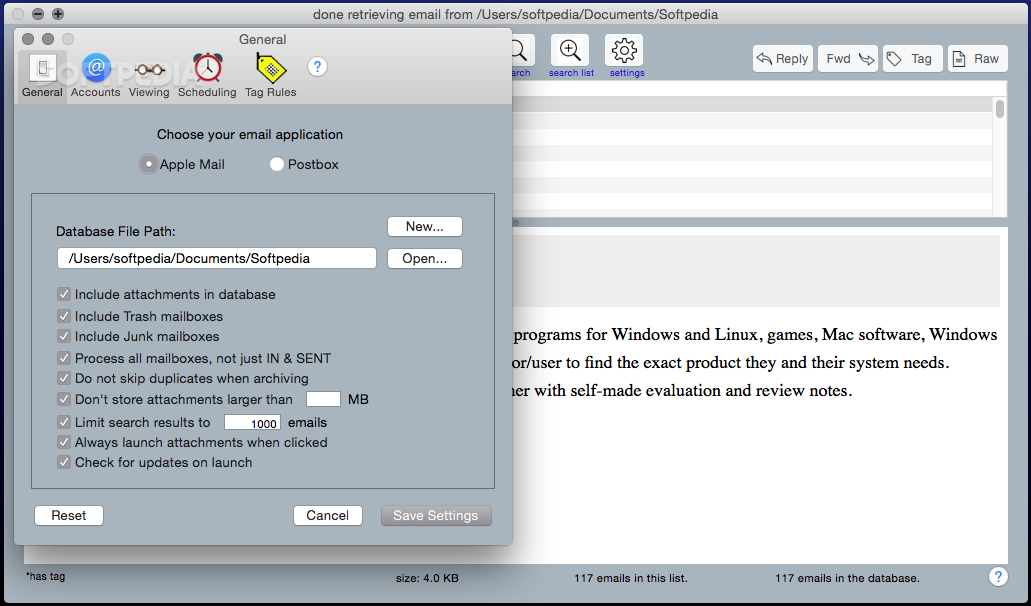
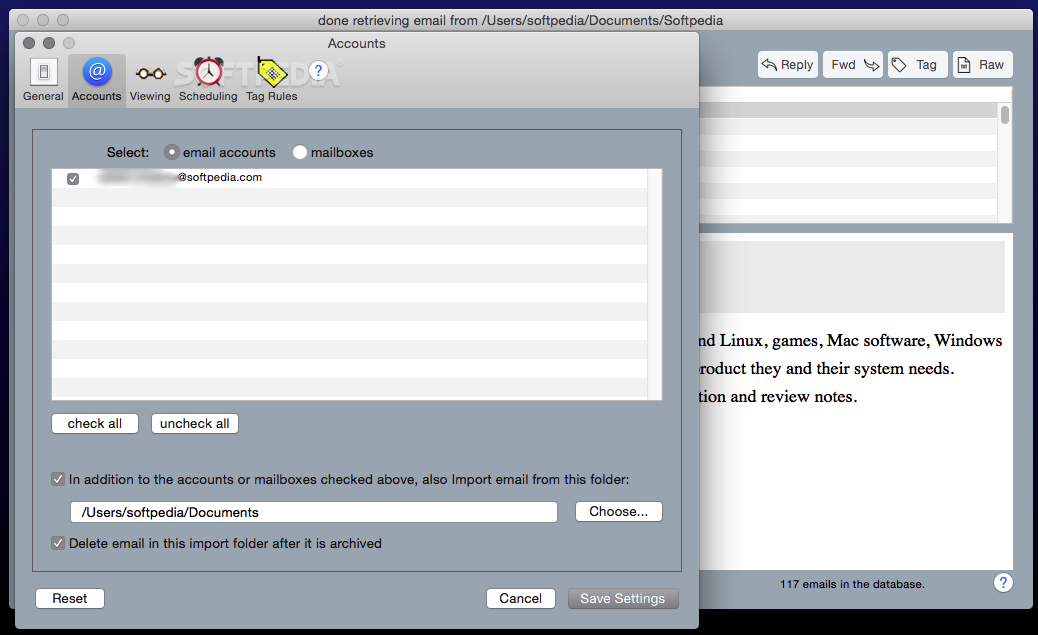
To assist you with this, MailSteward scans your Apple Mail or Postbox accounts to retrieve ingoing and outgoing e-mails, complete with attachments. There are many parameters you can modify, should you wish to skip Trash and Junk mailboxes, duplicates or attachments that are too large to be stored locally.
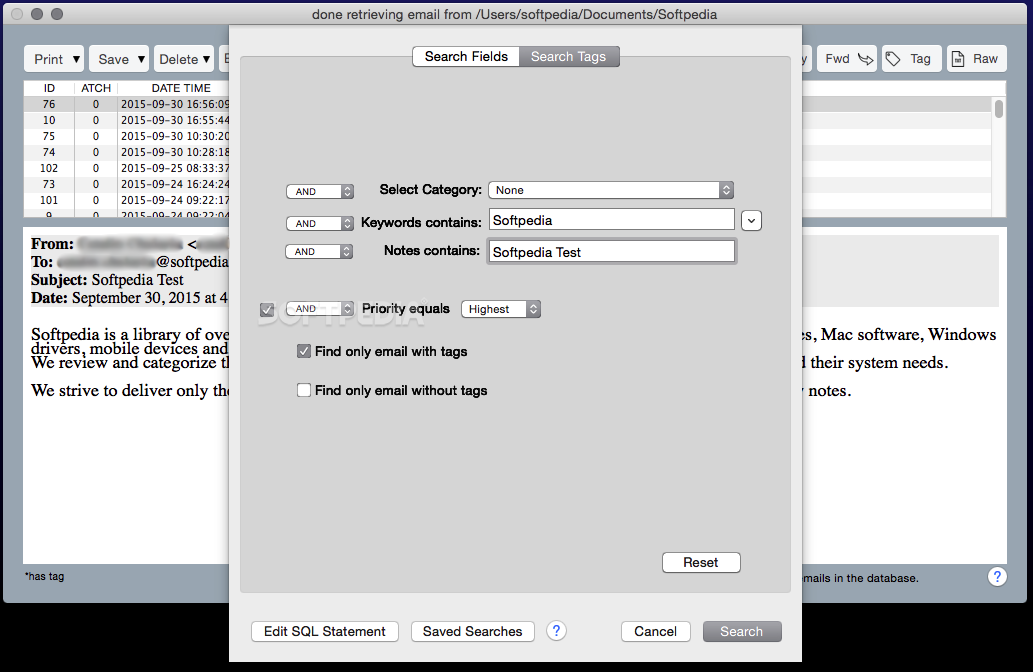
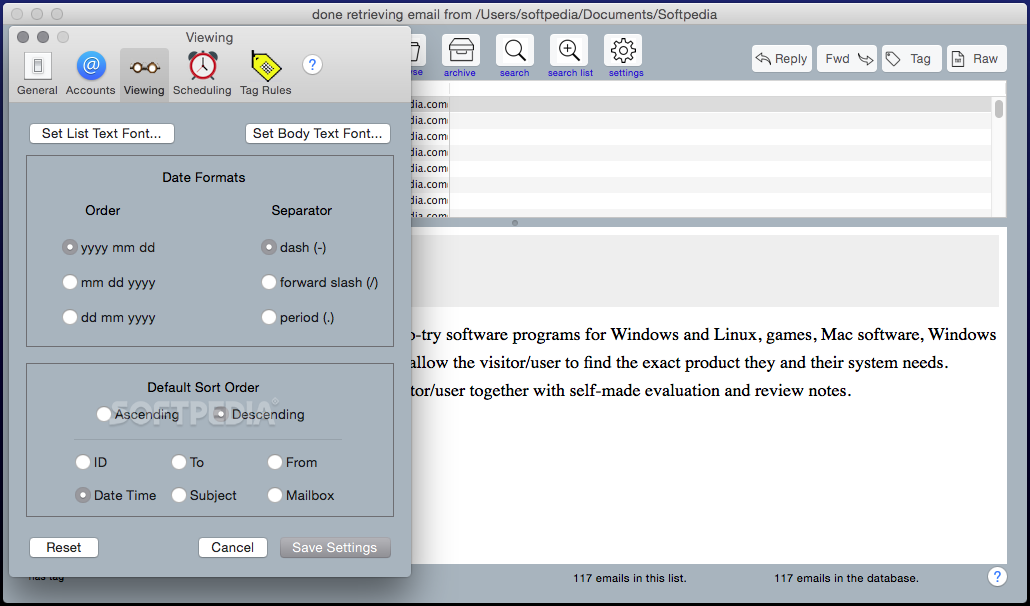
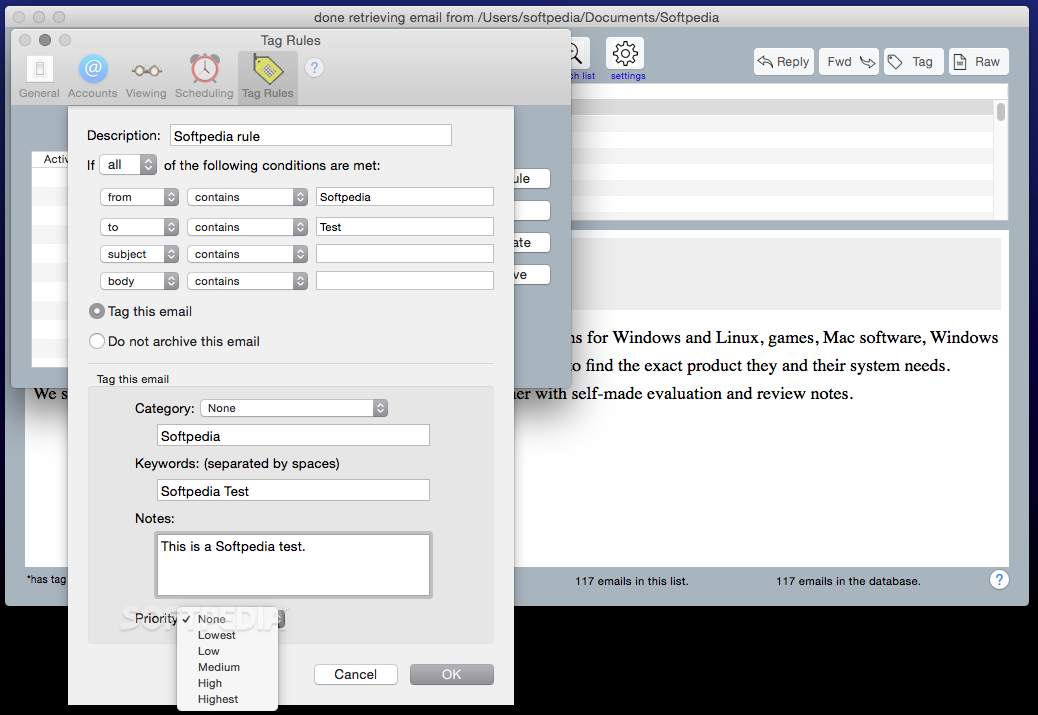
Once you have created a database, you can navigate through it as you would if you were using a standard e-mail client and you can also assign tags to make items easier to find in the future.
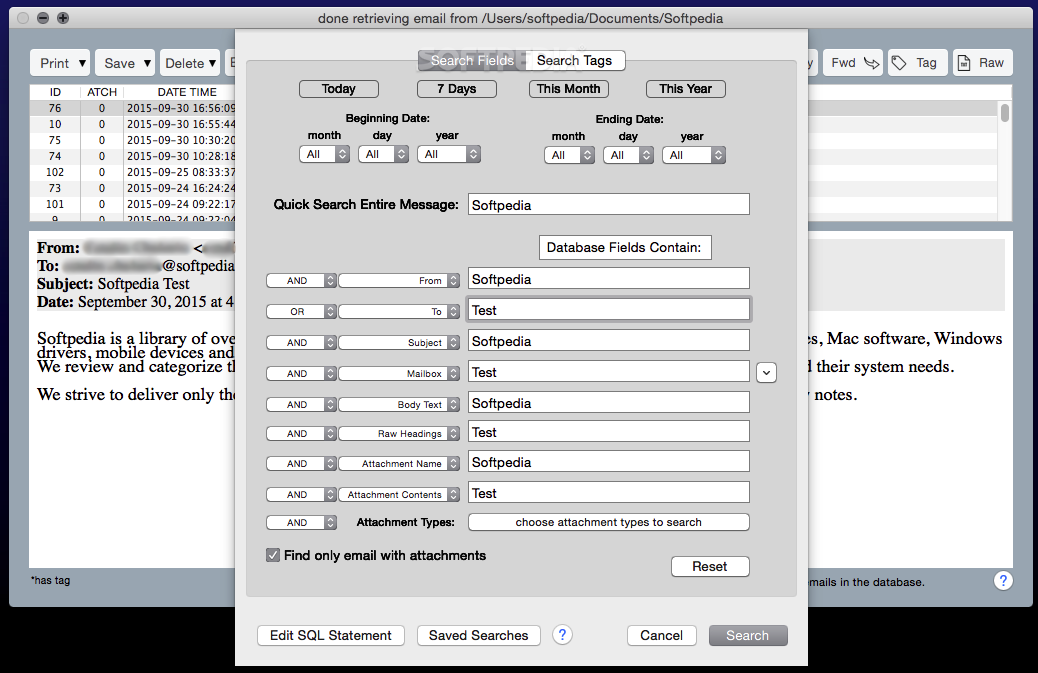
The MailSteward app comes equipped with a powerful search function that can scan fields or tags using numerous preset filters. If you want to reply to a message or forward it to one of your contacts, MailSteward can open it in your default e-mail client automatically.
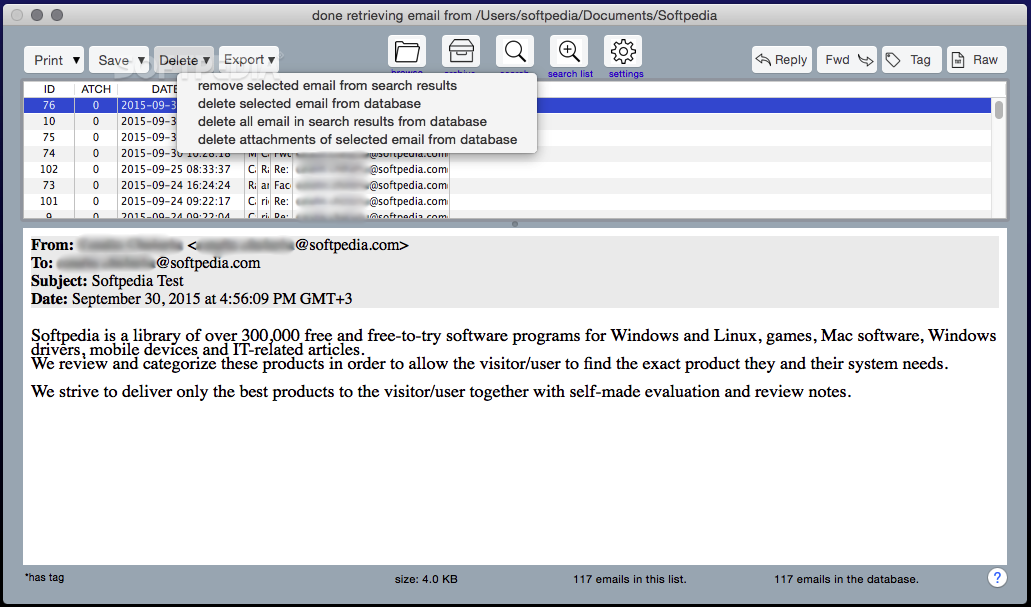
While you can remove duplicate items from your database after they are imported, MailSteward can skip them during the archiving process to save you the hassle.
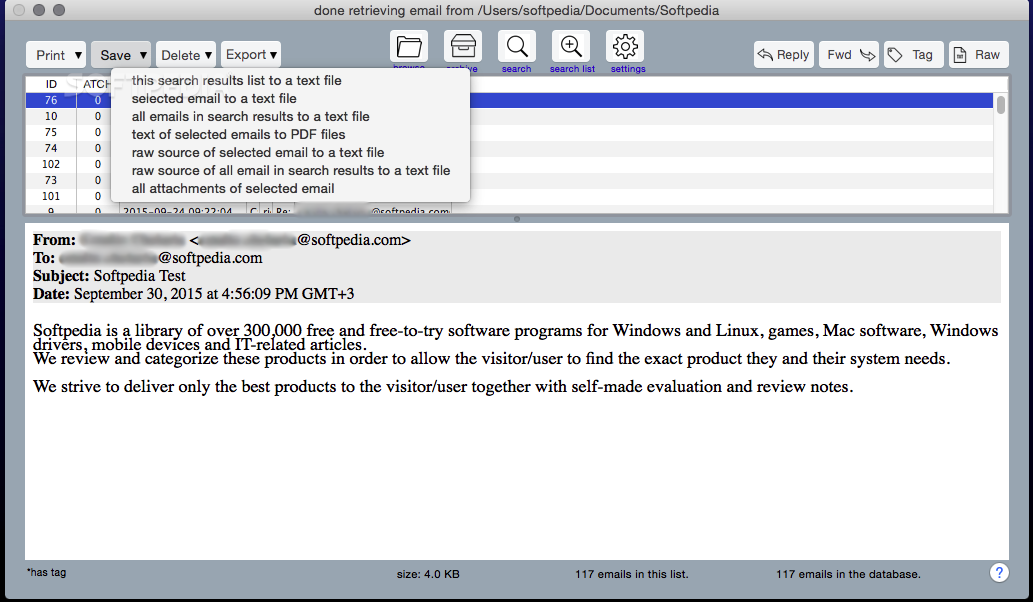
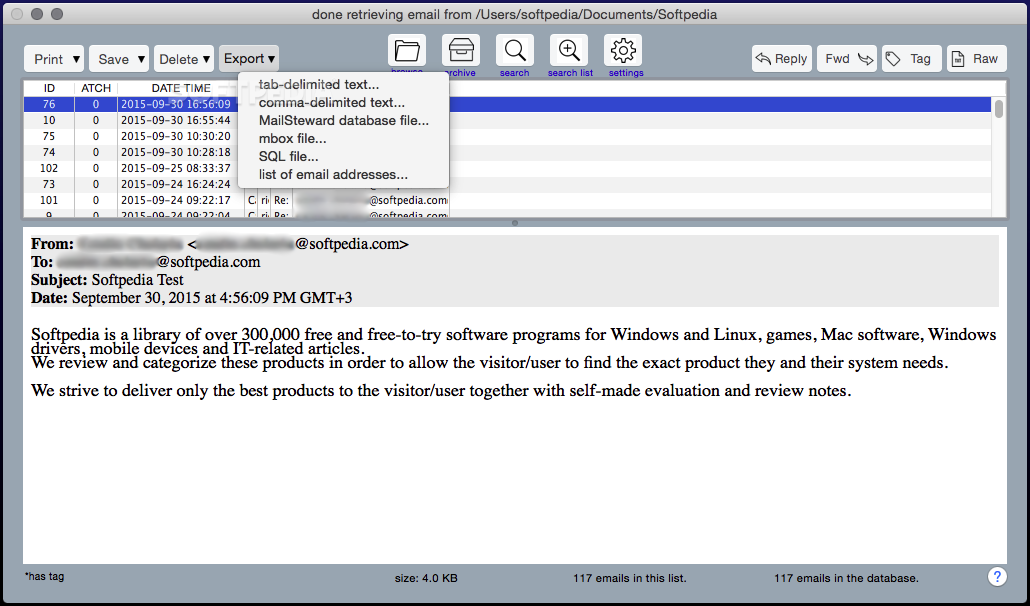
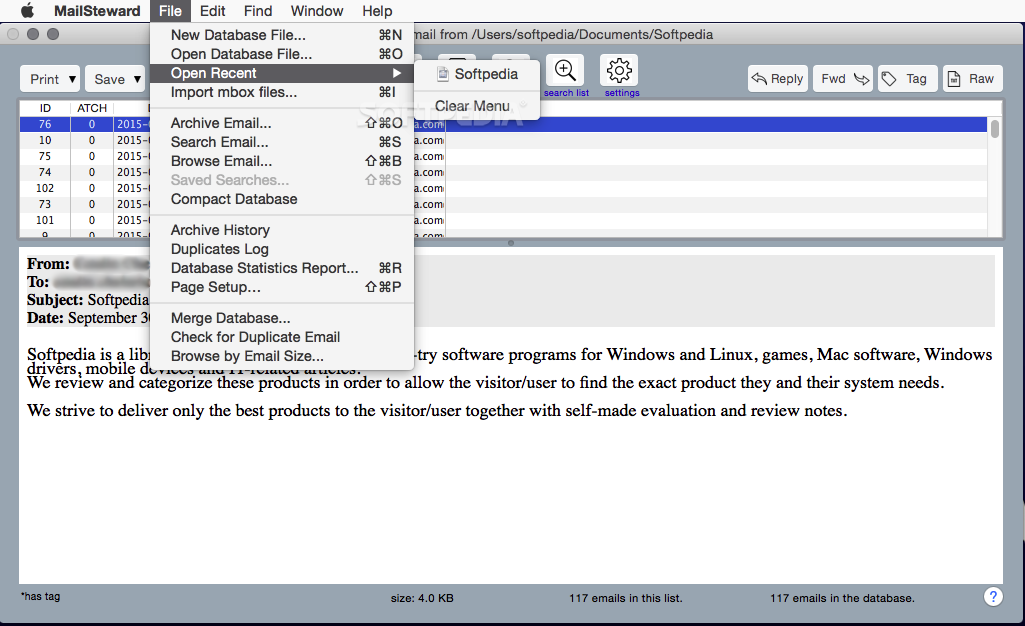
E-mails can be printed or saved to various document formats, and you can export individual items or your entire database.
To conclude, MailSteward is a highly helpful OS X application that enables you to extract all of your Apple Mail and Postbox messages, and save them to a local storage device of your choice. As an added advantage, MailSteward is relatively straightforward to use and should not pose any problems for novices.
What's new in MailSteward 17.1 Build 1556:
- Add 2027 to all year drop-down menus.
- Upgrade to latest version of sqlite.
- Upgrade to latest version of the Chilkat library.
- Make Full Disk Access alert work on Sonoma.
MailSteward 17.1 Build 1556
add to watchlist add to download basket send us an update REPORT- runs on:
- macOS 11.0 or later (Universal Binary)
- file size:
- 18.8 MB
- filename:
- mailstewardlite.dmg
- main category:
- Internet Utilities
- developer:
- visit homepage
ShareX

Windows Sandbox Launcher

Bitdefender Antivirus Free

Context Menu Manager

Microsoft Teams

calibre

IrfanView

Zoom Client

4k Video Downloader

7-Zip

- Zoom Client
- 4k Video Downloader
- 7-Zip
- ShareX
- Windows Sandbox Launcher
- Bitdefender Antivirus Free
- Context Menu Manager
- Microsoft Teams
- calibre
- IrfanView