
Bookmark manager for SSH and Telnet connections compatible with both Apple's default macOS Terminal app and the very popular iTerm. #Ssh connection #Ssh tunnel #Ssh login #Bookmark #SSH #Connect
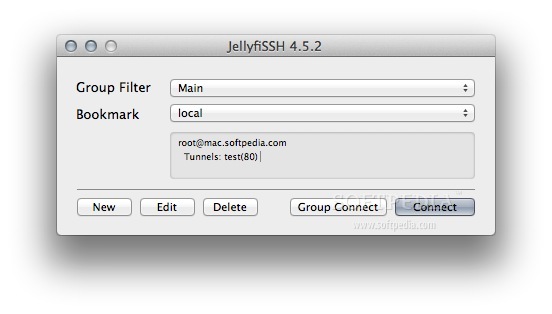
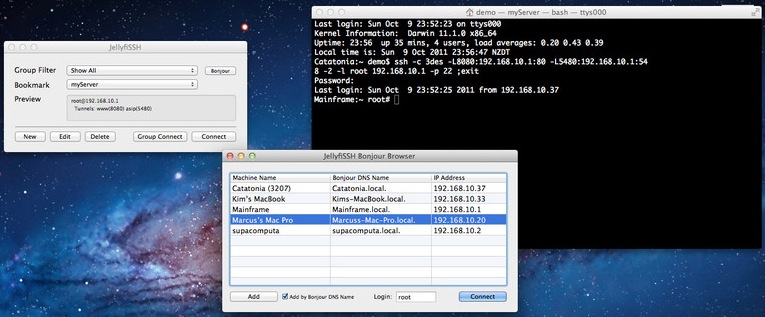
JellyfiSSH is a basic, yet powerful, bookmark manager for connecting to *NIX boxes like BSD/Linux etc via Telnet or SSH 1 or 2.
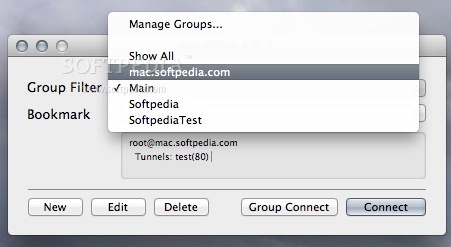
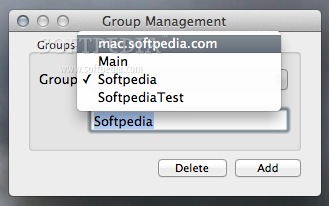
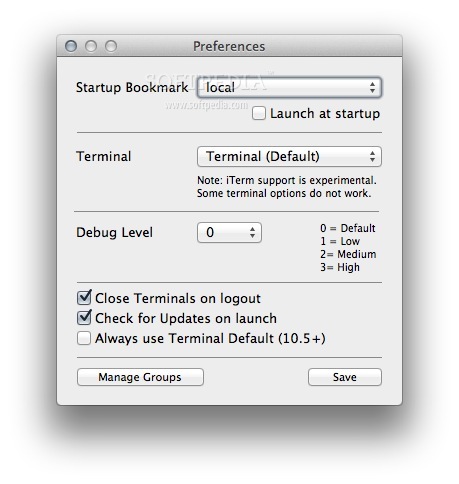
You can manage groups by choosing Manage Groups... in the Group Filter menu, or in Preferences.
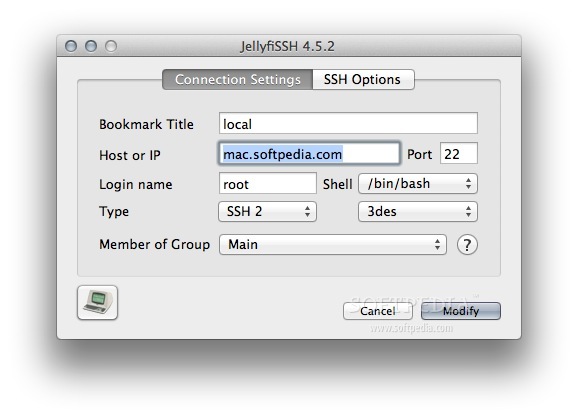
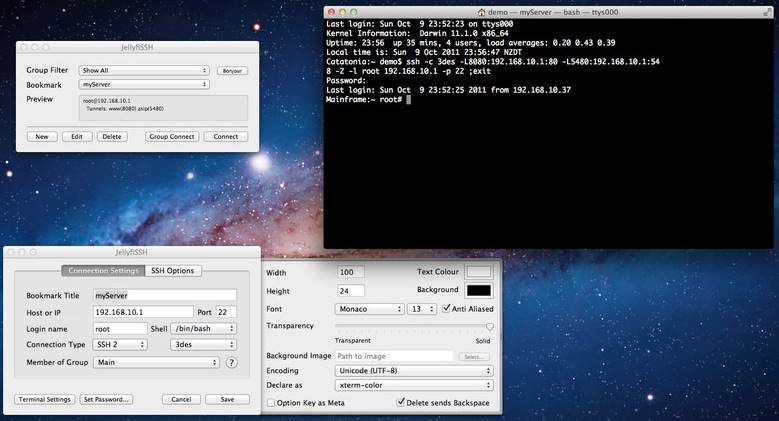
To change an existing bookmark, load the bookmark by choosing it from the Bookmark Menu, click the Edit button and make your changes. Click the Modify button to save. You will be prompted to overwrite the existing bookmark.
Once you have your list of bookmarks in JellyfiSSH, you can open them by ctrl-clicking (Right-Click for 2-button mouse users) on the Dock Icon when JellyfiSSH is running and choose the bookmark. Dock bookmark lists are ordered by group.
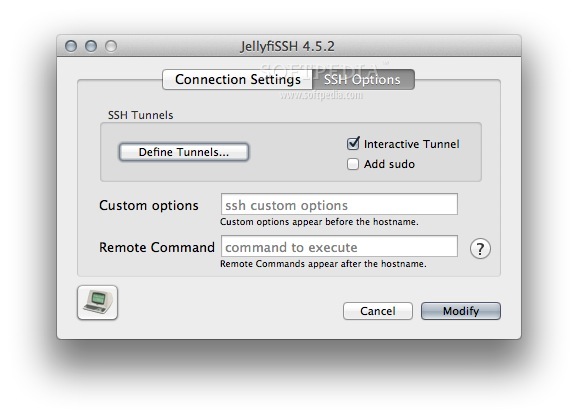
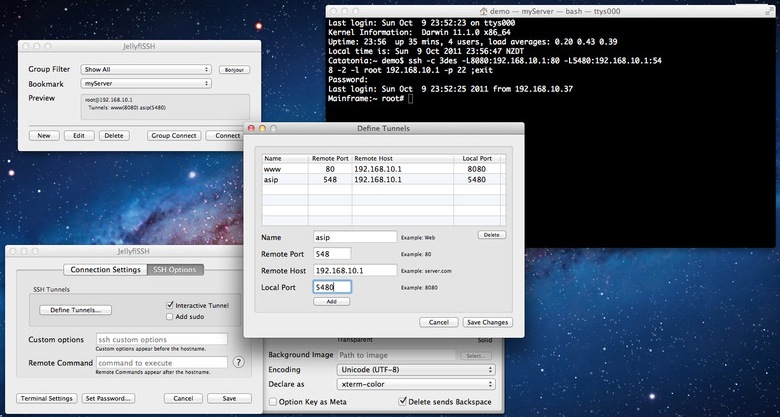
Custom string allows advanced users to add their own tweaks to the connection command. In most cases, it should be left blank.
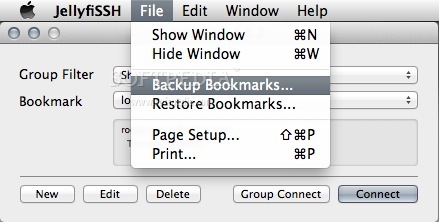
JellyfiSSH also comes with support for effortlessly backing up your bookmarks for later use, as well as move them to any other machine when needed.
System requirements
- Apple Terminal or iTerm
What's new in JellyfiSSH 5.3.3:
- Bug fixes for windows creation.
JellyfiSSH 5.3.3
add to watchlist add to download basket send us an update REPORT- runs on:
- Mac OS X 10.6.6 or later (Intel only)
- file size:
- 1.4 MB
- filename:
- JellyfiSSH.dmg
- main category:
- Internet Utilities
- developer:
- visit homepage
4k Video Downloader

Zoom Client

Context Menu Manager

Windows Sandbox Launcher

ShareX

Microsoft Teams

Bitdefender Antivirus Free

calibre

7-Zip

IrfanView

- calibre
- 7-Zip
- IrfanView
- 4k Video Downloader
- Zoom Client
- Context Menu Manager
- Windows Sandbox Launcher
- ShareX
- Microsoft Teams
- Bitdefender Antivirus Free