
Fast and user-friendly web browser that helps you navigate the Internet while also allowing you to stay safe and to synchronize your bookmarks between multiple computers. #Web browser #Internet browser #Google browser #Browser #Chrome #Web
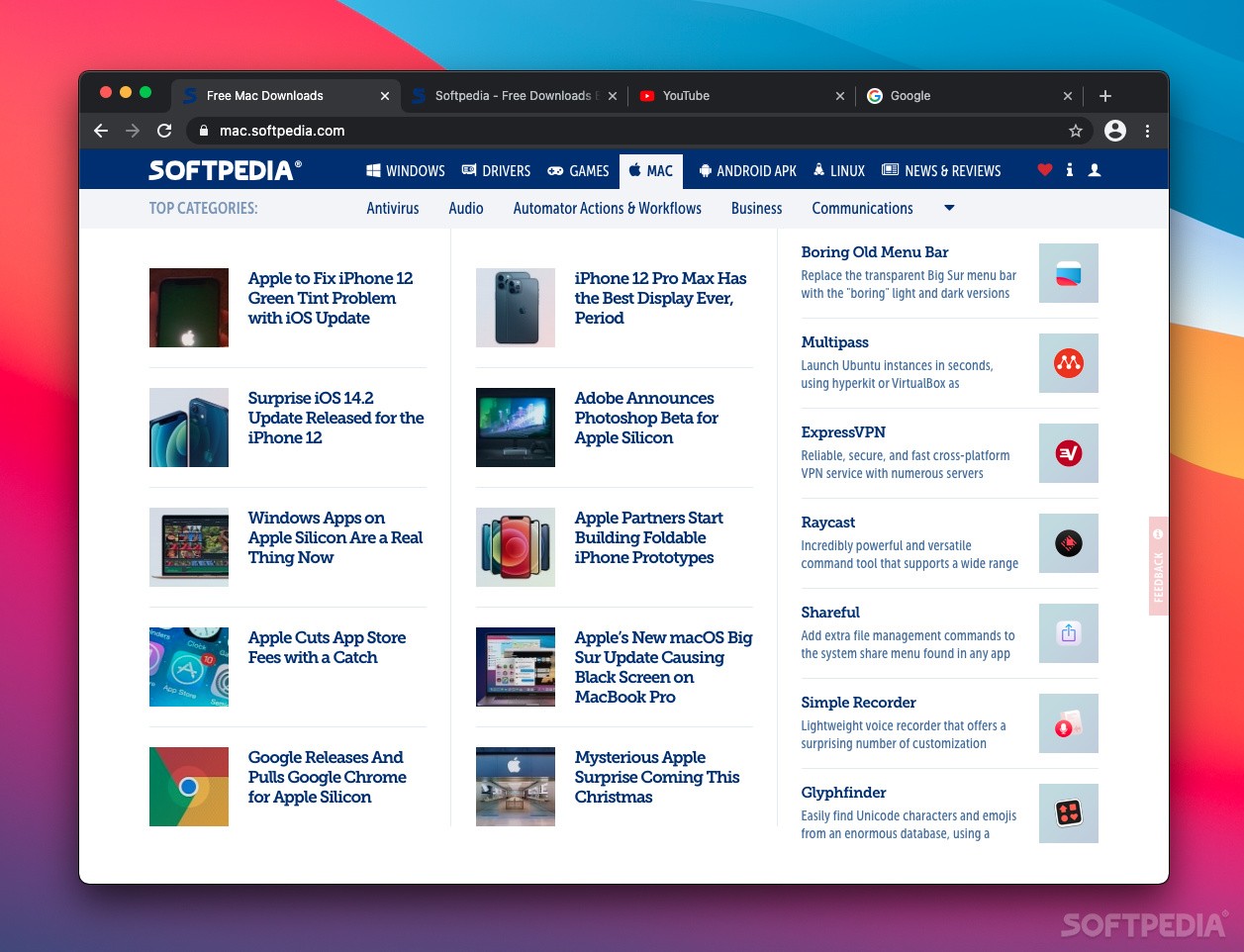
The notions of internet and web browser are so locked together that some people consider the two equivalent. Everyone has its favorite web browser, but few of the popular choices have had such a spectacular development as Chrome.
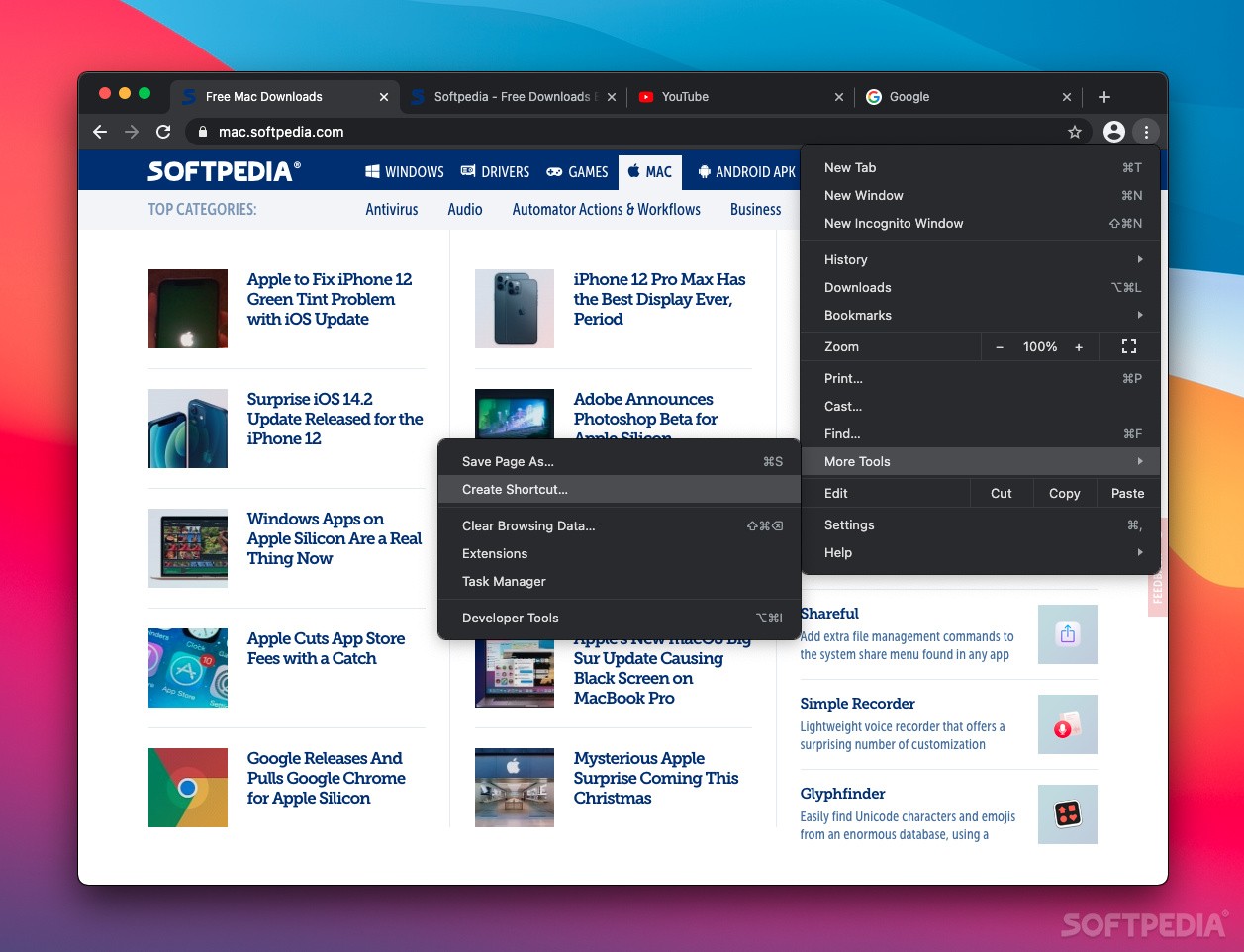
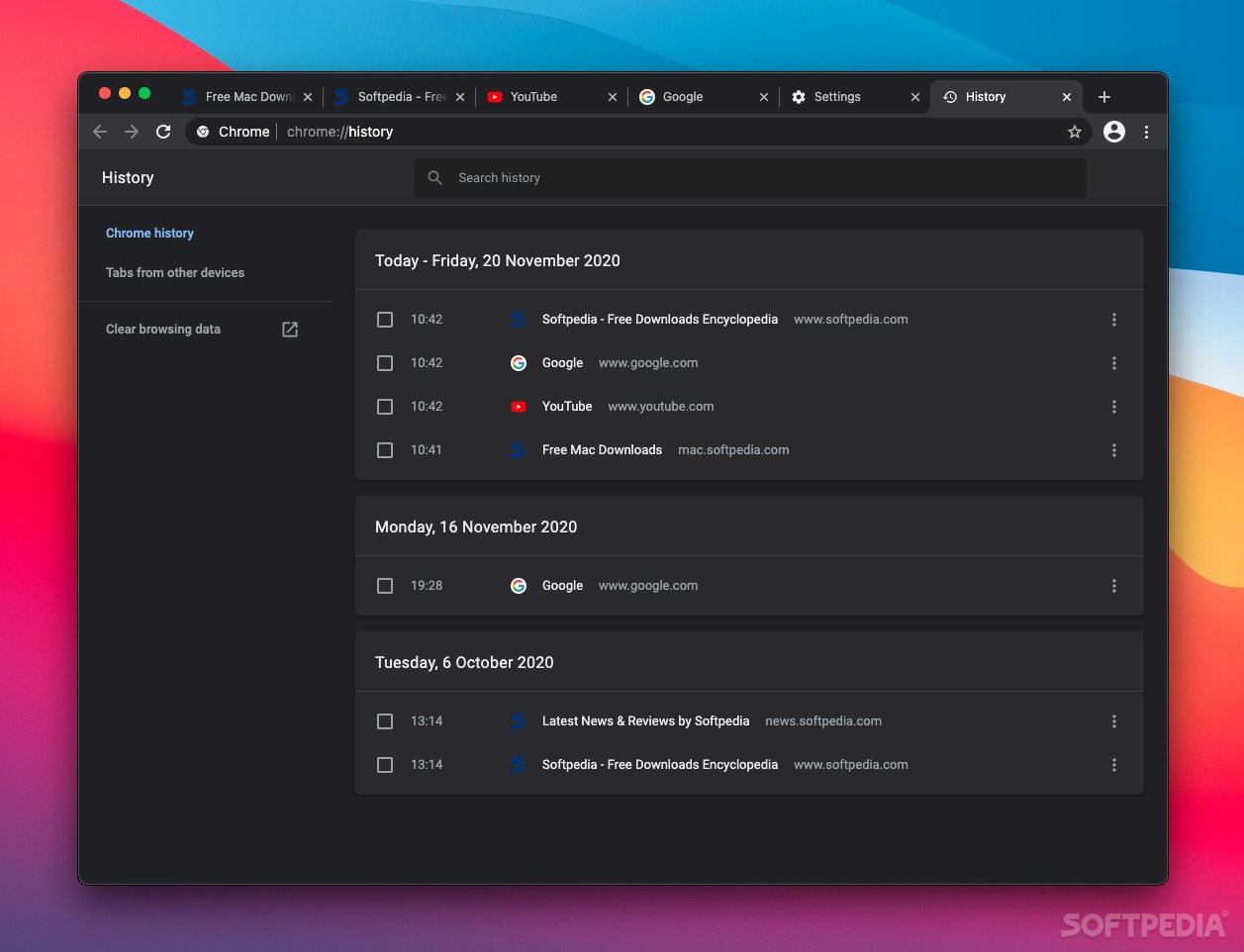
Google Chrome provides all the basic web browsing tools, a tabbed interface, support for extensions, records your history, allows you to save bookmarks and so on. On the other hand, it is also designed to take you deeper in the Google universe in order to provide a better browsing experience.
At install, you are invited to make Google Chrome your default browser and you can also choose to send usage statistics and crash to help Google improve the application, which is nothing out of the ordinary.
The novelty is represented by the first page opened in the browser: you can log in to your Google account to get your bookmarks, history and settings on all your devices.
Moreover, the browser comes with the Google Docs extension already installed and enabled. This way you can choose to create and edit documents within your browser.
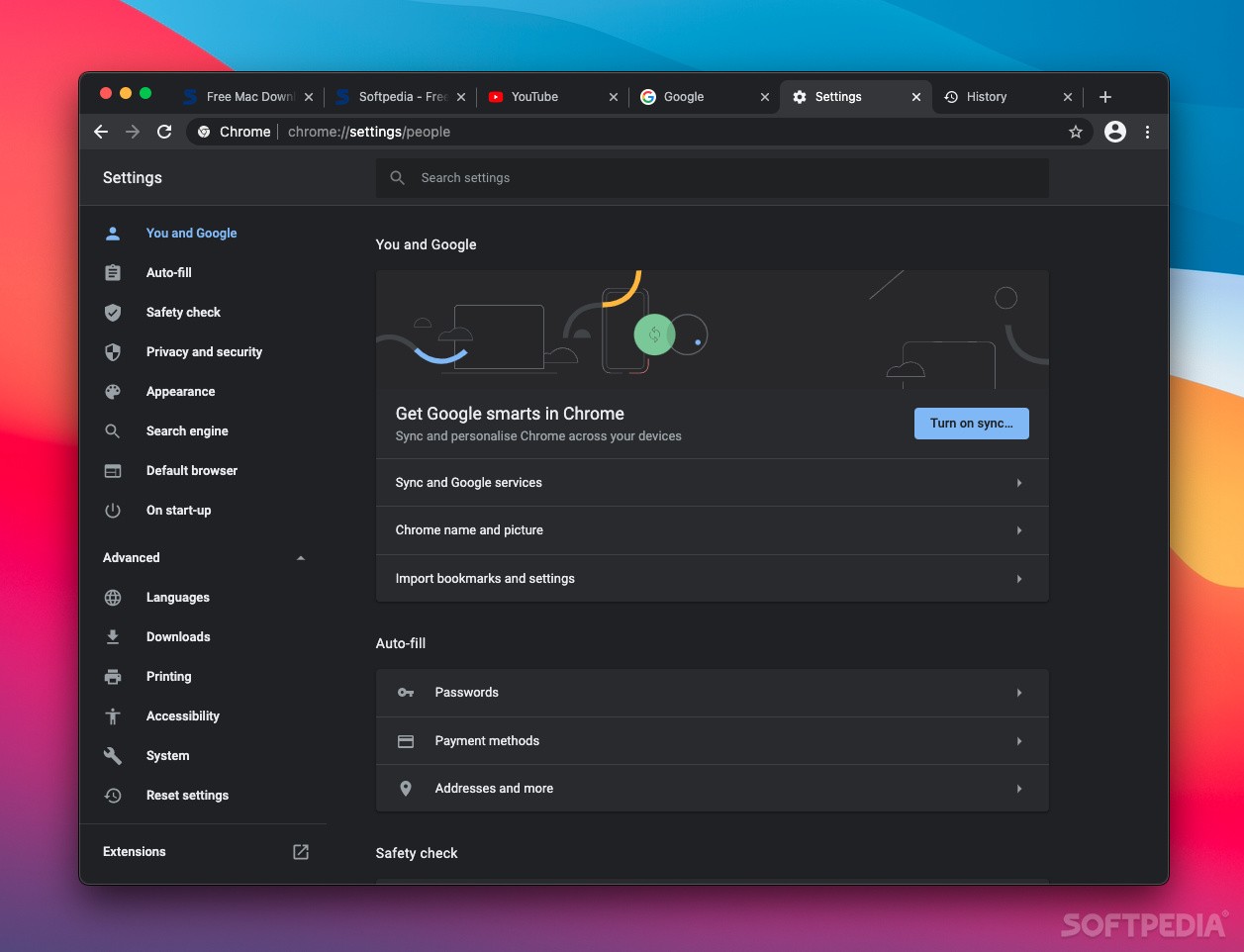
Google Chrome also has a different perspective on using additional windows for accessing different tools: the respective areas are opened in the browser window, as different tabs. The rule applies to the Bookmarks Manager and to the Settings area.
In fact, the History, the Extensions and the Settings panels are all contained in a single tab. This can be extremely useful, since all tools and features are all in the same place. Setting up and using the browser is very straightforward and, if you encounter any issue, the online Help area should clarify every situation.
The browser allows you to customize its interface by installing different themes via the Chrome Web Store. The same location provides Chrome extensions that can improve your workflow and more.
Google Chrome is one of the most popular web browsers out there and, since it comes bundled with different Google products, can prove to be quite efficient.
Download Hubs
Google Chrome is part of these download collections: Web Browser
What's new in Google Chrome 124.0.6367.80:
- Security fixes:
- Critical CVE-2024-4058: Type Confusion in ANGLE.
- High CVE-2024-4059: Out of bounds read in V8 API.
- High CVE-2024-4060: Use after free in Dawn.
Google Chrome 124.0.6367.80 / 125.0.6422.14 Beta / 126.0.6423.2 Dev
 Softpedia Editor's Pick
add to watchlist
add to download basket
send us an update
REPORT
Softpedia Editor's Pick
add to watchlist
add to download basket
send us an update
REPORT
- runs on:
- macOS 10.15 or later (Universal Binary)
- file size:
- 207 MB
- main category:
- Internet Utilities
- developer:
- visit homepage
7-Zip

IrfanView

calibre

ShareX

Microsoft Teams

Bitdefender Antivirus Free

Zoom Client

4k Video Downloader

Windows Sandbox Launcher

Context Menu Manager

- 4k Video Downloader
- Windows Sandbox Launcher
- Context Menu Manager
- 7-Zip
- IrfanView
- calibre
- ShareX
- Microsoft Teams
- Bitdefender Antivirus Free
- Zoom Client