
Reliable and user-oriented web browser add-on specially made to automatically switch between proxy servers based on the visited URL. #Proxy management #Switch Internet connection #Control proxy #Proxy #Management #Switch
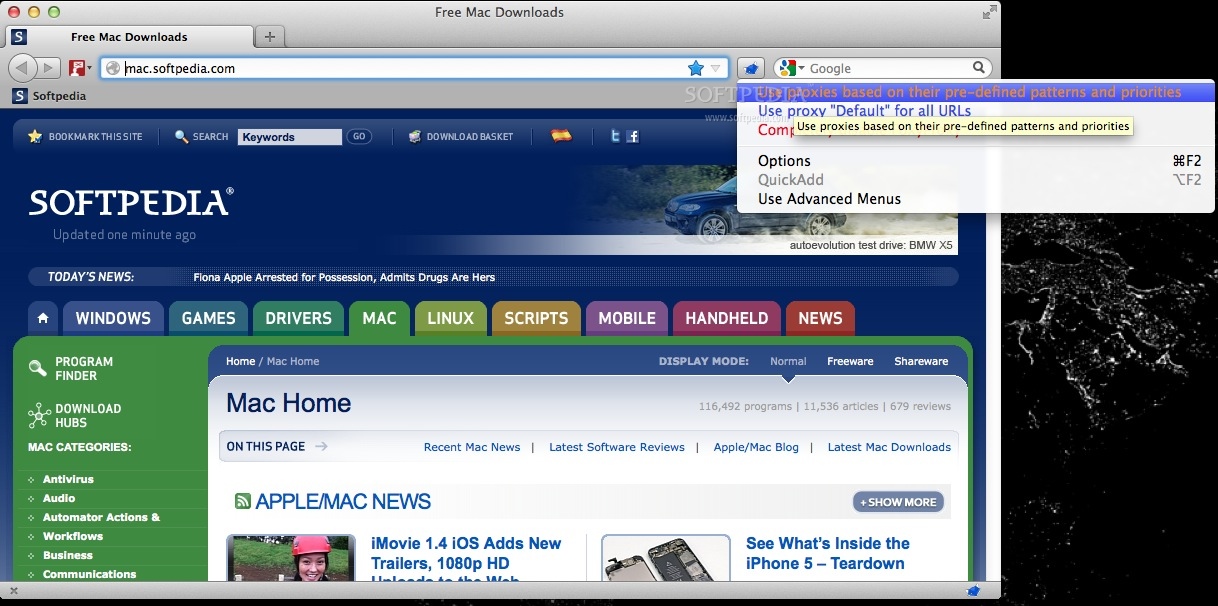
FoxyProxy Standard is a trustworthy add-on for web browsers that enables you to configure them to access the web via the preferred proxy server.
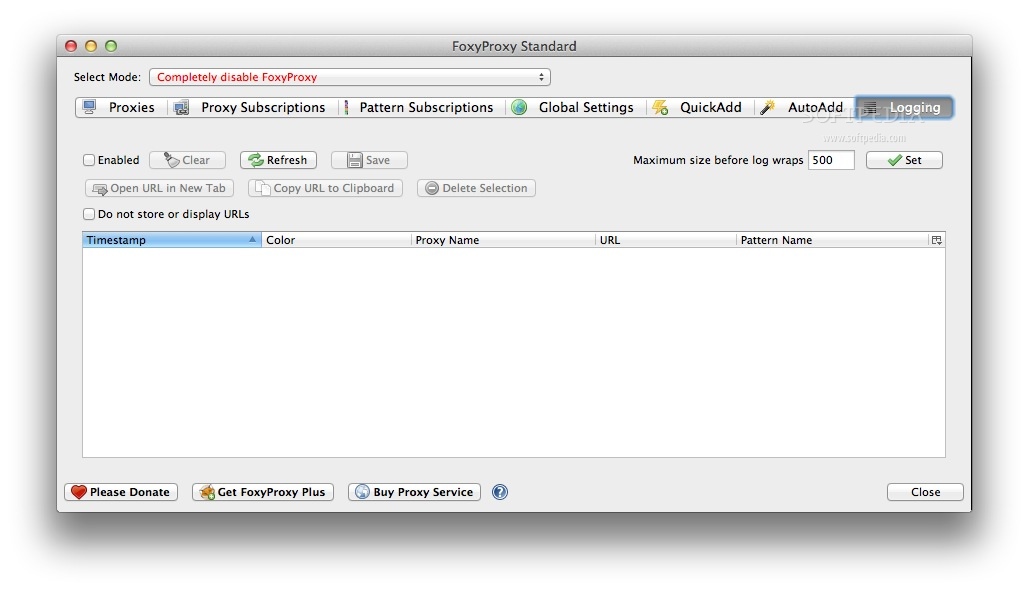
FoxyProxy Standard is similar to FoxyProxy Basic and offers the same tools and features to which it adds automatic proxy switching by URL, QuickAdd and AutoAdd patterns, as well as Logging tab to assist with pattern creation.
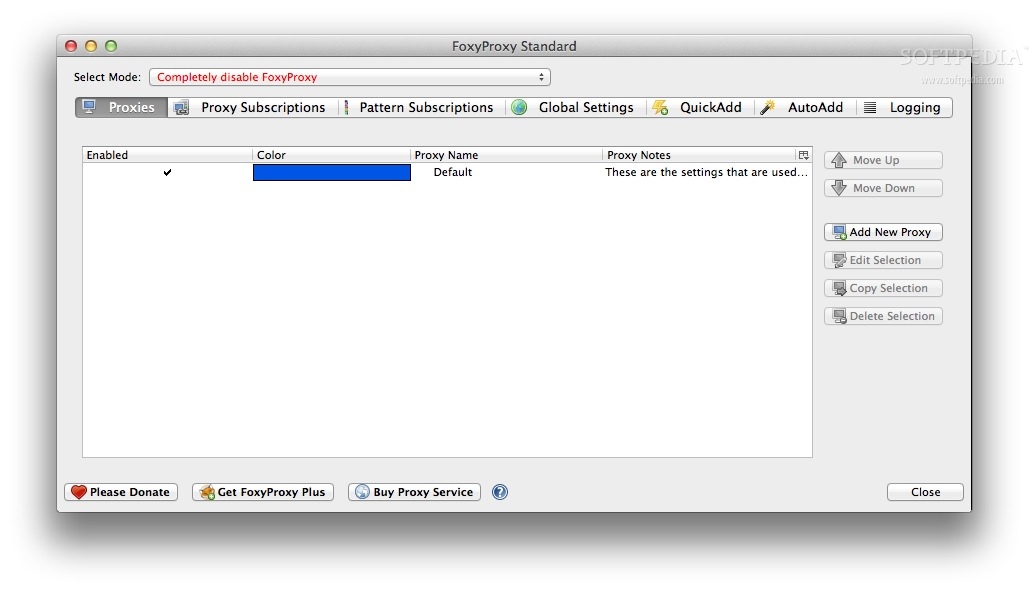
Hence, you can use FoxyProxy Standard to configure your web browser to relay through various proxies and switch between different proxies with no effort from your side.Hence, you can connect to and manage your favorite proxy or VPN services with just a couple of mouse clicks.
However, FoxyProxy Standard does not offer access to paid proxy or VPN services and, as a result you need to provide your own proxies.
With FoxyProxy Standard’s help, you can route blocked pages through slow proxy servers and access unlocked web pages using the fully speed of your Internet connection.
Thanks to FoxyProxy Standard, you can also access the webpages of numerous content and new providers such Hulu, ITV, BBC iplayer, NetFilx, Pandora, NFL and other similar services from almost any country.
Moreover, FoxyProxy Standard helps you bypass content-filtering imposed by nations and institutions that might censor the web and limit the access to information.
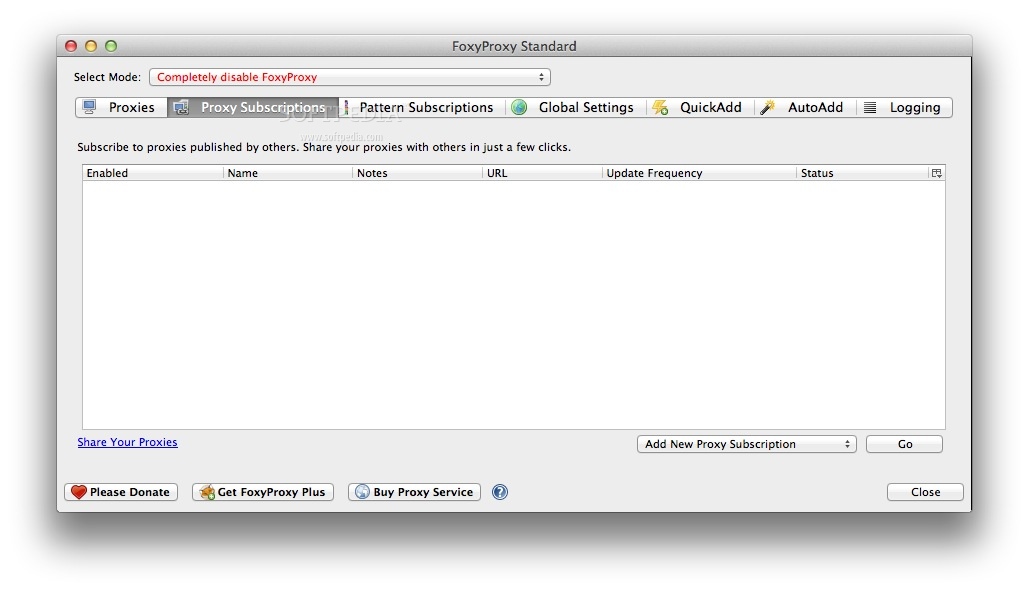
With the help of the “Proxy switching by URL” feature, FoxyProxy Standard allows you to take full advantage of your connection speed and avoid country or region-based restrictions.
FoxyProxy Standard runs quietly in the background and uses proxies based on the predefined patterns and priorities that can be easily customized with the help if the QuickAdd and AutoAdd functions. The Logging Tab can also be used to help you with the pattern creation.
In conclusion, FoxyProxy Standard is a simple and user-friendly browser add-on that helps you to freely browse the web without access or speed restrictions.
What's new in FoxyProxy Standard 8.9:
- Added "Log" to the toolbar popup buttons (#44)
- Added limited log display on Chrome (experimental)
- Added Theme feature (#71, #100)
- Added toggle more options on toolbar popup (#54)
FoxyProxy Standard 8.9
add to watchlist add to download basket send us an update REPORT- runs on:
- Chrome / Firefox (-)
- file size:
- 214 KB
- main category:
- Internet Utilities
- developer:
- visit homepage
4k Video Downloader

Microsoft Teams

IrfanView

Bitdefender Antivirus Free

7-Zip

calibre

Context Menu Manager

ShareX

Zoom Client

Windows Sandbox Launcher

- ShareX
- Zoom Client
- Windows Sandbox Launcher
- 4k Video Downloader
- Microsoft Teams
- IrfanView
- Bitdefender Antivirus Free
- 7-Zip
- calibre
- Context Menu Manager