
A feature-rich Firefox add-on that provides you with numerous web development tools to edit, debug, and monitor CSS, HTML, and JavaScript on any webpage. #CSS editor #HTML debugger #Web development #Debugger #Editor #CSS
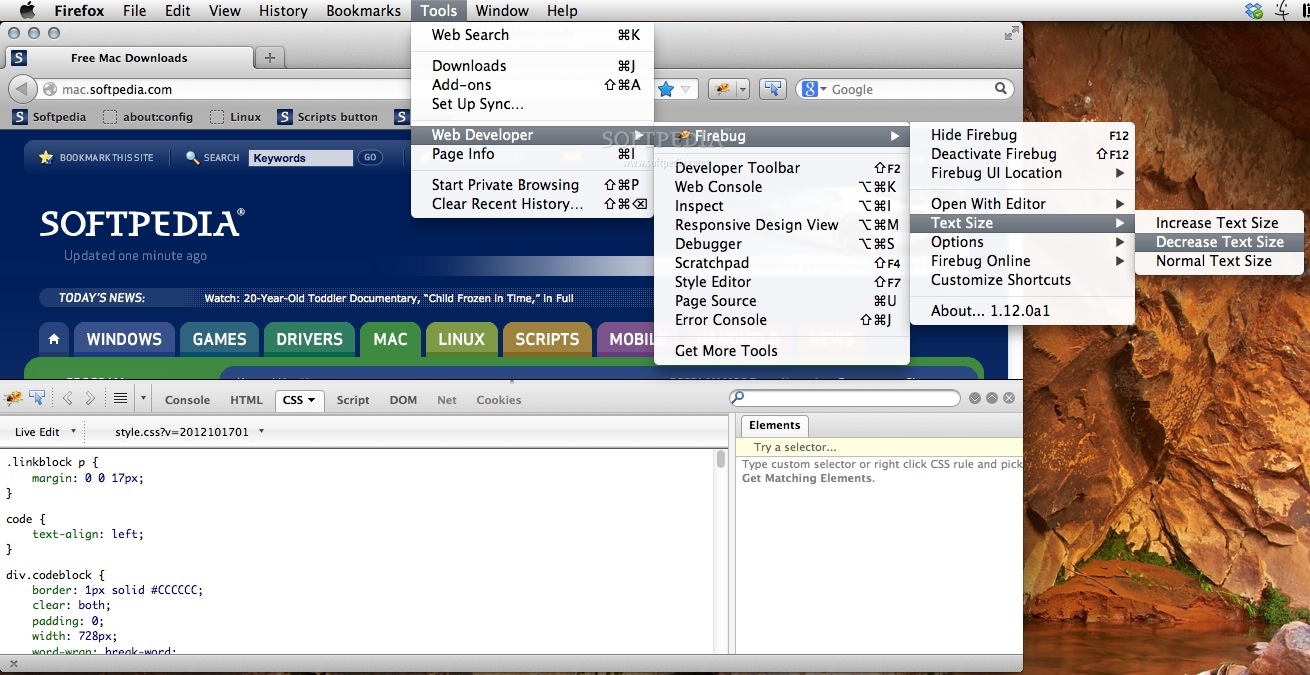
Firebug is an essential and powerful Firefox add-on for developers that want to use a wide variety of useful web development tools right within the browser.
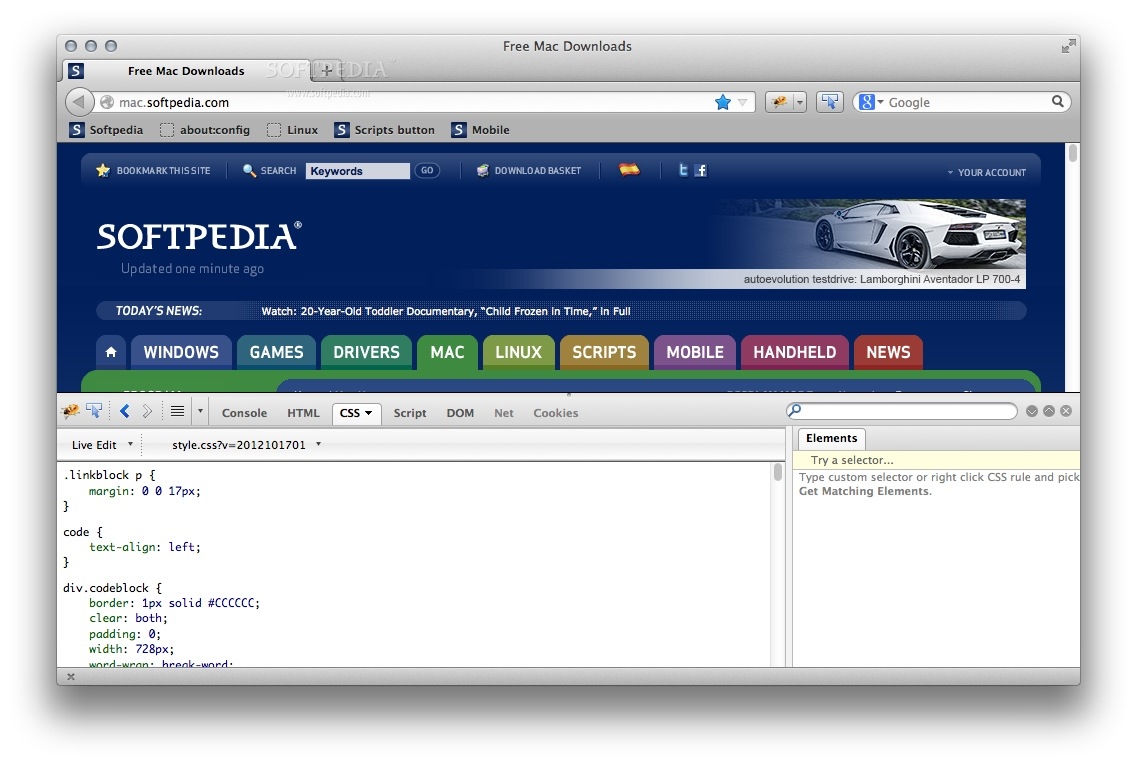
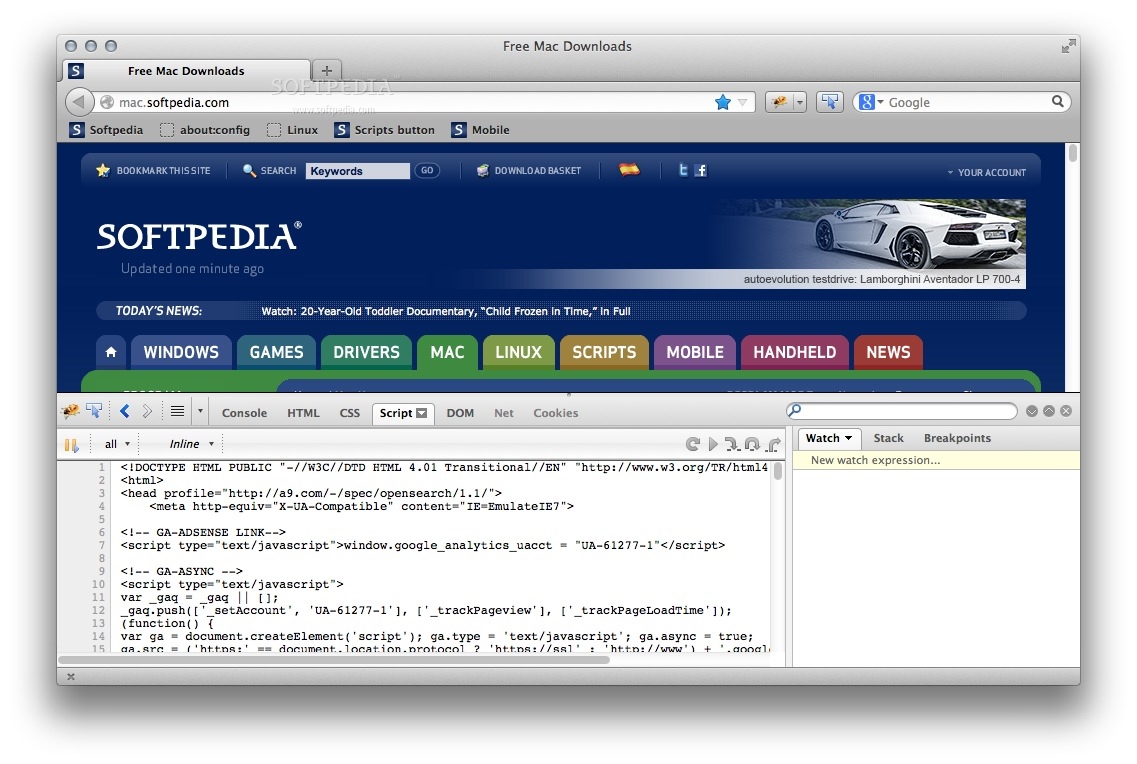
Moreover, the Firebug Firefox extension enables you to easily and effortlessly edit, monitor and debug your website's JavaScript, HTML and CSS code while browsing it locally or on the Internet.
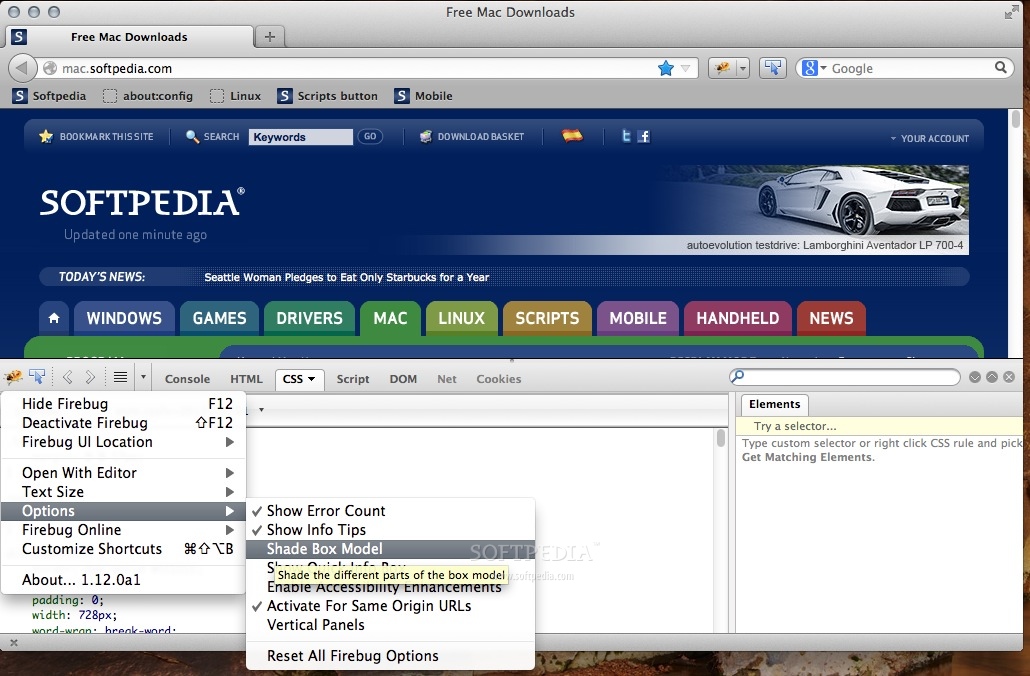
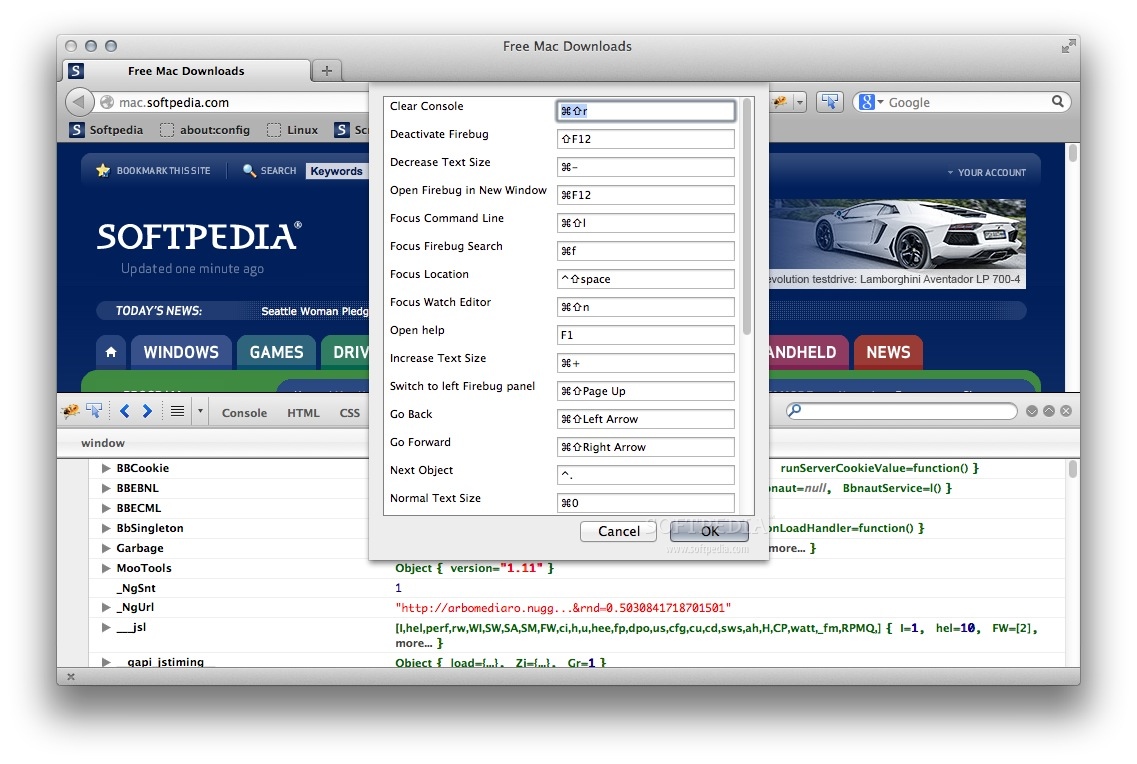
Created with ease of use in mind, Firebug can either be used in a separate Firefox window or as a built-in panel, at your browser's bottom side. It also provides you with complete and extensive control over what websites you want it enabled for.
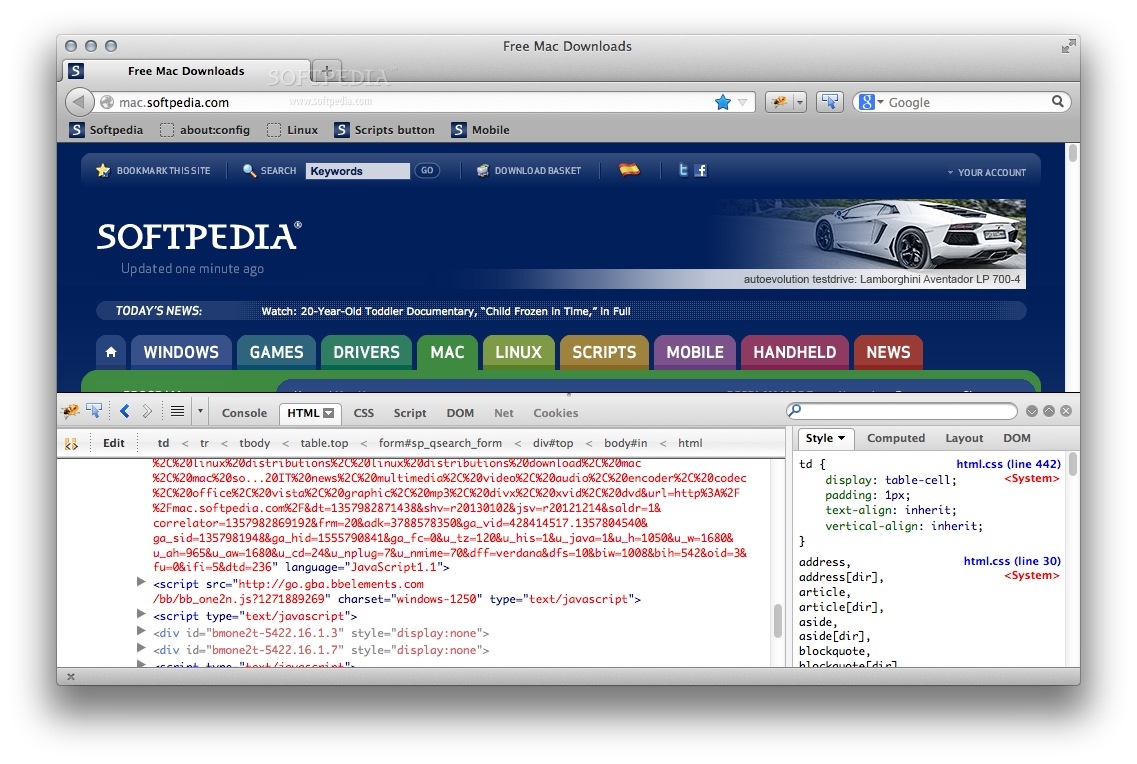
Firebug makes it simple and straightforward to rapidly find the desired HTML elements included in the selected webpage with the help of its bundled real-time code search engine. After selecting an item, Firebug will display comprehensive information about it and will help you to quickly edit the code on the fly, if needed.
The Firebug extension also features multiple CSS tabs that will tell you all there is to know about the available web page styles, as well as make changes and see their effects in an instant.
Firebug is one of the best solutions to monitor network activity, in a file by file view. This will provide you with the means to quickly find and solve a wide variety of website problems, without the need of a separate software solution.
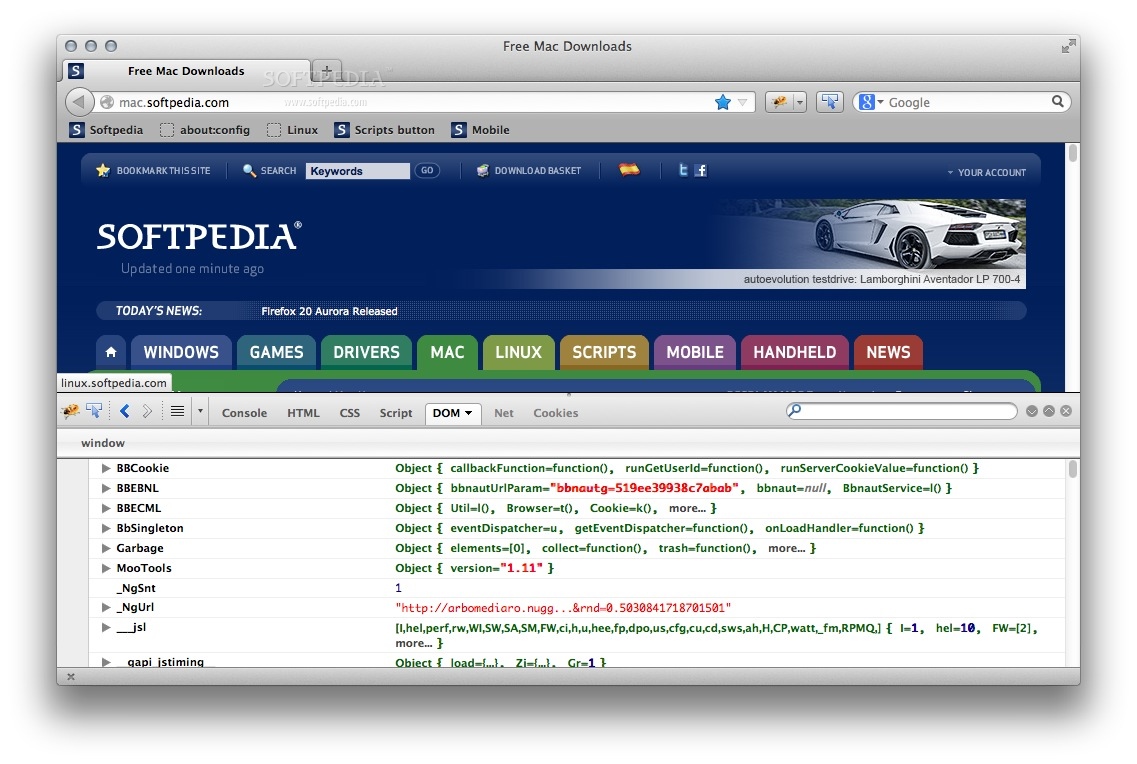
If you need to explore the Document Object Model, then Firebug is also your to-go utility since it can be employed for analyzing and editing DOM objects with ease.
Web development helper toolkit for troubleshooting websites with ease using a cookie manager and browser As an extra advantage, Firebug includes a tool designed to allow you to view and manage cookies right within in the web browser. Thus, using this tool, you can process cookies for any website individually, create new cookies and filter them with a couple of mouse clicks.
Firebug is a streamlined and full-featured Firefox extension designed to help you perform a vast selection of web development tasks from monitoring to debugging via an intuitive and robust user interface.
What's new in Firebug 2.0.19:
- Fixed issues:
- 'Inspect Element with Firebug' not working with e10s enabled #8077
Firebug 2.0.19 / 3.0.0 Beta 3
add to watchlist add to download basket send us an update REPORT- runs on:
- Mac OS X (-)
- file size:
- 2.6 MB
- main category:
- Internet Utilities
- developer:
- visit homepage
Bitdefender Antivirus Free

ShareX

Context Menu Manager

Microsoft Teams

calibre

Zoom Client

Windows Sandbox Launcher

4k Video Downloader

IrfanView

7-Zip

- 4k Video Downloader
- IrfanView
- 7-Zip
- Bitdefender Antivirus Free
- ShareX
- Context Menu Manager
- Microsoft Teams
- calibre
- Zoom Client
- Windows Sandbox Launcher