
An efficient developer tool that includes HTML and PHP editing capabilities, such as code coloring, code completion, syntax checking and more. #HTML editor #PHP editor #Edit HTML #HTML #Editor #PHP
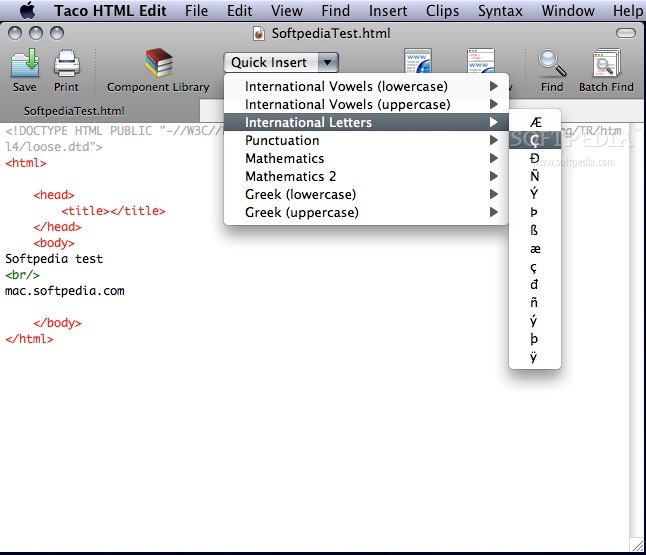
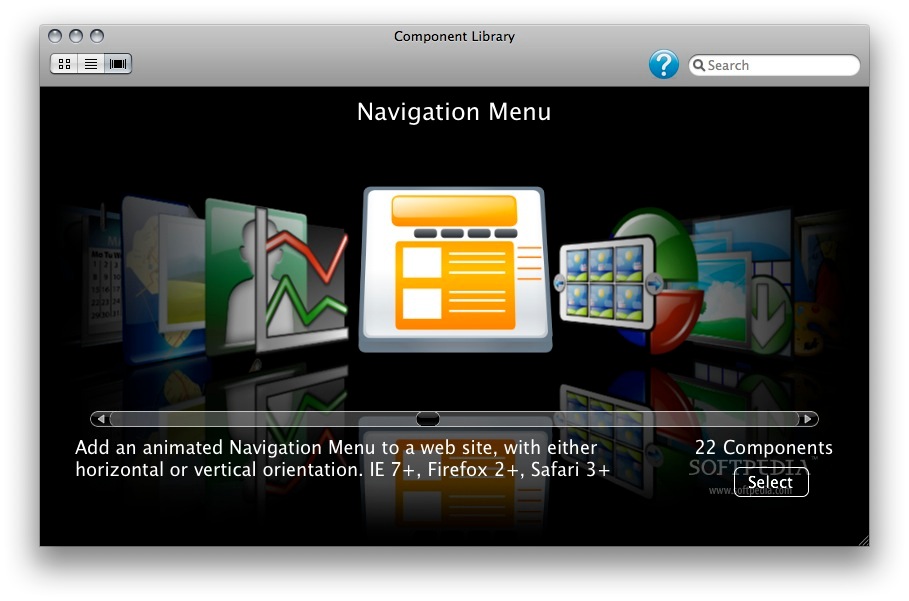
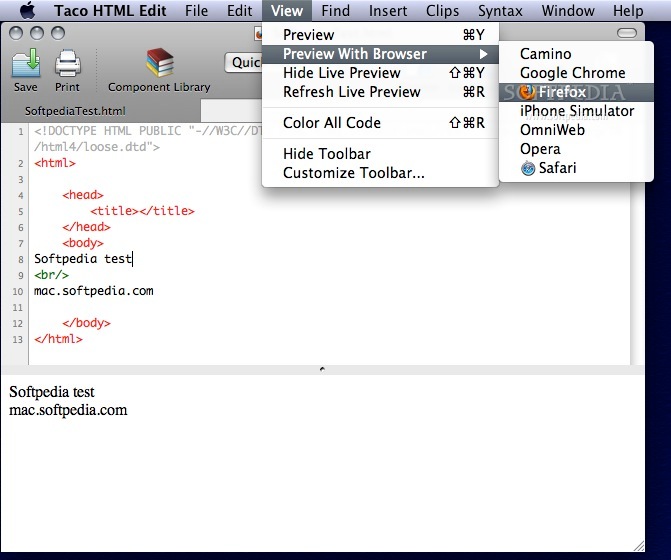
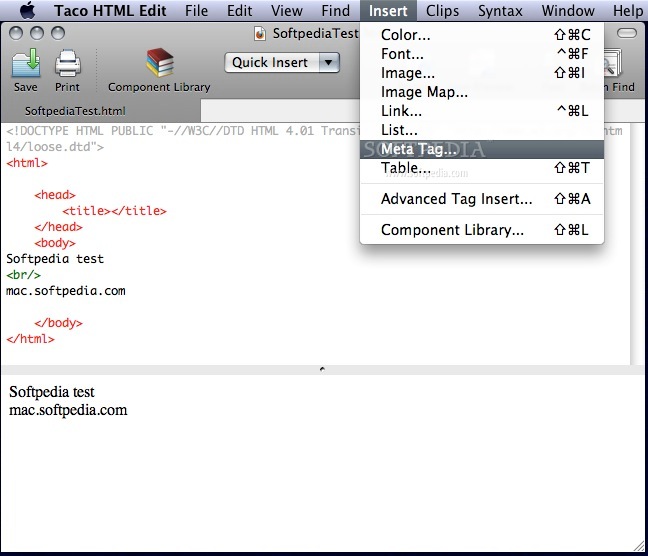
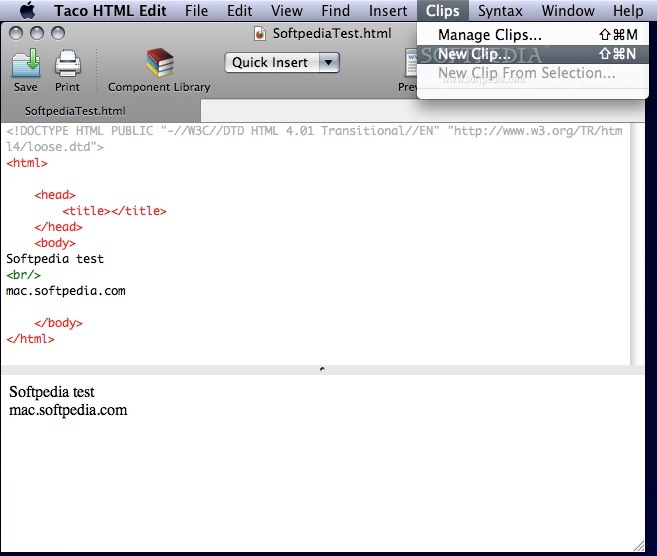
Taco HTML Edit is a Mac OS X application that assists developers in the process of creating HTML based web sites that render correctly in various browsers by including tools that generate and check HTML code and by making it easy to preview an HTML document in a web browser.
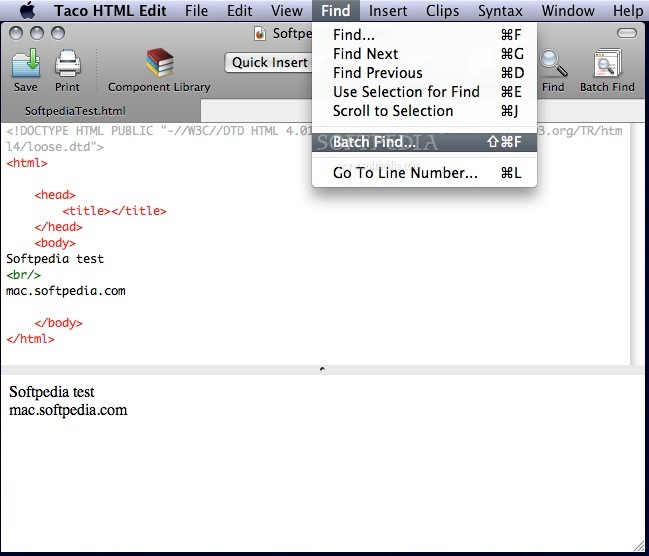
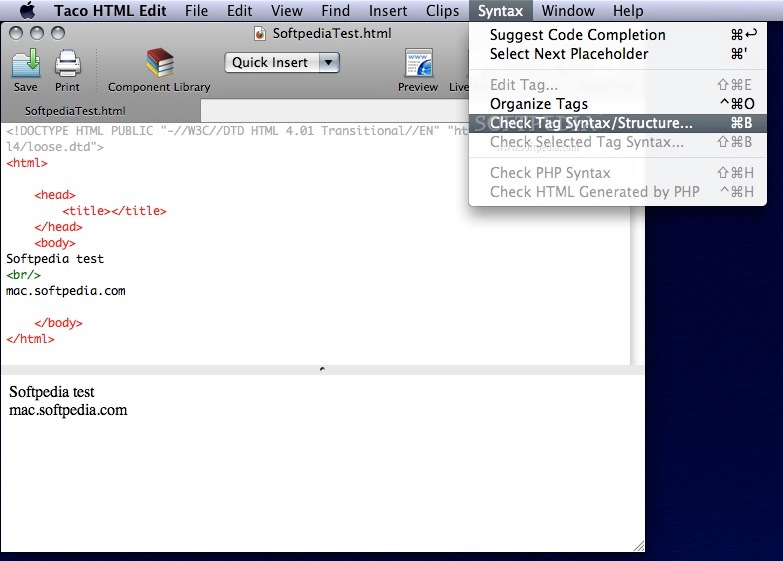
Moreover, Taco HTML Edit will also help you quickly and easily find errors in HTML code, and it can even check for spelling errors.
HTML is a language that is used to design web pages that people can view in a web browser. If you need to learn HTML, the World Wide Web Consortium has a useful guide to help you get started.
For developers that use PHP scripts for developing websites, Taco HTML Edit also includes various tools for PHP management.
Limitations in the unregistered version
- 30 days trial
Download Hubs
Taco HTML Edit is part of these download collections: HTML Managers, CSS Editor, HTML Editor, PHP Editor
What's new in Taco HTML Edit 3.0.9:
- Fixes a freeze on Yosemite that could occur when closing or saving a document.
Taco HTML Edit 3.0.9
add to watchlist add to download basket send us an update REPORT- runs on:
- Mac OS X 10.6 or later (Intel only)
- file size:
- 14.8 MB
- filename:
- TacoHTMLEdit.zip
- main category:
- HTML Tools
- developer:
- visit homepage
7-Zip

Bitdefender Antivirus Free

paint.net

Microsoft Teams

Zoom Client

ShareX

Windows Sandbox Launcher

IrfanView

calibre

4k Video Downloader

- IrfanView
- calibre
- 4k Video Downloader
- 7-Zip
- Bitdefender Antivirus Free
- paint.net
- Microsoft Teams
- Zoom Client
- ShareX
- Windows Sandbox Launcher