
A user-oriented and fully-featured scapbooking application that you can use to design, create and manage your digital scrapbooks. #Design scrapbook #Design album #Print scrapbook #Scrapbook #Design #Album
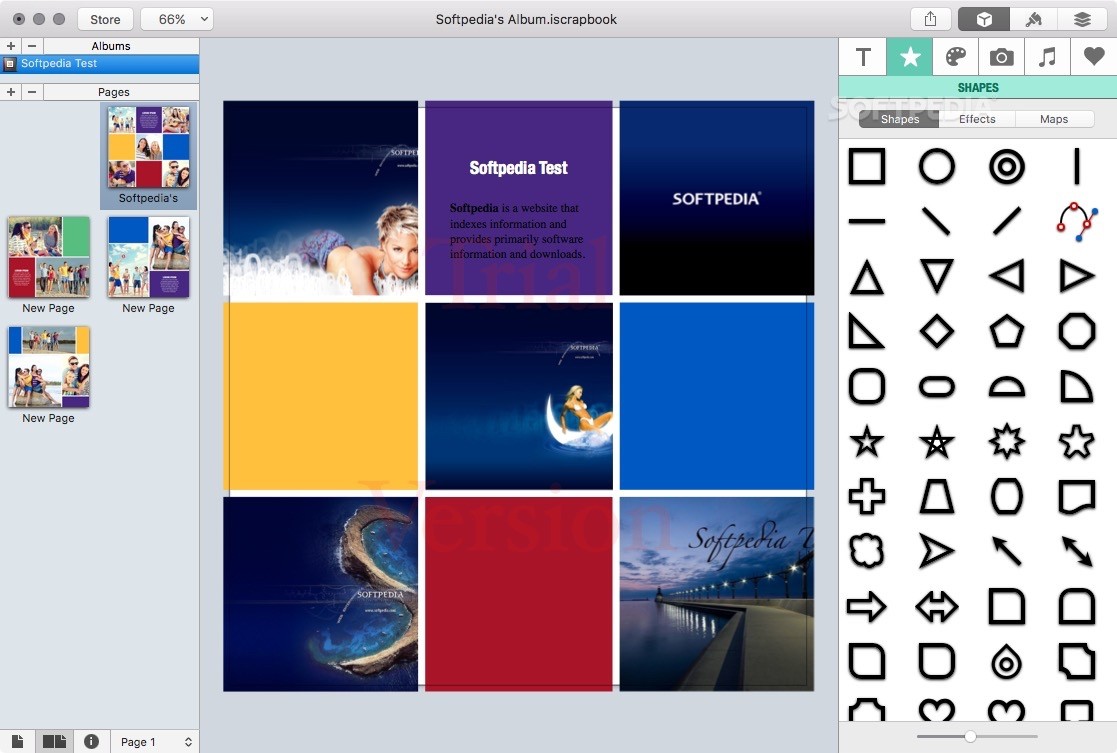
iScrapbook is a well-designed and intuitive macOS application specially designed to make scrapbooking fast and effortless.
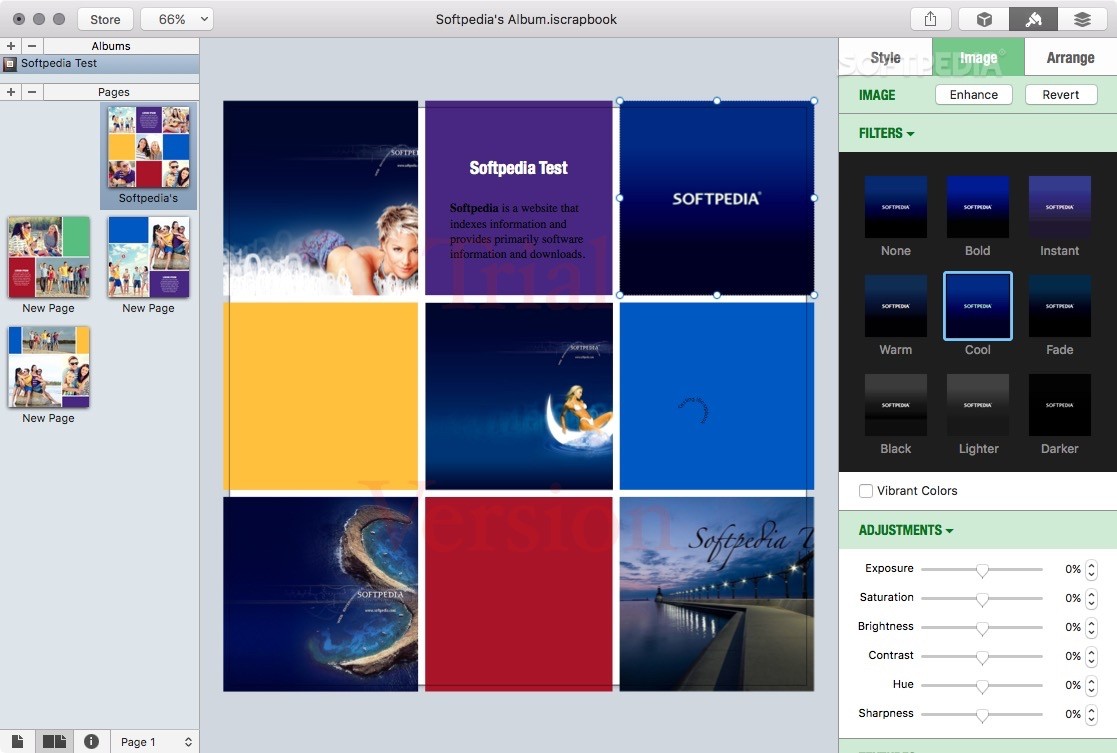
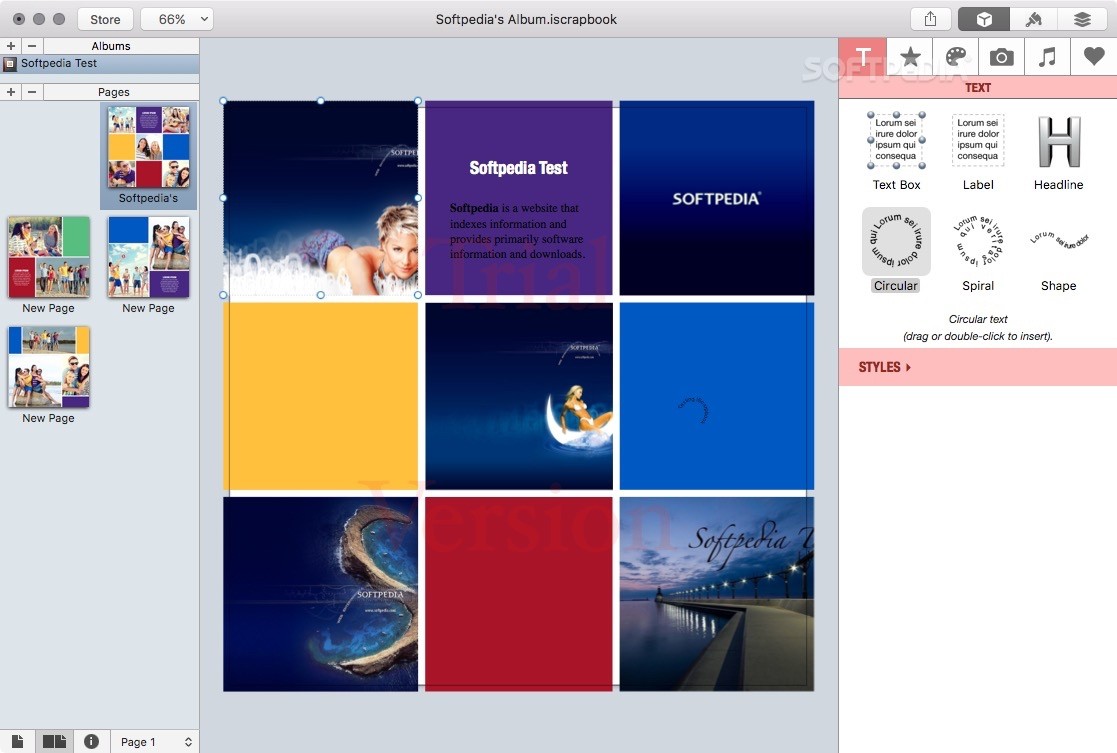
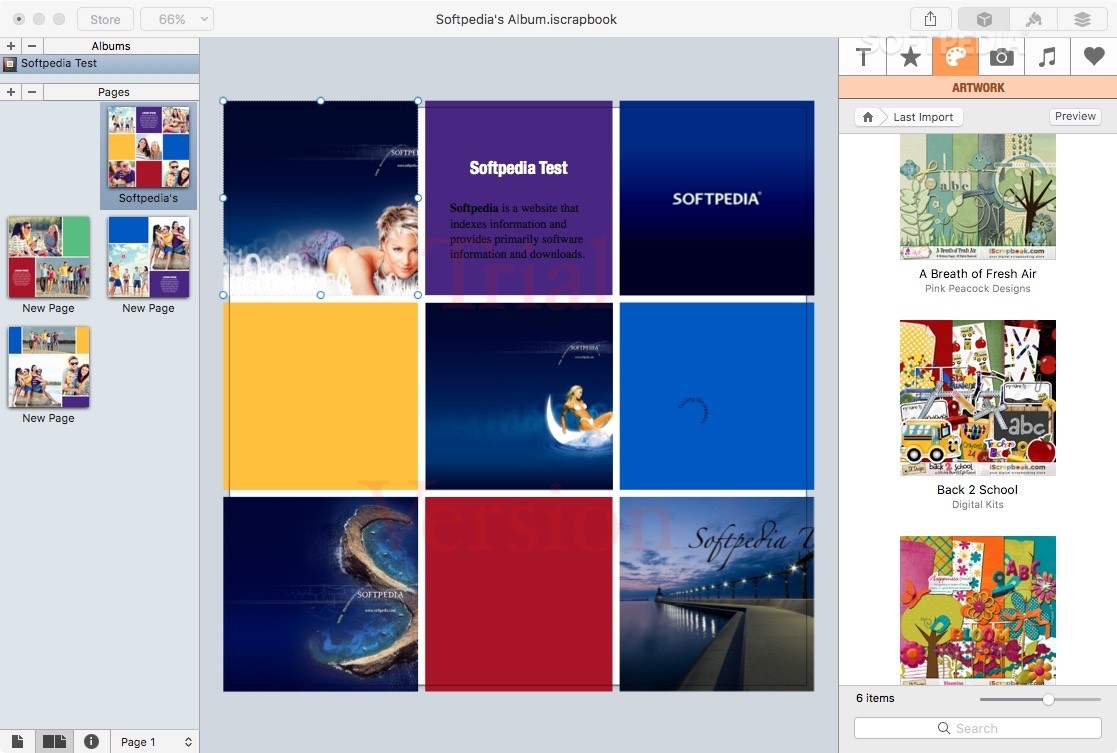
Moreover, the iScrapbook app comes with a user-friendly interface that offers instant access to a wide variety of designs tools, artwork, drawing shapes, customizable templates and more.
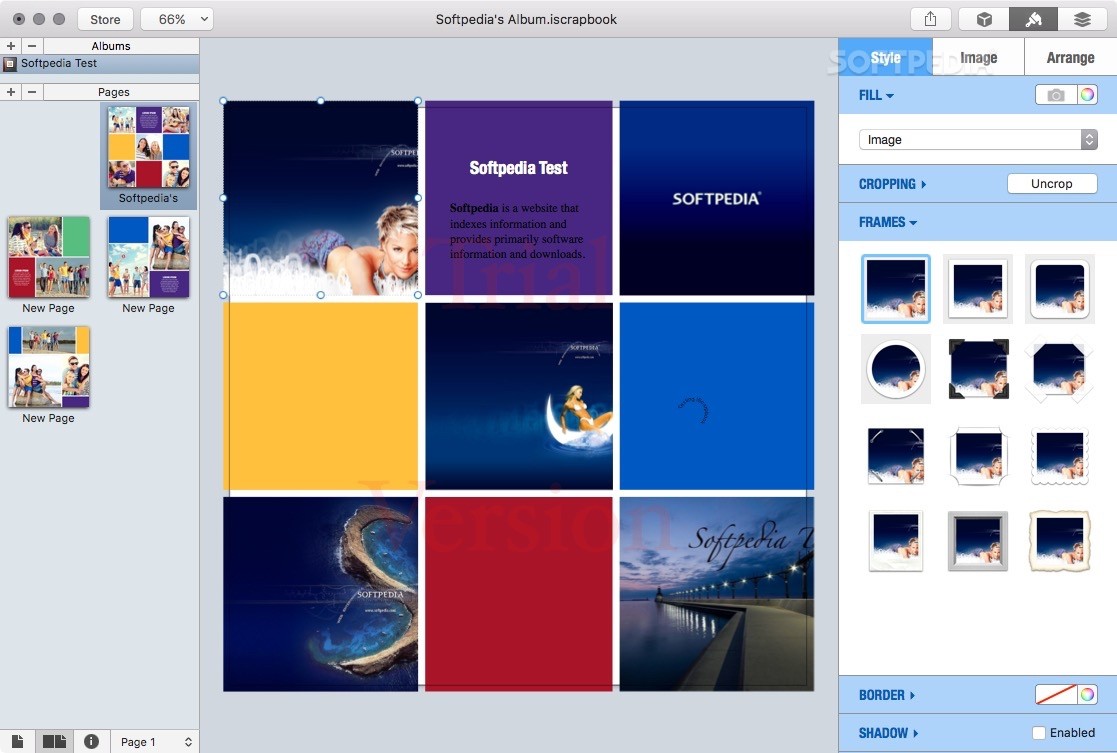
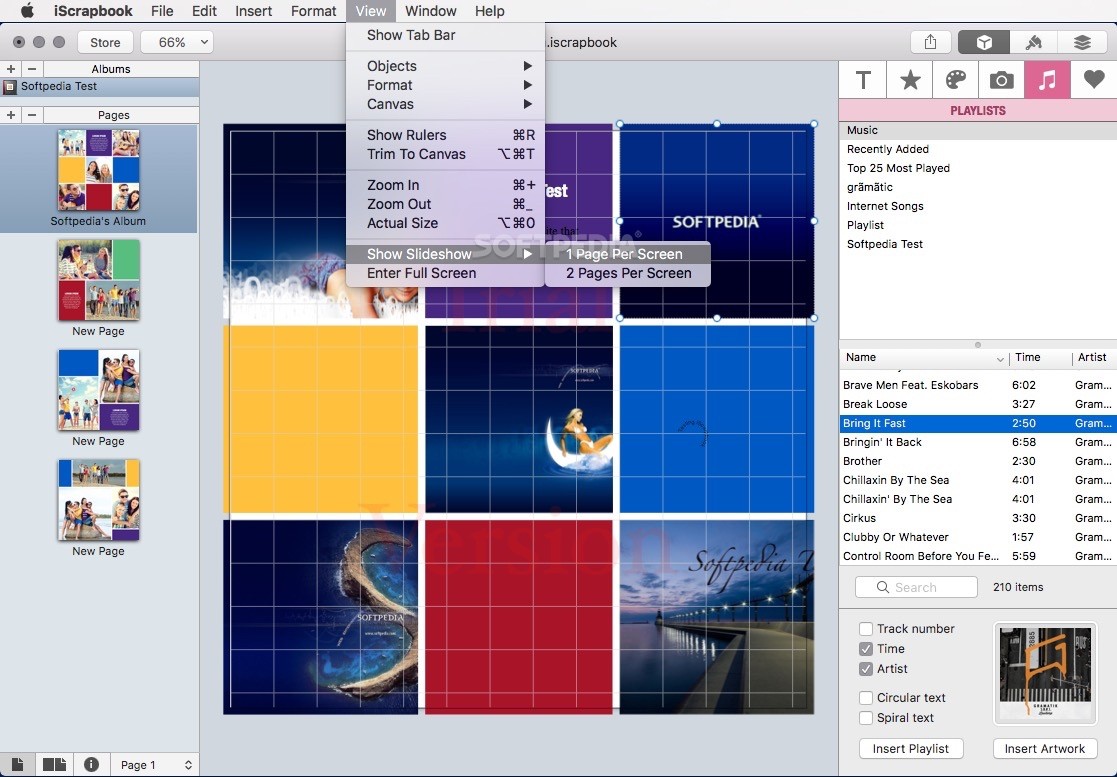
With iScrapbook’s help you can add movies and audio onto your scrapbook pages along with pictures and drawings. You also have the option to add a drop shadow, rotate the multimedia file and make it fit in your layout. On top of that, you can use frames and other graphic elements to dress up your movies and audio files.
After adding various shapes, speech bubbles and other eye-catching items you can take advantage of iScrapbook’s sharing capabilities and share your scrapbook page with your friends and family via Twitter, Facebook, Flickr, Mail, Messages or AirDrop.
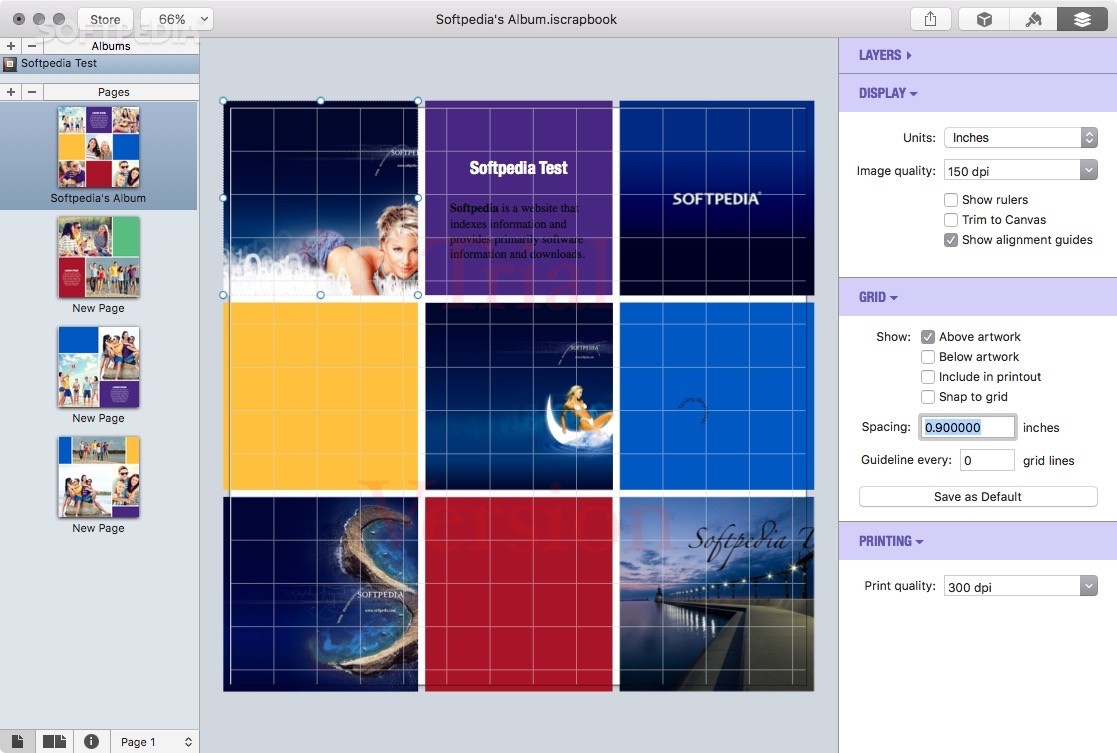
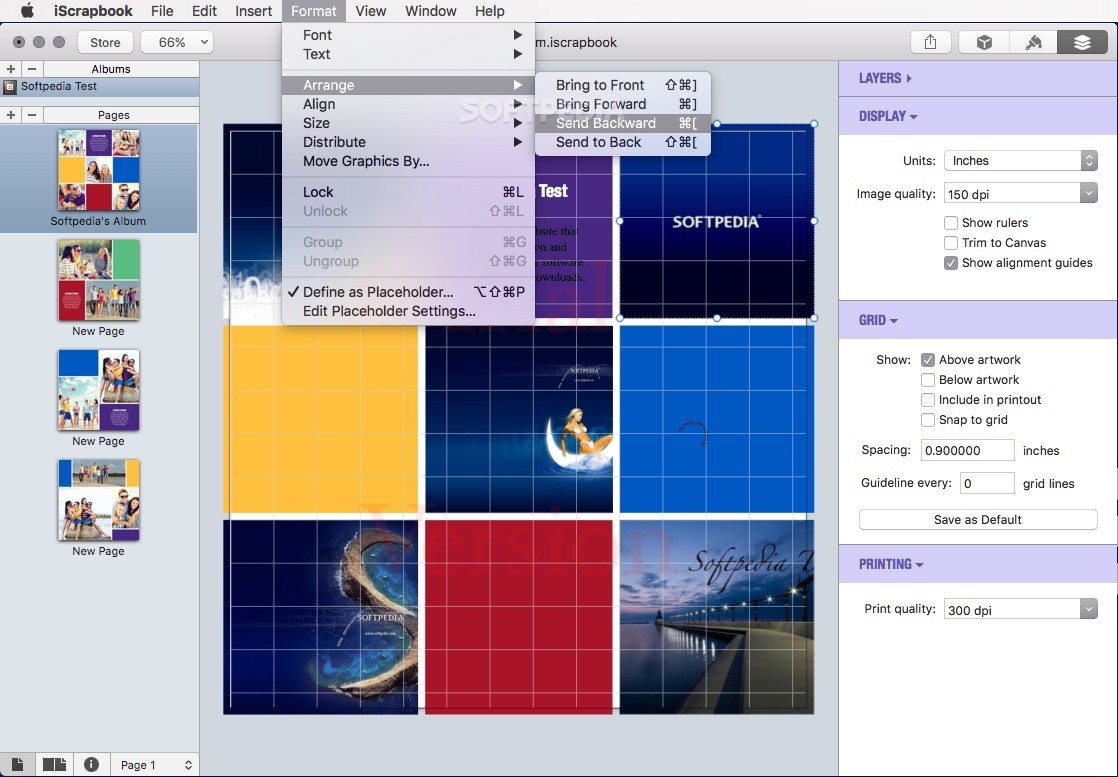
iScrapbook also works with multiple layers and allows you to place composing elements on different layers. Moreover, the Instant Preview feature allows you to hide and show layers as you work on your scrapbook.
What is more, iScrapbook offers you access to your iPhoto and Aperture albums, photos and events, and you can even use the built-in search engine to find the needed picture and filter the displayed images based on various criteria, such as name, rating or keyword.
It is worth mentioning that iScrapbook works with iScapKits, fully-searchable collections of high-quality graphics. Consequently, you’ll be able to quickly and effortlessly search for and find the needed graphic elements as you create your scrapbook.
IScrapbook features numerous Smart Templates that make it easy for you to place papers, journals, embellishments and other elements in the existing placeholders. At the same time, you have the option to customize any given Smart Template and obtain the desired result.
IScrapbook is the app you want to have installed on your Mac when you're in need of a simple to use software solution for organizing your photos as a custom designed photo album in a matter of minutes.
Download Hubs
iScrapbook is part of these download collections: Scrapbook Managers
iScrapbook 7.0.4
add to watchlist add to download basket send us an update REPORT- runs on:
- macOS 10.12 or later (Intel only)
- file size:
- 419.1 MB
- filename:
- iScrapbook704.dmg

- main category:
- Graphics
- developer:
- visit homepage
Windows Sandbox Launcher

paint.net

ShareX

7-Zip

Zoom Client

4k Video Downloader

Bitdefender Antivirus Free

Microsoft Teams

IrfanView

calibre

- Microsoft Teams
- IrfanView
- calibre
- Windows Sandbox Launcher
- paint.net
- ShareX
- 7-Zip
- Zoom Client
- 4k Video Downloader
- Bitdefender Antivirus Free