
A Mac OS X application that offers you the possibility to browse all your iPhoto libraries, transfer photos between them and more.. #Manage libraries #IPhoto libraries #Library manager #IPhoto #Library #Merger
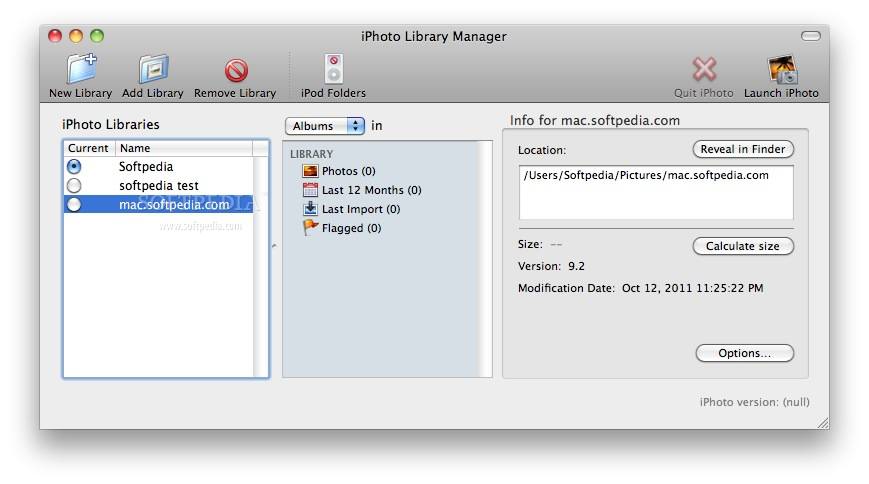
Large iPhoto libraries can take a toll on the overall application performance, so breaking down your photos collections into multiple libraries seems to be a good idea. On the other hand, this makes things more complicated when you need to find an image and you do not know the assigned iPhoto library.
iPhoto Library Manager is a macOS application that allows you to manage all your iPhoto libraries via a simple, organized user interface, comes with powerful search capabilities, and allows you to transfer files between libraries.
iPhoto Library Manager comes with a fairly organized design which makes the app intuitive to use. Most functions can be accessed via the main window which is organized in three areas: on the left you can view a list with all detected libraries, the center is reserved for the events list and other smart folders, while the section on the right displays thumbnails for the included photos.
The top toolbar includes buttons for basic functions: create / add / remove library, reveal in Finder, open iPhoto, find duplicates, or merge libraries. The same area allows you to change the view mode and includes a minimalist search bar that can find items across all libraries.
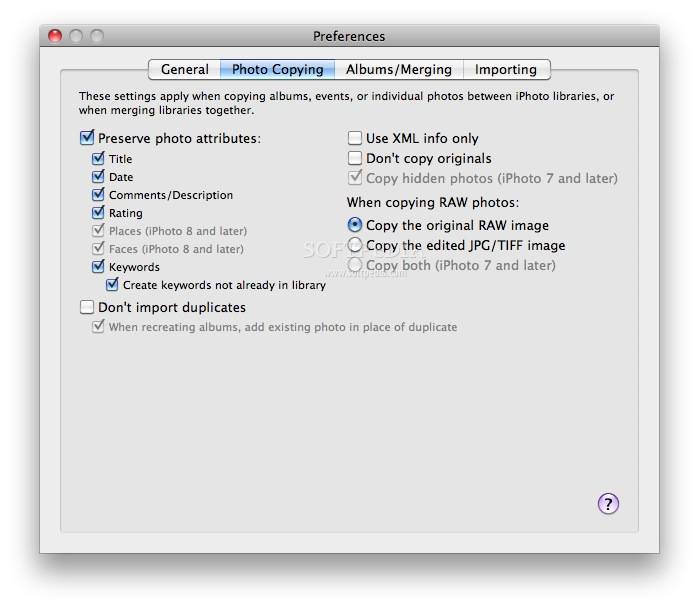
The images transfer from one library to the other is performed through simple drag and drop actions. However, iPhoto Library Manager makes sure that the copied photos retain all the attached metadata (keywords, ratings, faces, and more).
iPhoto Library Manager offers you the possibility to make the most out of iPhoto by helping you to organize your photo albums into smaller libraries. The app offers simple tools for transferring images between libraries and is also able to perform searches across the entire database.
What's new in iPhoto Library Manager 4.2.7:
- Fixed a crash when calculating library sizes on Snow Leopard
iPhoto Library Manager 4.2.7
add to watchlist add to download basket send us an update REPORT- runs on:
- Mac OS X 10.6.8 or later (Intel only)
- file size:
- 7 MB
- filename:
- iPhotoLibraryManager_427.zip

- main category:
- Graphics
- developer:
- visit homepage
IrfanView

Zoom Client

ShareX

Windows Sandbox Launcher

calibre

4k Video Downloader

Microsoft Teams

7-Zip

Context Menu Manager

Bitdefender Antivirus Free

- 7-Zip
- Context Menu Manager
- Bitdefender Antivirus Free
- IrfanView
- Zoom Client
- ShareX
- Windows Sandbox Launcher
- calibre
- 4k Video Downloader
- Microsoft Teams