Softpedia
 

MAC CATEGORIES:


GLOBAL PAGES >>
NEWS ARCHIVE >>
SOFTPEDIA REVIEWS >>
MEET THE EDITORS >>
WEEK'S BEST
  • EarthDesk 5.8.5
  • GraphicConverter 8...
  • MacPorts 2.1.1
  • CCleaner 1.03.131
  • Quicksilver ß68 Bu...
  • TextWrangler 4.0.1...
  • Google Chrome 21.0...
  • Winclone 3.3
  • ScreenFlow 3.0.6
  • Apple Security Upd...
  • Home > Mac > Graphics
     Report malware

    TurboCAD Mac Deluxe 2D/3D 5.0

    Download button

    Downloads: 4,557  Tell us about an update
    User Rating:
    Rated by:
    Good (3.3/5)
    17 user(s)
    Developer:

    License / Price:

    Size / OS:

    Binary Format:

    Last Updated:

    Category:
    IMSI | More programs
    Trial / USD 129.95 buy button
    153.4 MB / Mac OS X 10.4.5 or later
    Universal Binary Universal Binary
    July 31st, 2010, 08:15 UTC [view history]
    Home / Graphics

     Read user reviews (2)  Refer to a friend  Subscribe

    TurboCAD Mac Deluxe 2D/3D description

    Packed with the highest quality drafting tools and the latest ACIS realistic rendering engine.

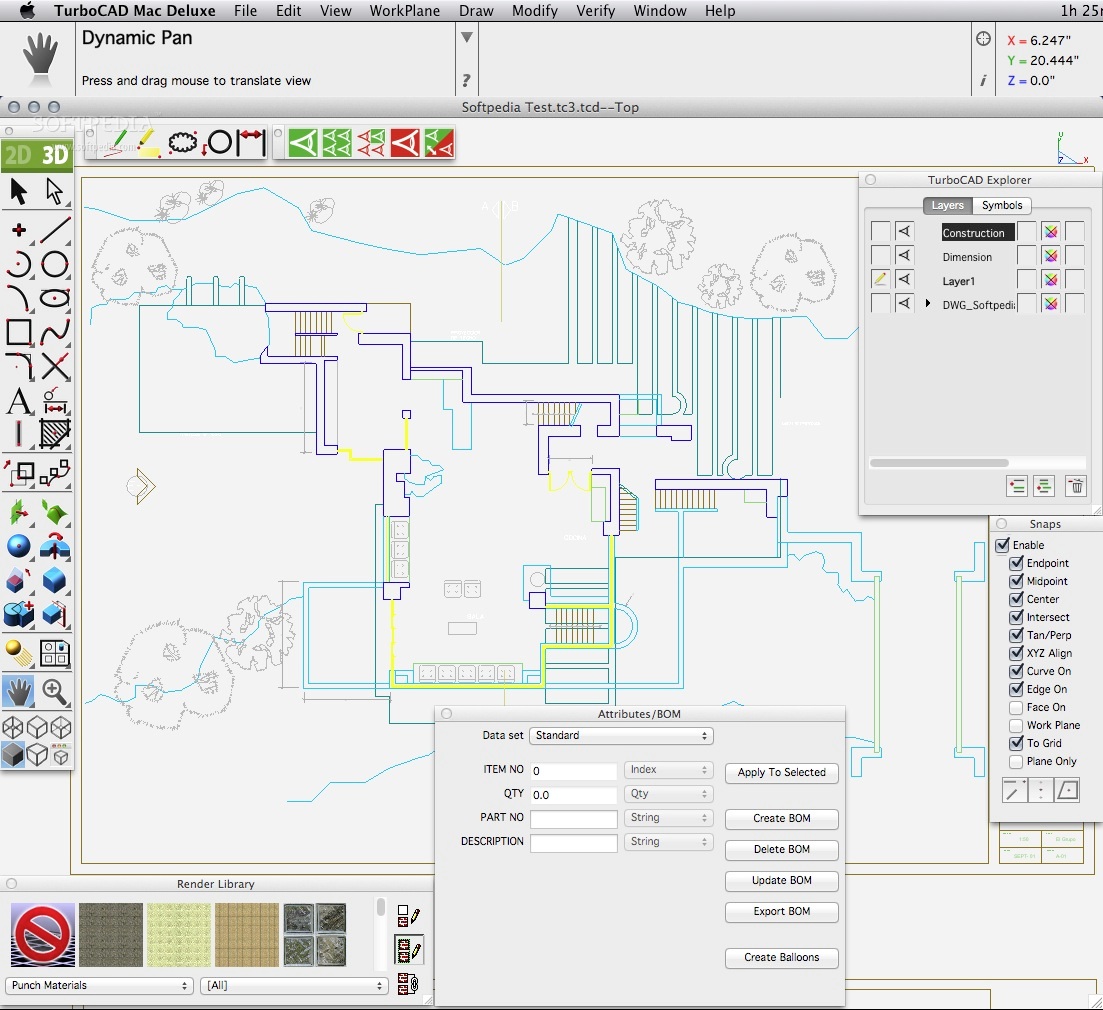
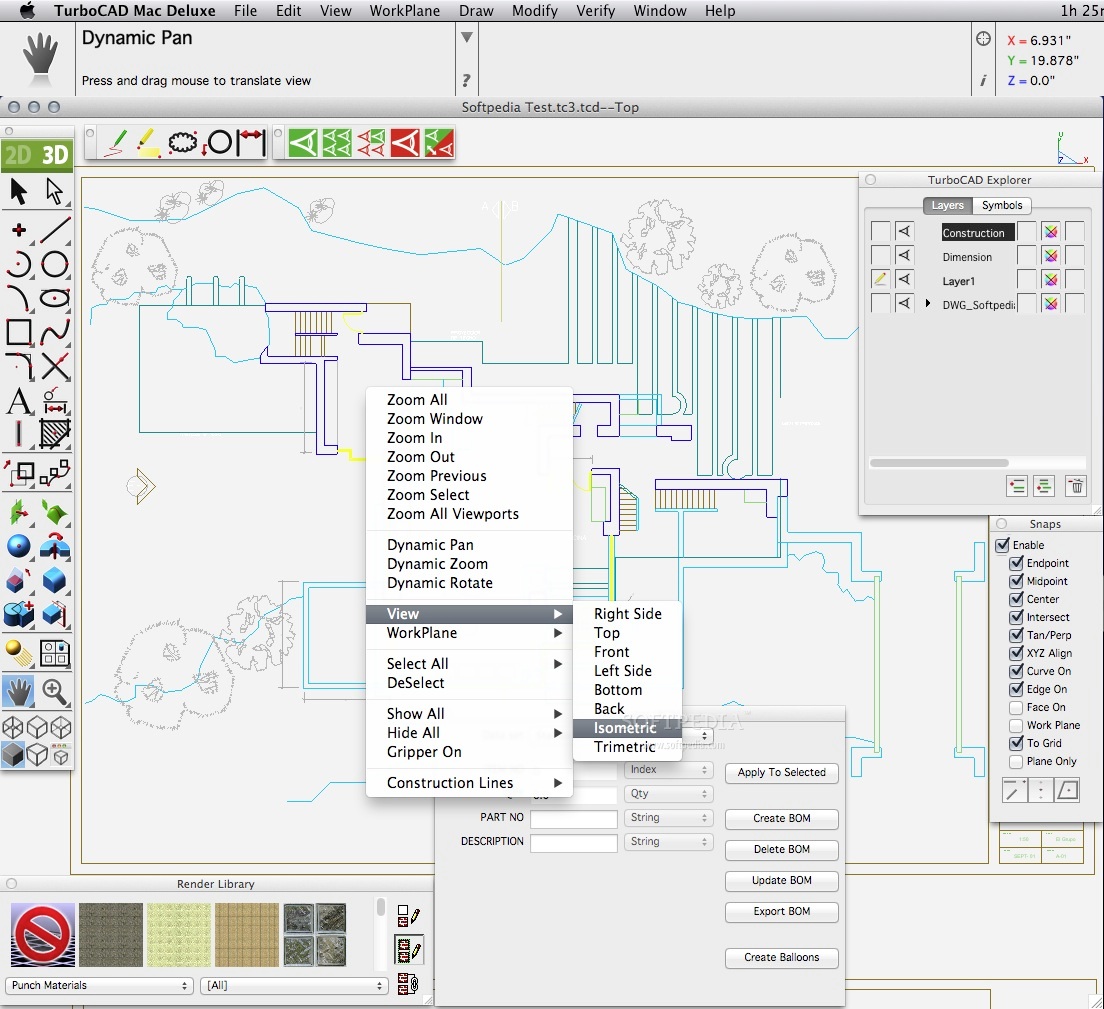
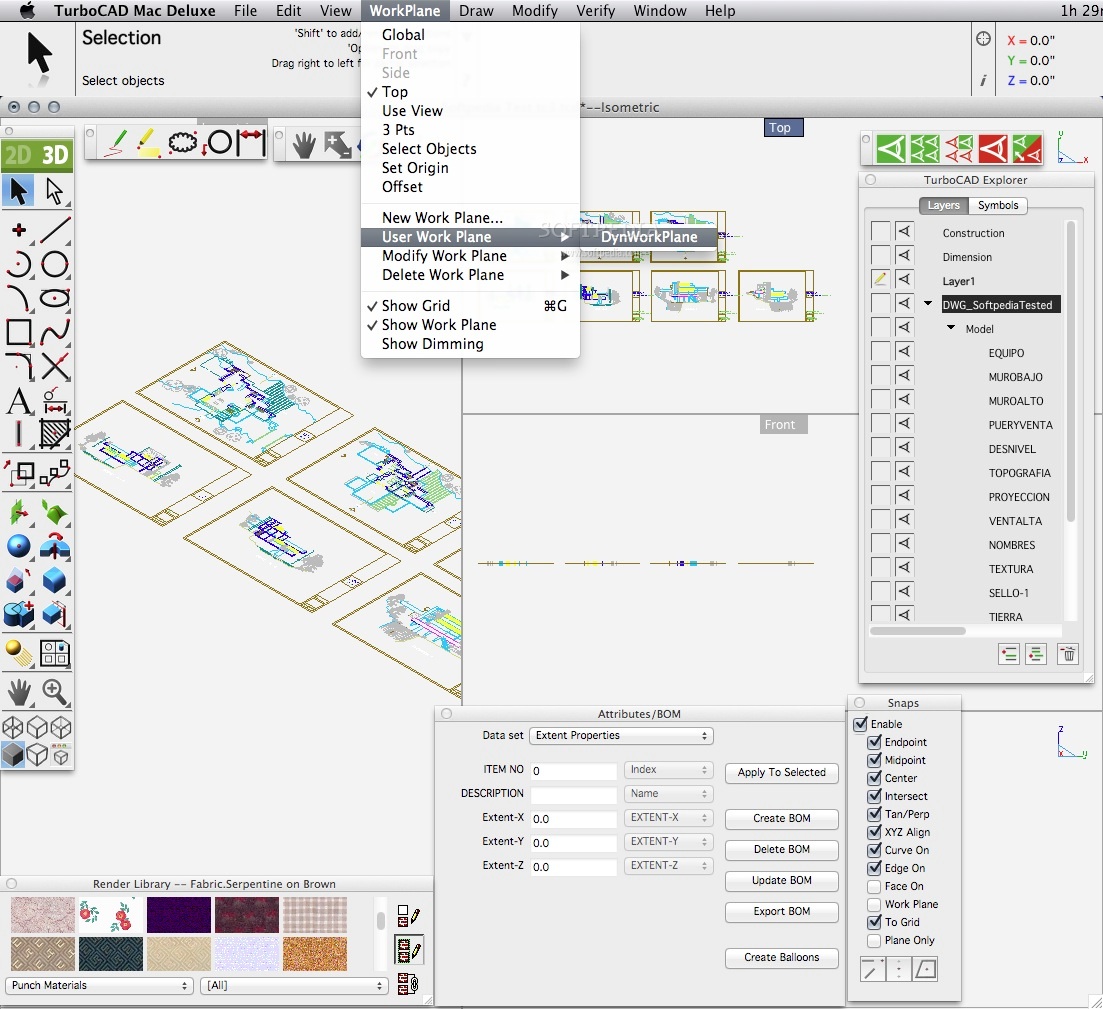
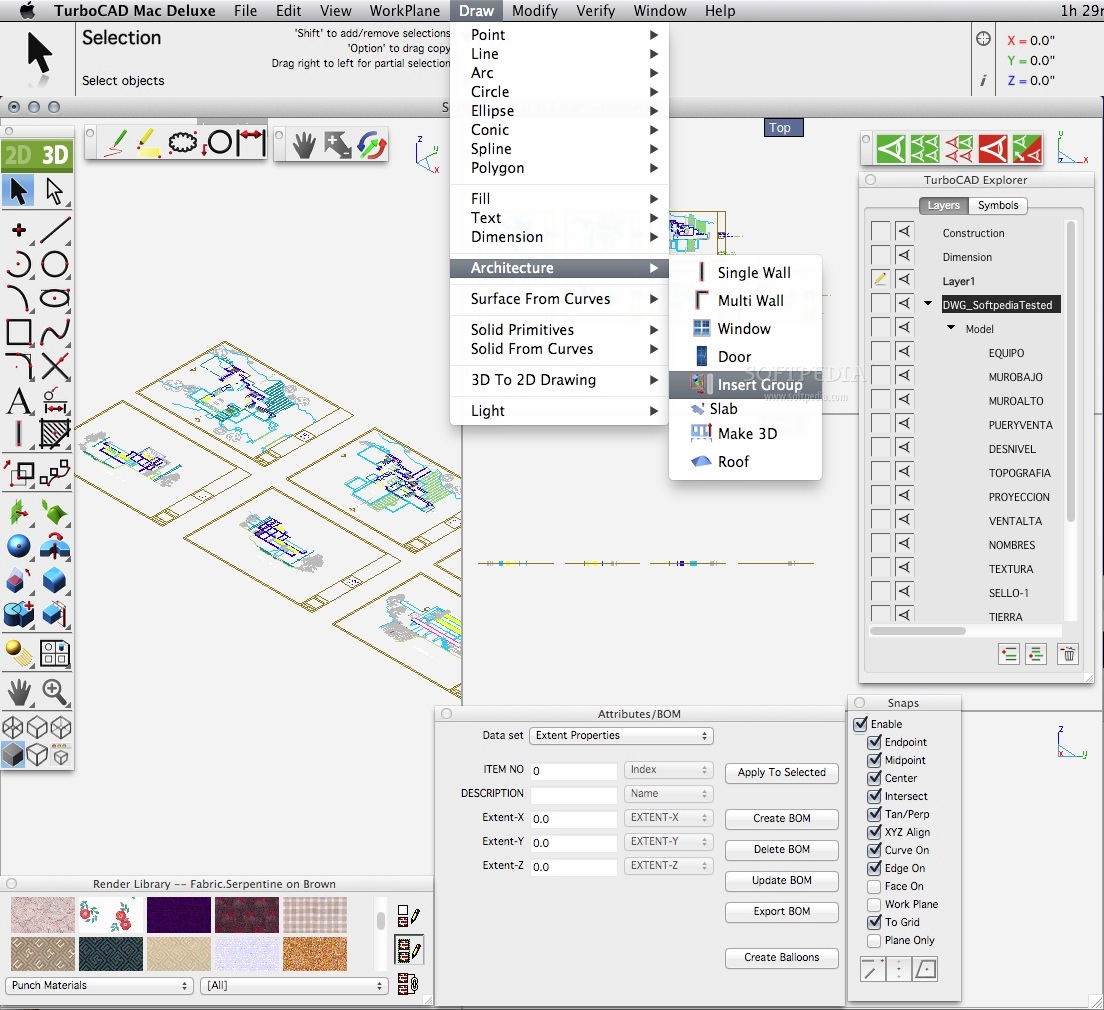
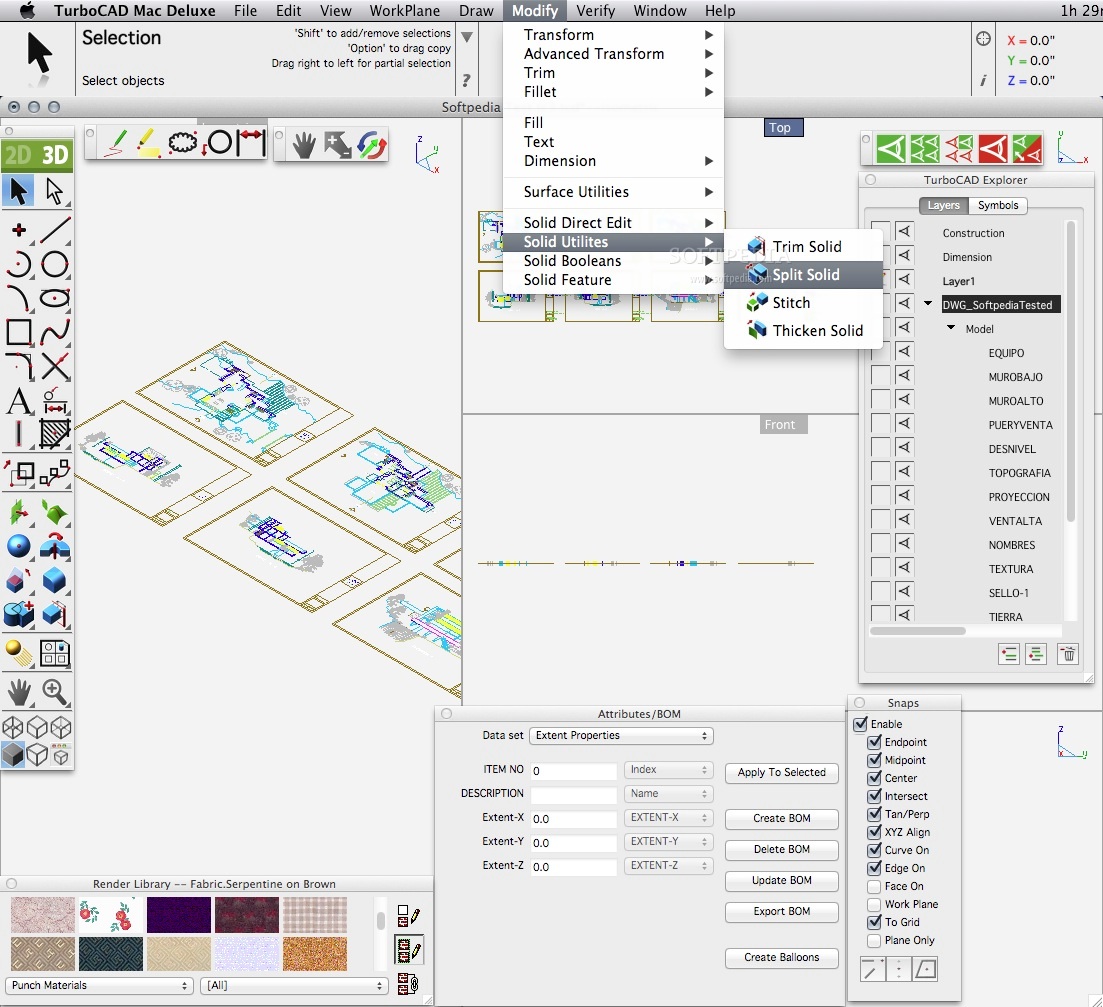
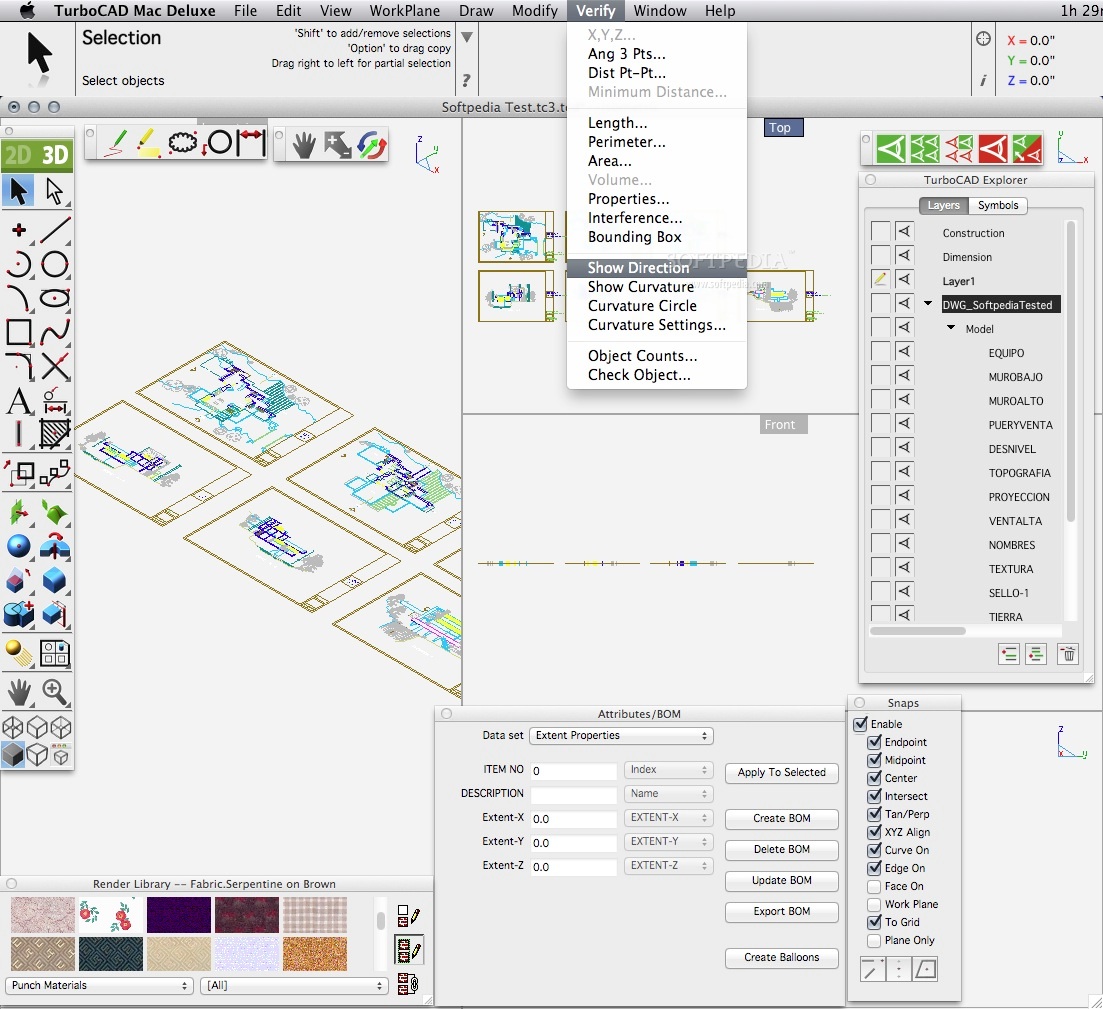
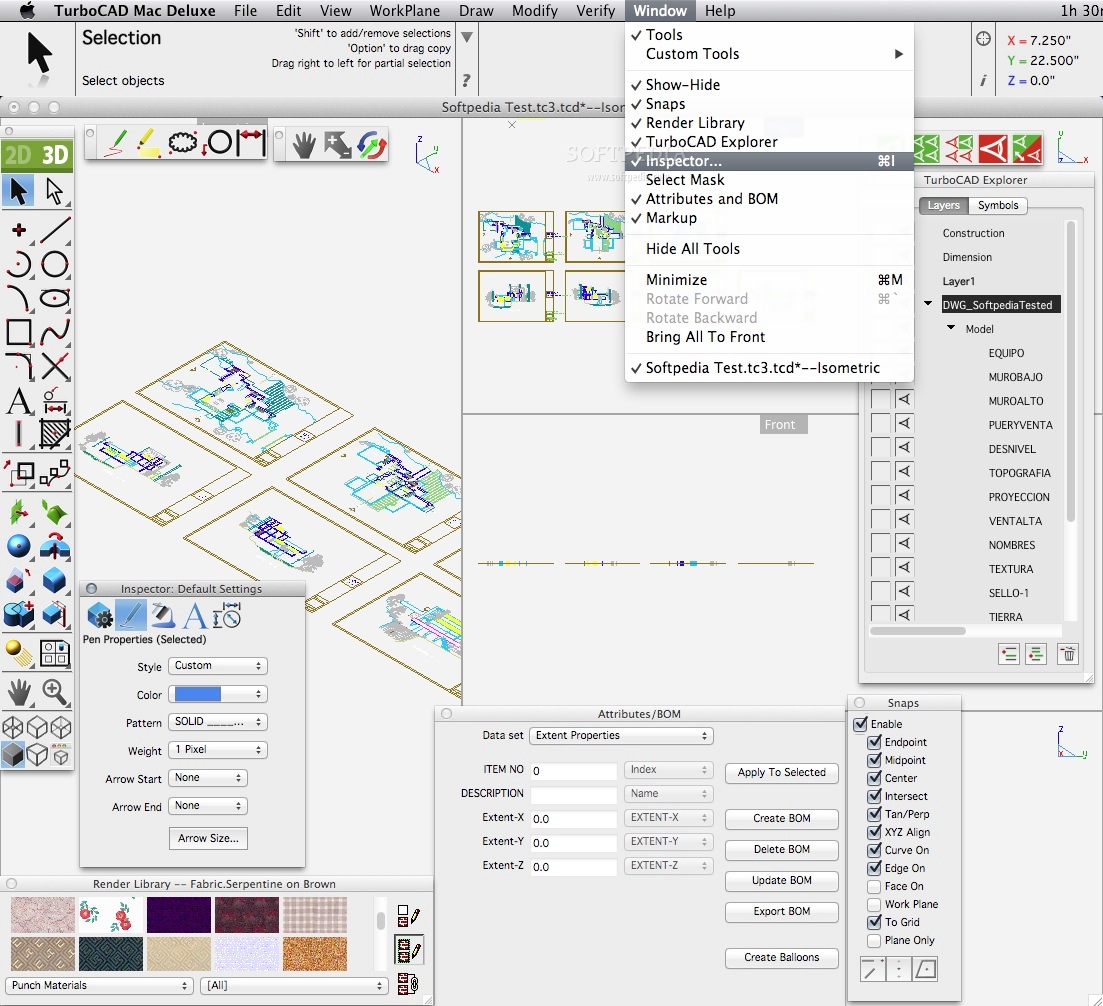
    TurboCAD Mac Deluxe is packed with the highest quality drafting tools and the latest ACIS realistic rendering engine. Create 3D models and precise 2D drawings, enjoy 11,000+ 2D/3D symbols, and easily import/export to the most common file types.

    Anything you can dream up, TurboCAD Mac Deluxe brings to life. The simple user interface combined with intuitive tools and integrated dimensioning make it easy to make your dreams reality.

    Here are some key features of "TurboCAD Mac Deluxe 2D/3D":

    Design in 2D and 3D in one easy to use application:
    · TurboCAD Mac Deluxe has all the powerful 2D drafting and design features of TurboCAD Mac Designer, as well as additional tools for creating 3D models and realistic renderings. Plus, TurboCAD Mac Deluxe comes with a complete 2D/3D parts and symbols library to drag and drop into your drawing and speed up the design process.

    Complete Set of 2D Drafting Tools:
    · Line tools
    · Arc tools
    · Curve tools
    · Circle tools
    · Ellipse tools
    · Polygon tools
    · Spline tools
    · Text tools
    · Dimensioning tools
    · Fillet & Chamfer tools
    · 2D Modifier tools
    · Transformation tools

    Advanced Tools for 3D Design & Rendering:
    · Mesh tools create 3D mesh designs from multiple points
    · Surface modeling - primitive, complex and advanced surface tools, as well as surface modifiers and transformation tools are all included
    · Updated ACIS 18 Solid modeling technology

    1,000 Floor Plans:
    · Start from scratch or choose from any one of these pre-designed floor plans you can customize to make each one your own.

    Over 11,000 2D/3D symbols and parts:
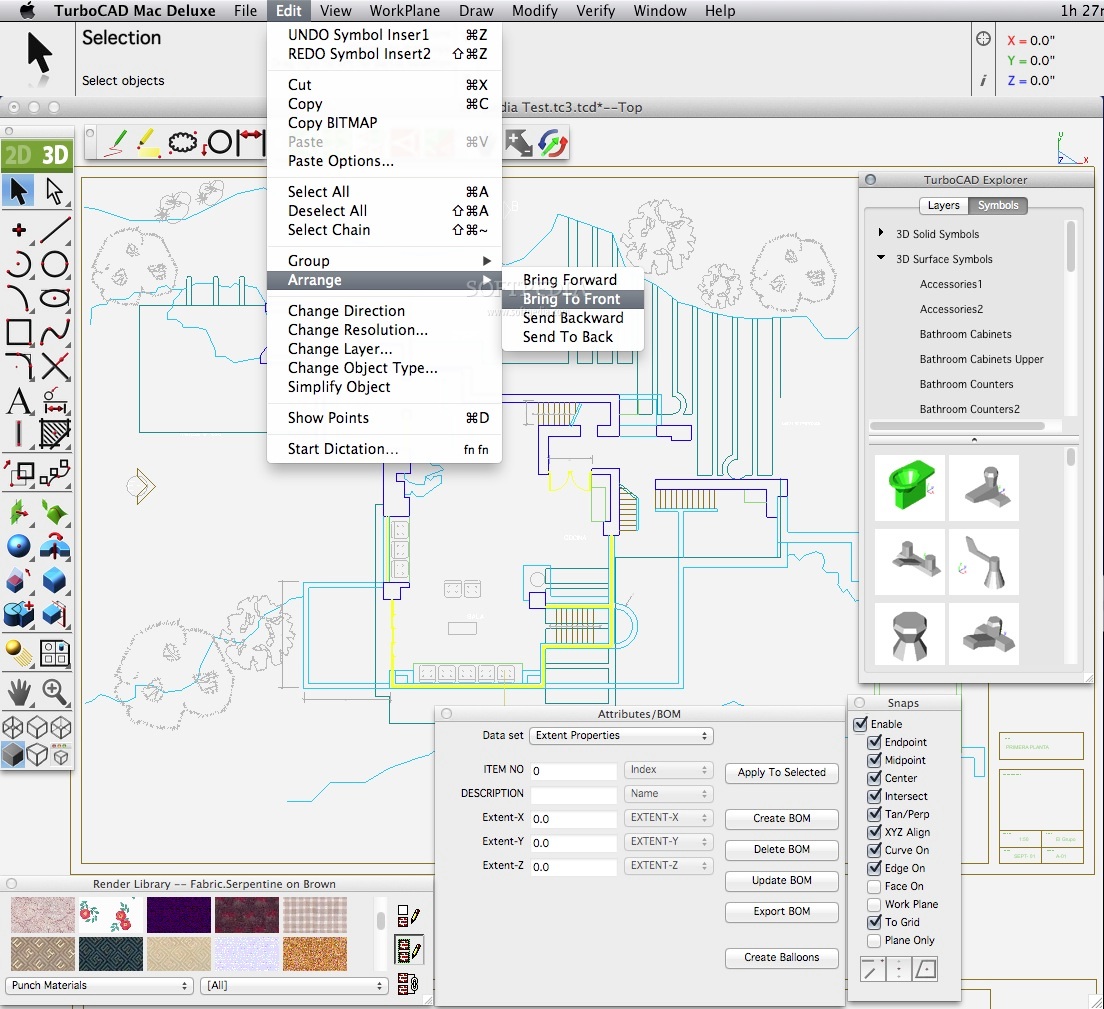
    · Choose from thousands of parts and symbols to effortlessly add to your design including electrical, mechanical, bathroom, kitchen, construction, LAN, CMOS, doors, windows, counters, fasteners, HVAC and more.

    Snaps:
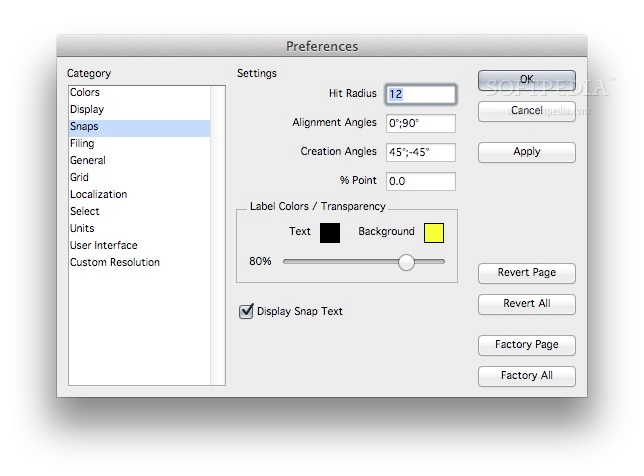
    · Quickly locate x, y coordinates, tangents and perpendiculars.

    Advanced Editing:
    · Select an object and easily change the geometry in the Edit Objects window. All values appear as whole numbers or decimals and can be entered in any units desired.

    Graphic Design Compatible:
    · Easily import your graphic designs files into TurboCAD and turn them into precision CAD drawings with dimensions. Just as easily, you can export to technical drawings from TurboCAD into desktop publishing formats, perfect for use in brochures and all other marketing materials. You may export or import from the following popular formats.
    · 3DS
    · Adobe EPS
    · Adobe Illustrator
    · Adobe Photoshop
    · BMP
    · AutoCAD DWG/DXF
    · IGS
    · JPG
    · PICT
    · PNG with alpha channel export
    · ACIS SAT
    · Spline
    · STL
    · STEP
    · TIFF
    · TEXT
    · Truespace COB
    · Claris CAD (export only)

    Limitations:

    · 30 days trial period.

    What's New in This Release: [ read full changelog ]

    · Improved Printing - New Options in Page Layout to Keep Dimensions Text Size, Keep Text Size and overlay the drawing in the Print Preview window. All enable better user control of how the printed document will look.
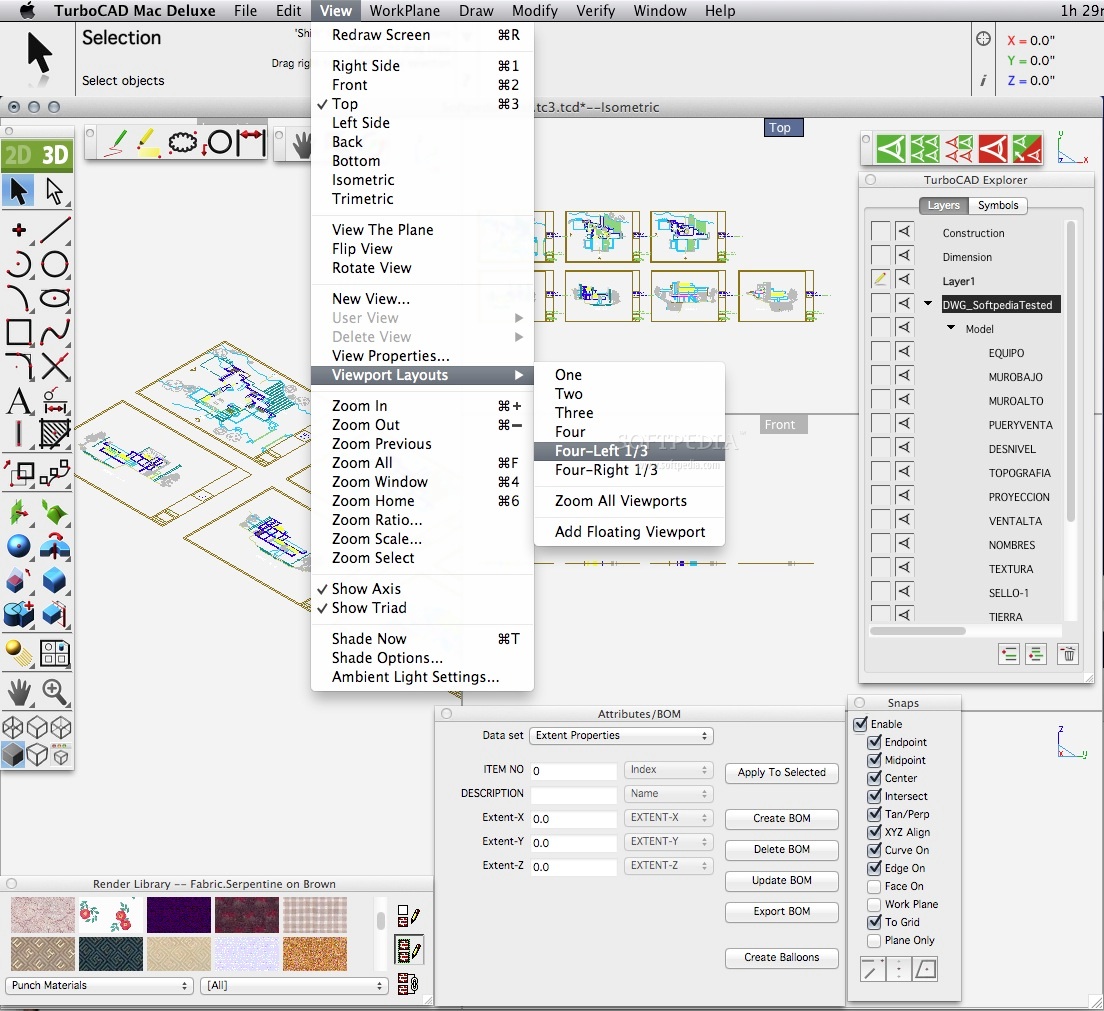
    · New Layer Sets - New Layer SetsLayers may now be organized into sets, making it easy to visually turn on and off appropriate visual aspects of a model. The number of layer sets is virtually unlimited, layers can be assigned to as many sets as necessary, and sets can be recursively nested.
    · New Circular Fill - The enhanced fill tool automatically creates polygons when needed, so you can add solid fills to circle objects for added flexibility in design.
    · New & Improved Wall Options - TurboCAD Mac’s new and improved self-healing walls are automatically join, intersect, and update to speed design. New enhancements enables auto-dimensioning of walls as they are drawn, auto trimming of wall vertices, and allows for assignment of a hatch pattern and a color to a wall.
    · New & Improve...

     Softpedia guarantees that TurboCAD Mac Deluxe 2D/3D 5.0 is 100% CLEAN, which means it does not contain any form of malware, including spyware, viruses, trojans and backdoors. [read more >]


    TAGS:

    drafting tool | rendering engine | 2D drawing | draft | render | 2D


    HTML code for linking to this page:


    Go to top

    WindowsGamesDriversMacLinuxScriptsMobileHandheldNews

    SUBMIT PROGRAM   |   ADVERTISE   |   GET HELP   |   SEND US FEEDBACK   |   RSS FEEDS   |   UPDATE YOUR SOFTWARE   |   ROMANIAN FORUM