
Open source image editing application that emphasizes simplicity and ease of use, instead of focusing on the addition of a large number of features. #Image editor #Edit picture #Create drawing #Edit #Create #Draw
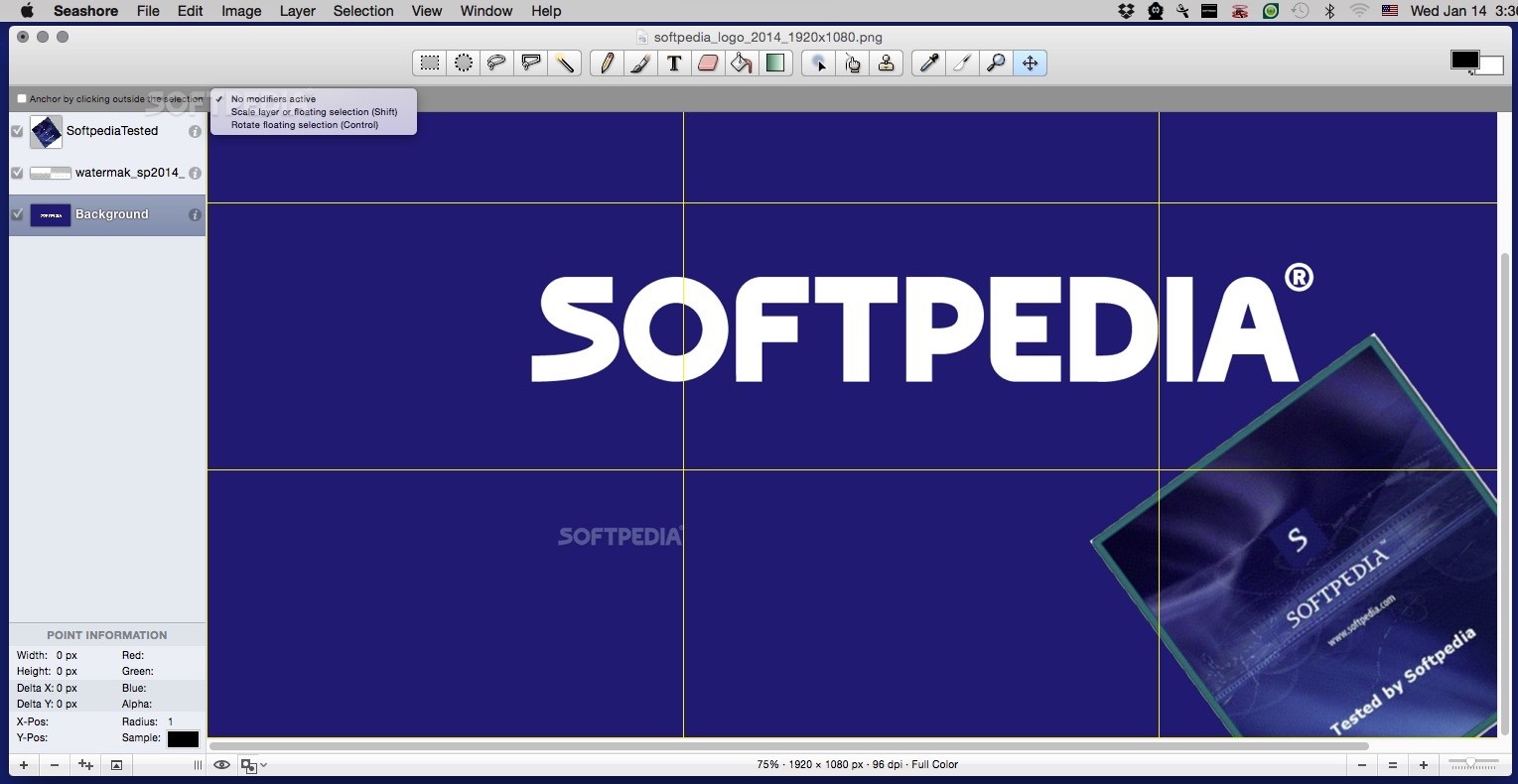
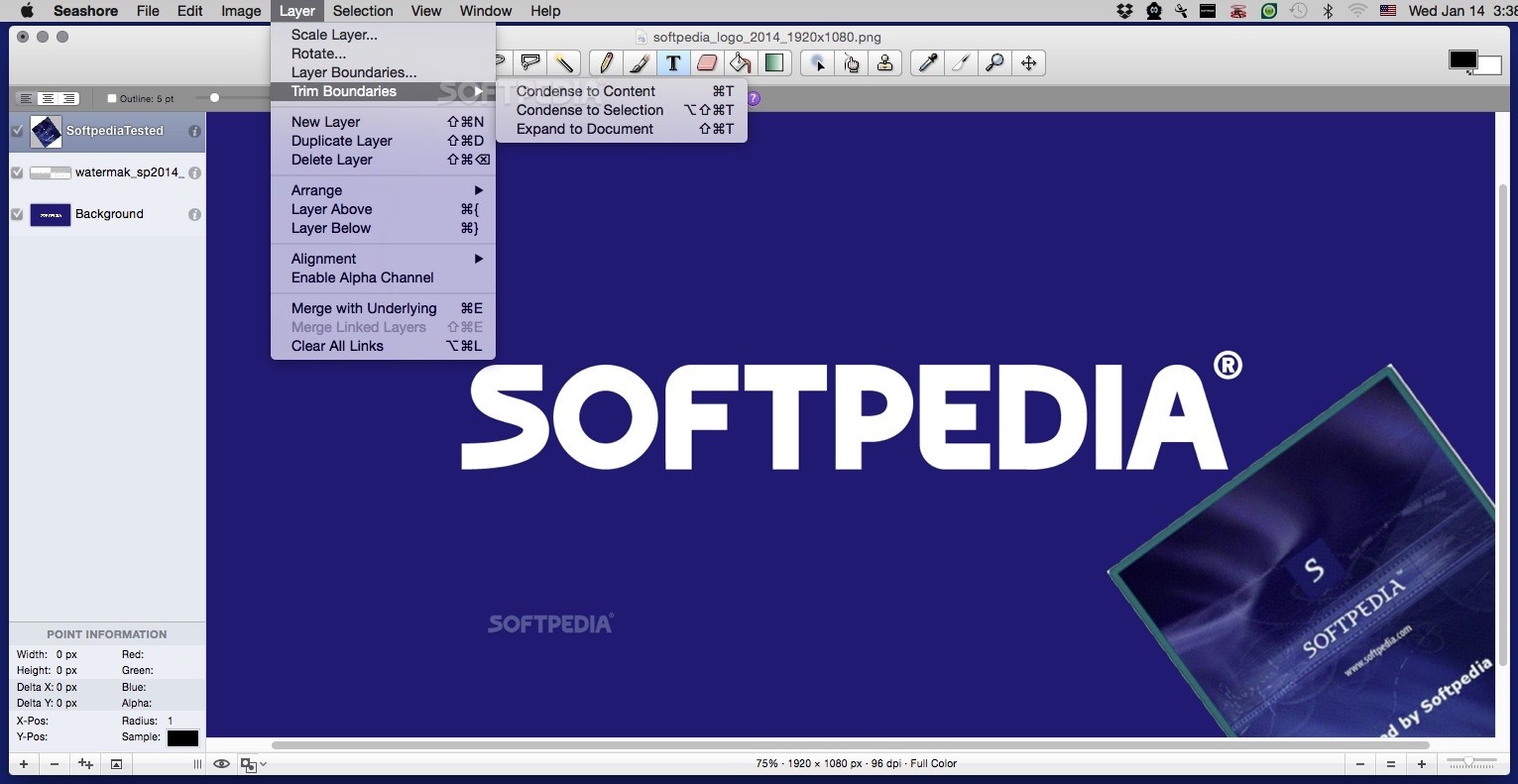
Seashore is a minimalist yet versatile open source graphic editor based on the GIMP technology. The app allows you to work with multiple layers, enables you to employ brushes, and integrates text tools.
Even if the Seashore project has not been updated in a long time, both the latest stable and preview versions still work on the most recent macOS releases, such as Yosemite.
However, note that the interface differs significantly between the two versions: the preview Seashore release comes with a tabbed GUI, while the stable version works with multiple windows and keeps the tools panel separately.
Nonetheless, the basic functionalities remain the same and finding your way around is quite easy: both interface designs are very intuitive. At the same time, Seashore comes with an extensive documentation that thoroughly presents each function.
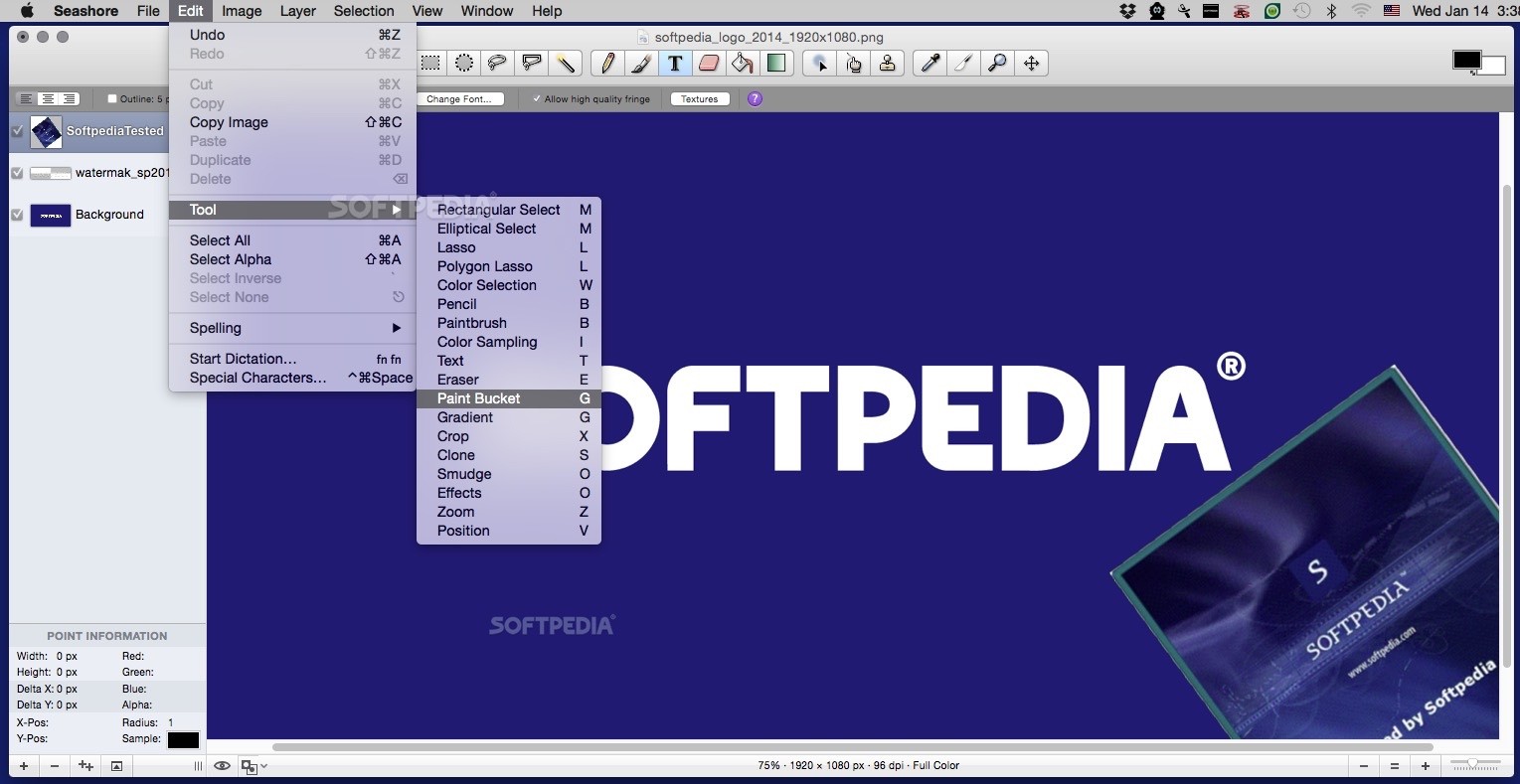
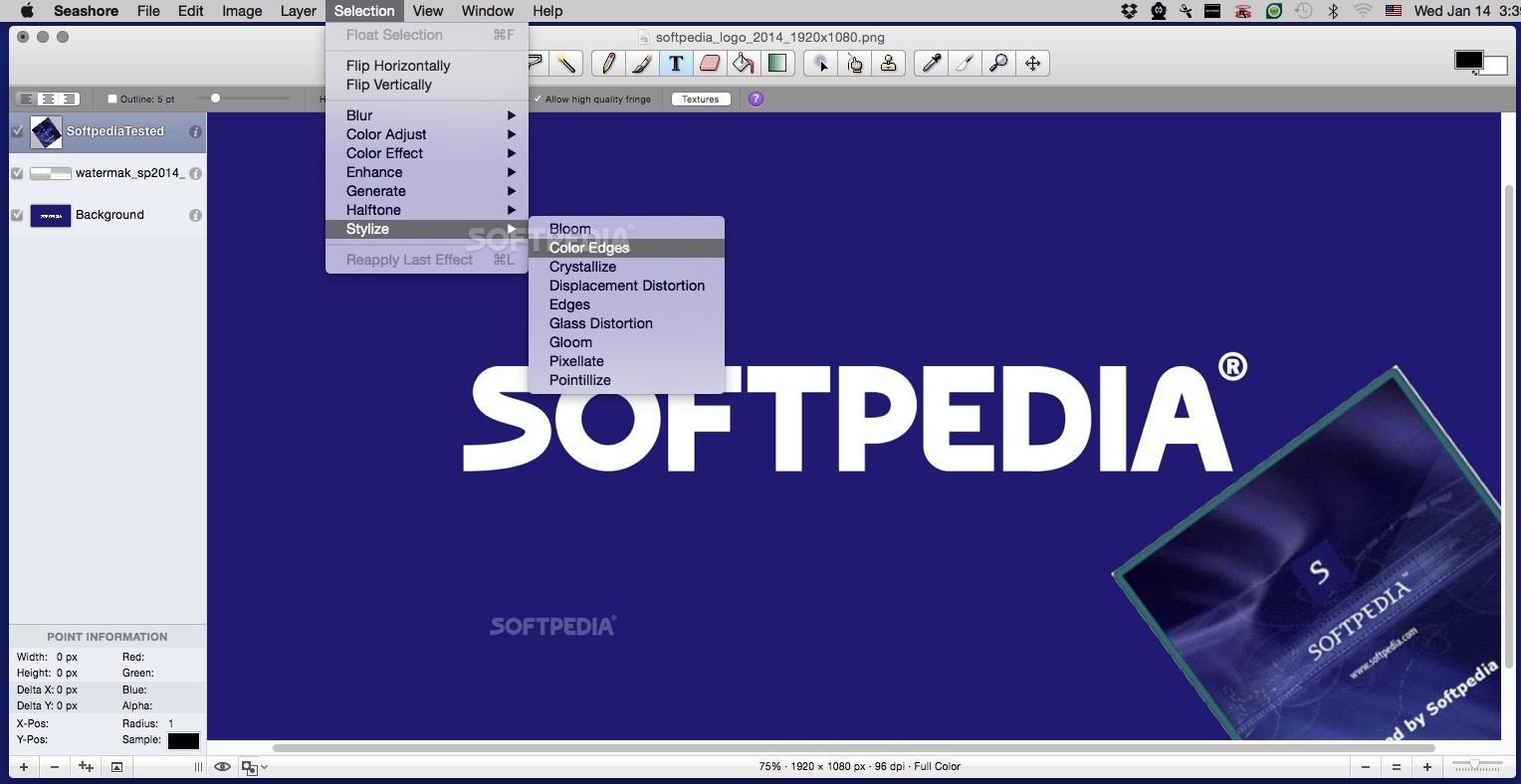
Seashore features multiple selection tools (colour, texture, brush, rectangular, elliptical, lasso, or polygon), and integrates basic capabilities, such as the possibility to use pencil, paintbrush, paint bucket, text and eraser tools.
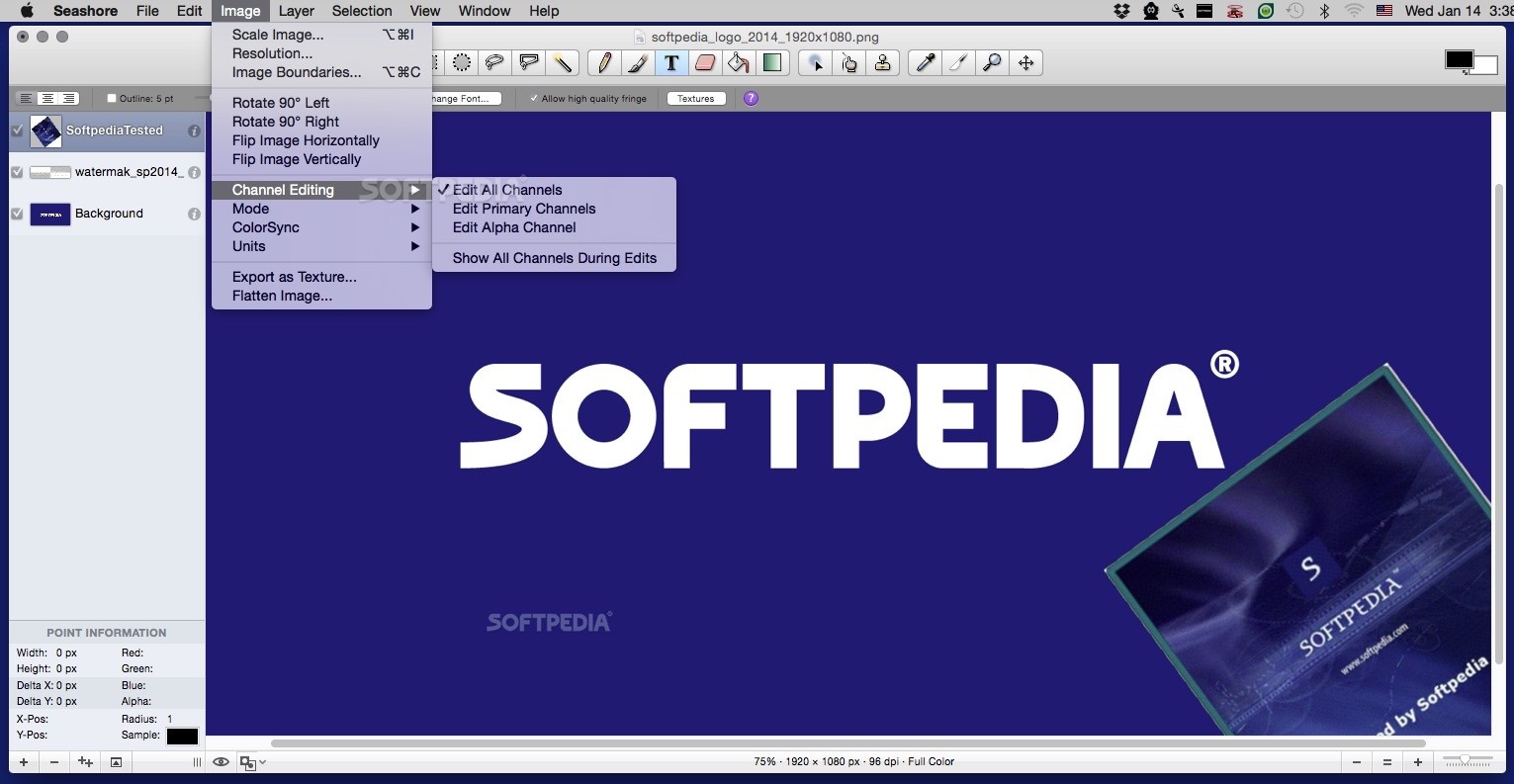
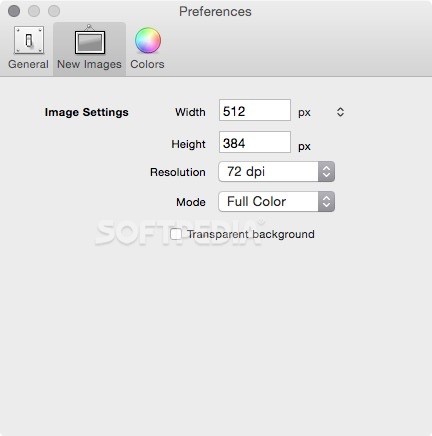
The application enables you to adjust the image size and position, to change its resolution, or to apply different effects to the current selection. The best part is that Seashore enables you to work on multiple layers: you can process a certain element while making sure the others are not affected, and combine them when you are done.
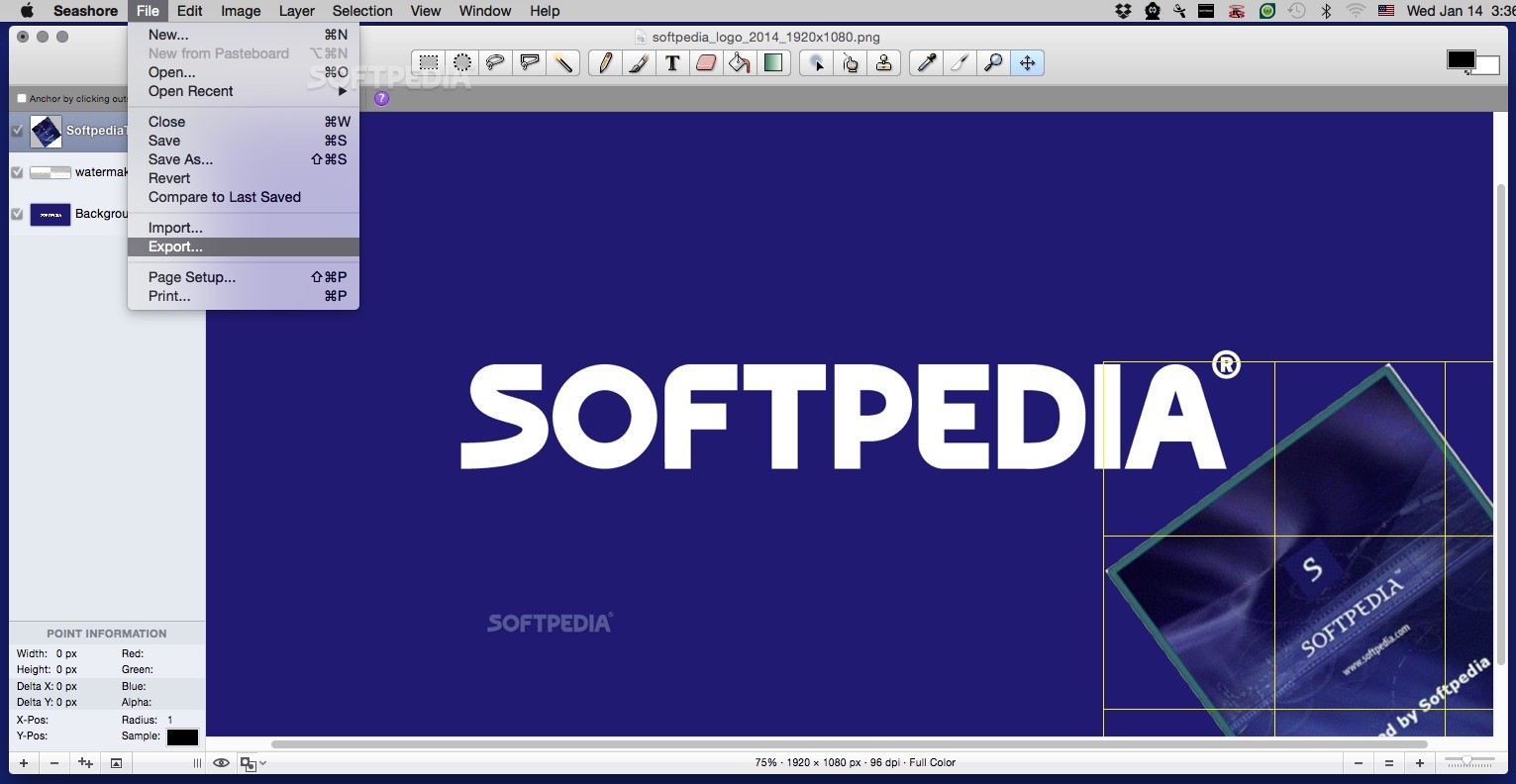
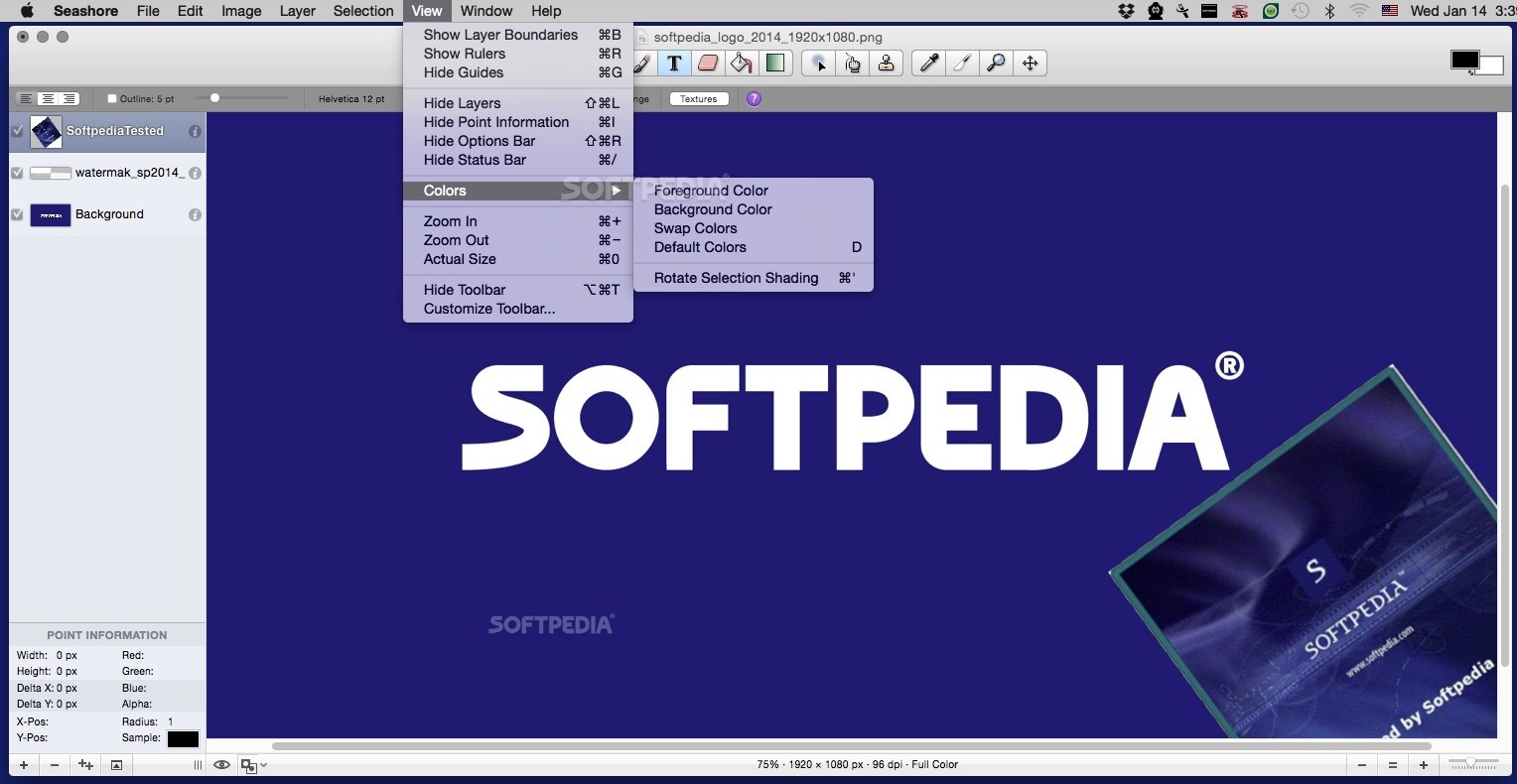
Thanks to its uncomplicated user interface, working with the Seashore application proves to be fairly streamlined: you get to import images with a simple drag and drop, most tools can be easily accessed via the app’s main window, while exporting the result can be achieved via hotkeys.
To conclude, if you are looking for a simple image processor that can get simple tasks done in no time, Seashore certainly deserves a try.
Download Hubs
Seashore is part of these download collections: Open XCF, View JFIF, View XBM, View JPG
What's new in Seashore 2.5.10:
- More bug fixes. Work with older OSXes.
Seashore 2.5.10
 Softpedia Editor's Pick
add to watchlist
add to download basket
send us an update
REPORT
Softpedia Editor's Pick
add to watchlist
add to download basket
send us an update
REPORT
- runs on:
- OS X 10.7 or later (Intel only)
- file size:
- 11.4 MB
- filename:
- seashore-bin-2.5.10.dmg
- main category:
- Graphics
- developer:
- visit homepage
Windows Sandbox Launcher

paint.net

4k Video Downloader

Microsoft Teams

Zoom Client

Bitdefender Antivirus Free

7-Zip

calibre

ShareX

IrfanView

- calibre
- ShareX
- IrfanView
- Windows Sandbox Launcher
- paint.net
- 4k Video Downloader
- Microsoft Teams
- Zoom Client
- Bitdefender Antivirus Free
- 7-Zip