
Fast and easy to use macOS utility that comes with built-in support for viewing and processing most popular image formats, as well as RAW photos. #Image viewer #Image browser #Image album #View #Browse #Album
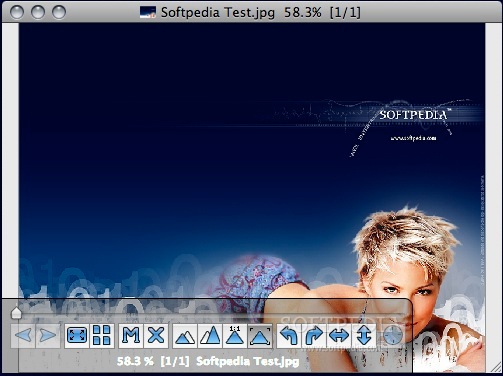
ViewIt is a little but powerful image viewer that supports popular image formats like .JPEG, .TIFF, .PSD, .PNG, .RAW and CRW. It features capable file management options and more than well-rounded, adequate functionality. Anybody interested in adding their own features to the application can easily do it through its plugin architecture.
To install, simply download and unpack the .zip archive, and double click on the Application file type. It's wise to pin it to your system by dragging and dropping the icon into the macOS Application cluster tab, for easy access in regards to future sessions.
Portability is a plus, as its tiny size encourages carrying it over all sorts of devices, even lesser tiered or even old ones with an underwhelming storage capacity. At startup, a one-time ViewIt window prompts you with the choice of consulting the Readme file with relevant information.
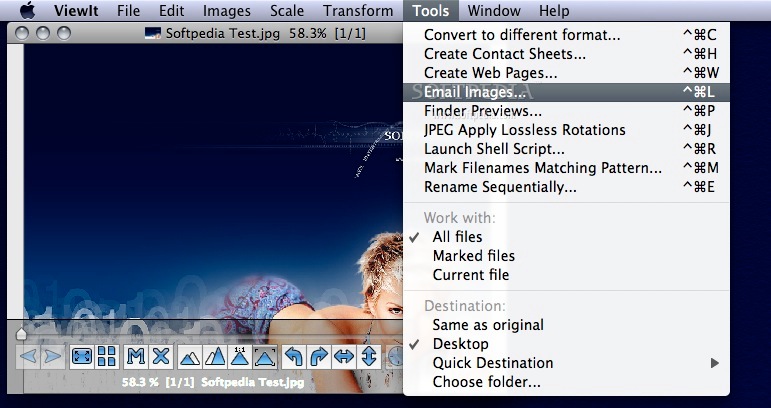
It integrates an array of intuitive settings gathered from corners of the OS as well, so that you won't have to search them extensively. A neat and clever toolbar resides in the lower left corner, with description balloons popping out whenever you hover the mouse over them.
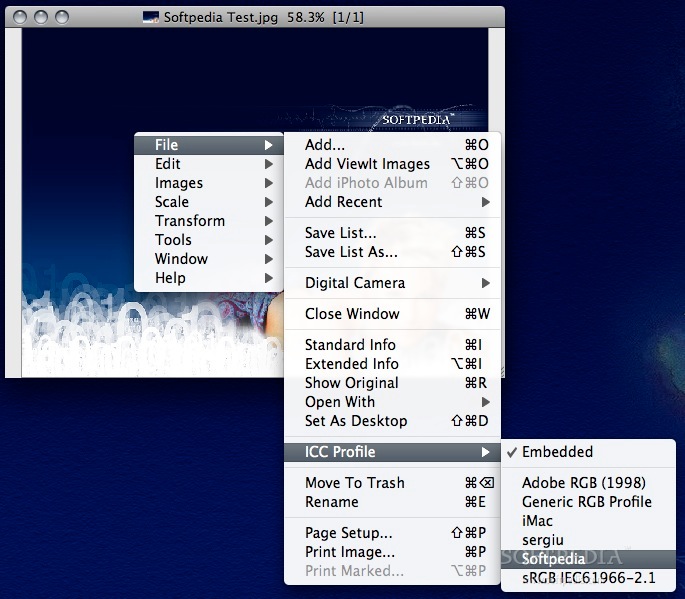
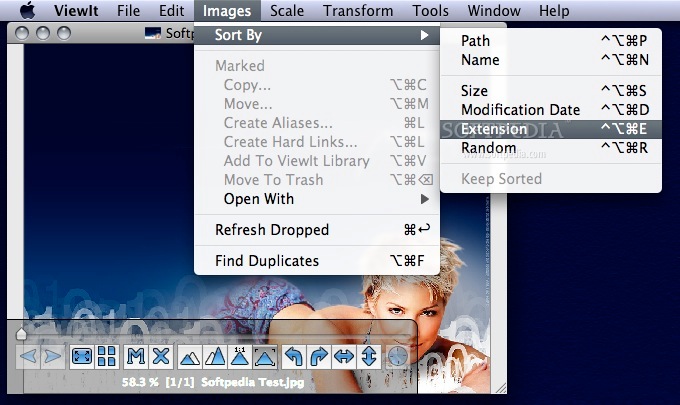
You can batch import pictures or entire folders via drag and drop, and access a plethora of other settings and tools by right clicking on them.
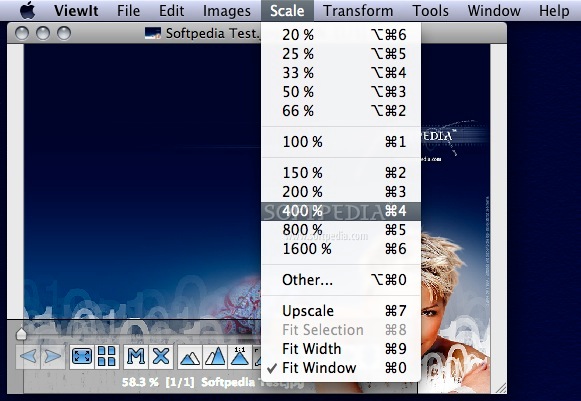
We can refer to conversion into a different format between .JPEG, .GIF, .PNG and .TIFF, alongside customizable quality and size, as well as percentage-based scaling that can soar through thousands of units.
All of these and more significant settings are shared and complemented between the application's main body and the Mac OS X system tray.
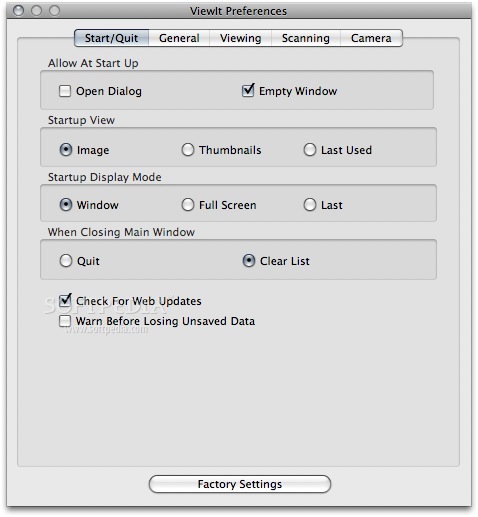
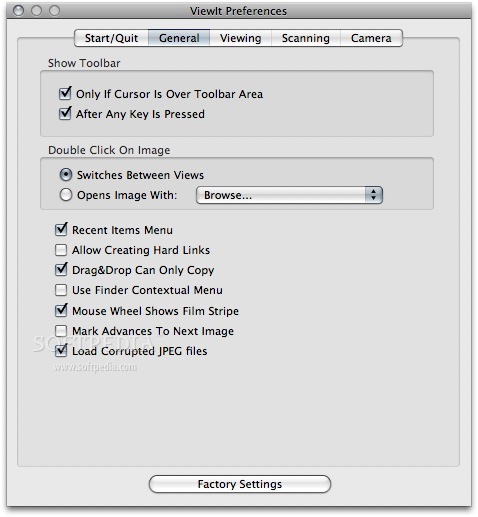
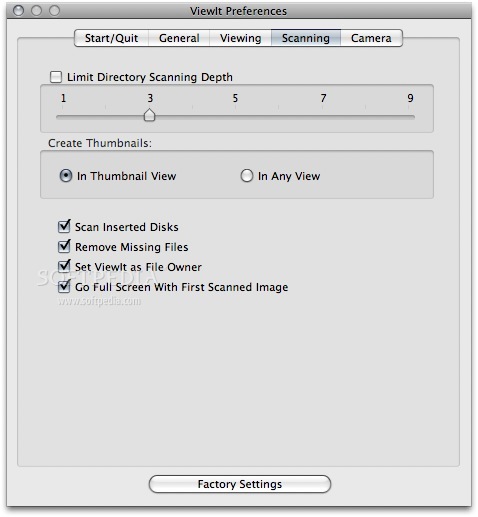
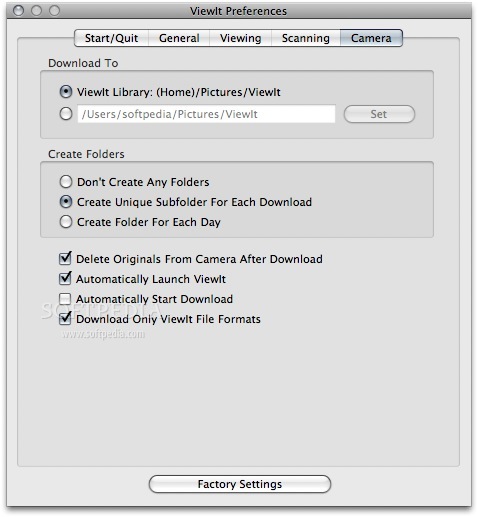
Speaking of which, the status bar also populates the standardized layout that the OS forces on each application, like preferences for system integration, position handling through focusing, as well as hiding and quitting the tool, among others.
ViewIt is a very potent application that holds its ground due to the well-thought functionality combined with an easy-to-use interface. It's both a cinch and a pleasure to operate, and satisfies the needs of amateurs and power users alike.
Download Hubs
ViewIt is part of these download collections: View RAW, View CRW, Open CRW, Open EXIF
What's new in ViewIt 2.66:
- Bug fixed: A systematic crash bug.
ViewIt 2.66
 Softpedia Editor's Pick
add to watchlist
add to download basket
send us an update
REPORT
Softpedia Editor's Pick
add to watchlist
add to download basket
send us an update
REPORT
- runs on:
- Mac OS X 10.6 or later (Intel only)
- file size:
- 3.1 MB
- filename:
- ViewIt-2.66.zip

- main category:
- Graphics
- developer:
- visit homepage
Bitdefender Antivirus Free

IrfanView

calibre

Microsoft Teams

4k Video Downloader

Zoom Client

Windows Sandbox Launcher

Context Menu Manager

ShareX

7-Zip

- Context Menu Manager
- ShareX
- 7-Zip
- Bitdefender Antivirus Free
- IrfanView
- calibre
- Microsoft Teams
- 4k Video Downloader
- Zoom Client
- Windows Sandbox Launcher
