
Provides you with a large set of advanced and well tough-out tools to perfectly post-process your portrait photos with just a few clicks. #Portrait retouching #Retouch portrait #Process image #Portrait #Retouch #Adjus
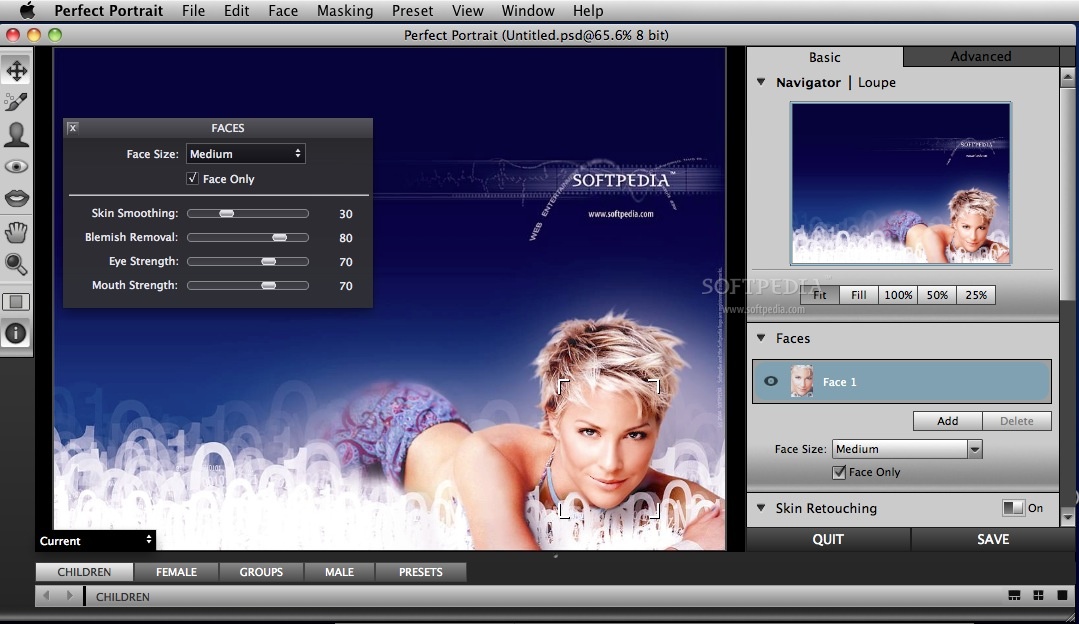
Perfect Portrait is a completely new product developed by onOne that offers the latest innovations in portrait retouching for photographers.
Photographers can now focus on the art of retouching and portrait creation because the most time consuming tasks have been automated in Perfect Portrait.
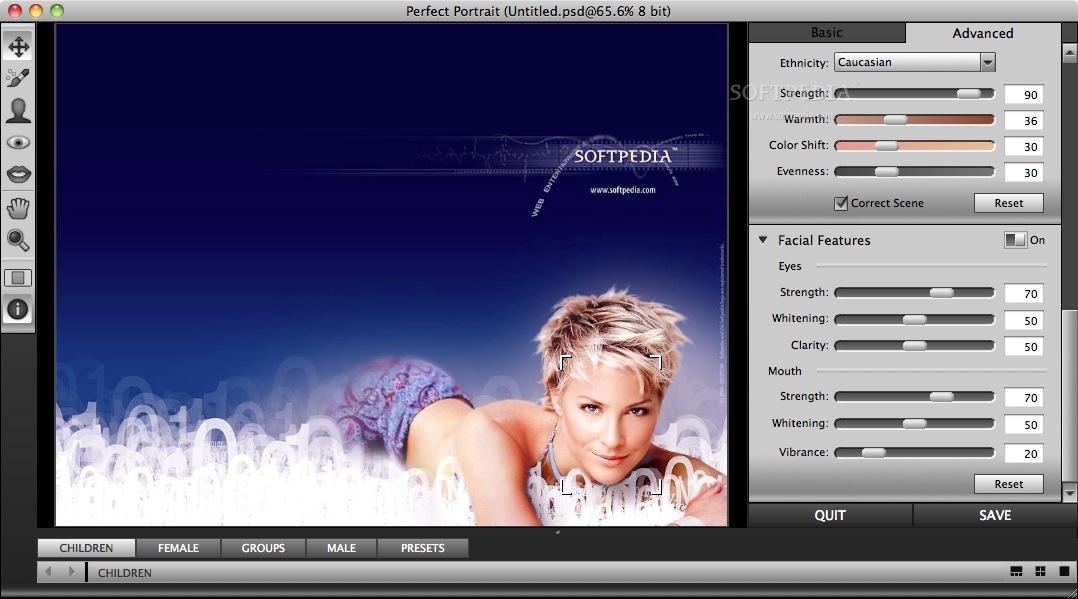
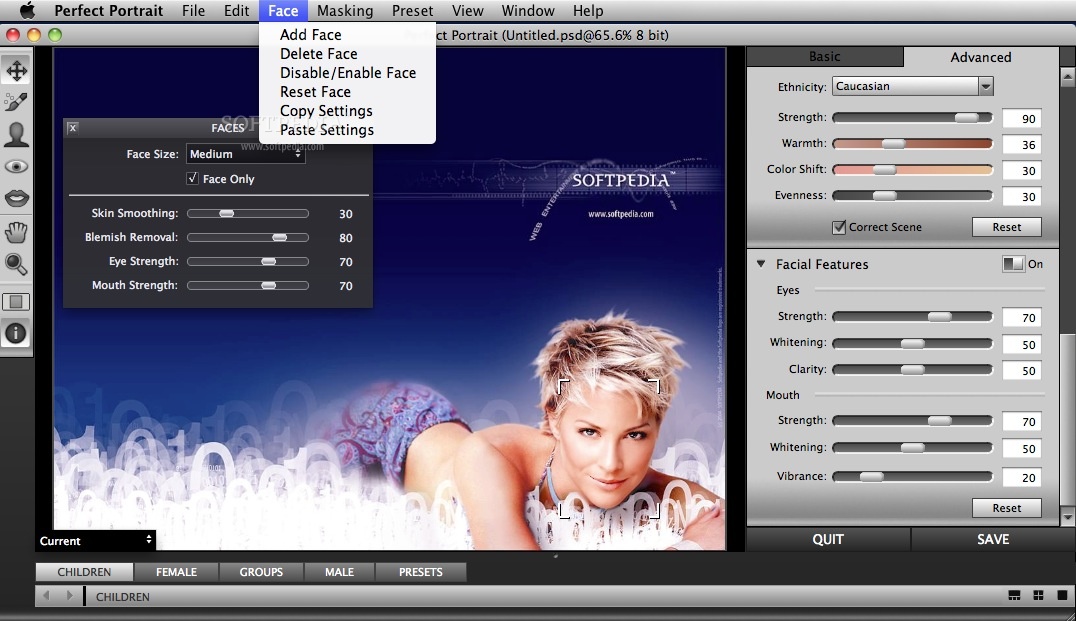
Perfect Portrait automatically finds faces and features in your images so you can get directly to the work of retouching and enhancing an image. Improving skin texture and color, removing blemishes and enhancing features like eyes, lips and teeth has never been easier.
You'll find that it's never been so easy to create stunning portraits your family or clients will love.
Perfect Portrait works where you do by integrating seamlessly into your workflow whether you use Lightroom, Aperture or Photoshop. Perfect Portrait is also able to function as a standalone application - Photoshop is not required.
System requirements
- Intel Core 2 Duo, Xeon or better processor(s)
- 4 GB RAM (8 GB or higher recommended)
- Free Disk Space - 4 GB
- OpenGL 2.0 compatible video card with 256 MB dedicated video RAM, 1280x800 resolution
- Internet connection for activation, auto update checking, content downloads and tutorials.
- 64-bit processor
Limitations in the unregistered version
- 30 days trial period.
What's new in Perfect Portrait Standard 9.5.1.643:
- Perfect Portrait is now faster than ever for auto face detection, and finding the details of the face, eyes, lips, and mouth. With easier to adjust control points and smoother sliders it makes for much quicker portrait edits.
- Many other enhancements and bug fixes.
Perfect Portrait Standard 9.5.1.643
add to watchlist add to download basket send us an update REPORT- runs on:
- Mac OS X 10.8.5 or later (Intel only)
- file size:
- 32 MB
- filename:
- Perfect_Portrait_2.0.3_Standard.dmg
- main category:
- Graphics
- developer:
- visit homepage
Windows Sandbox Launcher

Context Menu Manager

4k Video Downloader

IrfanView

Zoom Client

calibre

Microsoft Teams

7-Zip

Bitdefender Antivirus Free

ShareX

- 7-Zip
- Bitdefender Antivirus Free
- ShareX
- Windows Sandbox Launcher
- Context Menu Manager
- 4k Video Downloader
- IrfanView
- Zoom Client
- calibre
- Microsoft Teams