
A powerful 3D animation toolkit that offers you the possibility to create and render amazing 3D models by using streamlined workflows.. #3D animation #Render model #3D design #Animator #Renderer #Modeler
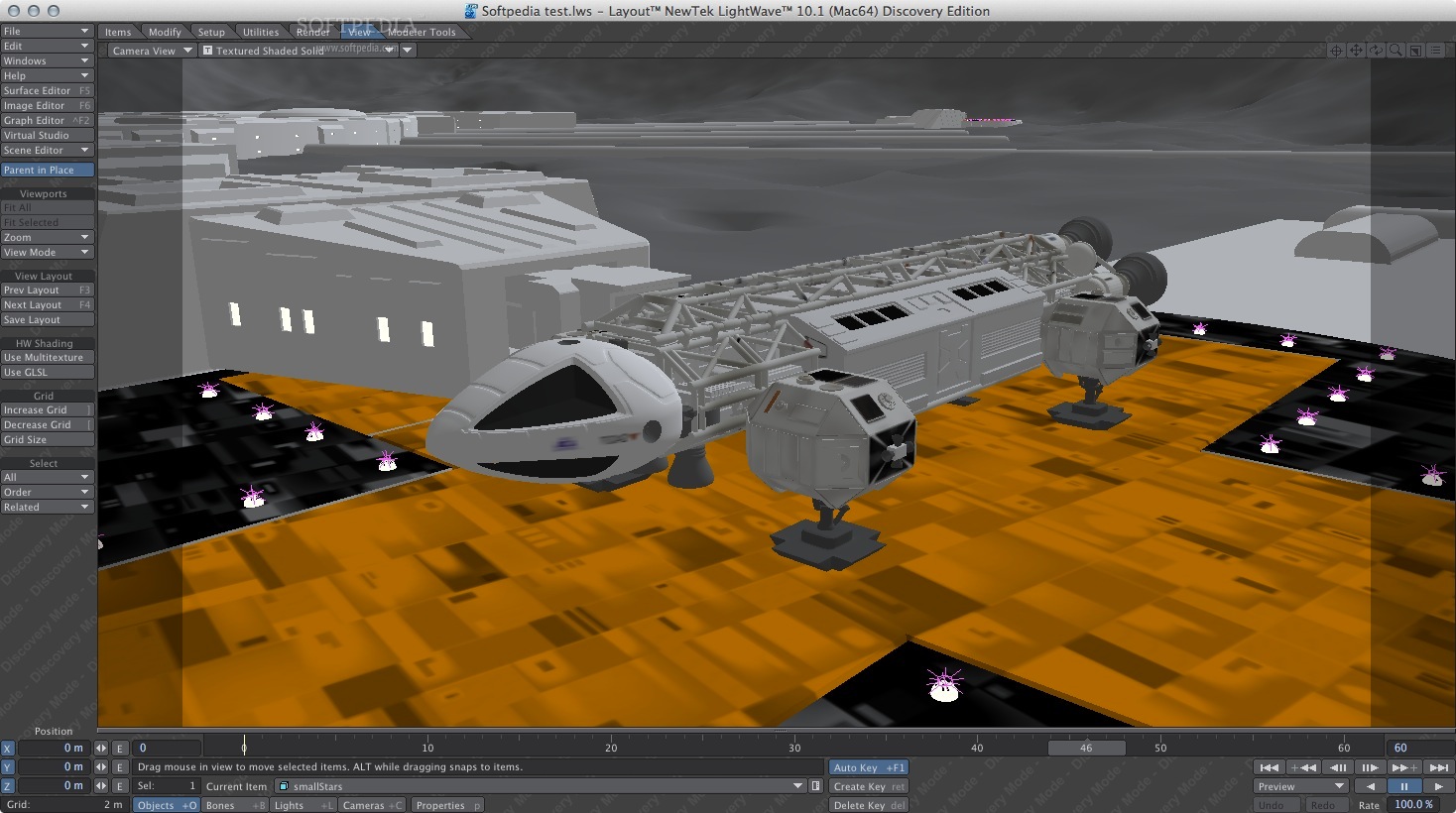
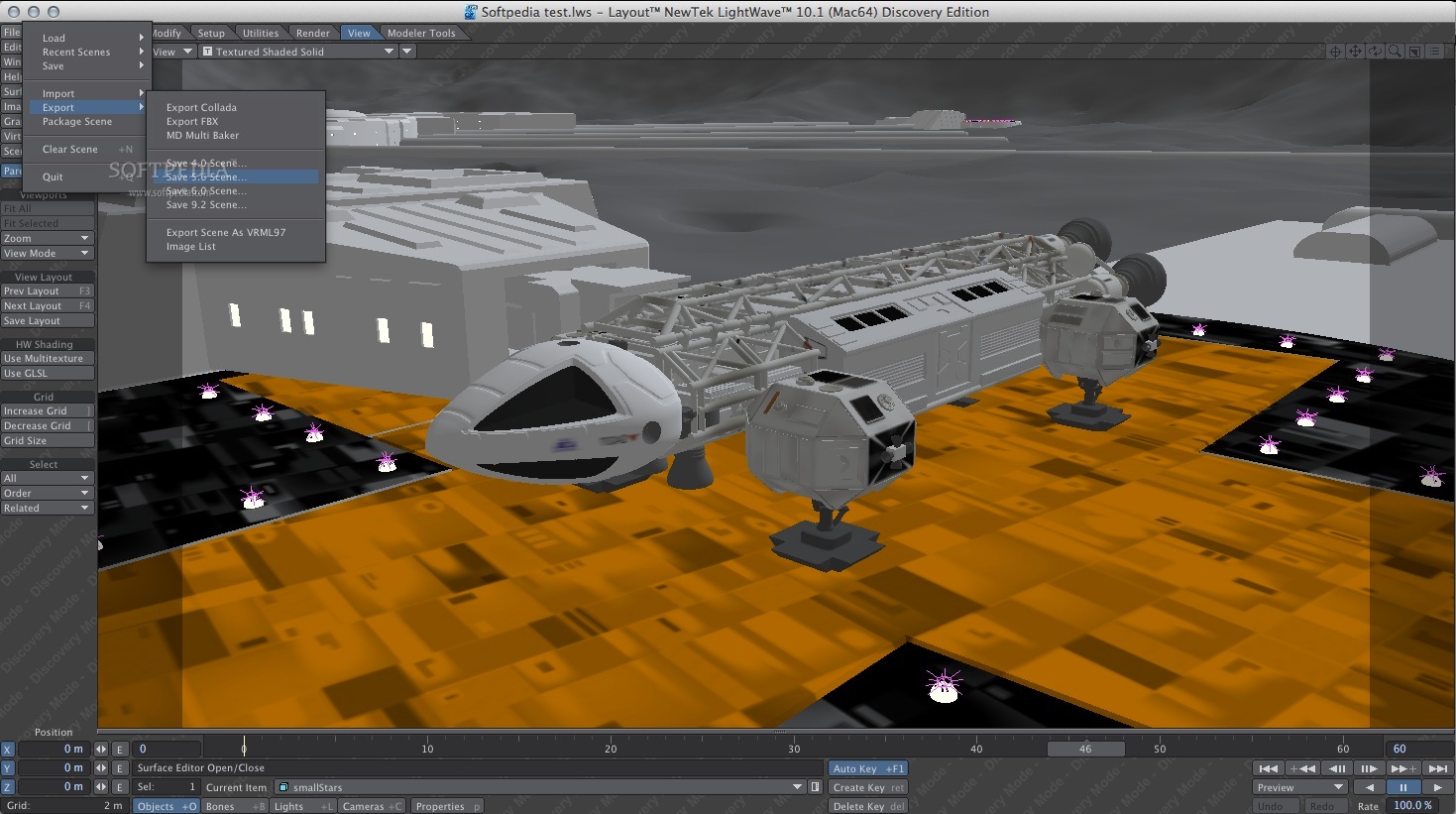
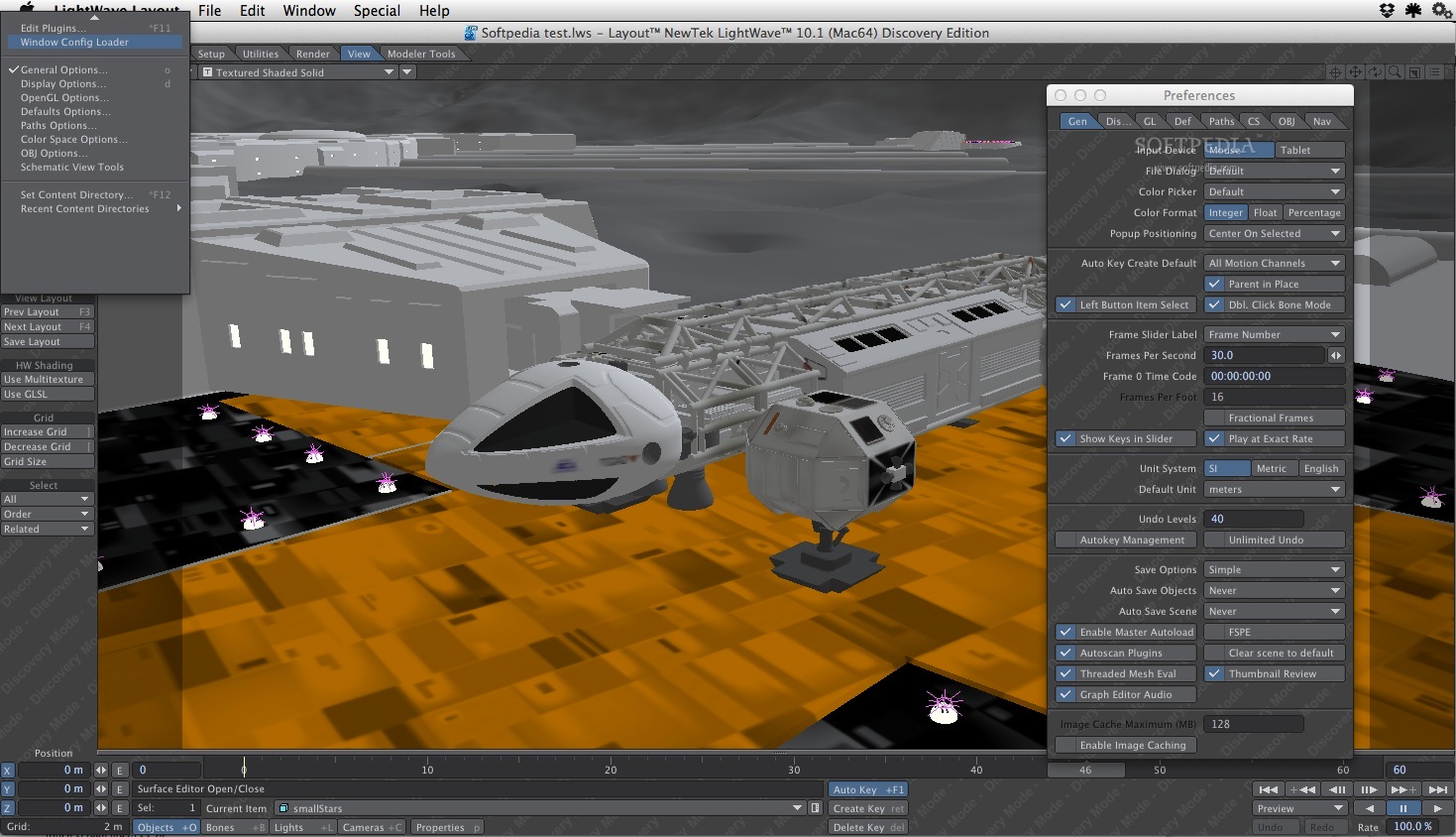
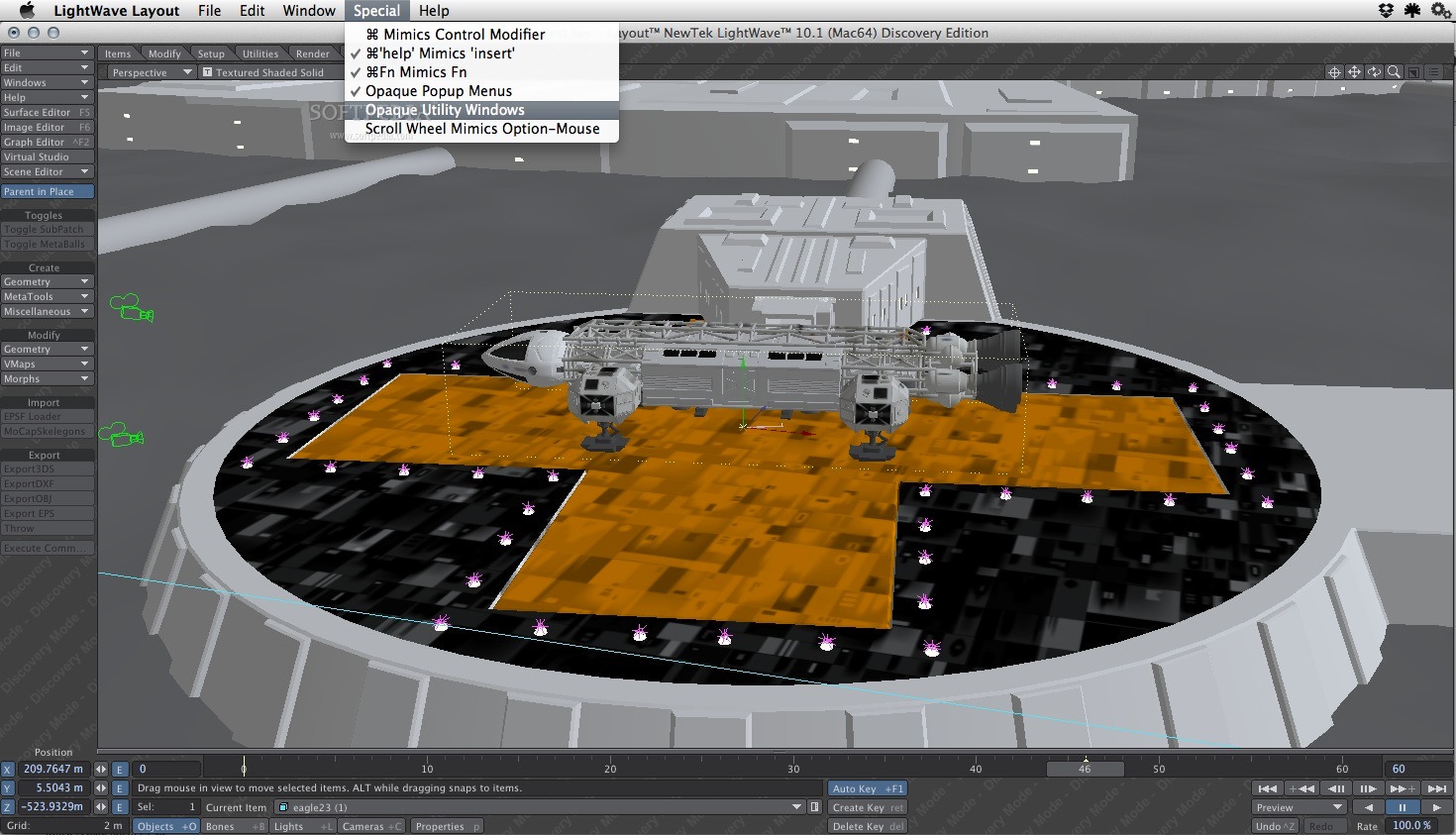
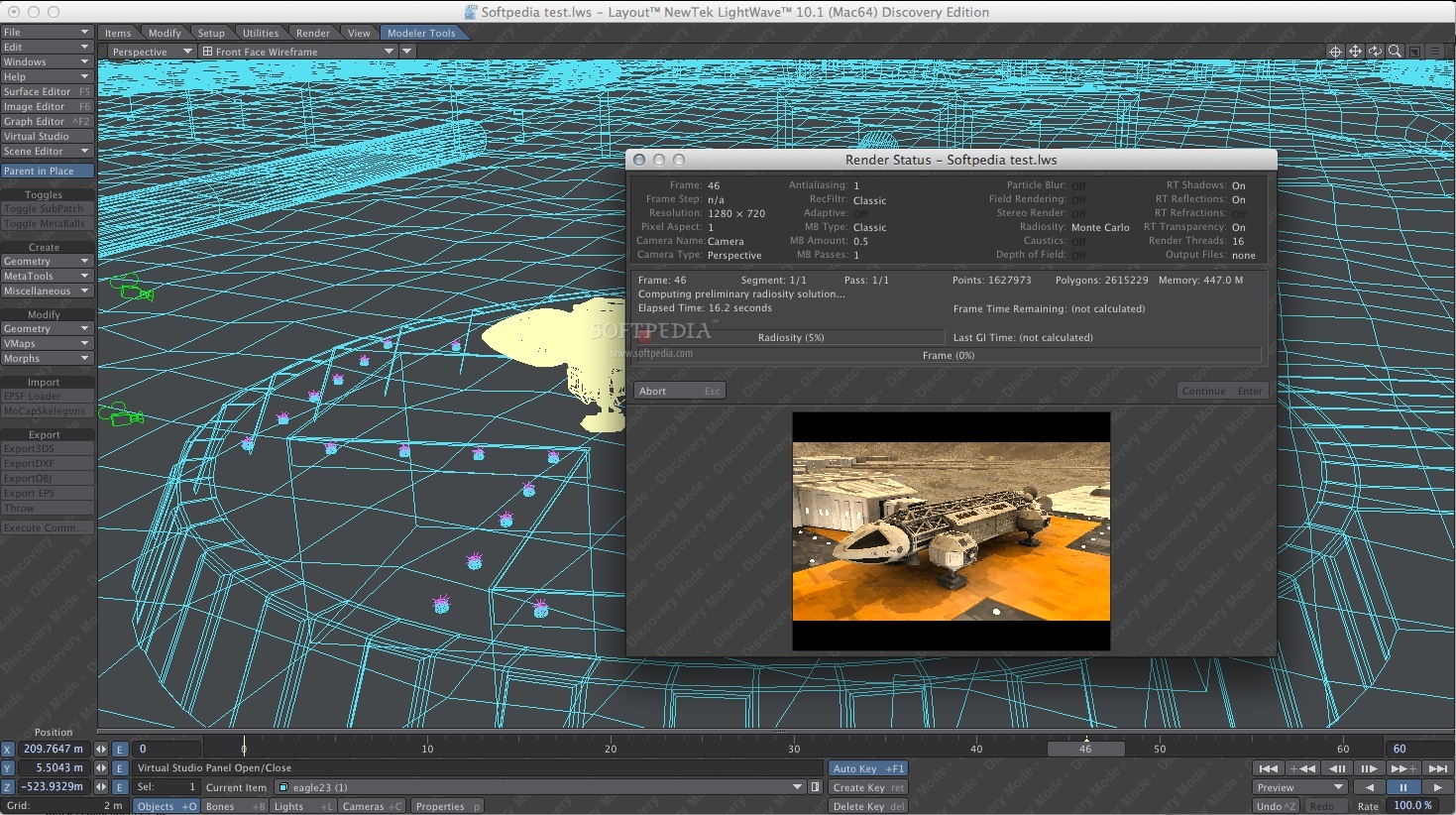
LightWave is a streamlined macOS application that comes packed with efficient tools for creating and animating 3D models. The utility is a complete end-to-end solution that includes all that you might need within the software package, without any extra cost.
LightWave enables you to start your production pipeline by using basic but highly efficient polygonal modeling tools for creating models: as a result, your end product will have a strong base.
Moreover, LightWave enables you to deal with the surfacing details by using layer based tools, or by making use of the nodal system function. The best part is that you can combine the two surfacing modes, hence achieve complex results in a short time span.
Stepping forward to animation, LightWave integrates flexible rigging tools that enable you to setup an automatic joint influence system: this way you can avoid spending time weight mapping your 3D model. Of course, you can choose to manually perform the action and gain more control over your project.
What’s more, LightWave also includes keyframe, nodal or procedural animation tools that offer you the possibility to manipulate your models and define their motion. The built-in Endomorphs blend-shape system helps you deal with facial animation.
The animations dynamics are rendered by the Bullet open source physics engine, Hypervoxels offers you the possibility to create volumetric visual effects, ParticleFX is focused on rendering particles, FiverFX is capable to give a realistic effect to hair or other fiber type elements, while the flocking system can be used for coordinated motion.
LightWave packs a collection of powerful 3D modeling and rendering tools that can help you design high quality, complex animations without wasting time. The app can deal with the entire production pipeline, and can combine automatic functions with the versatility of manual control.
LightWave 2020.0.0
add to watchlist add to download basket send us an update REPORT- runs on:
- macOS 10.12 or later (Intel only)
- file size:
- 145.6 MB
- filename:
- lightwave_2020_mac_installer_20200302.zip
- main category:
- Graphics
- developer:
- visit homepage
Context Menu Manager

Microsoft Teams

ShareX

IrfanView

Bitdefender Antivirus Free

Zoom Client

7-Zip

calibre

4k Video Downloader

Windows Sandbox Launcher

- calibre
- 4k Video Downloader
- Windows Sandbox Launcher
- Context Menu Manager
- Microsoft Teams
- ShareX
- IrfanView
- Bitdefender Antivirus Free
- Zoom Client
- 7-Zip