
Allows you to take and annotate screenshots easily, conveniently, and quickly, thus being able to share them with friends and colleagues at once. #Screen grabber #Share screenshot #Annotate screenshot #Screenshot #Snapshot #Capture
macOS comes with basic screen capturing capabilities, but if you need to make small notes or edit the captured content in any way, you must employ an image processor.
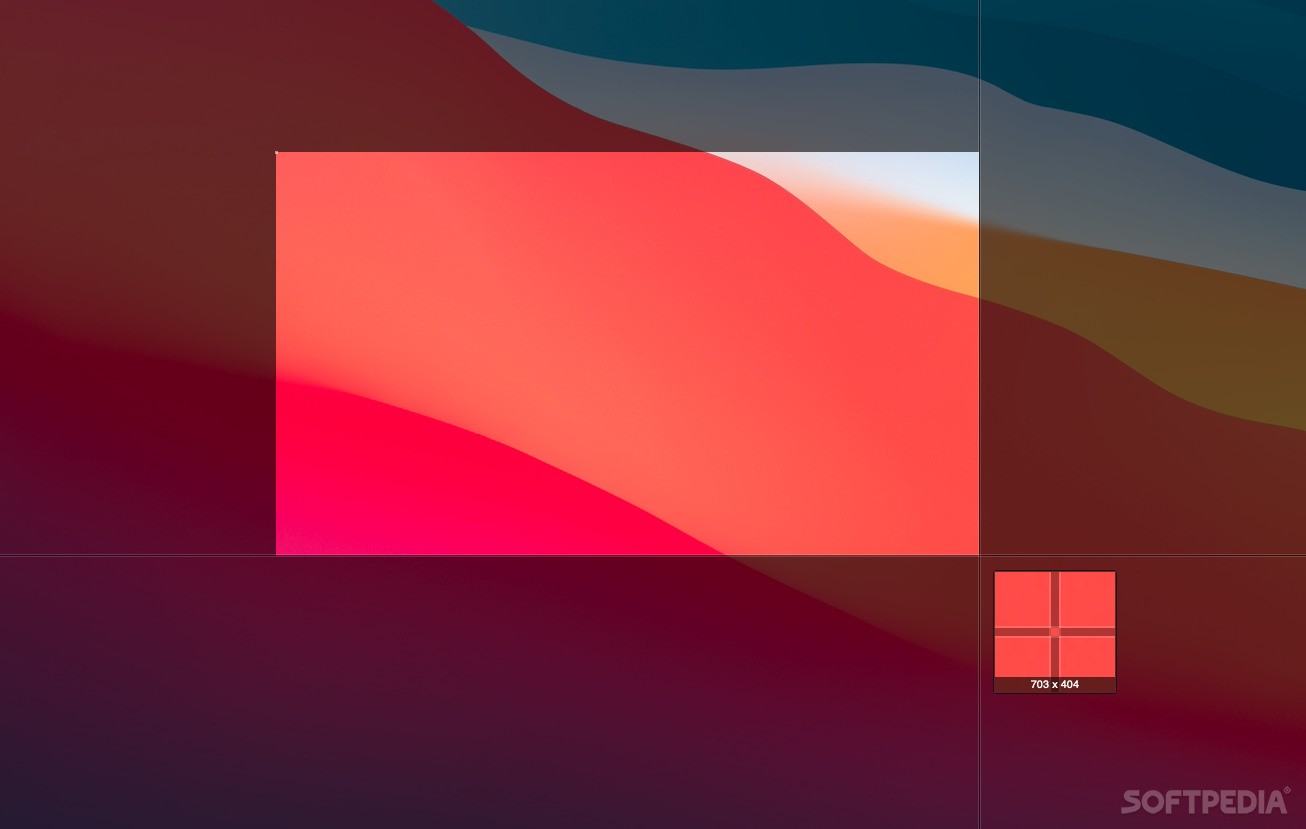
Monosnap is a small Mac app that enables you to grab screenshots, edit the images, and share them with others in no time, via a stylish and highly intuitive user interface.
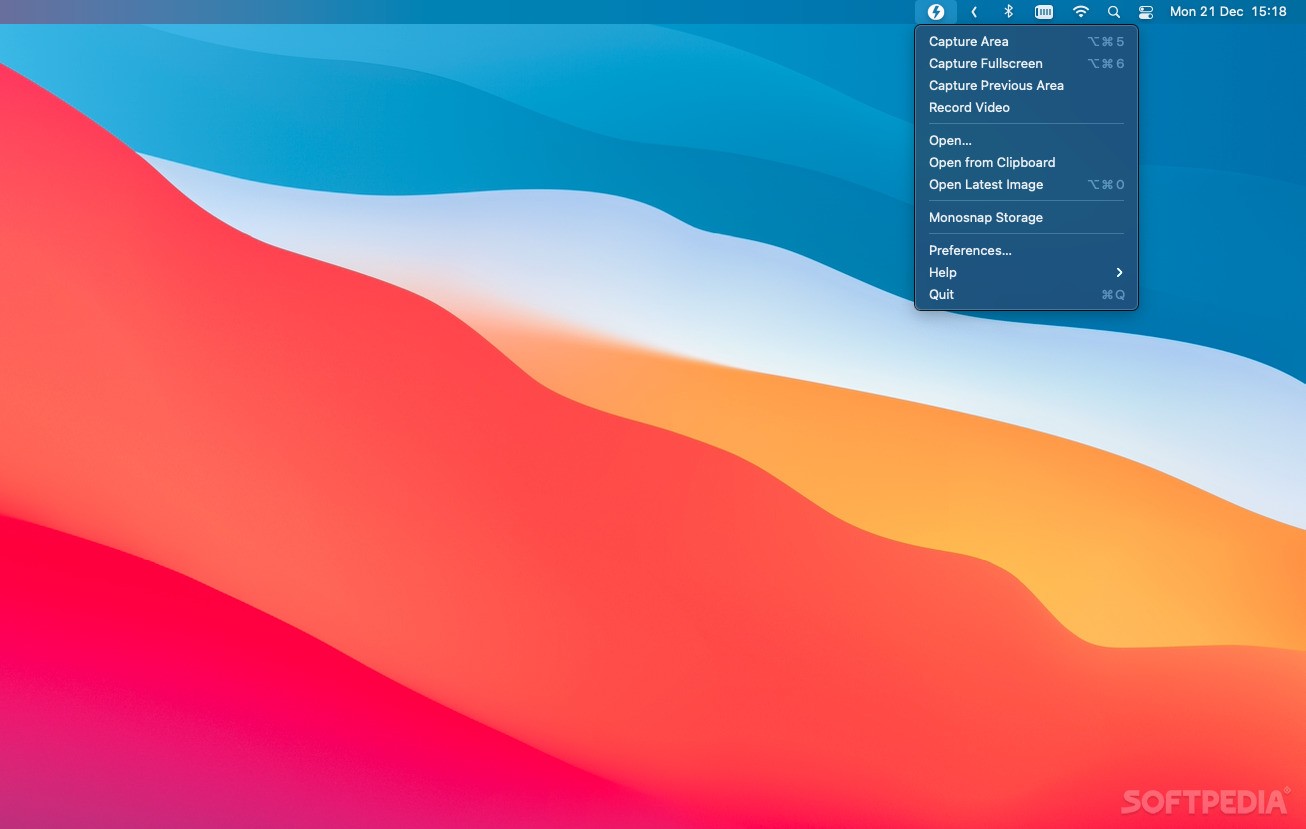
Upon launch, Monosnap will place a small menu in your status bar in order to provide quick access to its most frequently used functionalities: you can capture screenshots, record videos, or take photos by using the built in camera.
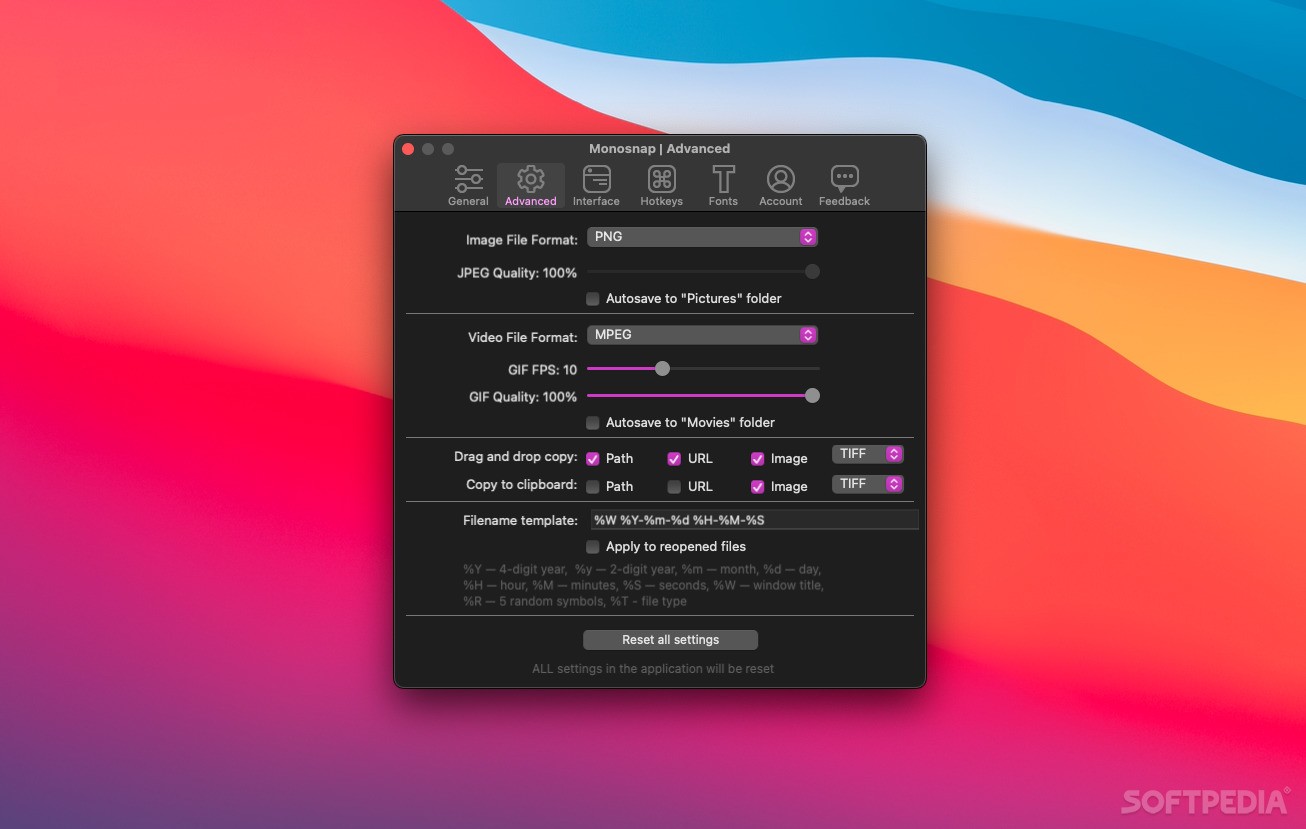
Naturally, Monosnap allows you to trigger the screenshot grabbing process by using hotkeys: you can easily change the default keyboard combinations via the Preferences window. The app also provides hotkeys for uploading the images to online storage location, or for opening the image editor window.
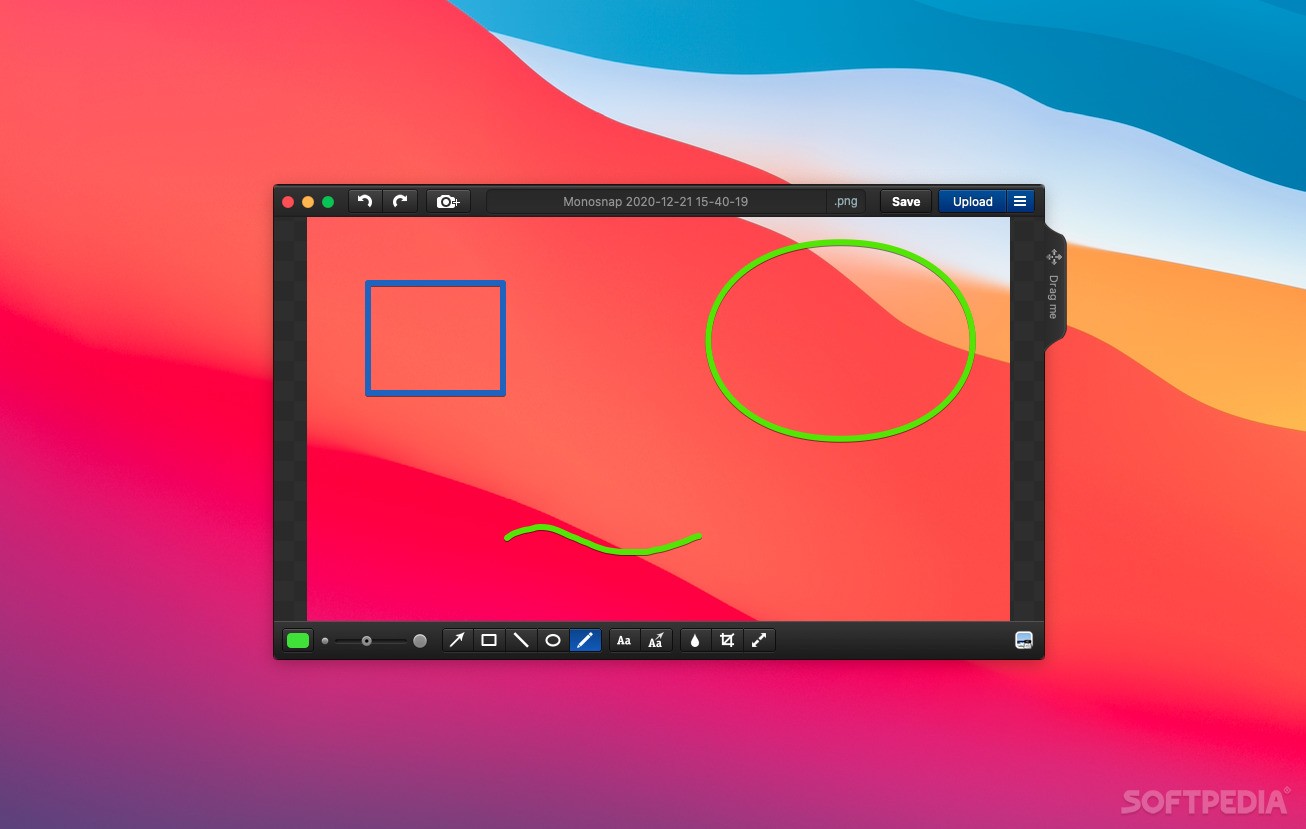
After grabbing a screenshot, Monosnap automatically opens the editor window where you can quickly make small adjustments: you can draw lines, arrows, squares, circles, write text, apply cropping settings, or apply blur effects.
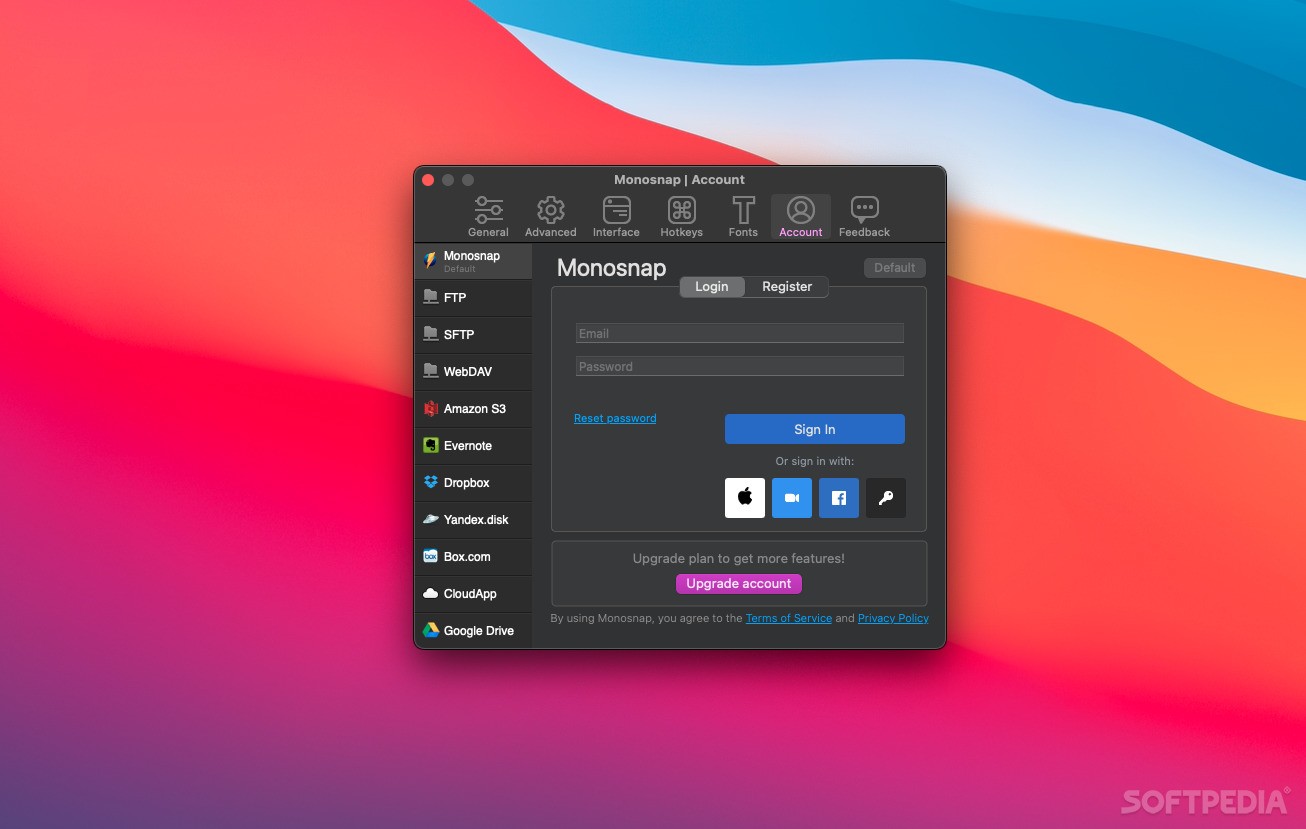
When you are satisfied with the result, you can simply save the file to your disk, share it by email, or upload it to various online storage locations (Facebook, Twitter, Dropbox, Box.com, or to user setup FTP servers).
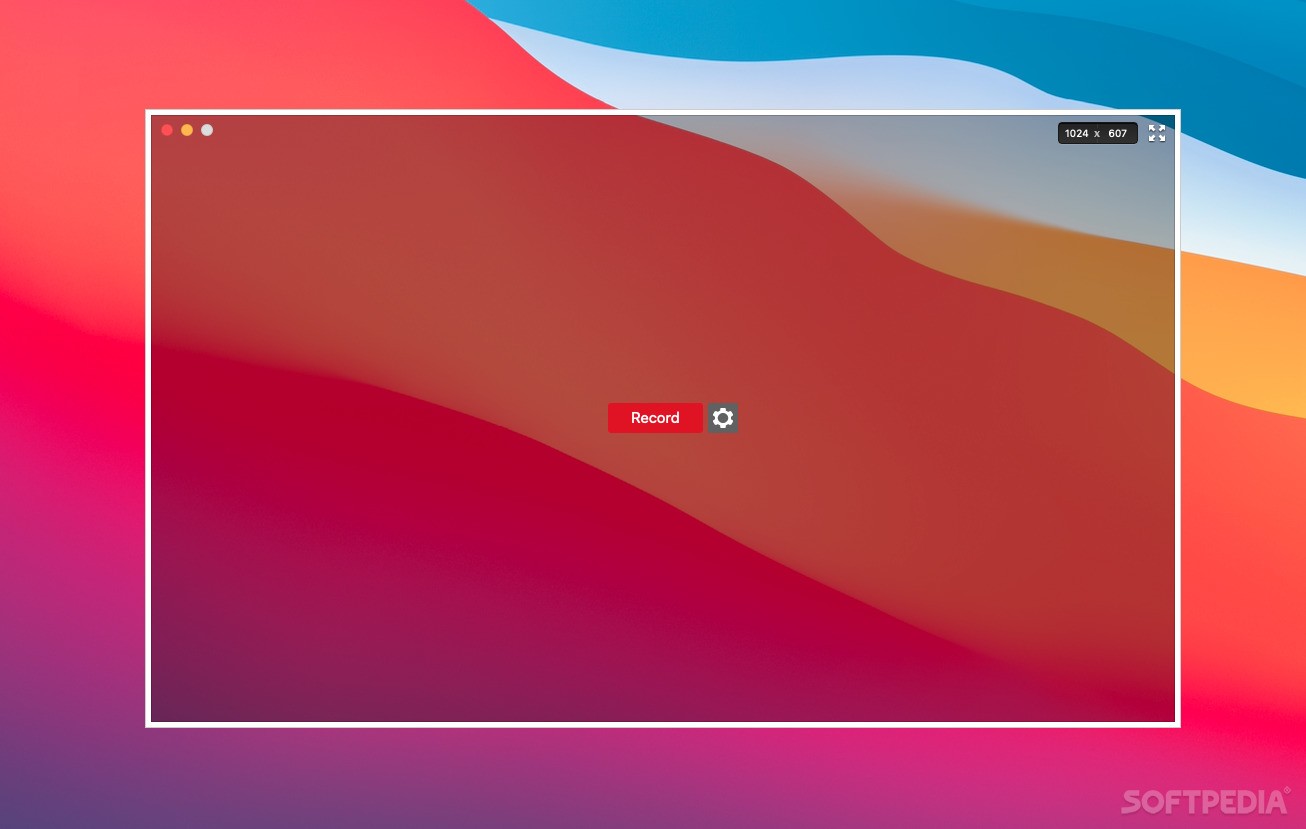
Monosnap is designed to make capturing, editing, and sharing desktop screenshots as simple and as intuitive as possible. Monosnap is also able to record videos, or take photos, while preserving the same easy sharing capabilities.
What's new in Monosnap 6.0.0:
- Updated Welcome window
- Added hints in the status bar
Monosnap 6.0.0
add to watchlist add to download basket send us an update REPORT- runs on:
- macOS 10.14 or later (Universal Binary)
- file size:
- 24.8 MB
- main category:
- Graphics
- developer:
- visit homepage
7-Zip

4k Video Downloader

Microsoft Teams

Windows Sandbox Launcher

IrfanView

Bitdefender Antivirus Free

ShareX

Zoom Client

calibre

paint.net

- Zoom Client
- calibre
- paint.net
- 7-Zip
- 4k Video Downloader
- Microsoft Teams
- Windows Sandbox Launcher
- IrfanView
- Bitdefender Antivirus Free
- ShareX