Softpedia
 

MAC CATEGORIES:


GLOBAL PAGES >>
NEWS ARCHIVE >>
SOFTPEDIA REVIEWS >>
MEET THE EDITORS >>
WEEK'S BEST
  • Reason 7.0.1 Build 3510
  • Apple iTunes 11.0.3
  • CrossOver Mac 12.2.1 Bu...
  • Skype 6.4.60.833
  • Mozilla Firefox 21.0 / ...
  • Skitch 2.5.2 Build 262792
  • Apple iMovie 9.0.9
  • Tunnelblick 3.2.9 / 3.3...
  • Sublime Text 2.0.1 Buil...
  • Avidemux 2.6.4
  • Home > Mac > Graphics
     Report malware

    MacDraft Personal Edition 6.0.6 Build 858

    Download button

    Downloads: 2,404  Tell us about an update
    User Rating:
    Rated by:
    Fair (2.3/5)
    29 user(s)
    Developer:

    License / Price:

    Size / OS:

    Binary Format:

    Last Updated:

    Category:
    Microspot | More programs
    Trial / USD 99.99 buy button
    211.3 MB / Mac OS X 10.4 or later
    Universal Binary Universal Binary
    December 4th, 2012, 01:52 UTC [view history]
    Home / Graphics

     Read user reviews (0)  Refer to a friend  Subscribe

    MacDraft Personal Edition description

    2D design drafting and technical illustration in an easy to use affordable package

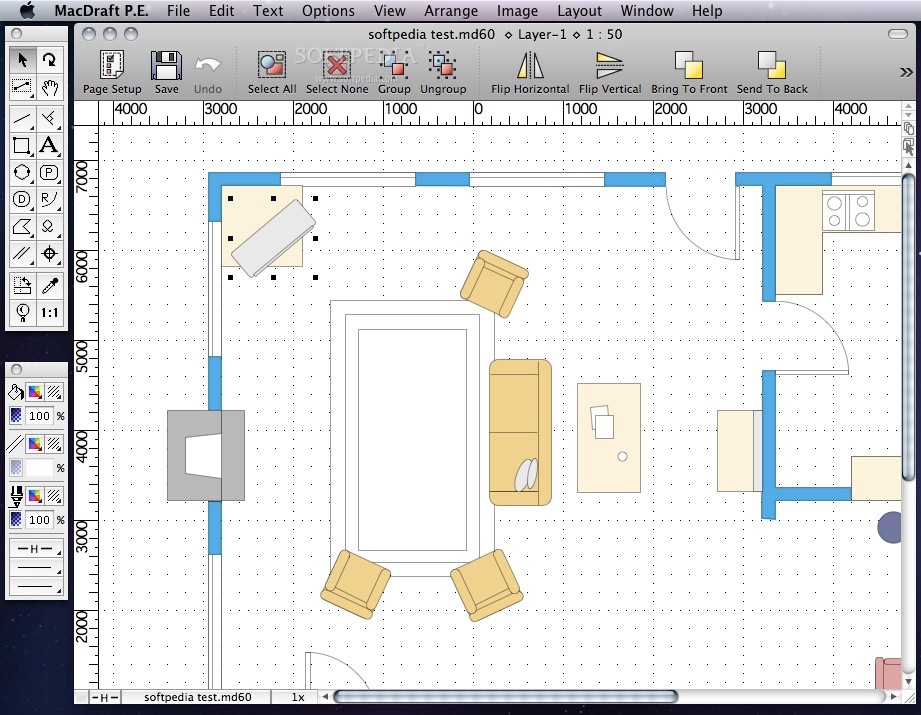
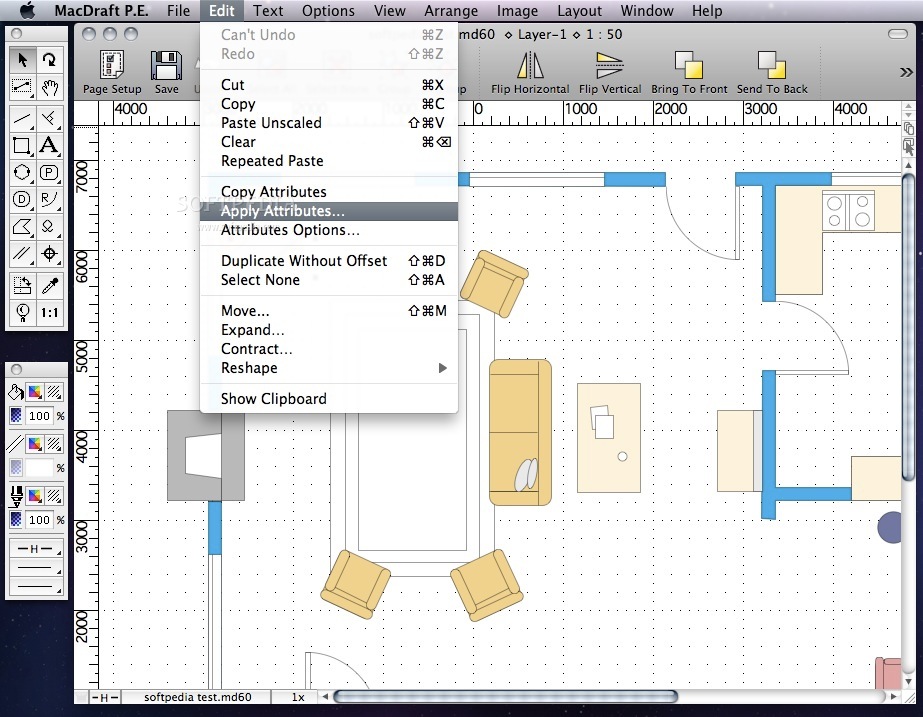
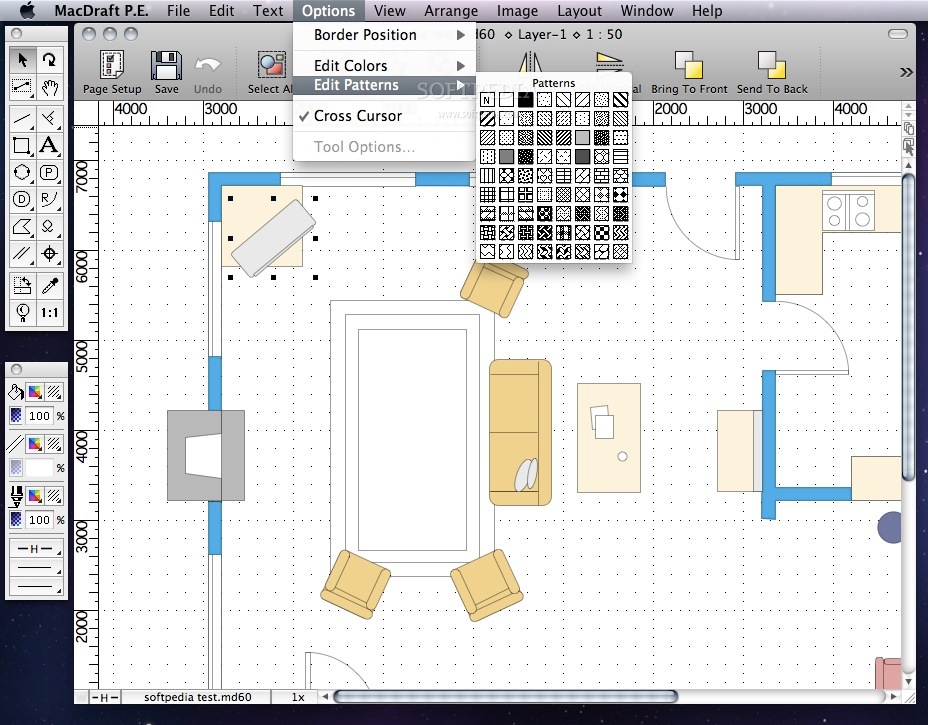
    Designed for CAD users of all levels, MacDraft Personal Edition (aka MacDraft PE) offers a full complement of drawing tools as well as both ANSI and international standard dimensioning capabilities.

    MacDraft PE's multilayered, scaled drawing environment supports both feet/inches and metric dimensions.

    Microspot also supplies at extra cost, a symbol library of 2000 items comprising architectural, electrical and graphic symbols. Perfect for producing simple sketches or complex drawings, Microspot MacDraft PE is excellent for mechanical, architectural and engineering design, as well as for technical illustration.

    MacDraft is so easy to use it appeals to those seeking a powerful, low cost solution for their drawing and drafting needs. This new version of MacDraft is the faster and better than ever before, you will be creating useful drawings in no time using all the benefits of the new features.

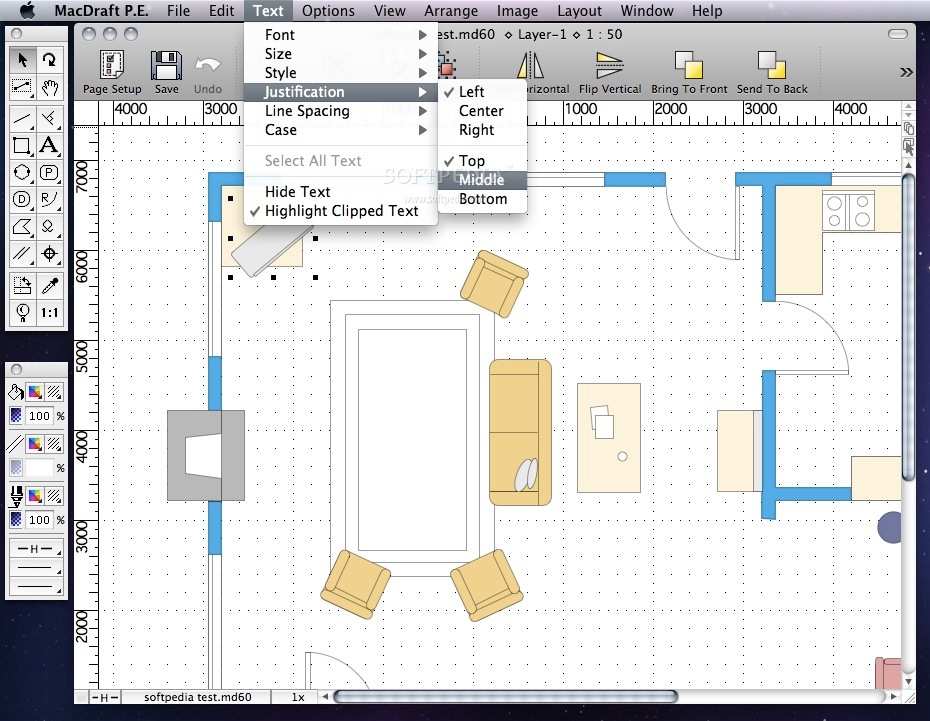
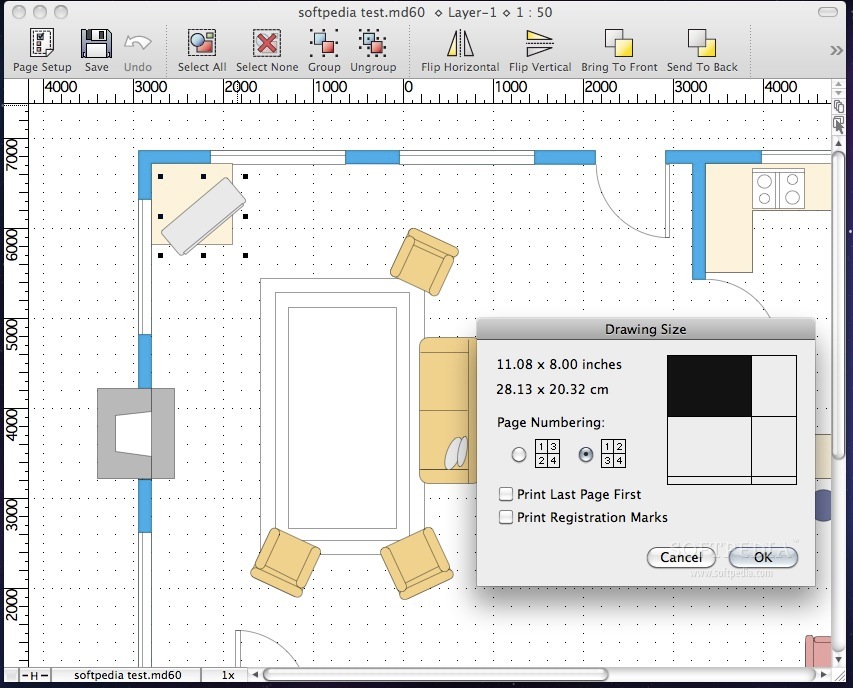
    Combine these with the new coordinate system, larger drawing size, better rulers, customizable scales and the clipped text feedback and you have the simplest and fastest 2D CAD program on the market with the genuine easy to learn Macintosh interface.

    NOTE: To buy
    MacDraft PE via the App Store an Apple account is required.

    Here are some key features of "MacDraft Personal Edition":

    The right tools for the job whatever it may be:
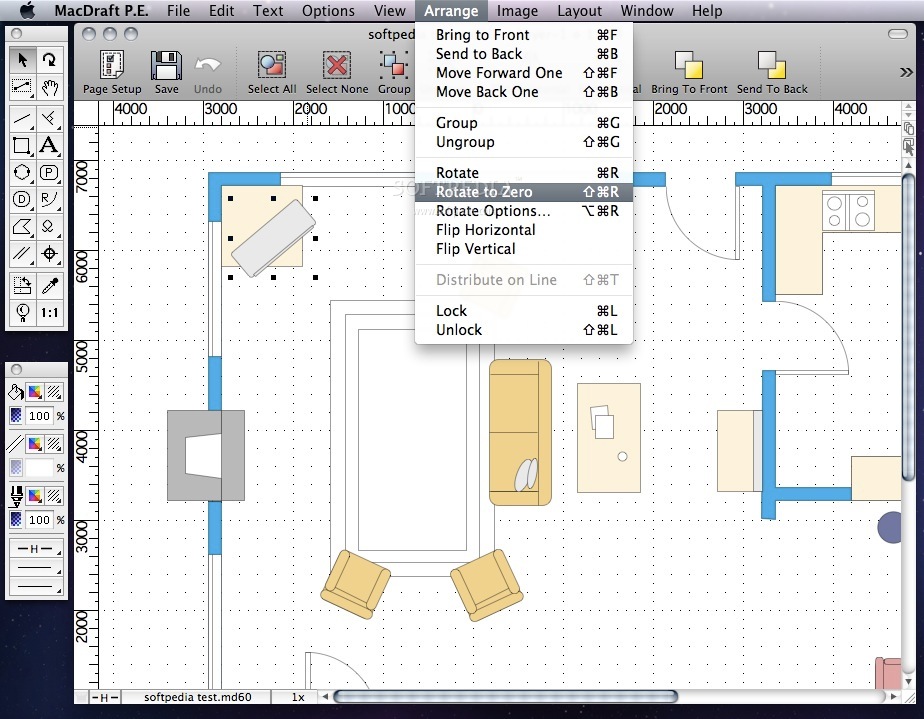
    · The Tool palette offers a full complement of drawing tools including lines, rectangles, circles, arcs, polygons, curves, parallel line and freehand tools.
    · Parallel line and polygon tools make it easy to create exterior walls. Add interior walls with a mouse click using the parallel extrude tool. Some tools can be configured from the Tool Palette to provide several drawing options. For example, arcs can be drawn by their radius, any 3 points, or as an elliptical arc.
    · There are also special tools to create lines tangent, perpendicular, and parallel to edges. Alternatively, lines can automatically be drawn from the center of an object, as well as from the middle or end points of a line or edge of an object.

    A fully scaled environment:
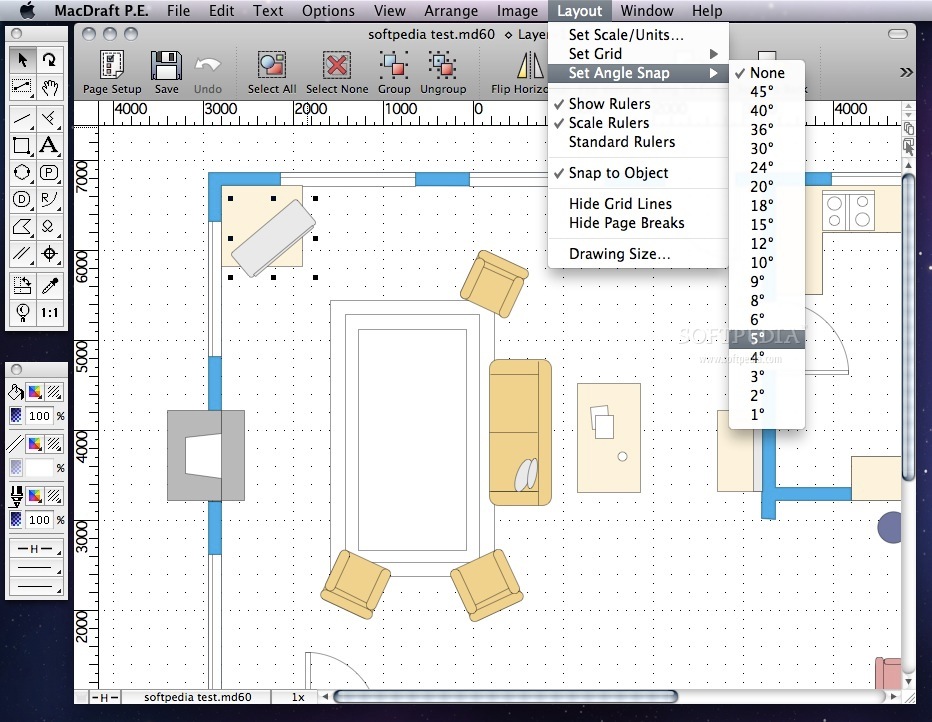
    · MacDraft PE offers it's users maximum control over their drawing setup, you can select from English or Metric units and work at your desired scale.

    A dimension tool for every occasion:
    · Whether you need horizontal, vertical, diagonal, angular, perpendicular, radial or diameter dimensions, MacDraft PE's dimension palette is always on hand to provide them.

    Pinpoint accurate object control:
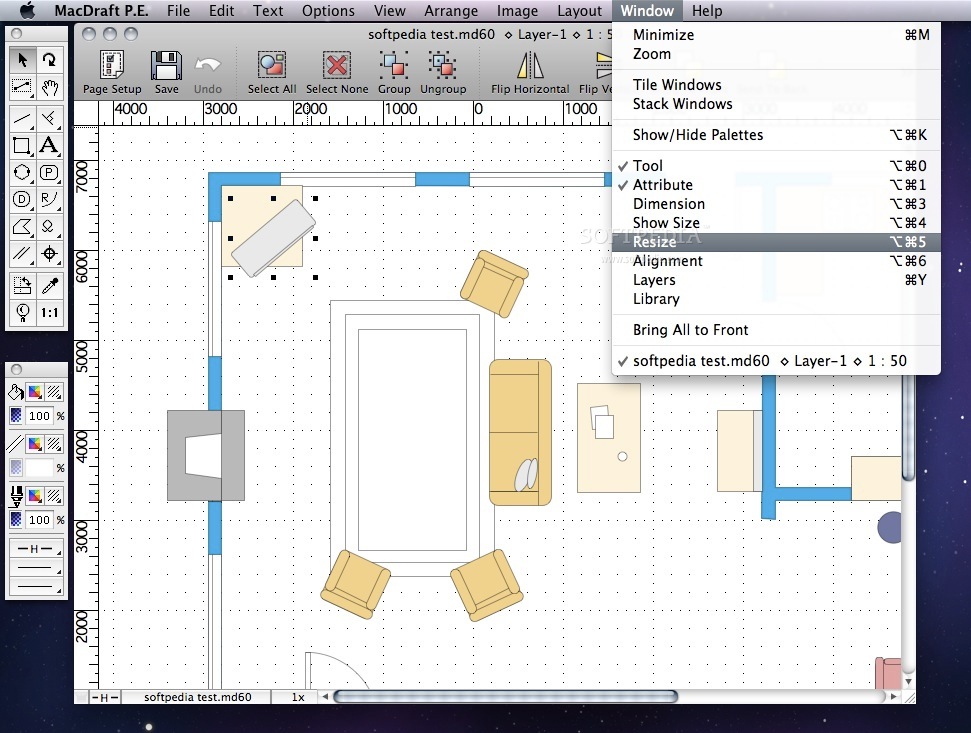
    · The Resize palette displays the size of an object, text, or picture. When you select an item, its unique measurement parameters are displayed. Using the keyboard, you can quickly and precisely edit any of the item's measurements to a new absolute value, or a new value relative to its current size; the item is resized instantly. The Resize palette can also be used to move objects or vertices to new absolute or relative positions.

    Image Imports and Exports:
    · MacDraft PE allows you to import images in the form of PICT, TIFF, GIF, JPEG and BMP. You can also export drawings as PDF, BMP, JPEG, PSD, PICT, PNG and TIFF, or any other Quicktime supported format for that matter.

    Requirements:

    · Power Mac G5 or Intel Processor
    · Memory (RAM): 1024 MB
    · Free hard disk space: 350 MB
    · Minimum Screen Resolution: 1024 x 768

    Limitations:

    · 14 days trial

    What's New in This Release: [ read full changelog ]

    · Fixed a bug where MacDraft stopped responding when attempting to add object after undo group operation.
    · ʻRename Itemʼ is added into the options pop-up menu in the Library Palette.

    · ʻRename Layerʼ is added into the options pop-up menu in the Layers Palette.
    · 
Fixed an issue with Pen Styles not showing in the Option menu under Mac OSX Lion.
    · Suppressed an unnecessary dialog appearing when opening read-only dwg/MacDraw II files.

    · Fixed partial issue with opening and saving of legacy file which crashed MacDraft on subsequent opening of the same file.
    · Fixed minor bugs.

     Softpedia guarantees that MacDraft Personal Edition 6.0.6 Build 858 is 100% CLEAN, which means it does not contain any form of malware, including spyware, viruses, trojans and backdoors. [read more >]


    TAGS:

    graphic design | CAD sketch | 2D CAD | 2D | CAD | sketch

    Go to top

    WindowsGamesDriversMacLinuxScriptsMobileHandheldNews

    SUBMIT PROGRAM   |   ADVERTISE   |   GET HELP   |   SEND US FEEDBACK   |   RSS FEEDS   |   UPDATE YOUR SOFTWARE   |   ROMANIAN FORUM